Desktop Defender 2010
Posted: October 28, 2009
Threat Metric
The following fields listed on the Threat Meter containing a specific value, are explained in detail below:
Threat Level: The threat level scale goes from 1 to 10 where 10 is the highest level of severity and 1 is the lowest level of severity. Each specific level is relative to the threat's consistent assessed behaviors collected from SpyHunter's risk assessment model.
Detection Count: The collective number of confirmed and suspected cases of a particular malware threat. The detection count is calculated from infected PCs retrieved from diagnostic and scan log reports generated by SpyHunter.
Volume Count: Similar to the detection count, the Volume Count is specifically based on the number of confirmed and suspected threats infecting systems on a daily basis. High volume counts usually represent a popular threat but may or may not have infected a large number of systems. High detection count threats could lay dormant and have a low volume count. Criteria for Volume Count is relative to a daily detection count.
Trend Path: The Trend Path, utilizing an up arrow, down arrow or equal symbol, represents the level of recent movement of a particular threat. Up arrows represent an increase, down arrows represent a decline and the equal symbol represent no change to a threat's recent movement.
% Impact (Last 7 Days): This demonstrates a 7-day period change in the frequency of a malware threat infecting PCs. The percentage impact correlates directly to the current Trend Path to determine a rise or decline in the percentage.
| Threat Level: | 10/10 |
|---|---|
| Infected PCs: | 33 |
| First Seen: | December 1, 2009 |
|---|---|
| Last Seen: | April 15, 2020 |
| OS(es) Affected: | Windows |
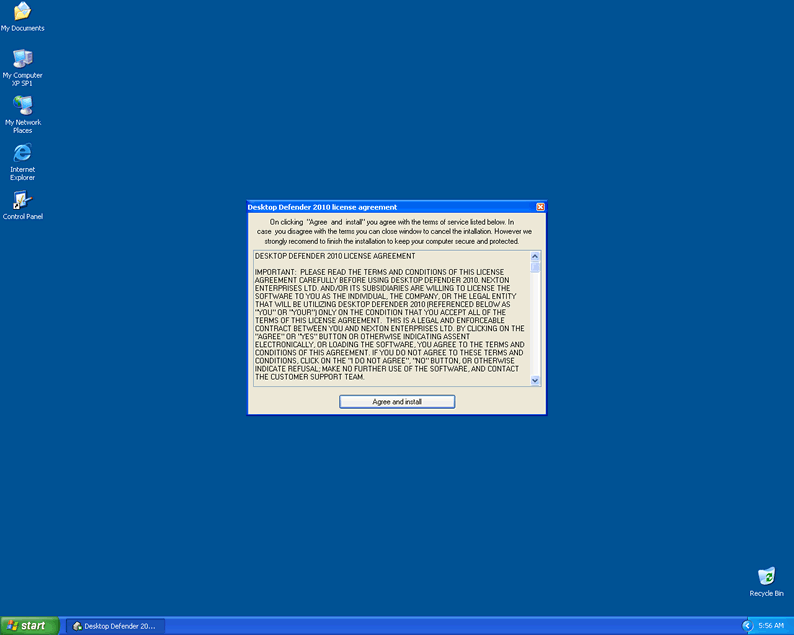
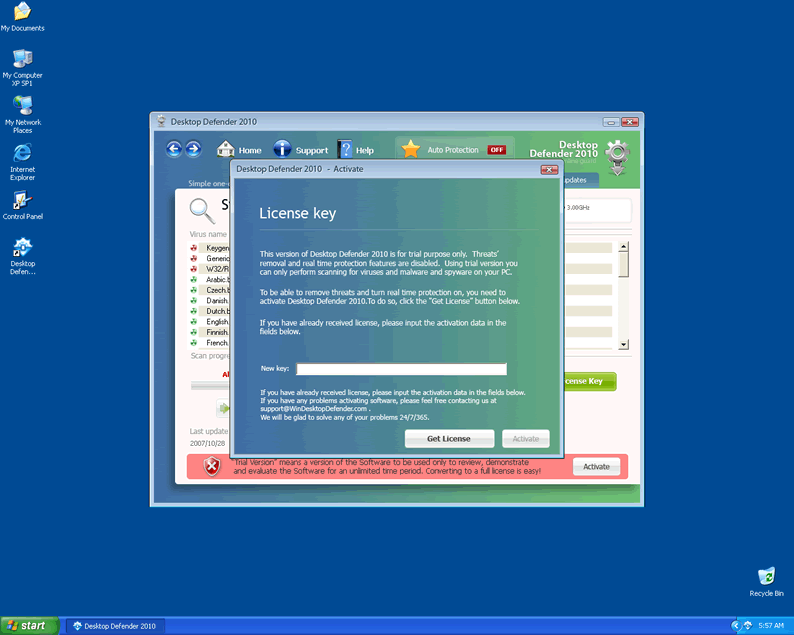
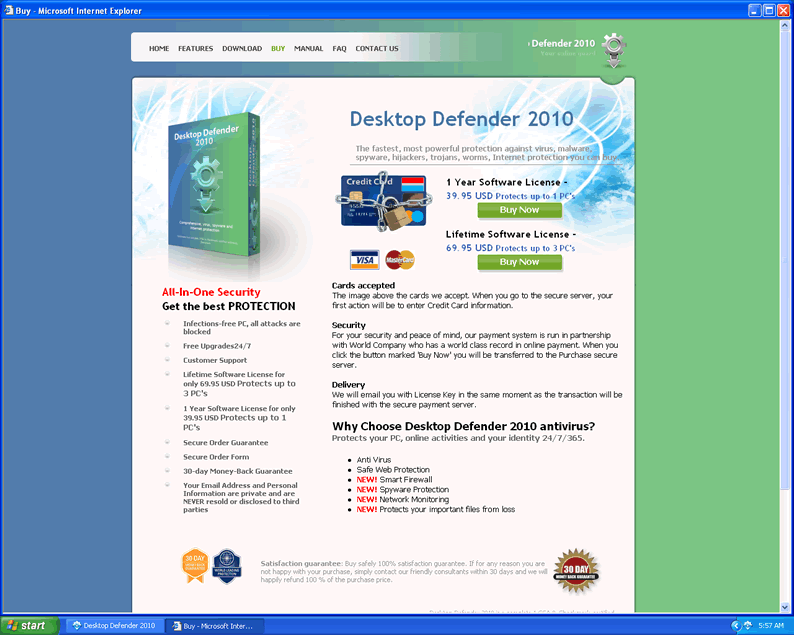
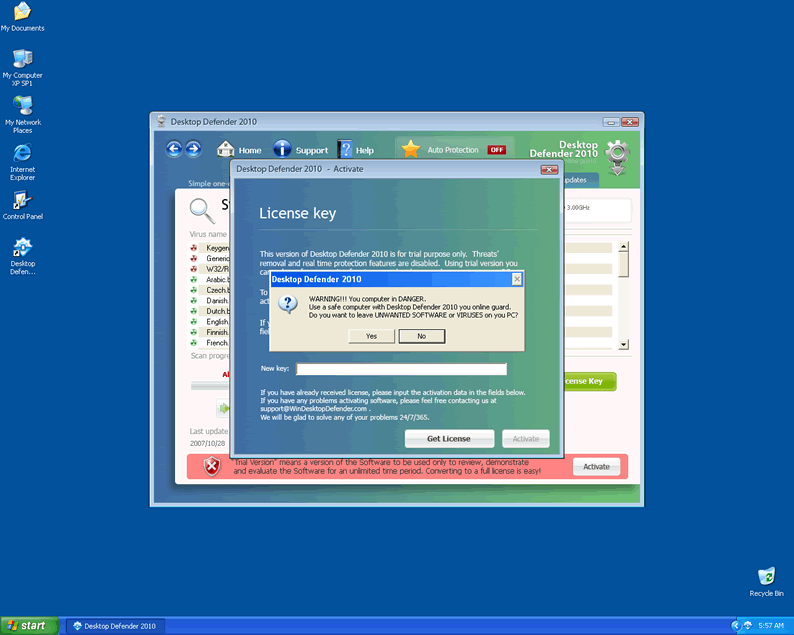
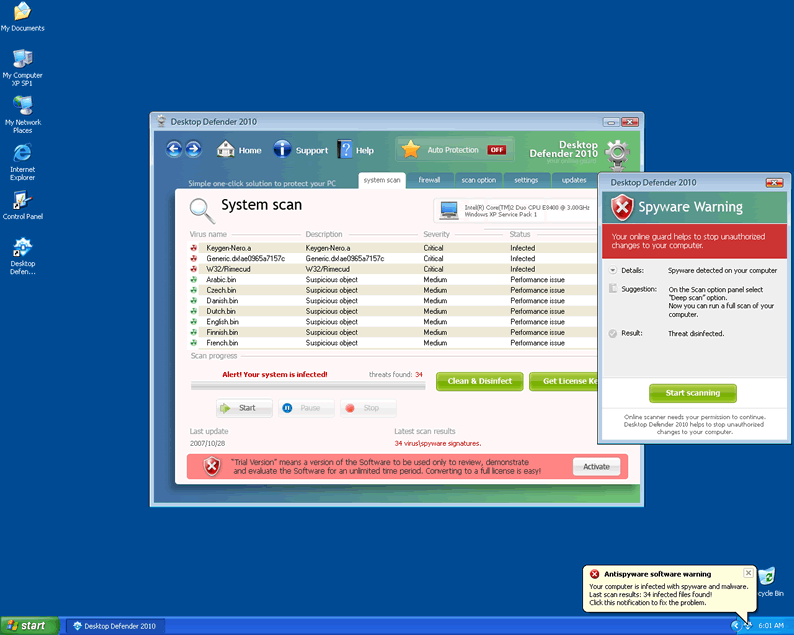
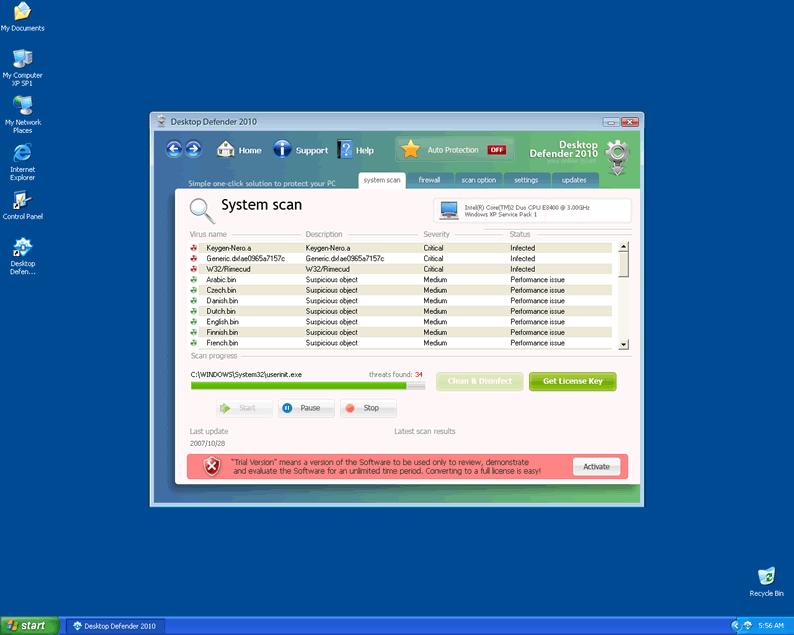 Desktop Defender 2010 is a rogue security application affiliated with the Contraviro and UnVirex rogueware family. Desktop Defender 2010 (DesktopDefender2010, DesktopDefender 2010, Desktop Defender2010) is likely to introduce itself as a legitimate security tool, which declares to detect and remove suspicious software programs. This is nothing more than a tactic used by this software program in order to force users to install and later purchase the full Desktop Defender 2010 application. DesktopDefender2010 may manipulate system files and registry entries to assure that it runs with every Windows start up. DesktopDefender 2010 can also alter web browser settings so it is able to redirect the user to its malicious third-party website. False system scans, constant malware warnings and annoying pop-up messages are all part of Desktop Defender 2010's method to convince naive PC users to buy it. Users are highly advised to install a legitimate anti-spyware
program to remove Desktop Defender 2010 from the computer as soon as possible.
Technical Details
File System Modifications
Tutorials: If you wish to learn how to remove malware components manually, you can read the tutorials on how to find malware, kill unwanted processes, remove malicious DLLs and delete other harmful files. Always be sure to back up your PC before making any changes.
The following files were created in the system:Desktop Defender 2010.exe
File name: Desktop Defender 2010.exeSize: 22 MB (22007808 bytes)
MD5: c40c2bfd196686098d45afc45463a788
Detection count: 90
File type: Executable File
Mime Type: unknown/exe
Group: Malware file
Last Updated: December 11, 2009
Desktop Defender 2010.exe
File name: Desktop Defender 2010.exeSize: 19.86 MB (19869696 bytes)
MD5: 52c09425d0ee6f5410a2a075101328da
Detection count: 55
File type: Executable File
Mime Type: unknown/exe
Group: Malware file
Last Updated: January 21, 2010
Desktop Defender 2010.exe
File name: Desktop Defender 2010.exeSize: 19.86 MB (19869696 bytes)
MD5: a744bb05815c84c1907b9f83e2dd6e04
Detection count: 40
File type: Executable File
Mime Type: unknown/exe
Group: Malware file
Last Updated: January 21, 2010
Desktop Defender 2010.exe
File name: Desktop Defender 2010.exeSize: 19.86 MB (19865600 bytes)
MD5: fa159a87bfd729b08ee5a5b100895416
Detection count: 23
File type: Executable File
Mime Type: unknown/exe
Group: Malware file
Last Updated: January 8, 2010
IEAddon.dll
File name: IEAddon.dllSize: 57.34 KB (57344 bytes)
MD5: 8e27fe88af301cce1eb6999d36ca7074
Detection count: 7
File type: Dynamic link library
Mime Type: unknown/dll
Group: Malware file
Last Updated: April 15, 2020
DefenderInstall[1].exe
File name: DefenderInstall[1].exeSize: 3.63 MB (3635757 bytes)
MD5: 575a876959a4fea5536bae7a34e8a087
Detection count: 5
File type: Executable File
Mime Type: unknown/exe
Group: Malware file
Last Updated: April 1, 2020
My friend recently got the virus Desktop Defender 2010. The poblem is that the PC desktop will not load and no icons appear even in safe mode. Any ideas?
Thank you
Unfortunately, my computer became infected with desktop defender 2010. What if I am not even able to open up my task manager when my computer is restarted? Everytime I reboot my system, the fake security screen pops up and I try ctrl alt del to start my task manager but it doesn't seem to work. Any help would be great.
My experience removing Desktop Defender 2010 -- do the same steps to remove "Security Center" also. This is NOT a Microsoft program. If you leave SC on after removing DD you will still have problems.
Go Back in Time before your system was infected by this Trojan by using SYSTEM RESTORE! This is much easier than scanning & regedit.
Here is how for XP users:
1. Click Start.
2. Point to All Programs.
3. Point to Accessories.
4. Point to System Tools.
5. Click System Restore.
6. Follow the instructions on the wizard.
This will not erase any photos or files you have created, it just takes your system back to a time when the virus was not there.
http://www.microsoft.com/windowsxp/using/helpandsupport/learnmore/systemrestore.mspx