Trojan.Win32.Obfuscated.gx
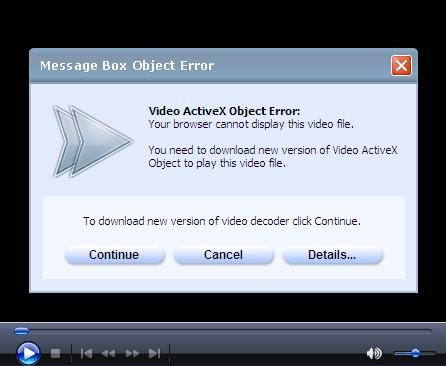
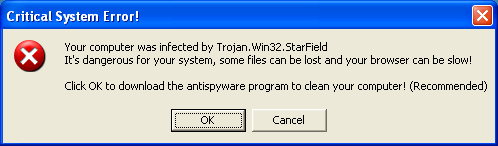
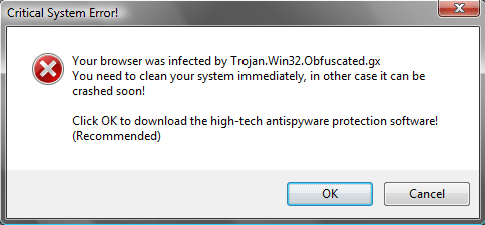 Trojan.Win32.Obfuscated.gx is a Trojan name which is displayed in the warning message generated by a real Trojan program. This Trojan program attempts to trick users into purchasing the rogue anti-spyware program IEDefender. The Trojan often gets into your PC when you download the video codec that infects the computer. Usually, the Trojan bombards the user with error messages, such as 'Your browser was hijacked by Trojan.Win32.Obfuscated.gx'. Once you click on any of them, you will be directed to IEDefender's home site where you will be forced to purchase the commercial version of IEDefender. We recommend to ignore these fake notifications and remove the Trojan from your PC as soon as it has been detected.
File System Modifications
- The following files were created in the system:
# File Name 1 grmrotqn
Registry Modifications
- The following CLSID's were detected:
HKEY..\..\{CLSID Path}1443D5E6-F92E-DA36-0BBA-0744992443D0
he used the same technique in the end and it worked
He was to say "what a load of crap!" just for the sake of irony, but I'll refrain