Antivirus Scan
Posted: December 17, 2010
Threat Metric
The following fields listed on the Threat Meter containing a specific value, are explained in detail below:
Threat Level: The threat level scale goes from 1 to 10 where 10 is the highest level of severity and 1 is the lowest level of severity. Each specific level is relative to the threat's consistent assessed behaviors collected from SpyHunter's risk assessment model.
Detection Count: The collective number of confirmed and suspected cases of a particular malware threat. The detection count is calculated from infected PCs retrieved from diagnostic and scan log reports generated by SpyHunter.
Volume Count: Similar to the detection count, the Volume Count is specifically based on the number of confirmed and suspected threats infecting systems on a daily basis. High volume counts usually represent a popular threat but may or may not have infected a large number of systems. High detection count threats could lay dormant and have a low volume count. Criteria for Volume Count is relative to a daily detection count.
Trend Path: The Trend Path, utilizing an up arrow, down arrow or equal symbol, represents the level of recent movement of a particular threat. Up arrows represent an increase, down arrows represent a decline and the equal symbol represent no change to a threat's recent movement.
% Impact (Last 7 Days): This demonstrates a 7-day period change in the frequency of a malware threat infecting PCs. The percentage impact correlates directly to the current Trend Path to determine a rise or decline in the percentage.
| Threat Level: | 10/10 |
|---|---|
| Infected PCs: | 23 |
| First Seen: | December 17, 2010 |
|---|---|
| OS(es) Affected: | Windows |
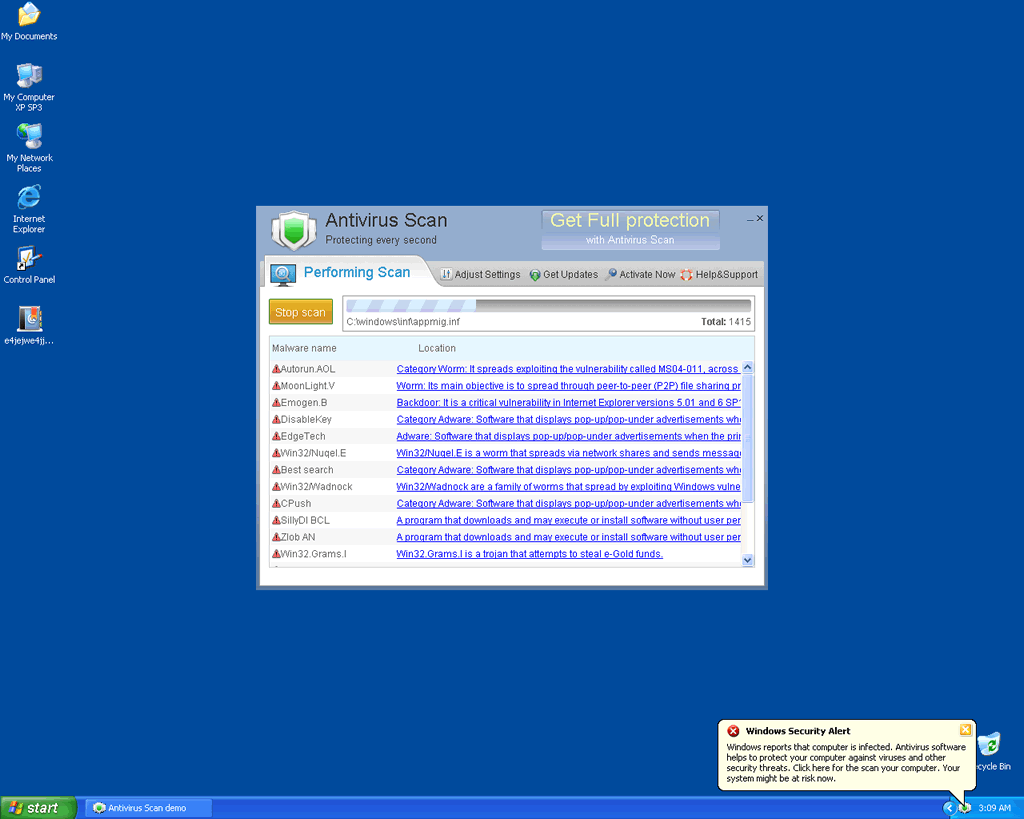
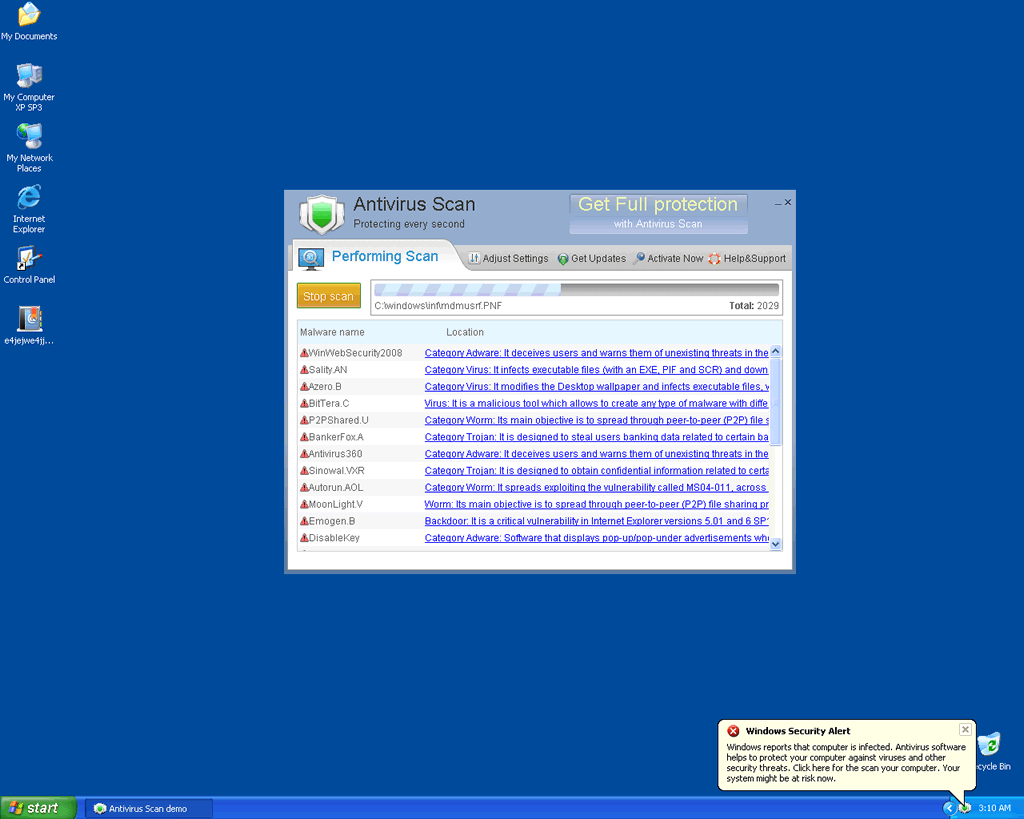
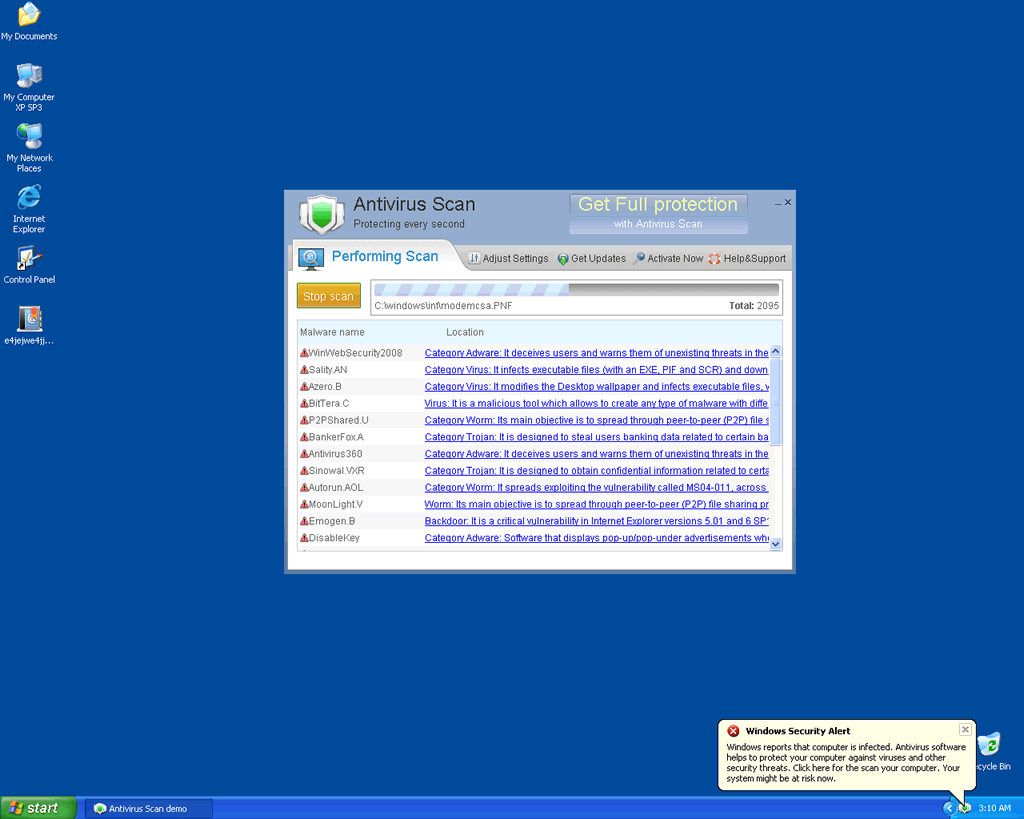
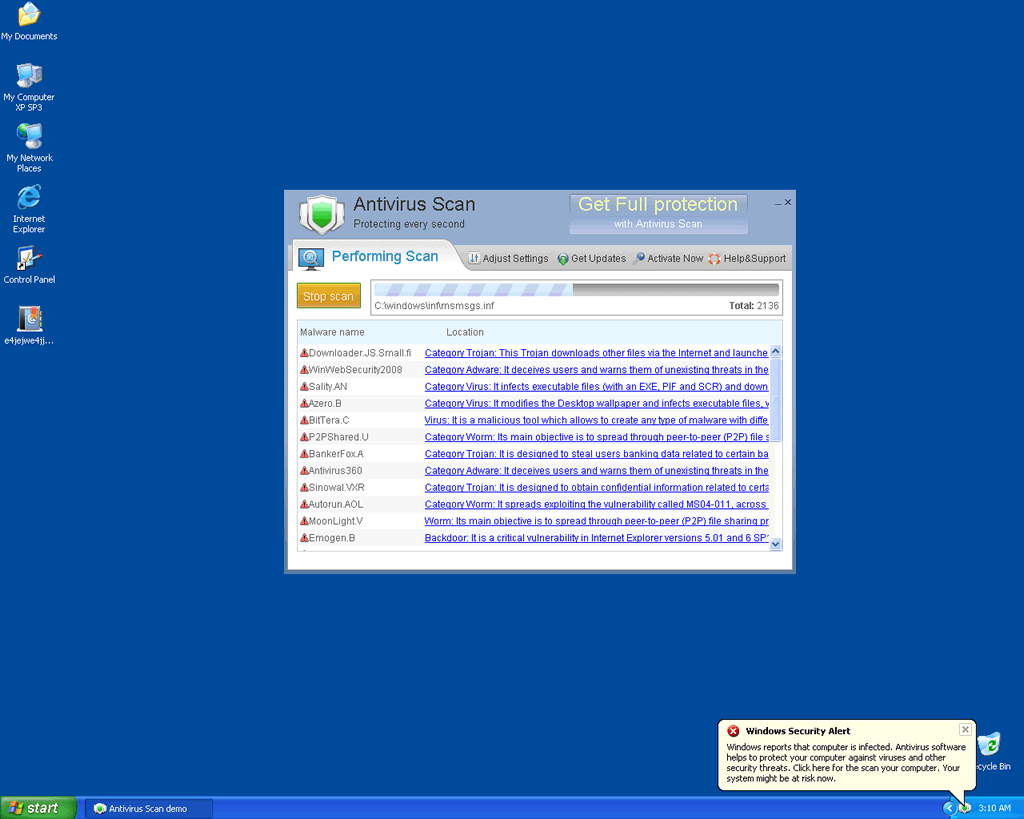
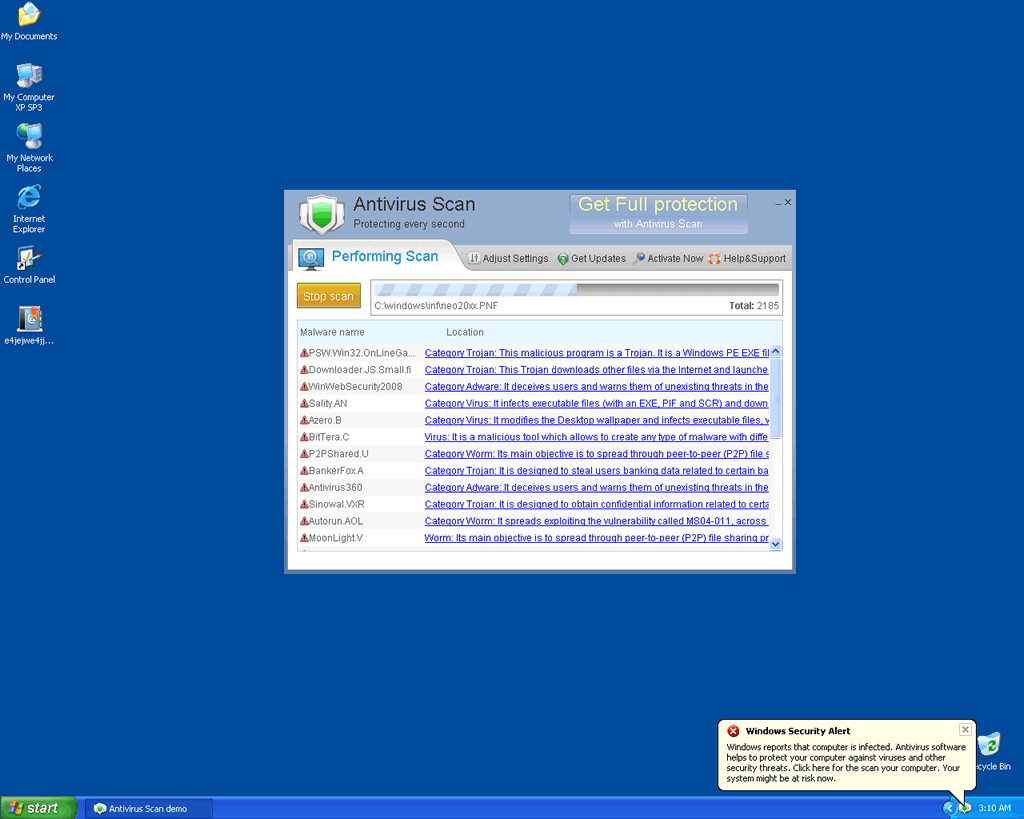
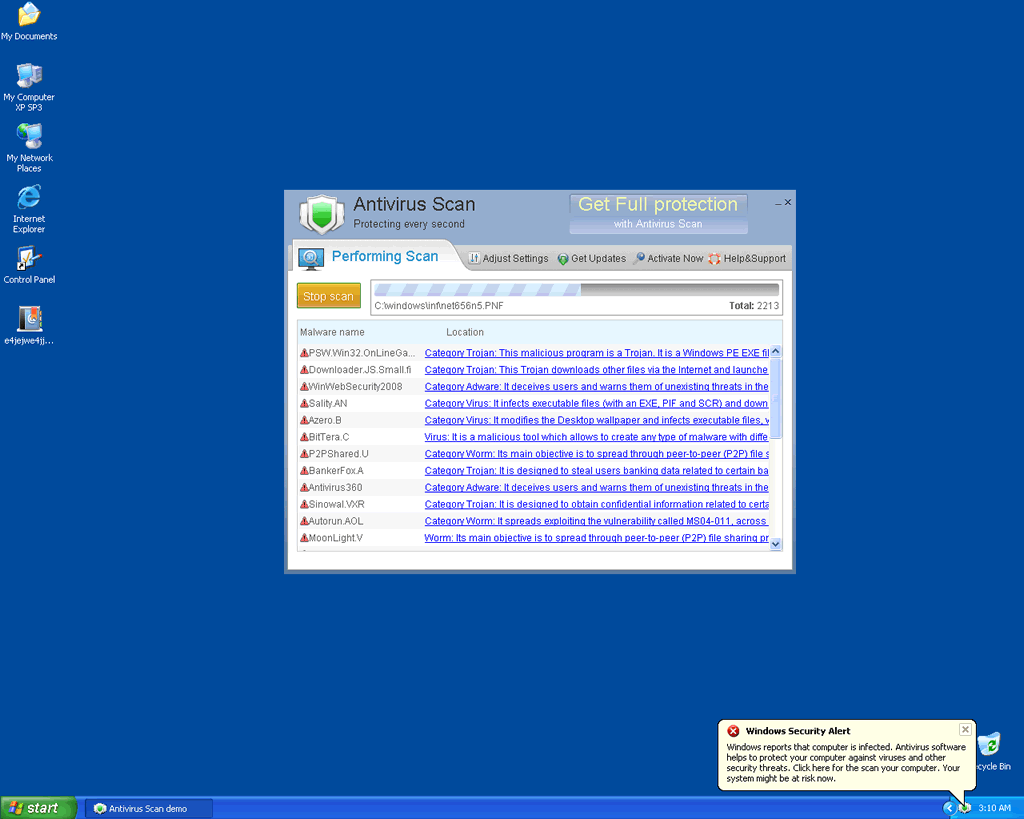
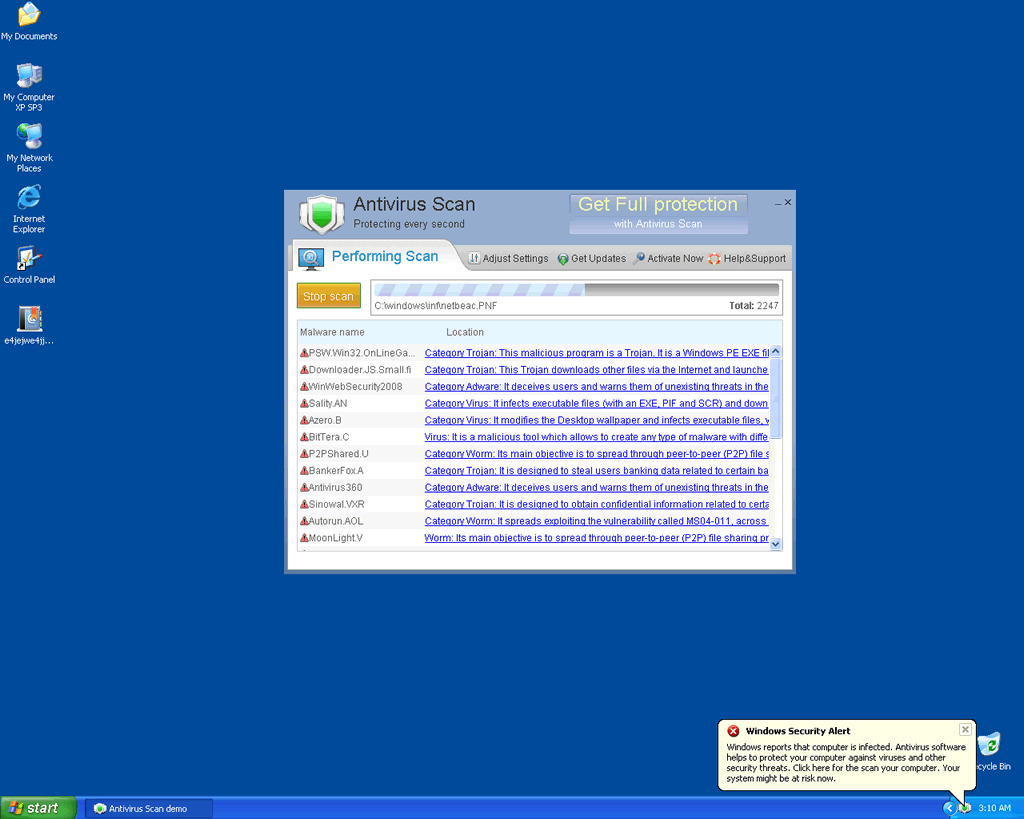
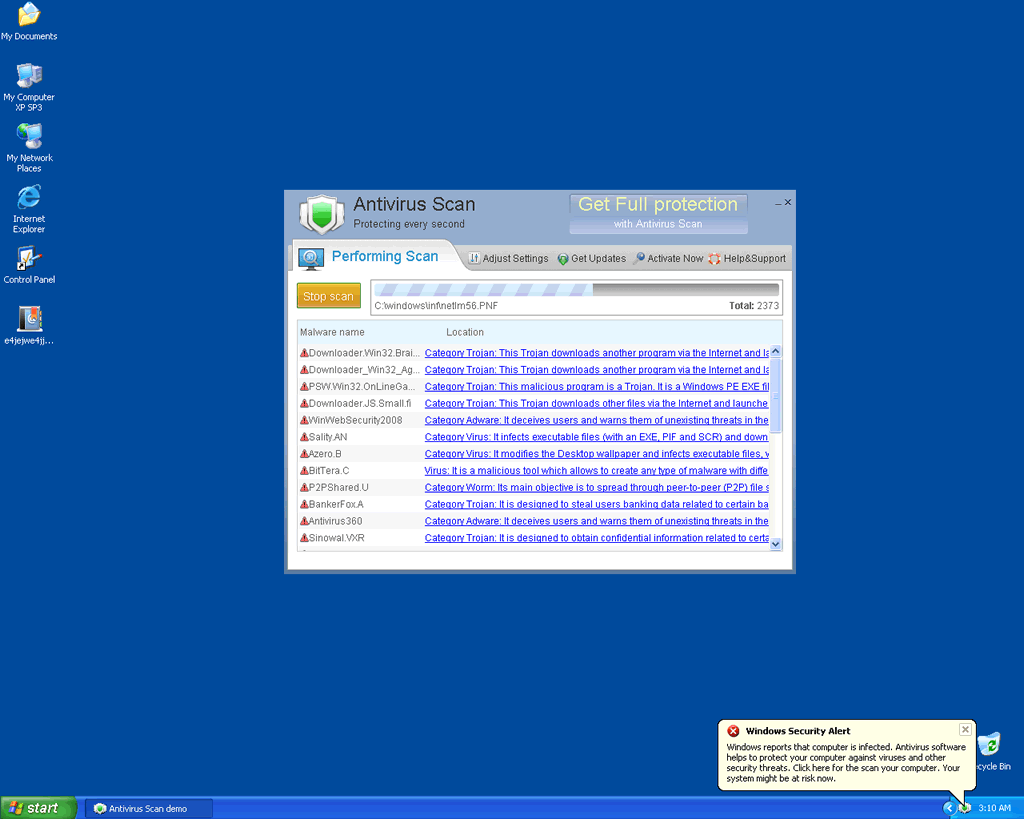
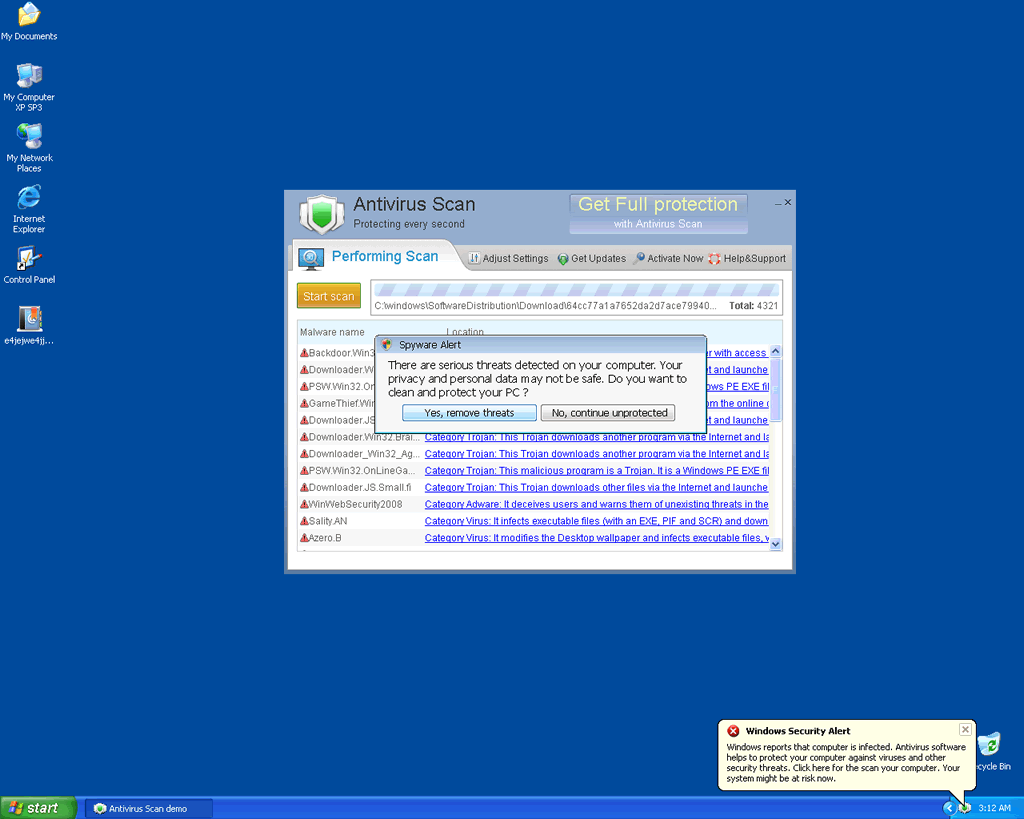
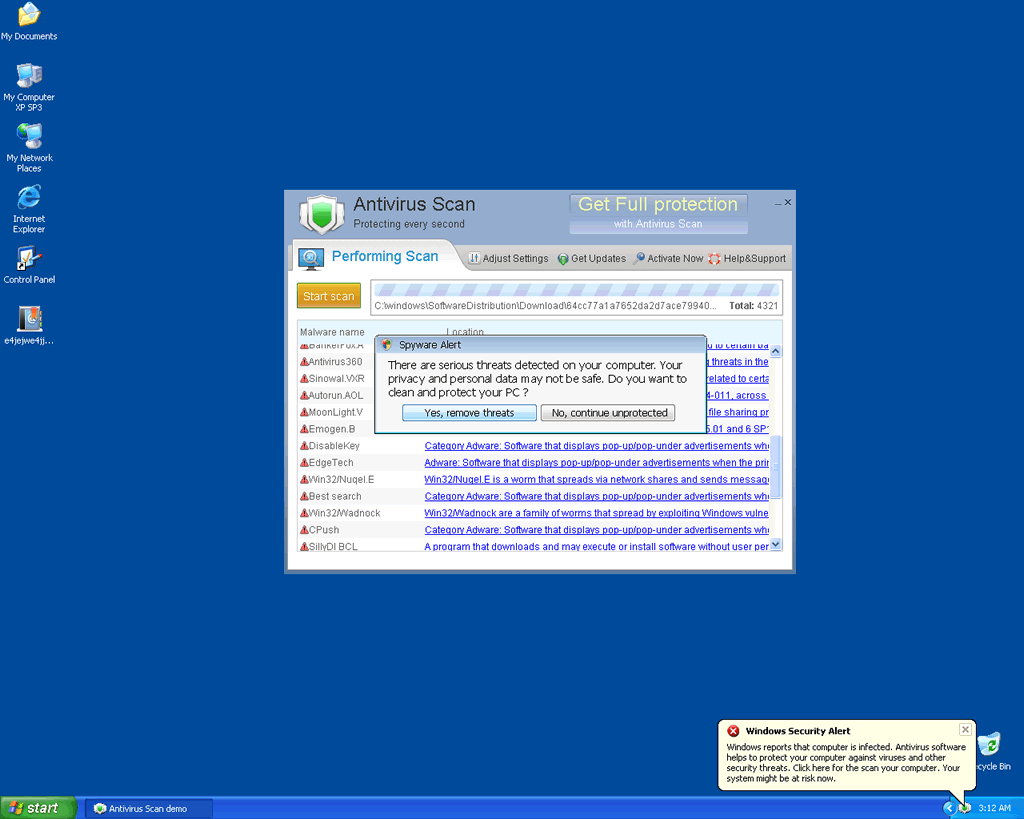
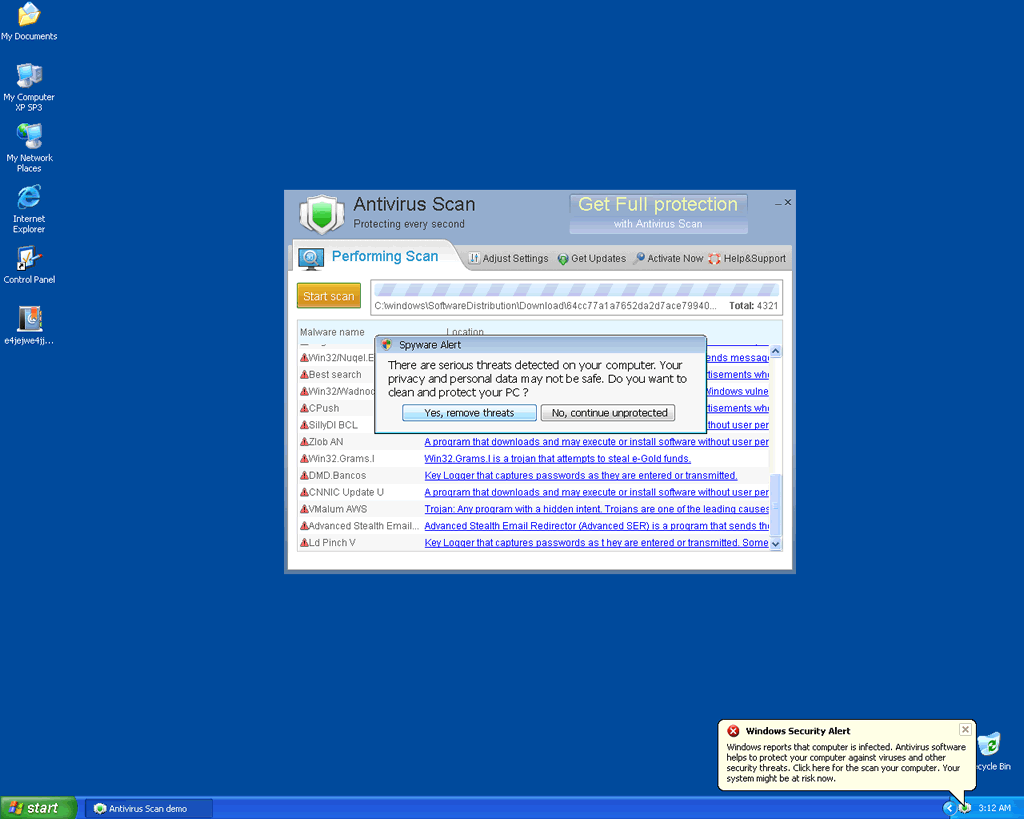
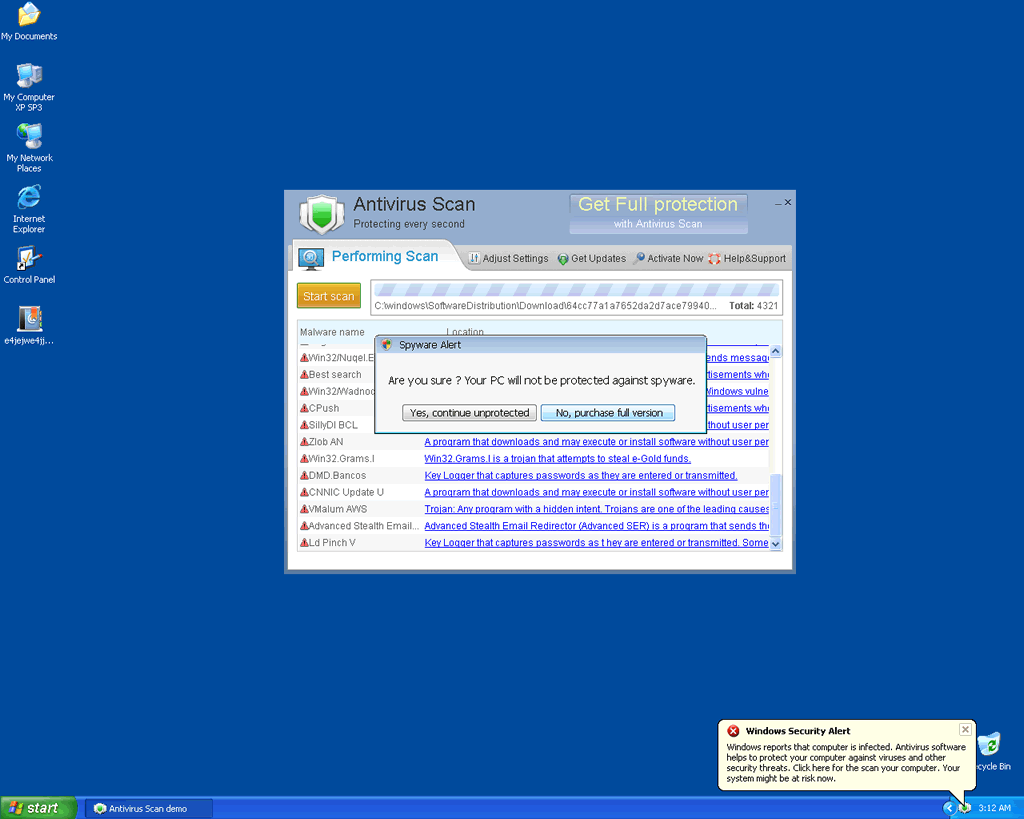
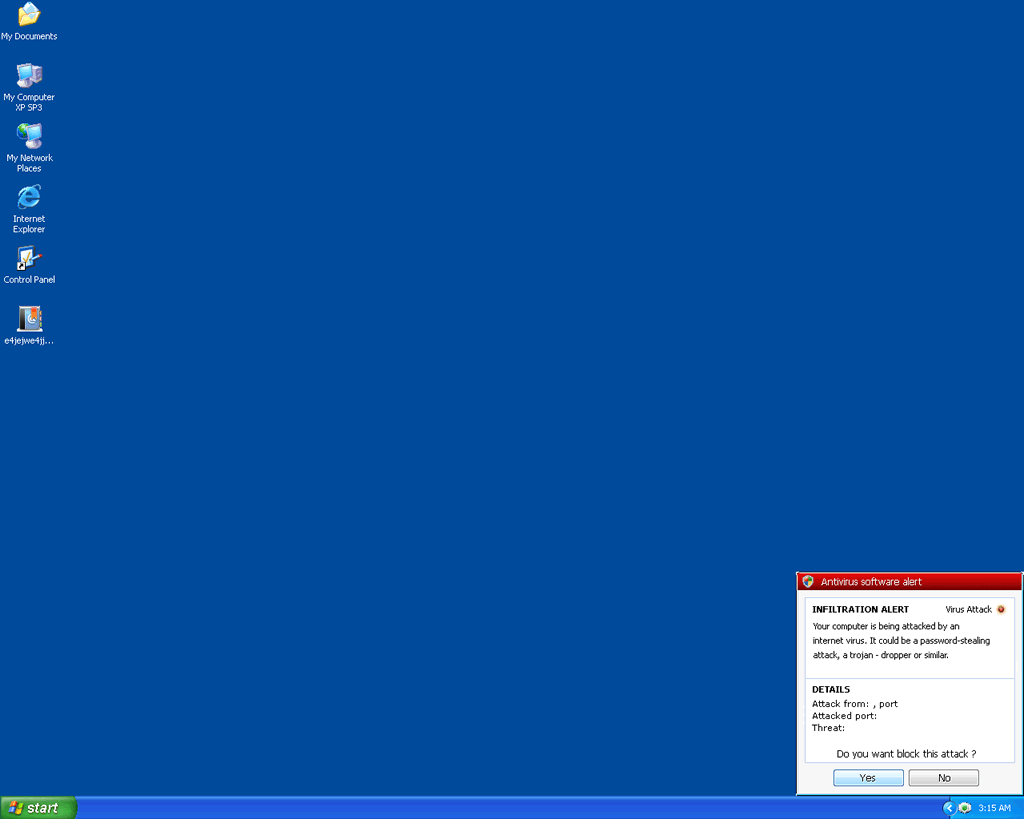
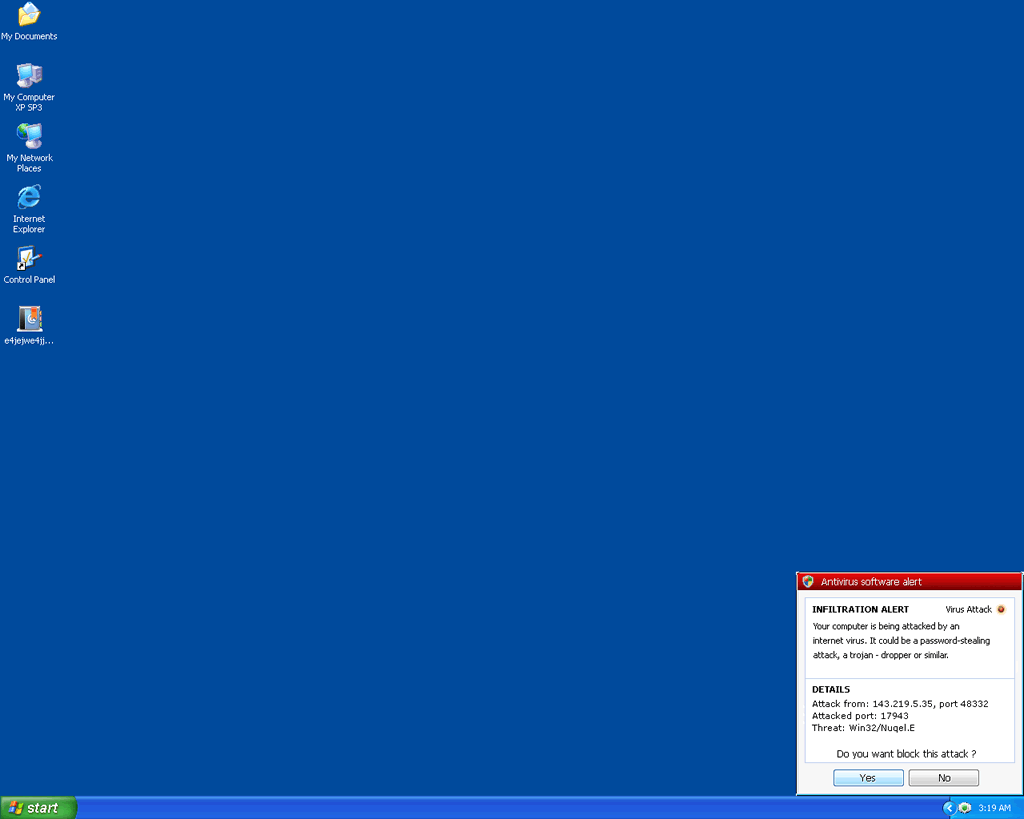
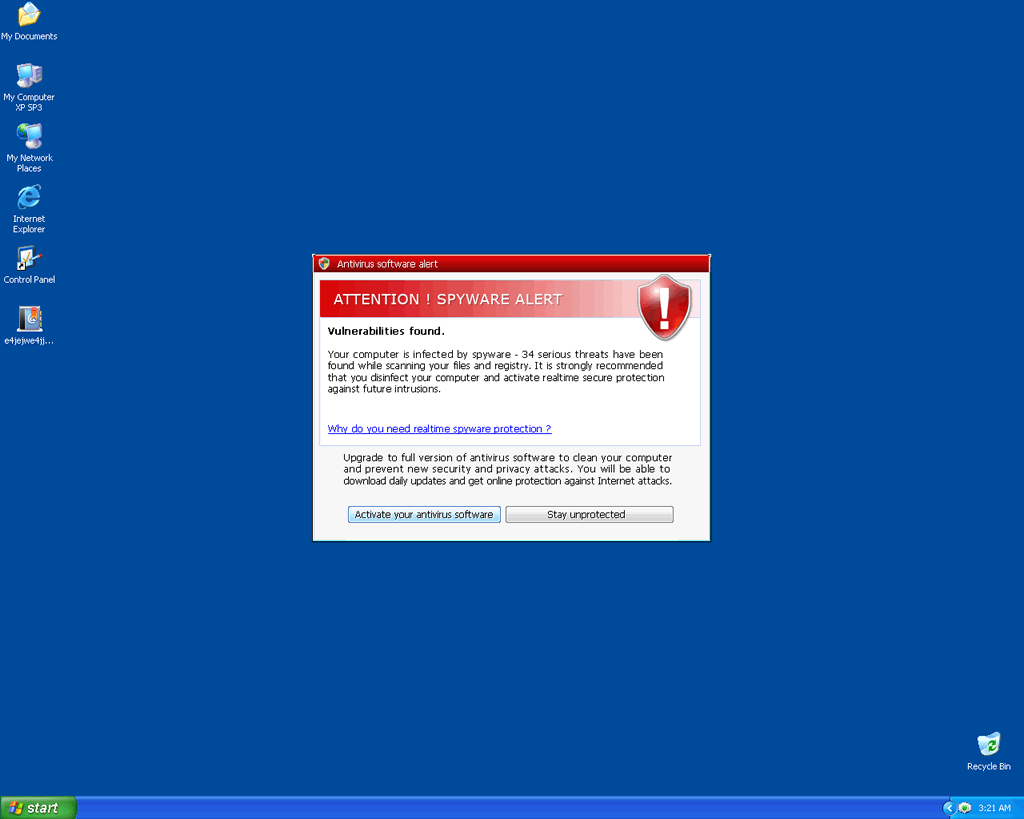
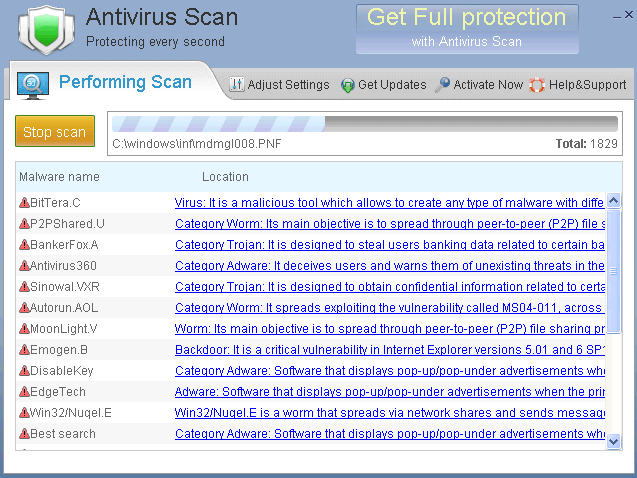 Antivirus Scan is a fake antivirus program. Antivirus Scan displays false malware reports in the form of pop-up warnings, security alerts or scan reports in order to trick a user into thinking that his computer is infected. Once a user is convinced of the malware infections, he will be advised to purchase the full version of Antivirus Scan. Do not fall for this malicious scam. Antivirus Scan should not be purchased instead it should be removed with a good rogueware removal tool upon detection.
Technical Details
File System Modifications
Tutorials: If you wish to learn how to remove malware components manually, you can read the tutorials on how to find malware, kill unwanted processes, remove malicious DLLs and delete other harmful files. Always be sure to back up your PC before making any changes.
The following files were created in the system:%TEMP%\mrmgojuoa\okylhjwusbs.exe
File name: okylhjwusbs.exeSize: 321.02 KB (321024 bytes)
MD5: 65ae62f683e31eaabab125d351846e03
Detection count: 90
File type: Executable File
Mime Type: unknown/exe
Path: %TEMP%\mrmgojuoa
Group: Malware file
Last Updated: January 12, 2011
%TEMP%\blqpfaaan\kkkgwetusbs.exe
File name: kkkgwetusbs.exeSize: 321.02 KB (321024 bytes)
MD5: b9f73585a0d7b39208a2f9785859069d
Detection count: 35
File type: Executable File
Mime Type: unknown/exe
Path: %TEMP%\blqpfaaan
Group: Malware file
Last Updated: January 12, 2011
%TEMP%\cvdbjxlhw\idlpqvtusbs.exe
File name: idlpqvtusbs.exeSize: 321.02 KB (321024 bytes)
MD5: 5a623076fb93dc5481a61fa30007472f
Detection count: 7
File type: Executable File
Mime Type: unknown/exe
Path: %TEMP%\cvdbjxlhw
Group: Malware file
Last Updated: January 12, 2011
%TEMP%\oivatvwba\opjtrjfusbs.exe
File name: opjtrjfusbs.exeSize: 321.02 KB (321024 bytes)
MD5: 41c7904c4808e4f51183c50502c4d430
Detection count: 5
File type: Executable File
Mime Type: unknown/exe
Path: %TEMP%\oivatvwba
Group: Malware file
Last Updated: January 12, 2011
%TEMP%\drftepogn\ajdyfheusbs.exe
File name: ajdyfheusbs.exeSize: 321.02 KB (321024 bytes)
MD5: 97cac1f325183901d734fba3c0822640
Detection count: 5
File type: Executable File
Mime Type: unknown/exe
Path: %TEMP%\drftepogn
Group: Malware file
Last Updated: January 12, 2011
Why can't everybody use a legible captcha like yours. It might take me three or more tries on many sites to get one that I can correctly parrot into the right field. KUDOS for your article and your antispam technology.
When I try to open the task manager in Windows Vista, it will immediately close it and tell ask me if I want to activate my anti-virus software- which will bring me to the Virus Scan- guardpe,com website. I tried in safe mode but can\'t find the
HKEY_LOCAL_MACHINE\\SOFTWARE\\Microsoft\\Windows\\CurrentVersion\\Run ?[random characters]agnz.exe? key
What does random characters mean, which ones will be random?
Hi...I am having issues with antivirusscan malware. I initially killed the process using task manager and successfully got it into quarantine using my trusted antivirus software. However, when I was deleting the malware my computer froze and I had to perform a forced shut down...when I rebooted, the malware was working again but now it is not allowing me to use task manager or any of the other steps you wrote about, popping up a Windows Security Alert stating that the application cannot be executed due to infection. Please let me know if you have any other solutions!!
Thank you for the time you put in with this immensely helpful service!
Hi all,
The posted solution worked for me sort of. Must remember that viruses change exe names often and sometimes even generate new ones on the fly. In my case, there was no agnz.exe in the file name. I followed the post but not the exact names in the file system or the registry. Here is what I did.
1) Boot to safe mode.
2) Start->run->msconfig.exe->startup tab.
3) Scan visually for suspicious looking file names like the one described...In my case it was totally different so I won\'t bother posting it.
4) If you are not sure if a file name is suspicious, Google it.
5) Once you know the malware name, look at the location in the file system and the registry in the grid. Write them down if necessary.
6) Disable it by unchecking its box.
7) Search the file system location to delete the actual file.
8) Search the registry location using regedit and delete keys pointing to the bad files.(Remember all the disclaimers about editing the registry and be careful to not delete whole hives but only keys containing the offending file names.)
9) Reboot
I did this and the virus is gone. You may have to have a second computer next to you to Google and such since using the internet may invoke the malware. This is when it is good to have friends if you don\'t have two computers. 🙂
My son picked up the antivirus scan problem. It will not allow access to the internet to download your program. It will not allow me to open task manager, nor to go through Run command to manually remove.
How do I get around these roadblocks?
Mark J, I have come across same problem. Wont allow task manager, or Run. Did you find a sollution?
Mark,
Mine would not allow me to open the task manager either, so I rebooted, then allowed the virus to start up again, then open the task manager and followed the directions outline. Good luck!
start computer in safemode search in c drive for wmbbxra, delete all files by this name, all sorted
i got rid of the antivirus scan but the icon remains but the malware is not running anymore how do i remove the icon from my customize bar
Start computer in safe mode and perform a system restore to a checkpoint prior to the infection. My computer struggled with this and seemed to just stop. At this point I hit the reset button to force a reboot which was successful and restored to prior infection. Everything is working fine now
Note that this virus takes a few seconds to load itself when you boot your computer. If you are quick this gives you enough time to run a system restore.
Once the virus loads up it will lock you out of your system restore so do it quickly.
A system restore to a previous date should get rid of the virus, it did for me.
I just want to say that the user TOM left WONDERFUL instructions to remove the virus! I did what he said, step by step, and removed this virus. If you are having the same problems my boyfriend and I had, you will experience: difficulty opening up Internet Explorer, difficulty opening up any antivirus software already on your computer, and even if you try to download a free one from online, the virus will prevent it from completely downloading and running a scan. This frustrated us, because we tried different antivirus software from online.
Follow Tom's instructions, they work. Also, I'm not familiar w/ computer terms, so I did have to look some things up in Google, so I did use another laptop to do the research....and I Googled "how to open Windows 7 Registry" and I also had to Google "How to boot Windows 7 in Safe Mode" because I didn't see an option when you turn on your laptop/comp. FYI either continue to press F8 or press and hold F8 down when you reboot......
Also, when its time for you to scan through the registry.....Google how to look up your registry depending on your operating system. Then follow the instructions given on this website in Step 2.
**Remember that Antivirus Scan files may look different then the random letters given on this site. For me, it started w/ a q.......but like this site says, your virus file will have random letters. It will be easy to spot amongst regular files in your configuration and in registry.
Hope I helped. I'm not a techie and I figured this out........so I'm happy!!
toms the man thanks
Hi, I think I got the Antivirus scam though clicking on an advert on facebook. I've tried deleting it and now I have restard it in safemode. I'm checking th C: file but there are no files under wmbbxra here.
I diabled it under msconfig.exe but it's still on my computer, bombarding me with pop ups. I've tried everything suggested here and it's not working! I don't know what to do- please help.
If the infected PC is on a network, using the Windows TASKLIST /s command can help you spot the odd executable.
Remote Registry should enable you to identify the correct one by looking at the key that is added to RUN as above.
PSKILL (from Microsoft Sysinternals) can remotely kill this EXE allowing you to delete it too.
Once it's killed, clean up the registry as above, and reboot.
I am in desperate need of help. I can't use the task manager or control panel to even target the software and stop it from letting me activate the norton anti virus software I have just bought. It says everything I open is a threat i.e. norton installer, task manager etc and that I need to purchase the software. Please seombody help me as the above method does not work for me, help help help!!!
Use firefox if you get the virus.!!!!!!!!!!!! VIRUS DOES NOT AFFECT FIREFOX!!!!!!!!!!!!
Tom, Thank you. Didn't know what how to do the Regedit bit but restarted com and seems to be ok hopefully. With 2 weeks before my coursework is due i owe you big time.
FIXED IT - Above methods did not work for me either, everytime I tried anything a message came up saying *.exe file was infected - this happened with task manager, virus software, Internet Explorer - everything- in the end did a system restore after going into windows via Safe Mode and then cleaned up using antivirus software.