Antivirus XP 2010
Posted: January 29, 2010
Threat Metric
The Threat Meter is a malware assessment that SpywareRemove.com's research team is able to
give every identifiable malware threat. Our Threat Meter includes several criteria based off of
specific malware threats to value their severity, reach and volume. The Threat Meter is able to give
you a numerical breakdown of each threat's initial Threat Level, Detection Count, Volume Count,
Trend Path and Percentage Impact. The overall ranking of each threat in the Threat Meter is a basic
breakdown of how all threats are ranked within our own extensive malware database. The scoring for
each specific malware threat can be easily compared to other emerging threats to draw a contrast in
its particular severity. The Threat Meter is a useful tool in the endeavor of seeking a solution to
remove a threat or pursue additional analytical research for all types of computer users.
The following fields listed on the Threat Meter containing a specific value, are explained in detail below:
Threat Level: The threat level scale goes from 1 to 10 where 10 is the highest level of severity and 1 is the lowest level of severity. Each specific level is relative to the threat's consistent assessed behaviors collected from SpyHunter's risk assessment model.
Detection Count: The collective number of confirmed and suspected cases of a particular malware threat. The detection count is calculated from infected PCs retrieved from diagnostic and scan log reports generated by SpyHunter.
Volume Count: Similar to the detection count, the Volume Count is specifically based on the number of confirmed and suspected threats infecting systems on a daily basis. High volume counts usually represent a popular threat but may or may not have infected a large number of systems. High detection count threats could lay dormant and have a low volume count. Criteria for Volume Count is relative to a daily detection count.
Trend Path: The Trend Path, utilizing an up arrow, down arrow or equal symbol, represents the level of recent movement of a particular threat. Up arrows represent an increase, down arrows represent a decline and the equal symbol represent no change to a threat's recent movement.
% Impact (Last 7 Days): This demonstrates a 7-day period change in the frequency of a malware threat infecting PCs. The percentage impact correlates directly to the current Trend Path to determine a rise or decline in the percentage.
The following fields listed on the Threat Meter containing a specific value, are explained in detail below:
Threat Level: The threat level scale goes from 1 to 10 where 10 is the highest level of severity and 1 is the lowest level of severity. Each specific level is relative to the threat's consistent assessed behaviors collected from SpyHunter's risk assessment model.
Detection Count: The collective number of confirmed and suspected cases of a particular malware threat. The detection count is calculated from infected PCs retrieved from diagnostic and scan log reports generated by SpyHunter.
Volume Count: Similar to the detection count, the Volume Count is specifically based on the number of confirmed and suspected threats infecting systems on a daily basis. High volume counts usually represent a popular threat but may or may not have infected a large number of systems. High detection count threats could lay dormant and have a low volume count. Criteria for Volume Count is relative to a daily detection count.
Trend Path: The Trend Path, utilizing an up arrow, down arrow or equal symbol, represents the level of recent movement of a particular threat. Up arrows represent an increase, down arrows represent a decline and the equal symbol represent no change to a threat's recent movement.
% Impact (Last 7 Days): This demonstrates a 7-day period change in the frequency of a malware threat infecting PCs. The percentage impact correlates directly to the current Trend Path to determine a rise or decline in the percentage.
| Threat Level: | 10/10 |
|---|---|
| Infected PCs: | 548 |
| First Seen: | February 12, 2010 |
|---|---|
| Last Seen: | August 17, 2022 |
| OS(es) Affected: | Windows |
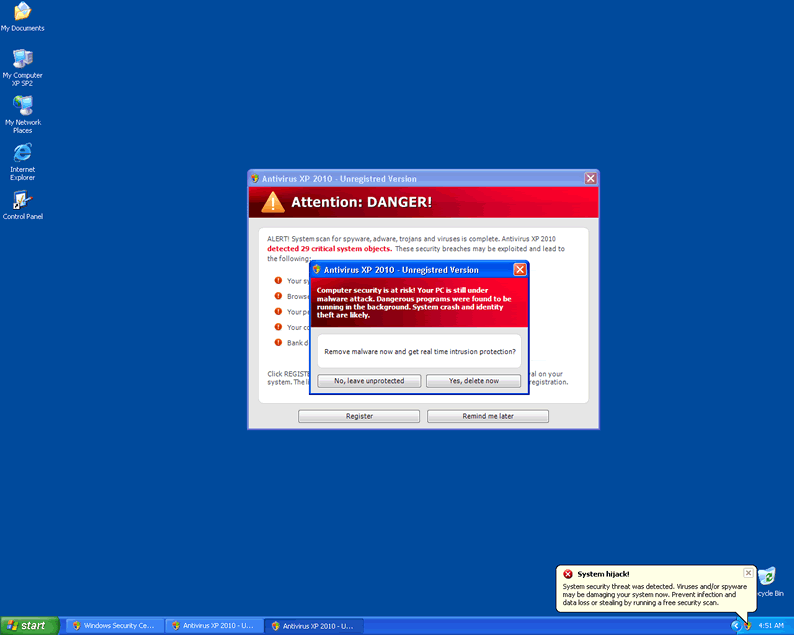
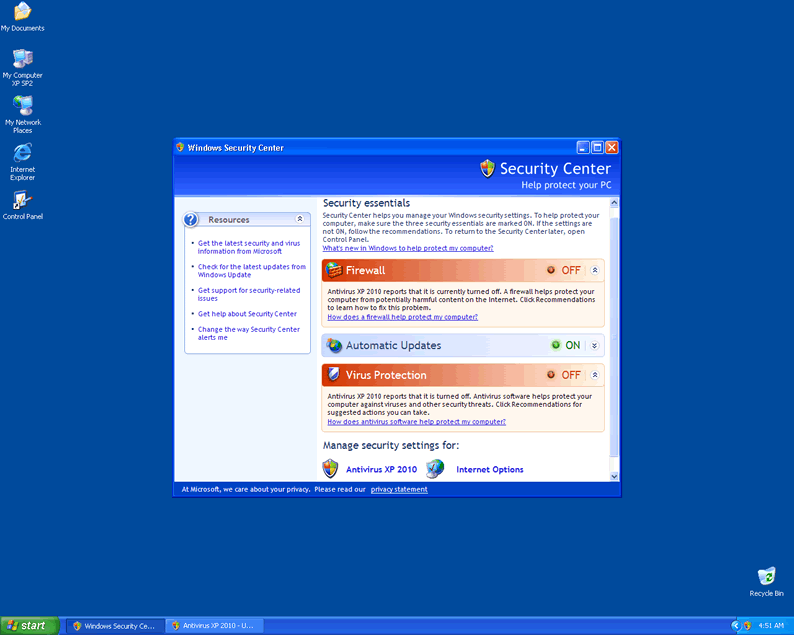
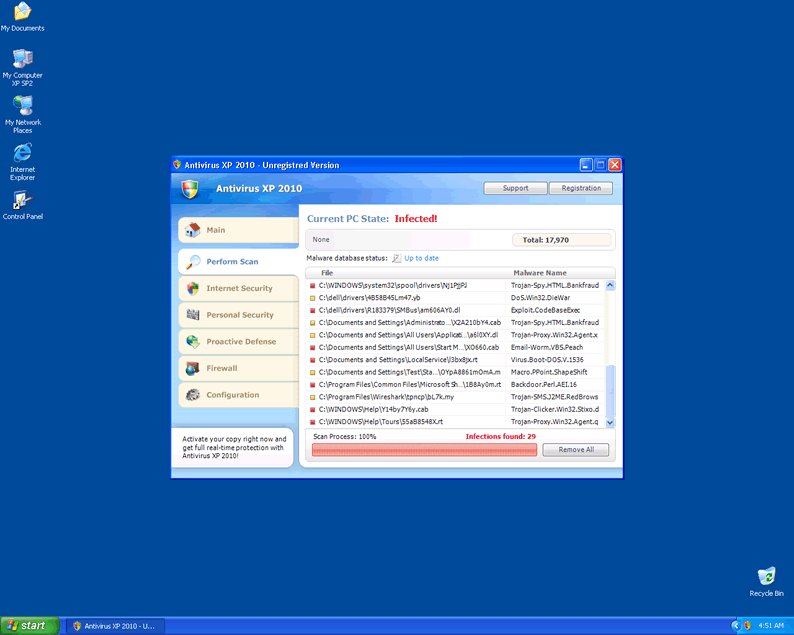
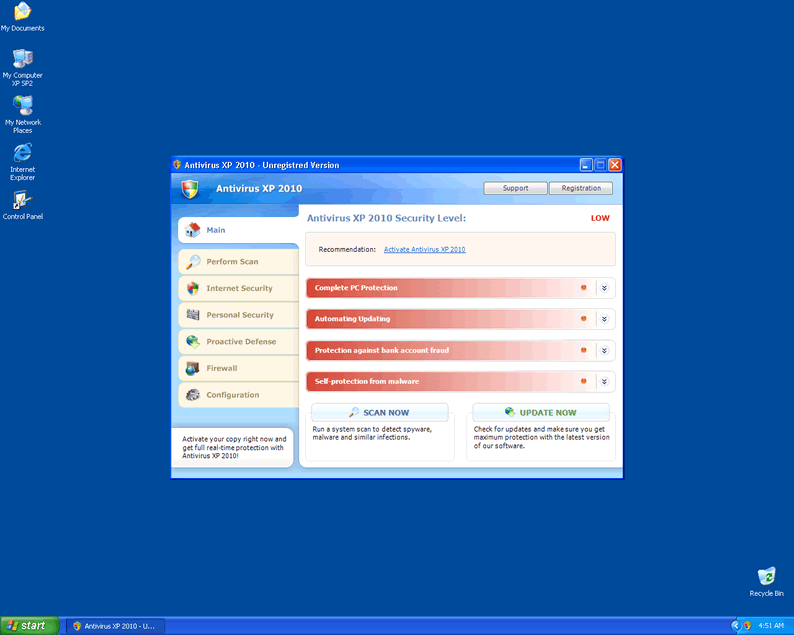
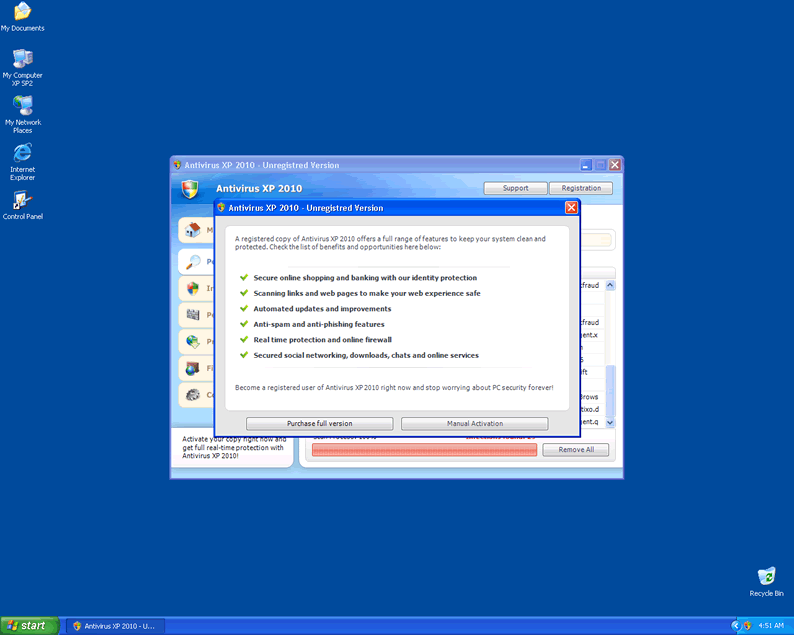
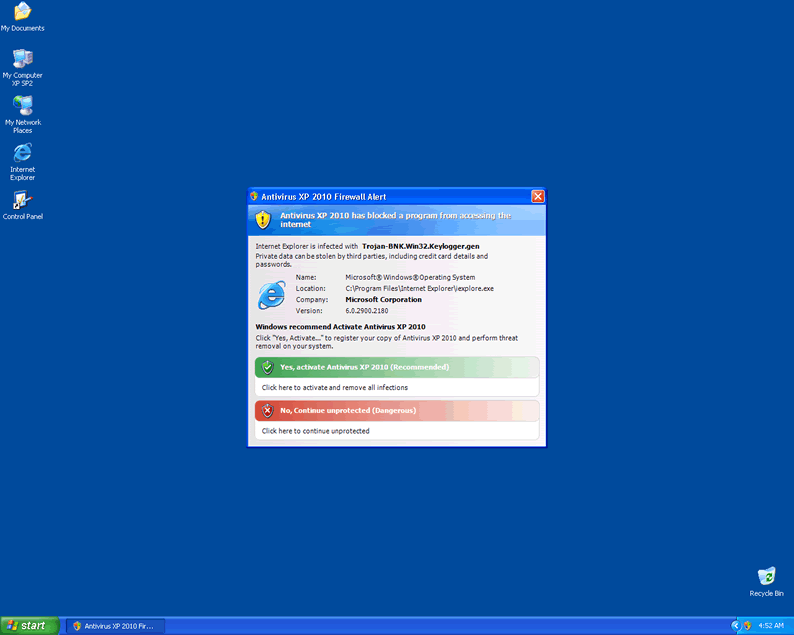
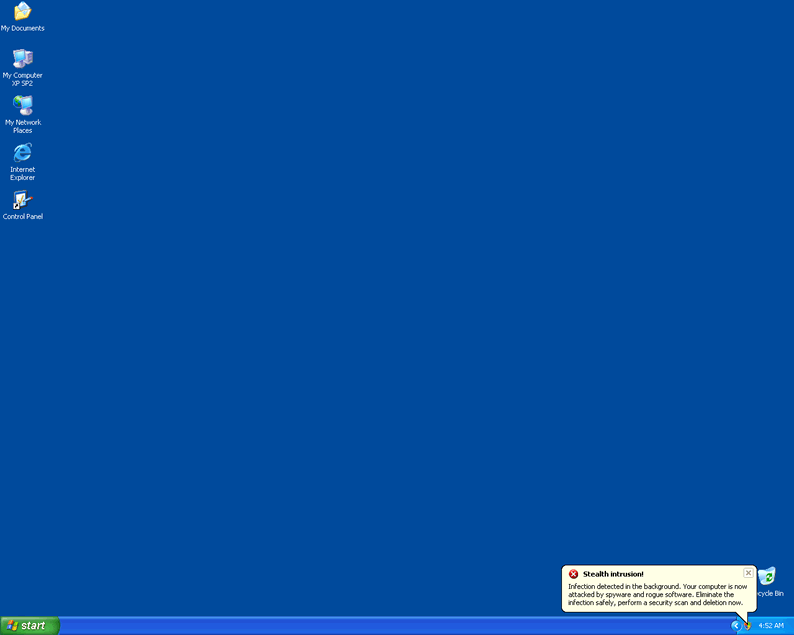
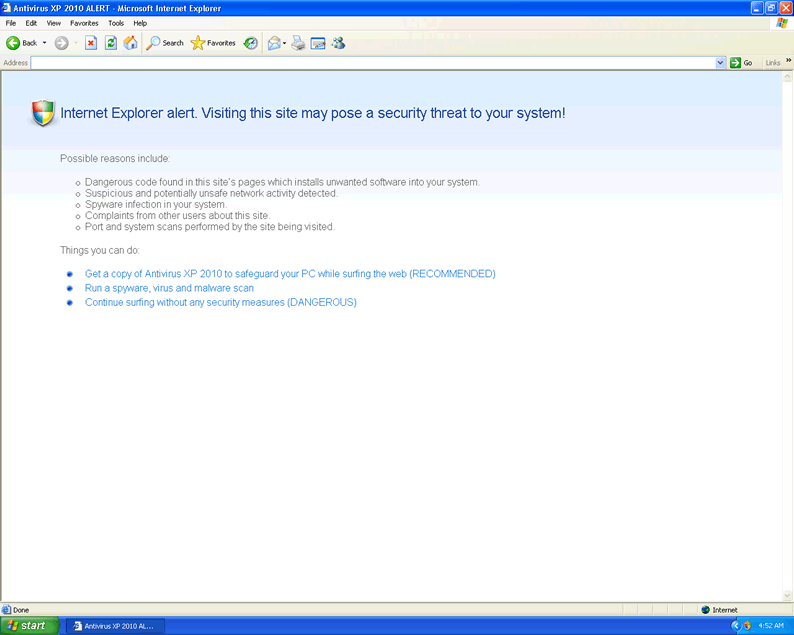
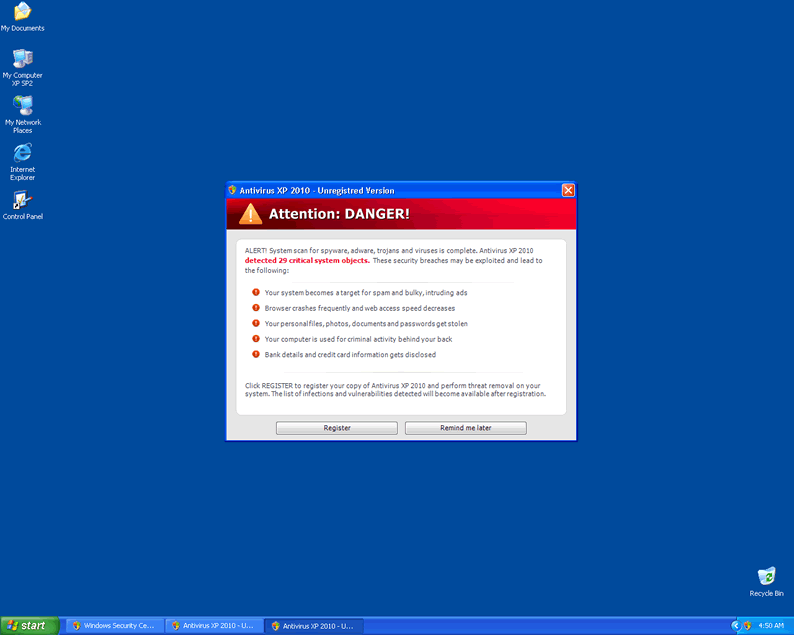 Antivirus XP 2010 is a rogue anti-virus program which is a variation of XP Internet Security 2010. Antivirus XP 2010 gets onto your system and it starts constantly scanning your PC. Then it starts detecting files which are created in advance and recognized as malicious. These scare tactics urge the computer user to purchase Antivirus XP 2010. Do not fall for this trickery and terminate Antivirus XP 2010 immediately.
Aliases
W32/FakeSec.F.gen!Eldorado [Authentium]Win32/Adware.XPAntiSpyware.AA [NOD32]Heuristic.LooksLike.Win32.NewMalware.H [McAfee-GW-Edition]W32/FakeAlert.FY.gen!Eldorado [Authentium]SHeur3.SAJ [AVG]Win-Trojan/Fakeav.189440.I [AhnLab-V3]Troj/FakeAV-BDV [Sophos]Trojan:Win32/Meredrop [Microsoft]Gen.Variant [Ikarus]Trojan.TDSS-3584 [ClamAV]Gen:Variant.Tdss.14 [BitDefender]SHeur3.RYN [AVG]Gen.Variant!IK [a-squared]a variant of Win32/Kryptik.DSW [NOD32]Heuristic.LooksLike.Trojan.H [McAfee-GW-Edition]
More aliases (293)
More aliases (293)
Technical Details
File System Modifications
Tutorials: If you wish to learn how to remove malware components manually, you can read the tutorials on how to find malware, kill unwanted processes, remove malicious DLLs and delete other harmful files. Always be sure to back up your PC before making any changes.
The following files were created in the system:av.exe
File name: av.exeSize: 182.78 KB (182784 bytes)
MD5: 7f76bf984a50f28382e00859b2fe6aee
Detection count: 97
File type: Executable File
Mime Type: unknown/exe
Group: Malware file
Last Updated: April 1, 2010
vma.exe
File name: vma.exeSize: 182.78 KB (182784 bytes)
MD5: a409477352916aac173b02b747151b7f
Detection count: 67
File type: Executable File
Mime Type: unknown/exe
Group: Malware file
Last Updated: April 15, 2010
MSASCui.exe
File name: MSASCui.exeSize: 200.19 KB (200192 bytes)
MD5: 5bcc58d3a2f3740ebcc2f1d75533289d
Detection count: 5
File type: Executable File
Mime Type: unknown/exe
Group: Malware file
Last Updated: March 23, 2010
ave.exe
File name: ave.exeSize: 221.69 KB (221696 bytes)
MD5: 4644c466f073abf9a2e02f1e6e1e111e
Detection count: 5
File type: Executable File
Mime Type: unknown/exe
Group: Malware file
Last Updated: April 27, 2010
More files
I had a problem with the XP Antivirus 2010 as well. I found the av.exe file in documents and settings as described in the post above but also the virus had installed itself as a shell program for \".exe\" file association. It was being called for every exe file and then it would call the program being started. This way it could intercept all programs.
If you remove av.exe as described, then no programs will start. So in addition to removing the av.exe also check the following.
On WinXP
Check the registry file for the \"exe\" file association: The only entries should be
[HKEY_CLASSES_ROOT\\.exe]
@=\"exefile\"
\"Content Type\"=\"application/x-msdownload\"
[HKEY_CLASSES_ROOT\\.exe\\DefaultIcon]
@=\"%1\"
[HKEY_CLASSES_ROOT\\.exe\\PersistentHandler]
@=\"{098f2470-bae0-11cd-b579-08002b30bfeb}\"
If you find ..\\shell\\open keys as well as the normal ones above, check the HKEY_CLASSES_ROOT\\.exe\\shell\\open\\command. If it looks similar to this:
C:\\\\Documents and Settings\\\\\\\\Local Settings\\\\Application Data\\\\av.exe\\\" /START \\\"%1\\\" %*\"
\"IsolatedCommand\"=\"\\\"%1\\\" %*\"
...then delete it.
Thank you thank you thank you - your site is so easy to use.
Hi, Great, post thank you.
There are however some additional registry entries also to be gotten rid of. Pls see below. These were on my system and I got rid of them.
HKEY_LOCAL_MACHINE\SOFTWARE\Clients\StartMenuInternet\FIREFOX.EXE\shell\open\command
"(Default)" = "%UserProfile%\Local Settings\Application Data\av.exe" /START "C:\Program
Files\Mozilla Firefox\firefox.exe"
HKEY_CLASSES_ROOT\secfile\shell\open\command "(Default)" = "%UserProfile%\Local
Settings\Application Data\av.exe" /START "%1" %*
HKEY_CLASSES_ROOT\.exe\shell\open\command "(Default)" = "%UserProfile%\Local
Settings\Application Data\av.exe" /START "%1" %*
Thank you for the info. It helped but I still get a "open with..." dialog everytime i try to launch a program... grrrrrrrrrr this is soo annoying please tell me how to fix this.
This rogue has turned off access to almost all exe file via shortcut or double click of exe file. Thus I can not activate even regedit,
any suggestions?
I need to have this goofy Internet Security Suite Plus 2010 removed from my pc. I cannot do much of anything since I installed this program.
I have messed my computer up since I installed Internet Security Suite Plus 2010 and I don't know how to fix or remove. Help..