Disk Antivirus Professional
Posted: January 30, 2013
Threat Metric
The following fields listed on the Threat Meter containing a specific value, are explained in detail below:
Threat Level: The threat level scale goes from 1 to 10 where 10 is the highest level of severity and 1 is the lowest level of severity. Each specific level is relative to the threat's consistent assessed behaviors collected from SpyHunter's risk assessment model.
Detection Count: The collective number of confirmed and suspected cases of a particular malware threat. The detection count is calculated from infected PCs retrieved from diagnostic and scan log reports generated by SpyHunter.
Volume Count: Similar to the detection count, the Volume Count is specifically based on the number of confirmed and suspected threats infecting systems on a daily basis. High volume counts usually represent a popular threat but may or may not have infected a large number of systems. High detection count threats could lay dormant and have a low volume count. Criteria for Volume Count is relative to a daily detection count.
Trend Path: The Trend Path, utilizing an up arrow, down arrow or equal symbol, represents the level of recent movement of a particular threat. Up arrows represent an increase, down arrows represent a decline and the equal symbol represent no change to a threat's recent movement.
% Impact (Last 7 Days): This demonstrates a 7-day period change in the frequency of a malware threat infecting PCs. The percentage impact correlates directly to the current Trend Path to determine a rise or decline in the percentage.
| Threat Level: | 10/10 |
|---|---|
| Infected PCs: | 122 |
| First Seen: | January 30, 2013 |
|---|---|
| Last Seen: | June 4, 2023 |
| OS(es) Affected: | Windows |
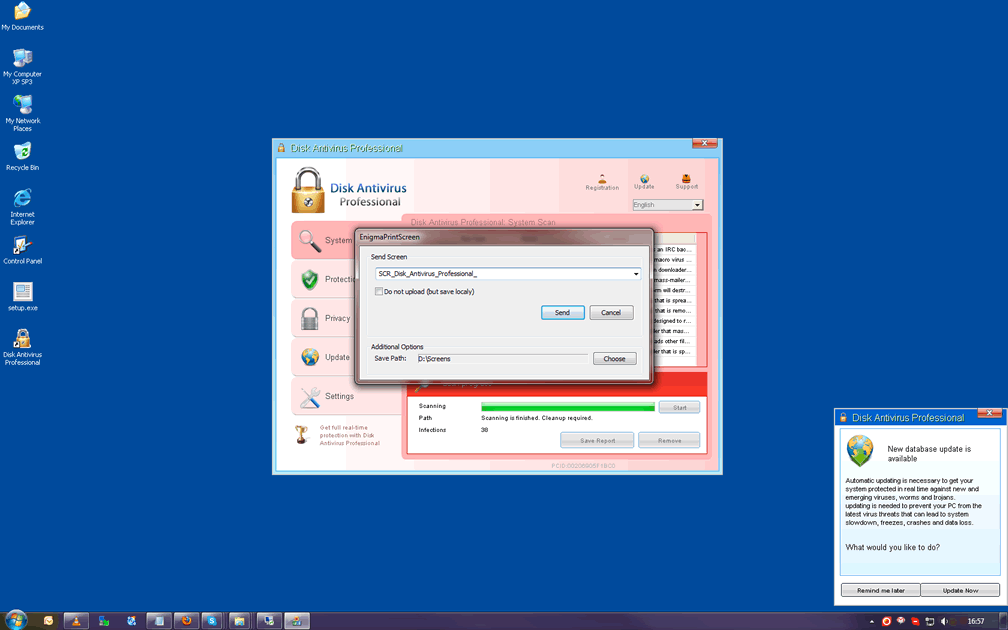
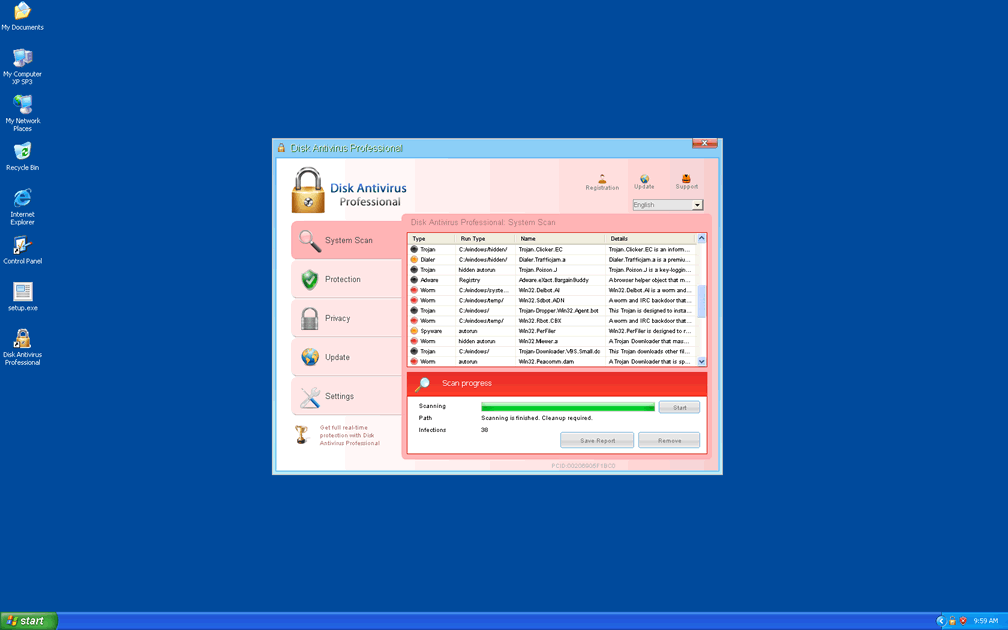
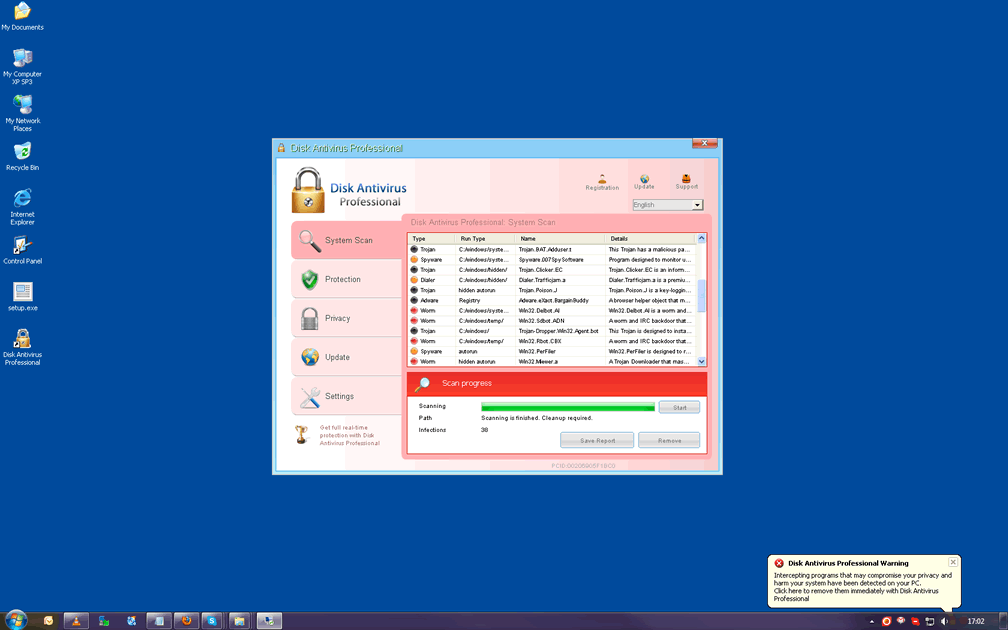
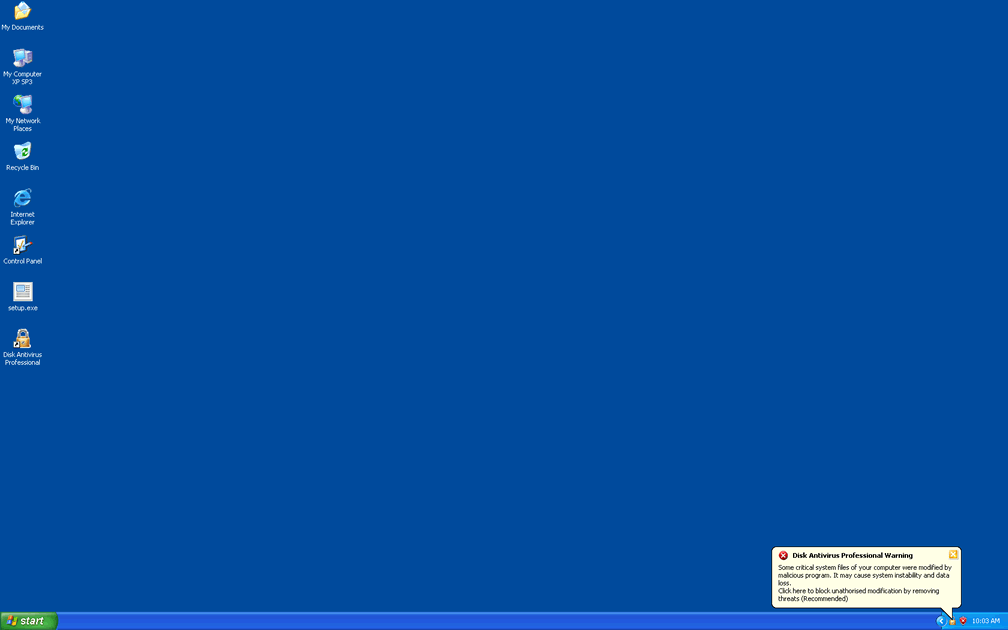
 Disk Antivirus Professional is a rogue anti-virus scanner that displays fake system alerts regarding nonexistent malware infections, along with equally-fraudulent scanner results. These fake anti-virus features are used to encourage victims to purchase Disk Antivirus Professional – before they realize that Disk Antivirus Professional can't detect or remove viruses or any other form of malware. As one of many members of the WinWeb Security family of scamware, Disk Antivirus Professional also may conduct other attacks against your PC, the most meaningful of which SpywareRemove.com malware experts warn as attacks that specifically dismantle Windows security features. As a danger to your PC and a fraud besides, Disk Antivirus Professional should be disabled by suitable security techniques, after which any good anti-malware product should be capable of disabling Disk Antivirus Professional.
The Unprofessional Features of a Disk Antivirus Professional
Disk Antivirus Professional is promoted in the form of an anti-virus program that appears to offer advanced virus-detection and removal features. Unfortunately, Disk Antivirus Professional actually isn't a match for even a minor brand of anti-virus software, let alone the products of major companies. While Disk Antivirus Professional can create a technical-looking system warning and may appear to scan your computer, Disk Antivirus Professional only fakes any detection of malware or attacks against your PC.
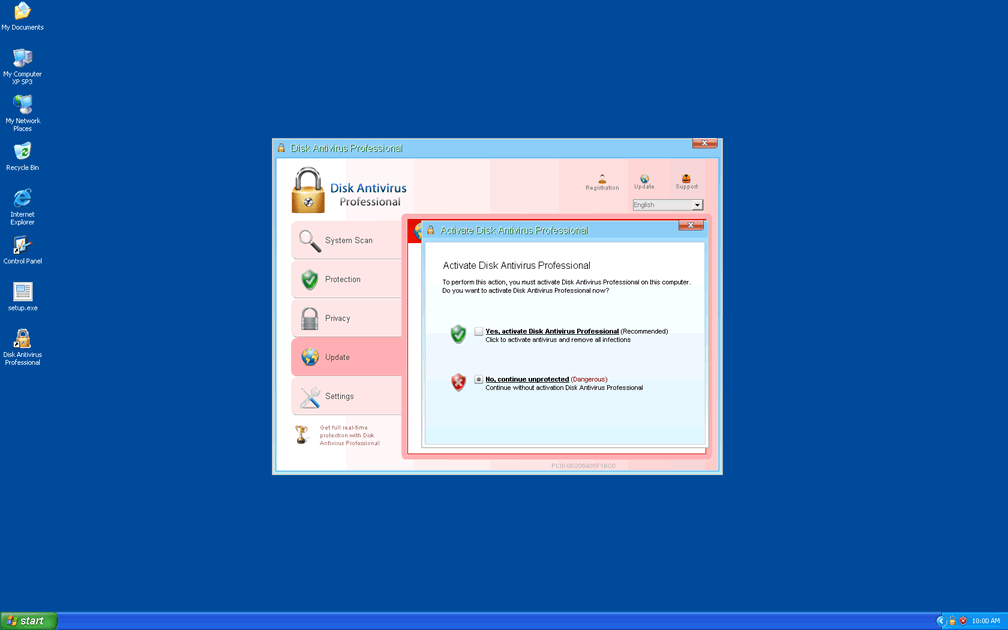
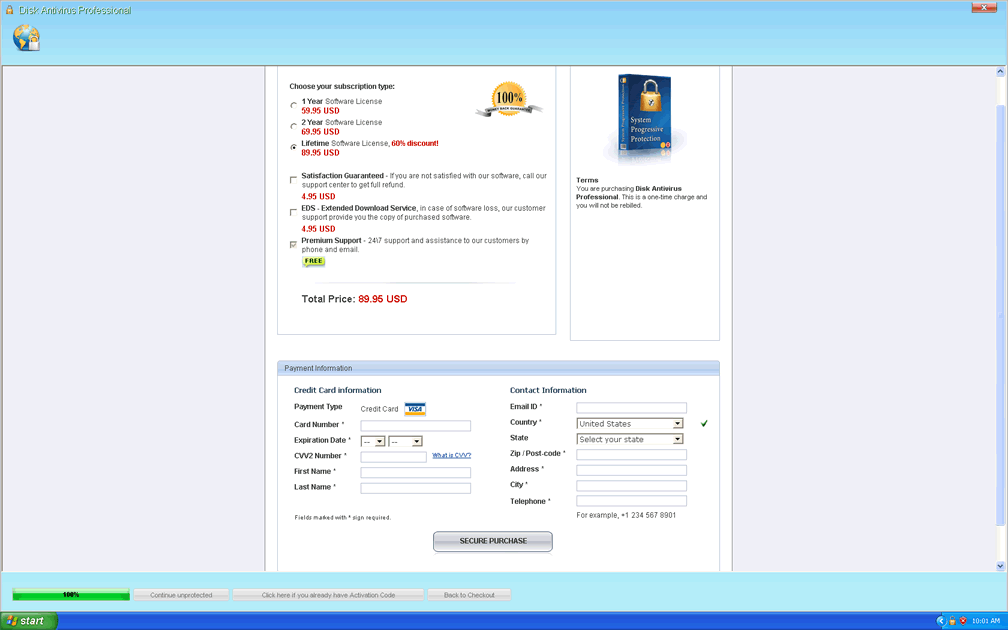
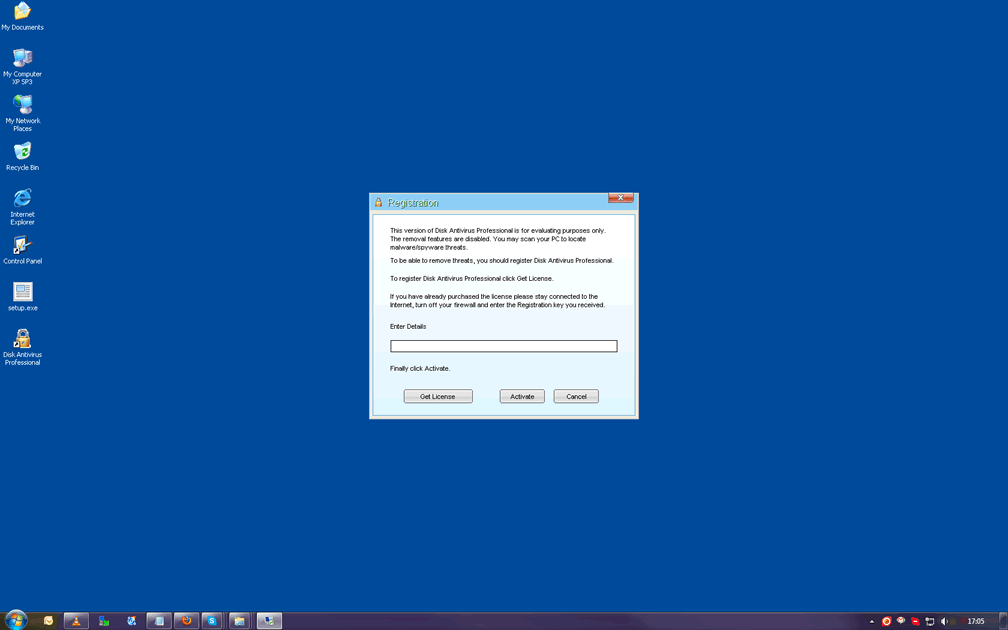
These faked attacks are Disk Antivirus Professional's path to forcing you to spend money buying a registered version of its program, which is equally useless for your PC's security and never should be bought. SpywareRemove.com malware experts also warn against other attacks that may result from any Disk Antivirus Professional infection, such as:
- Browser hijacks that block safe websites and/or redirect you to hostile sites.
- Applications that are blocked under the excuse that they are claimed to be infected or damaged.
- Windows features like the firewall, UAC and update manager that are disabled.
Why Disk Antivirus Professional is More of a Clean Copy Than an Independent Operator
Disk Antivirus Professional also is recognizable as a minor variant of Winwebsec scamware. This large, well-distributed and diverse family of fake anti-malware applications has been known to use a range of brand names to confuse their victims. SpywareRemove.com malware experts are familiar with many relatives of Disk Antivirus Professional, including the Antivirus Security, System Security, AntiSpyware Pro 2009, Total Security, Total Security 2009, Security Tool, Trojan.RogueAV.a.gen, System Adware Scanner 2010, FakeAlert-KW.e, Advanced Security Tool 2010, System Tool 2011, MS Removal Tool, Antivirus Center, Security Shield, Personal Shield Pro, Advanced PC Shield 2012, Security Sphere 2012 and Futurro Antivirus.
Ultimately, any variant of Disk Antivirus Professional should be considered just as dangerous to your PC as Disk Antivirus Professional, and just as unable to detect or delete malware. Because Disk Antivirus Professional will block security and anti-malware programs that could be used for Disk Antivirus Professional's own deletion, SpywareRemove.com malware researchers recommend extra steps before you try to remove Disk Antivirus Professional.
Two major methods for disabling Disk Antivirus Professional include booting Windows with the Safe Mode feature or if this is inaccessible, launching a separate operating system that's loaded onto a removable hard drive.


Technical Details
File System Modifications
Tutorials: If you wish to learn how to remove malware components manually, you can read the tutorials on how to find malware, kill unwanted processes, remove malicious DLLs and delete other harmful files. Always be sure to back up your PC before making any changes.
The following files were created in the system:setup.exe
File name: setup.exeSize: 878.69 KB (878697 bytes)
MD5: ba3eca77eda279f12ad865ca2ac71033
Detection count: 66
File type: Executable File
Mime Type: unknown/exe
Group: Malware file
Last Updated: January 31, 2013
%CommonAppData%\[RANDOM NUMBERS AND CHARACTERS]\
File name: %CommonAppData%\[RANDOM NUMBERS AND CHARACTERS]\Group: Malware file
%CommonAppData%\[RANDOM NUMBERS AND CHARACTERS]\[RANDOM NUMBERS AND CHARACTERS]
File name: %CommonAppData%\[RANDOM NUMBERS AND CHARACTERS]\[RANDOM NUMBERS AND CHARACTERS]Group: Malware file
%CommonAppData%\[RANDOM NUMBERS AND CHARACTERS]\[RANDOM NUMBERS AND CHARACTERS].exe
File name: %CommonAppData%\[RANDOM NUMBERS AND CHARACTERS]\[RANDOM NUMBERS AND CHARACTERS].exeFile type: Executable File
Mime Type: unknown/exe
Group: Malware file
%CommonAppData%\[RANDOM NUMBERS AND CHARACTERS]\[RANDOM NUMBERS AND CHARACTERS].ico
File name: %CommonAppData%\[RANDOM NUMBERS AND CHARACTERS]\[RANDOM NUMBERS AND CHARACTERS].icoMime Type: unknown/ico
Group: Malware file
Registry Modifications
HKEY_LOCAL_MACHINE\SOFTWARE\Microsoft\..{RunKeys}HKEY_CURRENT_USER\Software\Microsoft\Windows\CurrentVersion\RunOnce "[RANDOM NUMBERS AND CHARACTERS]"
Additional Information
| # | Message |
|---|---|
| 1 | Disk Antivirus Professional Warning
Intercepting programs that may compromise your privacy and harm your system have been detected on your PC. Click here to remove them immediately with Disk Antivirus Professional. |
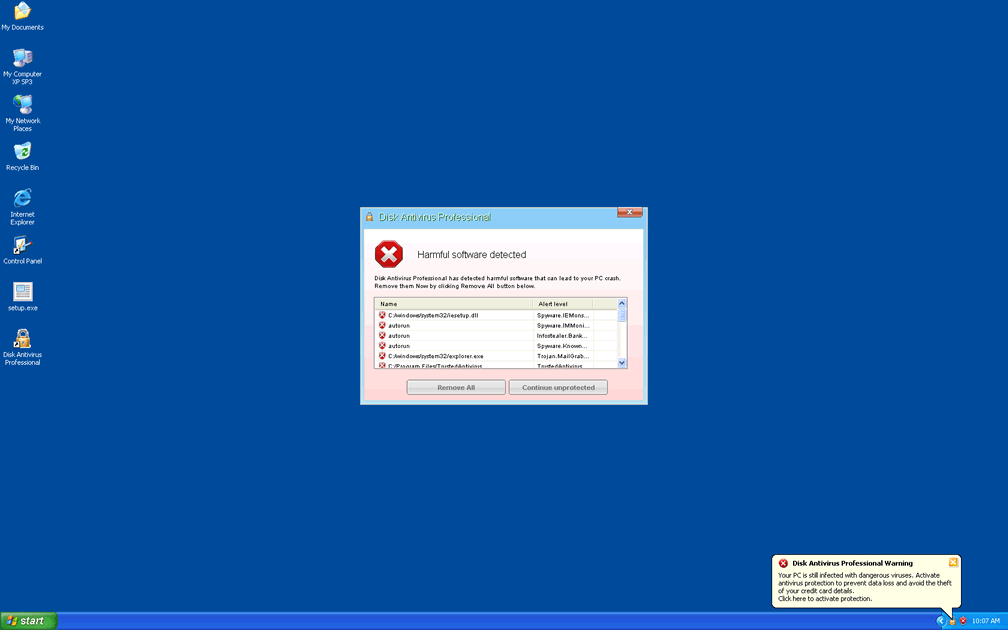
| 2 | Disk Antivirus Warning
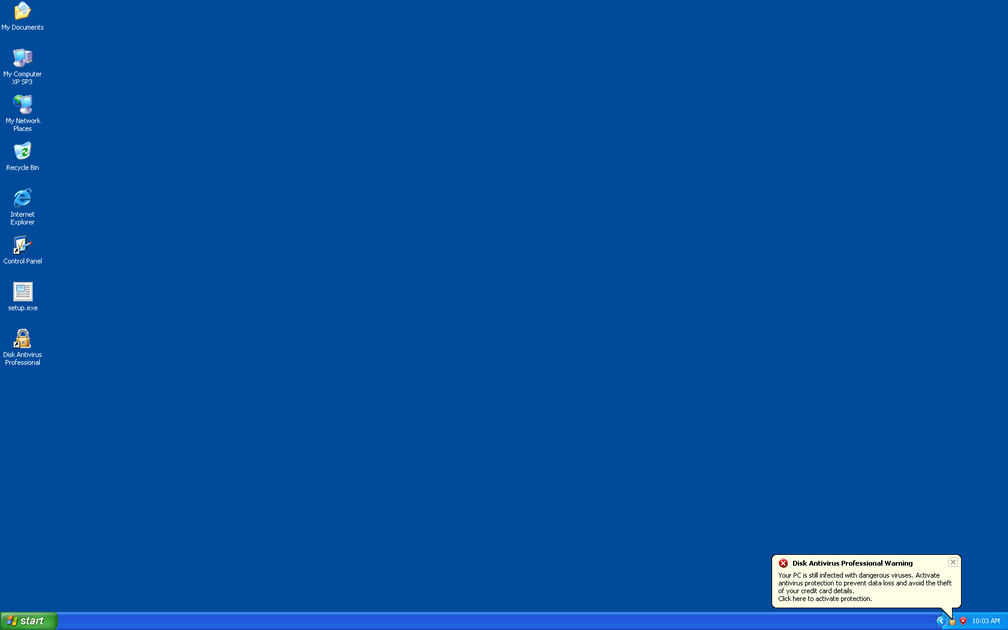
Your PC is still infected with dangerous viruses. Activate antivirus protection to prevent data loss and avoid the theft of your credit card details. |
| 3 | Security Monitor: WARNING!
Attention! System detected a potential hazard (TrojanSPM/LX) on your computer that may infect executable files. Your private information and PC safety is at risk. To get rid of unwanted spyware and keep your computer safe your need to update your current security software. Click Yes to download official intrusion detection system (IDS software). |
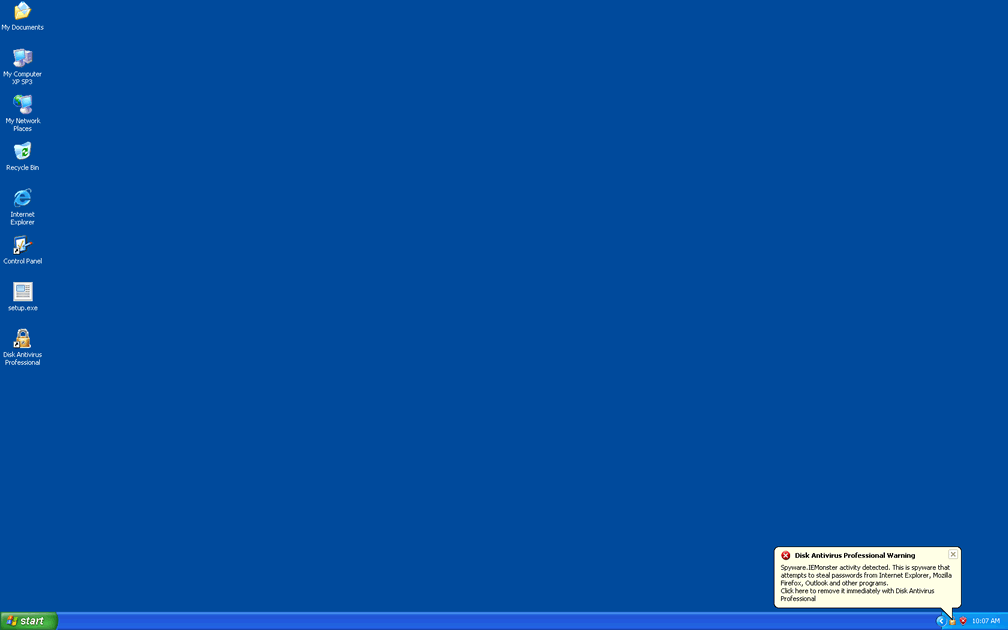
| 4 | Spyware.IEMonster activity detected. This is spyware that attempts to steal passwords from Internet Explorer, Mozilla Firefox, Outlook and other programs.
Click here to remove it immediately with Disk Antivirus. |
| 5 | Warning!
Application cannot be executed. The file GoogleUpdate.exe infected. Please activate your antivirus software. |
| 6 | Warning: Your computer is infected
Detected spyware infection! Click this message to install the last update of security software. |
I am infected
first of all that last step is just plain stupid and second of all disk antivirus "proffessional" won't let me install spyhunter what should I do