Windows Guard Solutions
Posted: April 18, 2012
Threat Metric
The following fields listed on the Threat Meter containing a specific value, are explained in detail below:
Threat Level: The threat level scale goes from 1 to 10 where 10 is the highest level of severity and 1 is the lowest level of severity. Each specific level is relative to the threat's consistent assessed behaviors collected from SpyHunter's risk assessment model.
Detection Count: The collective number of confirmed and suspected cases of a particular malware threat. The detection count is calculated from infected PCs retrieved from diagnostic and scan log reports generated by SpyHunter.
Volume Count: Similar to the detection count, the Volume Count is specifically based on the number of confirmed and suspected threats infecting systems on a daily basis. High volume counts usually represent a popular threat but may or may not have infected a large number of systems. High detection count threats could lay dormant and have a low volume count. Criteria for Volume Count is relative to a daily detection count.
Trend Path: The Trend Path, utilizing an up arrow, down arrow or equal symbol, represents the level of recent movement of a particular threat. Up arrows represent an increase, down arrows represent a decline and the equal symbol represent no change to a threat's recent movement.
% Impact (Last 7 Days): This demonstrates a 7-day period change in the frequency of a malware threat infecting PCs. The percentage impact correlates directly to the current Trend Path to determine a rise or decline in the percentage.
| Threat Level: | 10/10 |
|---|---|
| Infected PCs: | 70 |
| First Seen: | April 18, 2012 |
|---|---|
| Last Seen: | May 6, 2024 |
| OS(es) Affected: | Windows |
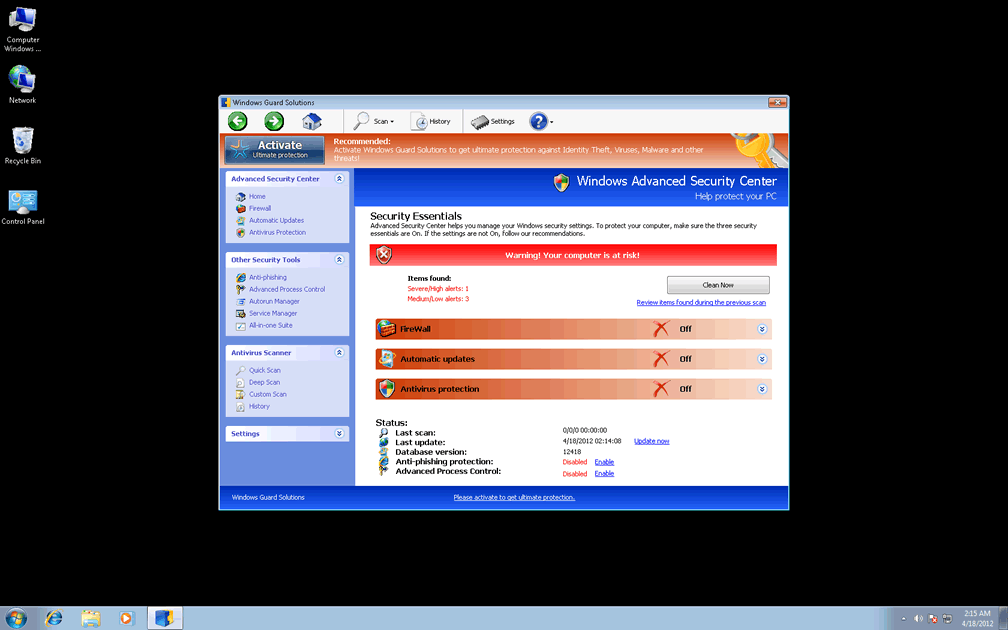
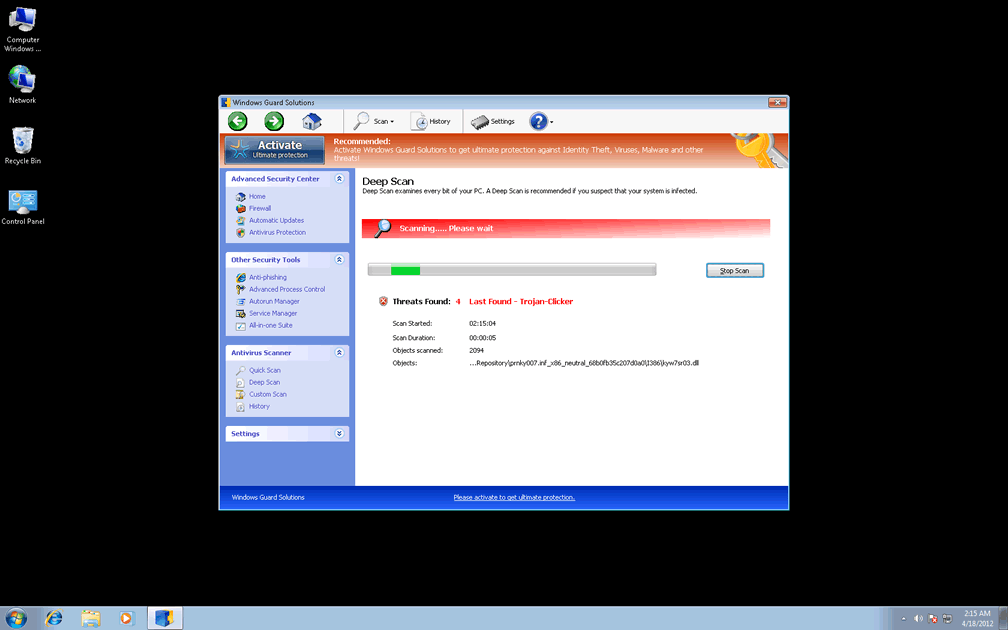
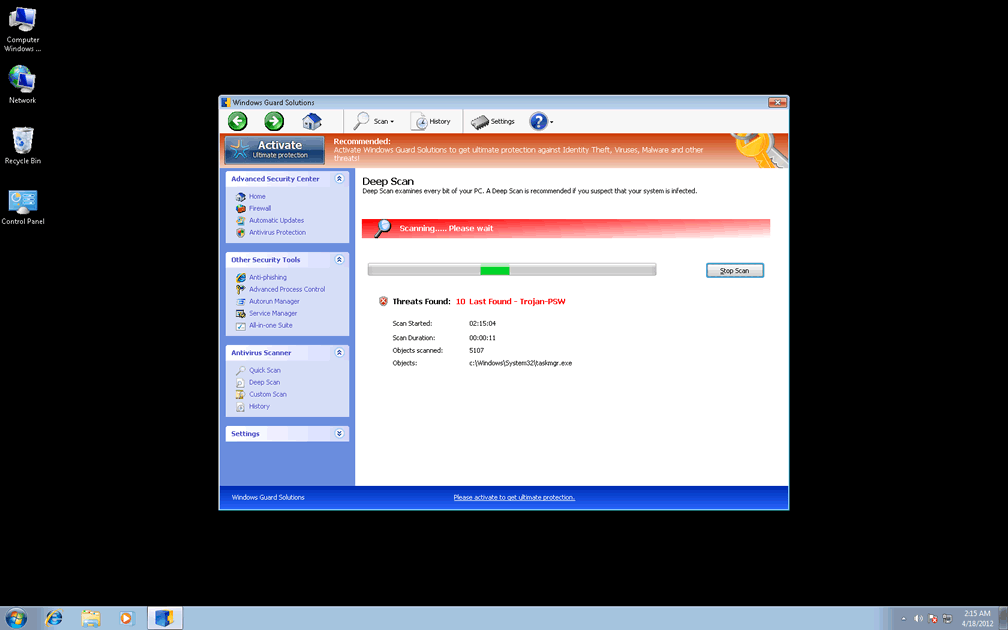
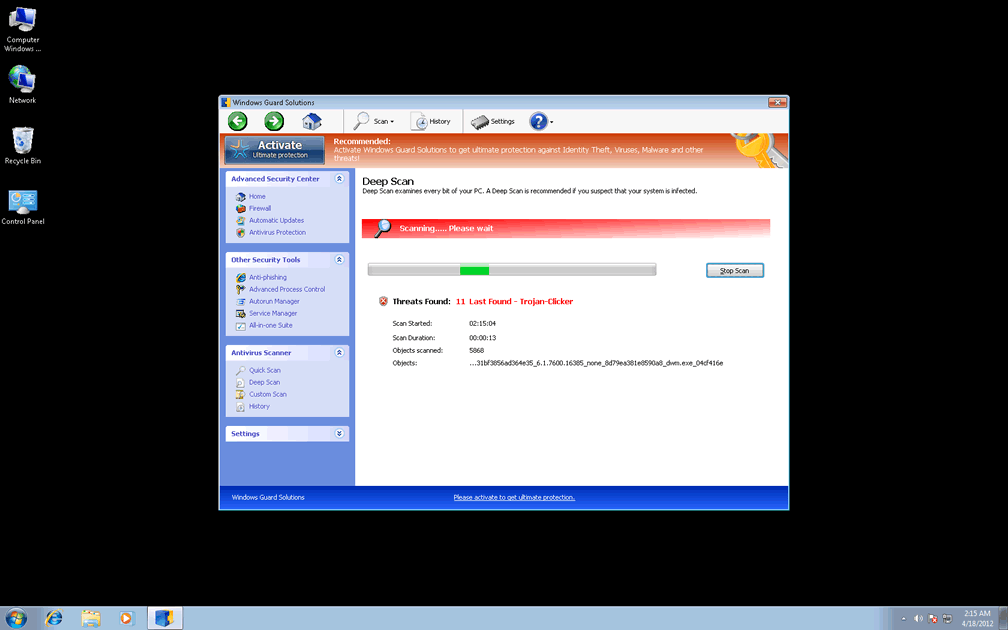
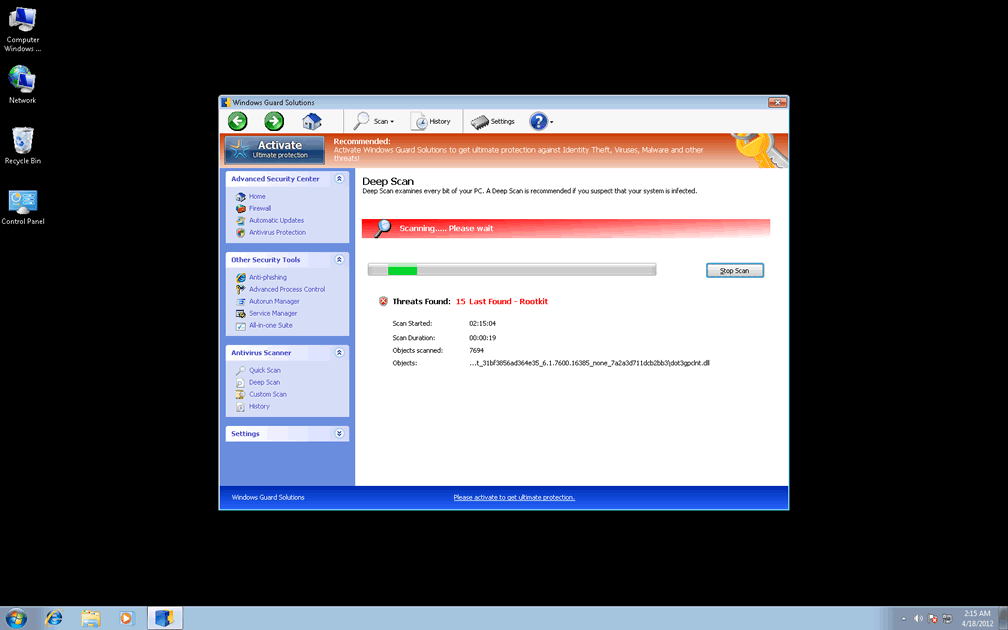
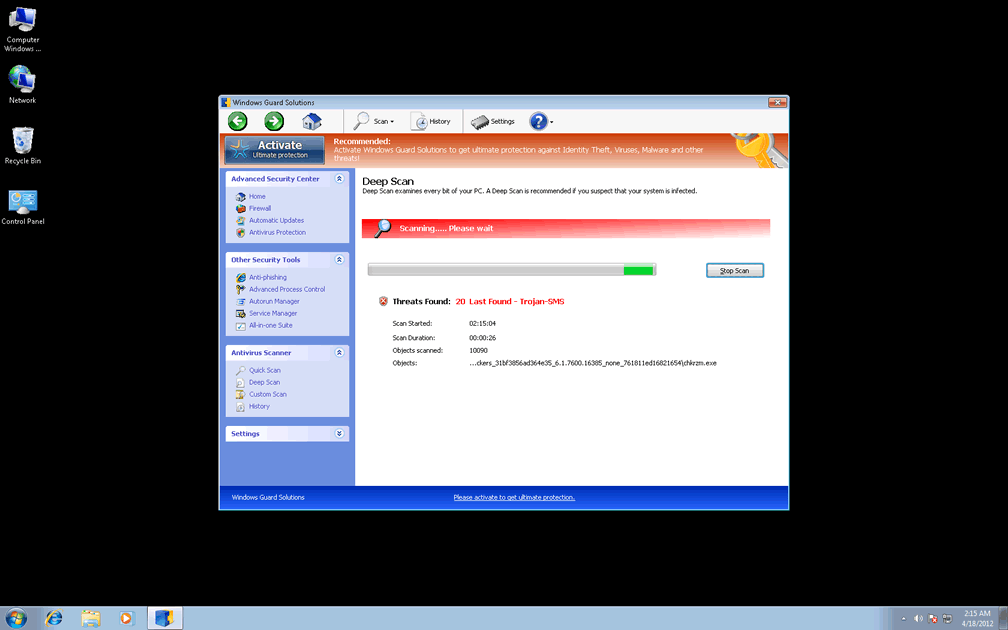
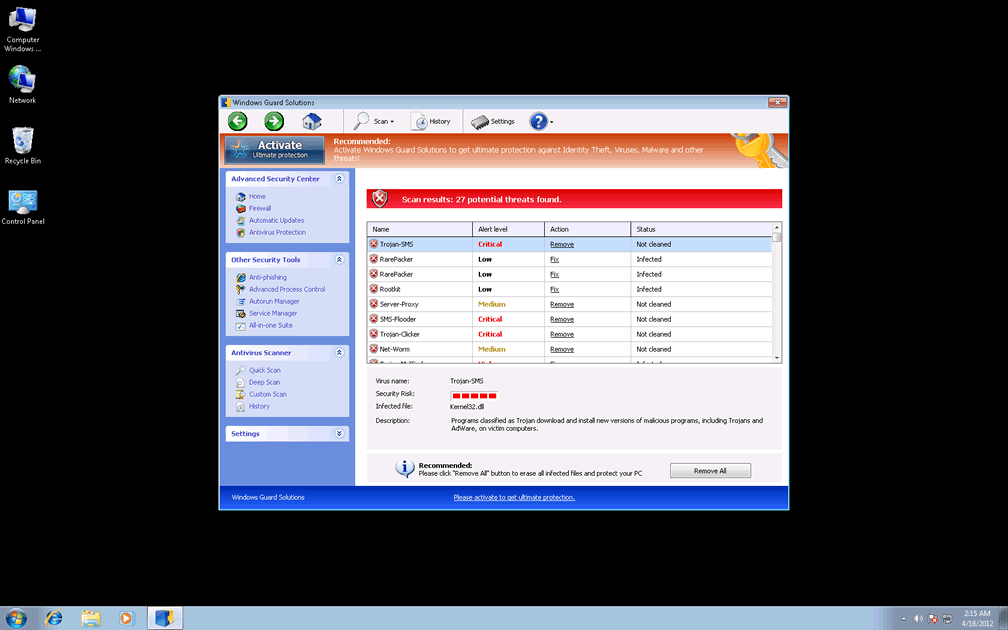
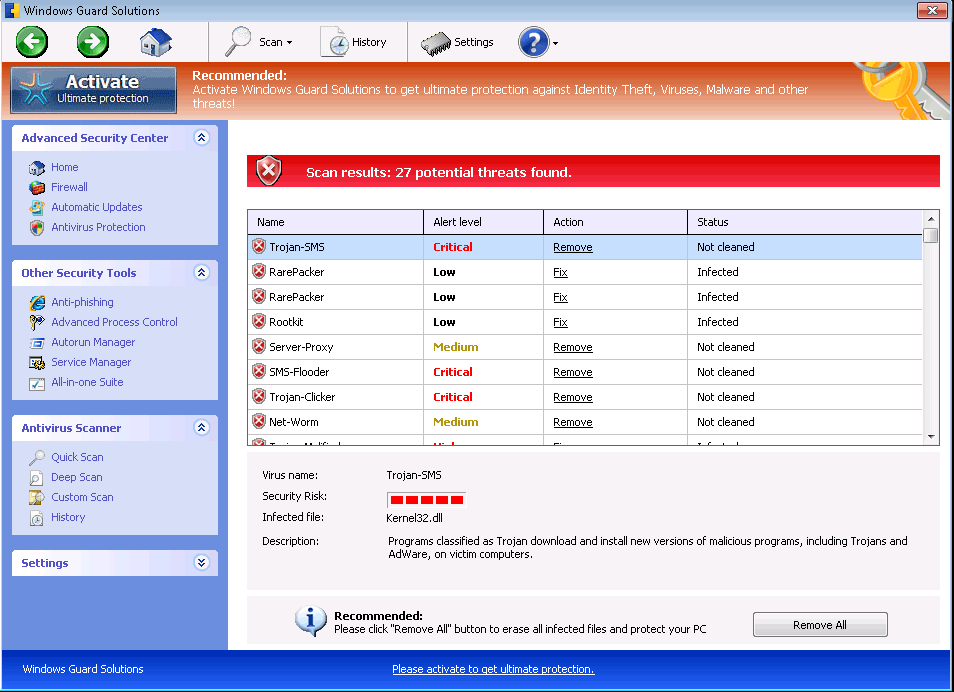 What Windows Guard Solutions lacks in originality as a rogue anti-virus program, Windows Guard Solutions makes up for in the potency of its attacks, which include a security-ravaging combination of browser hijacks, blocked program access, fake pop-up alerts and various disabled Windows features. Although Windows Guard Solutions looks like an anti-virus scanner with an exceptional range of features, Windows Guard Solutions's real functions can only reduce your computer's safety, and SpywareRemove.com malware researchers suggest deleting Windows Guard Solutions, like all members of the FakeVimes family, as soon as possible and with an able anti-malware product. Windows Guard Solutions's methods of displaying fake system information are particularly of note, since Windows Guard Solutions will do its best to try to convince you that various PC threats and live attacks are targeting your computer, although not a single one of the threats that Windows Guard Solutions detects is, in fact, real.
Windows Guard Solutions: a Guard That Breaks In to Riffle Through Your Coffers
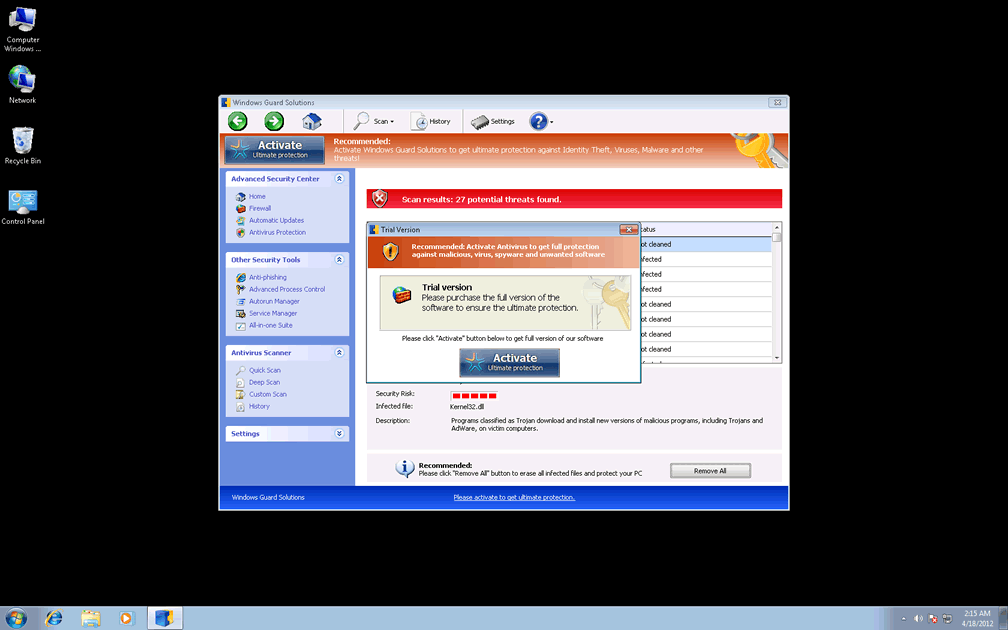
System scans, live pop-up warnings, a memory processes monitor and even protection against phishing attacks are all parts of Windows Guard Solutions's cache of faux security functions, but these features are only functional as far as it's necessary for them to convince you to spend money on Windows Guard Solutions. Like other types of scamware from Win32/FakeVimes, Windows Guard Solutions can only provide fake security information about attacks and PC threats that aren't based on reality. FakeVimes-based PC threats include Privacy Guard Pro, Extra Antivirus, Fast Antivirus 2009, Presto TuneUp, Windows Security Suite, Smart Virus Eliminator, Packed.Generic.245, Volcano Security Suite, Windows Enterprise Suite, Enterprise Suite, Additional Guard, Live PC Care, PC Live Guard, Live Enterprise Suite, Security Antivirus, My Security Wall, CleanUp Antivirus, Smart Security and PrivacyGuard Pro 2.0.
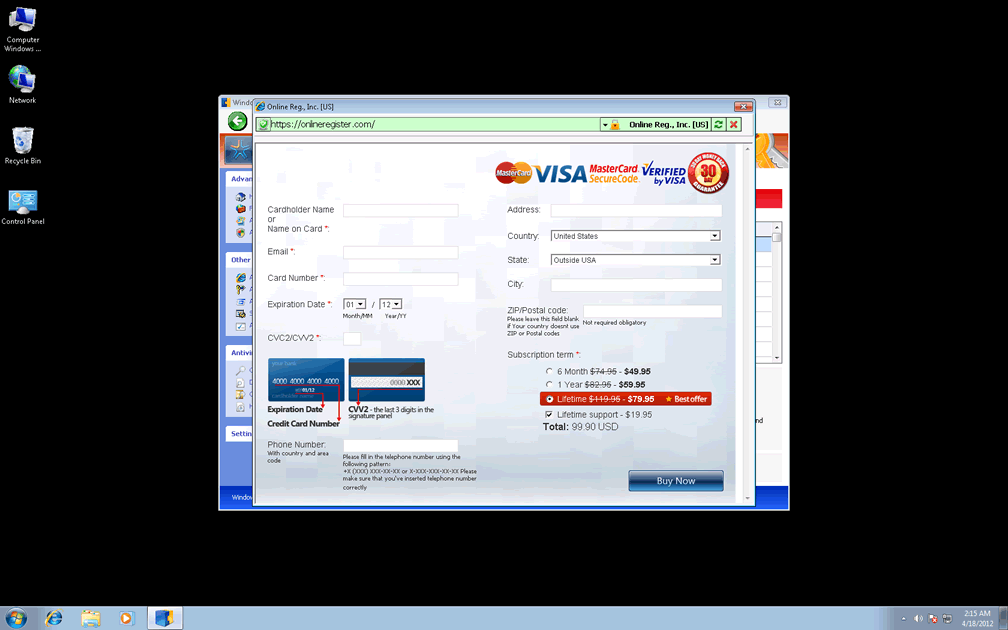
A simple Registry exploit allows Windows Guard Solutions to launch itself without your consent and display these pop-ups persistently in an effort to induce you to spend money on a Windows Guard Solutions registration key. While SpywareRemove.com malware analysts see no benefit in falling for Windows Guard Solutions's hoax, they do note that faking Windows Guard Solutions's registration by using the code '0W000-000B0-00T00-E0020' can help to make removing Windows Guard Solutions a little simpler than otherwise. Safe Mode or other methods of disabling Windows Guard Solutions are also encouraged to insure that your anti-malware programs can remove all of Windows Guard Solutions's components with a bare minimum of fuss.
Cleaning Up the Rest of Windows Guard Solutions's Mess
The attacks noted above, along with fake system scans and other means of display fraudulent security information, can be considered Windows Guard Solutions's definitive attacks, but aren't necessarily its most dangerous ones. Problems that are often associated with Windows Guard Solutions are noted as follows:
- Search engine hijacks that redirect you to fraudulent or spam-oriented search engine websites. Similar browser redirect attacks may also try to prevent you from accessing safe websites, including competing search engines or PC security domains. Windows Guard Solutions may also redirect you to its own website if you attempt to use some of its 'advanced' fake features.
- Windows Guard Solutions will also try to block various PC security applications and some types of rogue anti-virus programs, with its most prominent target being Microsoft's own Task Manager. However, removing all components of Windows Guard Solutions, with an emphasis on its Registry changes, will allow you to use this software as usual.
- Windows Guard Solutions can also disable several types of security features that are baseline for Windows, allowing you to download files with invalid signatures without realizing it or preventing you from using the UAC.
- Lastly, SpywareRemove.com malware experts warn that Windows Guard Solutions may report its successful installation, along with some basic PC identity information, to a remote server. This information can be used for future attacks against your PC.
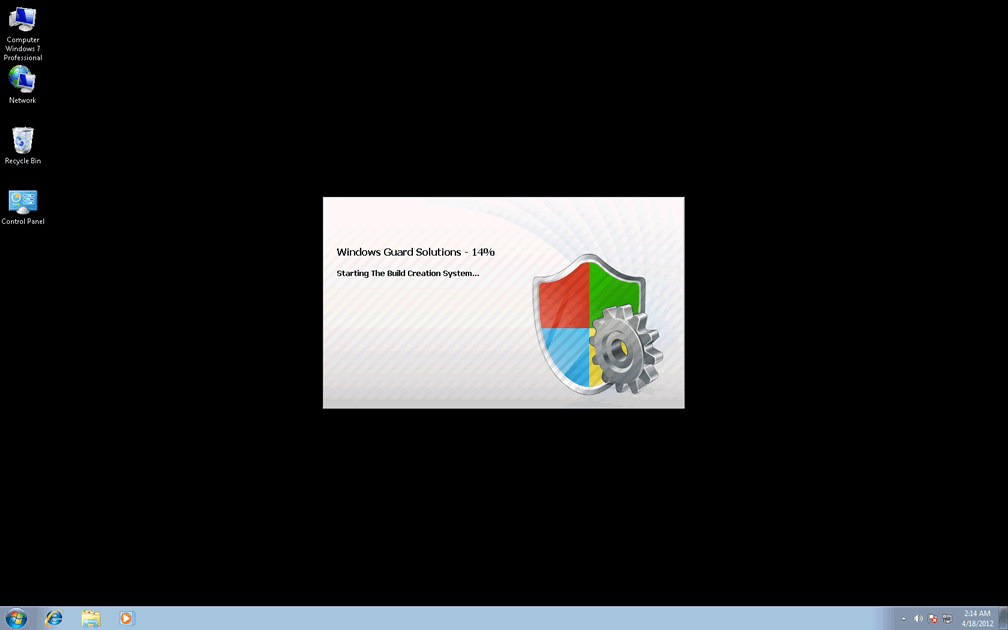
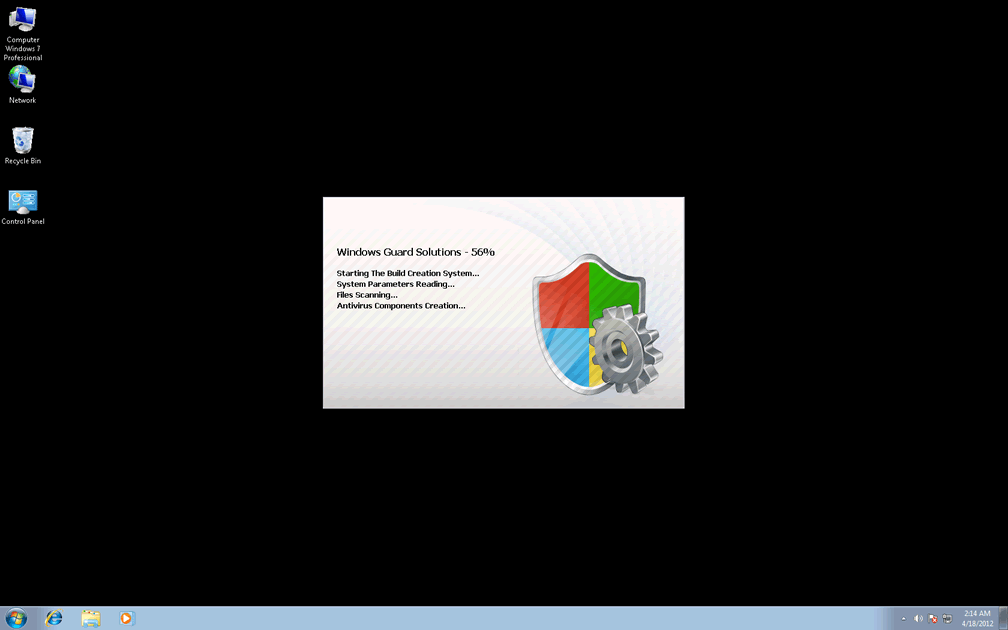
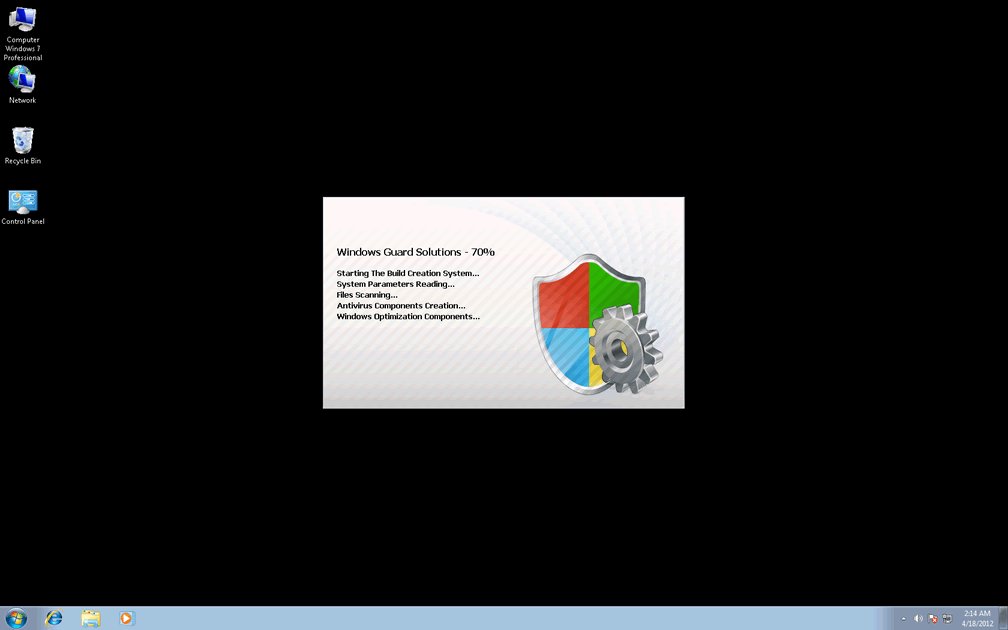
Technical Details
File System Modifications
Tutorials: If you wish to learn how to remove malware components manually, you can read the tutorials on how to find malware, kill unwanted processes, remove malicious DLLs and delete other harmful files. Always be sure to back up your PC before making any changes.
The following files were created in the system:C:\rogueware samples\WintionalityChecker samples\Windows Guard Solutions.exe
File name: Windows Guard Solutions.exeSize: 1.97 MB (1970688 bytes)
MD5: c94023f64598bd1873ff8c45d3862a53
Detection count: 61
File type: Executable File
Mime Type: unknown/exe
Path: C:\rogueware samples\WintionalityChecker samples\Windows Guard Solutions.exe
Group: Malware file
Last Updated: May 6, 2024
%APPDATA%\Protector-pvou.exe
File name: Protector-pvou.exeSize: 1.93 MB (1936384 bytes)
MD5: 633a03bba169e23d68a56f79ec20c24c
Detection count: 51
File type: Executable File
Mime Type: unknown/exe
Path: %APPDATA%
Group: Malware file
Last Updated: April 18, 2012
%AppData%\npswf32.dll
File name: %AppData%\npswf32.dllFile type: Dynamic link library
Mime Type: unknown/dll
Group: Malware file
%AppData%\Inspector-[RANDOM CHARACTERS].exe
File name: %AppData%\Inspector-[RANDOM CHARACTERS].exeFile type: Executable File
Mime Type: unknown/exe
Group: Malware file
%CommonPrograms%\Windows Guard Solutions.lnk
File name: %CommonPrograms%\Windows Guard Solutions.lnkFile type: Shortcut
Mime Type: unknown/lnk
Group: Malware file
%DesktopDir%\Windows Guard Solutions.lnk
File name: %DesktopDir%\Windows Guard Solutions.lnkFile type: Shortcut
Mime Type: unknown/lnk
Group: Malware file
Registry Modifications
HKEY..\..\..\..{Subkeys}HKEY_CURRENT_USER\Software\Microsoft\Windows\CurrentVersion\Run "Inspector"
Additional Information
| # | Message |
|---|---|
| 1 | Error
Attempt to modify Registry key entries detected. Registry entry analysis recommended. |
| 2 | Warning
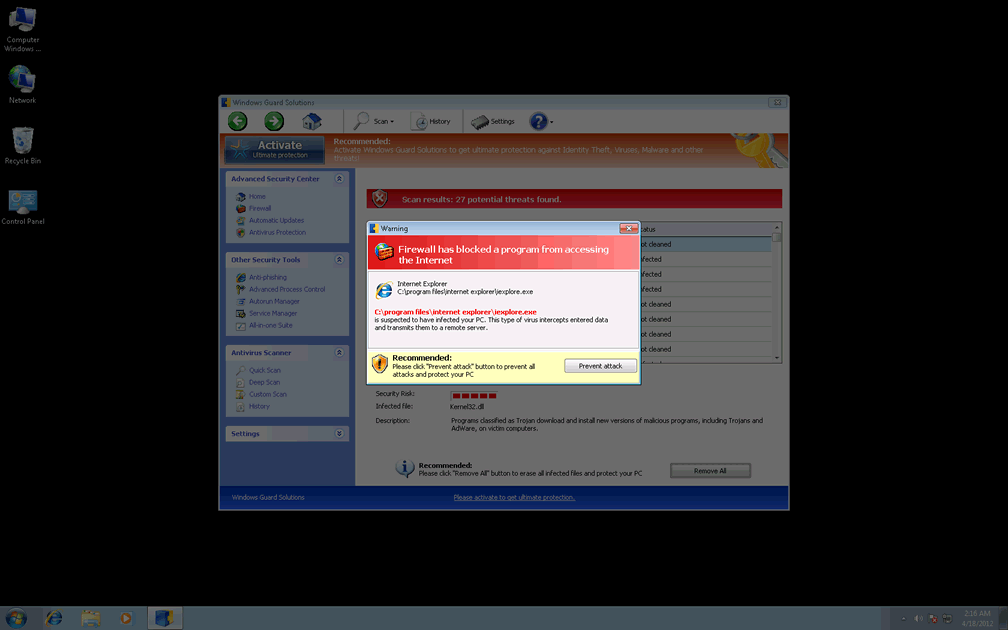
Firewall has blocked a program from accessing the Internet C:\program files\internet explorer\iexplore.exe is suspected to have infected your PC. This type of virus intercepts entered data and transmits them to a remote server. |
| 3 | Warning! Spambot detected!
Attention! A spambot sending viruses from your e-mail has been detected on your PC. |
Leave a Reply
Please note that we are not able to assist with billing and support issues regarding SpyHunter or other products. If you're having issues with SpyHunter, please get in touch with SpyHunter customer support through your SpyHunter . If you have SpyHunter billing questions, we recommend you check the Billing FAQ. For general suggestions or feedback, contact us.