Windows Optimization Center
Posted: December 22, 2010
Threat Metric
The following fields listed on the Threat Meter containing a specific value, are explained in detail below:
Threat Level: The threat level scale goes from 1 to 10 where 10 is the highest level of severity and 1 is the lowest level of severity. Each specific level is relative to the threat's consistent assessed behaviors collected from SpyHunter's risk assessment model.
Detection Count: The collective number of confirmed and suspected cases of a particular malware threat. The detection count is calculated from infected PCs retrieved from diagnostic and scan log reports generated by SpyHunter.
Volume Count: Similar to the detection count, the Volume Count is specifically based on the number of confirmed and suspected threats infecting systems on a daily basis. High volume counts usually represent a popular threat but may or may not have infected a large number of systems. High detection count threats could lay dormant and have a low volume count. Criteria for Volume Count is relative to a daily detection count.
Trend Path: The Trend Path, utilizing an up arrow, down arrow or equal symbol, represents the level of recent movement of a particular threat. Up arrows represent an increase, down arrows represent a decline and the equal symbol represent no change to a threat's recent movement.
% Impact (Last 7 Days): This demonstrates a 7-day period change in the frequency of a malware threat infecting PCs. The percentage impact correlates directly to the current Trend Path to determine a rise or decline in the percentage.
| Threat Level: | 10/10 |
|---|---|
| Infected PCs: | 1,164 |
| First Seen: | December 27, 2010 |
|---|---|
| Last Seen: | July 4, 2023 |
| OS(es) Affected: | Windows |
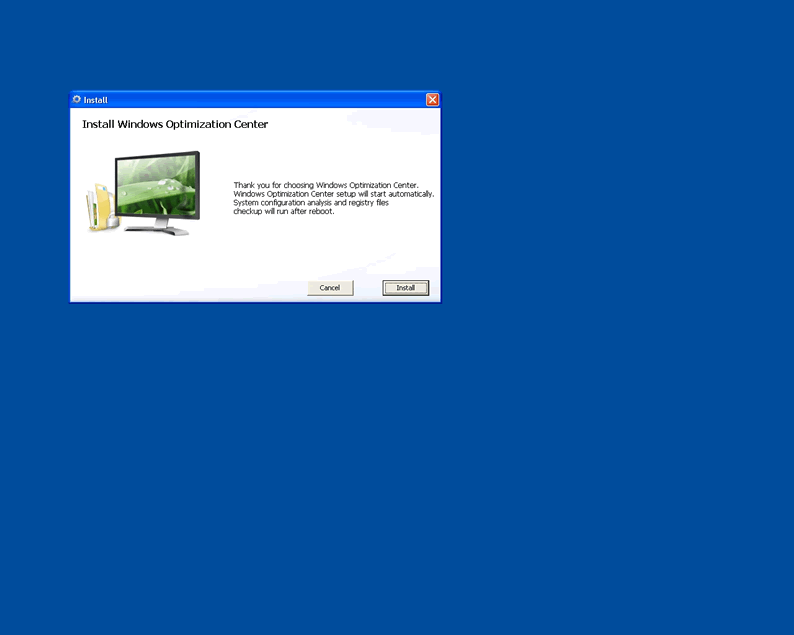
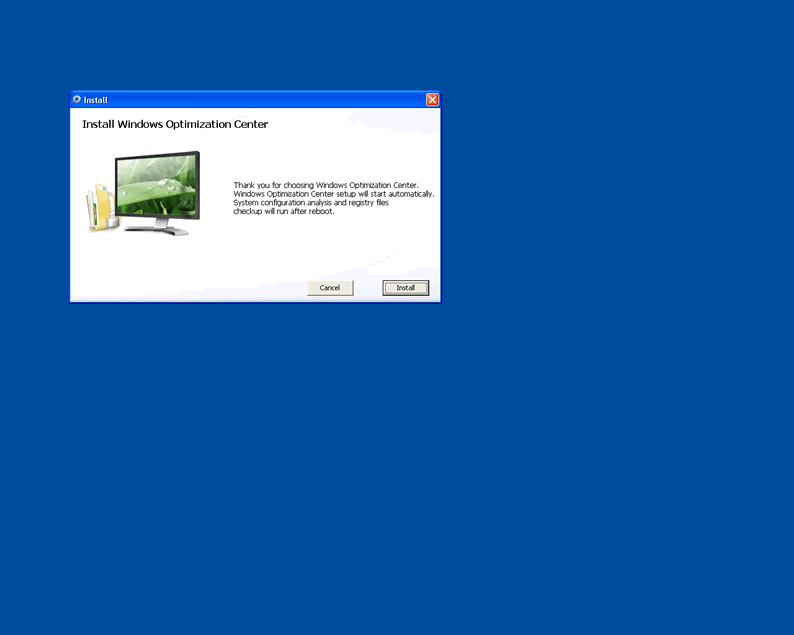
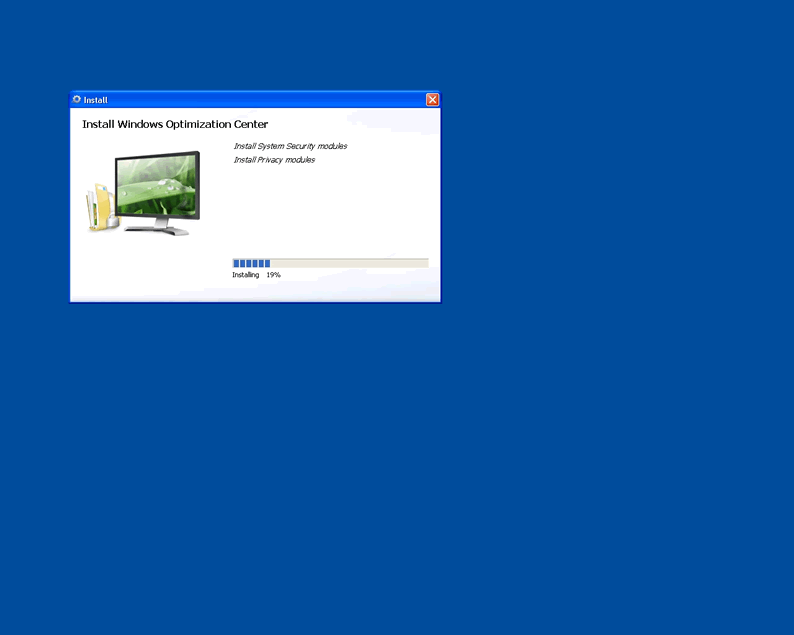
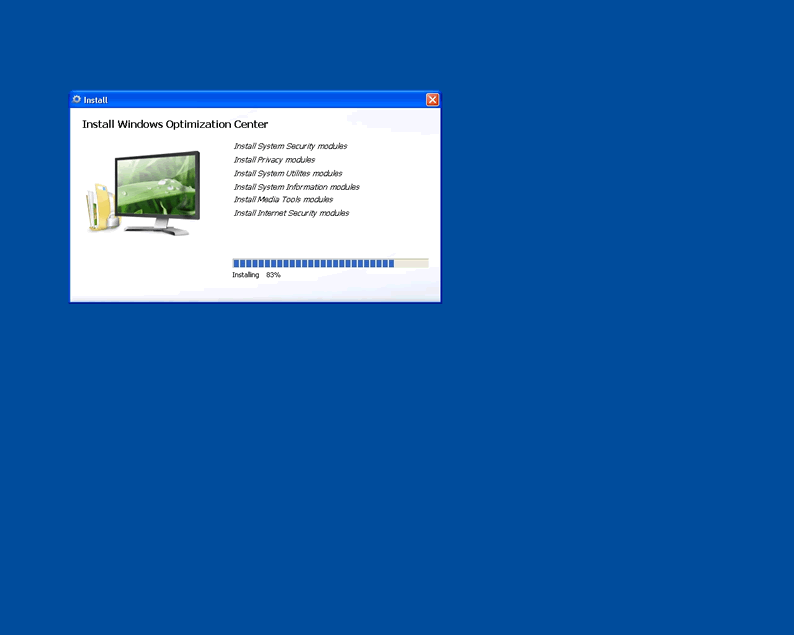
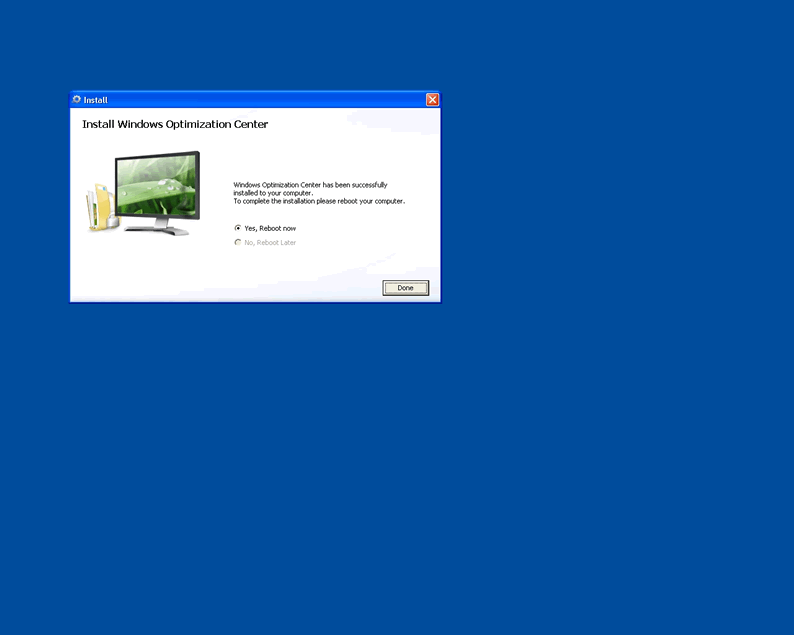
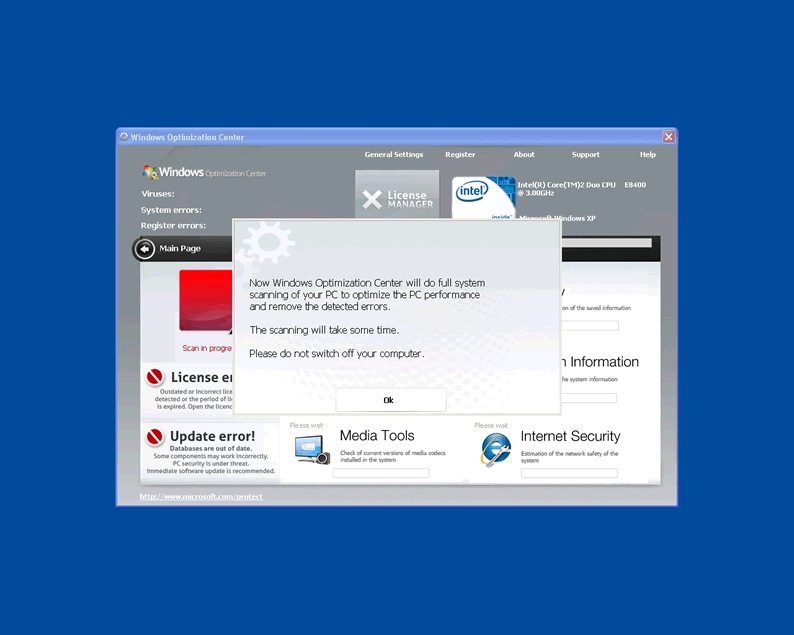
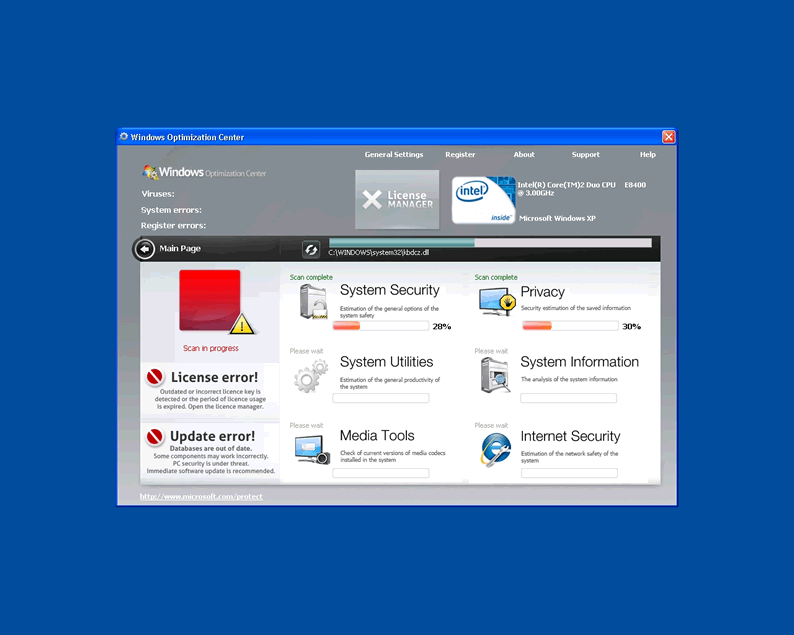
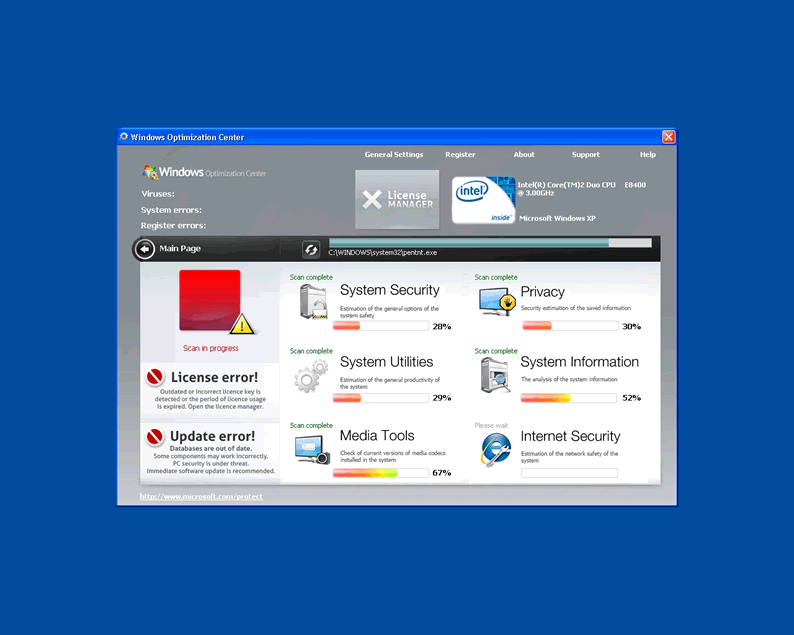
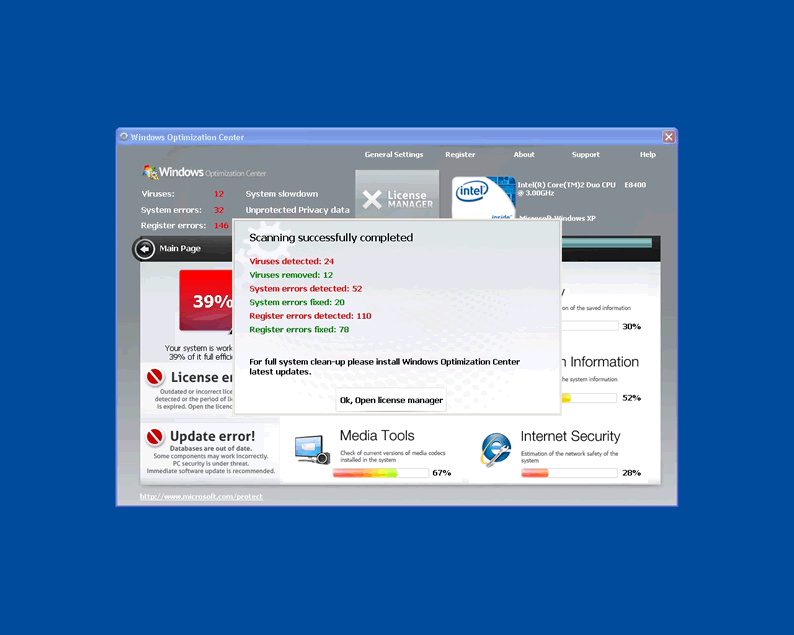
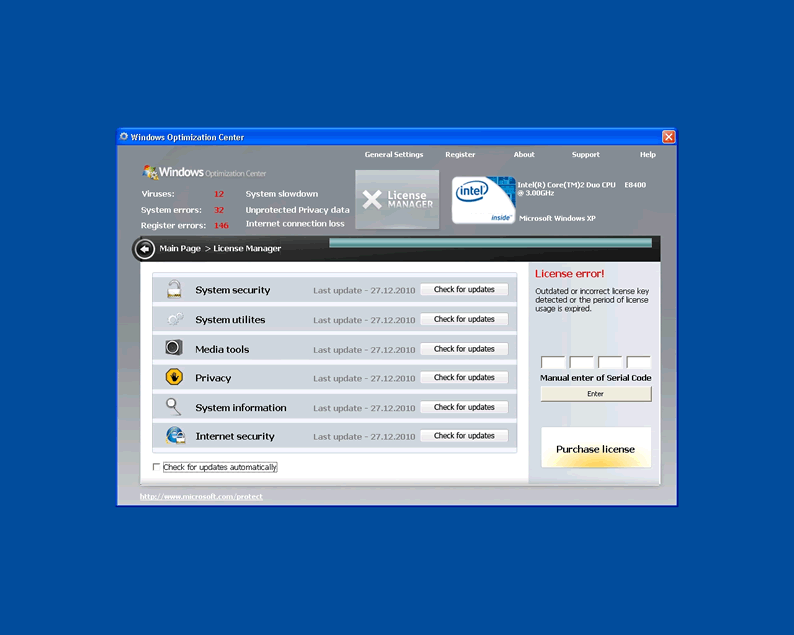
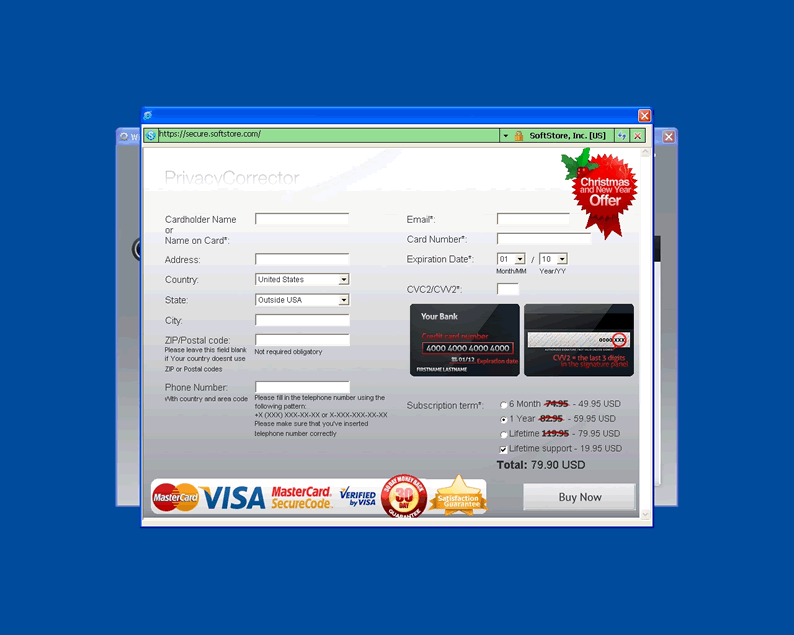
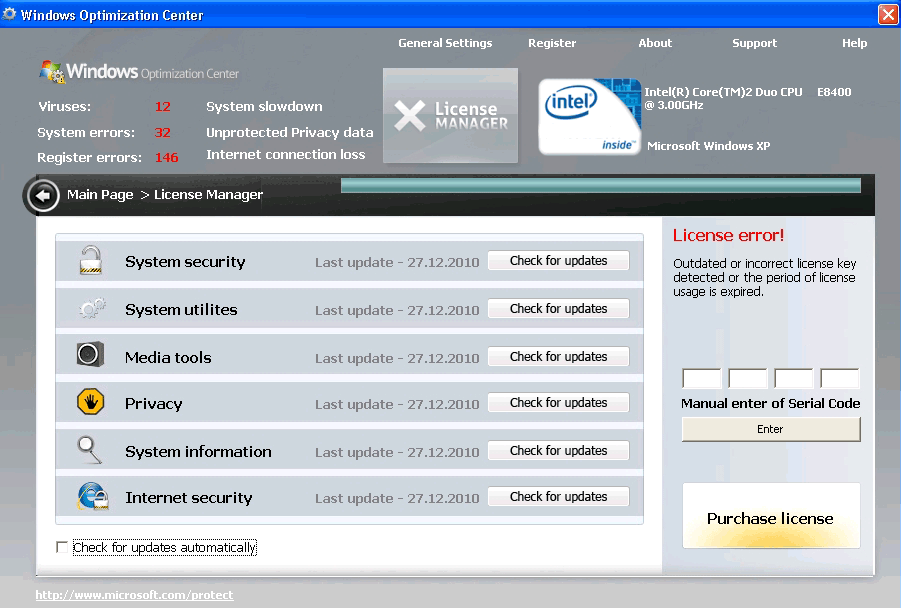 Windows Optimization Center is a rogue computer security program which uses clever actions to entice unwary computer users to purchase of a full version of Windows Optimization Center. Windows Optimization Center is nothing more than another fake optimization tool currently circulating over the internet. The rogue program is somewhat similar to other fake optimization programs such as Disk Repair.
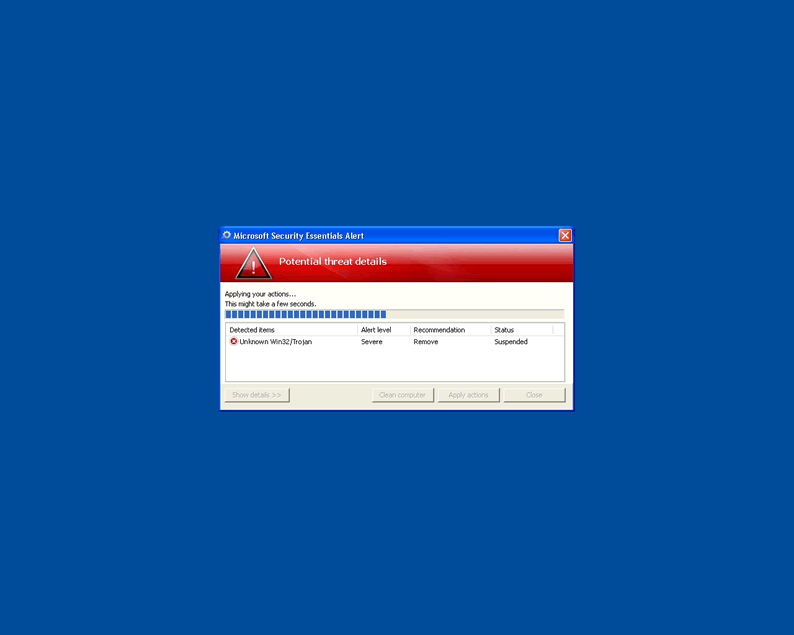
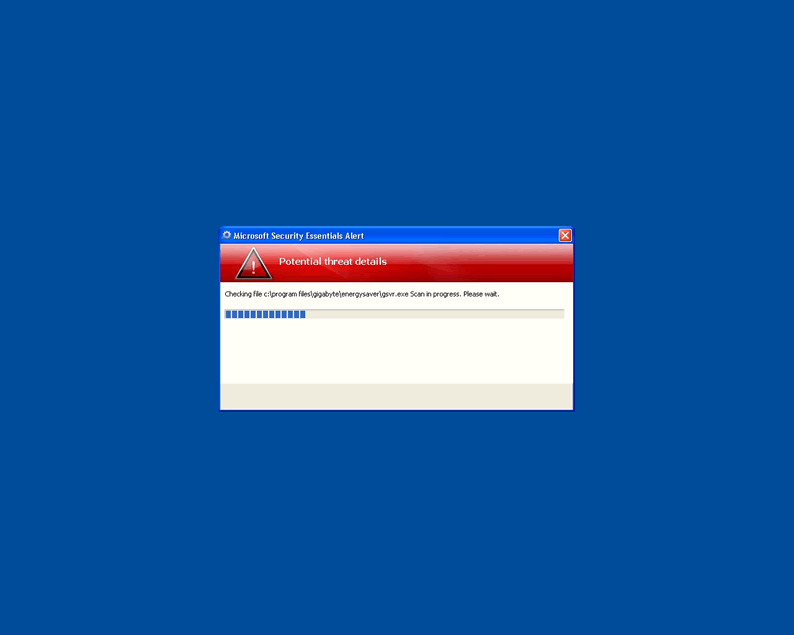
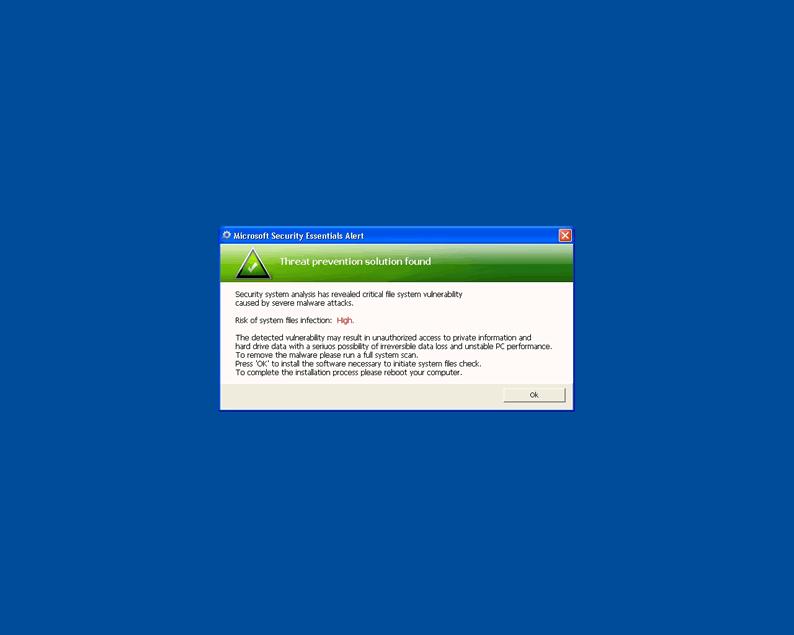
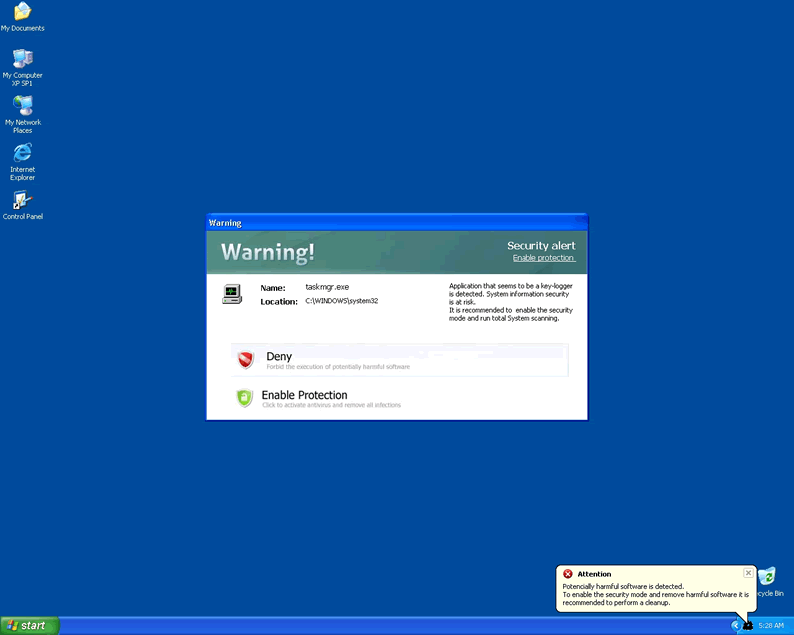
Windows Optimization Center is created and marketed by cybercrooks with the intent of extorting money from computer users who succumb to Windows Optimization Center's clever antics. When Windows Optimization Center is installed it displays annoying false alert messages attempting to warn you of hard disk errors and even offer Windows Optimization Center as a solution to those issues.
The big catch is that Windows Optimization Center is not able to fix those issues even if you were to purchase the full version of the corrupt program. Windows Optimization Center should be avoided at all costs and it is suggested that you use a spyware removal tool to delete this rogue at once. The longer that Windows Optimization Center is installed on your computer, the higher the risk of damaging the compromised computer.
Aliases
More aliases (149)
Technical Details
File System Modifications
Tutorials: If you wish to learn how to remove malware components manually, you can read the tutorials on how to find malware, kill unwanted processes, remove malicious DLLs and delete other harmful files. Always be sure to back up your PC before making any changes.
The following files were created in the system:%APPDATA%\aswwwo3jri31rnv21uvjarfqt1gowec2\csrss.exe
File name: csrss.exeSize: 61.45 KB (61450 bytes)
MD5: c475c3929d404516b370b6efde9cbc03
Detection count: 70
File type: Executable File
Mime Type: unknown/exe
Path: %APPDATA%\aswwwo3jri31rnv21uvjarfqt1gowec2
Group: Malware file
Last Updated: December 28, 2010
%WINDIR%\system32\arking.exe
File name: arking.exeSize: 185.85 KB (185856 bytes)
MD5: b4f0fb5efa1bfb836ae5828a9ed7ecb8
Detection count: 35
File type: Executable File
Mime Type: unknown/exe
Path: %WINDIR%\system32
Group: Malware file
Last Updated: December 28, 2010
%PROGRAMFILES%\T_Soft\SkyLogger\sklgr.exe
File name: sklgr.exeSize: 416.25 KB (416256 bytes)
MD5: 9268d071a36d53fcb5401c54fe84a273
Detection count: 32
File type: Executable File
Mime Type: unknown/exe
Path: %PROGRAMFILES%\T_Soft\SkyLogger
Group: Malware file
Last Updated: December 28, 2010
%TEMP%\verclsidb.exe
File name: verclsidb.exeSize: 61.47 KB (61477 bytes)
MD5: 27b3974efee16fa10a03d429e98785e1
Detection count: 16
File type: Executable File
Mime Type: unknown/exe
Path: %TEMP%
Group: Malware file
Last Updated: January 2, 2011
%ALLUSERSPROFILE%\application data\Owner\UpdateLogon.dll
File name: UpdateLogon.dllSize: 346.62 KB (346624 bytes)
MD5: d4bc9380e5c70535b5b4c0615ef34512
Detection count: 14
File type: Dynamic link library
Mime Type: unknown/dll
Path: %ALLUSERSPROFILE%\application data\Owner
Group: Malware file
Last Updated: December 28, 2010
%WINDIR%\system32\config\systemprofile\Local Settings\Application Data\Windows Internet Name Service\wins.exe
File name: wins.exeSize: 4.6 MB (4604928 bytes)
MD5: f9db72e52d09cfc9e6acef1f1f622db0
Detection count: 12
File type: Executable File
Mime Type: unknown/exe
Path: %WINDIR%\system32\config\systemprofile\Local Settings\Application Data\Windows Internet Name Service
Group: Malware file
Last Updated: December 28, 2010
somlzxp.exe
File name: somlzxp.exeSize: 55.8 KB (55808 bytes)
MD5: b614a08c4842cd9125013fa4c34e3f9d
Detection count: 10
File type: Executable File
Mime Type: unknown/exe
Group: Malware file
Last Updated: January 2, 2011
%APPDATA%\protect.exe
File name: protect.exeSize: 2.52 MB (2526720 bytes)
MD5: e43224f50dc95c380d3ec31d75ce3b76
Detection count: 7
File type: Executable File
Mime Type: unknown/exe
Path: %APPDATA%
Group: Malware file
Last Updated: December 28, 2010
%WINDIR%\TEMP\wnui\setup.exe
File name: setup.exeSize: 69.12 KB (69120 bytes)
MD5: 62a107e8418458d7cac5b84b1141da8b
Detection count: 7
File type: Executable File
Mime Type: unknown/exe
Path: %WINDIR%\TEMP\wnui
Group: Malware file
Last Updated: January 2, 2011
New, more malevalant verion out there. This one stops the computer's bootup process so most people would not be able to use their computers at all until they paid for the "full license". Windows explorer is not run so there is no normal desktop. The files have been renamed and/or hidden in some way so that most malware and spyware removal tools can not spot them. I also have looked a MSCONFIG to see why the Windows Optimization Center is always executed upon startup. Don't see anything unusual in any of the ini or startup programs.
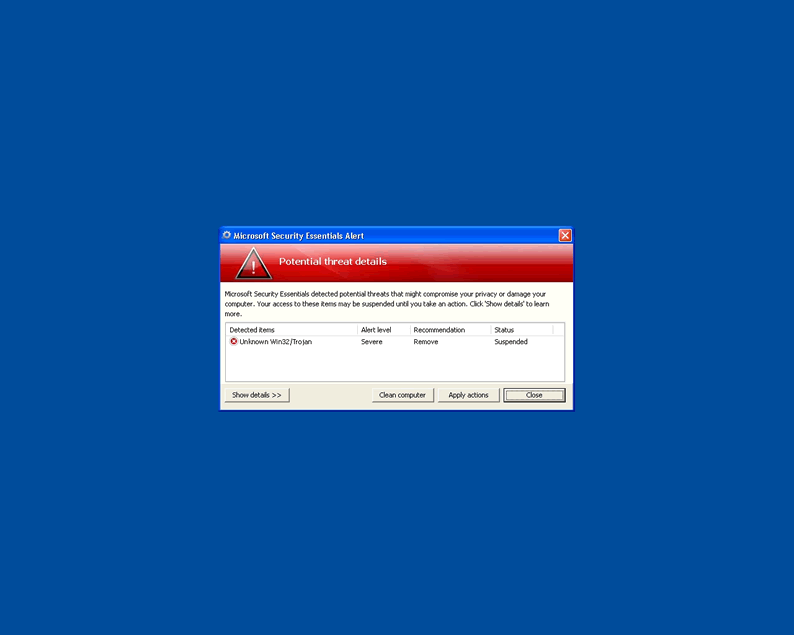
Just like Lloyd says they have renamed their process so that none of the malware anti-malware programs can find them to delelte them. Also they do not allow any programs to run for mor more than a few seconds berfore being stopped by Windows Optimization Center. I can\'t figure out how they can make money because you pay them with a credit card and after they remove Windows Optimization Center you can stop Visa from charging your card with a protest. Anyone have any good ideas to get rid of this problem. I had Microsoft essentials running on my computer at the time it was infected and it couldn\'t stop it.
Found it under C:\Documents and Settings\"imput username"\Application Data\Adobe\plug