Windows Personal Detective
Posted: March 6, 2012
Threat Metric
The following fields listed on the Threat Meter containing a specific value, are explained in detail below:
Threat Level: The threat level scale goes from 1 to 10 where 10 is the highest level of severity and 1 is the lowest level of severity. Each specific level is relative to the threat's consistent assessed behaviors collected from SpyHunter's risk assessment model.
Detection Count: The collective number of confirmed and suspected cases of a particular malware threat. The detection count is calculated from infected PCs retrieved from diagnostic and scan log reports generated by SpyHunter.
Volume Count: Similar to the detection count, the Volume Count is specifically based on the number of confirmed and suspected threats infecting systems on a daily basis. High volume counts usually represent a popular threat but may or may not have infected a large number of systems. High detection count threats could lay dormant and have a low volume count. Criteria for Volume Count is relative to a daily detection count.
Trend Path: The Trend Path, utilizing an up arrow, down arrow or equal symbol, represents the level of recent movement of a particular threat. Up arrows represent an increase, down arrows represent a decline and the equal symbol represent no change to a threat's recent movement.
% Impact (Last 7 Days): This demonstrates a 7-day period change in the frequency of a malware threat infecting PCs. The percentage impact correlates directly to the current Trend Path to determine a rise or decline in the percentage.
| Threat Level: | 10/10 |
|---|---|
| Infected PCs: | 22 |
| First Seen: | March 6, 2012 |
|---|---|
| OS(es) Affected: | Windows |
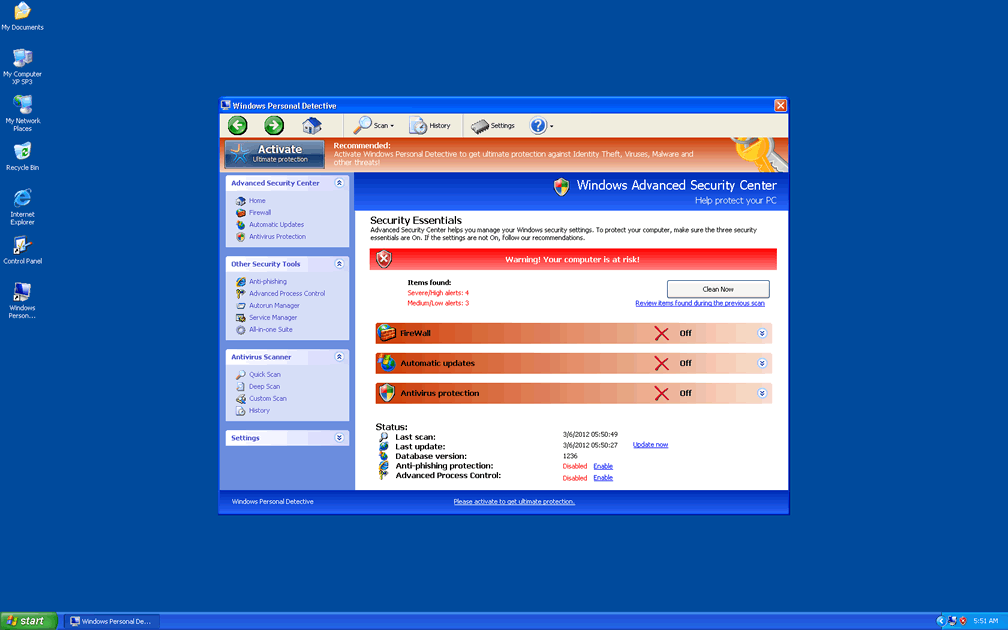
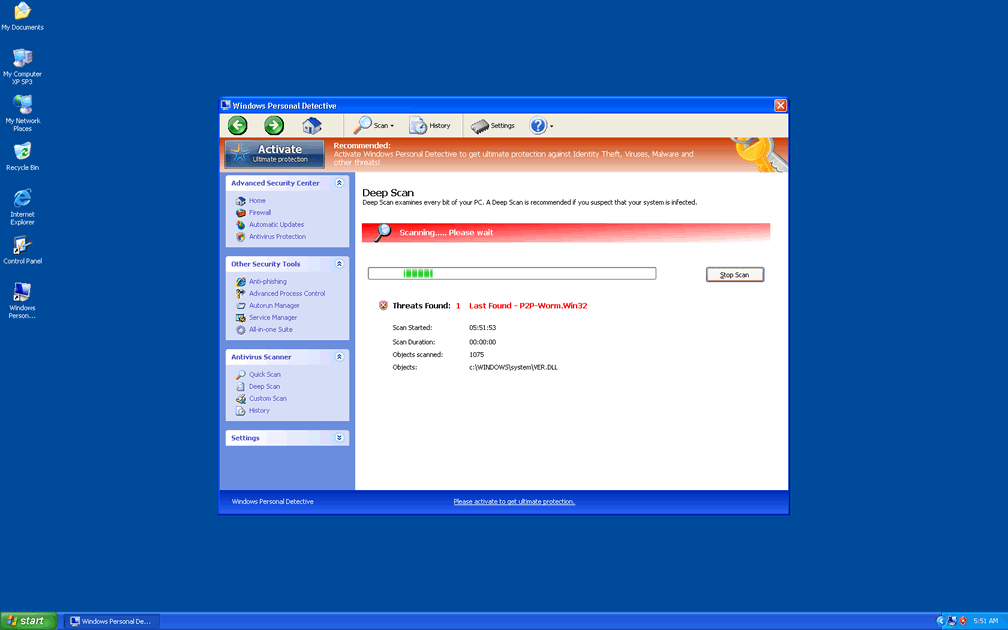
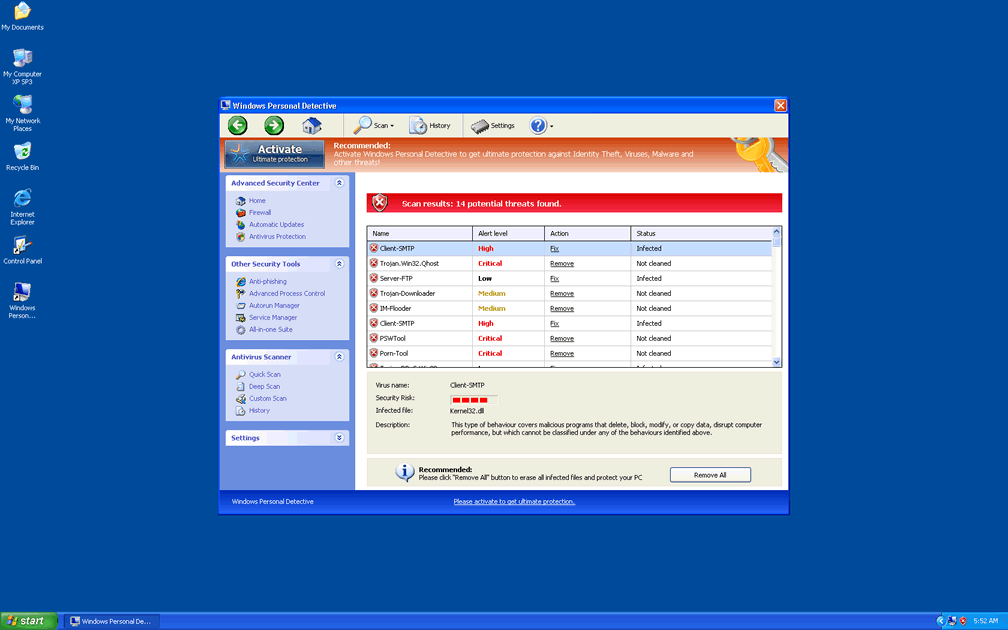
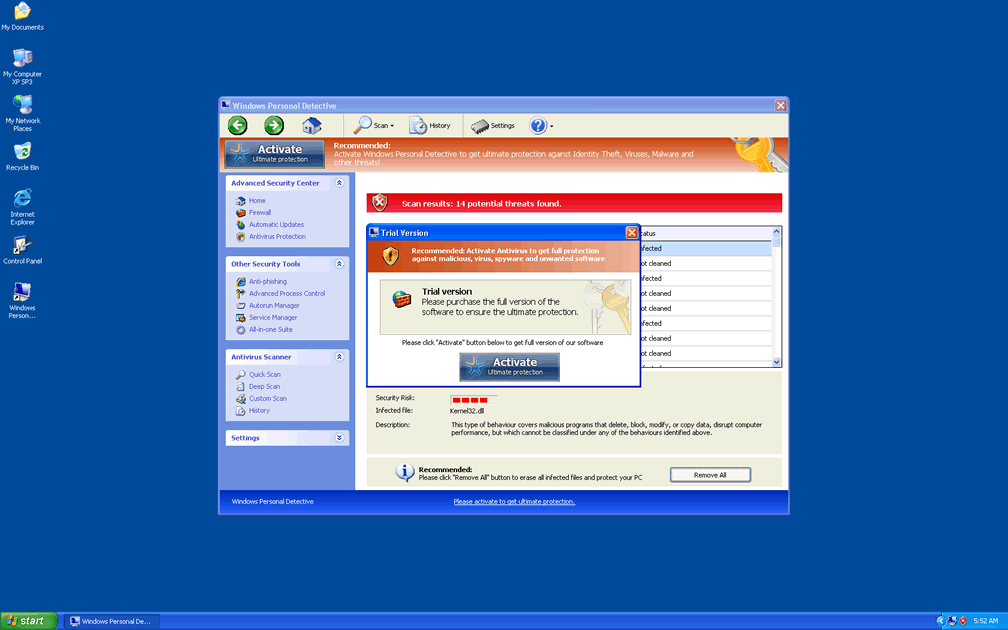
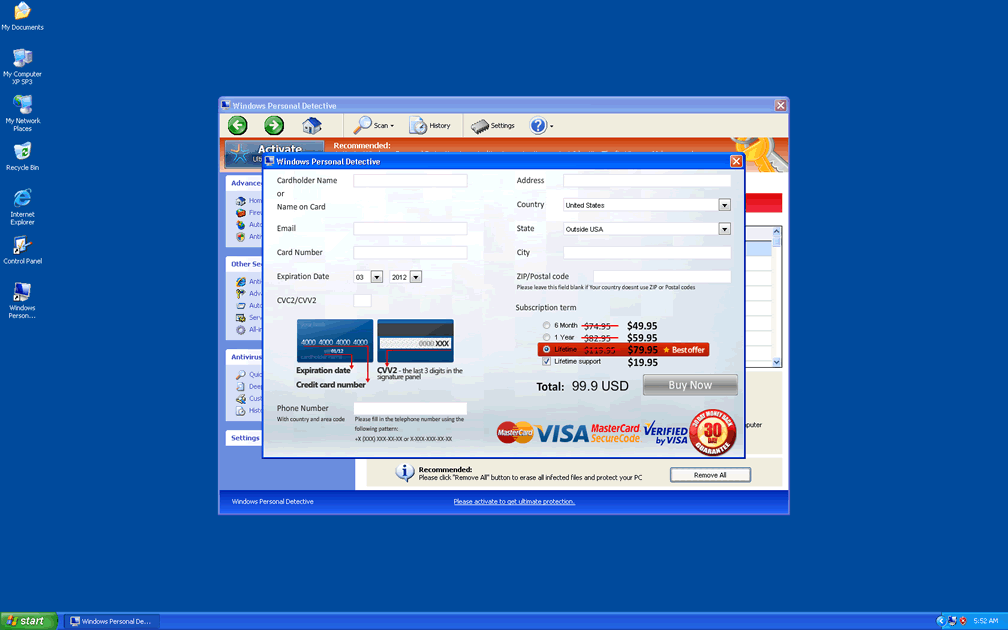
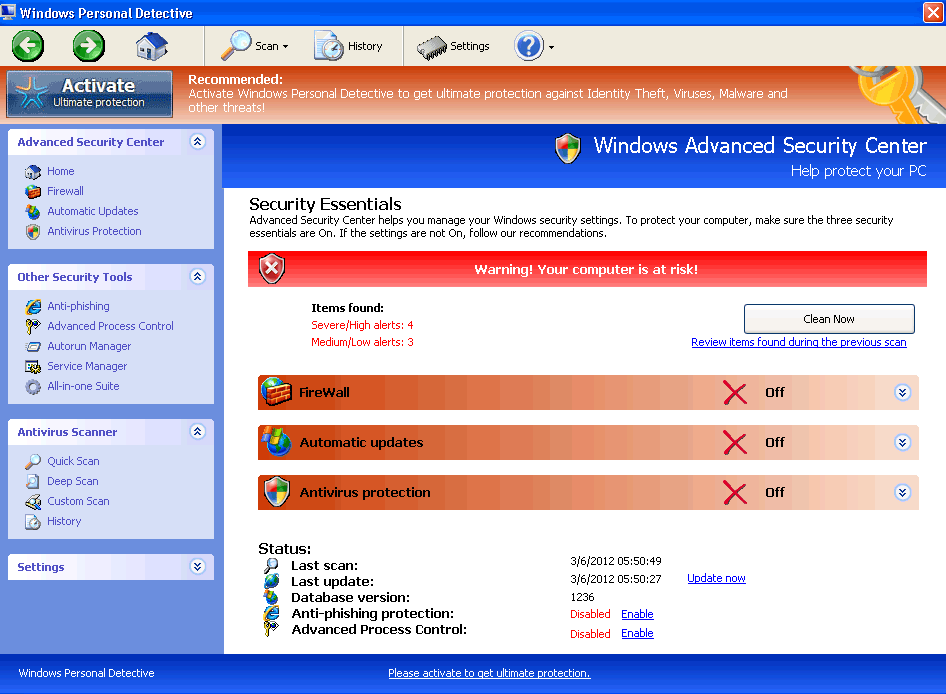 Windows Personal Detective hides behind an original name that's indicative of anti-spyware features, but Windows Personal Detective's actual functions are copied wholesale from equally fake brands of anti-malware scanners that are classified under the VirusDoctor umbrella. Instead of granting extra control over memory processes, virus detection, anti-phishing security and other safety functions, Windows Personal Detective will use all of these supposed features as excuses to display inaccurate and misleading data about your PC, with fake infection alerts taking the center stage in its scam. SpywareRemove.com malware experts suggest that you avoid buying Windows Personal Detective as Windows Personal Detective so urges you to do, and, instead, save your money by deleting Windows Personal Detective with your preference of genuine anti-malware software.
Sleuthing Out the Dark Past Behind Windows Personal Detective's Friendly Exterior
Windows Personal Detective looks very close to an actual anti-malware scanner and security tool – but this is for the simple reason that many of its aesthetics choices have been stolen from Windows itself, with its additions being borrowed from other members of the FakeVimes family. Equivalent types of fake anti-malware programs that share Windows Personal Detective's classification include Privacy Guard Pro, PrivacyGuard Pro 2.0, Extra Antivirus, Fast Antivirus 2009, Presto TuneUp, Windows Security Suite, Smart Virus Eliminator, Packed.Generic.245, Volcano Security Suite, Windows Enterprise Suite, Enterprise Suite, Additional Guard, Live PC Care, PC Live Guard, Live Enterprise Suite, Security Antivirus, My Security Wall, CleanUp Antivirus and Smart Security. These fraudulent anti-malware products are marketed by malicious websites and fake online scanners that seek to install them under false pretenses – such as implying that your PC is infected and requires Windows Personal Detective to be disinfected.
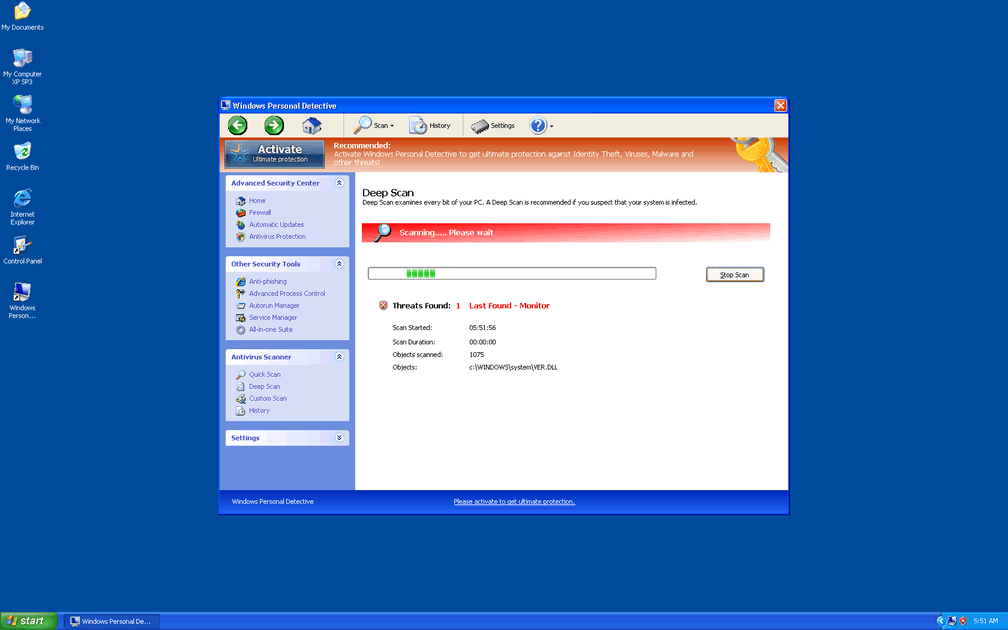
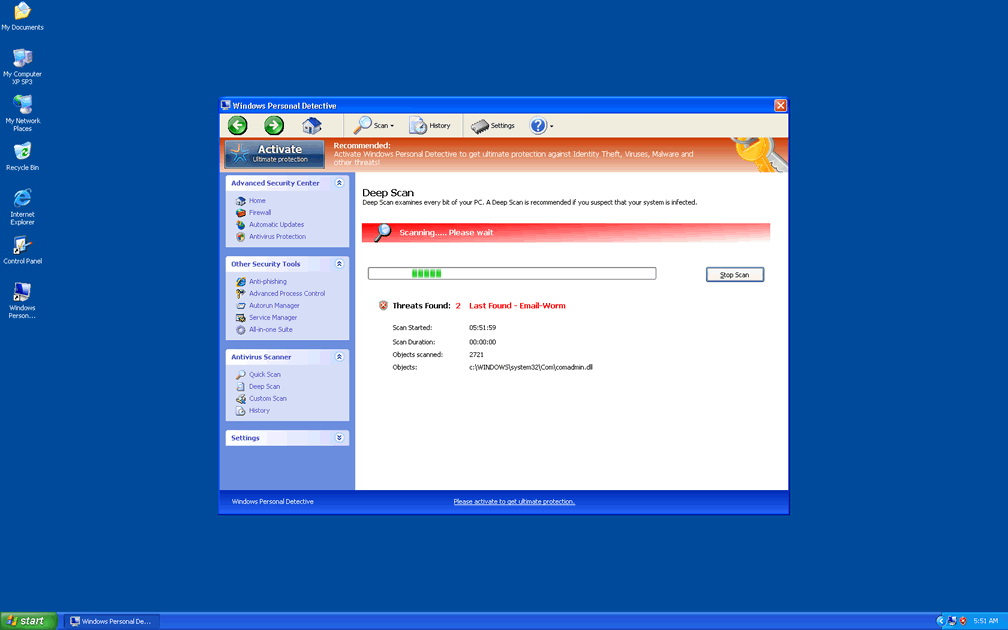
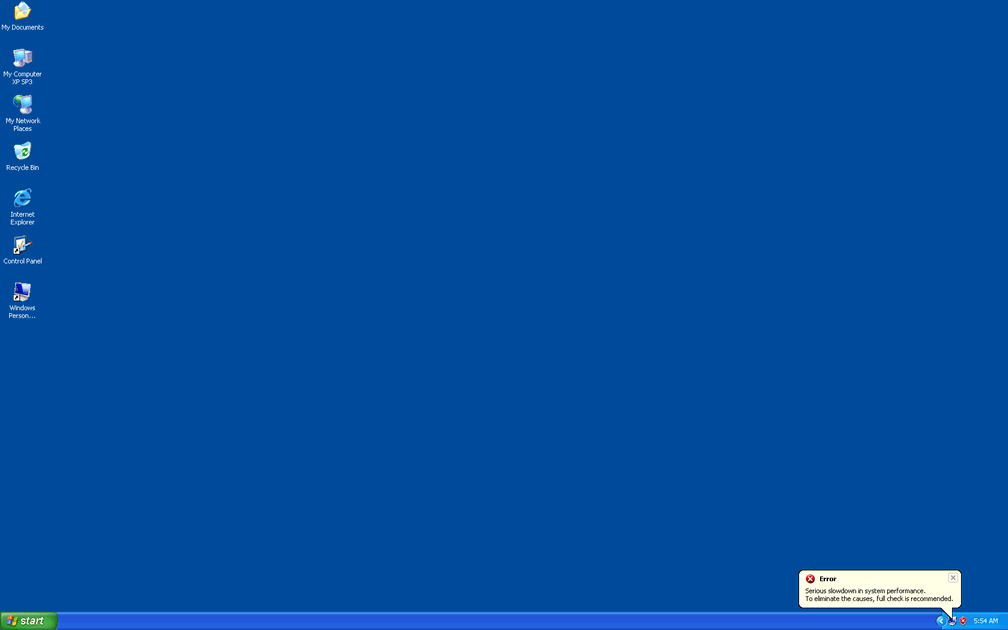
Windows Personal Detective will stay true to its word only in the sense that Windows Personal Detective will, indeed, create warning messages and scans of your PC, but alerts, threat detections and other messages from Windows Personal Detective can always be disregarded as false. In addition to Windows Personal Detective being unable to find real PC threats, SpywareRemove.com malware analysts note that Windows Personal Detective is also unable to remove them.
How Windows Personal Detective Exchanges Your Real PC Security for a Sham
Like most types of rogue anti-malware applications, Windows Personal Detective will start with Windows (although this can be skirted with, for example, a boot via Safe Mode), and SpywareRemove.com malware researchers warn you to be alert for other attacks while Windows Personal Detective is active, in addition to its standard types of fake security pop-ups. Other problems that will tag along with any Windows Personal Detective infection include:
- Web browser attacks that redirect your browser to Windows Personal Detective's home site or block websites that could help you remove Windows Personal Detective.
- Unrelated programs being blocked by Windows Personal Detective, usually with inaccurate alerts about said programs being damaged or infected. SpywareRemove.com malware experts note that these blockades don't, in fact, harm the program in question, and will cease to be an issue as soon as you delete Windows Personal Detective with an appropriate anti-malware scanner.
- For baseline Windows programs, such as Task Manager, Windows Personal Detective may also disallow your ability to use them by replacing them with its Advanced Process Control window.
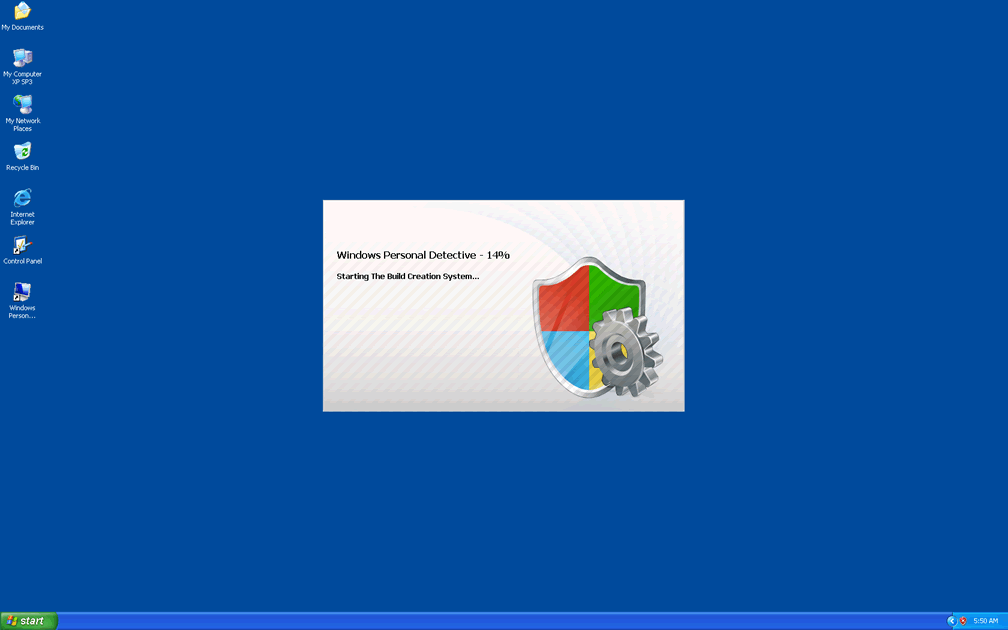
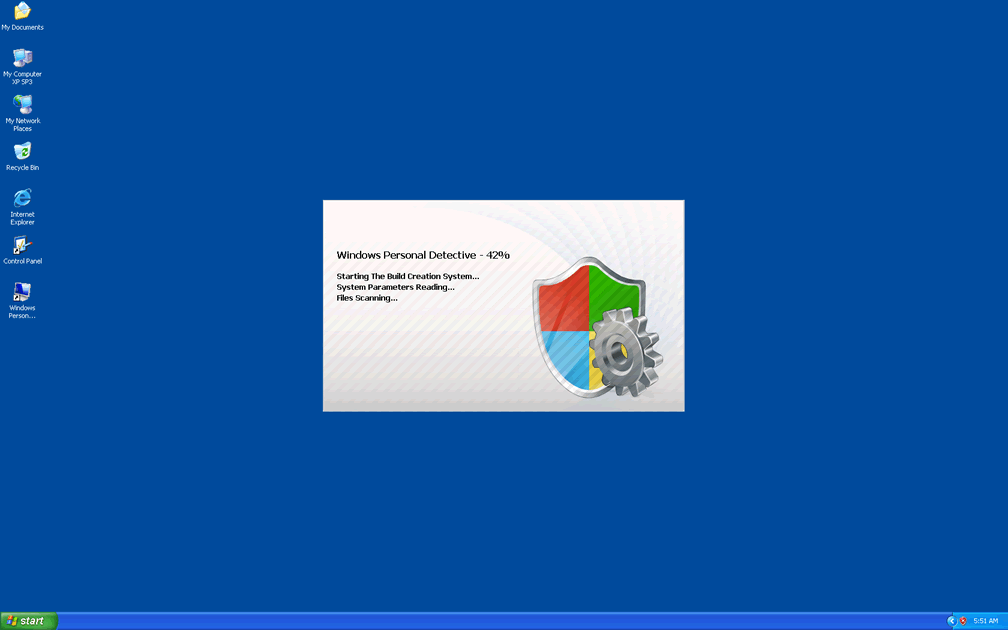
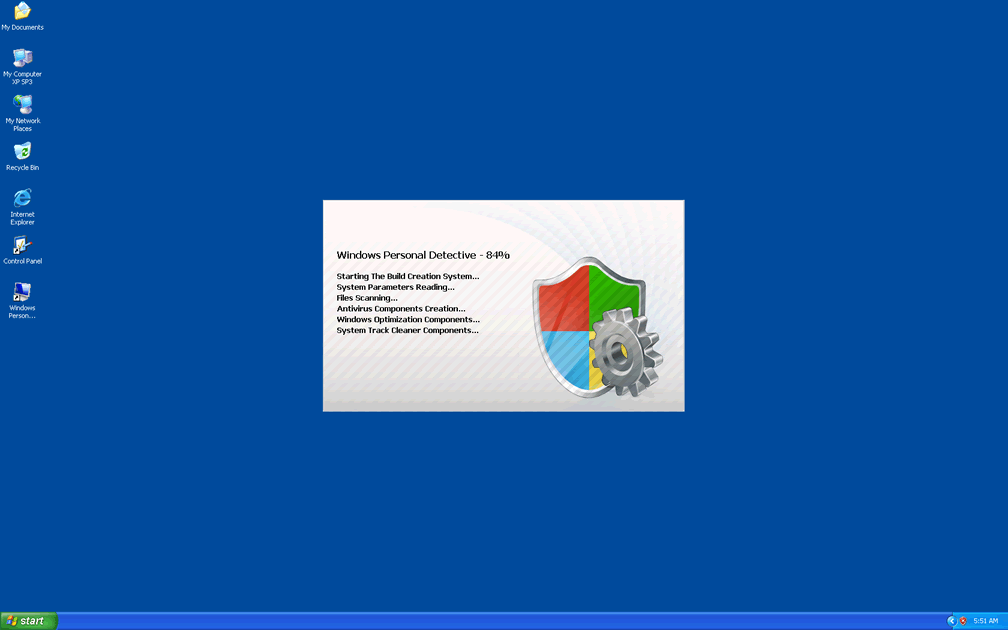
Technical Details
File System Modifications
Tutorials: If you wish to learn how to remove malware components manually, you can read the tutorials on how to find malware, kill unwanted processes, remove malicious DLLs and delete other harmful files. Always be sure to back up your PC before making any changes.
The following files were created in the system:%APPDATA%\Protector-bqx.exe
File name: Protector-bqx.exeSize: 1.96 MB (1960448 bytes)
MD5: 15de4c7a13965f8afc053a08865bc73e
Detection count: 23
File type: Executable File
Mime Type: unknown/exe
Path: %APPDATA%
Group: Malware file
Last Updated: March 6, 2012
%AppData%\NPSWF32.dll
File name: %AppData%\NPSWF32.dllFile type: Dynamic link library
Mime Type: unknown/dll
Group: Malware file
%AppData%\Protector-oak.exe
File name: %AppData%\Protector-oak.exeFile type: Executable File
Mime Type: unknown/exe
Group: Malware file
%DesktopDir%\Windows Personal Detective.lnk
File name: %DesktopDir%\Windows Personal Detective.lnkFile type: Shortcut
Mime Type: unknown/lnk
Group: Malware file
%CommonPrograms%\Windows Personal Detective.lnk
File name: %CommonPrograms%\Windows Personal Detective.lnkFile type: Shortcut
Mime Type: unknown/lnk
Group: Malware file
Registry Modifications
HKEY_LOCAL_MACHINE\SOFTWARE\Microsoft\..{RunKeys}HKEY_CURRENT_USER\Software\Microsoft\Windows\CurrentVersion\Run "Inspector"
Leave a Reply
Please note that we are not able to assist with billing and support issues regarding SpyHunter or other products. If you're having issues with SpyHunter, please get in touch with SpyHunter customer support through your SpyHunter . If you have SpyHunter billing questions, we recommend you check the Billing FAQ. For general suggestions or feedback, contact us.