Windows Privacy Module
Posted: June 7, 2012
Threat Metric
The following fields listed on the Threat Meter containing a specific value, are explained in detail below:
Threat Level: The threat level scale goes from 1 to 10 where 10 is the highest level of severity and 1 is the lowest level of severity. Each specific level is relative to the threat's consistent assessed behaviors collected from SpyHunter's risk assessment model.
Detection Count: The collective number of confirmed and suspected cases of a particular malware threat. The detection count is calculated from infected PCs retrieved from diagnostic and scan log reports generated by SpyHunter.
Volume Count: Similar to the detection count, the Volume Count is specifically based on the number of confirmed and suspected threats infecting systems on a daily basis. High volume counts usually represent a popular threat but may or may not have infected a large number of systems. High detection count threats could lay dormant and have a low volume count. Criteria for Volume Count is relative to a daily detection count.
Trend Path: The Trend Path, utilizing an up arrow, down arrow or equal symbol, represents the level of recent movement of a particular threat. Up arrows represent an increase, down arrows represent a decline and the equal symbol represent no change to a threat's recent movement.
% Impact (Last 7 Days): This demonstrates a 7-day period change in the frequency of a malware threat infecting PCs. The percentage impact correlates directly to the current Trend Path to determine a rise or decline in the percentage.
| Threat Level: | 10/10 |
|---|---|
| Infected PCs: | 26 |
| First Seen: | June 7, 2012 |
|---|---|
| Last Seen: | May 6, 2024 |
| OS(es) Affected: | Windows |
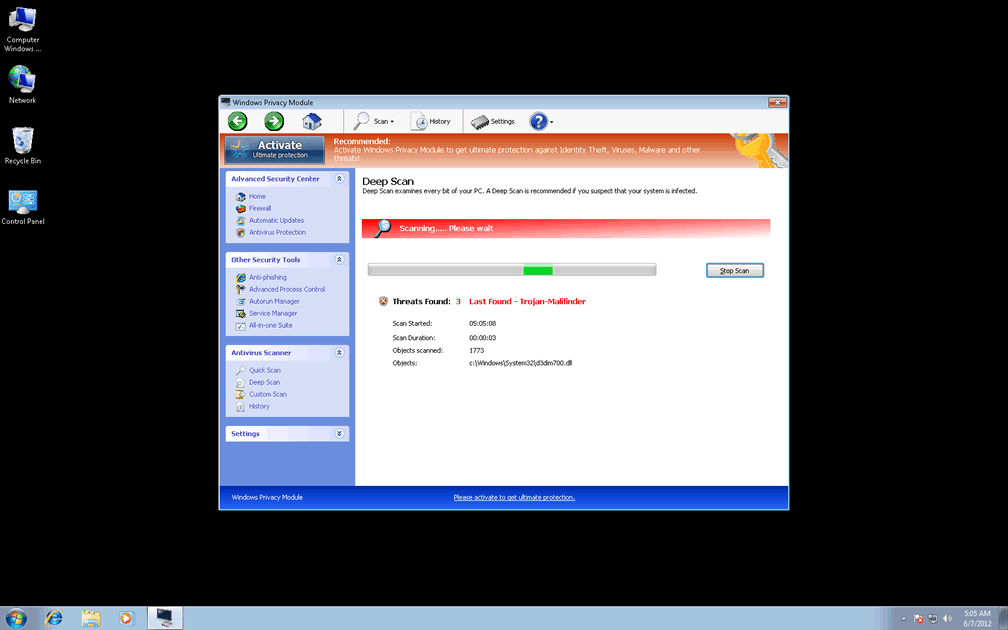
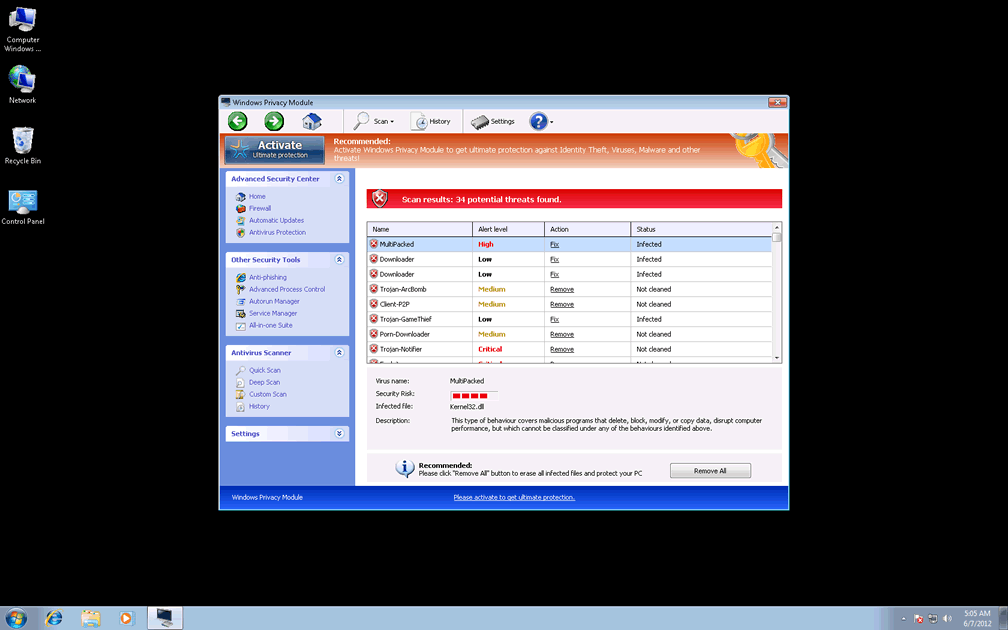
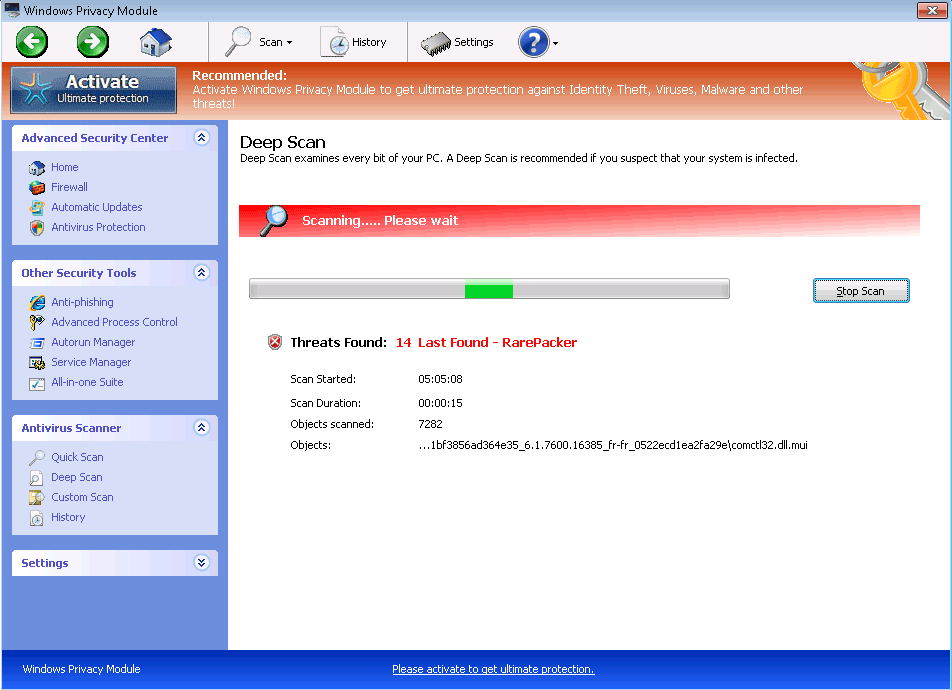 Windows Privacy Module's features may appear to be handy security and anti-malware functions, but its true intentions are geared more towards attacking your computer's integrity rather than safeguarding it. While Windows Privacy Module's appearance strongly resembles baseline brands of Windows anti-malware software, the only warning messages from Windows Privacy Module are guaranteed to include misinformation about nonexistent attacks against your PC, ranging from unwarranted Windows Registry changes to identity theft. Windows Privacy Module may also attempt to modify your browser's settings in ways that cause search hijacks or block genuine security tools under the pretense of protecting your computer. SpywareRemove.com malware researchers recommend deleting Windows Privacy Module's fraudulent software by way of an actual anti-malware scanner, even if this requires that you use additional methods to shut Windows Privacy Module down beforehand.
Windows Privacy Module – a Doppelganger That Does Your PC Security a Major Disservice
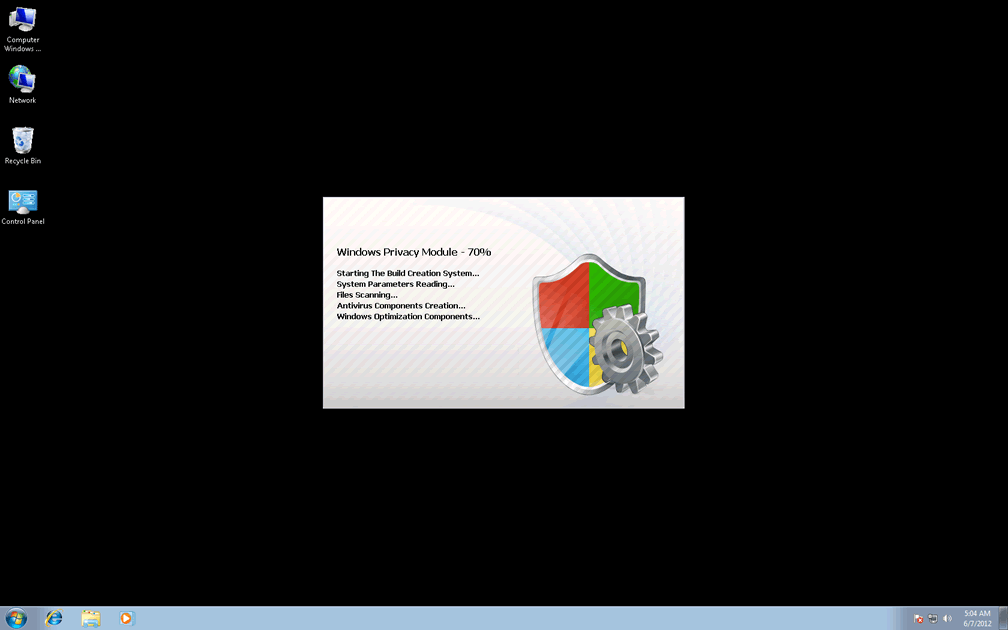
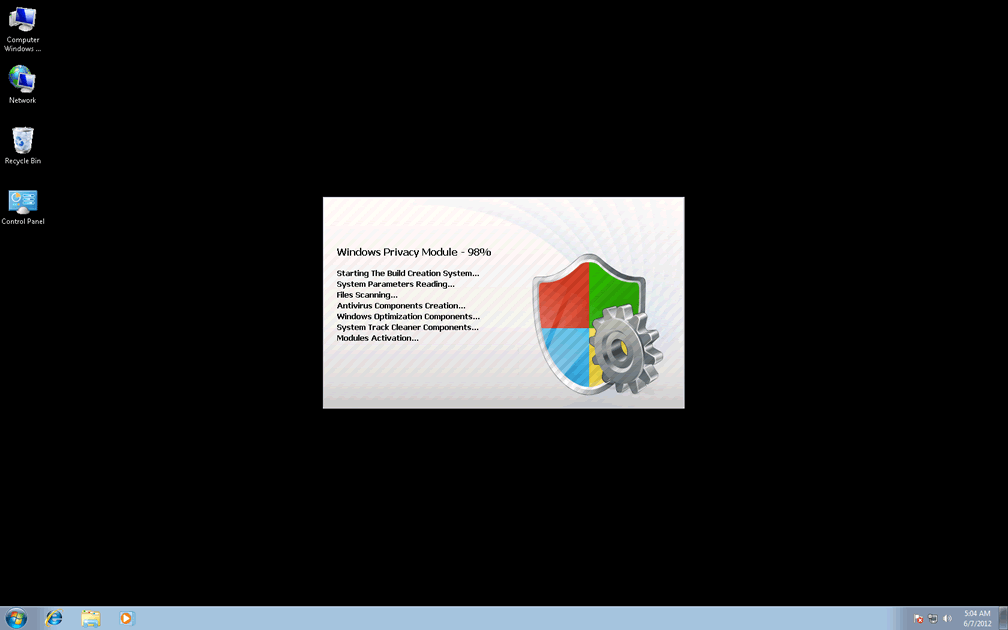
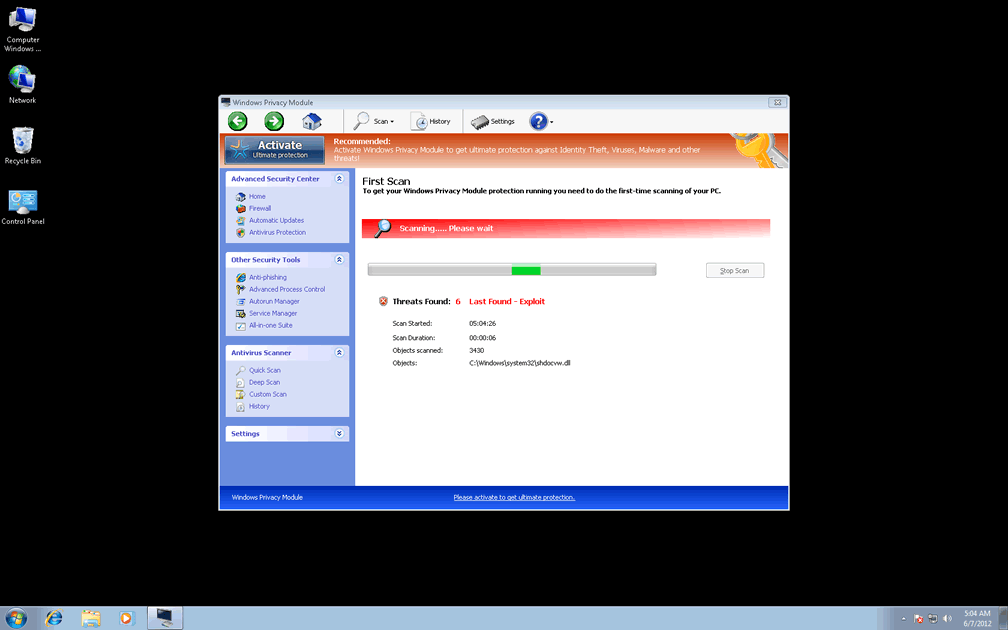
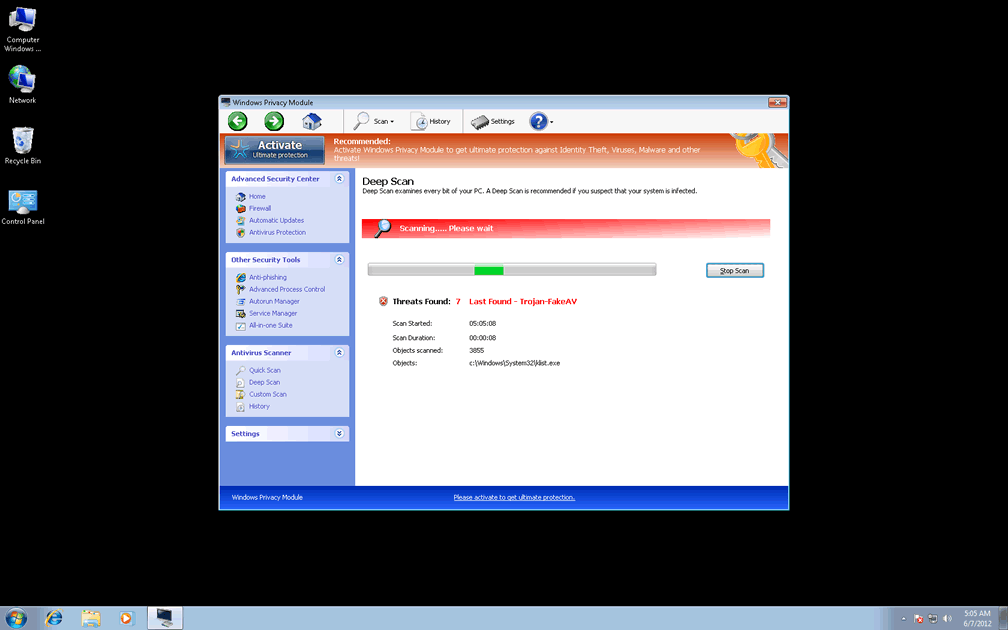
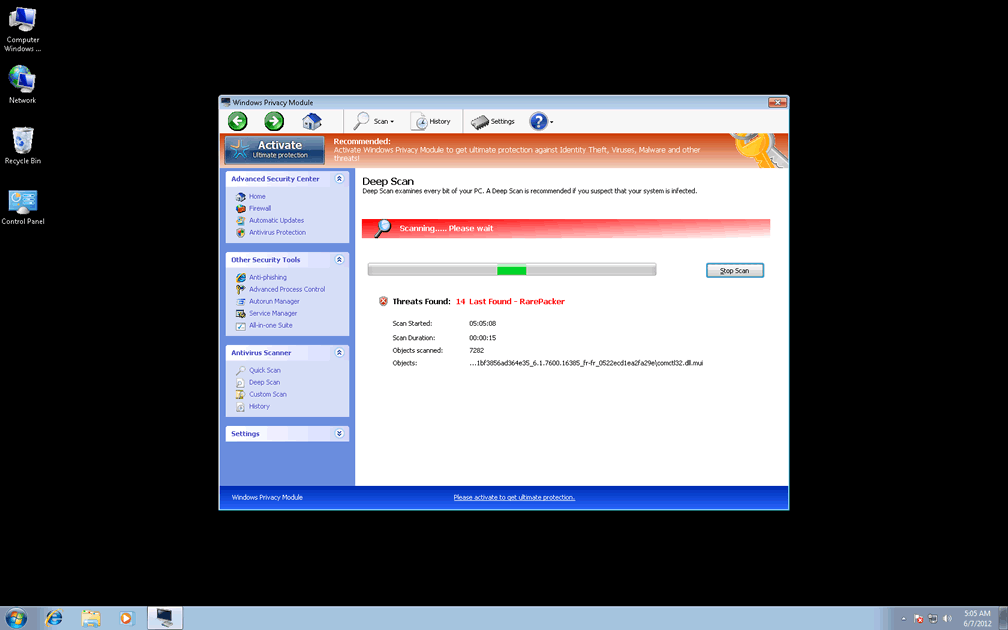
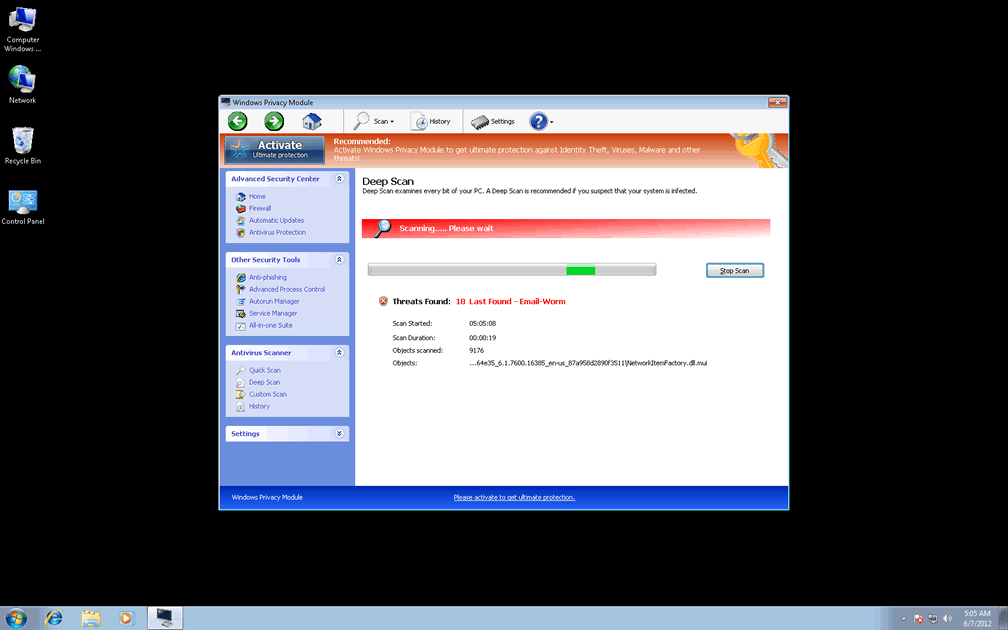
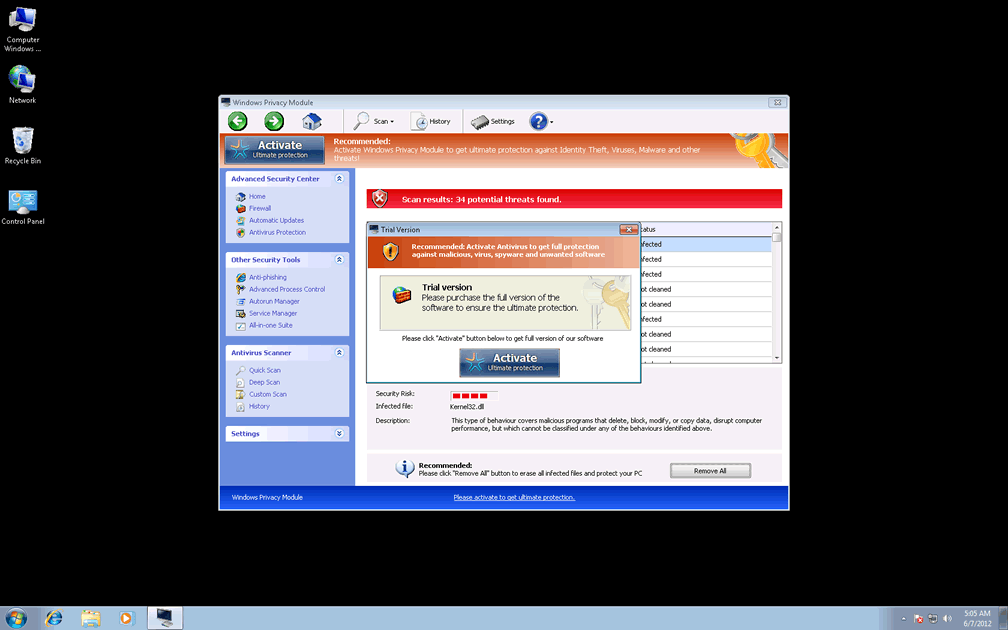
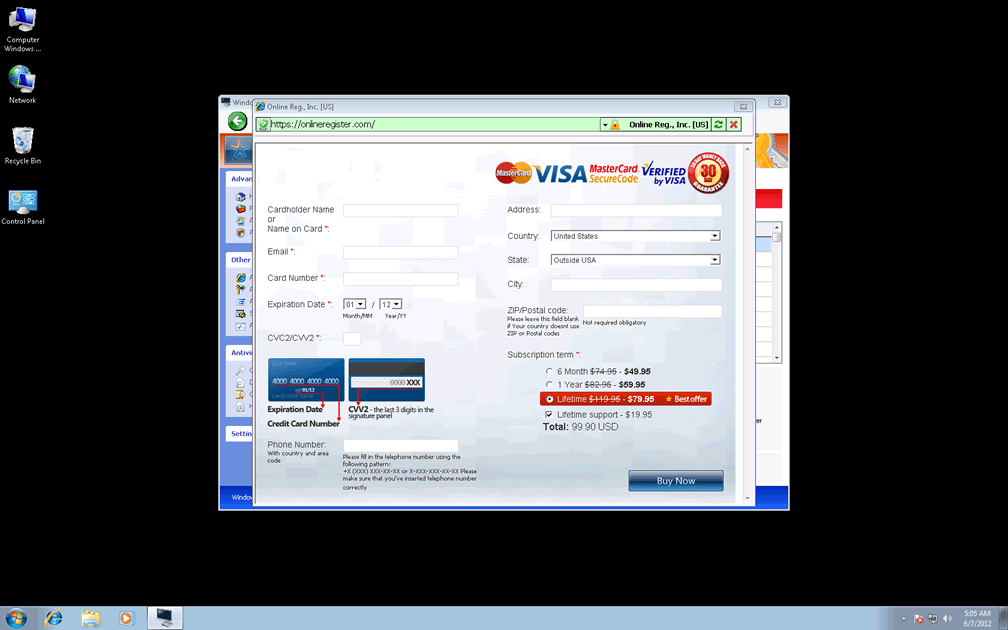
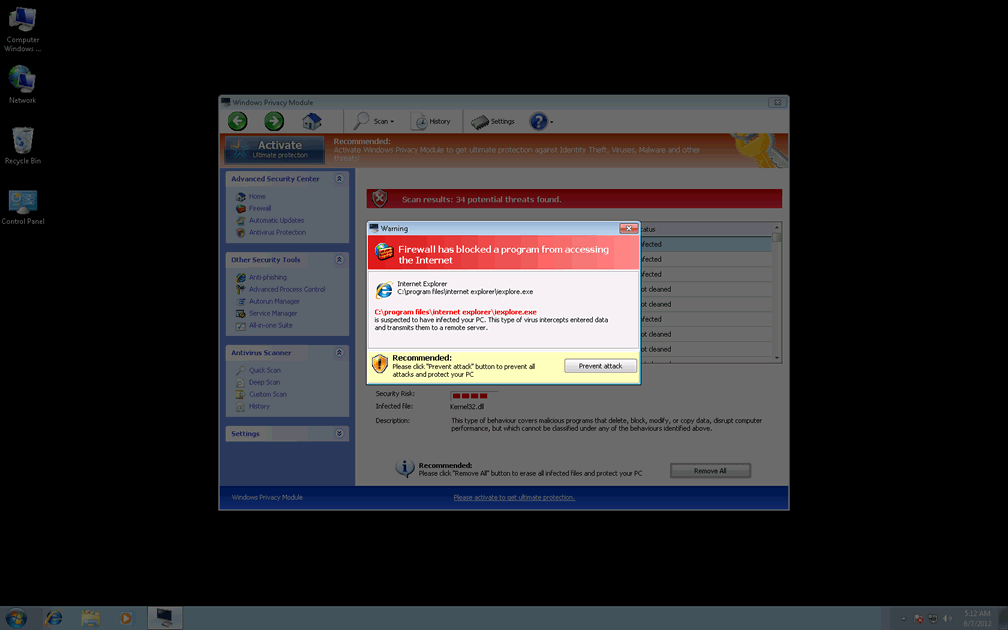
Windows Privacy Module is easily identified as a clone of other modern variants of FakeVimes by its inclusion of fake features like its 'Activate Ultimate Protection' and Advanced Process Control, all of which are used to supplant legitimate software and security features. In its course of action to make you pay out in cash for its services, Windows Privacy Module conjures up fantasies about rootkits, keyloggers and even identity theft attacks in its fake pop-up alerts, many of which will imitate Windows-based warnings. As a rogue anti-malware program, Windows Privacy Module and its clones also include a simulated system scanner that will always return poor results – at least, until you dare to register Windows Privacy Module. Among the many clones of Windows Privacy Module are Privacy Guard Pro, Extra Antivirus, Fast Antivirus 2009, Presto TuneUp, Windows Security Suite, Smart Virus Eliminator, Packed.Generic.245, Volcano Security Suite, Windows Enterprise Suite, Enterprise Suite, Additional Guard, Live PC Care, PC Live Guard, Live Enterprise Suite, Security Antivirus, My Security Wall, CleanUp Antivirus, Smart Security and PrivacyGuard Pro 2.0.
SpywareRemove.com malware experts don't see any point in spending real money on Windows Privacy Module's fake security features, but they have found some purpose in faking Windows Privacy Module's registration process. The code '0W000-000B0-00T00-E0020' will allow you to do this and trick Windows Privacy Module into believing that Windows Privacy Module already has your money while you prepare to disinfect your PC – ideally by making use of a real anti-malware product that can identify and remove Windows Privacy Module and similar FakeVimes-based scamware.
The Underlying Urgency of a Windows Privacy Module Crisis
Fake security features are the most visible aspects of Windows Privacy Module's attacks, but SpywareRemove.com malware research team considers some of Windows Privacy Module's more surreptitious attacks to be of greater danger to your PC. Security problems accompanying infections by Windows Privacy Module can include:
- Hosts file changes that force your browser to redirect its searches from popular search engines to little-known and prospectively malicious sites.
- Blocked security programs, including anti-malware software. Due to this risk, SpywareRemove.com malware researchers suggest disabling Windows Privacy Module (via Safe Mode, a removable hard drive boot or other methods) before you try to disinfect your PC.
- Disabled Windows security features. Your browser may be allowed to download malicious files without accompanying warnings and administrative-privilege access may be granted to harmful programs (which can enable future attacks).
Technical Details
File System Modifications
Tutorials: If you wish to learn how to remove malware components manually, you can read the tutorials on how to find malware, kill unwanted processes, remove malicious DLLs and delete other harmful files. Always be sure to back up your PC before making any changes.
The following files were created in the system:%APPDATA%\Protector-sdfq.exe
File name: Protector-sdfq.exeSize: 2.26 MB (2263040 bytes)
MD5: 34355a42cf71a37943f8bede767b322a
Detection count: 80
File type: Executable File
Mime Type: unknown/exe
Path: %APPDATA%
Group: Malware file
Last Updated: January 8, 2020
%APPDATA%\Protector-nbxm.exe
File name: Protector-nbxm.exeSize: 2.26 MB (2267136 bytes)
MD5: a1dd16154109a07bcd6e780080f024df
Detection count: 61
File type: Executable File
Mime Type: unknown/exe
Path: %APPDATA%
Group: Malware file
Last Updated: June 7, 2012
C:\rogueware samples\WintionalityChecker samples\863fa24aa64d088858693f6e1e0b204179037102c7476ee824e9f0479e22dadb.exe
File name: 863fa24aa64d088858693f6e1e0b204179037102c7476ee824e9f0479e22dadb.exeSize: 2.24 MB (2249728 bytes)
MD5: 75f02b51c71cdff760722f207b41fe01
Detection count: 9
File type: Executable File
Mime Type: unknown/exe
Path: C:\rogueware samples\WintionalityChecker samples\863fa24aa64d088858693f6e1e0b204179037102c7476ee824e9f0479e22dadb.exe
Group: Malware file
Last Updated: May 6, 2024
%AppData%\Protector-[RANDOM CHARACTERS].exe
File name: %AppData%\Protector-[RANDOM CHARACTERS].exeFile type: Executable File
Mime Type: unknown/exe
Group: Malware file
%AppData%\Windows Privacy Module\ScanDisk_.exe
File name: %AppData%\Windows Privacy Module\ScanDisk_.exeFile type: Executable File
Mime Type: unknown/exe
Group: Malware file
%AppData%\Windows Privacy Module\Instructions.ini
File name: %AppData%\Windows Privacy Module\Instructions.iniMime Type: unknown/ini
Group: Malware file
%AppData%\Microsoft\Internet Explorer\Quick Launch\Windows Privacy Module.lnk
File name: %AppData%\Microsoft\Internet Explorer\Quick Launch\Windows Privacy Module.lnkFile type: Shortcut
Mime Type: unknown/lnk
Group: Malware file
%Desktop%\Windows Privacy Module.lnk
File name: %Desktop%\Windows Privacy Module.lnkFile type: Shortcut
Mime Type: unknown/lnk
Group: Malware file
%CommonAppData%\SPUPCZPDET\SPABOIJT.cfg
File name: %CommonAppData%\SPUPCZPDET\SPABOIJT.cfgMime Type: unknown/cfg
Group: Malware file
%CommonAppData%\58ef5\SPT.ico
File name: %CommonAppData%\58ef5\SPT.icoMime Type: unknown/ico
Group: Malware file
%CommonAppData%\58ef5\SP98c.exe
File name: %CommonAppData%\58ef5\SP98c.exeFile type: Executable File
Mime Type: unknown/exe
Group: Malware file
%Programs%\Windows Privacy Module.lnk
File name: %Programs%\Windows Privacy Module.lnkFile type: Shortcut
Mime Type: unknown/lnk
Group: Malware file
%StartMenu%\Windows Privacy Module.lnk
File name: %StartMenu%\Windows Privacy Module.lnkFile type: Shortcut
Mime Type: unknown/lnk
Group: Malware file
Registry Modifications
HKEY..\..\{Value}HKEY_LOCAL_MACHINE\Software\Microsoft\Windows NT\CurrentVersion\Image File Execution Options\AAWTray.exe\"Debugger" = "svchost.exe"HKEY_LOCAL_MACHINE\Software\Microsoft\Windows NT\CurrentVersion\Image File Execution Options\About.exe\"Debugger" = "svchost.exe"HKEY_LOCAL_MACHINE\Software\Microsoft\Windows NT\CurrentVersion\Image File Execution Options\a.exe\"Debugger" = "svchost.exe"HKEY_LOCAL_MACHINE\Software\Microsoft\Windows NT\CurrentVersion\Image File Execution Options\aAvgApi.exe\"Debugger" = "svchost.exe"HKEY_LOCAL_MACHINE\Software\Microsoft\Windows NT\CurrentVersion\Image File Execution Options\ackwin32.exe\"Debugger" = "svchost.exe"HKEY_LOCAL_MACHINE\Software\Microsoft\Windows NT\CurrentVersion\Image File Execution Options\Ad-Aware.exe\"Debugger" = "svchost.exe"HKEY_LOCAL_MACHINE\Software\Microsoft\Windows NT\CurrentVersion\Image File Execution Options\AdwarePrj.exe\"Debugger" = "svchost.exe"HKEY_LOCAL_MACHINE\Software\Microsoft\Windows NT\CurrentVersion\Image File Execution Options\agent.exe\"Debugger" = "svchost.exe"HKEY_LOCAL_MACHINE\Software\Microsoft\Windows NT\CurrentVersion\Image File Execution Options\agentsvr.exe\"Debugger" = "svchost.exe"HKEY_LOCAL_MACHINE\software\Microsoft\Windows NT\CurrentVersion\Image File Execution Options\adaware.exe\"Debugger" = "svchost.exe"HKEY_LOCAL_MACHINE\Software\Microsoft\Windows NT\CurrentVersion\Image File Execution Options\advxdwin.exe\"Debugger" = "svchost.exe"HKEY_LOCAL_MACHINE\Software\Microsoft\Windows NT\CurrentVersion\Image File Execution Options\AlphaAV\"Debugger" = "svchost.exe"HKEY_LOCAL_MACHINE\Software\Microsoft\Windows NT\CurrentVersion\Image File Execution Options\AlphaAV.exe\Debugger = svchost.exeHKEY_LOCAL_MACHINE\Software\Microsoft\Windows NT\CurrentVersion\Image File Execution Options\alevir.exe\"Debugger" = "svchost.exe"HKEY_LOCAL_MACHINE\Software\Microsoft\Windows NT\CurrentVersion\Image File Execution Options\alogserv.exe\"Debugger" = "svchost.exe"HKEY_LOCAL_MACHINE\Software\Microsoft\Windows NT\CurrentVersion\Image File Execution Options\agentw.exe\"Debugger" = "svchost.exe"HKEY_LOCAL_MACHINE\Software\Microsoft\Windows NT\CurrentVersion\Image File Execution Options\alertsvc.exe\"Debugger" = "svchost.exe"HKEY..\..\..\..{Subkeys}HKEY_CURRENT_USER\Software\Microsoft\Windows\CurrentVersion\Run\Inspector = %AppData%\Protector-[RANDOM CHARACTERS].exe
i recently made a purchase that i thought was 19.99 and you charged me 99.70 and i dont want it at that price so how do i get a refund