Windows Security System
Posted: July 19, 2012
Threat Metric
The following fields listed on the Threat Meter containing a specific value, are explained in detail below:
Threat Level: The threat level scale goes from 1 to 10 where 10 is the highest level of severity and 1 is the lowest level of severity. Each specific level is relative to the threat's consistent assessed behaviors collected from SpyHunter's risk assessment model.
Detection Count: The collective number of confirmed and suspected cases of a particular malware threat. The detection count is calculated from infected PCs retrieved from diagnostic and scan log reports generated by SpyHunter.
Volume Count: Similar to the detection count, the Volume Count is specifically based on the number of confirmed and suspected threats infecting systems on a daily basis. High volume counts usually represent a popular threat but may or may not have infected a large number of systems. High detection count threats could lay dormant and have a low volume count. Criteria for Volume Count is relative to a daily detection count.
Trend Path: The Trend Path, utilizing an up arrow, down arrow or equal symbol, represents the level of recent movement of a particular threat. Up arrows represent an increase, down arrows represent a decline and the equal symbol represent no change to a threat's recent movement.
% Impact (Last 7 Days): This demonstrates a 7-day period change in the frequency of a malware threat infecting PCs. The percentage impact correlates directly to the current Trend Path to determine a rise or decline in the percentage.
| Threat Level: | 2/10 |
|---|---|
| Infected PCs: | 3,612 |
| First Seen: | July 19, 2012 |
|---|---|
| Last Seen: | August 22, 2023 |
| OS(es) Affected: | Windows |
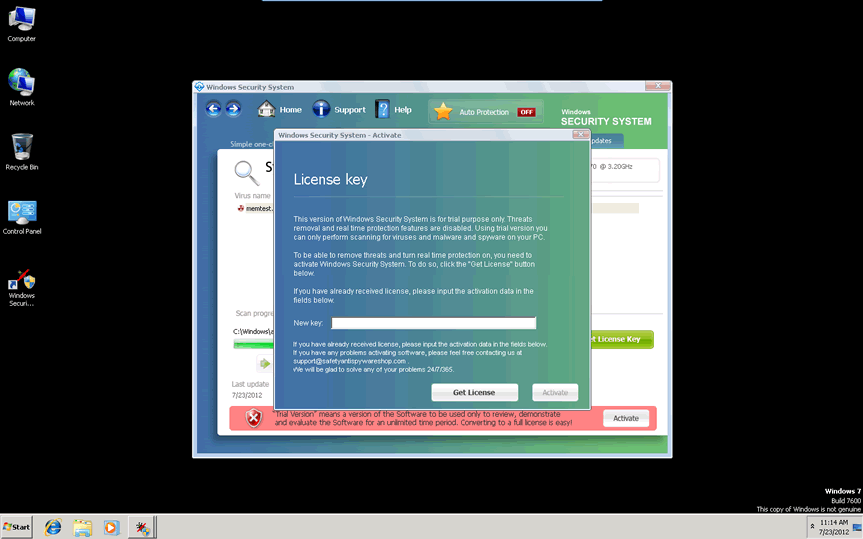
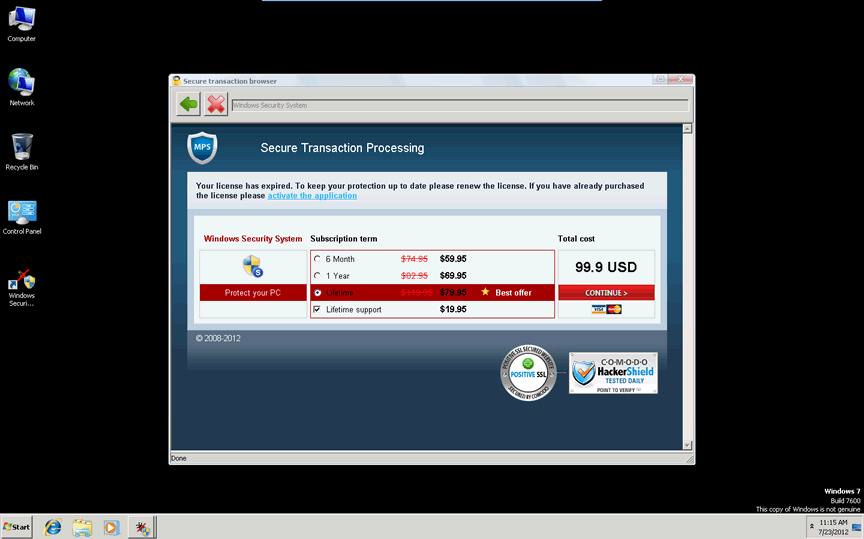
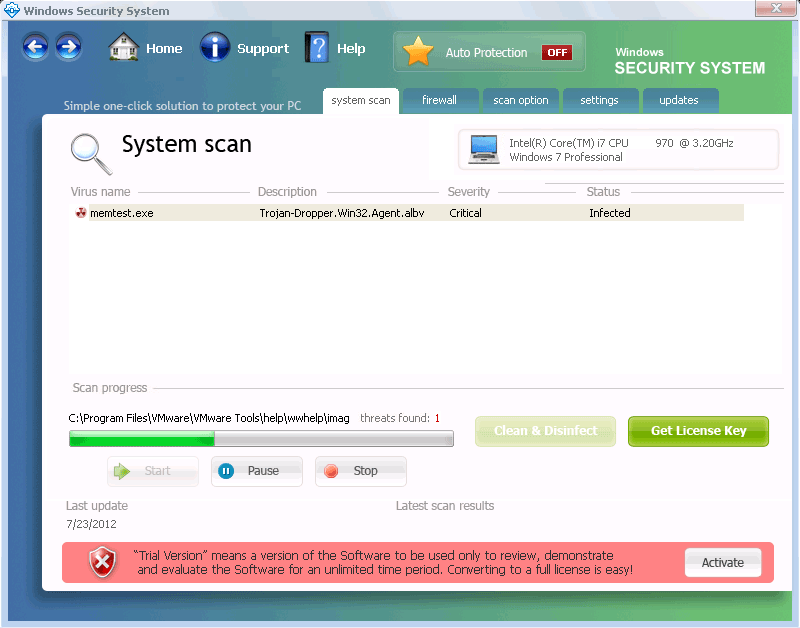 Windows Security System may claim that Windows Security System is out to help your computer's security, but the sordid truth is the exact opposite: as a rogue anti-malware scanner, all Windows Security System wants is to display fake security alerts, disable its competition and then take your money without giving you anything in return. While Windows Security System's behavior is standard for other Defmid-based scamware like itself, Windows Security System's attacks being typical don't necessarily indicate that they aren't dangerous, since SpywareRemove.com malware analysts have noted that PC threats from Windows Security System's family often disable security-related applications and alter security settings for the worse. Like most types of malicious software that try to avoid their own deletion, Windows Security System should be removed via anti-malware programs that are designed to deal with fake security products of Windows Security System's ilk.
Why Windows Security System Turns Your System Into One Without Any Security Whatsoever
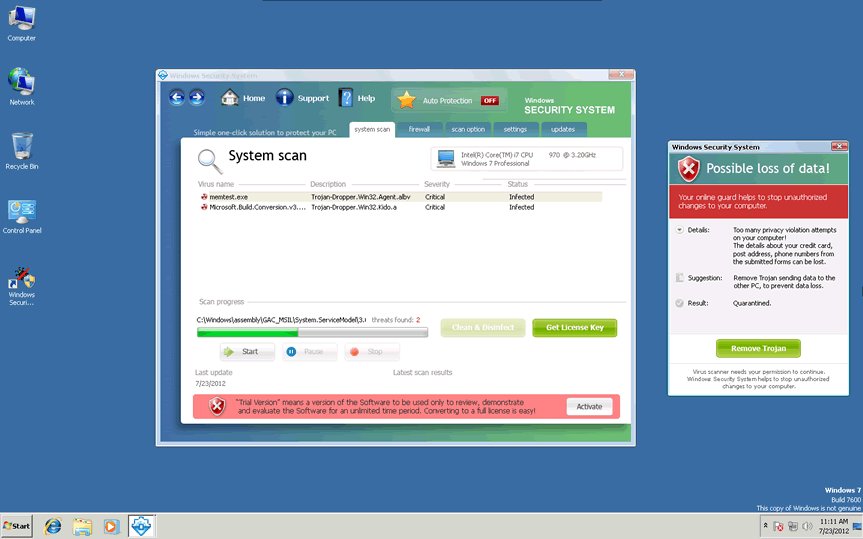
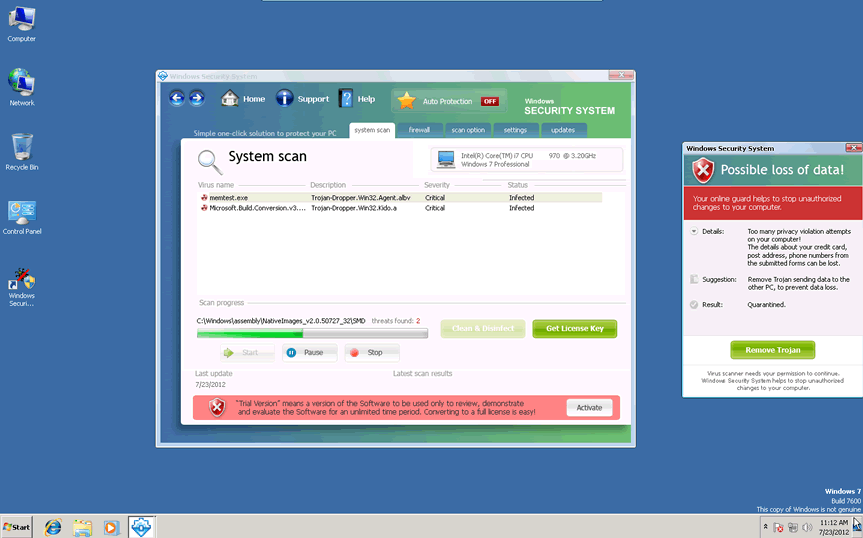
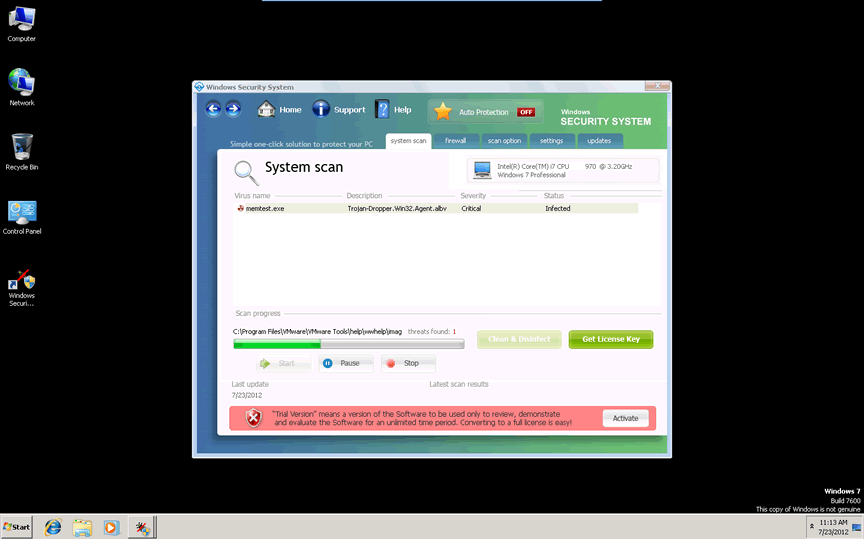
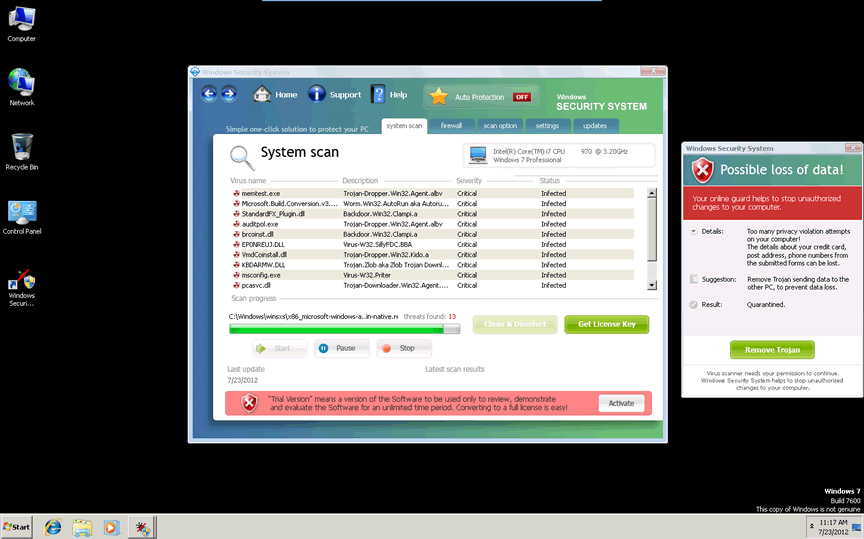
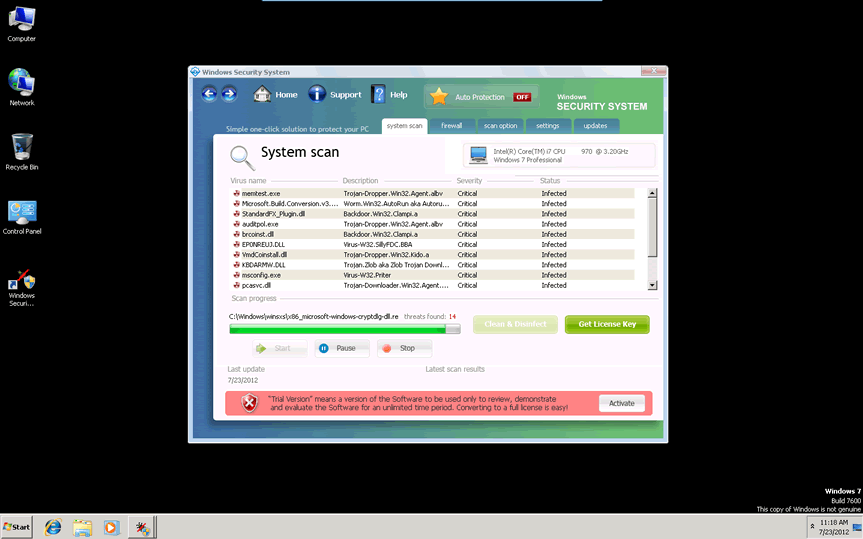
As a member of the FakeVimes classification of fake anti-malware products, Windows Security System doesn't have any ability to protect your PC from any type of infection or attack, in spite of its looks (which originally were copied from legitimate Windows utilities). The foundation of any Windows Security System infection is the series of fake security warnings that Windows Security System creates via system alert pop-ups, with fake and malware-riddled scans to add extra realism to its warnings. This behavior is typical for all members of FakeVimes, including recent members that bear a strong resemblance to Windows Security System, such as
Another symptom of a Windows Security System infection that SpywareRemove.com malware researchers have noted as particularly of concern is its ability, like all FakeVimes-based PC threats, to disable various programs. Since Windows Security System does this by deleting relevant Registry values that these programs require to launch, you may need to repair the Registry or reinstall affected software even after you've disabled or removed Windows Security System with an appropriate anti-malware application. Some often-affected programs include:
- The User Account Control, a Windows feature that blocks unauthorized system changes.
- Task Manager, a utility for viewing the memory processes of programs.
- Various brands of anti-virus, anti-malware and anti-adware scanners.
- Some competing types of rogue anti-malware programs.
- Firewall utilities that safeguard your network from malicious access and activity.
Delving Through the Rest of Windows Security System's Parcel of Tricks
SpywareRemove.com malware researchers also note that interaction with your browser should be minimized until Windows Security System is disabled and Windows Security System, along with all related malicious software, is removed from your PC. Many of Windows Security System's Registry changes can harm your browser's ability to protect you from malicious website content, particularly drive-by-downloads, redirects and downloads of harmful files.
Windows Security System may also change your firewall's settings to allow Windows Security System to establish a backdoor connection with a remote server. This can allow other PC threats to be installed on your computer or allow personal information to be stolen. Windows Security System, itself, can be removed by any adequate anti-malware application, although reversing its system changes may require additional solutions.
Technical Details
File System Modifications
Tutorials: If you wish to learn how to remove malware components manually, you can read the tutorials on how to find malware, kill unwanted processes, remove malicious DLLs and delete other harmful files. Always be sure to back up your PC before making any changes.
The following files were created in the system:%appdata%\windows security system.lnk
File name: %appdata%\windows security system.lnkFile type: Shortcut
Mime Type: unknown/lnk
Group: Malware file
%appdata%\microsoft\internet explorer\quick launch\windows security system.lnk
File name: %appdata%\microsoft\internet explorer\quick launch\windows security system.lnkFile type: Shortcut
Mime Type: unknown/lnk
Group: Malware file
%desktopdir%\windows security system.lnk
File name: %desktopdir%\windows security system.lnkFile type: Shortcut
Mime Type: unknown/lnk
Group: Malware file
%programs%\windows security system.lnk
File name: %programs%\windows security system.lnkFile type: Shortcut
Mime Type: unknown/lnk
Group: Malware file
%programs%\windows security system\activate windows security system.lnk
File name: %programs%\windows security system\activate windows security system.lnkFile type: Shortcut
Mime Type: unknown/lnk
Group: Malware file
%programs%\windows security system\windows security system.lnk
File name: %programs%\windows security system\windows security system.lnkFile type: Shortcut
Mime Type: unknown/lnk
Group: Malware file
%programs%\windows security system\help windows security system.lnk
File name: %programs%\windows security system\help windows security system.lnkFile type: Shortcut
Mime Type: unknown/lnk
Group: Malware file
%programs%\windows security system\how to activate windows security system.lnk
File name: %programs%\windows security system\how to activate windows security system.lnkFile type: Shortcut
Mime Type: unknown/lnk
Group: Malware file
%ProgramFiles%\wss\
File name: %ProgramFiles%\wss\Group: Malware file
%UserProfile%\Desktop\Windows Security System.lnk
File name: %UserProfile%\Desktop\Windows Security System.lnkFile type: Shortcut
Mime Type: unknown/lnk
Group: Malware file
%StartMenu%\Windows Security System
File name: %StartMenu%\Windows Security SystemGroup: Malware file
%StartMenu%\Windows Security System\Windows Security System.lnk
File name: %StartMenu%\Windows Security System\Windows Security System.lnkFile type: Shortcut
Mime Type: unknown/lnk
Group: Malware file
Registry Modifications
HKEY..\..\..\..{RegistryKeys}HKEY_CURRENT_USER\Software\[RANDOM CHARACTERS]HKEY_LOCAL_MACHINE\SOFTWARE\Microsoft\..{RunKeys}HKEY_LOCAL_MACHINE\SOFTWARE\Microsoft\Windows\CurrentVersion\Run "Windows Security System"
Additional Information
| # | Message |
|---|---|
| 1 | Warning! System Under Attack
Threat detected: Worm Possible loss of data! |
| 2 | Your online guard helps to stop unauthorized changes to your computer.
Details: Too many privacy violation attempts on your computer! The details about your credit card, post address, phone numbers from the submitted forms can be lost. |
Leave a Reply
Please note that we are not able to assist with billing and support issues regarding SpyHunter or other products. If you're having issues with SpyHunter, please get in touch with SpyHunter customer support through your SpyHunter . If you have SpyHunter billing questions, we recommend you check the Billing FAQ. For general suggestions or feedback, contact us.