Qooqlle.com
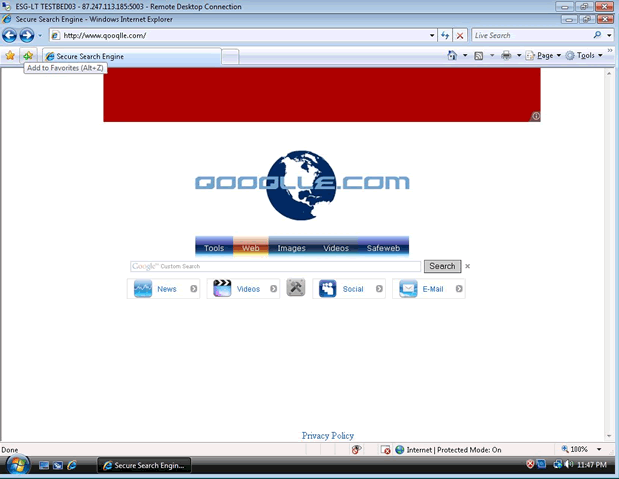
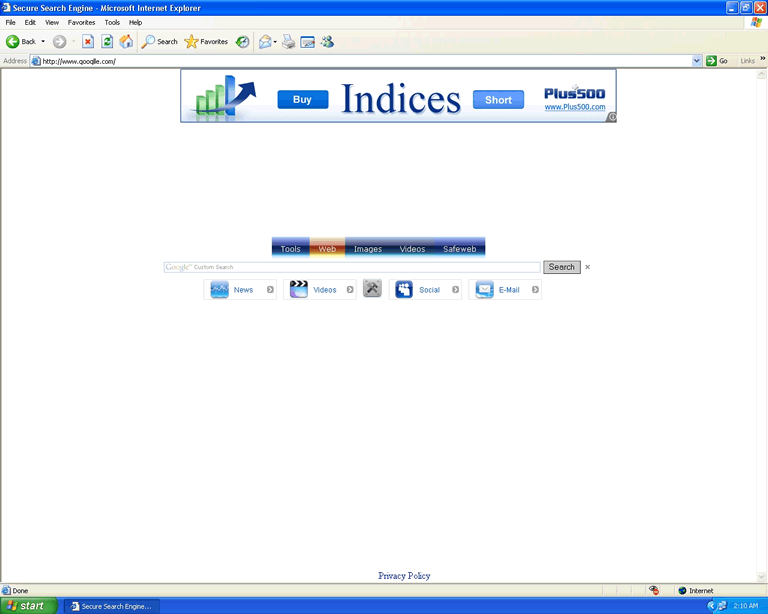 Qooqlle.com is a malicious search engine website and a web browser hijacker for the aforementioned website. Although you may have been infected by the Qooqlle.com hijacker from visiting Qooqlle.com, most PC users will suffer an infection after downloading a fake codec with a Qooqlle.com hijacker hidden inside it. Qooqlle.com can attack all major web browsers used in Windows and will change your homepage as well as redirect you to potentially hostile websites. Since the Qooqlle.com hijacker is a considerable security risk, you should strive to delete Qooqlle.com malware by using a worthwhile anti-malware application once you notice the infection.
Qooqlle.com - the Torrent-Distributed Hijacker
Qooqlle.com's presence as a website is limited to being an inferior knockoff of popular search engines like Google and Bing, and even Qooqlle.com's name is a sad attempt at leeching off of a known brand's popularity. Visiting Qooqlle.com is very likely to expose you to other malicious websites and browser-based attacks that install malware like Qooqlle.com onto your computer, so it's suggested that you keep your distance.
The Qooqlle.com browser hijacker surfaced most prominently in 2010 but remained around in the wild as a potential threat. Qooqlle.com's primary distribution method is through fake movie torrents and other P2P downloads that require you to download a Divx codec update. This update isn't an update at all, but rather, just the Qooqlle.com hijacker.
Qooqlle.com is capable of infecting all major browsers, including Internet Explorer, Firefox and Chrome. The Qooqlle.com hijacker will launch itself automatically and can't be closed in any ordinary fashion, unlike a standard browser plugin or add-on.
What Qooqlle.com Delivers to Your PC (Besides Bad Search Results)
Qooqlle.com hijackers are prone to causing the following problems:
- Changing your homepage to Qooqlle.com. Although Qooqlle.com hijackers don't stop you from changing the homepage back, after a reboot, the homepage will revert to Qooqlle.com.
- Frequent redirects to Qooqlle.com, regardless of what you may happen to be browsing at the time.
- Altered search results, particularly in popular search engines. These changed results may be linked to Qooqlle.com or otherwise be malicious.
Qooqlle.com is known to avoid being detected by many different types of anti-malware scanners, which makes it extremely important to keep your scanners updated on threat definitions. Removing Qooqlle.com infections should still be performed by appropriate anti-malware software in most cases, since manual removal methods will prove inefficient unless performed by an expert.
Before trying to delete the Qooqlle.com hijacker, it's suggested that you use Safe Mode. You should also try to avoid opening any web browsers before scanning your PC, since this may activate Qooqlle.com and cause any deletion attempts to be incomplete.
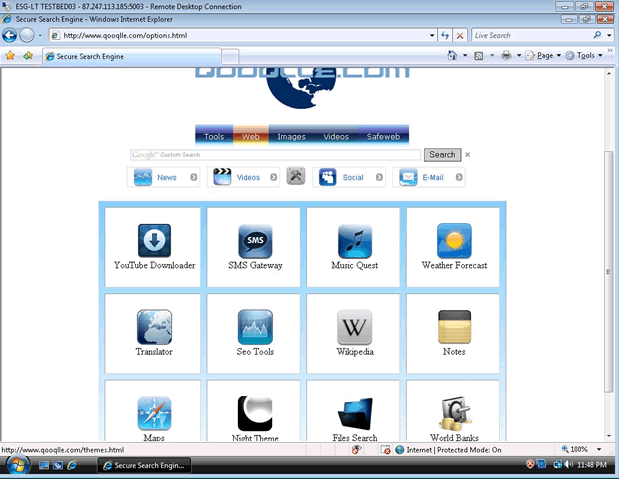
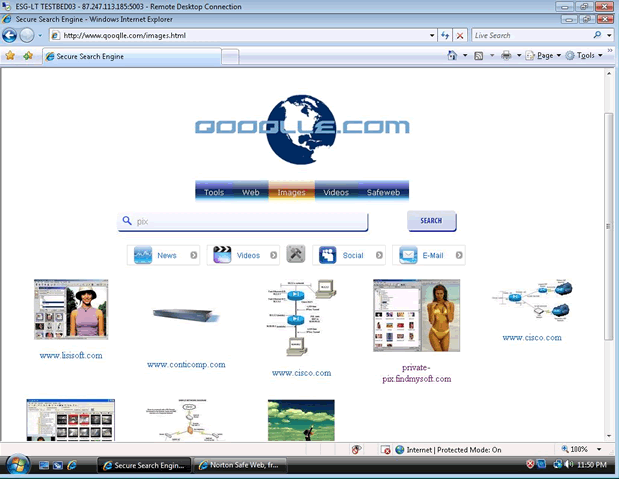
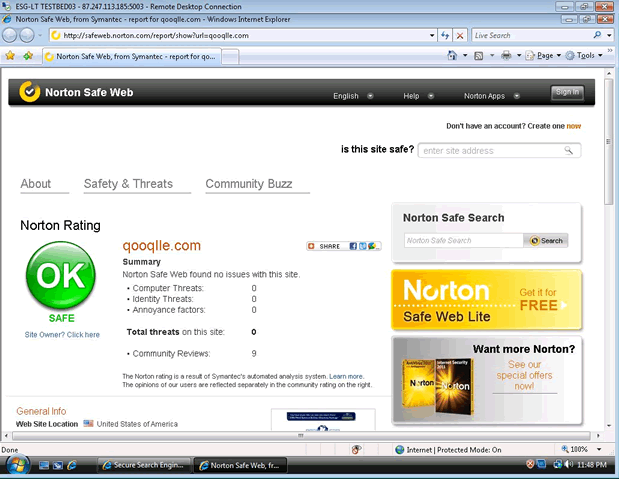
File System Modifications
- The following files were created in the system:
# File Name 1 %PROGRAM_FILES%\Qooqlle.com 2 c:\Documents and Settings\All Users\Qooqlle.com 3 c:\Documents and Settings\All Users\Start Menu\Qooqlle.com Redirect virus\
Registry Modifications
- The following newly produced Registry Values are:
HKEY..\..\..\..{Subkeys}HKEY_LOCAL_MACHINE\Software\Qooqlle.com Redirect virus
Leave a Reply
Please note that we are not able to assist with billing and support issues regarding SpyHunter or other products. If you're having issues with SpyHunter, please get in touch with SpyHunter customer support through your SpyHunter . If you have SpyHunter billing questions, we recommend you check the Billing FAQ. For general suggestions or feedback, contact us.