Safety Center
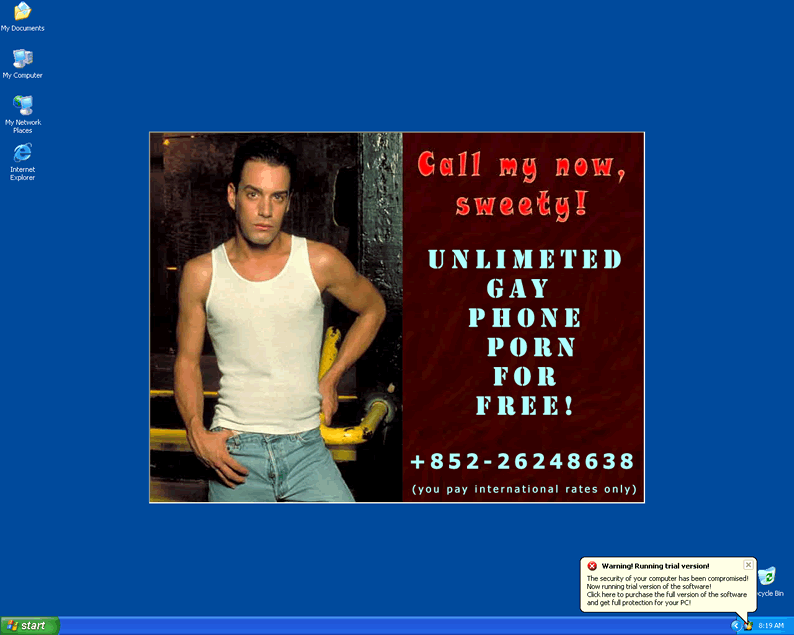
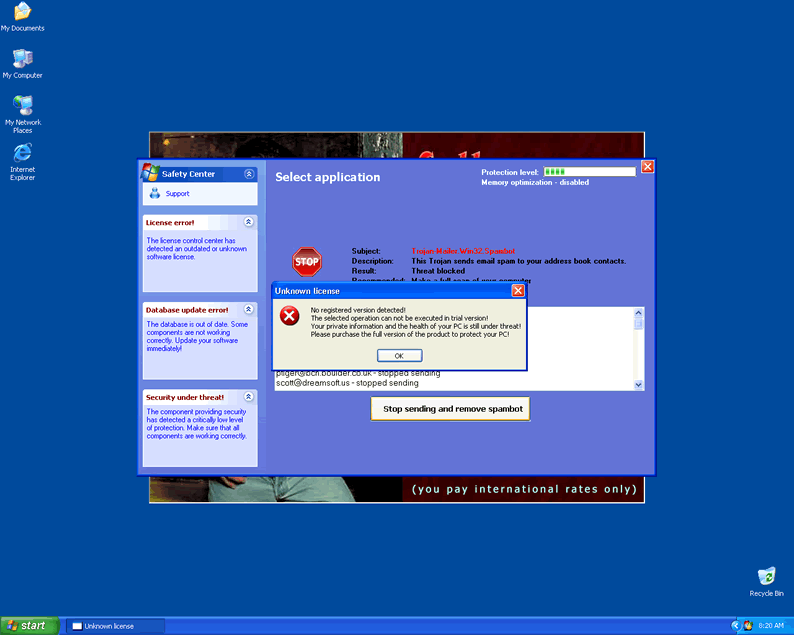
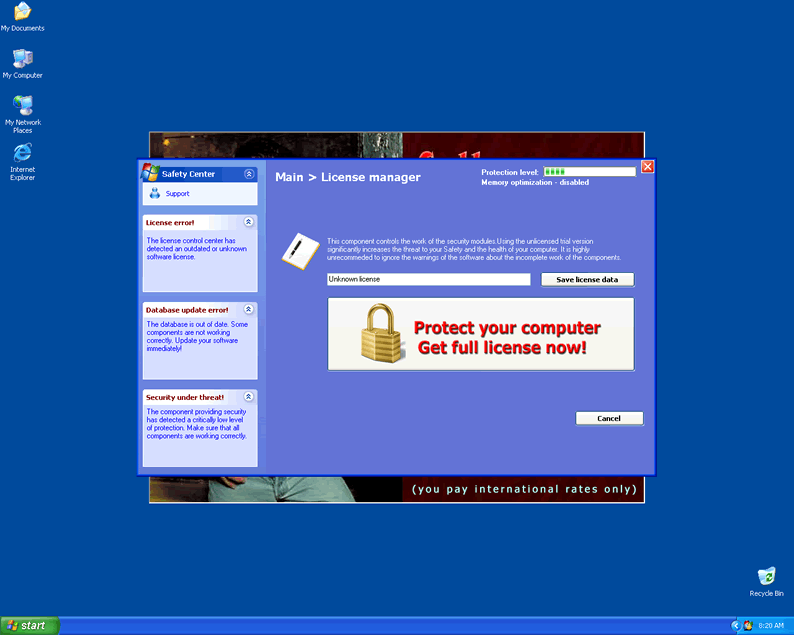
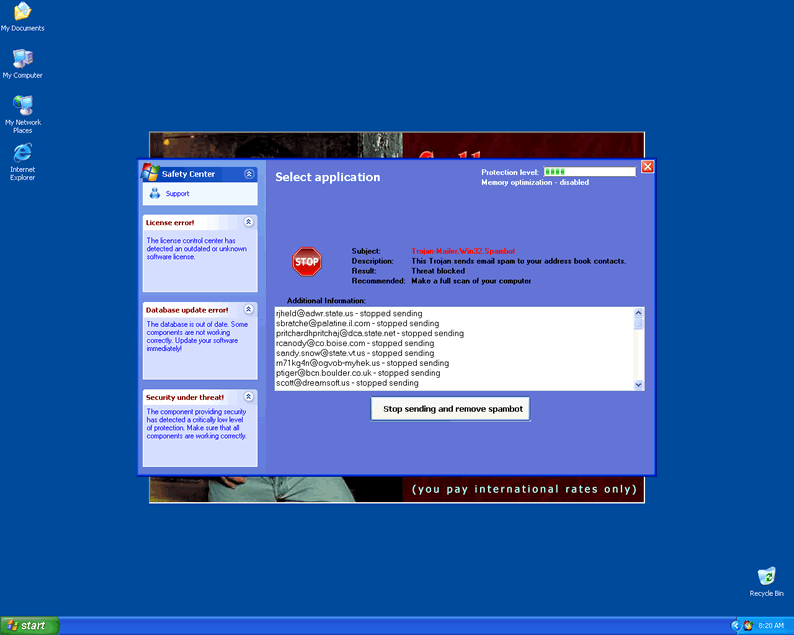 Safety Center is a variant of the fake spyware removers Secret Service and Privacy Center. It masquerades as a useful program, but is nothing of the sort, only seeking to gain your trust. Typically Safety Center states that your computer is infected or has various problems, and then prompts you to purchase the full version in order to combat these imaginary issues.
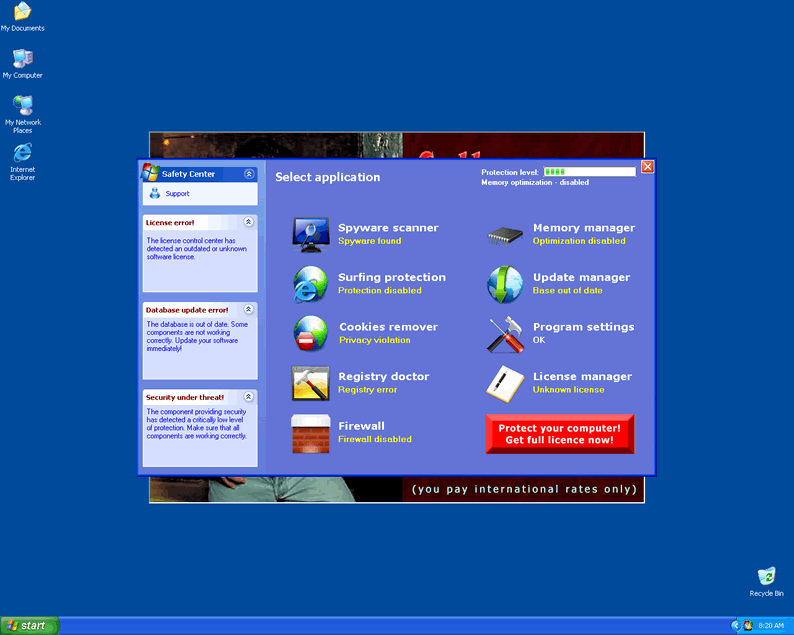
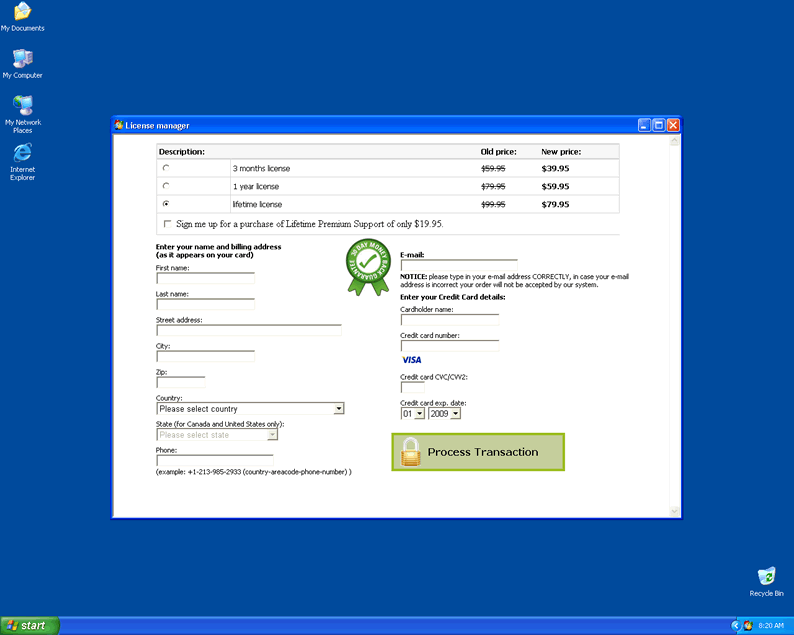
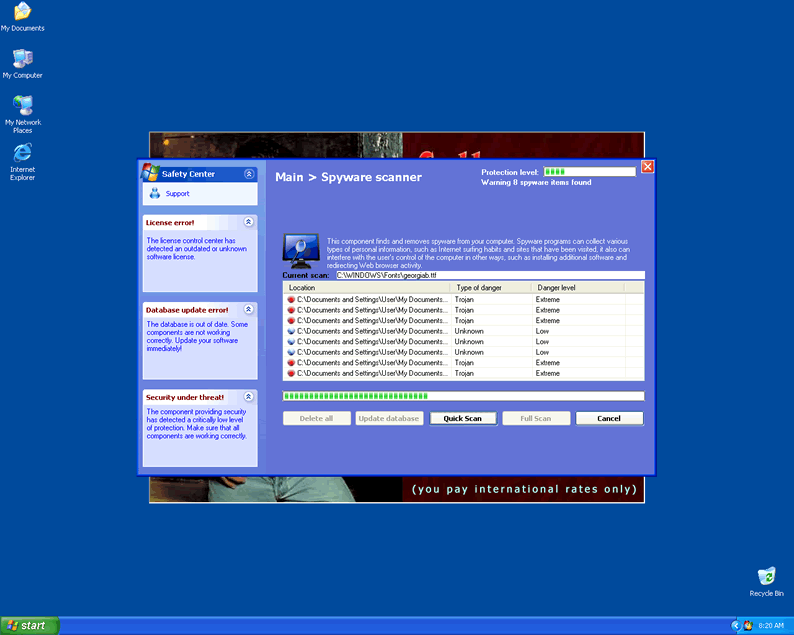
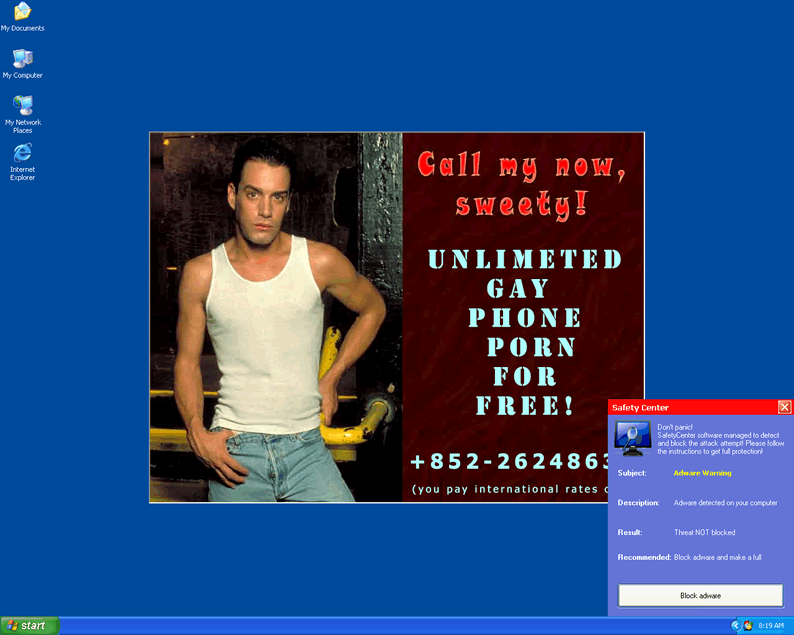
File System Modifications
- The following files were created in the system:
# File Name File Size (bytes) File Hash 1 0886b8.vom N/A N/A 2 102.exe N/A N/A 3 Adrevolver.txtAds360.com N/A N/A 4 cs_def.exe N/A N/A 5 default.pss N/A N/A 6 emalware.cvd N/A N/A 7 gbaxl2.dat N/A N/A 8 hlp.dll 219,136 231ec9438897ec57a38aab34afdd36b3 9 ho.dll 213,504 01508bdaf8e02c5e4e004bc1152f1e9e 10 ie.dll 188,928 93fa28bb594d31c347eeb67d416547c2 11 install_tag002.exe N/A N/A 12 main.ico N/A N/A 13 protector.exe 1,141,248 e1ad9c7b0cde33daaf77ee2963200204 14 SafetyCenter N/A N/A 15 setup[1].exe 30,720 1f761fc012336d4fba67c6638c182826 16 sound.wav N/A N/A 17 start.exe 1,171,456 40b38ab43826bb70afa80ee1ab0d307e 18 tdfhex.dll N/A N/A 19 temp.dll 212,992 89947e28fb7444a418a885d4339fda30 20 trojan.psw.stealth.a.exe N/A N/A 21 u3[1].exe 1,314,816 512f139a3d86560c14aa89b629867ef5 22 ~2.dll 219,136 52f049d416769edb816c0ac60ce3bf1c 23 ~52C.dll 218,624 d40c15aa49878c82f3cf7d0816d97020
Registry Modifications
- The following newly produced Registry Values are:
HKEY..\..\..\..{Subkeys}HKEY_LOCAL_MACHINE\SOFTWARE\Microsoft\Windows\CurrentVersion\Explorer\Browser Helper Objects\{EB09B56A-91AB-11DE-95FD-A39056D89593}HKEY_LOCAL_MACHINE\SOFTWARE\Microsoft\Windows\CurrentVersion\Explorer\ControlPanel\NameSpace\{BCA9B86C-91BC-11DE-B1CD-35C755D89593}HKEY_LOCAL_MACHINE\SOFTWARE\Microsoft\Windows\CurrentVersion\Explorer\Desktop\NameSpace\{BCA9B86C-91BC-11DE-B1CD-35C755D89593}HKEY_LOCAL_MACHINE\SOFTWARE\Microsoft\Windows\CurrentVersion\Explorer\MyComputer\NameSpace\{BCA9B86C-91BC-11DE-B1CD-35C755D89593}HKEY_LOCAL_MACHINE\SOFTWARE\Microsoft\Windows\CurrentVersion\Explorer\NetworkNeighborhood\NameSpace\{BCA9B86C-91BC-11DE-B1CD-35C755D89593}HKEY_LOCAL_MACHINE\SOFTWARE\SafetyCenterHKEY..\..\..\..{RegistryKeys}HKEY_CLASSES_ROOT\CLSID\{BCA9B86C-91BC-11DE-B1CD-35C755D89593}HKEY_CLASSES_ROOT\CLSID\{EB09B56A-91AB-11DE-95FD-A39056D89593}SOFTWARE\SafetyCenterHKEY_LOCAL_MACHINE\SOFTWARE\Microsoft\..{RunKeys}HKEY_LOCAL_MACHINE\SOFTWARE\Microsoft\Windows\CurrentVersion\RunOnce "SafetyCenter"HKEY_LOCAL_MACHINE\Software\[APPLICATION]\Microsoft\Windows\CurrentVersion\Uninstall..{Uninstaller}SafetyCenter - The following CLSID's were detected:
HKEY..\..\{CLSID Path}95E14BC7-C5F1-4545-8064-E8DAA621580CA73890FC-177F-4198-AE3D-C64F7D9E69D8DD1984BA-25E1-4F56-B124-A07ED6B2A87F2414A739-9651-441B-BC10-D773267CC19D0766AD3F-6636-454E-B95B-FDB1DD2CE4EB88A5EFA0-AA5D-4684-9CC2-5EDEC8E84655BCA9B86C-91BC-11DE-B1CD-35C755D89593EB09B56A-91AB-11DE-95FD-A39056D89593
Additional Information on Safety Center
- The following paths were detected:
# Path 1 %ProgramFiles%\SafetyCenter
Leave a Reply
Please note that we are not able to assist with billing and support issues regarding SpyHunter or other products. If you're having issues with SpyHunter, please get in touch with SpyHunter customer support through your SpyHunter . If you have SpyHunter billing questions, we recommend you check the Billing FAQ. For general suggestions or feedback, contact us.