SafetyKeeper
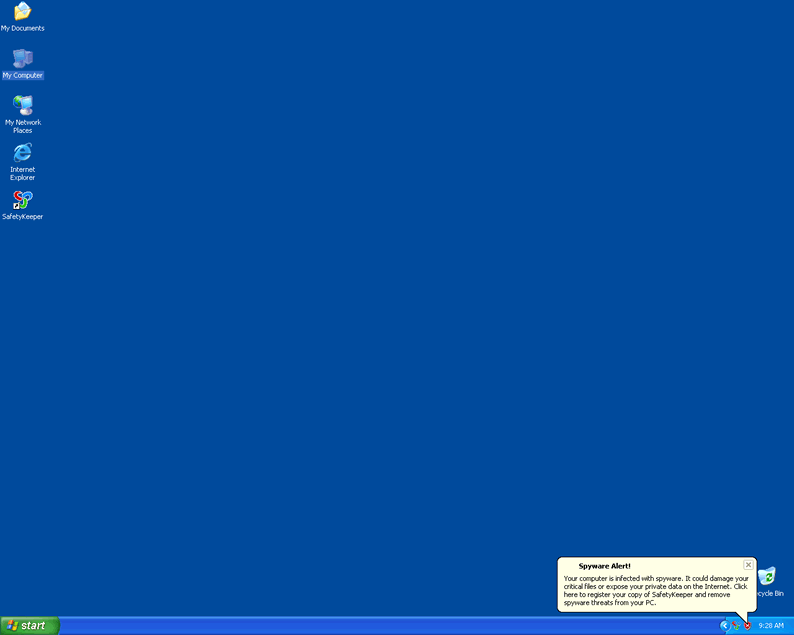
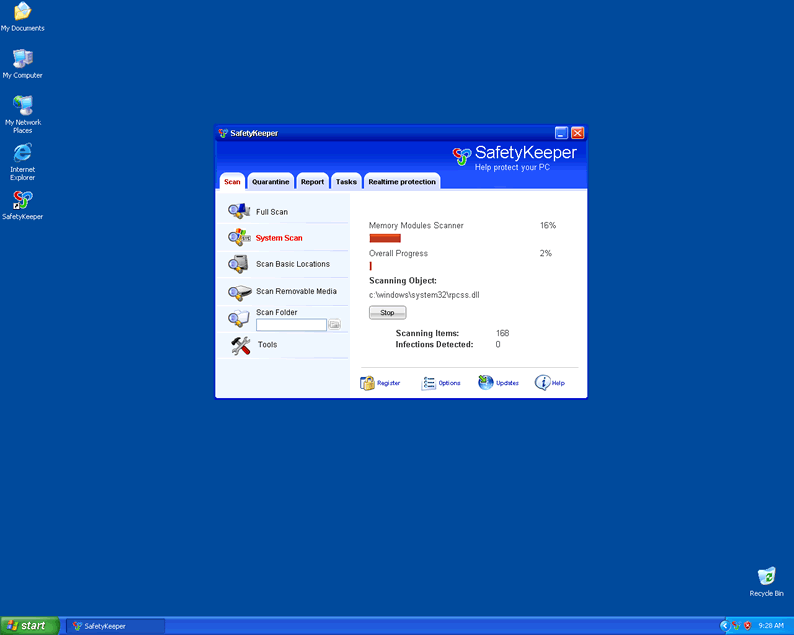
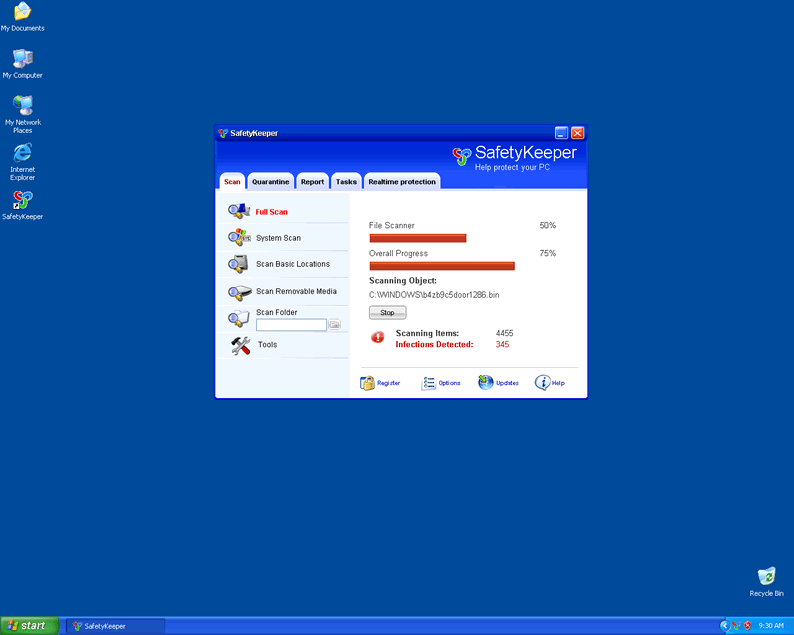
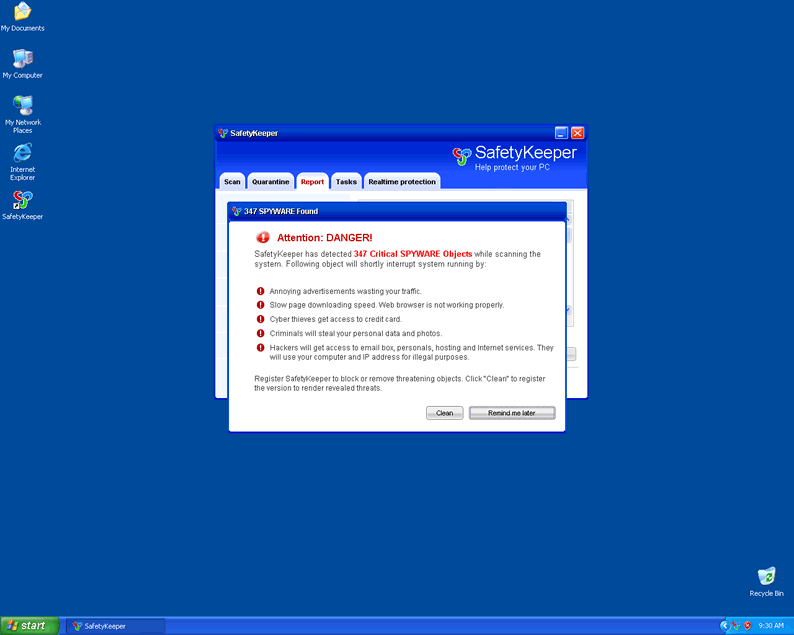
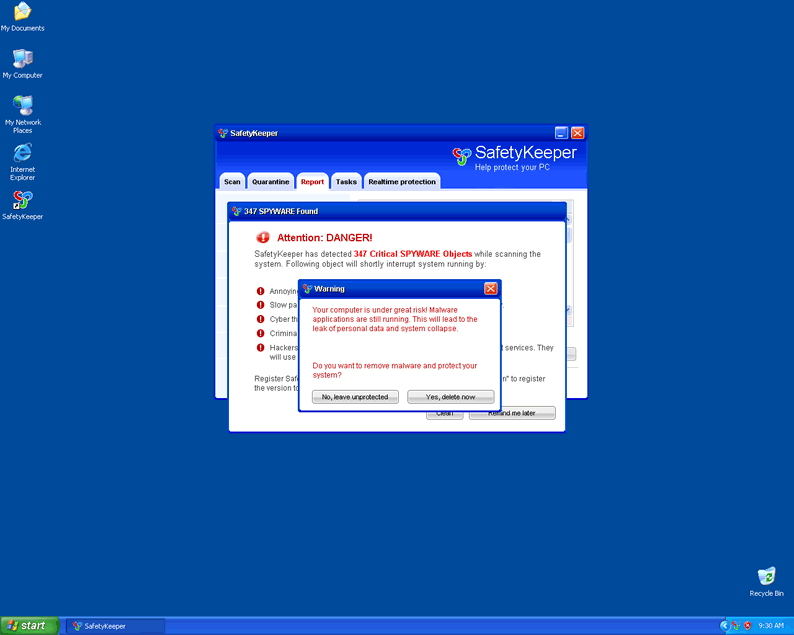
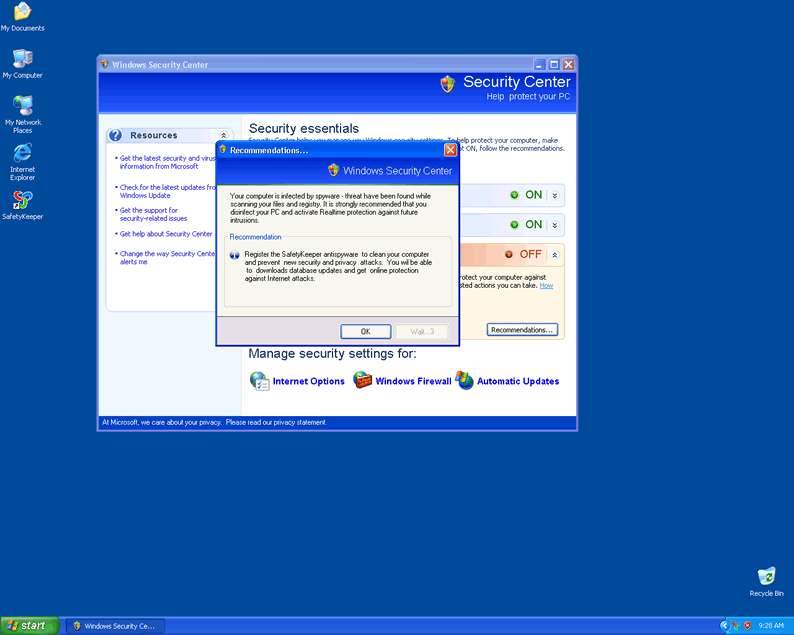
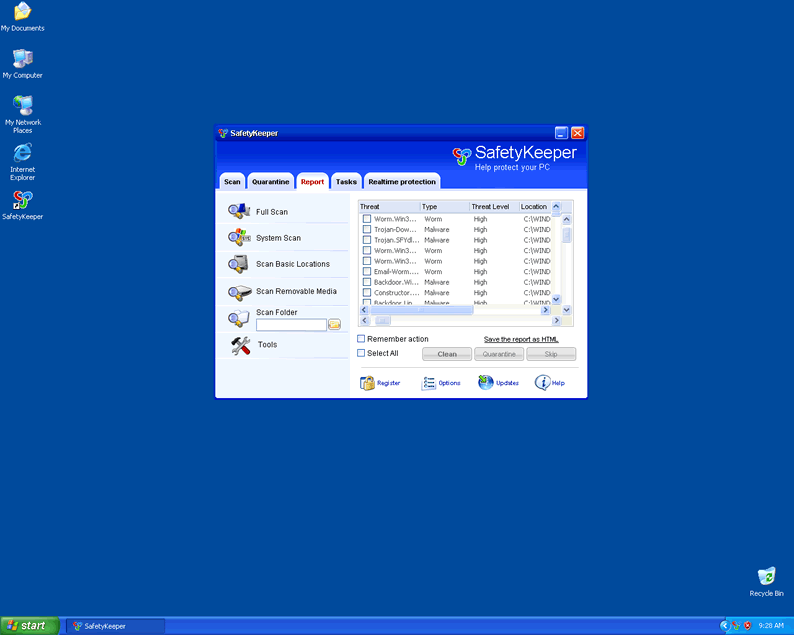 SafetyKeeper is a fake spyware remover hailing from the same family as BlockDefense, SaveDefense and SaveKeeper. Through the use of trojan infections, SafetyKeeper gains entry to your PC and from there, begins issuing dozens of annoying security alerts and bogus system scans that turn up nothing but fabricated infection results. These tactics are there to scare you into purchasing the rogue spyware remover SafetyKeeper. Do not be fooled. Remove SafetyKeeper as soon as it is detected.
File System Modifications
- The following files were created in the system:
# File Name File Size (bytes) File Hash 1 1 SafetyKeeper.lnk N/A N/A 2 c:\Documents and Settings\All Users\Desktop\SafetyKeeper.lnk N/A N/A 3 c:\Documents and Settings\All Users\Start Menu\Programs\SafetyKeeper\1 SafetyKeeper.lnk N/A N/A 4 c:\Documents and Settings\All Users\Start Menu\Programs\SafetyKeeper\2 Homepage.lnk N/A N/A 5 c:\Documents and Settings\All Users\Start Menu\Programs\SafetyKeeper\3 Uninstall.lnk N/A N/A 6 c:\WINDOWS\1059ztr9j470.bin N/A N/A 7 c:\WINDOWS\1155backdoor929z.ocx N/A N/A 8 c:\WINDOWS\system32\90a3t5ief225z.ocx N/A N/A 9 c:\WINDOWS\system32\9207znot-a-v5rus2f7.bin N/A N/A 10 SafetyKeeper N/A N/A 11 SafetyKeeper.exe 832,000 af3658a2f7dbd4a5bb5ef95910a6cde7 12 SafetyKeeper.lnk N/A N/A 13 setup[1].exe 919,479 315625381de4c9a3ea8f7d013c1f21b8
Registry Modifications
- The following newly produced Registry Values are:
HKEY..\..\..\..{Subkeys}HKEY_CURRENT_USER\Software\Microsoft\Windows\CurrentVersion\Run "SafetyKeeper"HKEY_CURRENT_USER\Software\Microsoft\Windows\CurrentVersion\Run "gbn976rl.exe"HKEY_CURRENT_USER\Software\SafetyKeeperHKEY_LOCAL_MACHINE\SOFTWARE\SafetyKeeperHKEY..\..\..\..{RegistryKeys}HKEY_LOCAL_MACHINE\SYSTEM\CurrentControlSet\Enum\Root\LEGACY_SAFETYKEEPERSVCHKEY_LOCAL_MACHINE\SYSTEM\CurrentControlSet\Services\SafetyKeeperSvcHKEY_LOCAL_MACHINE\Software\[APPLICATION]\Microsoft\Windows\CurrentVersion\Uninstall..{Uninstaller}SafetyKeeper
Additional Information on SafetyKeeper
- The following paths were detected:
# Path 1 %AllUsersProfile%\Start Menu\Programs\SafetyKeeper 2 %ProgramFiles%\SafetyKeeper Software\SafetyKeeper
Leave a Reply
Please note that we are not able to assist with billing and support issues regarding SpyHunter or other products. If you're having issues with SpyHunter, please get in touch with SpyHunter customer support through your SpyHunter . If you have SpyHunter billing questions, we recommend you check the Billing FAQ. For general suggestions or feedback, contact us.