Mastering Your Apple Pencil: A Guide to Firmware Updates and Functionality
Introduction to Apple Pencil
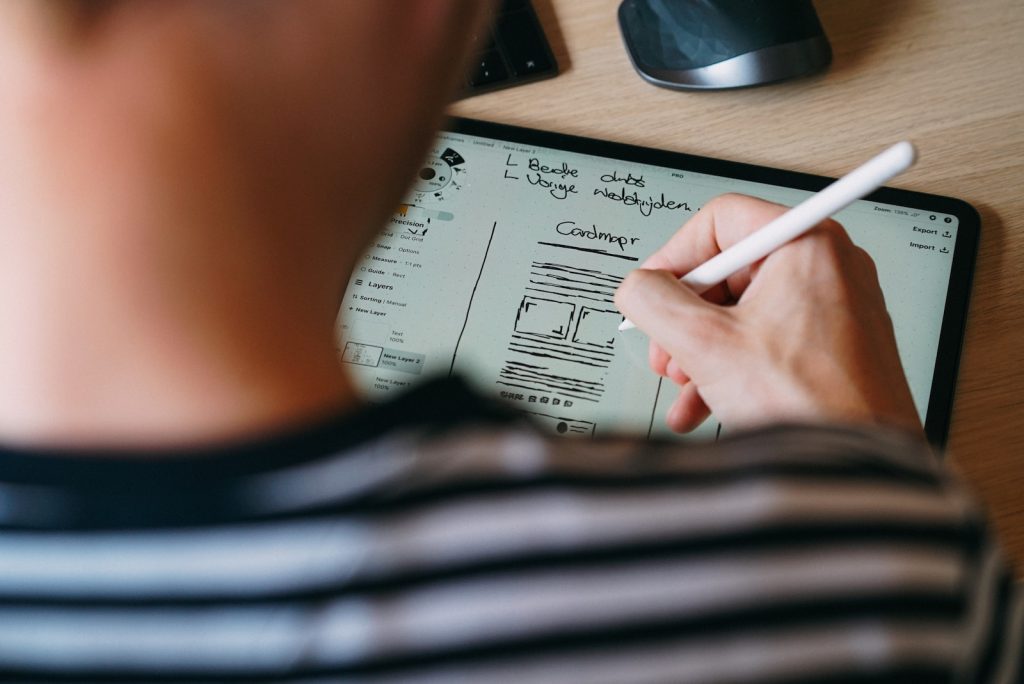
The Apple Pencil is a stylus developed by Apple Inc., designed to enhance the experience on iPad devices. It's useful for note-taking, drawing, and other precise tasks that could be challenging with your fingers. Apple Pencil comes in different models, including the USB-C Apple Pencil. This model is similar in design to the Apple Pencil 2 but has a more compact build and features a hidden USB-C port for charging and pairing.
Apple Pencil's Functionality
While the Apple Pencil is a highly intuitive and versatile, the USB-C Apple Pencil varies slightly in terms of its capabilities. It is not endowed with a wireless charging feature and lacks certain high-end offerings like pressure sensitivity, which can be found in pricier models. Notwithstanding, the Apple Pencil’s high degree of precision and responsiveness facilitates navigation on the iPad, making it a must-have accessory for iPad users.
Recent firmware update for the USB-C version of the stylus
Apple recently launched the first firmware upgrade for the USB-C Apple Pencil. As of November 2023, this novel firmware carries a version number 10M5164. Notably, Apple has not shared any explicit information about what the firmware update includes. It also hasn't been confirmed what new features or fixes may be packed in the upgraded firmware.
Lack of release notes for updates
Apple typically doesn't provide release notes or specific details about their Apple Pencil software releases. Therefore, users are often left in the dark about what improvements or changes the updates bring to their devices. However, in the case of the USB-C Apple Pencil, connecting it to an iPad via a USB-C cable and switching on the iPad should trigger the new software to download, ensuring users benefit from the latest firmware features.
Restrictions and Instructions on Updating Firmware
While Apple has released a firmware update for its USB-C Apple Pencil, it's essential to note that this update isn't compatible with the Apple Pencil 2 or the first-generation model. Each stylus model has its own unique set of features and, hence, corresponding updates.
Incompatibility with Apple Pencil 2 or the first-gen model
The firmware update with version 10M5164 is specific to the USB-C Apple Pencil and does not intend to serve the other Apple Pencil variants. This released firmware does not cater to the Apple Pencil 2 or the first-generation model - each model has unique characteristics and exclusive features that are not interchangeable.
Inability to manually start the firmware update
One important aspect to note about Apple's firmware updates for its Apple Pencil hardware is that there's no established procedure to manually kick-start these updates. Apple does not offer a direct option to instigate the firmware update on demand.
Process of connecting Apple Pencil via USB-C cable and waiting
Given the lack of a standard procedure for updating the firmware of the Apple Pencil, the best possible way to get the update is to connect the stylus to an iPad using a USB-C cable and power up the iPad. This action should trigger downloading and installing the new software update for the USB-C Apple Pencil. It's recommended to keep your iPad connected to a power source during this process.
Importance of Bluetooth pairing
An important element in achieving a successful firmware update is ensuring your Apple Pencil is paired to your iPad via Bluetooth. Once paired, your device should have no issues receiving the new software updates intended for the USB-C Apple Pencil. Regularly keeping your devices connected and ensuring that your Bluetooth settings are correctly configured greatly aids in receiving immediate updates.
Strategy for Successful Update
Given the nuances associated with updating the firmware of the USB-C Apple Pencil, coming up with a solid strategy to increase the chances of a successful update is crucial. The reliability of this process largely hinges on the proper pairing and charging of the Apple Pencil and keeping the iPad updated with the latest iPadOS.
Recommendation to connect stylus to iPad overnight
A recommended strategy for a successful firmware update is to connect the USB-C Apple Pencil to the iPad using the USB-C cable overnight. Doing so grants ample room for the update to initiate and complete without interruptions. Leaving the connection overnight also ensures the update gets downloaded and installed, even if it doesn't kick off immediately after connecting.
Another important note is to keep the iPad charged during this process. This step is crucial to prevent the tablet from switching off during the update process, thereby keeping the update progress intact. Following this strategy, users can download and install the new firmware version for their USB-C Apple Pencils with minimal hiccups.
Checking Firmware Version
To ensure that the Apple Pencil has been successfully updated, it is necessary to verify the current firmware version on the device. This process is straightforward.
Opening the Settings app
Open the Settings application on your iPad. Through the Settings app you can access all the device-level and app-level settings and configurations, including those for connected hardware like the Apple Pencil.
Directions to the Apple Pencil entry
Once the Settings app is open, navigate to the ‘General’ settings. From there, you will need to go into the ‘About’ section. Scroll down until you locate the entry for the Apple Pencil. Note that this option will only appear if the stylus is connected to the iPad via Bluetooth. If you fail to locate it, check the Bluetooth settings and ensure the Apple Pencil is connected.
Checking the firmware version on the details screen
Upon clicking the Apple Pencil entry, you will be redirected to a details screen. This screen contains critical information concerning your Apple Pencil, including the firmware version it is currently running. After conducting the firmware update, refer to this screen to confirm that the version number matches 10M5164 - the latest firmware update for the USB-C Apple Pencil.