Mastering Control and Longevity of Your AirPods
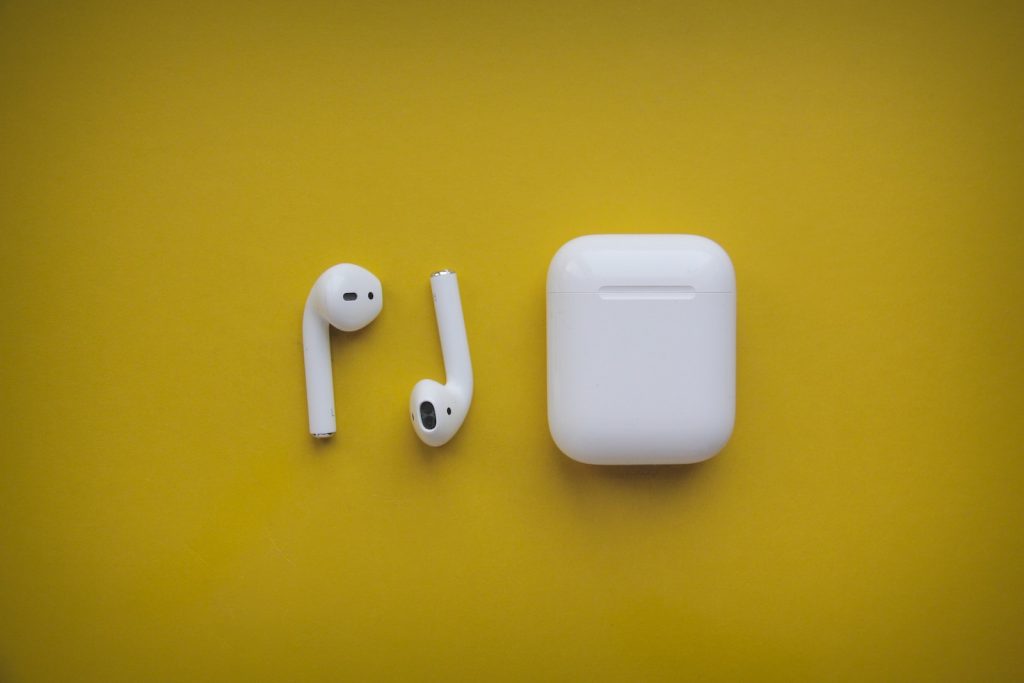
Controlling AirPods
There's more to AirPods than just listening to music or answering calls! They come with various interactive and customizable controls, depending on the model.
AirPods 1 and 2
These models are carefully designed to detect taps at the top of the stem. Double tapping triggers automatic functions; this could be answering an incoming call or playing and pausing audio content. You can also reassign the double-tap option to other commands, such as triggering Siri or skipping to the next track. More detailed instructions on customizing these settings can be found on Apple's official support site.
AirPods 3
The AirPods 3 model is enhanced with a force sensor located in a slight indentation on the stem. This sensor allows you to control the playback of your audio: a single press to play or pause, a double press to skip to the next track, and a triple press to jump back a track. A long press activates Siri.
AirPods Pro and Pro 2
The AirPods Pro models offer an expanded range of control features. Like the AirPods 3, they incorporate a sensor into the stem that responds to presses, but they also come with the option to toggle between Noise Cancellation mode and Transparency mode. If you'd rather, you can set a long press to activate Siri instead. Specifically, with AirPods Pro 2, you can adjust the volume by lightly swiping up or down on the stem.
For more detailed information about the settings of any AirPods model, visit the support pages on Apple's official website.
Finding Lost AirPods
Another handy feature of AirPods that not everyone may know is their built-in ability to be located when lost. Apple provides accessible tools via their Find My application and service to ensure you can return your misplaced AirPods.
Locating AirPods with Find My
All versions of AirPods are compatible with the Find My app and service. To utilize this, open the Find My app on your iPhone, navigate to the Devices tab, and select your AirPods. Here, you can specify which AirPod you've lost (left or right), and the app will display its current location on a map.
Sound Playback for Lost AirPods
If you know you're near your lost AirPod but still struggle to pinpoint its location, you can make it play a sound. Select your AirPods under the Devices tab within the Find My app and tap Play Sound. This feature is incredibly helpful if you've misplaced your AirPods after taking them out of their case.
Locating AirPods Inside Their Case
The ability to locate or play a sound on your AirPods through the Find My service is unfortunately not applicable if they are still inside their case. However, with the AirPods Pro 2 model, you can trace the case's location and have it play a sound. For all other models, attaching an AirTag or a similar tracking tag to the case is advisable. More information on how to utilize these features can be found on Apple's official webpage for finding lost AirPods.
Extending Battery Life
AirPods offer impressive audio performance, but their battery life may not sustain a whole workday's worth of listening. However, there's a simple trick to sidestep this limitation and keep your AirPods running for an extended period.
Battery Life of AirPods
AirPods typically last five to six hours before draining their battery and requiring recharging. While this duration is substantial, it may not be enough for a full workday's consistent use.
Using a Single AirPod
A practical solution to extend the usability of the AirPods battery is to use a single AirPod at a time. This method may not be perfect for every situation, as the mono sound may not provide the immersive audio experience most people desire. Nonetheless, your iPhone or Mac will have no issues with this single AirPod setup, and no settings changes are necessary.
Longer Listening with Single AirPod Use
By alternating the use of each AirPod, you can extend the battery life to 10 or 12 hours of continuous listening. This approach doubles the typical battery life and allows for longer, uninterrupted use of your AirPods throughout the day.
Prerequisites to Using These Tips
Before venturing into these tips and tricks for making the most out of your AirPods, certain considerations need to be kept in mind. These rules apply to each AirPods and AirPods Pro release, except the over-the-ear version, AirPods Max.
Applicability of Tips
All the tricks elaborated here are suited to every available model of Apple's wireless earbuds, including the AirPods and AirPods Pro series. However, the AirPods Max model is excluded as its operation and characteristics differ substantially from the in-ear AirPods models.
Accessing Detailed Information
The Apple Support site provides a rich resource if you're keen on digging deeper into AirPods functionality. It covers a comprehensive range of topics from basic use to advanced tricks and troubleshooting support, enabling you to enjoy an optimized AirPods experience.