Recharging with iPhone 15: Power Transfer Capabilities and Efficiency
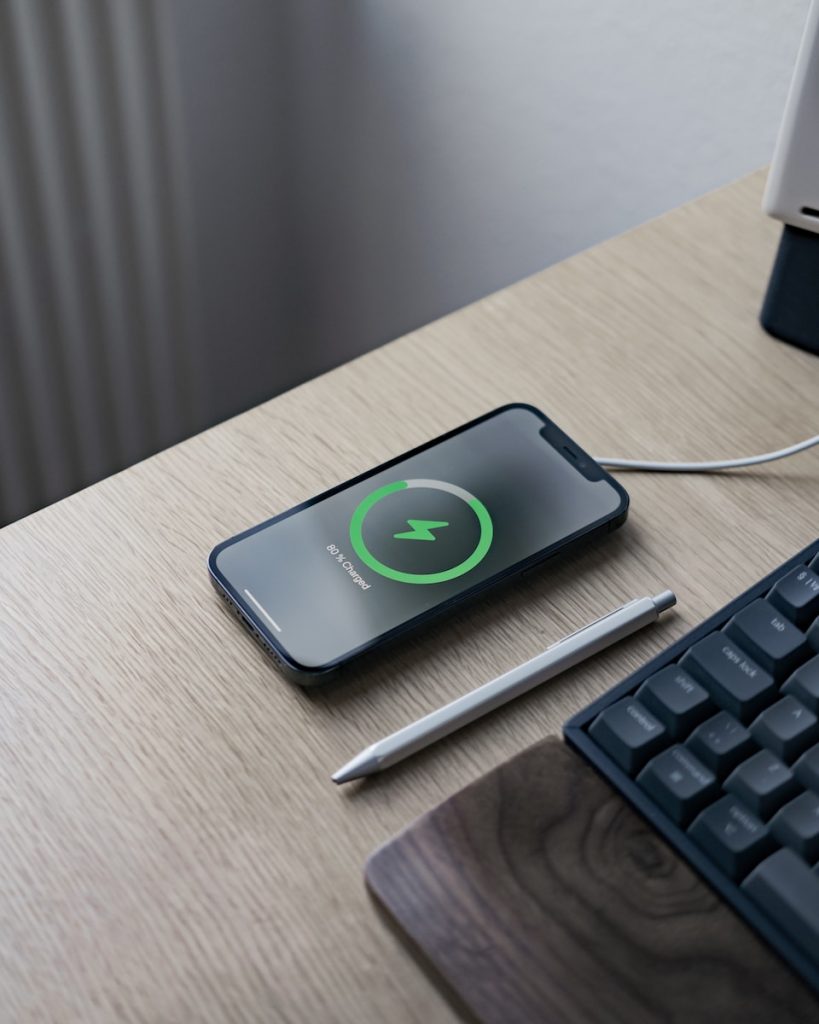
Charging other devices with iPhone 15
The new iPhone 15 comes with a significant update: a USB-C port that empowers users to charge not only their device but also their AirPods and Apple Watches. With this groundbreaking feature, users no longer have to rely on carrying multiple chargers or being near an outlet.
Charging another iPhone
This convenience also extends to other iPhones, allowing users to share power with friends who may be running low on battery power. To avoid the inconvenience of finding a suitable charging source, this peer-to-peer charging solution is enabled by the versatile USB-C port.
Models supported by this feature
This charging capability is specific to iPhone 15 models released in 2023 and later, owing to the transition from the traditional Lightning port to USB-C. This shift enhances the utility of individual devices and marks a significant step towards an integrated Apple ecosystem.
Charging AirPods with iPhone 15
One of the most convenient features the iPhone 15 provides to users is the ability to charge AirPods directly using the phone's battery. This facility eliminates the need for carrying multiple cables or searching for an external power source when the AirPods battery runs low.
Immediate power transfer upon connecting AirPods to iPhone 15
The charging process is straightforward. Once the AirPods are connected to the iPhone 15 using an appropriate cable, they immediately start drawing power from the phone's battery. Charging another device that supports USB Power Delivery is possible at up to 4.5 watts, providing ample power to keep your AirPods running.
Required Specific Cables
Selecting the right cable for this charging process is crucial. The new AirPods Pro 2nd generation includes a USB-C port and can be charged directly to the iPhone's USB-C port using a USB-C to USB-C cable. However, previous generations of AirPods that use a Lightning port require a different setup. An Apple USB-C to Lightning cable will be needed to connect the AirPods with the iPhone 15. An alternative would be a hybrid cable, like the Rolling Square inCharge X, which supports both USB-C and Lightning connectors, enabling you to charge any version of the AirPods directly from your iPhone 15.
Charging Apple Watch and other iPhones with iPhone 15
Introducing a USB-C port in iPhone 15 has made it possible to extend its battery life beyond the phone itself. It can now fuel Apple Watches and other iPhones, if needed, with the right components.
Charging Apple Watch
If you need to charge an Apple Watch, you can plug the USB-C end of your Apple Watch Magnetic charger into the USB-C port of your iPhone 15. Apple's USB-C to USB Adapter can be used if your watch charger has a regular Type-A connector. An alternative solution can be found in the Pitaka Power Dongle for Apple Watch. This device has a USB-C connector that fits into the iPhone 15's port and a dock on the other end for Apple Watch charging.
Power transfer between iPhones
Transferring power between an iPhone 15 and another iPhone can be accomplished using a cable. Ideally, a cable such as the Rolling Square inCharge X, which supports USB-C and Lightning connections, is recommended. This cable can be utilized to connect two iPhones, enabling a power transfer. However, the power flow is limited to 4.5W, which would result in slower charging speeds.
Power Offering from iPhone 15
Power transfer from the iPhone 15 to other iPhones functions regardless of the devices' battery levels. This feature provides a solution when an additional iPhone runs out of power and a separate charger isn't available. Making the iPhone 15 a moving power bank, this feature adds yet another dimension to the Apple ecosystem's convenience and versatility.
Efficiency of Power Transfer and simultaneous charging
iPhone 15's revolutionary power transfer capability comes with a caveat. It is not 100% efficient, and the output is limited to 4.5 watts, which makes it less than ideal for charging other iPhones. However, it's more than adequate for smaller devices such as AirPods, Apple Watch, and Bluetooth neckbands.
Efficiency of Power Transfer
Using the iPhone 15 to charge another phone will undoubtedly put some pressure on the host device's battery, leading to faster battery drains. While this might not be a huge issue when you're in a pinch and need to power up another device, it's not recommended for regular, everyday use. In addition, with an output of 4.5W, the charging speed is slow for other phones, but it's meaningful for smaller devices like AirPods or Apple Watches. Thus, this neat feature must be used wisely, considering its effects on the iPhone 15's battery life.
Simultaneous Charging
iPhone 15 also allows users to charge multiple devices simultaneously – an innovative feature that's sure to be appreciated by many. Both devices can draw power by placing the iPhone 15 on a wireless charger and then connecting a cable to another device, such as the AirPods or an Apple Watch. This method ensures both the iPhone 15 and the device connected to it get charged, preventing the iPhone 15's battery from being drained.
Keeping the iPhone 15 Battery Robust
The simultaneous charging facility allows the iPhone 15 to supply power to other devices while keeping its battery robust and charged, adding value to an already versatile and highly functional device. Irrespective of the efficiency level, the ability to charge multiple Apple products using just a single device, especially in urgent situations, enhances the practicality of the iPhone 15, making it more than just a smartphone.