Windows AV Software
Posted: February 19, 2011
Threat Metric
The following fields listed on the Threat Meter containing a specific value, are explained in detail below:
Threat Level: The threat level scale goes from 1 to 10 where 10 is the highest level of severity and 1 is the lowest level of severity. Each specific level is relative to the threat's consistent assessed behaviors collected from SpyHunter's risk assessment model.
Detection Count: The collective number of confirmed and suspected cases of a particular malware threat. The detection count is calculated from infected PCs retrieved from diagnostic and scan log reports generated by SpyHunter.
Volume Count: Similar to the detection count, the Volume Count is specifically based on the number of confirmed and suspected threats infecting systems on a daily basis. High volume counts usually represent a popular threat but may or may not have infected a large number of systems. High detection count threats could lay dormant and have a low volume count. Criteria for Volume Count is relative to a daily detection count.
Trend Path: The Trend Path, utilizing an up arrow, down arrow or equal symbol, represents the level of recent movement of a particular threat. Up arrows represent an increase, down arrows represent a decline and the equal symbol represent no change to a threat's recent movement.
% Impact (Last 7 Days): This demonstrates a 7-day period change in the frequency of a malware threat infecting PCs. The percentage impact correlates directly to the current Trend Path to determine a rise or decline in the percentage.
| Threat Level: | 10/10 |
|---|---|
| Infected PCs: | 16 |
| First Seen: | February 22, 2011 |
|---|---|
| Last Seen: | January 8, 2020 |
| OS(es) Affected: | Windows |
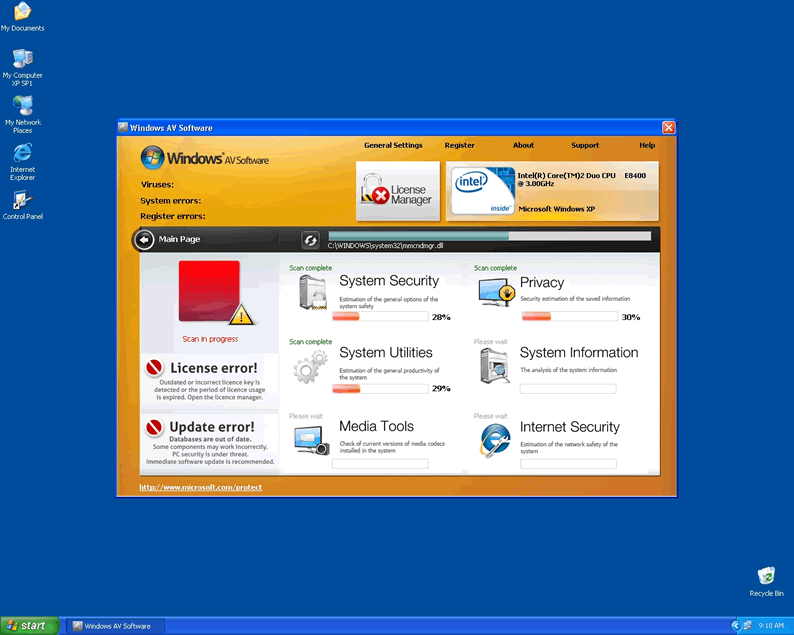
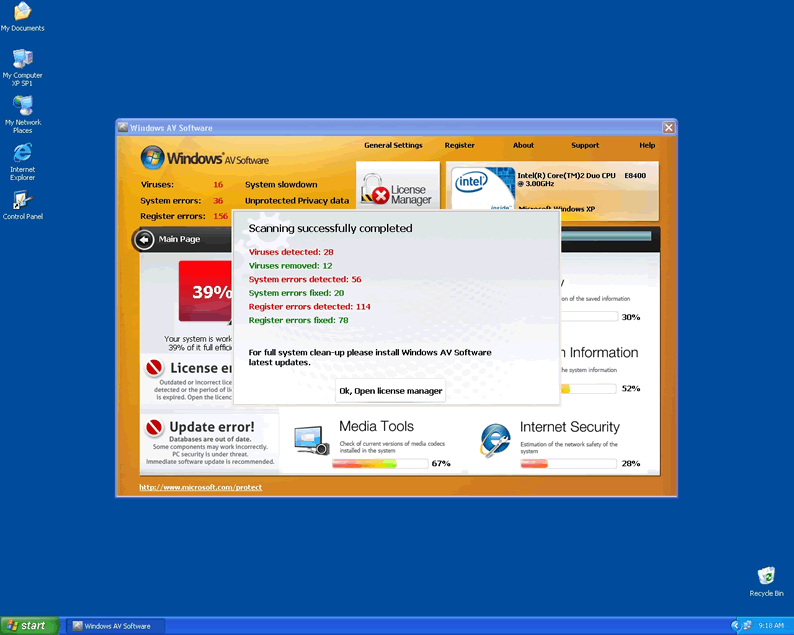
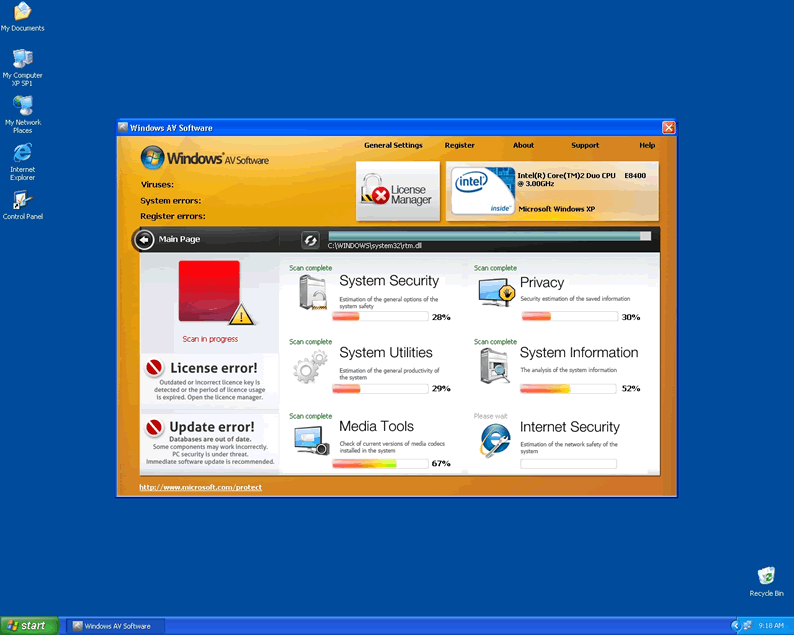
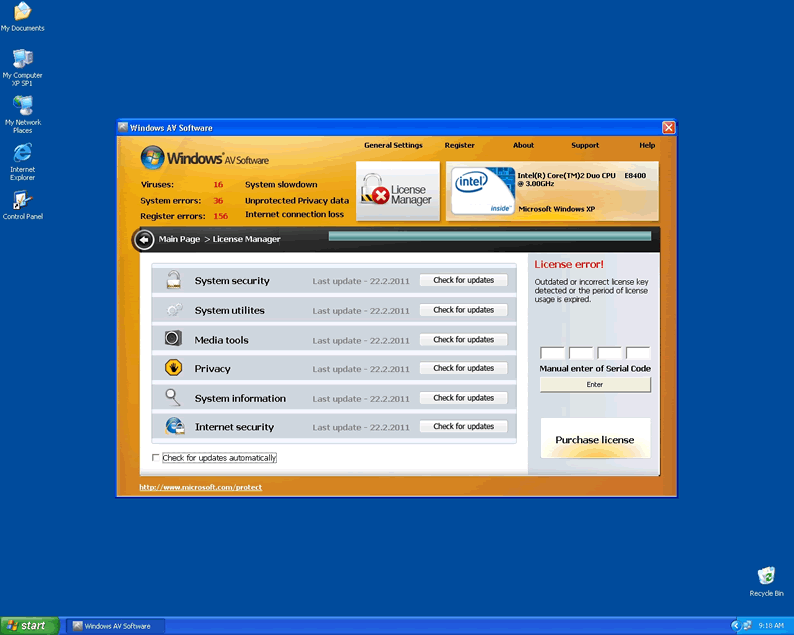
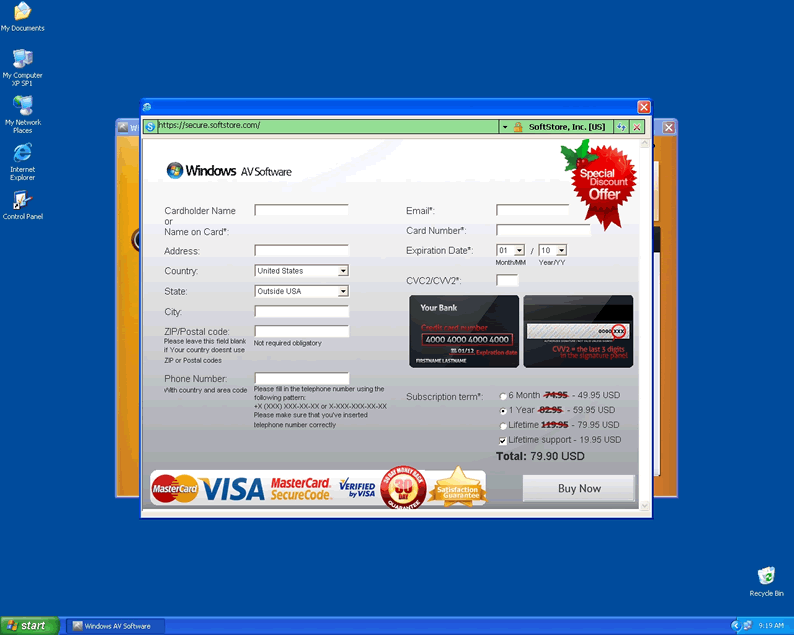
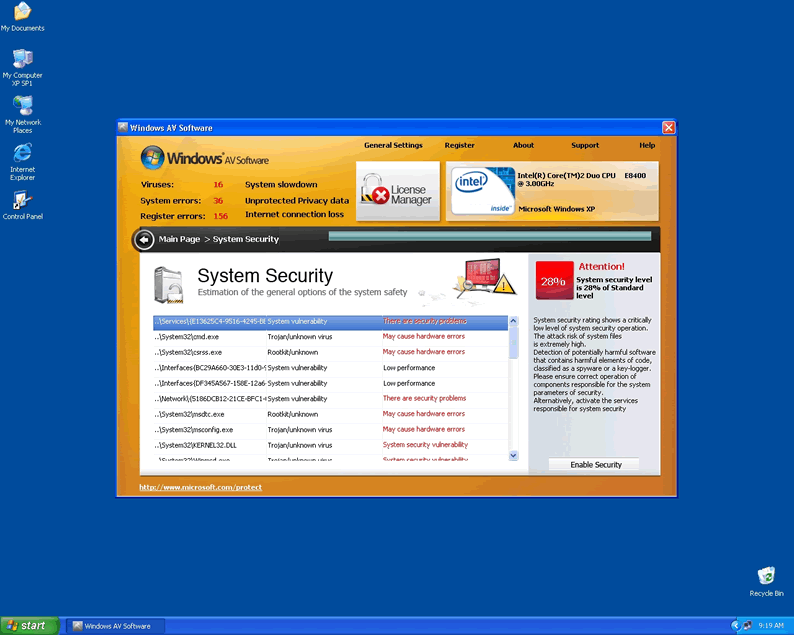
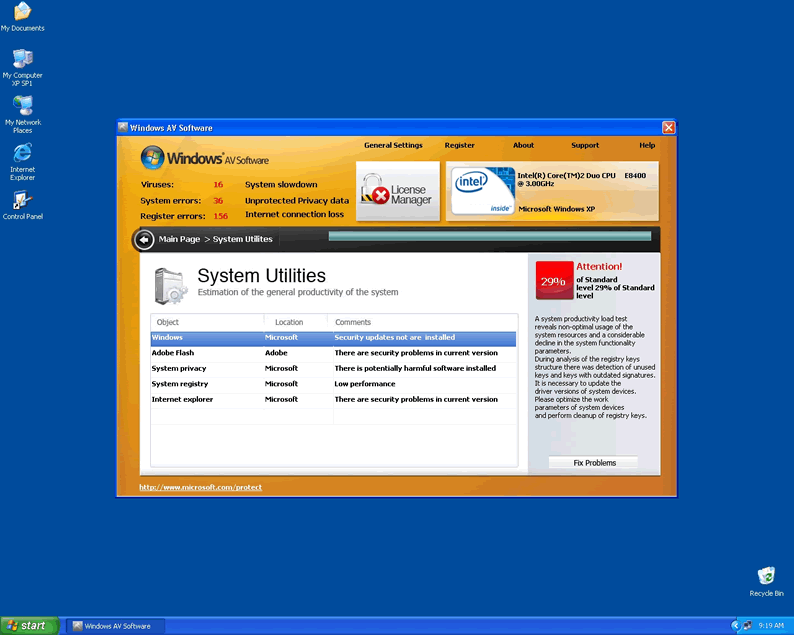
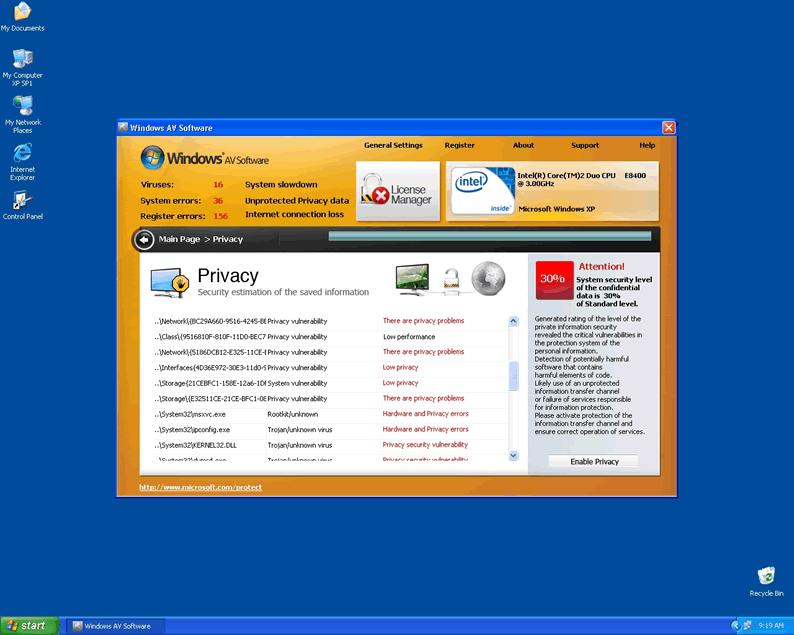
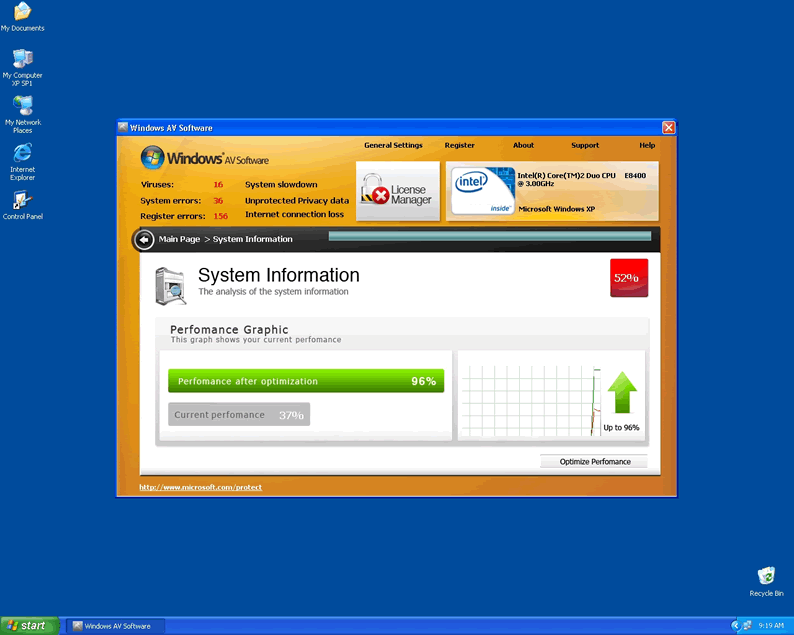
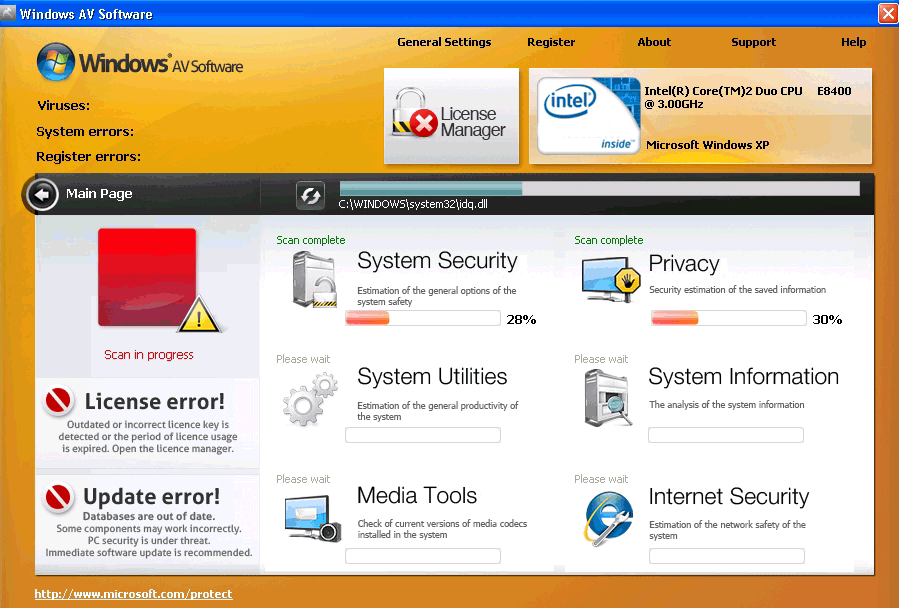 Windows AV Software is a rogue anti-virus product that uses fake infection notifications to bully the user into giving away his or her money and personal information. Like many rogue anti-spyware infections, Windows AV Software is seeded around the web by the fake Microsoft Security Essentials Alert trojan, which puts up a pretense of being a legitimate error message from your operating system. You should delete this rogue anti-spyware product is required to keep your computer running well, since Windows AV Software will block software used to combat malware as well as disabling OS-centric applications like the Task Manager.
Using Microsoft's Good Name to Do Bad
Windows AV Software is related to similar rogue anti-virus products like Windows Wise Protection, and will infect a system in the same way that its kin accomplishes the act. The first sign of an opening for Windows AV Software is when you see the Microsoft Security Essentials Alert trojan error message:
Microsoft Security Essentials Alert
Potential threat details
Microsoft Security Essentials detected potential threats that might compromise your privacy or damage your computer. Your access to these items may be suspended until you take an action. Click 'Show details' to learn more.
Detected items: Unknown Win32/Trojan
This is ironically a case of a trojan reporting another trojan as a threat! The second threat, of course, doesn't actually exist. The trojan merely uses this message to prompt you to install whatever latest rogue software it happens to be pushing, which is likely to be Windows AV Software. If you can keep cool and delete the trojan without installing anything, you'll be in the clear.
What Happens if You Take the Trojan's Advice
If you accidentally or intentionally did what the trojan wanted and you're now dealing with Windows AV Software, you'll have new problems to face. Reports confirm that the following typical rogue infection behavior is also used by Windows AV Software:
- Fake error messages of infections that aren't there. Again, this is another trick to get you to trust the infection. Windows AV Software will report a heavy state of malware infection no matter what your system is like, so don't even consider buying this worthless rogue product!
- Due to registry meddling, Windows AV Software will run whenever you start Windows.
- On startup, Windows AV Software will actually be obnoxious enough to take precedence over your desktop, requesting a scan before allowing you to access anything else on your computer. Naturally, Windows AV Software can't scan your machine any more than it can show accurate error messages.
- Windows AV Software will also strive to close any program that could threaten it, including true security software. Pay no mind to its error messages during these interferences since they're just more smokescreens. Even your Task Manager isn't safe from Windows AV Software's attacks.
- There have also been instances of browser hijacking experiences, wherein Windows AV Software forces you to visit its website and blocks useful ones.
Although many of these problems can be somewhat risky and all are irritating, the last two symptoms of infection by Windows AV Software or a similar rogue anti-spyware product are by far the worst ones. You should delete Windows AV Software quickly, or else you may find yourself unable to get rid of it at all.
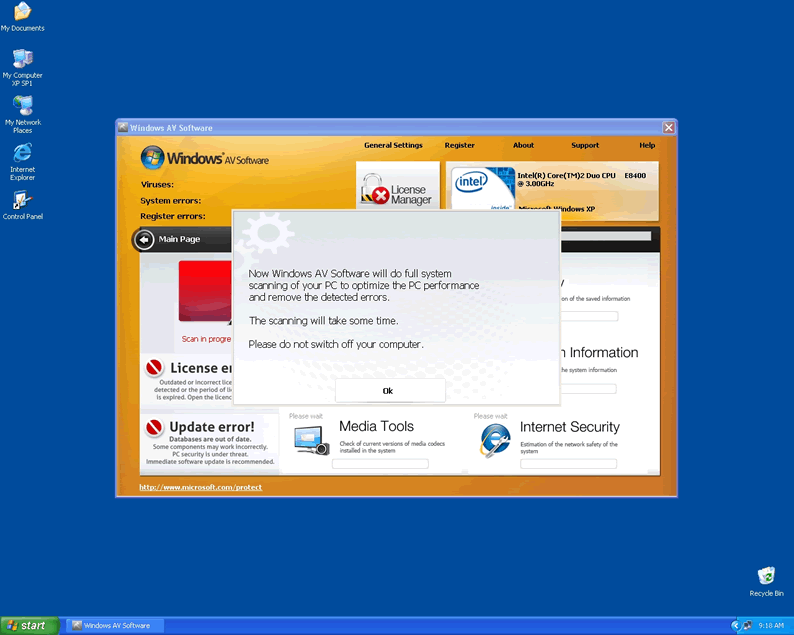
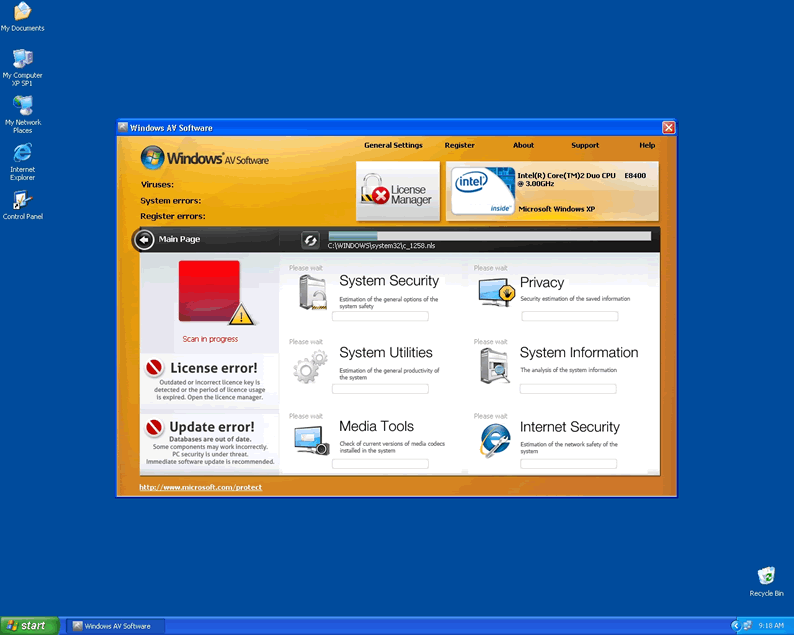
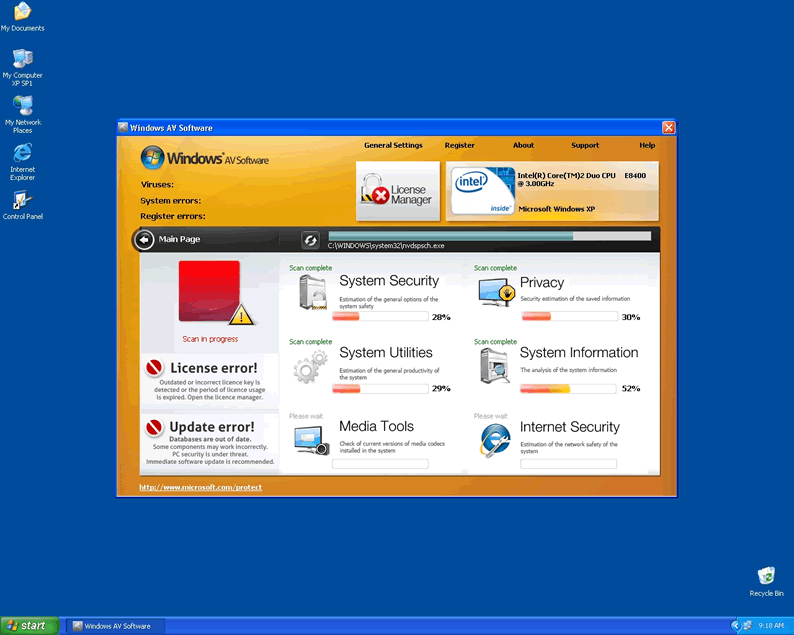
Technical Details
File System Modifications
Tutorials: If you wish to learn how to remove malware components manually, you can read the tutorials on how to find malware, kill unwanted processes, remove malicious DLLs and delete other harmful files. Always be sure to back up your PC before making any changes.
The following files were created in the system:C:\rogueware samples\namechanger a\xratedvideo.avi.exe
File name: xratedvideo.avi.exeSize: 2.61 MB (2612224 bytes)
MD5: 616fa111e4d544ca6da6d31462b0153f
Detection count: 9
File type: Executable File
Mime Type: unknown/exe
Path: C:\rogueware samples\namechanger a\xratedvideo.avi.exe
Group: Malware file
Last Updated: May 6, 2024
Leave a Reply
Please note that we are not able to assist with billing and support issues regarding SpyHunter or other products. If you're having issues with SpyHunter, please get in touch with SpyHunter customer support through your SpyHunter . If you have SpyHunter billing questions, we recommend you check the Billing FAQ. For general suggestions or feedback, contact us.