CyberSitter
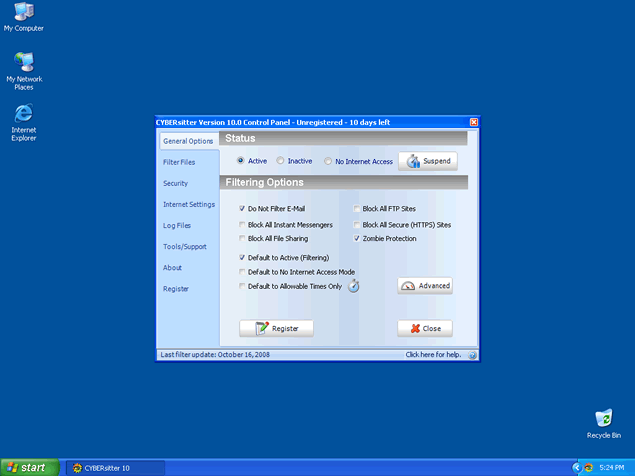 CyberSitter is a dangerous keylogging application that has the ability to record keystrokes. CyberSitter may send monitored activity to a remove attacker where they may use this information against you. CyberSitter can lead to identity theft which. CyberSitter, after installed, runs in the system background going undetected where malicious activities are taking place without your knowledge. CyberSitter may be difficult to manually detect and remove. It is important to detect CyberSitter with a good spyware scan tool.
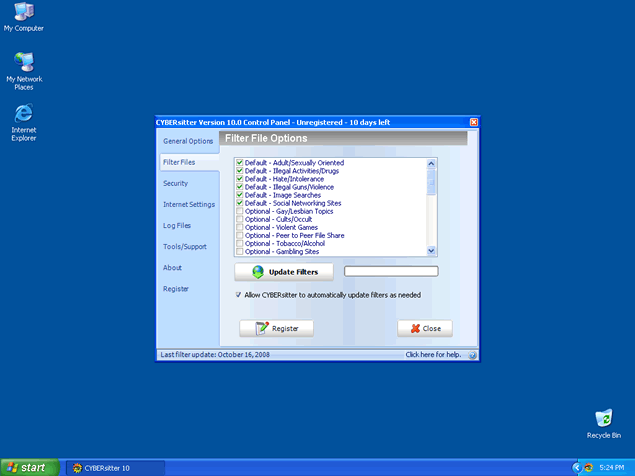
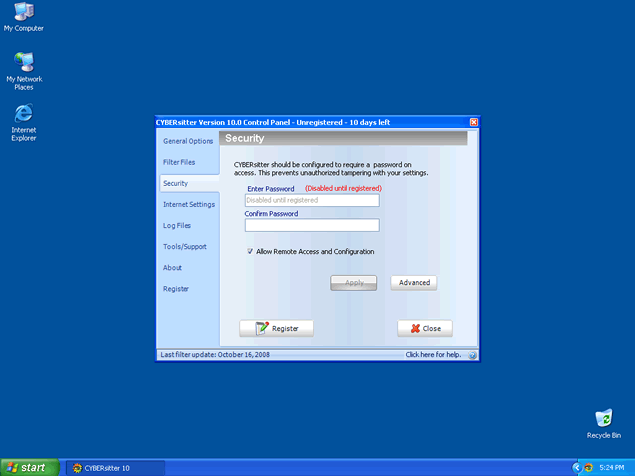
File System Modifications
- The following files were created in the system:
# File Name File Size (bytes) File Hash 1 CComSvc.exe 2,492,648 67f4af85ad76ed6b3d58cea4fc858a12 2 CYB10.EXE 5,650,152 55e324d3ee5f7e018e506dd3495416e5 3 Cyb2k.exe 2,800,128 8a0c02cf5070d154b2d94d10bbe7c59c 4 lspcs.dll 159,744 11c0cfc6e0a251f7eed8ad89f8cb384a 5 MSLSPC.exe 121,856 e73598eb990d76a4311a3bbf04838753 6 setupCS10.exe 2,336,714 affa7a6b076ac345975fbc8d627ac228 7 WVCSCR.exe 1,843,432 79d7065a59f3d12a4b53315fe69eb0c3 8 WVCSDG.exe 2,368,744 dcc21ac324ad38ed075516819d14cf21 9 WVCSRT.exe 1,721,576 4e883855a92838f84e6eb2140519049f 10 WVCSUH.exe 1,734,376 a6656fe5912c7ef40fe703930fd5fff7 11 WVCSWD.exe 1,152,744 1dcb3cea7008a33bbc82d63b50419b72
in step 3 of the process there is a intruction NO.2 that says "Type "cd" in order to change the current directory, press the "space" button, enter the full path to where you believe the CyberSitter DLL file is located and press the "Enter" button on your keyboard."
what is does the "full path" mean?
as u can see im no genious with computers