Vista Guardian
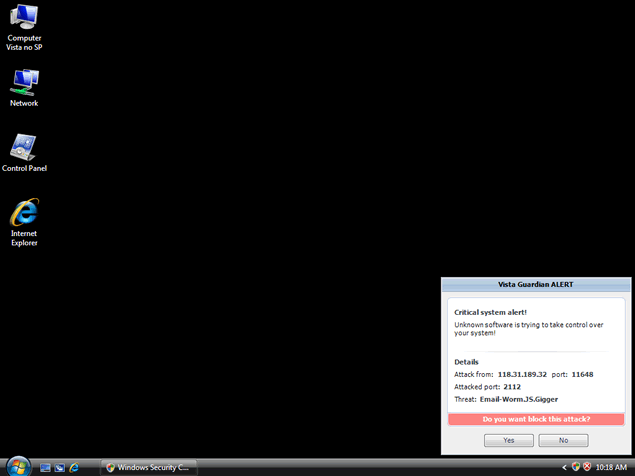
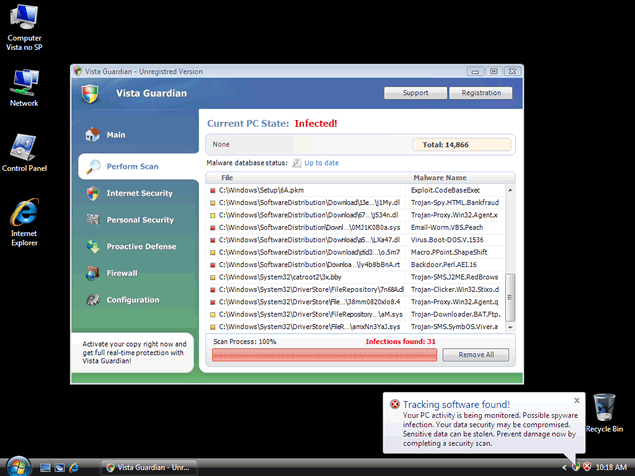
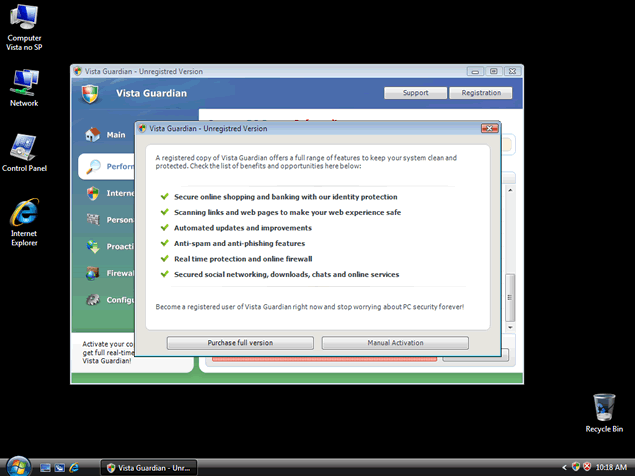
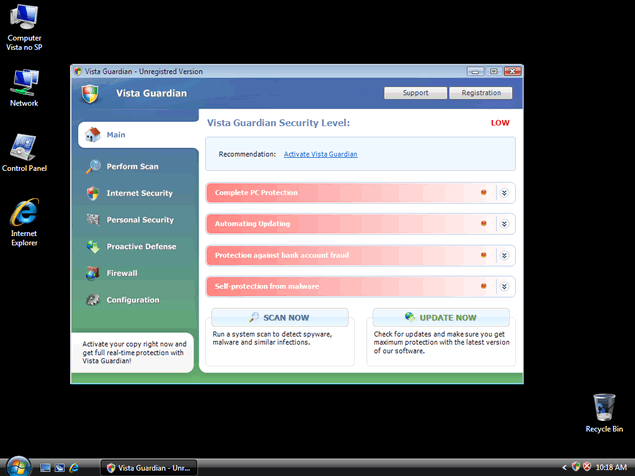
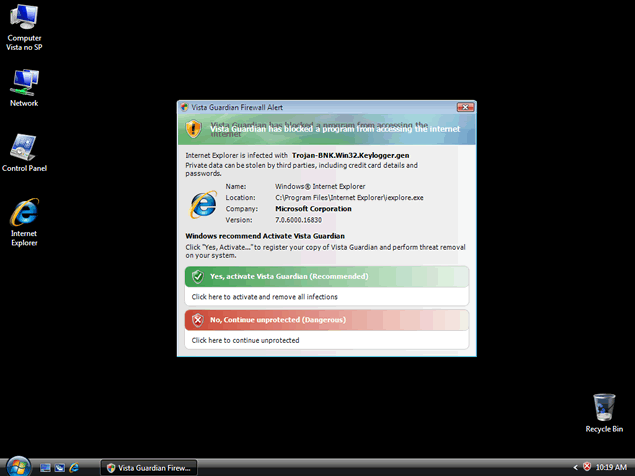
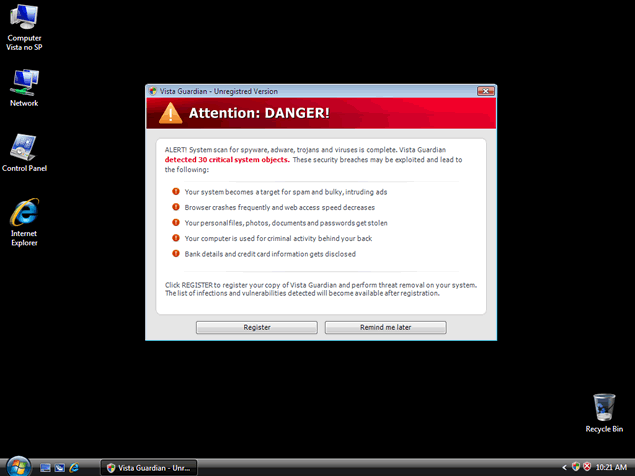
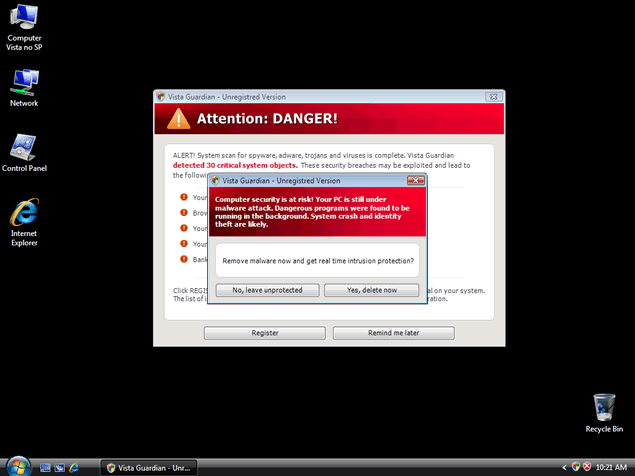
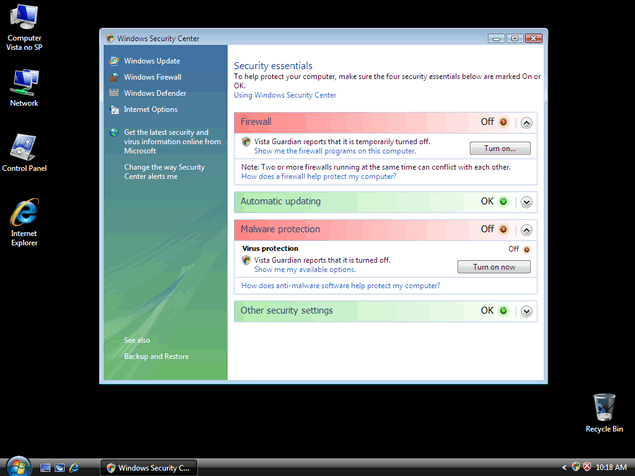 Vista Guardian is a rogue anti-spyware program that displays fake security scan results to trick you into purchasing their useless product. Vista Guardian may change your desktop settings to issue fake warning messages, hijack the web browser and redirect you to unwanted web sites. Vista Guardian installs malicious files and automatically downloads itself onto your computer, which makes Vista Guardian difficult to remove. Do not give Vista Guardian the leeway to create chaos on your system and the rogue removed using reliable anti-spyware software.
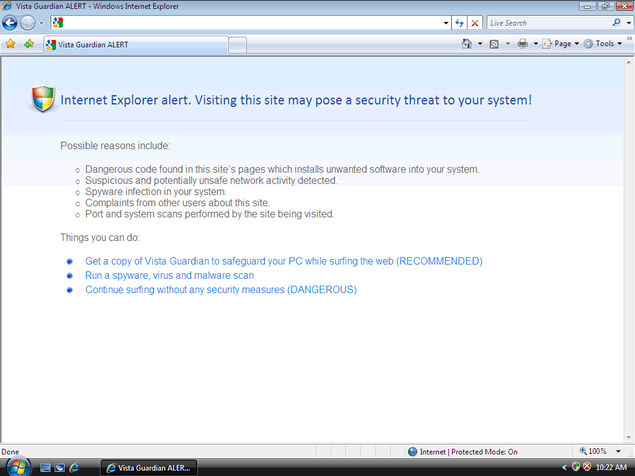
File System Modifications
- The following files were created in the system:
# File Name 1 %UserProfile%\Local Settings\Application Data\av.exe 2 %UserProfile%\Local Settings\Application Data\WRblt8464P 3 Av.exe
Registry Modifications
- The following newly produced Registry Values are:
HKEY..\..\..\..{Subkeys}HKEY_CURRENT_USER\Software\Classes\.exe\shell\open\command "(Default)" = "%UserProfile%\Local Settings\Application Data\av.exe" /START "%1" %*HKEY_CURRENT_USER\Software\Classes\secfile\shell\open\command "(Default)" = "%UserProfile%\Local Settings\Application Data\av.exe" /START "%1" %*HKEY_LOCAL_MACHINE\SOFTWARE\Clients\StartMenuInternet\FIREFOX.EXE\shell\open\command "(Default)" = "%UserProfile%\Local Settings\Application Data\av.exe" /START "C:\Program Files\Mozilla Firefox\firefox.exe"HKEY_LOCAL_MACHINE\SOFTWARE\Clients\StartMenuInternet\FIREFOX.EXE\shell\safemode\command "(Default)" = "%UserProfile%\Local Settings\Application Data\av.exe" /START "C:\Program Files\Mozilla Firefox\firefox.exe" -safe-modeHKEY_LOCAL_MACHINE\SOFTWARE\Clients\StartMenuInternet\IEXPLORE.EXE\shell\open\command "(Default)" = "%UserProfile%\Local Settings\Application Data\av.exe" /START "C:\Program Files\Internet Explorer\iexplore.exe"HKEY_LOCAL_MACHINE\SOFTWARE\Microsoft\Security Center "AntiVirusOverride" = "1"HKEY_LOCAL_MACHINE\SOFTWARE\Microsoft\Security Center "FirewallOverride" = "1"HKEY..\..\..\..{RegistryKeys}HKEY_CLASSES_ROOT\.exe\shell\open\command "(Default)" = "%UserProfile%\Local Settings\Application Data\av.exe" /START "%1" %*HKEY_CLASSES_ROOT\secfile\shell\open\command "(Default)" = "%UserProfile%\Local Settings\Application Data\av.exe" /START "%1" %*
Thank you for posting these instructions. I followed your helpful easy to follow manual instructions and it appears that the computer is free of the said malware. Thank you again!
I figured as much, i got this thing and had to restore my computer, thank god i found this and found out the truth!
Thanks man saved me big time i thoungh i was going to stay with this stupid program TANKS!!!!!!!!!!!
Thanx alot. Keep up the good work.