Windows 7 Restore
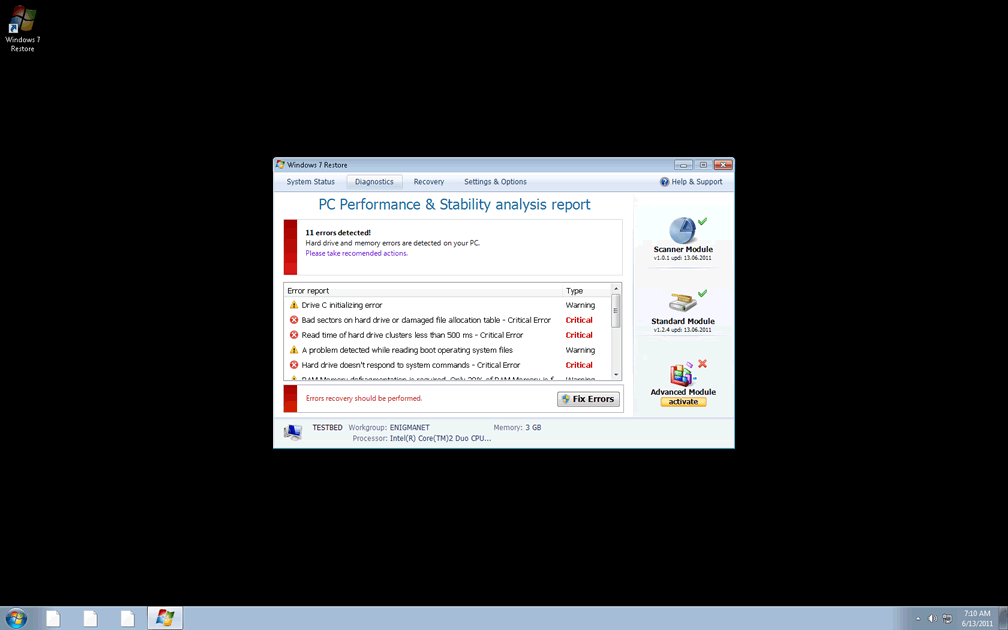
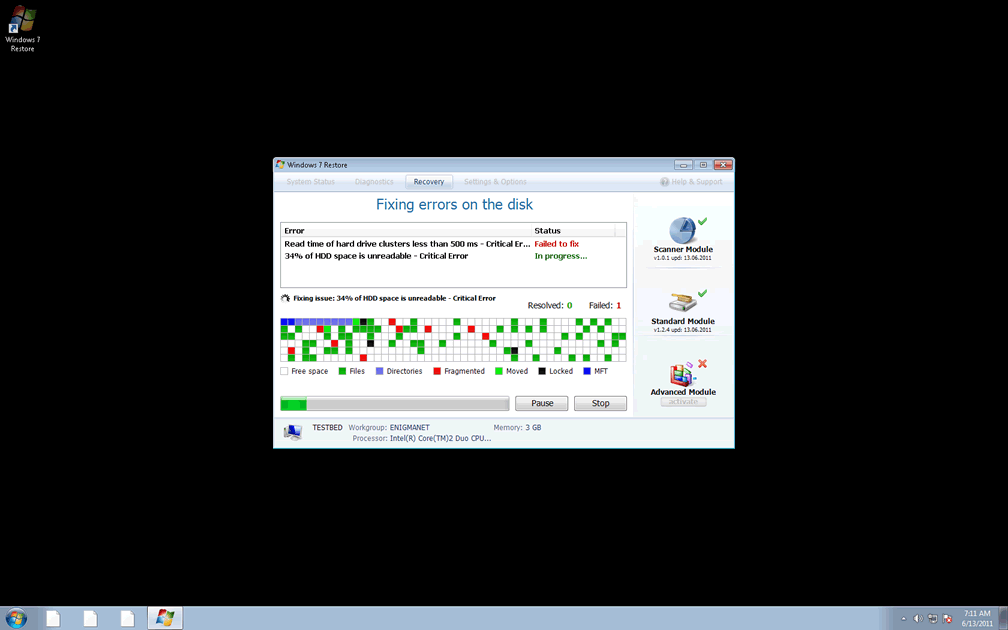
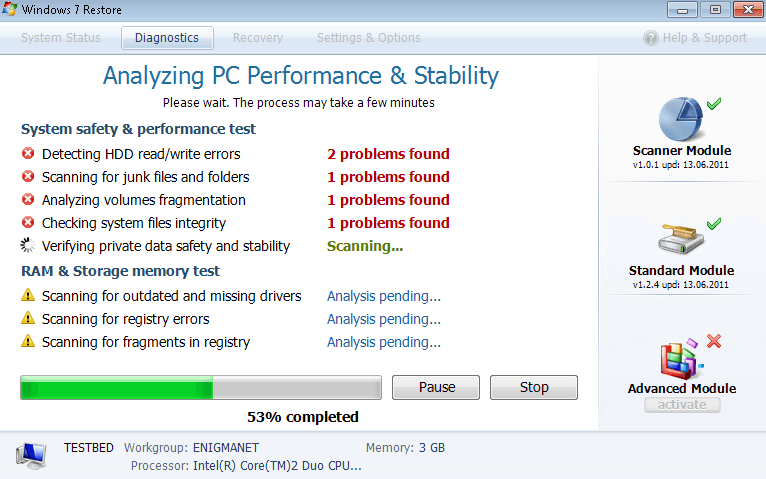 Windows 7 Restore is a rogue defragmenter that's marketed to Windows 7 PCs, but Windows 7 Restore has none of its advertised traits and will even attack your computer. Problems that are symptomatic of Windows 7 Restore attacks include files vanishing in Windows Explorer and the frequent appearance of pop-ups with alarming and false content about Windows system errors. Even though Windows 7 Restore tells you that the best thing to do is purchase the full version of its software, the only solution that will remove these problems is deleting Windows 7 Restore itself from your PC.
The Lengthy Lineage of the Windows 7 Restore PC Threat
Windows 7 Restore is far from the first in its line, and hails from older threats like Fake Windows Restore and Windows Update. Other recent threats linked to Windows 7 Restore include Windows Vista Restore and Windows XP Restore. Most of these rogue security programs behave identically, but they may not be detected by the same threat definition updates that are used by various security and anti-virus programs.
Windows 7 Restore is unable to restore Windows from harm or defrag your computer, but Windows 7 Restore will make up for it, with the use of plentiful fake alerts that make it look as though Windows 7 Restore is protecting your computer. These alerts are both unlikely and dishonest, since Windows 7 Restore will create them semi-randomly, without trying to analyze your PC.
Typical Windows 7 Restore pop-up warnings can include:
Critical Error
A critical error has occurred while indexing data stored on hard drive. System restart required.
Critical Error
RAM memory usage is critically high. RAM memory failure.
Critical Error
Hard Drive not found. Missing hard drive.
Critical Error
Windows can't find hard disk space. Hard drive error.
Critical Error!
Windows was unable to save all the data for the file System32496A8300. The data has been lost. This error may be caused by a failure of your computer hardware.
Critical Error!
Damaged hard drive clusters detected. Private data is at risk.
System Restore
The system has been restored after a critical error. Data integrity and hard drive integrity verification required.
Despite the high level of danger that these warnings imply, you can avoid doing anything about them without any damage coming to your computer. In fact, following Windows 7 Restore's recommendations may even cause you to harm important files, or make you the victim of credit card fraud and other crimes.
Windows 7 Restore's File Invisibility Trick
Although most rogue security programs are happy to hijack your web browser and block different programs from working properly, Windows 7 Restore will go one step further, and hide the actual files on your PC from your view. Windows 7 Restore does this by corrupting Windows Explorer, so if you use a different application to view your files, you'll be able to see them, still in their proper locations.
To put an end to this attack and other Windows 7 Restore-related problems, you should switch to Safe Mode or boot Windows from a CD. This will let your PC bypass Windows 7 Restore's startup routine and allow you to avoid dealing with the above attacks, while you get rid of Windows 7 Restore.
Faking registration of Windows 7 Restore by using the code '8475082234984902023718742058948' may also cause Windows 7 Restore to lower its guard, although this is only recommended if other solutions fail. In any case, regardless of how you shut down Windows 7 Restore, you should remove it by using a trustworthy anti-virus or security program as soon as it's possible to do so.
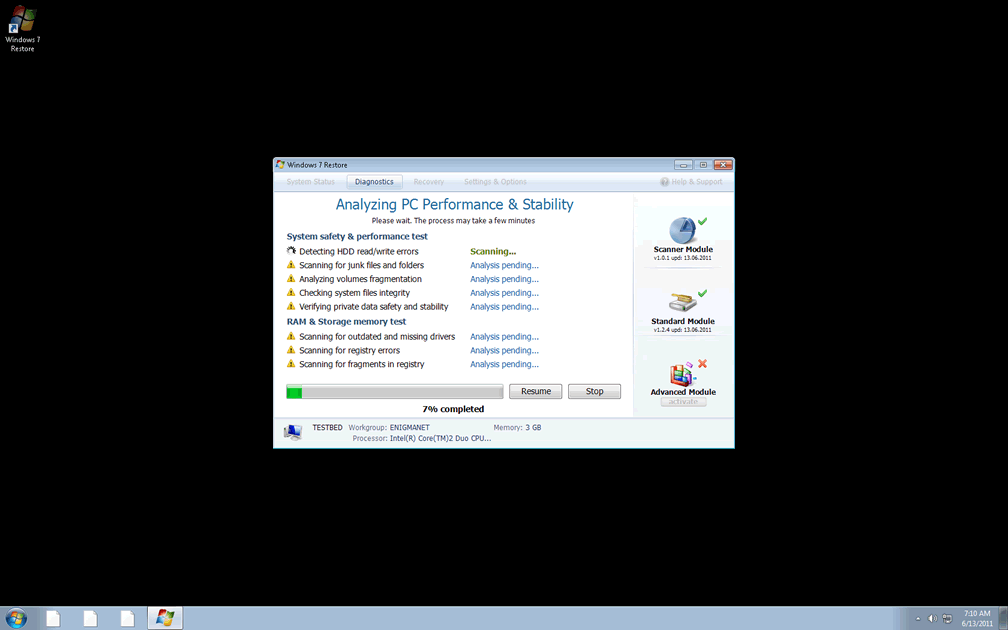
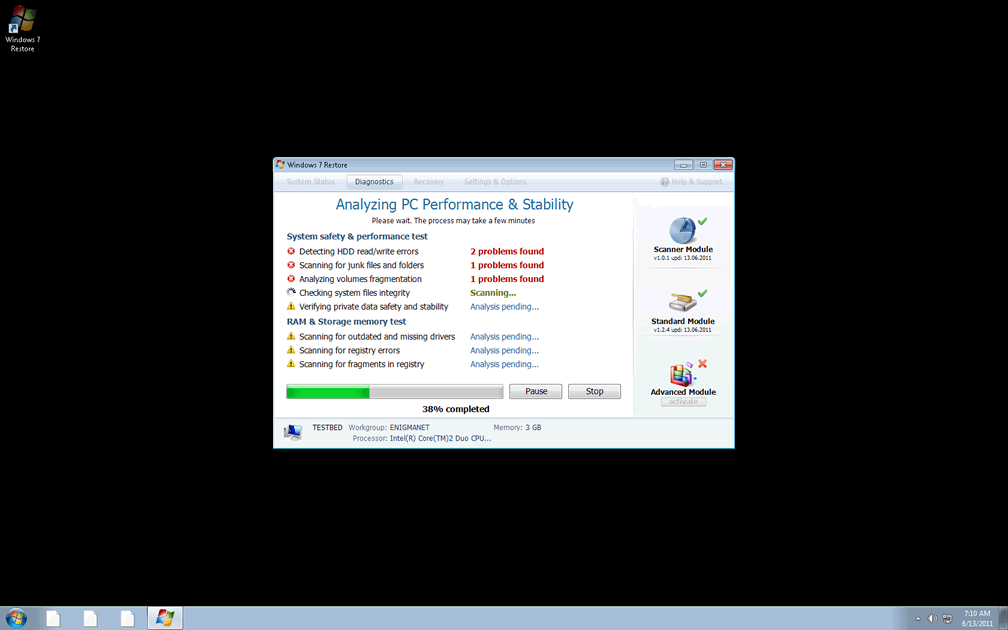
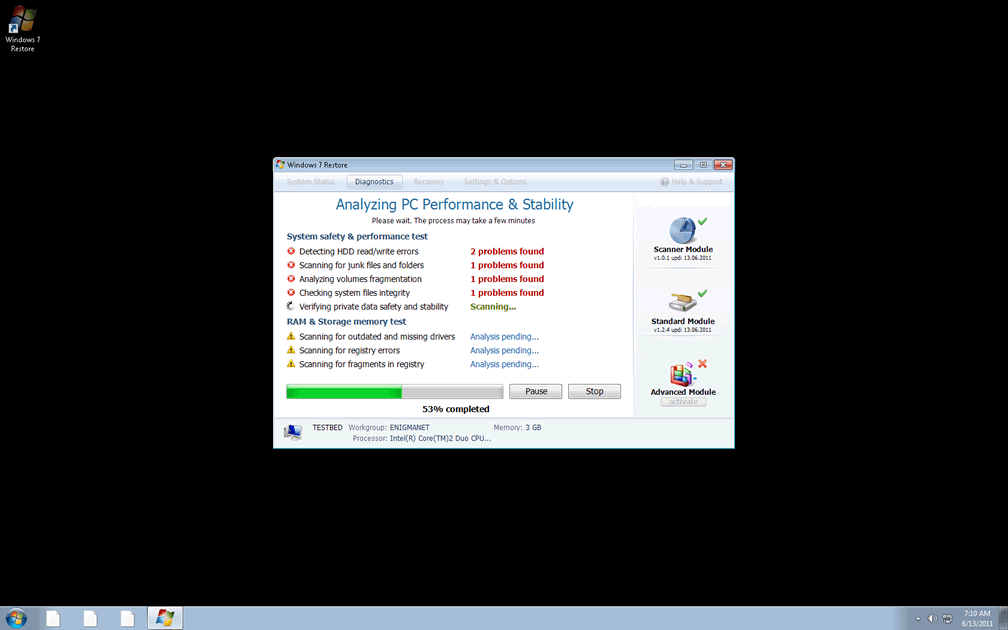


File System Modifications
- The following files were created in the system:
# File Name 1 %AllUsersProfile%\Application Data\[RANDOM CHARACTERS].dll 2 %AllUsersProfile%\Application Data\[RANDOM CHARACTERS].exe 3 %UserProfile%\Start Menu\Programs\Windows 7 Restore\Uninstall Windows 7 Restore.lnk 4 %UserProfile%\Start Menu\Programs\Windows 7 Restore\Windows 7 Restore.lnk
Registry Modifications
- The following newly produced Registry Values are:
HKEY..\..\..\..{Subkeys}HKEY_CURRENT_USER\Software\Microsoft\Internet Explorer\Download "CheckExeSignatures" = 'no'HKEY_CURRENT_USER\Software\Microsoft\Windows\CurrentVersion\Explorer\Advanced "Hidden" = '0'HKEY_CURRENT_USER\Software\Microsoft\Windows\CurrentVersion\Explorer\Advanced "ShowSuperHidden" = 0'HKEY_CURRENT_USER\Software\Microsoft\Windows\CurrentVersion\Policies\Associations "LowRiskFileTypes" = '/{hq:/s's:/ogn:/uyu:/dyd:/c'u:/bnl:/ble:/sdf:/lrh:/iul:/iulm:/fhg:/clq:/kqf:/'wh:/lqf:/lqdf:/lnw:/lq2:/l2t:/v'w:/rbs:'HKEY_CURRENT_USER\Software\Microsoft\Windows\CurrentVersion\Run "[RANDOM CHARACTERS]"
Additional Information on Windows 7 Restore
- The following messages's were detected:
# Message 1 System Restore
The system has been restored after a critical error. Data integrity and hard drive integrity verification required.2 Critical Error!
Windows was unable to save all the data for the file System32496A8300. The data has been lost. This error may be caused by a failure of your computer hardware.3 Critical Error!
Damaged hard drive clusters detected. Private data is at risk.4 Critical Error
Hard Drive not found. Missing hard drive.5 Critical Error
Windows can't find hard disk space. Hard drive error.6 Critical Error
A critical error has occurred while indexing data stored on hard drive. System restart required.7 Critical Error
RAM memory usage is critically high. RAM memory failure.
je n'arrive pas a reconfigurer mon pc a l'orionge