Micorsoft Essential Security Pro 2013
Posted: October 29, 2012
Threat Metric
The following fields listed on the Threat Meter containing a specific value, are explained in detail below:
Threat Level: The threat level scale goes from 1 to 10 where 10 is the highest level of severity and 1 is the lowest level of severity. Each specific level is relative to the threat's consistent assessed behaviors collected from SpyHunter's risk assessment model.
Detection Count: The collective number of confirmed and suspected cases of a particular malware threat. The detection count is calculated from infected PCs retrieved from diagnostic and scan log reports generated by SpyHunter.
Volume Count: Similar to the detection count, the Volume Count is specifically based on the number of confirmed and suspected threats infecting systems on a daily basis. High volume counts usually represent a popular threat but may or may not have infected a large number of systems. High detection count threats could lay dormant and have a low volume count. Criteria for Volume Count is relative to a daily detection count.
Trend Path: The Trend Path, utilizing an up arrow, down arrow or equal symbol, represents the level of recent movement of a particular threat. Up arrows represent an increase, down arrows represent a decline and the equal symbol represent no change to a threat's recent movement.
% Impact (Last 7 Days): This demonstrates a 7-day period change in the frequency of a malware threat infecting PCs. The percentage impact correlates directly to the current Trend Path to determine a rise or decline in the percentage.
| Ranking: | 6,211 |
|---|---|
| Threat Level: | 10/10 |
| Infected PCs: | 13,418 |
| First Seen: | October 29, 2012 |
|---|---|
| Last Seen: | February 25, 2025 |
| OS(es) Affected: | Windows |
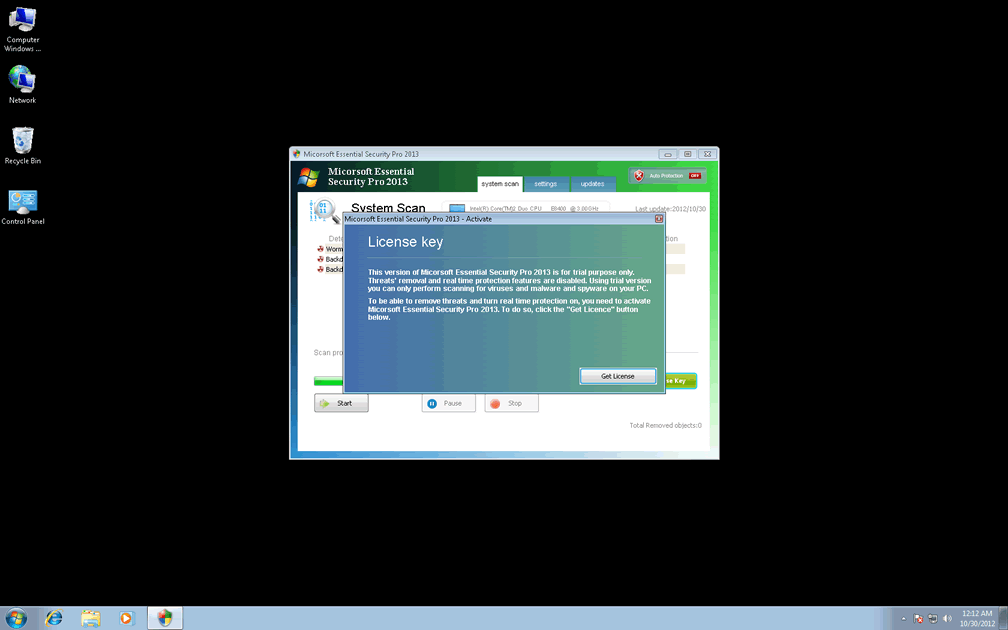
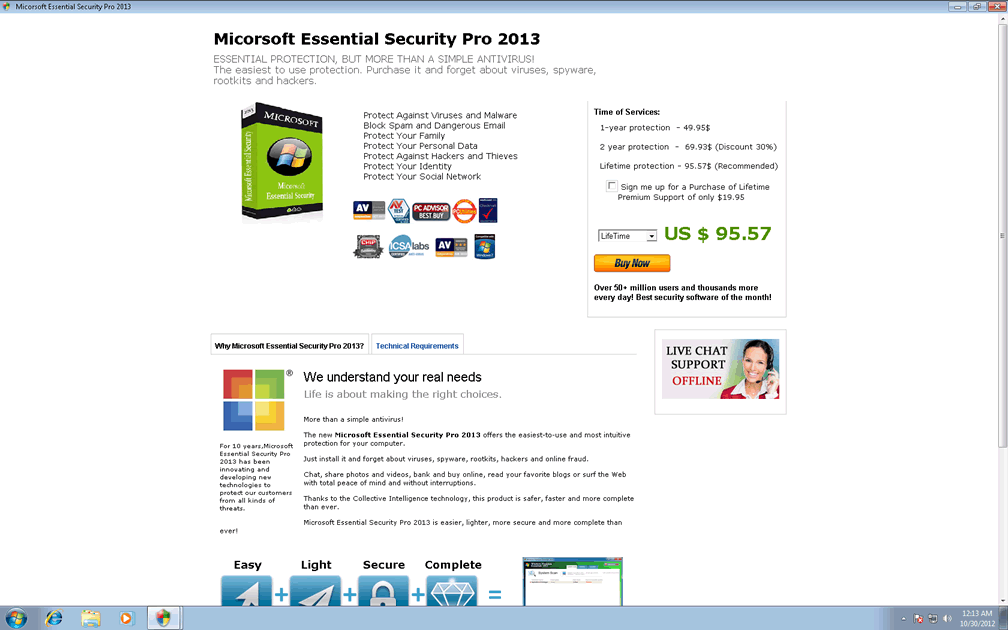
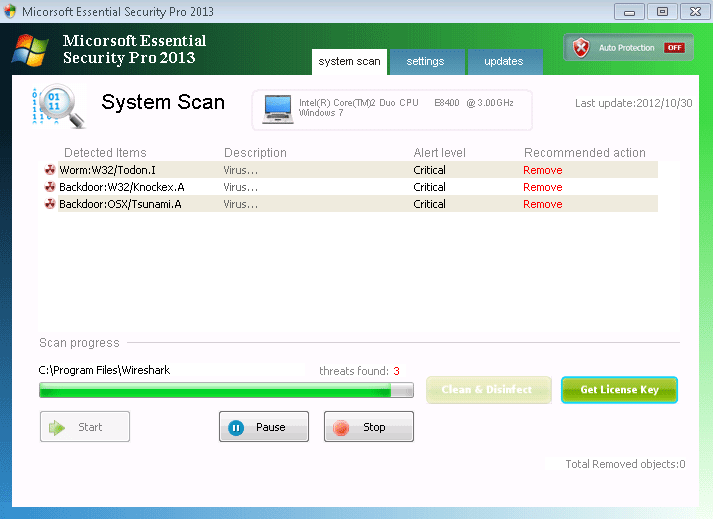 Micorsoft Essential Security Pro 2013 (which should be noted as an entirely separate program from the reputable Microsoft Security Essentials) is a fake anti-malware program that uses inaccurate security and system information to convince victims of its good intentions. Unlike actual anti-malware products, Micorsoft Essential Security Pro 2013 isn't designed to display accurate alerts for the presence of malware or attacks against your PC – in lieu of this, Micorsoft Essential Security Pro 2013 uses alarming warnings about fake malware infections in hopes of making you spend money on its software. SpywareRemove.com malware experts consider purchasing Micorsoft Essential Security Pro 2013 unnecessary for its removal and undesirable overall; in most cases, Micorsoft Essential Security Pro 2013 can and should be removed by a competent brand of legitimate anti-malware software.
Micorsoft Essential Security Pro 2013: a Faux Microsoft-Supported Security Danger
Micorsoft Essential Security Pro 2013 imitates the name of a popular Microsoft security program out of the hope that its victims will assume that Micorsoft Essential Security Pro 2013 is just as trustworthy as most products with 'Microsoft' in their names. However, Micorsoft Essential Security Pro 2013's functions don't have anything to do with increasing your computer's security and may even pose a danger to it. Current versions of Micorsoft Essential Security Pro 2013 even include a typo of 'Micorsoft' in their interface so that they can be detected as rogue security programs, although this may not hold true for future versions of Micorsoft Essential Security Pro 2013.
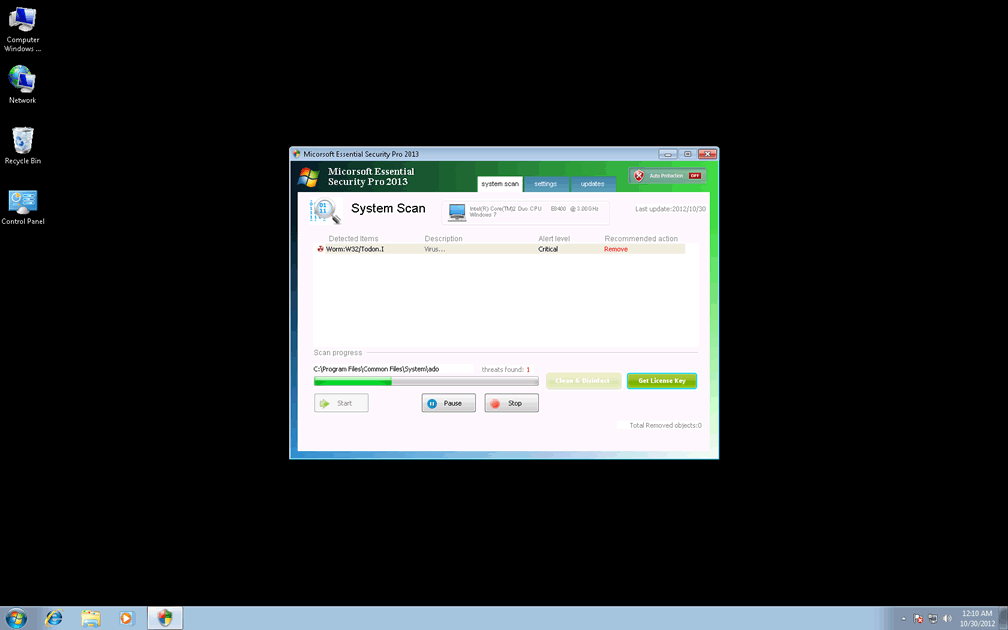
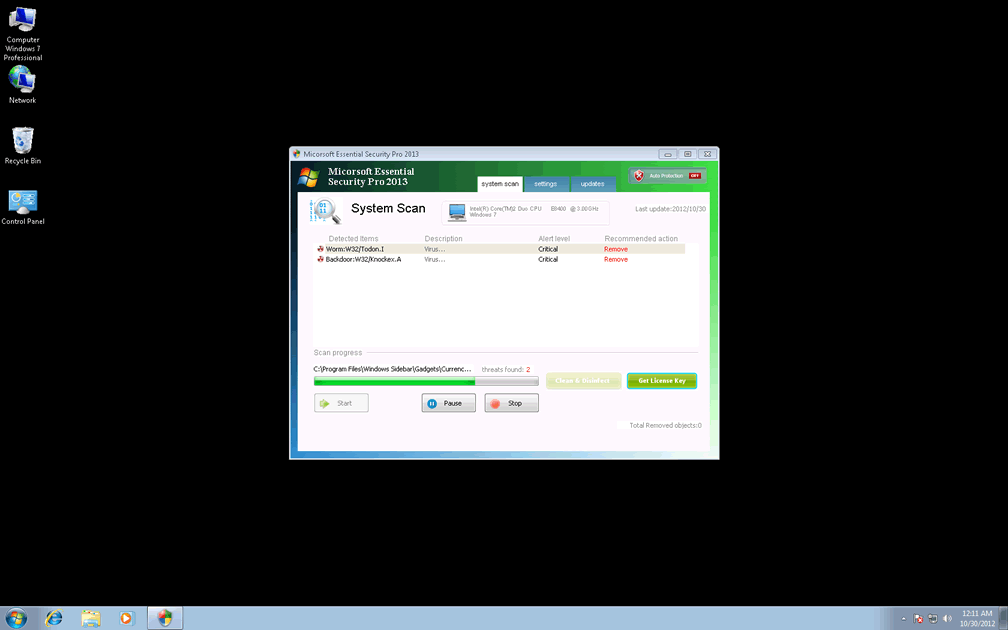
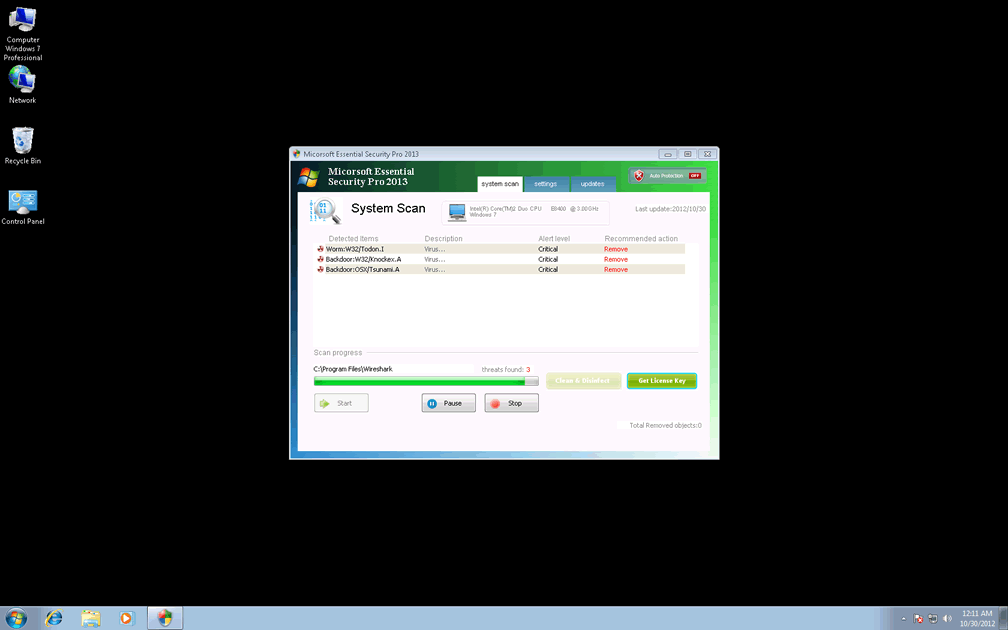
While Micorsoft Essential Security Pro 2013 is on your PC, Micorsoft Essential Security Pro 2013 can display both pop-up alerts and system scans that seem as though they're detecting Trojans, viruses, spyware and other forms of malware. This information is designed to be both inaccurate and induce panic in Micorsoft Essential Security Pro 2013's victims. All alerts by Micorsoft Essential Security Pro 2013 can be disregarded without any damage coming to your computer (except for what Micorsoft Essential Security Pro 2013 causes deliberately).
Uninviting Micorsoft Essential Security Pro 2013 from Your PC... and Why You'll Want to Do So Pronto
SpywareRemove.com malware analysts are still observing Micorsoft Essential Security Pro 2013 and have not yet determined its family, if any, but Micorsoft Essential Security Pro 2013's attacks are similar to those of standard scamware families like FakeRean, FakeCog, FakeYak, WinWebSec or Fakeinit. Besides its primary symptoms, Micorsoft Essential Security Pro 2013 may also cause problems such as:
- Poor system performance (sluggishness, unresponsive controls, etc).
- Attacks against default system security features.
- Blocked applications, such as Task Manager, Windows Defender or other security-related tools. Micorsoft Essential Security Pro 2013 also may display pop-ups that claim that blocked programs are infected or harmed in a related fashion.
Deleting Micorsoft Essential Security Pro 2013 may require that you boot your OS from a removable device or use Safe Mode before you scan your computer. Since Micorsoft Essential Security Pro 2013 is likely to include components in potentially sensitive locations, SpywareRemove.com malware experts discourage manual removal efforts in cases of casual PC users dealing with a Micorsoft Essential Security Pro 2013 infection.
Aliases
More aliases (41)
Technical Details
File System Modifications
Tutorials: If you wish to learn how to remove malware components manually, you can read the tutorials on how to find malware, kill unwanted processes, remove malicious DLLs and delete other harmful files. Always be sure to back up your PC before making any changes.
The following files were created in the system:%SYSTEMDRIVE%\Users\<username>\AppData\Local\Temp\Temp2_MESP_rouge.zip\MESP.exe
File name: MESP.exeSize: 526.6 KB (526608 bytes)
MD5: 3d5ebecbbbc1184e8aeb3851dd39d777
Detection count: 6,338
File type: Executable File
Mime Type: unknown/exe
Path: %SYSTEMDRIVE%\Users\<username>\AppData\Local\Temp\Temp2_MESP_rouge.zip\MESP.exe
Group: Malware file
Last Updated: September 17, 2024
%TEMP%\settings.data
File name: settings.dataSize: 35.47 KB (35470 bytes)
MD5: c2e17b2d1947c0ffe2ae7f5e0e72ae5b
Detection count: 33
Mime Type: unknown/data
Path: %TEMP%
Group: Malware file
Last Updated: April 17, 2013
Registry Modifications
HKEY..\..\{Value}HKEY_LOCAL_MACHINE\SOFTWARE\Microsoft\Windows\CurrentVersion\Run "WindowsSecurity" = "
Leave a Reply
Please note that we are not able to assist with billing and support issues regarding SpyHunter or other products. If you're having issues with SpyHunter, please get in touch with SpyHunter customer support through your SpyHunter . If you have SpyHunter billing questions, we recommend you check the Billing FAQ. For general suggestions or feedback, contact us.