Personal Security Sentinel
Posted: December 15, 2010
Threat Metric
The following fields listed on the Threat Meter containing a specific value, are explained in detail below:
Threat Level: The threat level scale goes from 1 to 10 where 10 is the highest level of severity and 1 is the lowest level of severity. Each specific level is relative to the threat's consistent assessed behaviors collected from SpyHunter's risk assessment model.
Detection Count: The collective number of confirmed and suspected cases of a particular malware threat. The detection count is calculated from infected PCs retrieved from diagnostic and scan log reports generated by SpyHunter.
Volume Count: Similar to the detection count, the Volume Count is specifically based on the number of confirmed and suspected threats infecting systems on a daily basis. High volume counts usually represent a popular threat but may or may not have infected a large number of systems. High detection count threats could lay dormant and have a low volume count. Criteria for Volume Count is relative to a daily detection count.
Trend Path: The Trend Path, utilizing an up arrow, down arrow or equal symbol, represents the level of recent movement of a particular threat. Up arrows represent an increase, down arrows represent a decline and the equal symbol represent no change to a threat's recent movement.
% Impact (Last 7 Days): This demonstrates a 7-day period change in the frequency of a malware threat infecting PCs. The percentage impact correlates directly to the current Trend Path to determine a rise or decline in the percentage.
| Threat Level: | 10/10 |
|---|---|
| Infected PCs: | 26 |
| First Seen: | December 16, 2010 |
|---|---|
| Last Seen: | August 17, 2022 |
| OS(es) Affected: | Windows |
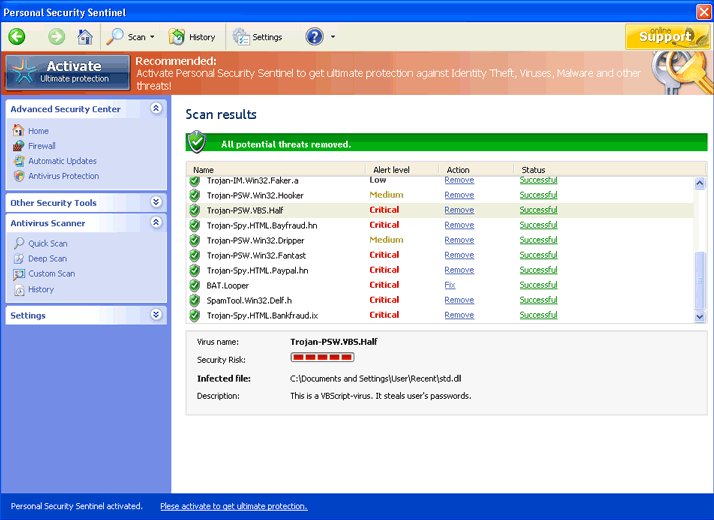 In the wonderful world of computer security we all seek that certain application to take care of our needs in detecting and removing malware. One application that we may run across that looks as if it would suffice to take care of those needs, named Personal Security Sentinel, was discovered to be incapable of getting the job done.
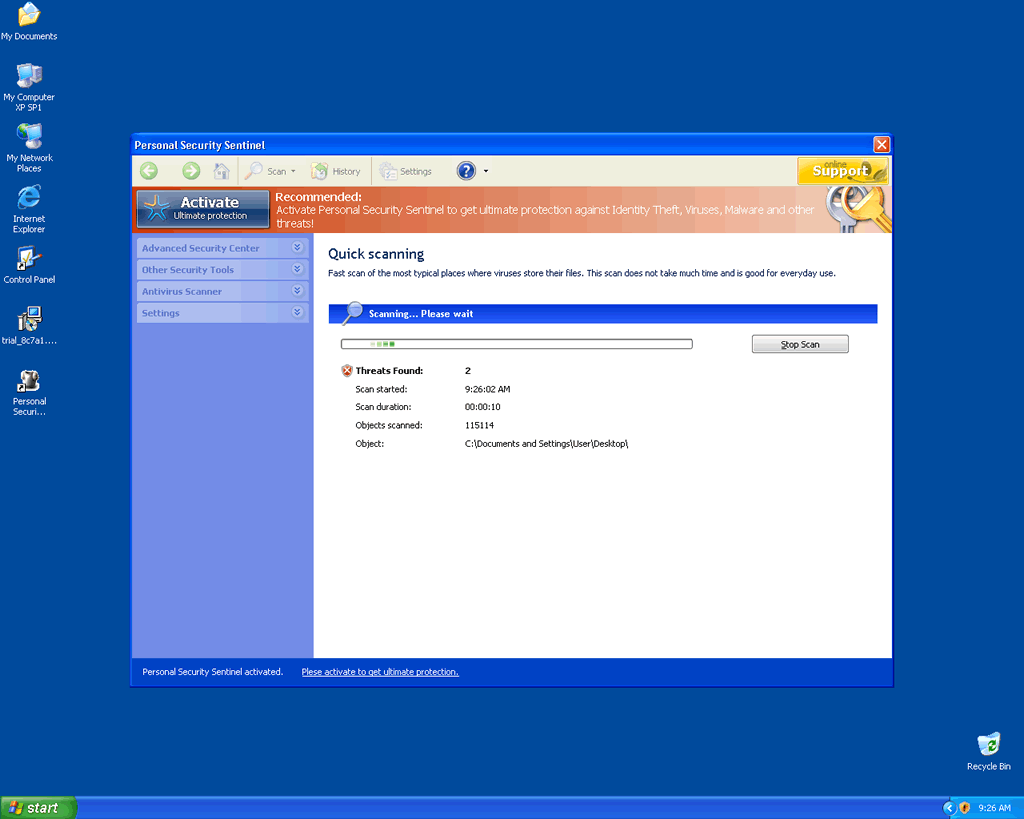
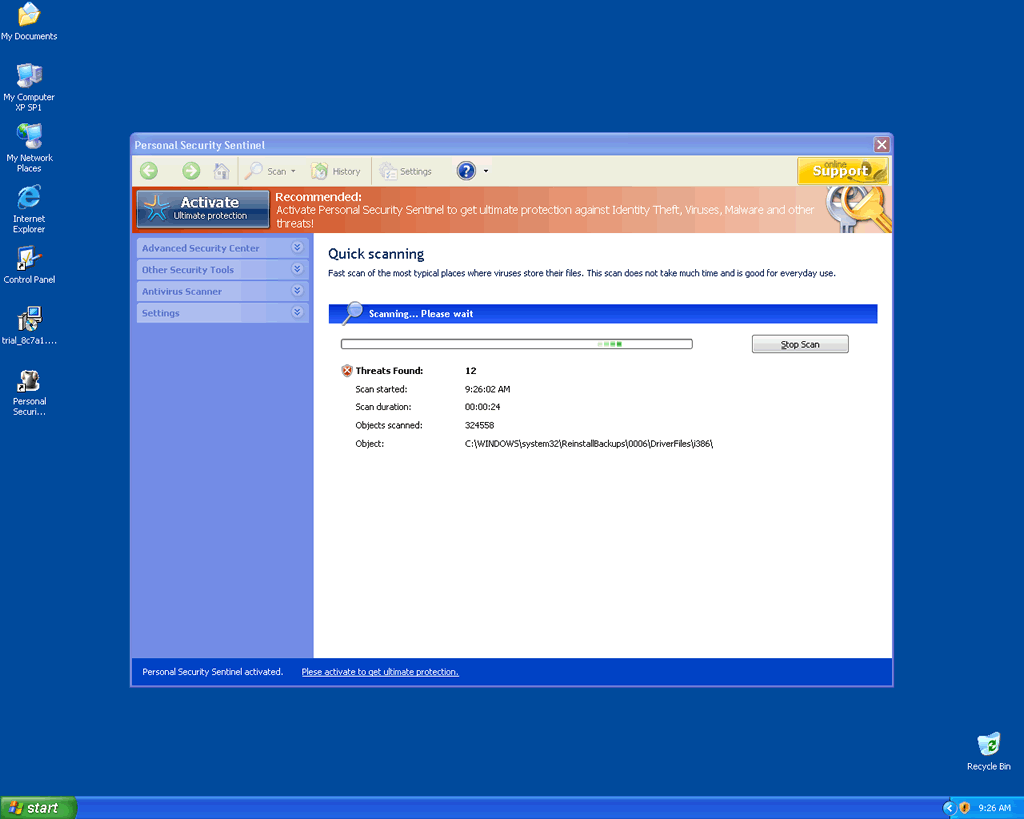
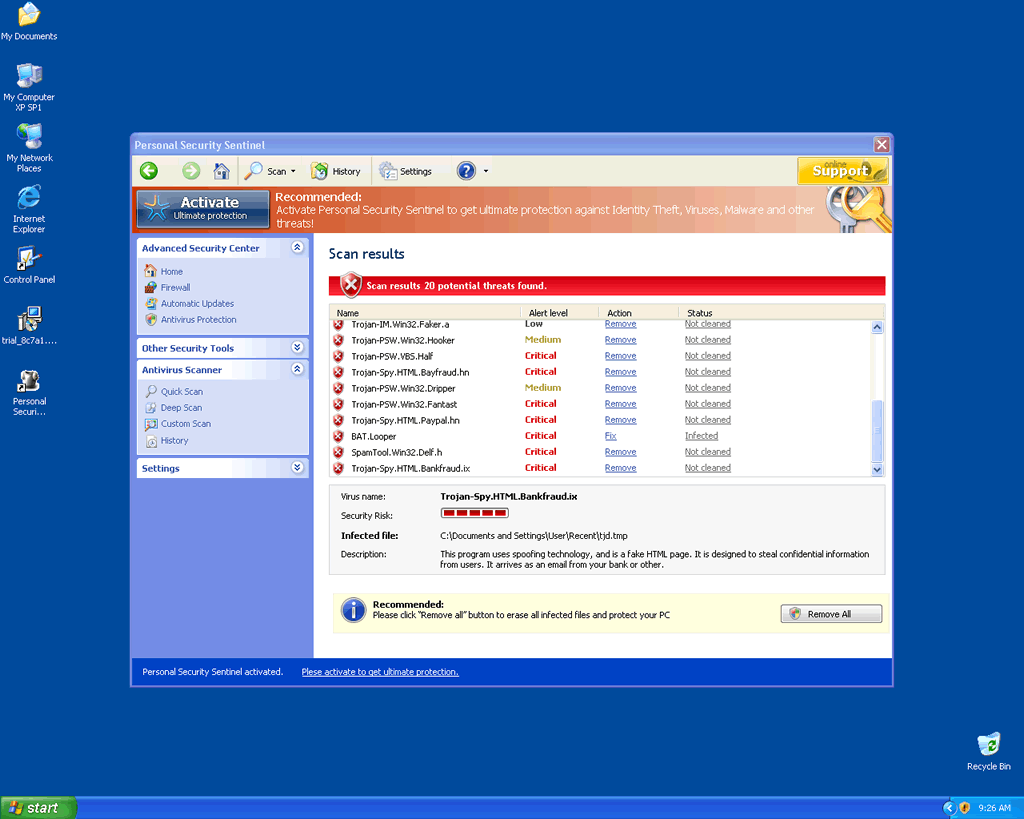
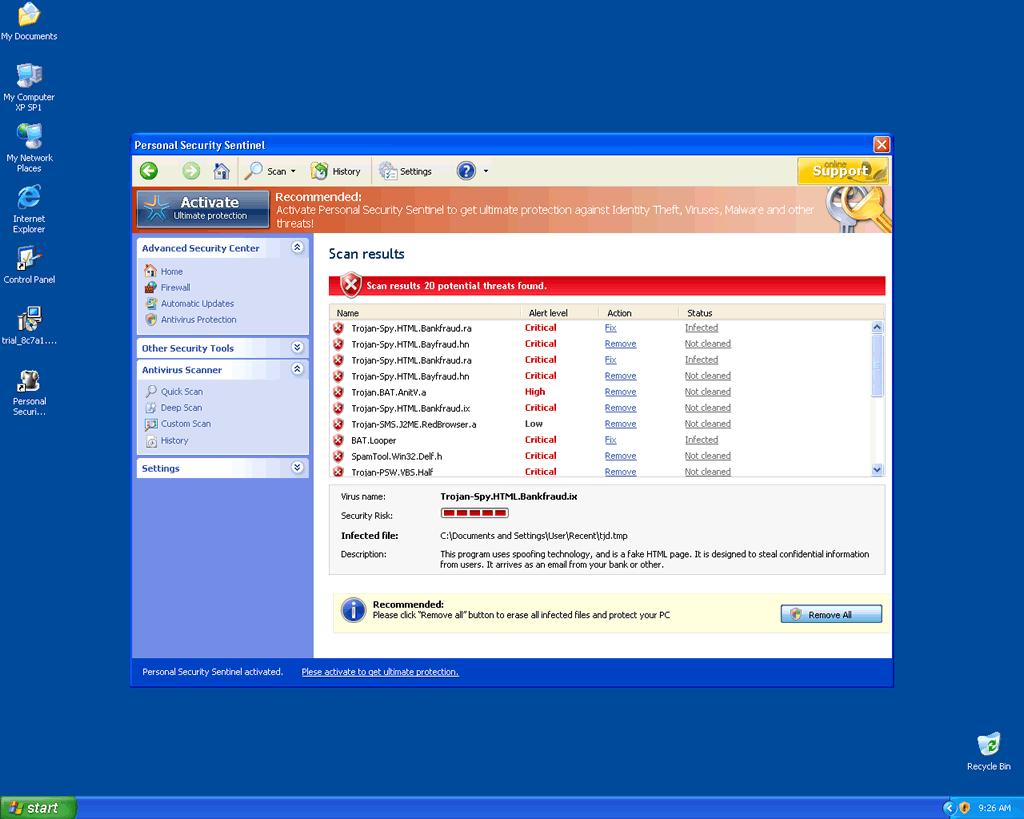
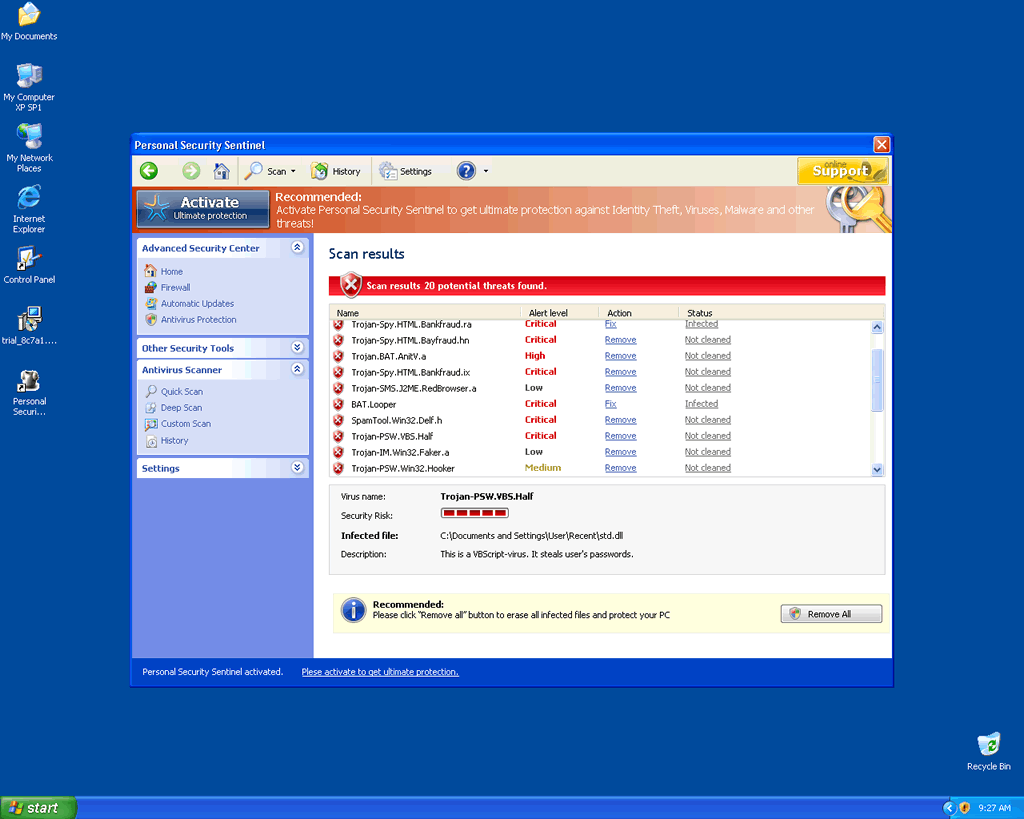
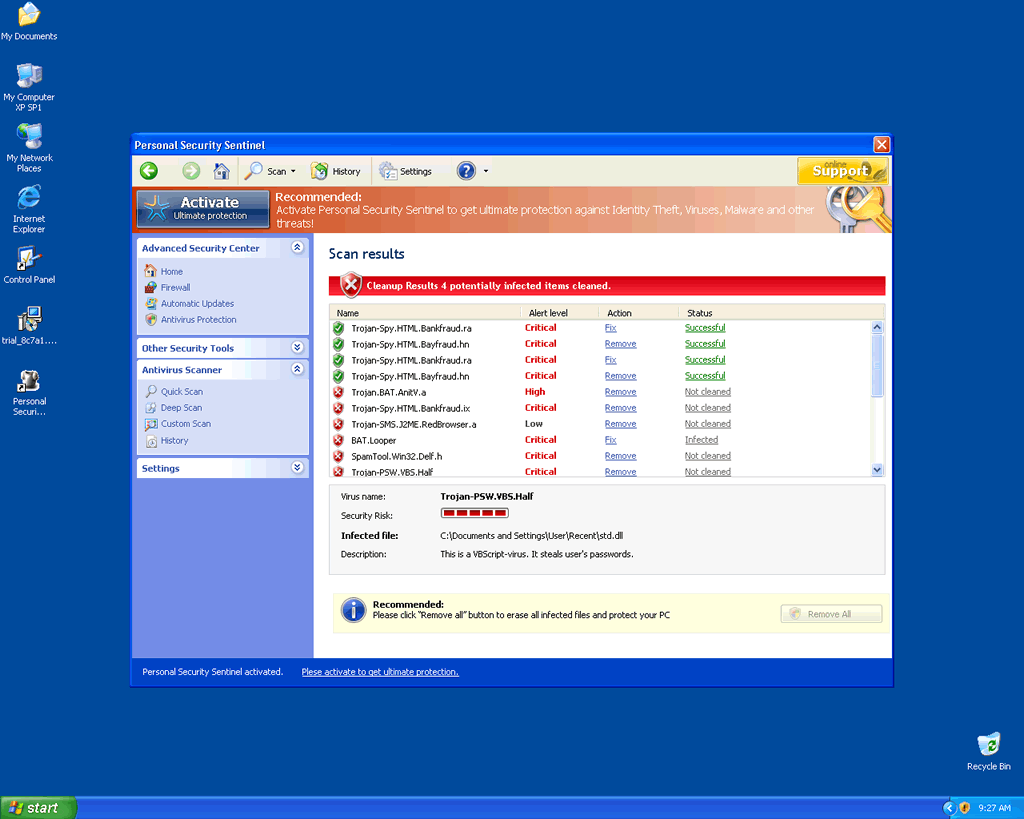
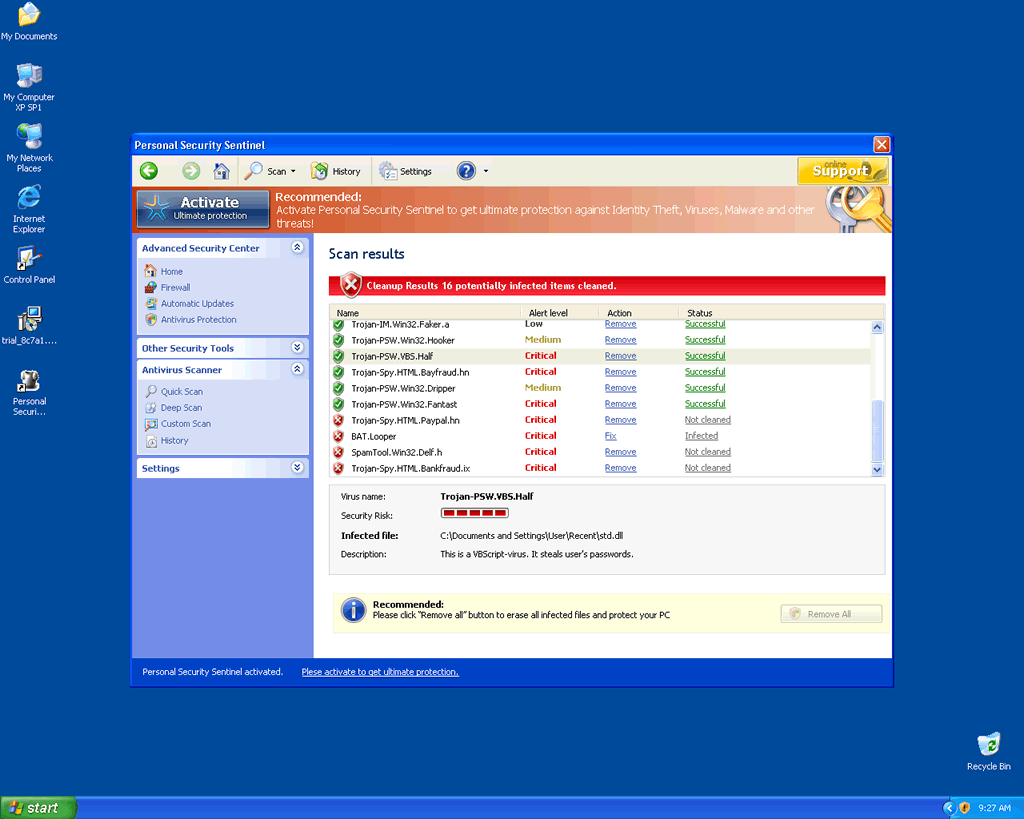
Computer users are reporting that they have encountered an application called Personal Security Sentinel that basically has an interface similar to that of a legitimate computer security program that is designed to seek out malware and remove it. Personal Security Sentinel unfortunately does not have the ability to perform those functions and should therefore be deemed a fake or what we technically refer to as a rogue anti-spyware program.
Because Personal Security Sentinel is a rogue anti-spyware program, it should never be used for your security needs or purchased for that matter. Personal Security Sentinel may also be very difficult to manually remove due to its ability to populate the Windows registry with bogus entries in addition to possibly spreading executable files that load into memory at startup of Windows. Personal Security Sentinel looks as if it performs a system scan returning several results but the reality is those results are fabricated. Do not trust Personal Security Sentinel under any circumstances.
Technical Details
File System Modifications
Tutorials: If you wish to learn how to remove malware components manually, you can read the tutorials on how to find malware, kill unwanted processes, remove malicious DLLs and delete other harmful files. Always be sure to back up your PC before making any changes.
The following files were created in the system:%AllUsersProfile%\Application Data\4d8c\PersonalSS.exe
File name: PersonalSS.exeSize: 5.96 MB (5969920 bytes)
MD5: 723761cf19110512d114b950809acdb8
Detection count: 5
File type: Executable File
Mime Type: unknown/exe
Path: %AllUsersProfile%\Application Data\4d8c
Group: Malware file
Last Updated: April 15, 2020
Leave a Reply
Please note that we are not able to assist with billing and support issues regarding SpyHunter or other products. If you're having issues with SpyHunter, please get in touch with SpyHunter customer support through your SpyHunter . If you have SpyHunter billing questions, we recommend you check the Billing FAQ. For general suggestions or feedback, contact us.