Windows Advanced User Patch
Posted: May 6, 2012
Threat Metric
The following fields listed on the Threat Meter containing a specific value, are explained in detail below:
Threat Level: The threat level scale goes from 1 to 10 where 10 is the highest level of severity and 1 is the lowest level of severity. Each specific level is relative to the threat's consistent assessed behaviors collected from SpyHunter's risk assessment model.
Detection Count: The collective number of confirmed and suspected cases of a particular malware threat. The detection count is calculated from infected PCs retrieved from diagnostic and scan log reports generated by SpyHunter.
Volume Count: Similar to the detection count, the Volume Count is specifically based on the number of confirmed and suspected threats infecting systems on a daily basis. High volume counts usually represent a popular threat but may or may not have infected a large number of systems. High detection count threats could lay dormant and have a low volume count. Criteria for Volume Count is relative to a daily detection count.
Trend Path: The Trend Path, utilizing an up arrow, down arrow or equal symbol, represents the level of recent movement of a particular threat. Up arrows represent an increase, down arrows represent a decline and the equal symbol represent no change to a threat's recent movement.
% Impact (Last 7 Days): This demonstrates a 7-day period change in the frequency of a malware threat infecting PCs. The percentage impact correlates directly to the current Trend Path to determine a rise or decline in the percentage.
| Threat Level: | 2/10 |
|---|---|
| Infected PCs: | 5 |
| First Seen: | May 6, 2012 |
|---|---|
| OS(es) Affected: | Windows |
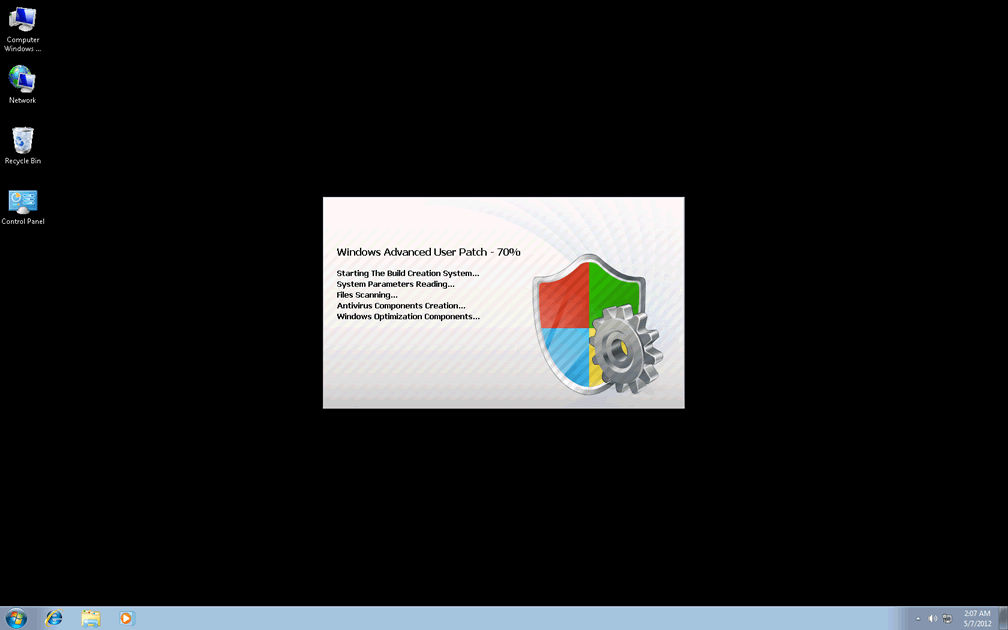
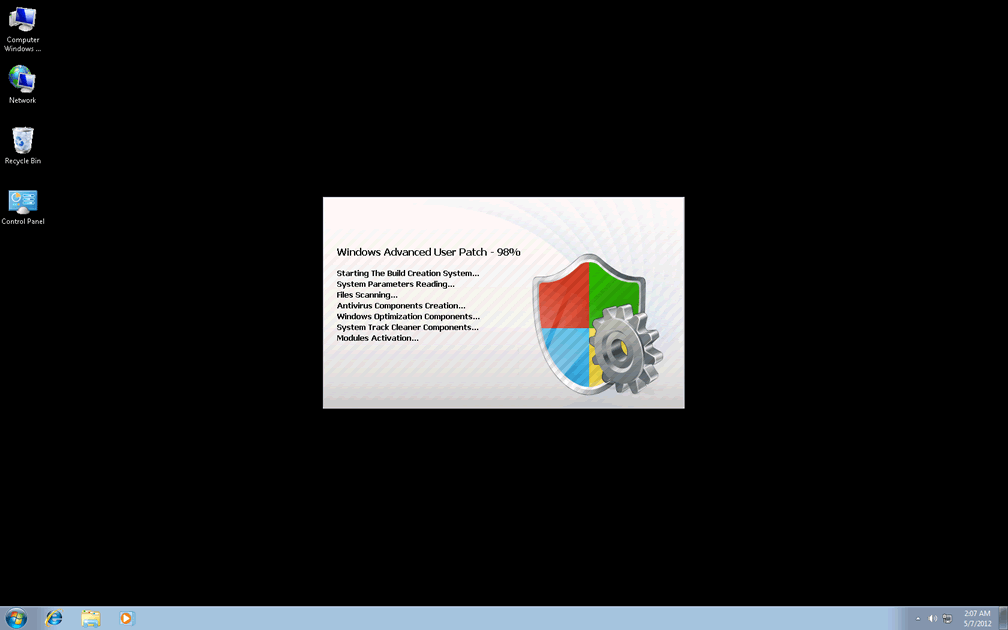
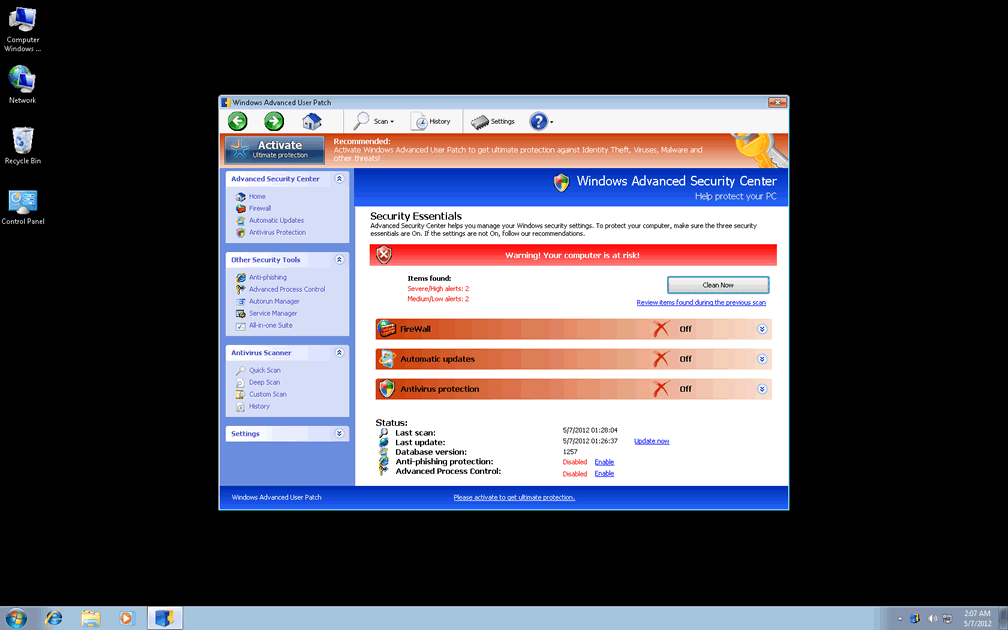
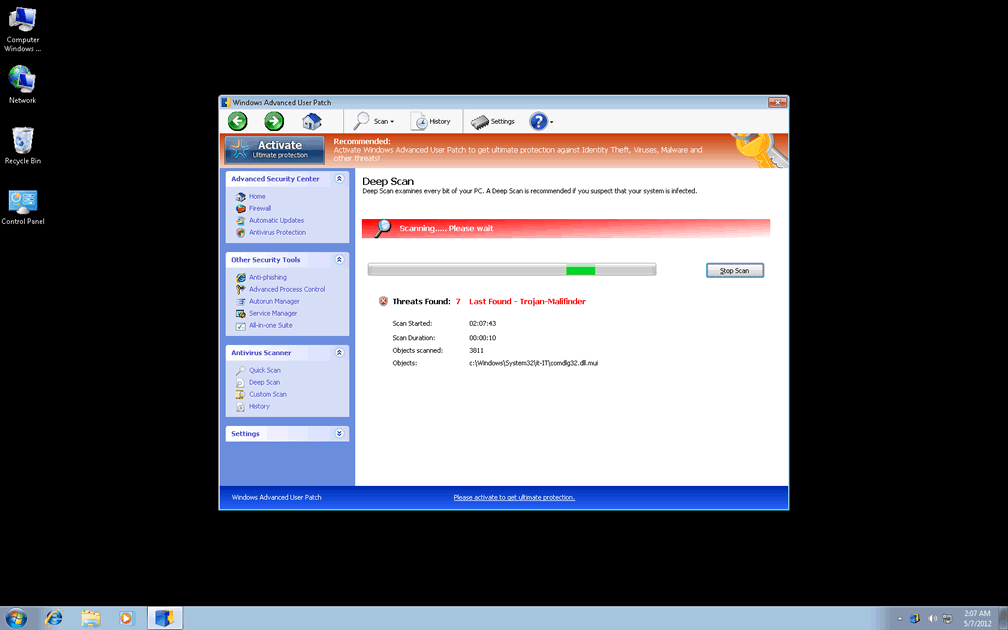
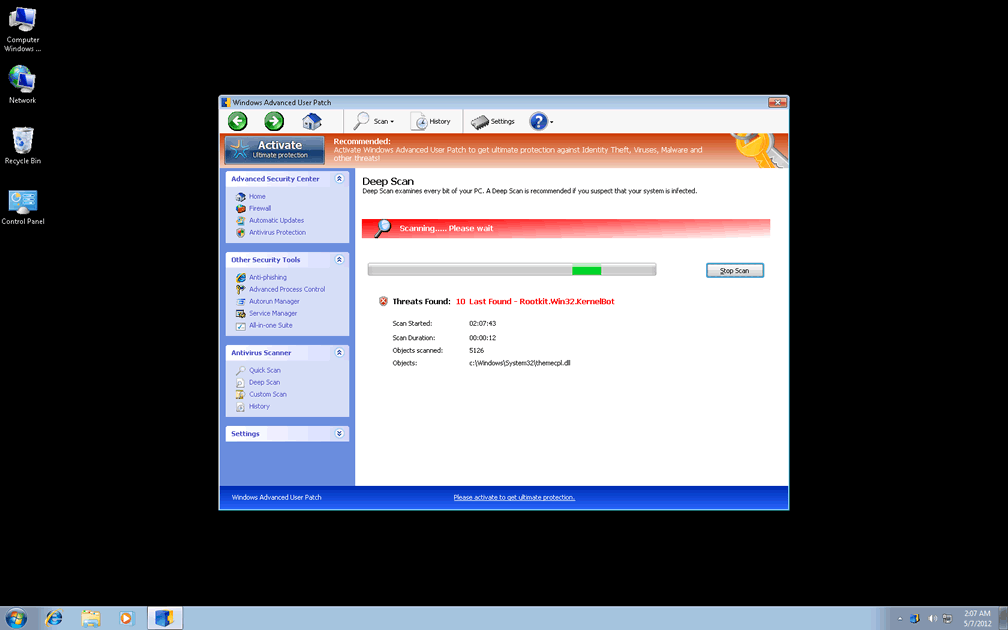
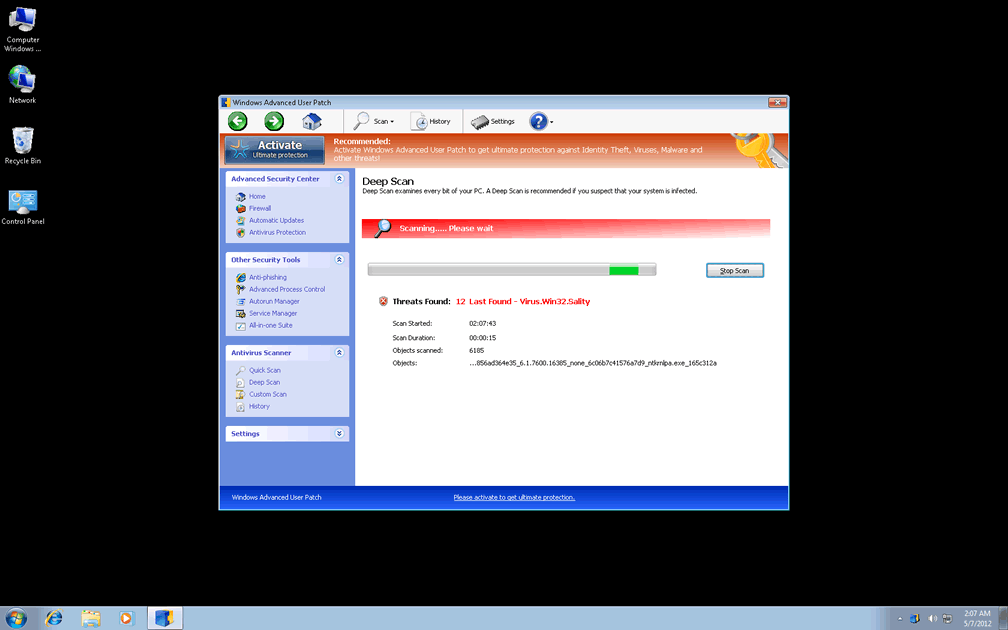
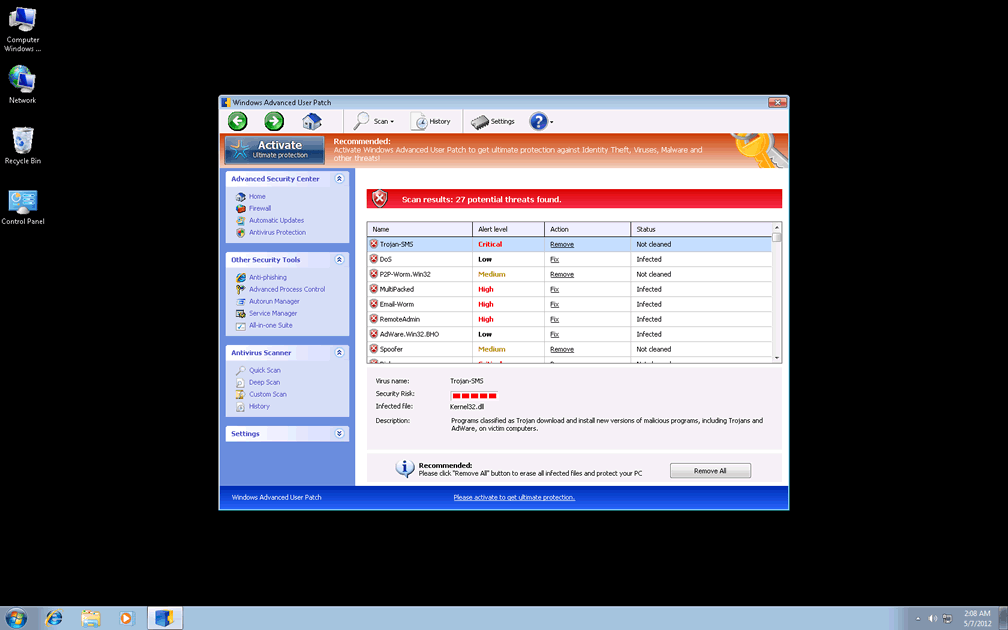
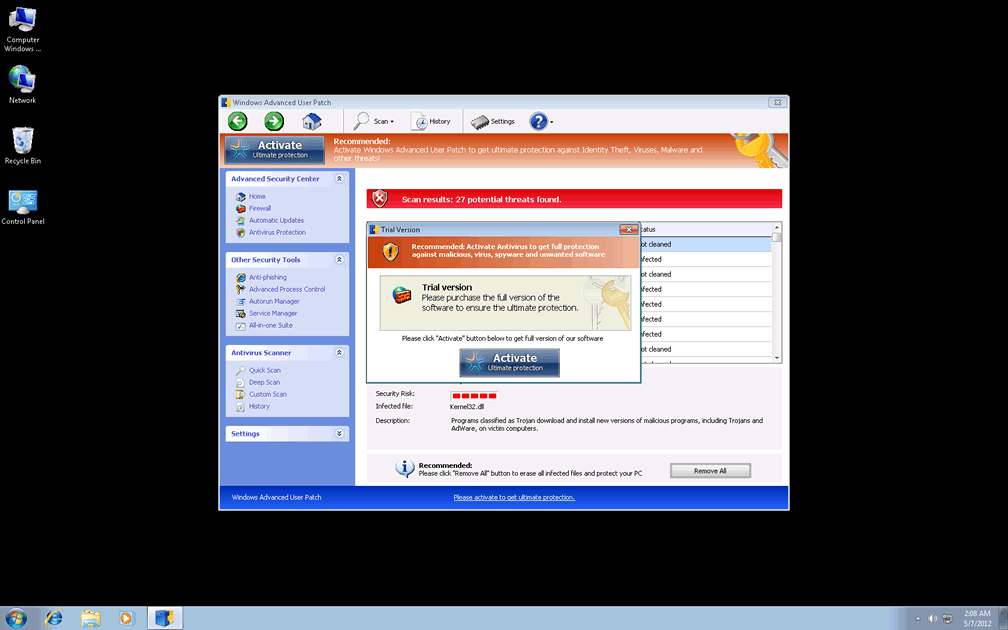
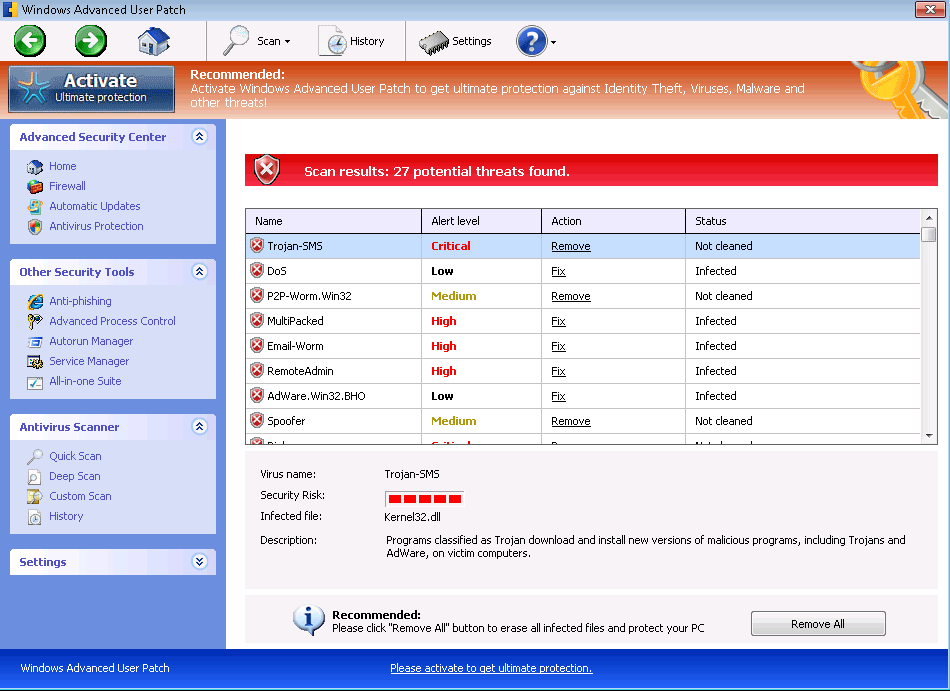 Windows Advanced User Patch is a brand-new variant of Win32/FakeVimes, a school of fake anti-virus scanners that include fake phishing protection features and other fraudulent security 'benefits' as part of their lure to encourage you to spend money on their software registration keys. Like all other members of Win32/FakeVimes, Windows Advanced User Patch is completely unable to detect actual PC threats of any sort, including the keyloggers, unauthorized network activity and trojans that it will constantly claim are targeting your computer. As if that weren't enough, Windows Advanced User Patch and closely-related types of scamware have also been known to engage in a variety of direct attacks against the security of infected computers, including browser hijacking and blocking Windows security programs. These attributes cause SpywareRemove.com malware researchers to suggest Windows Advanced User Patch's quick removal with any trustworthy anti-malware scanner, since attempting to remove Windows Advanced User Patch via the Control Panel or other normal means is unlikely to delete all of Windows Advanced User Patch's components.
Why There's Nothing Sophisticated About the Protection That Windows Advanced User Patch Offers
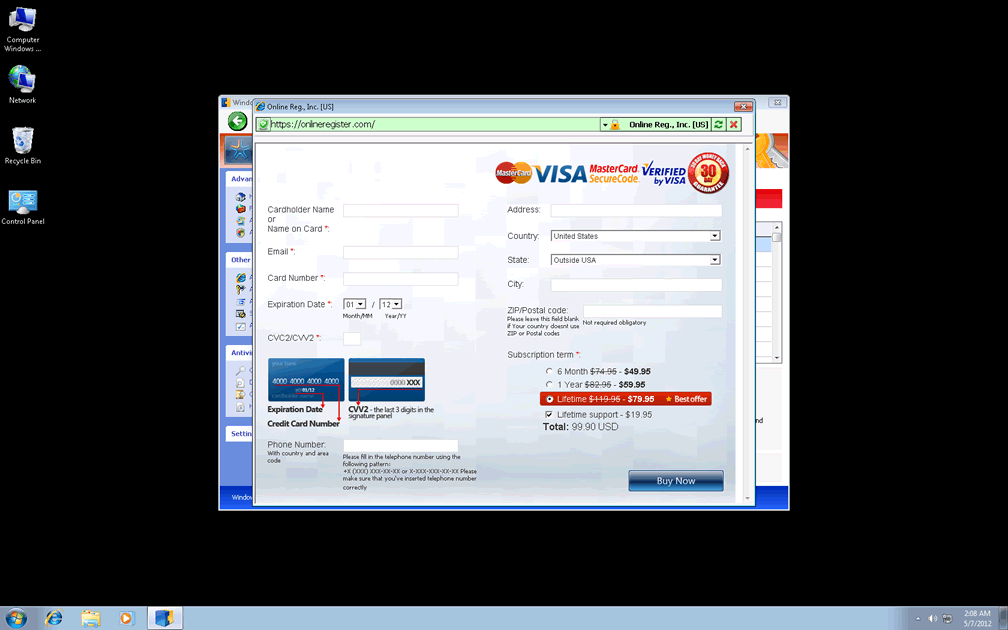
Windows Advanced User Patch keeps to the basic looks of an anti-virus scanner, and its varied features even include more security functions than you would get from any popular brand of AV software – but Windows Advanced User Patch can easily afford such promises, since it doesn't bother to provide accurate threat identification or protection in the first place. Windows Advanced User Patch's main goal is to frighten you with fake system alerts and then insist that you spend money on its software registration to remove these mirages of malicious software. Other members of Windows Advanced User Patch family include Privacy Guard Pro, Extra Antivirus, Fast Antivirus 2009, Presto TuneUp, Windows Security Suite, Smart Virus Eliminator, Packed.Generic.245, Volcano Security Suite, Windows Enterprise Suite, Enterprise Suite, Additional Guard, Live PC Care, PC Live Guard, Live Enterprise Suite, Security Antivirus, My Security Wall, CleanUp Antivirus, Smart Security and PrivacyGuard Pro 2.0.
System scans, popup alerts, taskbar notifications and other types of system diagnostics from Windows Advanced User Patch should always be ignored, since they only generate preset lists of PC threats and attacks instead of providing accurate system analysis information. While Windows Advanced User Patch's intent is to make you spend money on a registration key, SpywareRemove.com malware experts recommend that you use the following free one instead: 0W000-000B0-00T00-E0020. This will reduce Windows Advanced User Patch's attacks and make it accordingly less difficult than usual to remove Windows Advanced User Patch with a good anti-malware program.
The Real Danger Hiding Behind Windows Advanced User Patch's Illusions of Threats
All members of Win32/FakeVimes should be considered significant security risks to your PC, including Windows Advanced User Patch – not only due to their fraudulent security information, but also because of additional attacks that Windows Advanced User Patch can use to deprive you of safe operating conditions for your PC. Some of the most important weapons in Windows Advanced User Patch's cache that SpywareRemove.com malware researchers have found are noted below for reference:
- Browser redirects to unusual or harmful sites; these redirects are particularly common after any attempts to use a search engine.
- Blocked security and anti-malware programs – usually with accompanying (and, of course, fake) warning messages about said programs being damaged or infected.
- Unsafe web-browsing settings that allow malicious files to be downloaded to your PC more easily than usual.
Technical Details
File System Modifications
Tutorials: If you wish to learn how to remove malware components manually, you can read the tutorials on how to find malware, kill unwanted processes, remove malicious DLLs and delete other harmful files. Always be sure to back up your PC before making any changes.
The following files were created in the system:%APPDATA%\Protector-kolx.exe
File name: Protector-kolx.exeSize: 2.32 MB (2322432 bytes)
MD5: 7bf65edc1ec52ba16e9149c92b75ae63
Detection count: 96
File type: Executable File
Mime Type: unknown/exe
Path: %APPDATA%
Group: Malware file
Last Updated: May 7, 2012
%APPDATA%\Protector-lfjj.exe
File name: Protector-lfjj.exeSize: 1.93 MB (1931776 bytes)
MD5: 3e12e151cbfb3bd2e12e981c37e60880
Detection count: 52
File type: Executable File
Mime Type: unknown/exe
Path: %APPDATA%
Group: Malware file
Last Updated: May 7, 2012
%AppData%\NPSWF32.dll
File name: %AppData%\NPSWF32.dllFile type: Dynamic link library
Mime Type: unknown/dll
Group: Malware file
%AppData%\result.db
File name: %AppData%\result.dbMime Type: unknown/db
Group: Malware file
%AppData%\Protector-[RANDOM 3 CHARACTERS].exe
File name: %AppData%\Protector-[RANDOM 3 CHARACTERS].exeFile type: Executable File
Mime Type: unknown/exe
Group: Malware file
%AppData%\Protector-[RANDOM 4 CHARACTERS].exe
File name: %AppData%\Protector-[RANDOM 4 CHARACTERS].exeFile type: Executable File
Mime Type: unknown/exe
Group: Malware file
%AppData%\W34r34mt5h21ef.dat
File name: %AppData%\W34r34mt5h21ef.datFile type: Data file
Mime Type: unknown/dat
Group: Malware file
%Desktop%\Windows Advanced User Patch.lnk
File name: %Desktop%\Windows Advanced User Patch.lnkFile type: Shortcut
Mime Type: unknown/lnk
Group: Malware file
%CommonStartMenu%\Programs\Windows Advanced User Patch.lnk
File name: %CommonStartMenu%\Programs\Windows Advanced User Patch.lnkFile type: Shortcut
Mime Type: unknown/lnk
Group: Malware file
Registry Modifications
HKEY..\..\{Value}HKEY_CURRENT_USER\Software\Microsoft\Windows\CurrentVersion\Policies\System "DisableRegedit" = 0HKEY_CURRENT_USER\Software\Microsoft\Windows\CurrentVersion\Policies\System "DisableTaskMgr" = 0HKEY_CURRENT_USER\Software\Microsoft\Windows\CurrentVersion\Policies\System "DisableRegistryTools" = 0HKEY_LOCAL_MACHINE\SOFTWARE\Microsoft\Windows\CurrentVersion\policies\system "EnableLUA" = 0HKEY_LOCAL_MACHINE\SOFTWARE\Microsoft\Windows\CurrentVersion\policies\system "ConsentPromptBehaviorAdmin" = 0HKEY_LOCAL_MACHINE\SOFTWARE\Microsoft\Windows\CurrentVersion\policies\system "ConsentPromptBehaviorUser" = 0HKEY_CURRENT_USER\Software\Microsoft\Windows\CurrentVersion\Internet Settings "WarnOnHTTPSToHTTPRedirect" = 0HKEY_CURRENT_USER\Software\Microsoft\Windows\CurrentVersion\Settings "UID" = "ungklgkqft"HKEY_CURRENT_USER\Software\Microsoft\Windows\CurrentVersion\Settings "net" = "2012-5-6_2"HKEY..\..\..\..{Subkeys}HKEY_CURRENT_USER\Software\ASProtectHKEY_LOCAL_MACHINE\SOFTWARE\Microsoft\Windows NT\CurrentVersion\Image File Execution Options\alertsvc.exeHKEY_LOCAL_MACHINE\SOFTWARE\Microsoft\Windows NT\CurrentVersion\Image File Execution Options\belt.exeHKEY_LOCAL_MACHINE\SOFTWARE\Microsoft\Windows NT\CurrentVersion\Image File Execution Options\iface.exeHKEY_LOCAL_MACHINE\SOFTWARE\Microsoft\Windows NT\CurrentVersion\Image File Execution Options\tcm.exeHKEY_LOCAL_MACHINE\SOFTWARE\Microsoft\Windows NT\CurrentVersion\Image File Execution Options\winstart.exeHKEY_LOCAL_MACHINE\SOFTWARE\Microsoft\Windows NT\CurrentVersion\Image File Execution Options\rscdwld.exeHKEY_LOCAL_MACHINE\SOFTWARE\Microsoft\Windows NT\CurrentVersion\Image File Execution Options\netspyhunter-1.2.exeHKEY_LOCAL_MACHINE\SOFTWARE\Microsoft\..{RunKeys}HKEY_CURRENT_USER\Software\Microsoft\Windows\CurrentVersion\Run "Inspector"
Additional Information
| # | Message |
|---|---|
| 1 | Error
Attempt to modify Registry key entries detected. Registry entry analysis recommended. |
| 2 | Error
There's a suspicious software running on your PC. For more details, run a system file check. |
| 3 | Warning
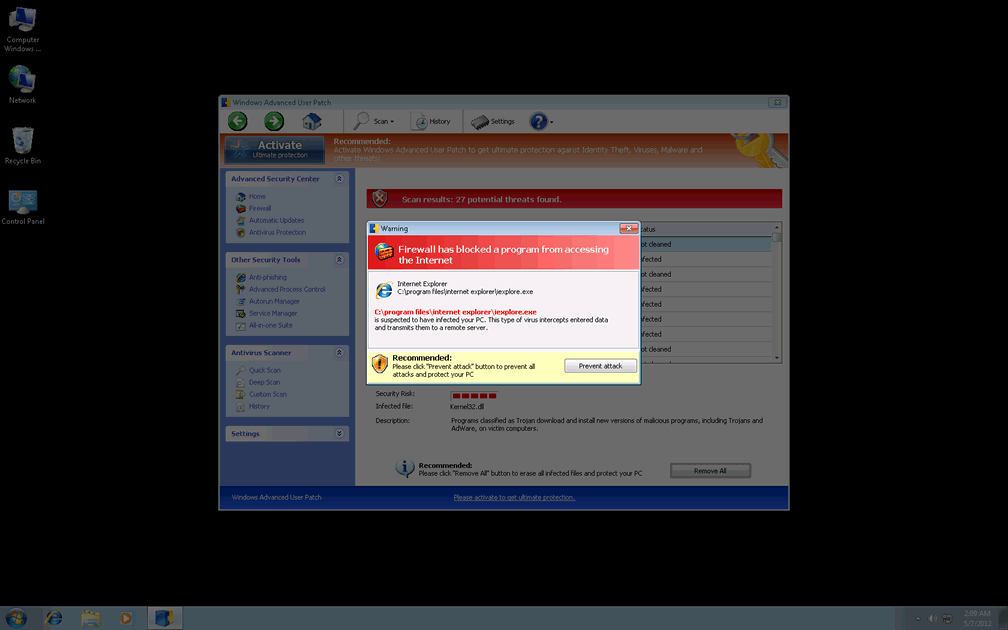
Firewall has blocked a program from accessing the Internet C:\program files\internet explorer\iexplore.exe is suspected to have infected your PC. This type of virus intercepts entered data and transmits them to a remote server. |
Leave a Reply
Please note that we are not able to assist with billing and support issues regarding SpyHunter or other products. If you're having issues with SpyHunter, please get in touch with SpyHunter customer support through your SpyHunter . If you have SpyHunter billing questions, we recommend you check the Billing FAQ. For general suggestions or feedback, contact us.