Windows Antihazard Solution
Posted: March 15, 2012
Threat Metric
The following fields listed on the Threat Meter containing a specific value, are explained in detail below:
Threat Level: The threat level scale goes from 1 to 10 where 10 is the highest level of severity and 1 is the lowest level of severity. Each specific level is relative to the threat's consistent assessed behaviors collected from SpyHunter's risk assessment model.
Detection Count: The collective number of confirmed and suspected cases of a particular malware threat. The detection count is calculated from infected PCs retrieved from diagnostic and scan log reports generated by SpyHunter.
Volume Count: Similar to the detection count, the Volume Count is specifically based on the number of confirmed and suspected threats infecting systems on a daily basis. High volume counts usually represent a popular threat but may or may not have infected a large number of systems. High detection count threats could lay dormant and have a low volume count. Criteria for Volume Count is relative to a daily detection count.
Trend Path: The Trend Path, utilizing an up arrow, down arrow or equal symbol, represents the level of recent movement of a particular threat. Up arrows represent an increase, down arrows represent a decline and the equal symbol represent no change to a threat's recent movement.
% Impact (Last 7 Days): This demonstrates a 7-day period change in the frequency of a malware threat infecting PCs. The percentage impact correlates directly to the current Trend Path to determine a rise or decline in the percentage.
| Threat Level: | 2/10 |
|---|---|
| Infected PCs: | 3 |
| First Seen: | March 15, 2012 |
|---|---|
| OS(es) Affected: | Windows |
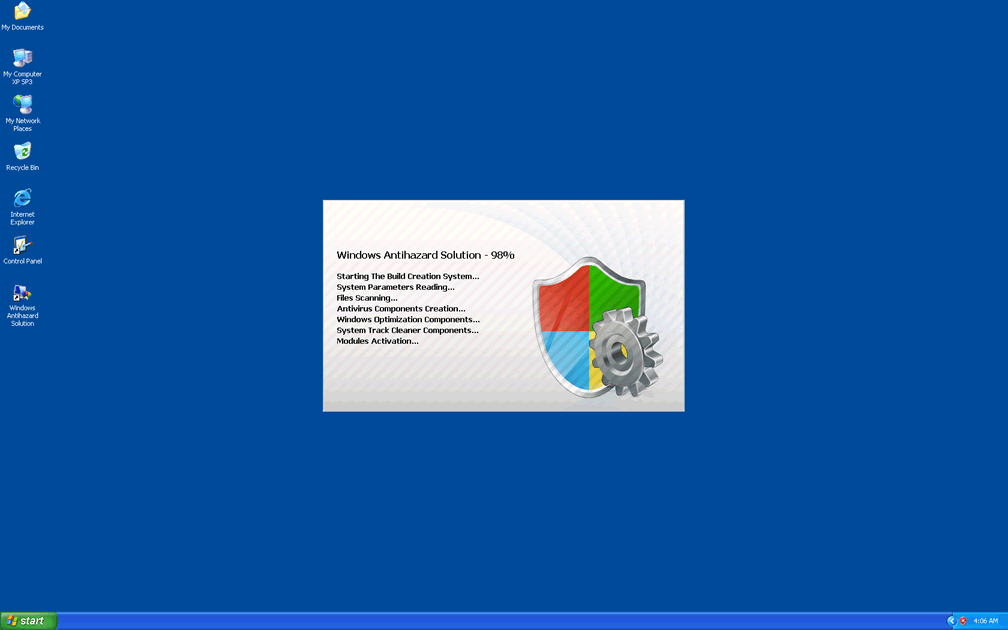
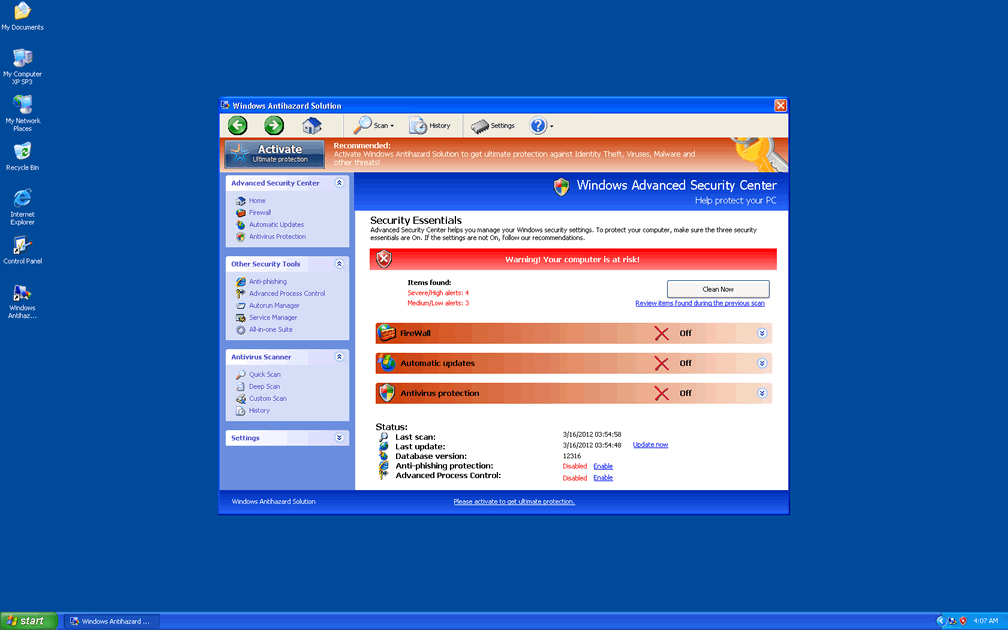
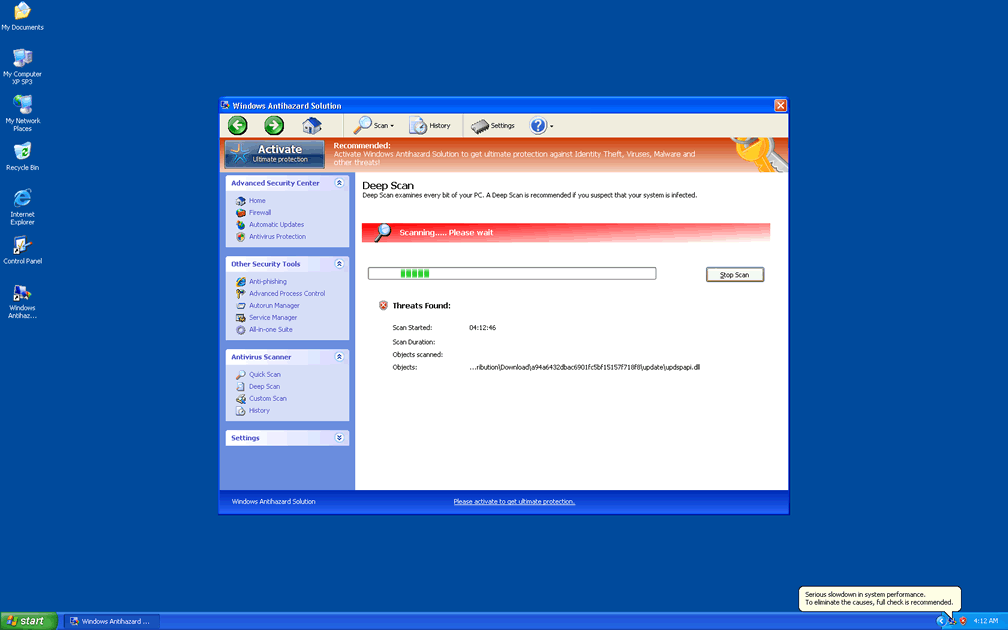
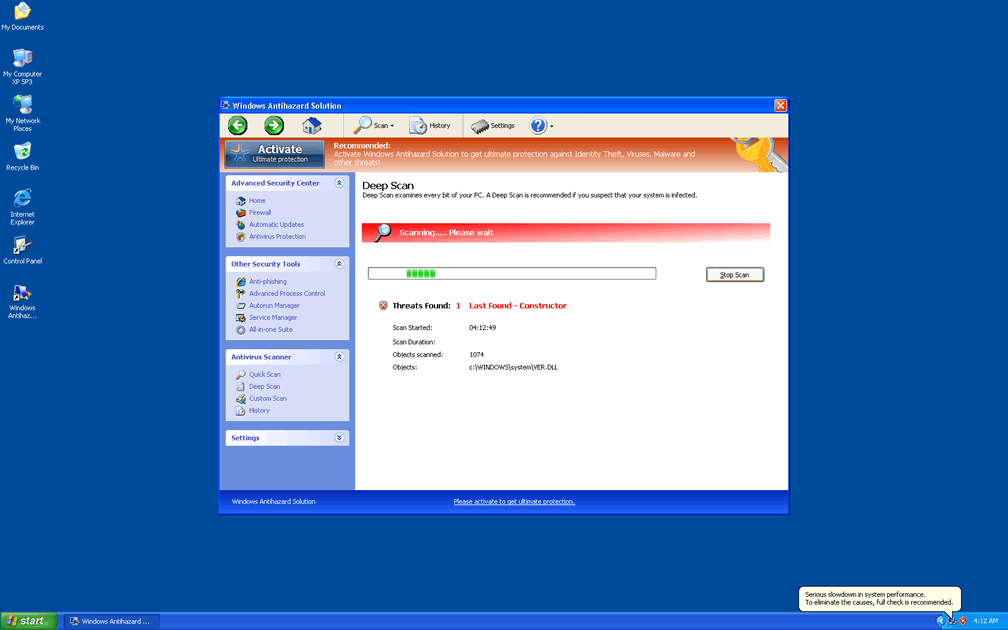
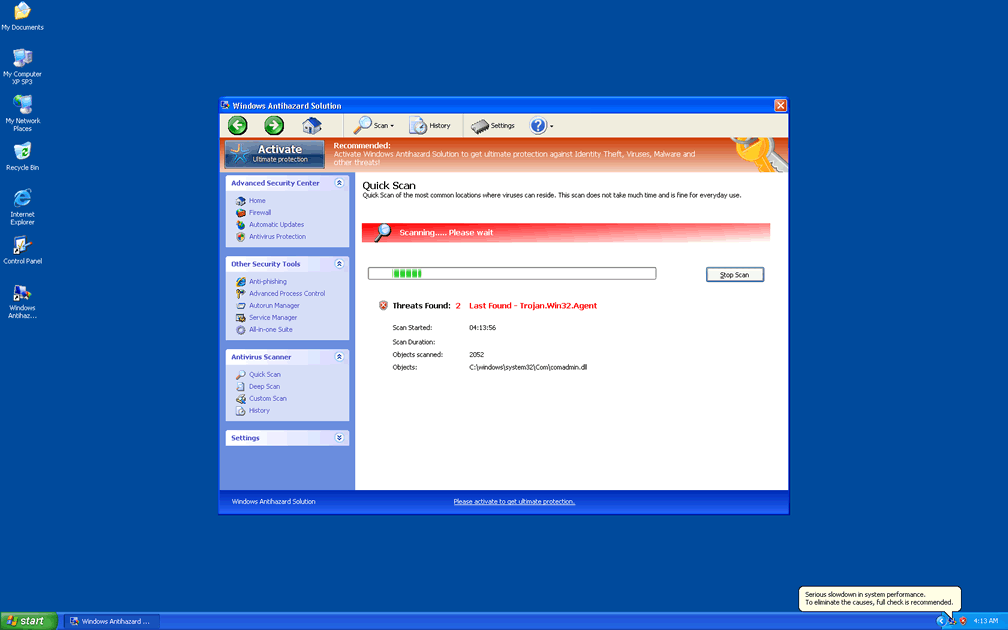
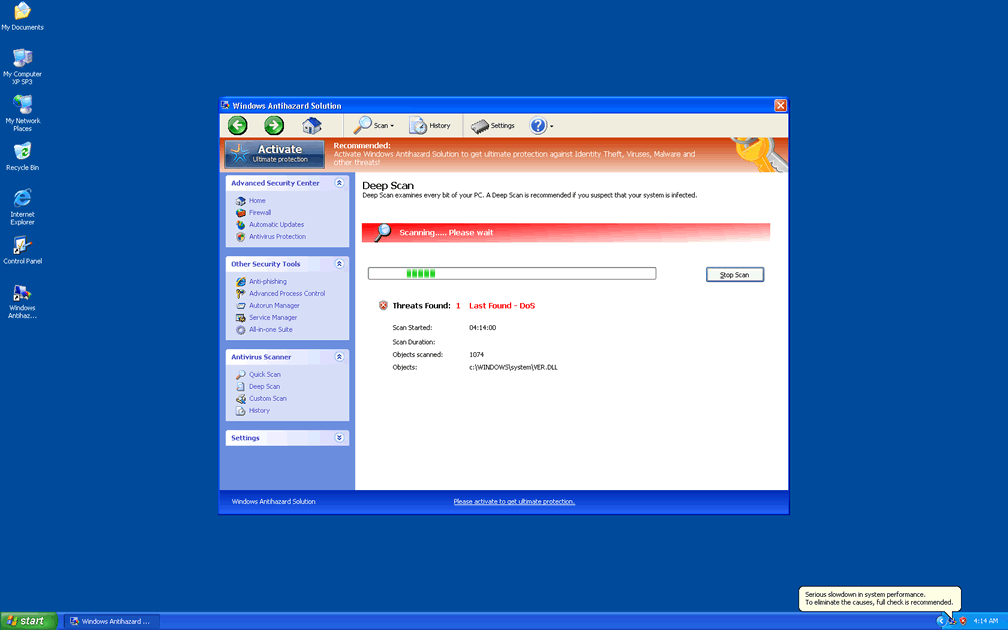
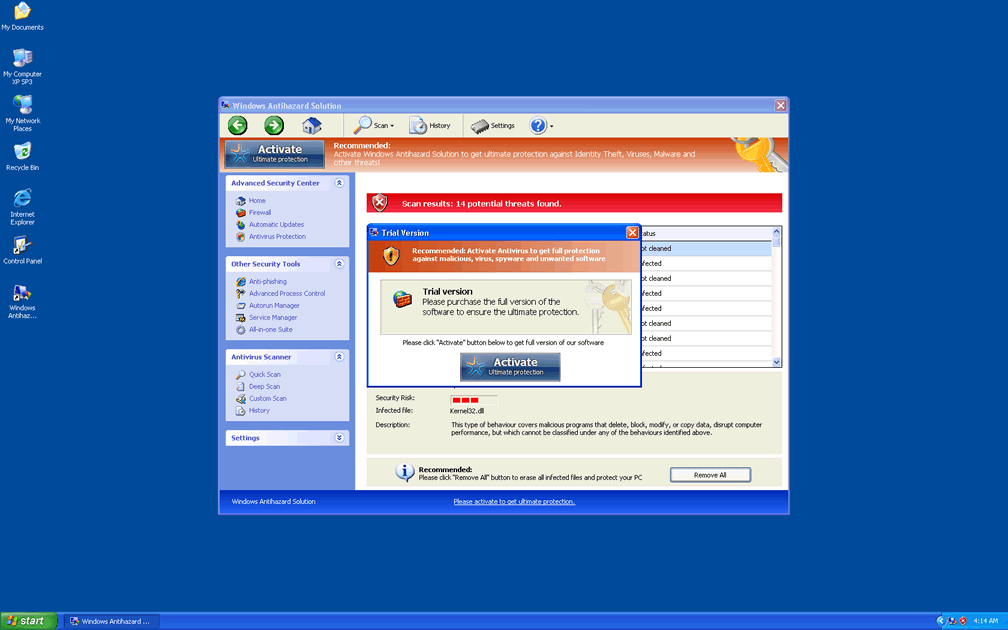
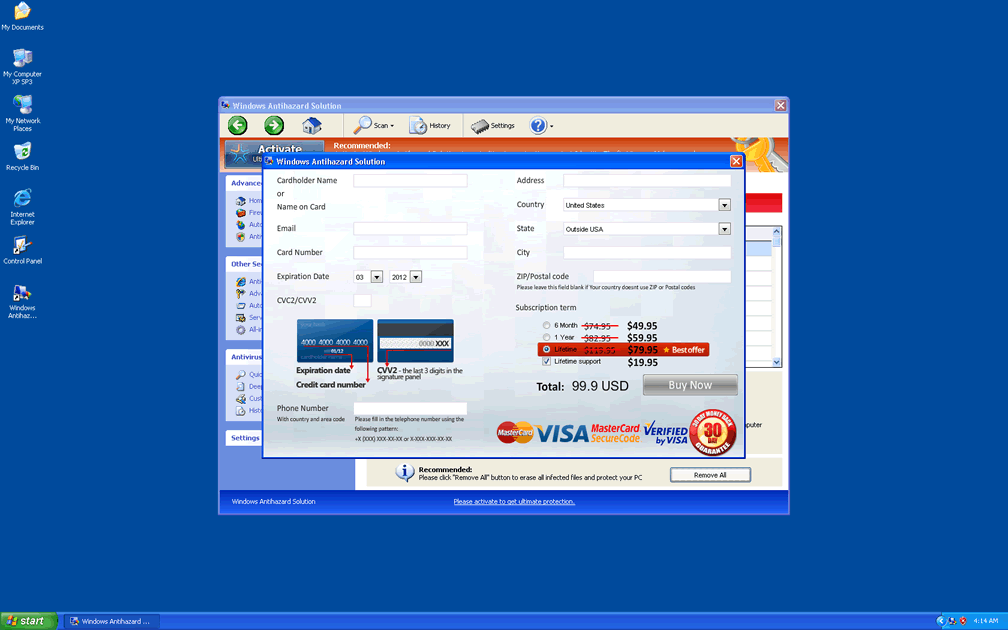
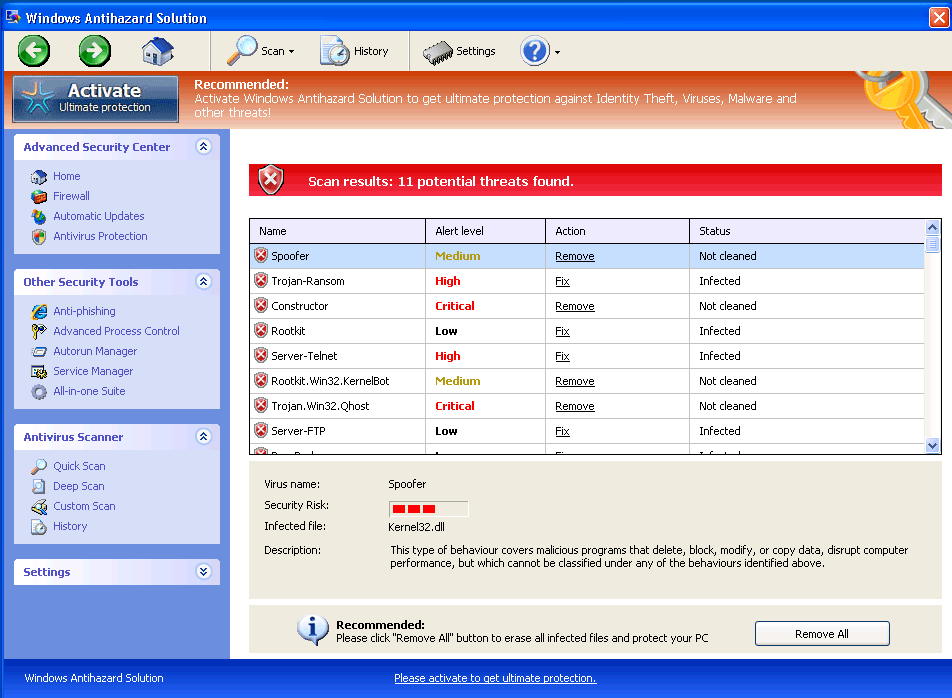 Windows Antihazard Solution is a new clone of Virus Doctor and similar rogue anti-malware programs from its scamware family. Although both Windows Antihazard Solution's name and its appearance may lead you to think that Windows Antihazard Solution could be a handy anti-virus utility, Windows Antihazard Solution doesn't have any true ability to find or remove PC threats of any kind. Instead of preventing attacks against your PC, Windows Antihazard Solution actually will cause them via browser redirects and by blocking unrelated programs that could help you delete Windows Antihazard Solution. As a hazard itself with nothing but stealing money on its mind, Windows Antihazard Solution should be deleted once you have access to anti-malware software and are able to disable Windows Antihazard Solution. The latter usually can be accomplished by resorting to standard security procedures such as Safe Mode that are available to all operating systems that Windows Antihazard Solution might infect.
Don't Dance to the Tune of Windows Antihazard Solution's Fake Analytics
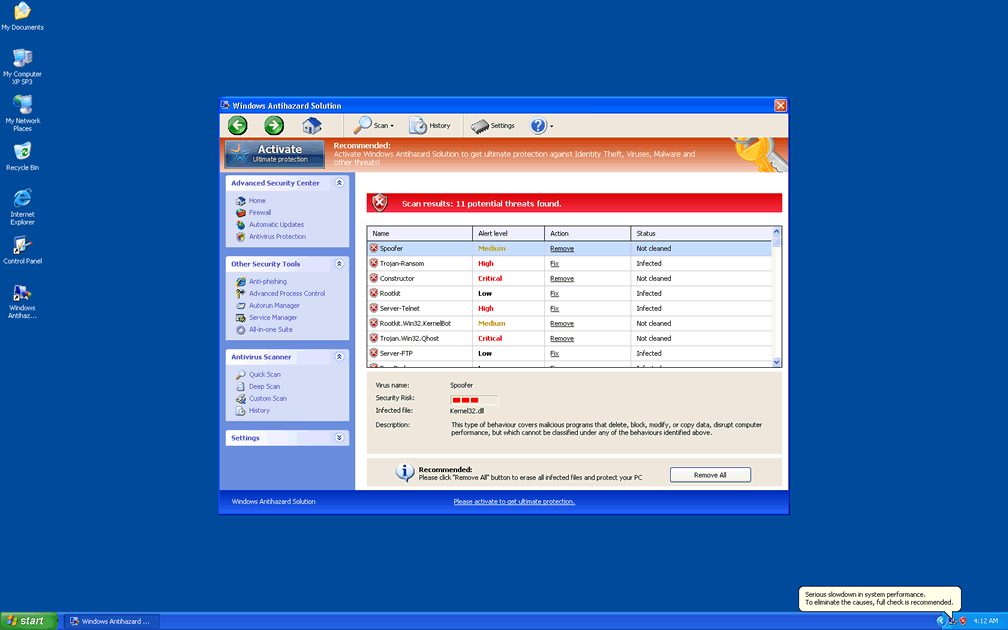
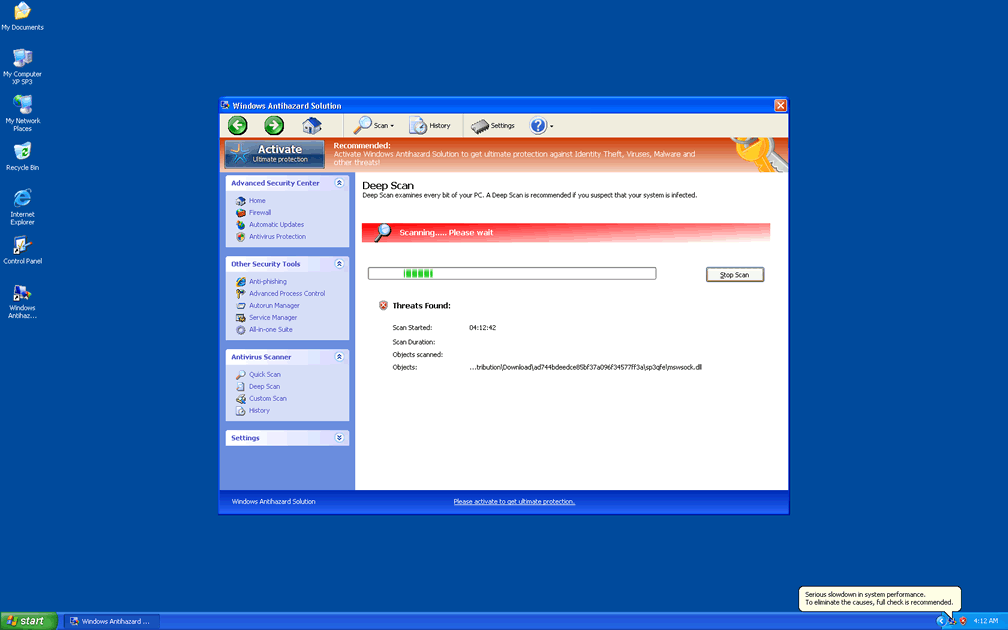
Windows Antihazard Solution, like other fake anti-virus scanners that descend from the FakeVimes family, has the ability to create system warnings and imitative scans, but these sequences will always contain inaccurate information. Windows Antihazard Solution may report PC threats that aren't on your hard drive, issue alerts about fake application damage or falsely warn you about your PC being hijacked for bot attacks. While Windows Antihazard Solution's errors may look realistic and very similar to legitimate warnings from real anti-malware products, you should not believe what they state.
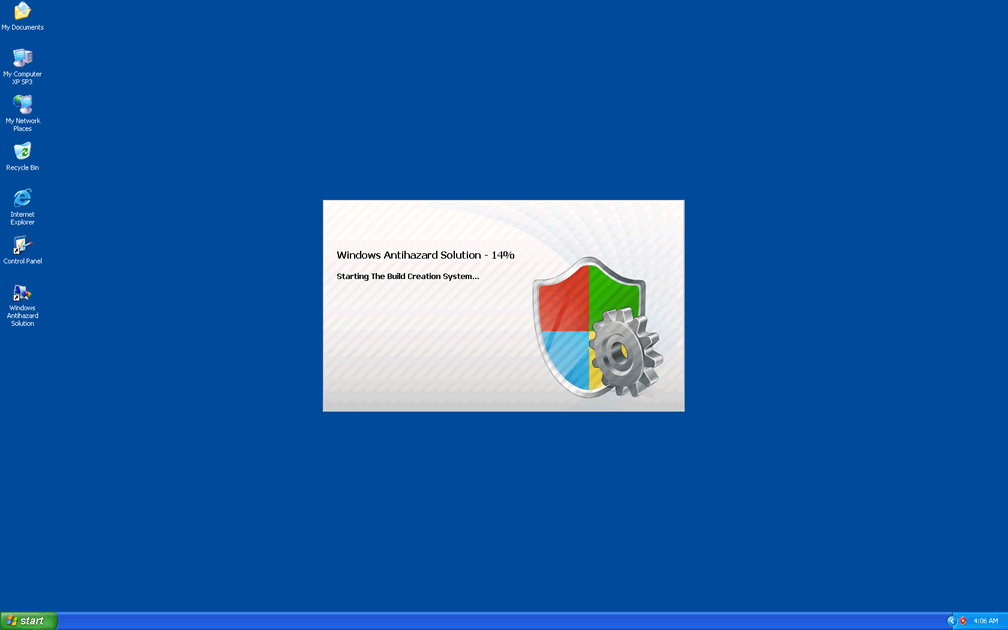
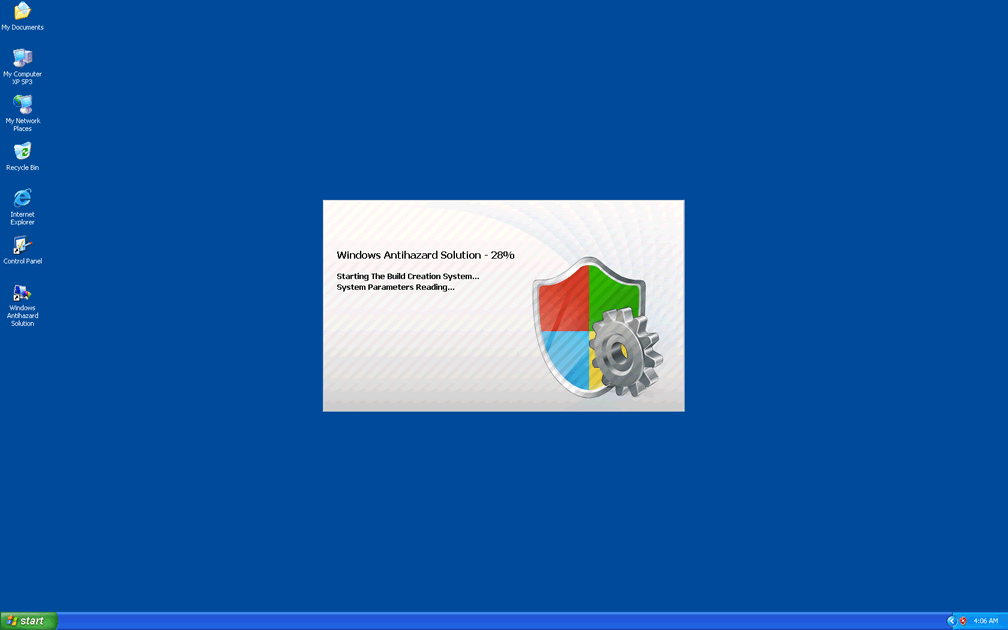
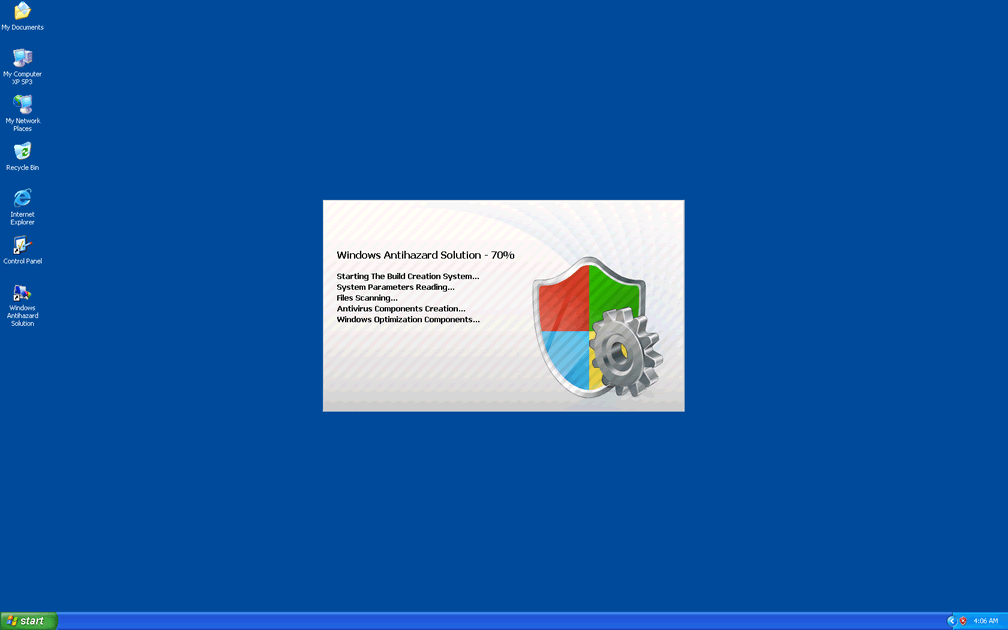
Because Windows Antihazard Solution will launch without your consent whenever Windows uses normal startup methods, you may quickly find that there's almost no escape from Windows Antihazard Solution's badgering. SpywareRemove.com malware research team recommends that you boot into Safe Mode, boot into a second OS or boot from a removable device (such as a USB thumb drive) to disable Windows Antihazard Solution's start up routine. At that point, removing Windows Antihazard Solution should be a simple matter of scanning your PC with competent anti-malware software. These recommendations also hold true for related PC threats, including Privacy Guard Pro, Extra Antivirus, Fast Antivirus 2009, Presto TuneUp, Windows Security Suite, Smart Virus Eliminator, Packed.Generic.245, Volcano Security Suite, Windows Enterprise Suite, Enterprise Suite, Additional Guard, Live PC Care, PC Live Guard, Live Enterprise Suite, Security Antivirus, My Security Wall, CleanUp Antivirus, Smart Security and PrivacyGuard Pro 2.0.
Being Your Own Solution to Windows Antihazard Solution
Although manual removal of Windows Antihazard Solution is inadvisable due to the high likelihood of Windows Antihazard Solution concealing components and changing the Windows Registry, SpywareRemove.com malware experts have noted some cautionary procedures that you can use to keep your PC safe from Windows Antihazard Solution. These include the following:
- Avoiding suspicious websites and disabling exploitable browser features (such as JavaScript) for untrustworthy sites. Rogue anti-malware applications like Windows Antihazard Solution are often installed via fake online scanners from such sites, and Windows Antihazard Solution itself may also redirect your web browser to hostile websites.
- Keeping security and anti-malware software updated to allow for accurate detection and deletion of Windows Antihazard Solution. Although Windows Antihazard Solution may attempt to block these programs, using some of the aforementioned methods to disable Windows Antihazard Solution should be enough to let you access them and delete Windows Antihazard Solution.
Aliases
More aliases (37)
Technical Details
File System Modifications
Tutorials: If you wish to learn how to remove malware components manually, you can read the tutorials on how to find malware, kill unwanted processes, remove malicious DLLs and delete other harmful files. Always be sure to back up your PC before making any changes.
The following files were created in the system:%AppData%\result.db
File name: %AppData%\result.dbMime Type: unknown/db
Group: Malware file
%AppData%\NPSWF32.dll
File name: %AppData%\NPSWF32.dllFile type: Dynamic link library
Mime Type: unknown/dll
Group: Malware file
%AppData%\Protector-[RANDOM 3 CHARACTERS].exe
File name: %AppData%\Protector-[RANDOM 3 CHARACTERS].exeFile type: Executable File
Mime Type: unknown/exe
Group: Malware file
%Desktop%\Windows Antihazard Solution.lnk
File name: %Desktop%\Windows Antihazard Solution.lnkFile type: Shortcut
Mime Type: unknown/lnk
Group: Malware file
%CommonStartMenu%\Programs\Windows Antihazard Solution.lnk
File name: %CommonStartMenu%\Programs\Windows Antihazard Solution.lnkFile type: Shortcut
Mime Type: unknown/lnk
Group: Malware file
Registry Modifications
HKEY..\..\..\..{Subkeys}HKEY_CURRENT_USER\Software\Microsoft\Windows\CurrentVersion\Run "Inspector"HKEY_CURRENT_USER\Software\Microsoft\Windows\CurrentVersion\Settings "net" = "2012-3-11_2"HKEY_CURRENT_USER\Software\Microsoft\Windows\CurrentVersion\Settings "UID" = "origkboryd"HKEY_CURRENT_USER\Software\Microsoft\Windows\CurrentVersion\Internet Settings "WarnOnHTTPSToHTTPRedirect" = 0HKEY_CURRENT_USER\Software\Microsoft\Windows\CurrentVersion\Policies\System "DisableRegedit" = 0HKEY_CURRENT_USER\Software\Microsoft\Windows\CurrentVersion\Policies\System "DisableRegistryTools" = 0HKEY_CURRENT_USER\Software\Microsoft\Windows\CurrentVersion\Policies\System "DisableTaskMgr" = 0HKEY_LOCAL_MACHINE\SOFTWARE\Microsoft\Windows NT\CurrentVersion\Image File Execution Options\msconfigHKEY_LOCAL_MACHINE\SOFTWARE\Microsoft\Windows NT\CurrentVersion\Image File Execution Options\PavFnSvr.exeHKEY_LOCAL_MACHINE\SOFTWARE\Microsoft\Windows NT\CurrentVersion\Image File Execution Options\sahagent.exeHKEY_LOCAL_MACHINE\SOFTWARE\Microsoft\Windows NT\CurrentVersion\Image File Execution Options\titaninxp.exeHKEY_LOCAL_MACHINE\SOFTWARE\Microsoft\Windows NT\CurrentVersion\Image File Execution Options\wsbgate.exeHKEY_LOCAL_MACHINE\SOFTWARE\Microsoft\InternetExplorer\Main\FeatureControl\FEATURE_ERROR_PAGE_BYPASS_ZONE_CHECK_FOR_HTTPS_KB954312HKEY_LOCAL_MACHINE\SOFTWARE\Microsoft\Windows NT\CurrentVersion\Image File Execution Options\atcon.exeHKEY_LOCAL_MACHINE\SOFTWARE\Microsoft\Windows NT\CurrentVersion\Image File Execution Options\bipcp.exeHKEY_LOCAL_MACHINE\SOFTWARE\Microsoft\Windows NT\CurrentVersion\Image File Execution Options\ecengine.exeHKEY_LOCAL_MACHINE\SOFTWARE\Microsoft\Windows NT\CurrentVersion\Image File Execution Options\infwin.exe
Leave a Reply
Please note that we are not able to assist with billing and support issues regarding SpyHunter or other products. If you're having issues with SpyHunter, please get in touch with SpyHunter customer support through your SpyHunter . If you have SpyHunter billing questions, we recommend you check the Billing FAQ. For general suggestions or feedback, contact us.