Windows Defence Counsel
Posted: May 27, 2012
Threat Metric
The following fields listed on the Threat Meter containing a specific value, are explained in detail below:
Threat Level: The threat level scale goes from 1 to 10 where 10 is the highest level of severity and 1 is the lowest level of severity. Each specific level is relative to the threat's consistent assessed behaviors collected from SpyHunter's risk assessment model.
Detection Count: The collective number of confirmed and suspected cases of a particular malware threat. The detection count is calculated from infected PCs retrieved from diagnostic and scan log reports generated by SpyHunter.
Volume Count: Similar to the detection count, the Volume Count is specifically based on the number of confirmed and suspected threats infecting systems on a daily basis. High volume counts usually represent a popular threat but may or may not have infected a large number of systems. High detection count threats could lay dormant and have a low volume count. Criteria for Volume Count is relative to a daily detection count.
Trend Path: The Trend Path, utilizing an up arrow, down arrow or equal symbol, represents the level of recent movement of a particular threat. Up arrows represent an increase, down arrows represent a decline and the equal symbol represent no change to a threat's recent movement.
% Impact (Last 7 Days): This demonstrates a 7-day period change in the frequency of a malware threat infecting PCs. The percentage impact correlates directly to the current Trend Path to determine a rise or decline in the percentage.
| Threat Level: | 2/10 |
|---|---|
| Infected PCs: | 61 |
| First Seen: | May 27, 2012 |
|---|---|
| OS(es) Affected: | Windows |
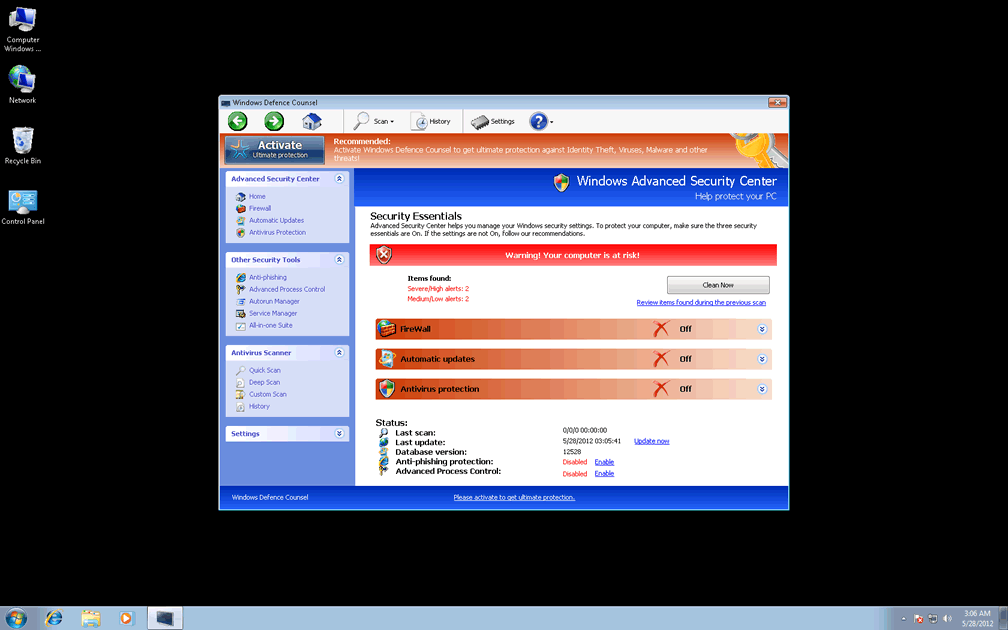
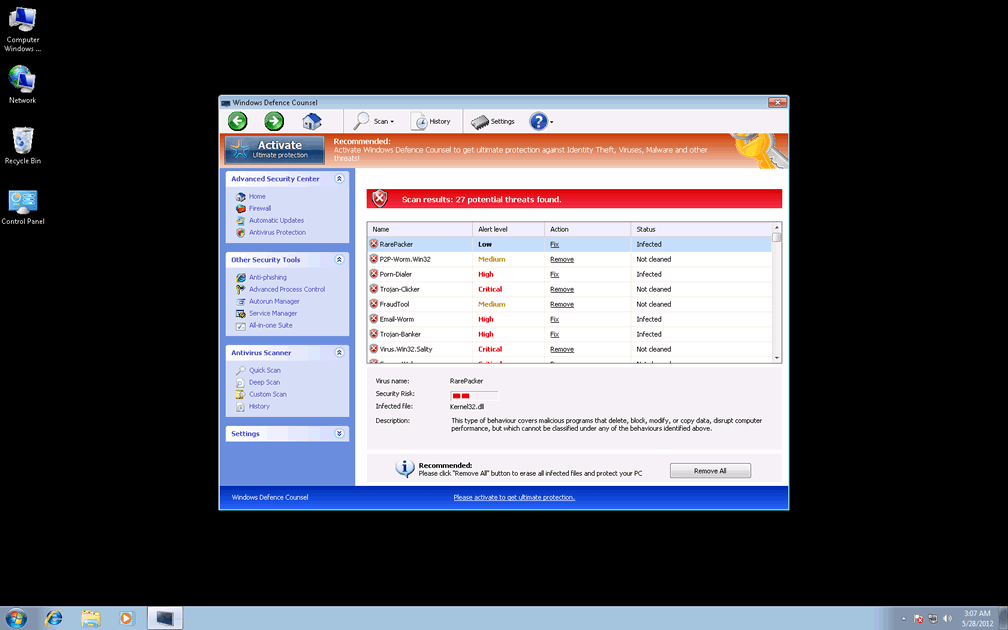
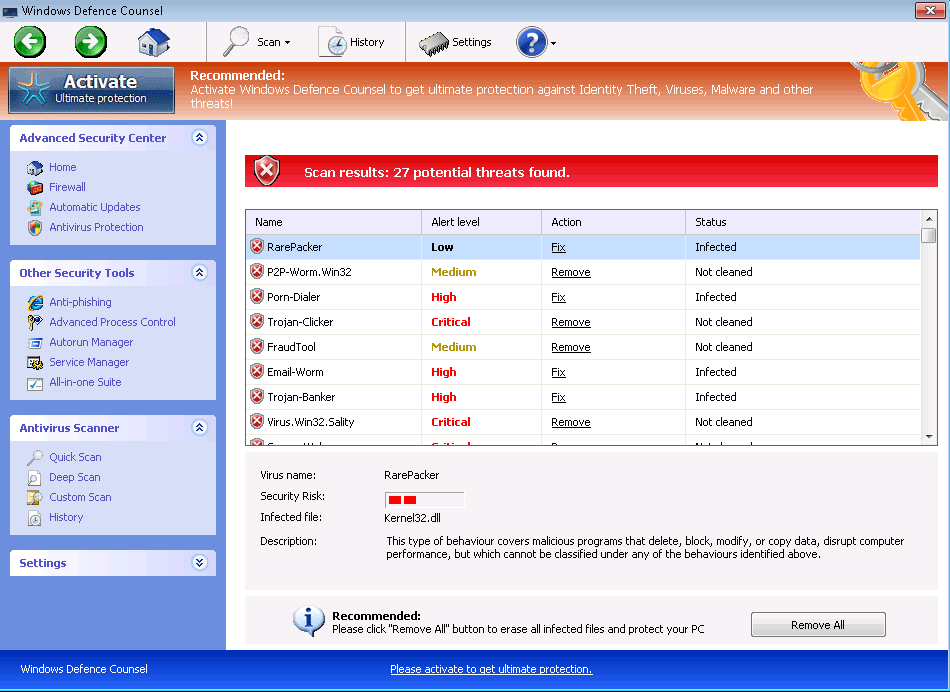 Although Windows Defence Counsel has a plethora of security-related popups, system scans and diagnoses on call, SpywareRemove.com malware researchers recommend that you ignore Windows Defence Counsel's advice, since Windows Defence Counsel has been confirmed as a fraudulent anti-malware product. Due to Windows Defence Counsel's inability to defend your computer from real PC threats, following security-related information from Windows Defence Counsel risks causing harm to your operating system, just as purchasing Windows Defence Counsel will similarly damage your bank account without any positive results. Even merely allowing Windows Defence Counsel to remain on your PC can result in exposure to unwanted browser redirects and interference with genuine security and anti-virus products, and for these reasons it's always recommended that you delete Windows Defence Counsel and related PC threats once you can scan your hard drive with appropriate anti-malware software.
Why You Should Turn Your Ear Away from Windows Defence Counsel's Computer Security Advice
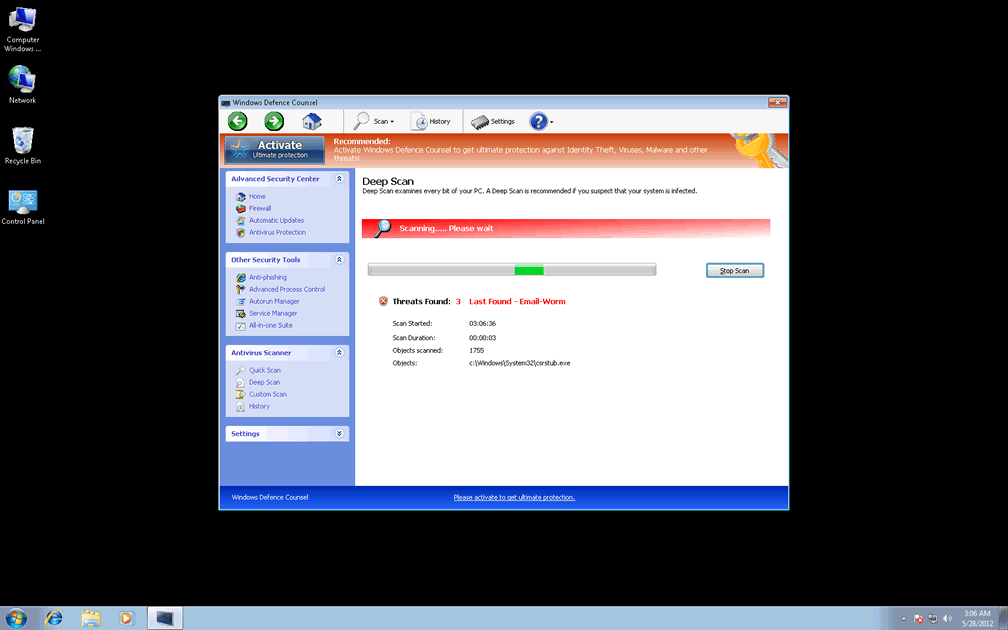
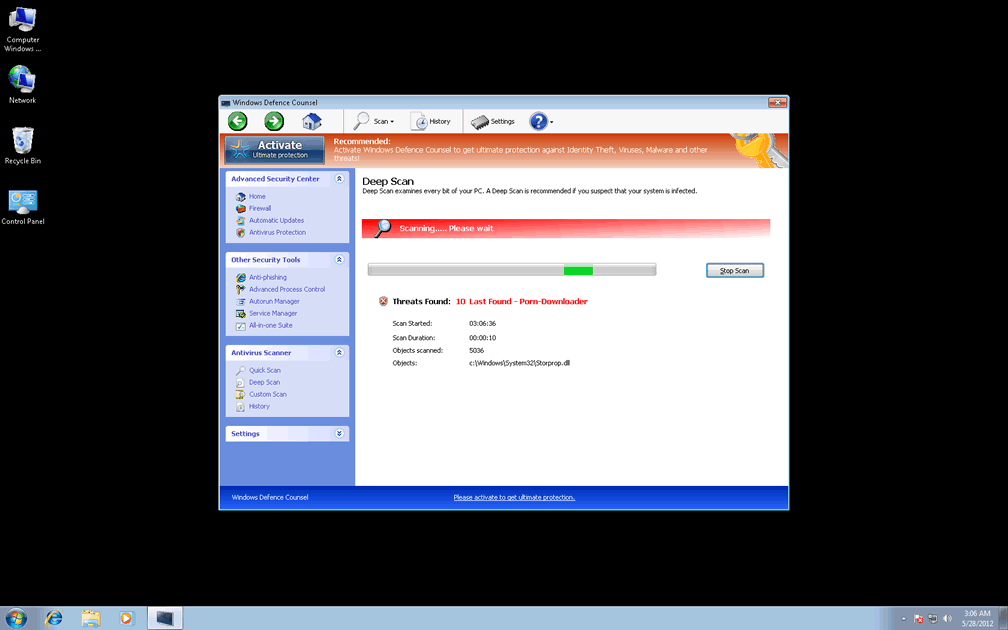
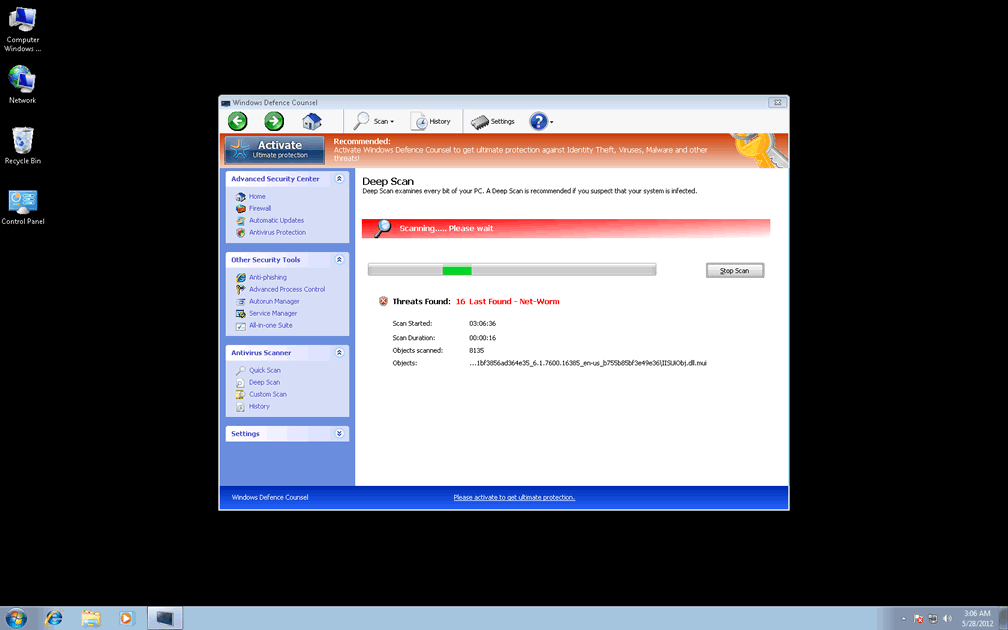
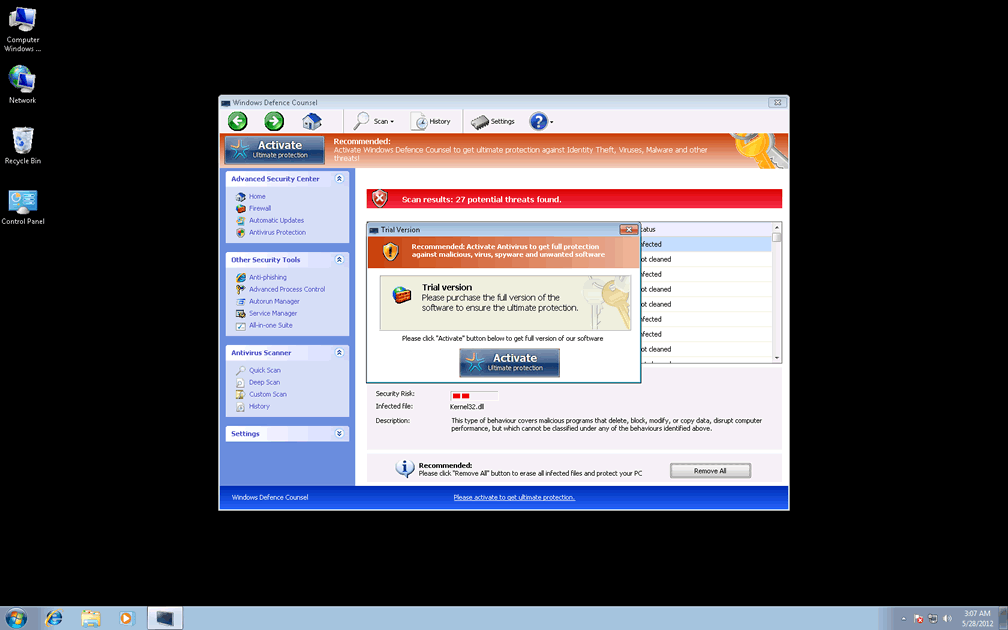
Windows Defence Counsel is verified as just another copy-and-paste member of FakeVimes, a classification for related scamware anti-malware products, with recent members being particularly similar in appearance and functionality. Other variants of FakeVimes that bear a strong resemblance to Windows Defence Counsel, although this list is far from conclusive, include Privacy Guard Pro, Extra Antivirus, Fast Antivirus 2009, Presto TuneUp, Windows Security Suite, Smart Virus Eliminator, Packed.Generic.245, Volcano Security Suite, Windows Enterprise Suite, Enterprise Suite, Additional Guard, Live PC Care, PC Live Guard, Live Enterprise Suite, Security Antivirus, My Security Wall, CleanUp Antivirus, Smart Security and PrivacyGuard Pro 2.0. Identifying traits of Windows Defence Counsel and related rogue anti-malware programs consist of an 'Activate Ultimate Protection' button, features such as the 'Advanced Process Control' and an overall interface that imitates the outdated Windows Security Center software.
True to the habits of all rogue security products, Windows Defence Counsel can't provide actual protection or diagnostic data about PC threats, but Windows Defence Counsel will still provide fake information as a substitute for the real thing. SpywareRemove.com malware experts have found that fraudulent popup alerts from Windows Defence Counsel can warn about attacks against your Registry or identity-related information, as well as falsely advertising the presence of various types of malicious software – including keyloggers, trojans, rootkits and spyware.
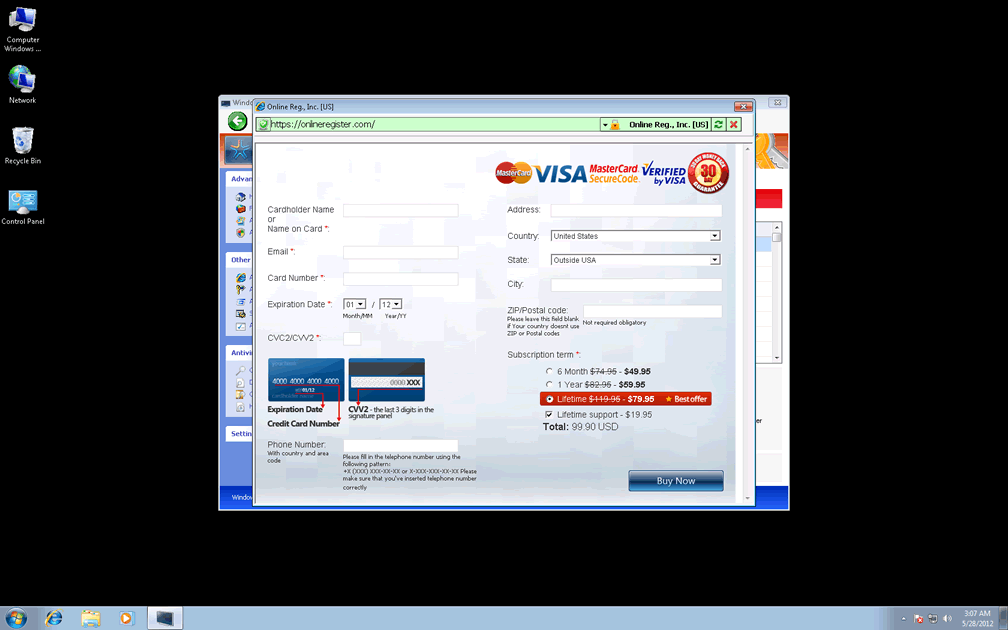
SpywareRemove.com malware experts don't recommend purchasing Windows Defence Counsel's registration key, which is the end-game for its criminal partners in their attempt to con victims with fake security software. However, you may find some use in registering Windows Defence Counsel for free with the key '0W000-000B0-00T00-E0020' since this can expedite Windows Defence Counsel's deletion.
Ill Tidings About Windows Defence Counsel's Poor Software Preferences
Windows Defence Counsel and similar FakeVimes-based PC threats are also noted to cause browser redirect attacks and may do this to expose you to hostile sites, or to redirect your searches to profitable spam-based search engines. However, these attacks aren't the worst possibility from Windows Defence Counsel, which SpywareRemove.com malware researchers warn may even block your real security programs:
- Windows Defence Counsel will attempt to monitor your memory processes and shut down certain processes that it disapproves of, such as Windows Live OneCare and other Windows-based tools.
- Windows Defence Counsel can also be guilty of more extreme measures than the above and may even delete important Registry entries for other types of security programs such as AV scanners.
Regardless of the above issues, SpywareRemove.com malware researchers always recommend that you use dedicated anti-malware programs to remove Windows Defence Counsel, since many FakeVimes-based PC threats like Windows Defence Counsel are also installed along with trojans and may include additional components that aren't obviously visible.
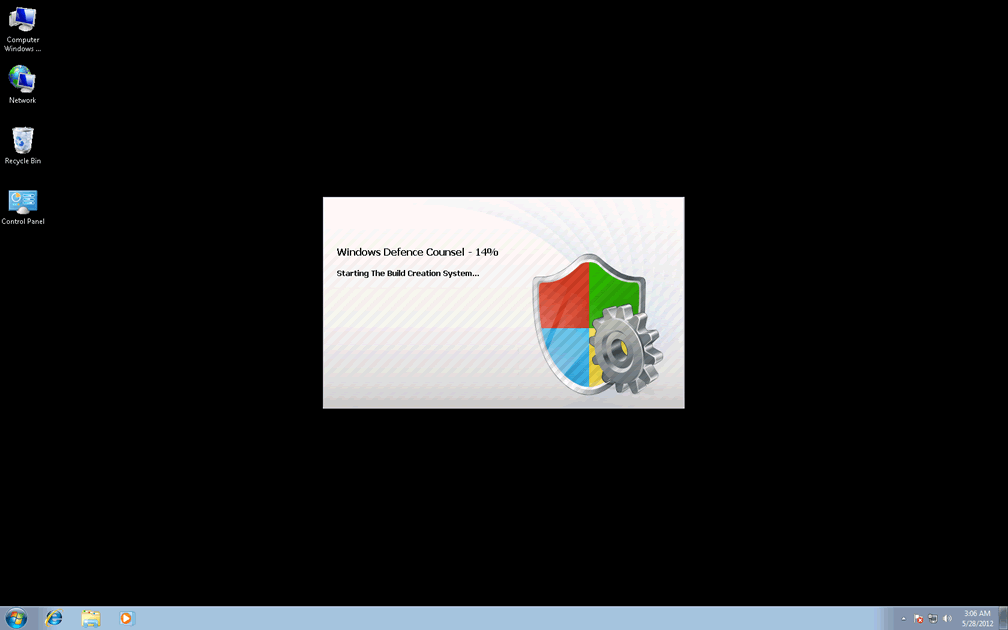
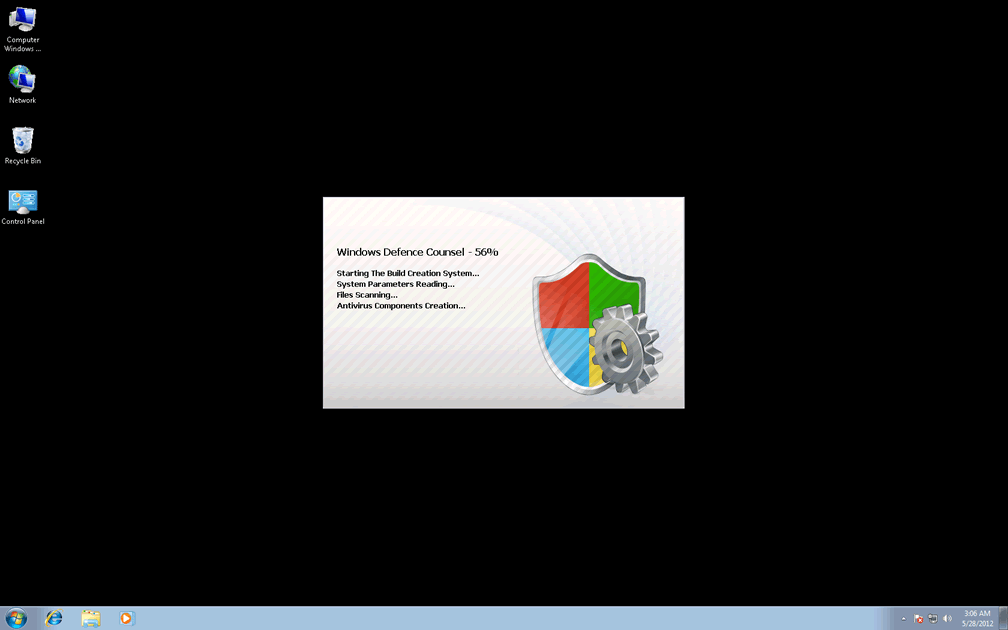
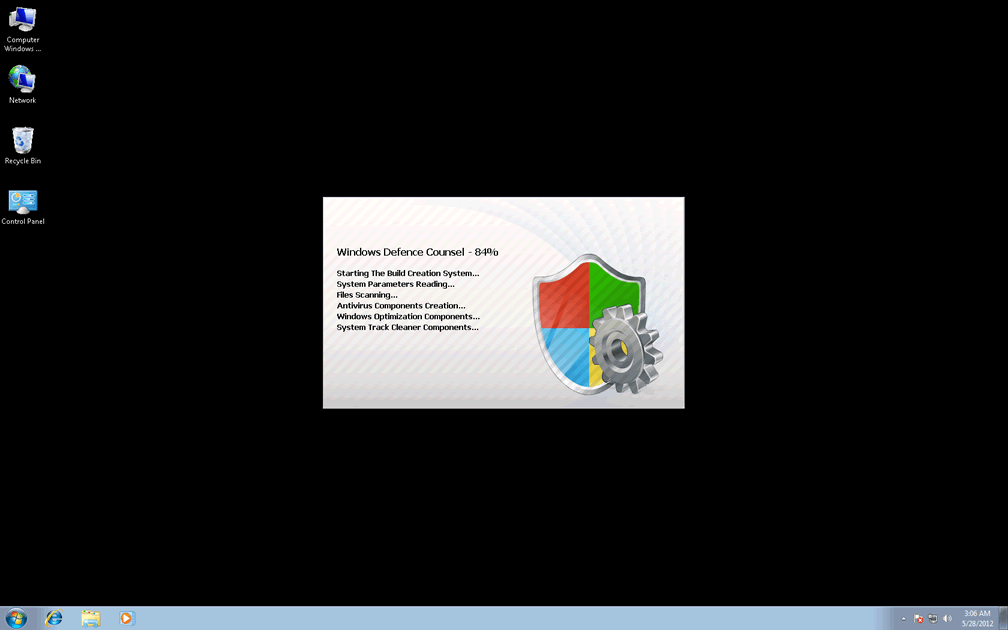
Technical Details
File System Modifications
Tutorials: If you wish to learn how to remove malware components manually, you can read the tutorials on how to find malware, kill unwanted processes, remove malicious DLLs and delete other harmful files. Always be sure to back up your PC before making any changes.
The following files were created in the system:%AppData%\NPSWF32.dll
File name: %AppData%\NPSWF32.dllFile type: Dynamic link library
Mime Type: unknown/dll
Group: Malware file
%AppData%\Protector-[RANDOM 3 CHARACTERS].exe
File name: %AppData%\Protector-[RANDOM 3 CHARACTERS].exeFile type: Executable File
Mime Type: unknown/exe
Group: Malware file
%AppData%\Protector-[RANDOM 4 CHARACTERS].exe
File name: %AppData%\Protector-[RANDOM 4 CHARACTERS].exeFile type: Executable File
Mime Type: unknown/exe
Group: Malware file
%AppData%\result.db
File name: %AppData%\result.dbMime Type: unknown/db
Group: Malware file
Registry Modifications
HKEY..\..\{Value}HKEY_CURRENT_USER\Software\Microsoft\Windows\CurrentVersion\Internet Settings "WarnOnHTTPSToHTTPRedirect" = 0HKEY_CURRENT_USER\Software\Microsoft\Windows\CurrentVersion\Policies\System "DisableRegedit" = 0HKEY_CURRENT_USER\Software\Microsoft\Windows\CurrentVersion\Policies\System "DisableRegistryTools" = 0HKEY_CURRENT_USER\Software\Microsoft\Windows\CurrentVersion\Policies\System "DisableTaskMgr" = 0HKEY_CURRENT_USER\Software\Microsoft\Windows\CurrentVersion\Settings "net" = "2012-5-27_7"HKEY_CURRENT_USER\Software\Microsoft\Windows\CurrentVersion\Settings "UID" = "whecqycyiq"HKEY_LOCAL_MACHINE\SOFTWARE\Microsoft\Windows\CurrentVersion\policies\system "ConsentPromptBehaviorAdmin" = 0HKEY_LOCAL_MACHINE\SOFTWARE\Microsoft\Windows\CurrentVersion\policies\system "ConsentPromptBehaviorUser" = 0HKEY_LOCAL_MACHINE\SOFTWARE\Microsoft\Windows\CurrentVersion\policies\system "EnableLUA" = 0HKEY..\..\..\..{Subkeys}HKEY_CURRENT_USER\Software\ASProtectHKEY_LOCAL_MACHINE\SOFTWARE\Microsoft\Windows NT\CurrentVersion\Image File Execution Options\msconfig.exeHKEY_LOCAL_MACHINE\SOFTWARE\Microsoft\Windows NT\CurrentVersion\Image File Execution Options\fsm32.exeHKEY_LOCAL_MACHINE\SOFTWARE\Microsoft\Windows NT\CurrentVersion\Image File Execution Options\infwin.exeHKEY_LOCAL_MACHINE\SOFTWARE\Microsoft\Windows NT\CurrentVersion\Image File Execution Options\ssg_4104.exeHKEY_LOCAL_MACHINE\SOFTWARE\Microsoft\Windows NT\CurrentVersion\Image File Execution Options\pavsched.exeHKEY_LOCAL_MACHINE\SOFTWARE\Microsoft\Windows NT\CurrentVersion\Image File Execution Options\sbserv.exeHKEY_LOCAL_MACHINE\SOFTWARE\Microsoft\Windows NT\CurrentVersion\Image File Execution Options\webdav.exeHKEY_LOCAL_MACHINE\SOFTWARE\Microsoft\Windows NT\CurrentVersion\Image File Execution Options\zapro.exeHKEY_LOCAL_MACHINE\SOFTWARE\Microsoft\Windows NT\CurrentVersion\Image File Execution Options\ackwin32.exeHKEY_LOCAL_MACHINE\SOFTWARE\Microsoft\Windows NT\CurrentVersion\Image File Execution Options\adaware.exeHKEY_LOCAL_MACHINE\SOFTWARE\Microsoft\Windows NT\CurrentVersion\Image File Execution Options\BDSurvey.exe_HKEY_LOCAL_MACHINE\SOFTWARE\Microsoft\Internet Explorer\Main\FeatureControl\FEATURE_ERROR_PAGE_BYPASS_ZONE_CHECK_FOR_HTTPS_KB954312HKEY_LOCAL_MACHINE\SOFTWARE\Microsoft\..{RunKeys}HKEY_CURRENT_USER\Software\Microsoft\Windows\CurrentVersion\Run "Inspector"
Additional Information
| # | Message |
|---|---|
| 1 | Error
Attempt to modify registry key entries detected. Registry entry analysis is recommended. |
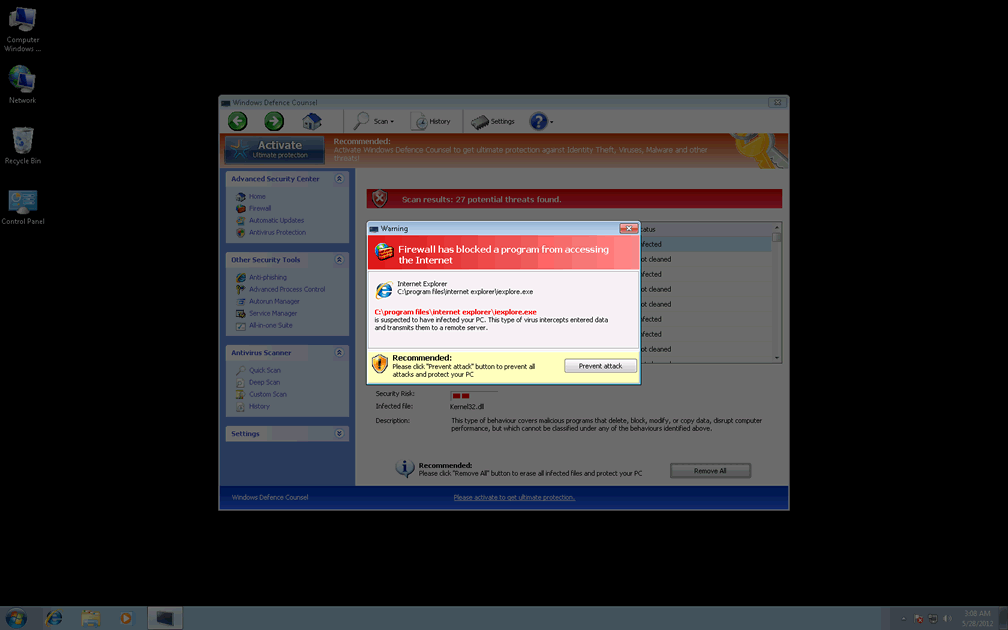
| 2 | Warning
Firewall has blocked a program from accessing the Internet C:\program files\internet explorer\iexplore.exe is suspected to have infected your PC. This type of virus intercepts entered data and transmits them to a remote server. |
Leave a Reply
Please note that we are not able to assist with billing and support issues regarding SpyHunter or other products. If you're having issues with SpyHunter, please get in touch with SpyHunter customer support through your SpyHunter . If you have SpyHunter billing questions, we recommend you check the Billing FAQ. For general suggestions or feedback, contact us.