Windows Expert Series
Posted: July 6, 2012
Threat Metric
The following fields listed on the Threat Meter containing a specific value, are explained in detail below:
Threat Level: The threat level scale goes from 1 to 10 where 10 is the highest level of severity and 1 is the lowest level of severity. Each specific level is relative to the threat's consistent assessed behaviors collected from SpyHunter's risk assessment model.
Detection Count: The collective number of confirmed and suspected cases of a particular malware threat. The detection count is calculated from infected PCs retrieved from diagnostic and scan log reports generated by SpyHunter.
Volume Count: Similar to the detection count, the Volume Count is specifically based on the number of confirmed and suspected threats infecting systems on a daily basis. High volume counts usually represent a popular threat but may or may not have infected a large number of systems. High detection count threats could lay dormant and have a low volume count. Criteria for Volume Count is relative to a daily detection count.
Trend Path: The Trend Path, utilizing an up arrow, down arrow or equal symbol, represents the level of recent movement of a particular threat. Up arrows represent an increase, down arrows represent a decline and the equal symbol represent no change to a threat's recent movement.
% Impact (Last 7 Days): This demonstrates a 7-day period change in the frequency of a malware threat infecting PCs. The percentage impact correlates directly to the current Trend Path to determine a rise or decline in the percentage.
| Ranking: | 14,492 |
|---|---|
| Threat Level: | 5/10 |
| Infected PCs: | 578 |
| First Seen: | July 6, 2012 |
|---|---|
| Last Seen: | February 21, 2025 |
| OS(es) Affected: | Windows |
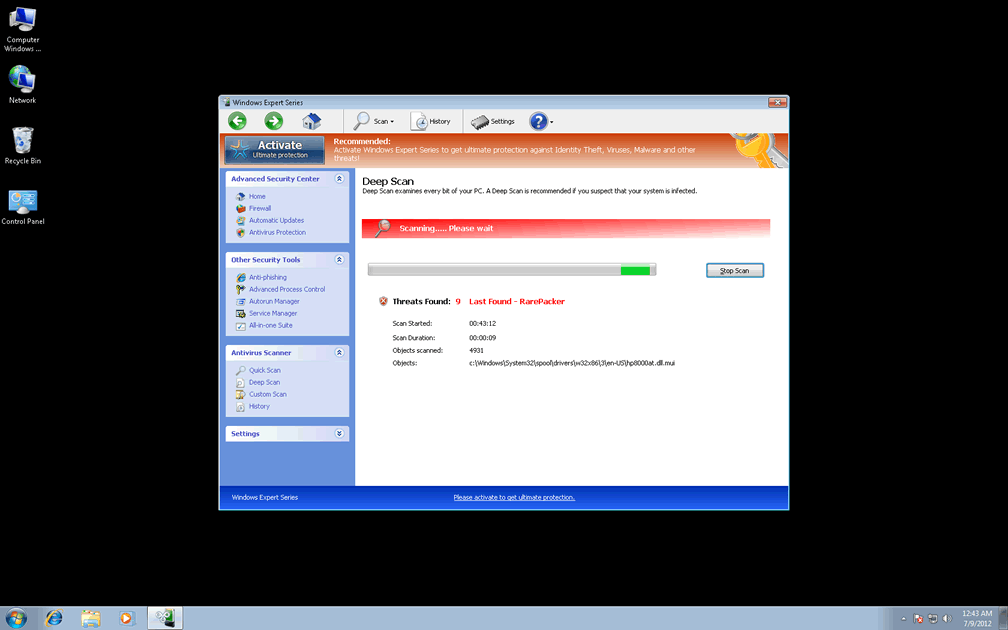
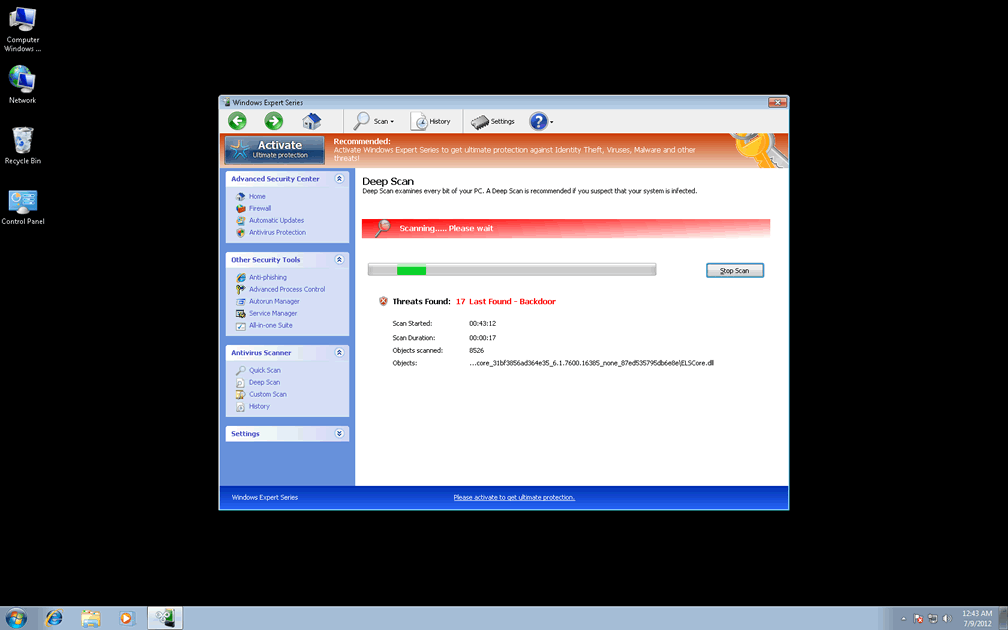
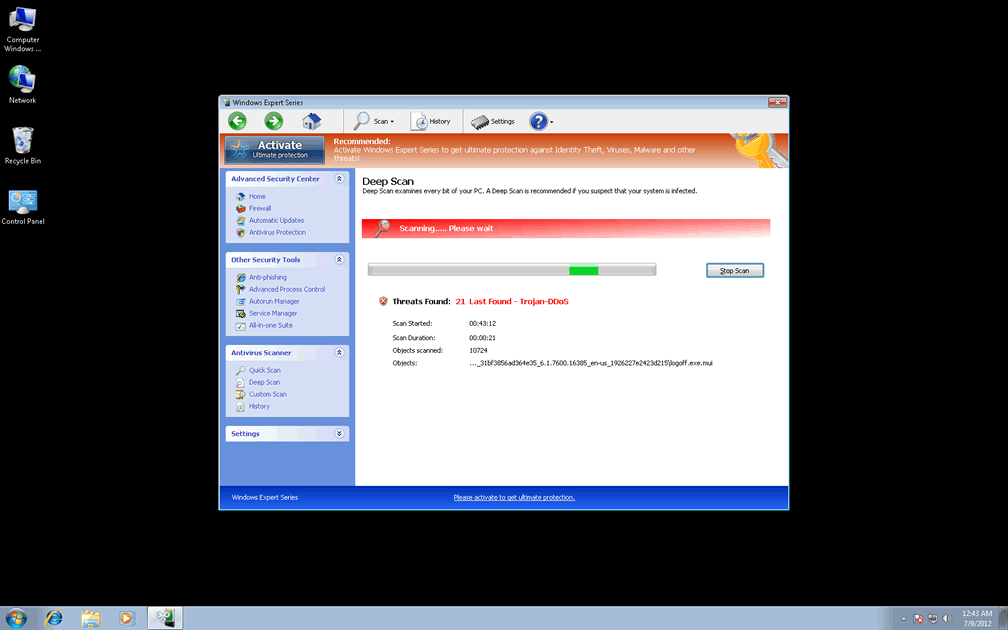
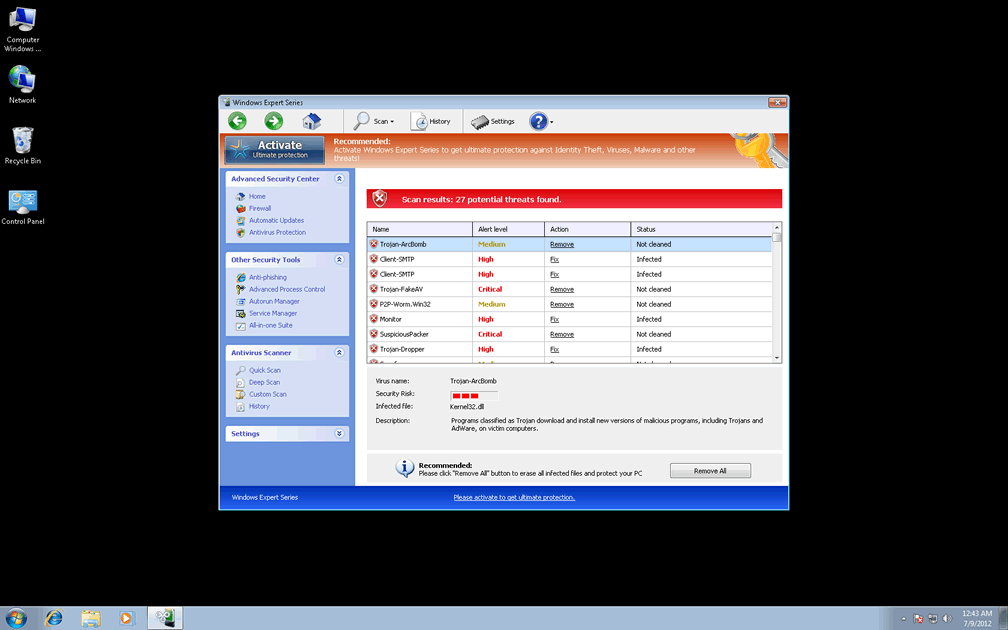
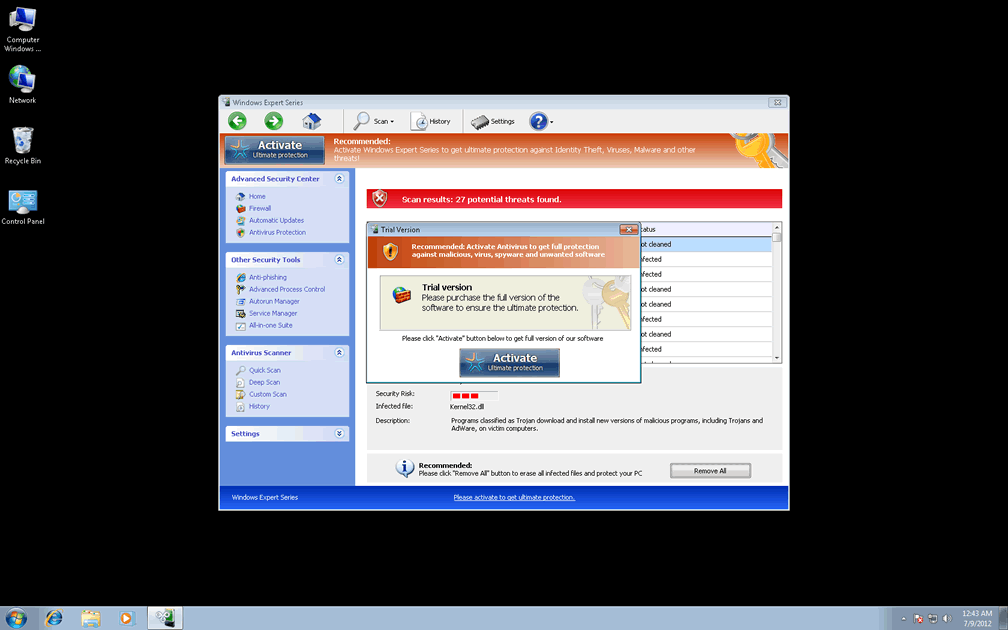
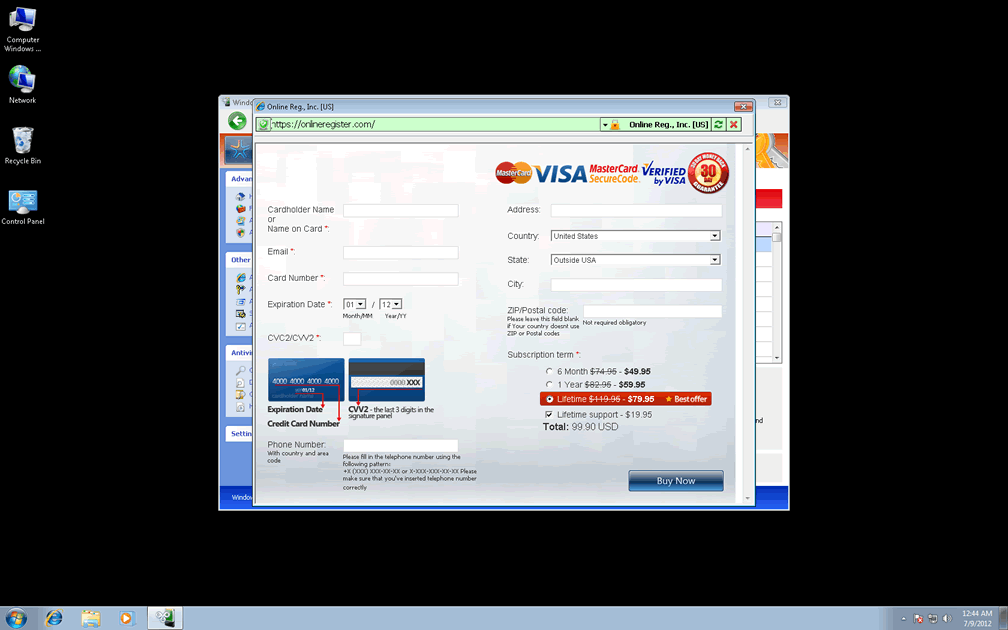
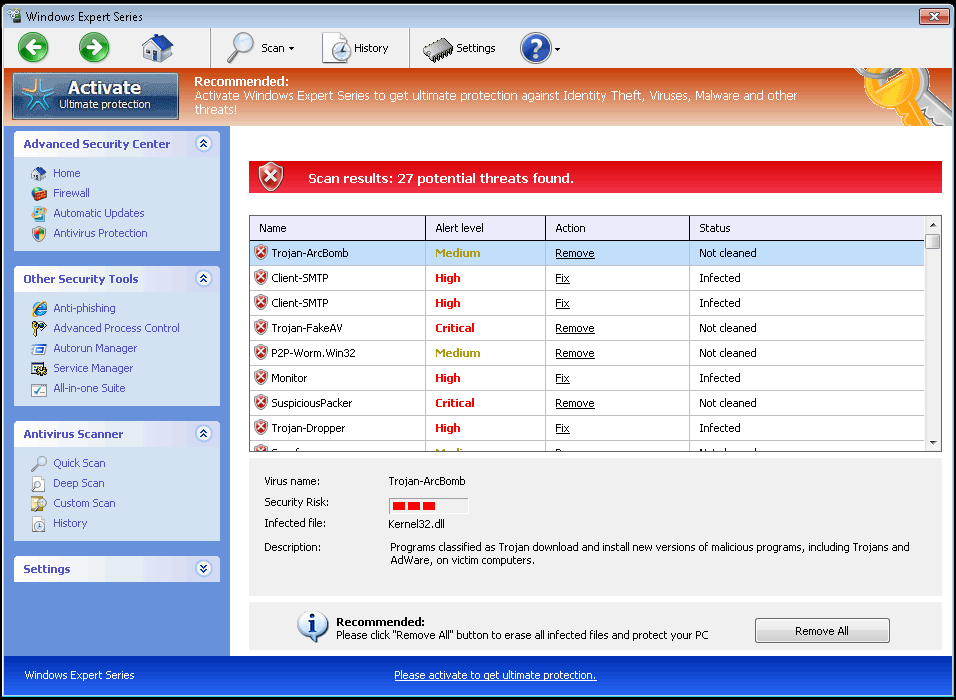 Windows Expert Series is a spinoff of other rogue anti-malware programs from the FakeVimes template. Like all rogue anti-malware scanners, Windows Expert Series can neither detect nor remove any type of PC threat, but its automatic pop-up alerts and scans will always warn you against seemingly ongoing attacks from rootkits, spyware, Trojans and other forms of malevolent software. Even though Windows Expert Series would like you to react to this kind of distress by spending money on purchasing Windows Expert Series online, SpywareRemove.com malware researchers exhort that you do the precise contrary, by saving your money and removing Windows Expert Series with a legitimate brand of anti-malware software.
The Flaws in Windows Expert Series's Expert Opinion About Your PC
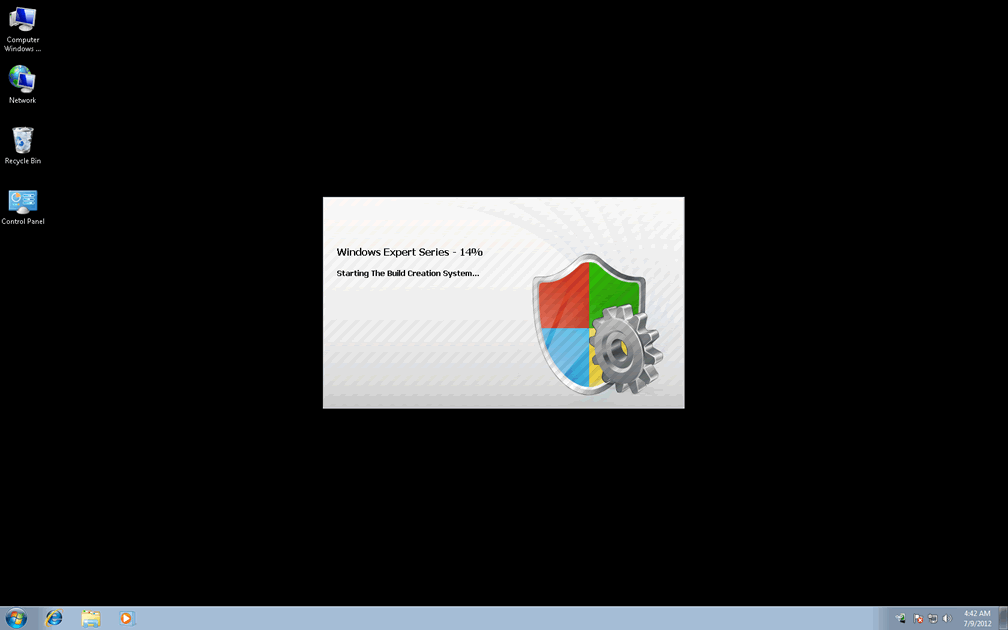
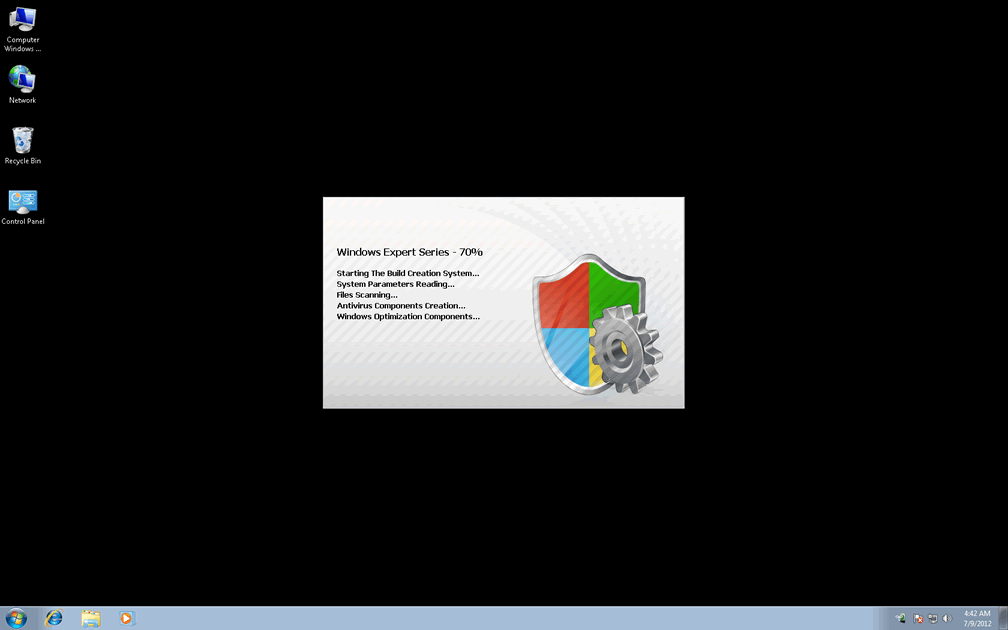
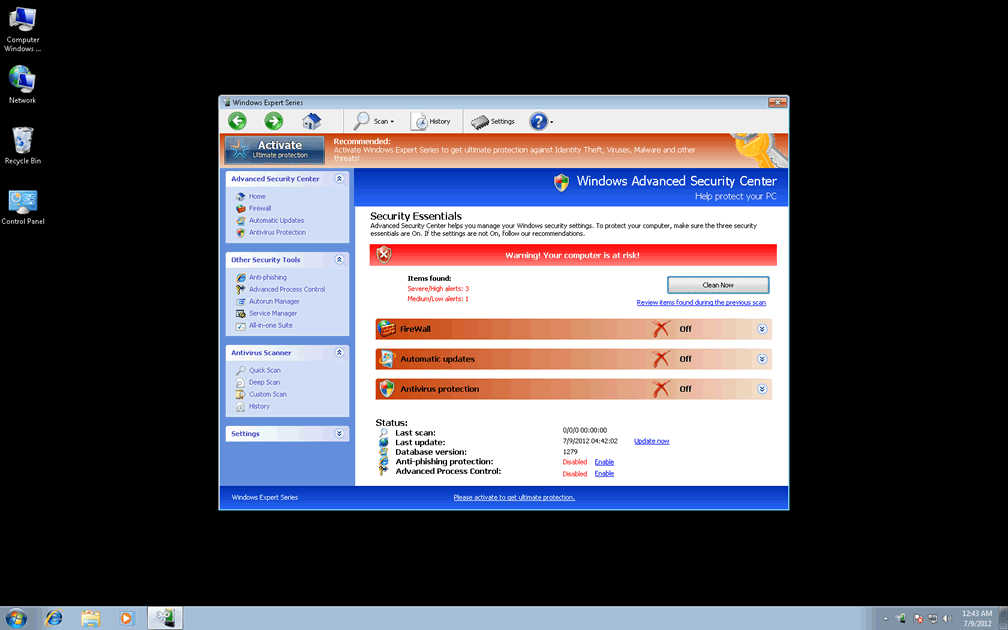
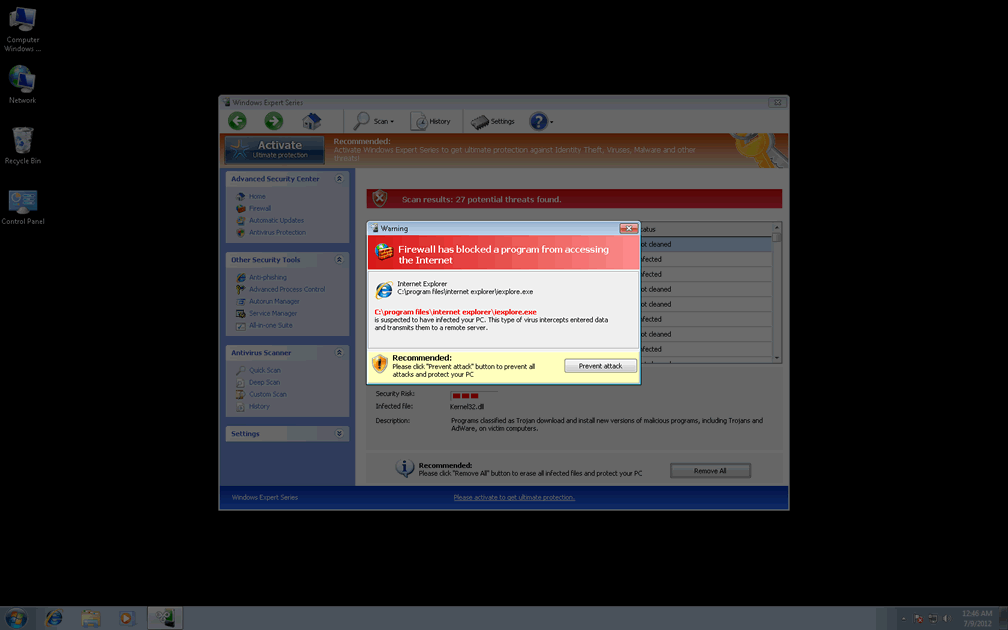
Windows Expert Series may look like something that's designed for catching every sort of PC threat, up to and including phishing attacks and memory process injections, but the sad truth is that all of Windows Expert Series's features are designed to deliver fake security information without any kind of bite behind the bark. Because Windows Expert Series launches itself with Windows, you may find it difficult to avoid exposure to Windows Expert Series's various forms of fake alerts, which will imitate official pop-up warnings and system scans from more reputable types of anti-malware scanners than itself.
SpywareRemove.com malware experts especially warn against Windows Expert Series's attempts to procure money and access to confidential financial information, which should never be handed over to Windows Expert Series's criminal enterprise. Since all of Windows Expert Series's security alerts are fake and real problems with your computer are likely to be caused by Windows Expert Series, deleting Windows Expert Series, rather than buying Windows Expert Series, should always be considered your default course of action.
Nonetheless, many victims of Windows Expert Series attacks have found some use in registering Windows Expert Series with a free code before they attempt to remove Windows Expert Series in an anti-malware scan. SpywareRemove.com malware researchers have found the code '0W000-000B0-00T00-E0020' to work on most modern variants of FakeVimes, the family of scamware to which Windows Expert Series belongs. Among the many clones of Windows Expert Series are Privacy Guard Pro, Extra Antivirus, Fast Antivirus 2009, Presto TuneUp, Windows Security Suite, Smart Virus Eliminator, Packed.Generic.245, Volcano Security Suite, Windows Enterprise Suite, Enterprise Suite, Additional Guard, Live PC Care, PC Live Guard, Live Enterprise Suite, Security Antivirus, My Security Wall, CleanUp Antivirus, Smart Security and PrivacyGuard Pro 2.0.
The Security-Hindering Functions in Windows Expert Series's So-Called Security Features
Windows Expert Series may not be able to protect your computer from malicious software, but Windows Expert Series does have a number of other perfectly-functional features that Windows Expert Series would prefer to keep hidden from view. These attacks are used to increase your PC's susceptibility to other PC threats and prevent you from removing Windows Expert Series as SpywareRemove.com malware researchers have found in the examples below:
- Windows Expert Series may redirect your browser to unwanted and occasionally harmful websites without your consent. Browser redirects while searching online via a popular search engine should be considered especially likely.
- Genuine security programs may be blocked by Windows Expert Series, as well as some competing types of scamware. Blocked programs can include programs that have Registry entries deleted permanently, as well as programs that are blocked once they're detected in memory.
- Windows Expert Series may make a variety of other system changes that ensure your PC's vulnerability to future attacks. For example, you may be unable to access the User Account Control or receive Windows alerts when in contact with files that have improper signature validation.
Aliases
Technical Details
File System Modifications
Tutorials: If you wish to learn how to remove malware components manually, you can read the tutorials on how to find malware, kill unwanted processes, remove malicious DLLs and delete other harmful files. Always be sure to back up your PC before making any changes.
The following files were created in the system:%AppData%\NPSWF32.dll
File name: %AppData%\NPSWF32.dllFile type: Dynamic link library
Mime Type: unknown/dll
Group: Malware file
%AppData%\result.db
File name: %AppData%\result.dbMime Type: unknown/db
Group: Malware file
%AppData%\W34r34mt5h21ef.dat
File name: %AppData%\W34r34mt5h21ef.datFile type: Data file
Mime Type: unknown/dat
Group: Malware file
Protector-[RANDOM 3 CHARACTERS].exe
File name: Protector-[RANDOM 3 CHARACTERS].exeFile type: Executable File
Mime Type: unknown/exe
Group: Malware file
%Desktop%\Windows Expert Series.lnk
File name: %Desktop%\Windows Expert Series.lnkFile type: Shortcut
Mime Type: unknown/lnk
Group: Malware file
%CommonStartMenu%\Programs\Windows Expert Series.lnk
File name: %CommonStartMenu%\Programs\Windows Expert Series.lnkFile type: Shortcut
Mime Type: unknown/lnk
Group: Malware file
Registry Modifications
HKEY..\..\{Value}HKEY_CURRENT_USER\Software\Microsoft\Windows\CurrentVersion\Internet Settings "WarnOnHTTPSToHTTPRedirect" = 0HKEY_CURRENT_USER\Software\Microsoft\Windows\CurrentVersion\Policies\System "DisableRegedit" = 0HKEY_CURRENT_USER\Software\Microsoft\Windows\CurrentVersion\Policies\System "DisableRegistryTools" = 0HKEY_CURRENT_USER\Software\Microsoft\Windows\CurrentVersion\Policies\System "DisableTaskMgr" = 0HKEY_CURRENT_USER\Software\Microsoft\Windows\CurrentVersion\Settings "net" = "2012-4-27_2"HKEY_CURRENT_USER\Software\Microsoft\Windows\CurrentVersion\Settings "UID" = "tovvhgxtud"HKEY_LOCAL_MACHINE\SOFTWARE\Microsoft\Windows\CurrentVersion\policies\system "ConsentPromptBehaviorAdmin" = 0HKEY_LOCAL_MACHINE\SOFTWARE\Microsoft\Windows\CurrentVersion\policies\system "ConsentPromptBehaviorUser" = 0HKEY_LOCAL_MACHINE\SOFTWARE\Microsoft\Windows\CurrentVersion\policies\system "EnableLUA" = 0HKEY..\..\..\..{Subkeys}HKEY_CURRENT_USER\Software\ASProtectHKEY_LOCAL_MACHINE\SOFTWARE\Microsoft\..{RunKeys}HKEY_CURRENT_USER\Software\Microsoft\Windows\CurrentVersion\Run "Inspector"
Additional Information
| # | Message |
|---|---|
| 1 | Error Attempt to modify registry key entries detected. Registry entry analysis is recommended. |
| 2 | Error Attempt to run a potentially dangerous script detected. Full system scan is highly recommended. |
| 3 | Error Keylogger activity detected. System information security is at risk. It is recommended to activate protection and run a full system scan. |
Leave a Reply
Please note that we are not able to assist with billing and support issues regarding SpyHunter or other products. If you're having issues with SpyHunter, please get in touch with SpyHunter customer support through your SpyHunter . If you have SpyHunter billing questions, we recommend you check the Billing FAQ. For general suggestions or feedback, contact us.