Windows First-Class Protector
Posted: March 31, 2012
Threat Metric
The following fields listed on the Threat Meter containing a specific value, are explained in detail below:
Threat Level: The threat level scale goes from 1 to 10 where 10 is the highest level of severity and 1 is the lowest level of severity. Each specific level is relative to the threat's consistent assessed behaviors collected from SpyHunter's risk assessment model.
Detection Count: The collective number of confirmed and suspected cases of a particular malware threat. The detection count is calculated from infected PCs retrieved from diagnostic and scan log reports generated by SpyHunter.
Volume Count: Similar to the detection count, the Volume Count is specifically based on the number of confirmed and suspected threats infecting systems on a daily basis. High volume counts usually represent a popular threat but may or may not have infected a large number of systems. High detection count threats could lay dormant and have a low volume count. Criteria for Volume Count is relative to a daily detection count.
Trend Path: The Trend Path, utilizing an up arrow, down arrow or equal symbol, represents the level of recent movement of a particular threat. Up arrows represent an increase, down arrows represent a decline and the equal symbol represent no change to a threat's recent movement.
% Impact (Last 7 Days): This demonstrates a 7-day period change in the frequency of a malware threat infecting PCs. The percentage impact correlates directly to the current Trend Path to determine a rise or decline in the percentage.
| Ranking: | 7,700 |
|---|---|
| Threat Level: | 2/10 |
| Infected PCs: | 20,882 |
| First Seen: | March 31, 2012 |
|---|---|
| Last Seen: | March 6, 2025 |
| OS(es) Affected: | Windows |
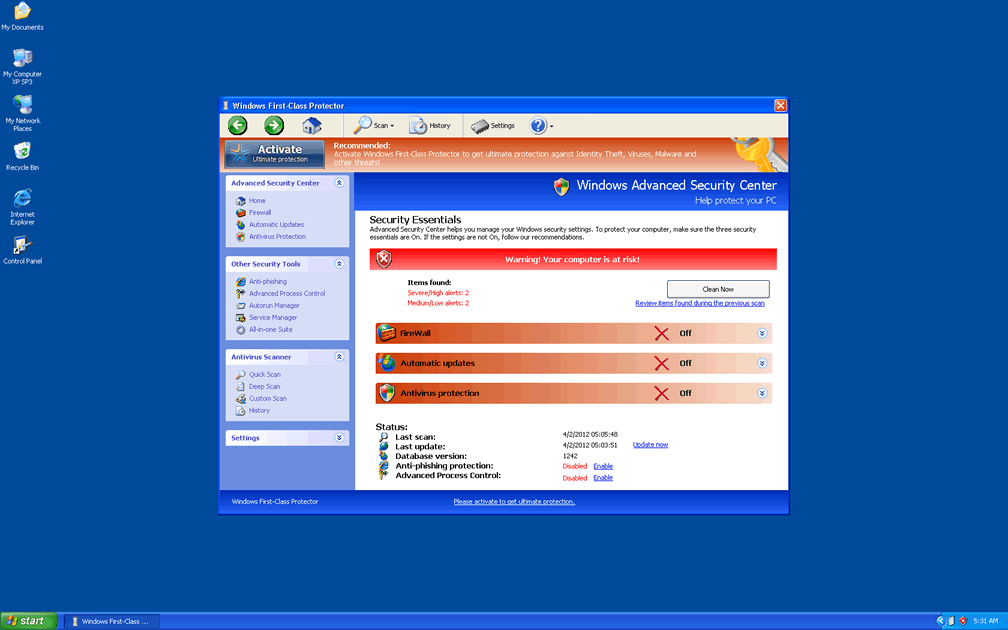
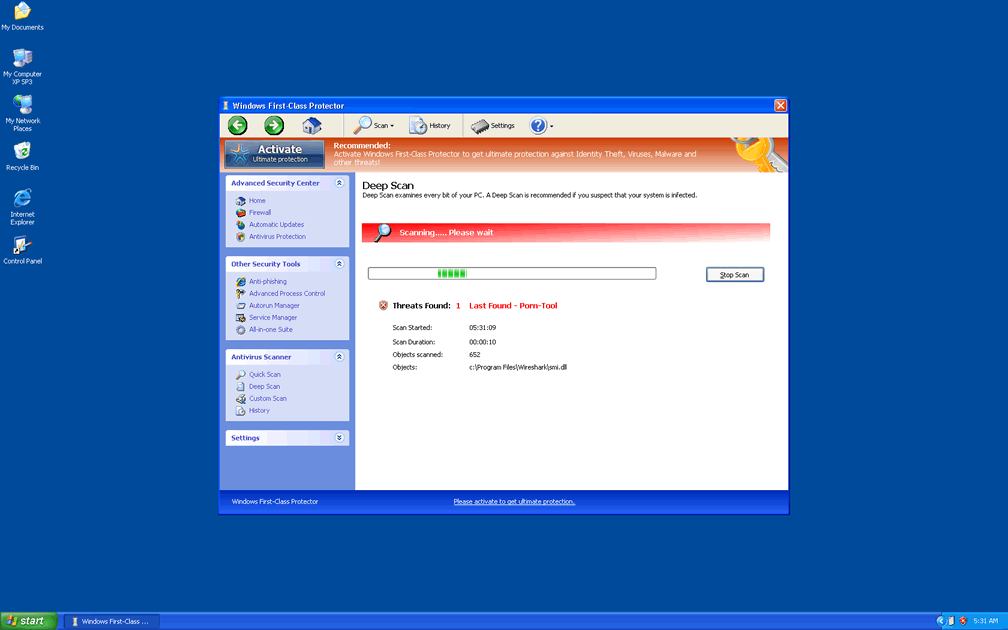
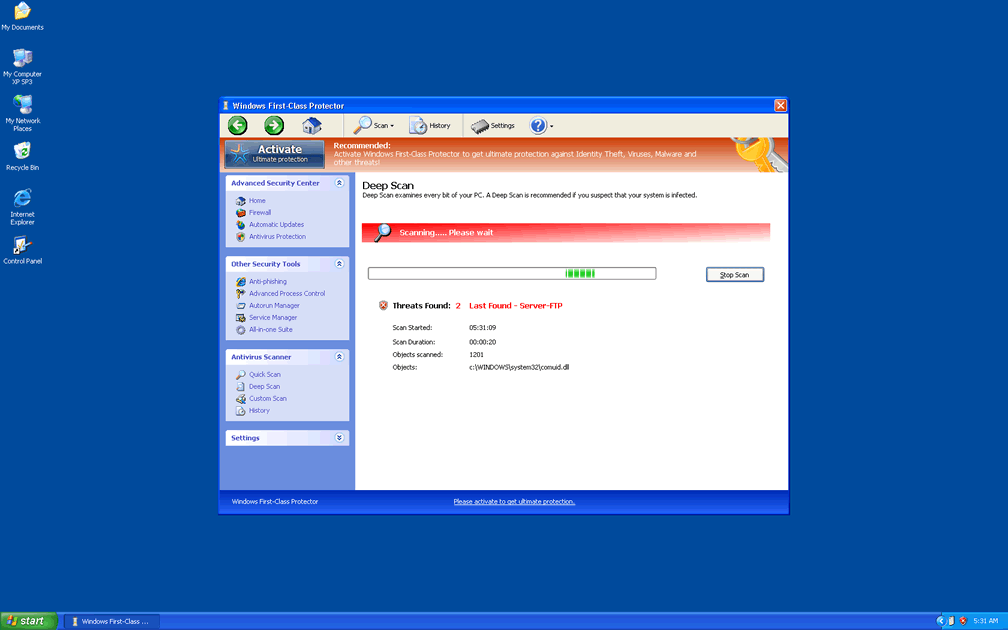
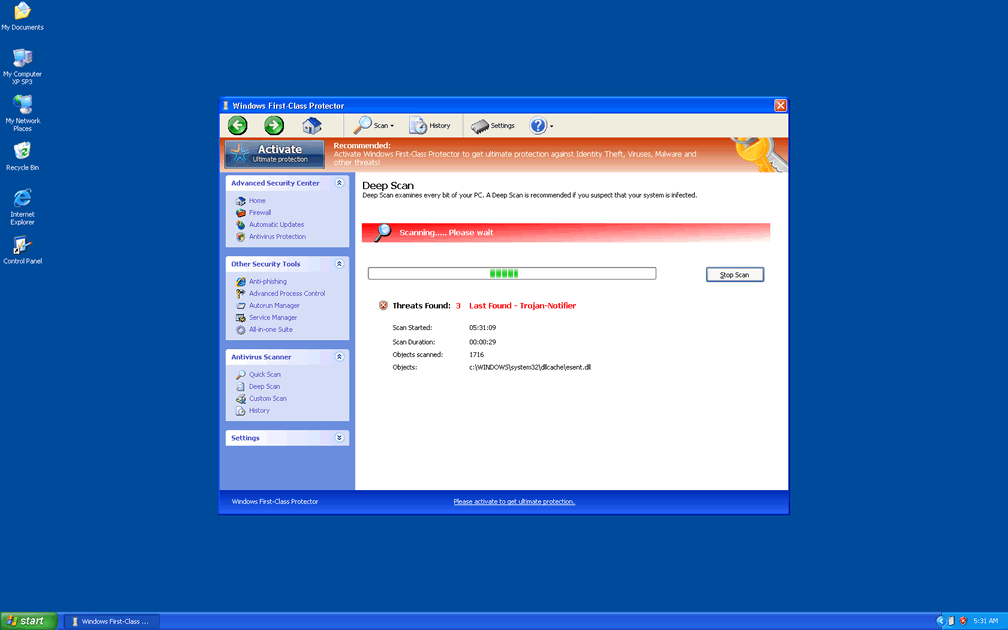
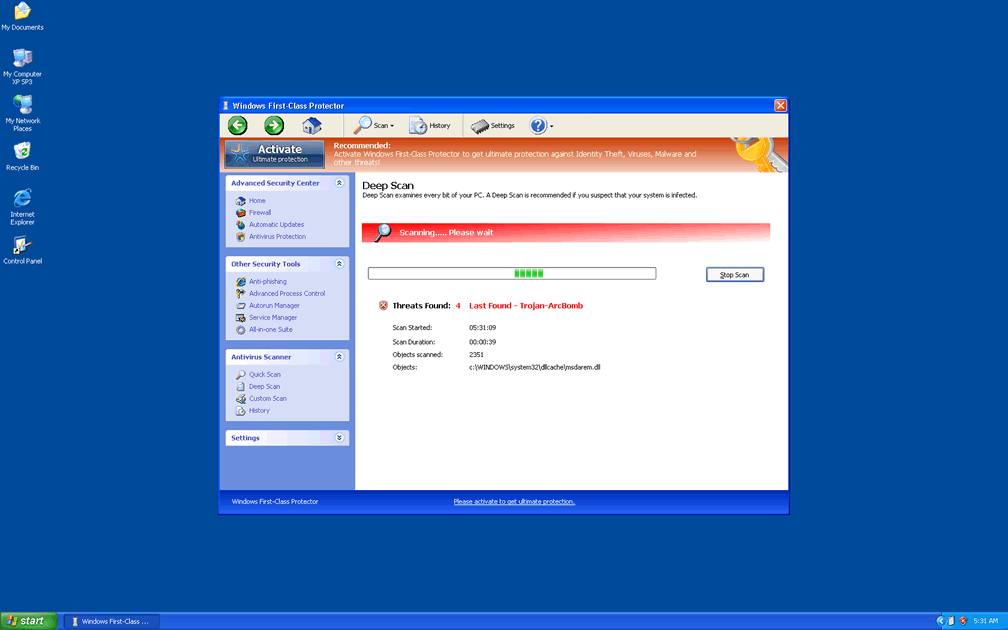
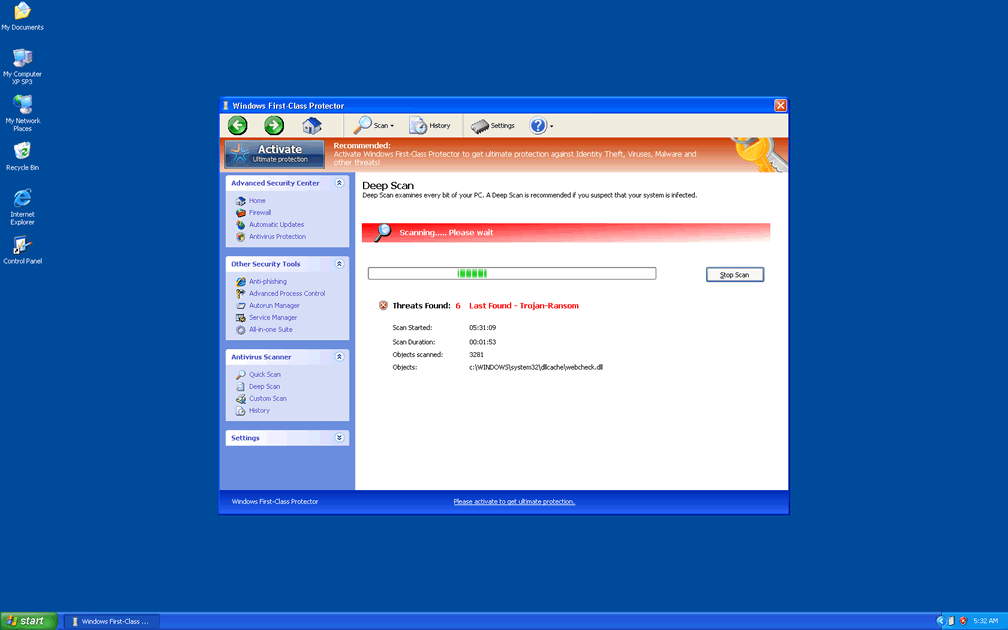
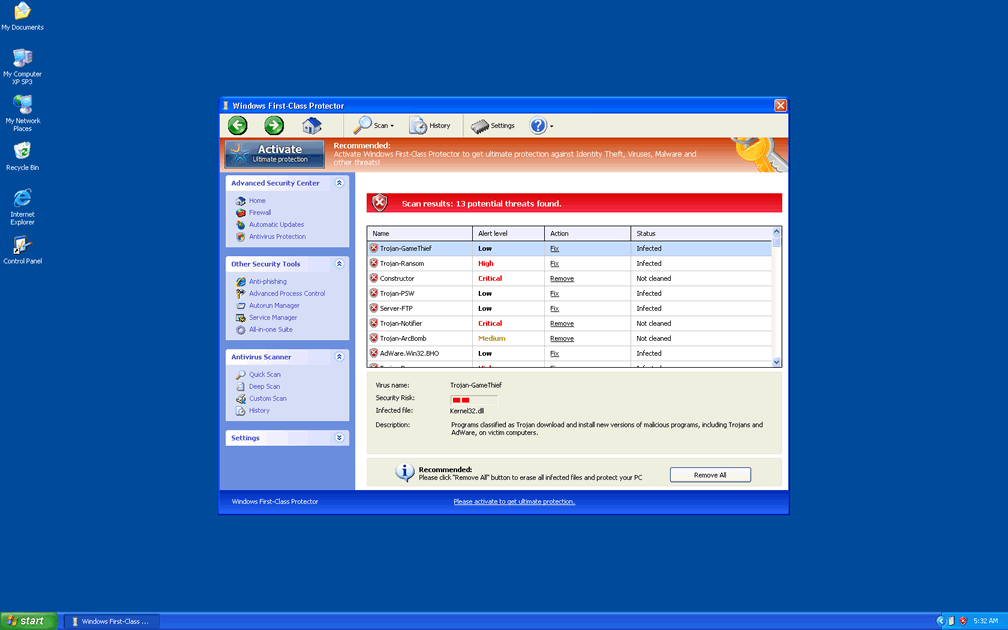
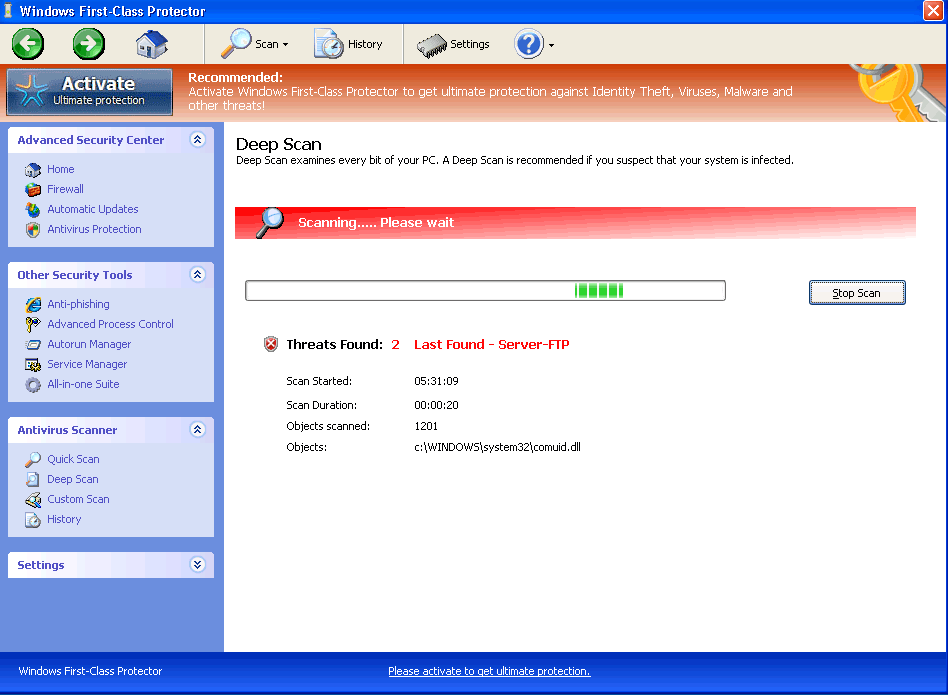 Windows First-class Protector is a rogue anti-virus program that hails from the Win32/FakeVimes family and uses a variety of fraudulent security functions, including a Fake Advanced Security Center, to deceive you about your PC's health. While Windows First-class Protector wants you to believe that veritable mobs of PC threats, such as keyloggers or rootkits, are hammering away at your security, Windows First-class Protector is, itself, a security risk and doesn't have any form of system diagnostic, threat detection or threat removal code. SpywareRemove.com malware analysts suggest that you disable Windows First-class Protector by one of several means before you try to remove Windows First-class Protector from your computer, since an active Windows First-class Protector infection can block security-related programs or wrench control of your browser away from you to censor security-oriented sites.
Windows First-class Protector: a Real Class Act for Digital Scammers
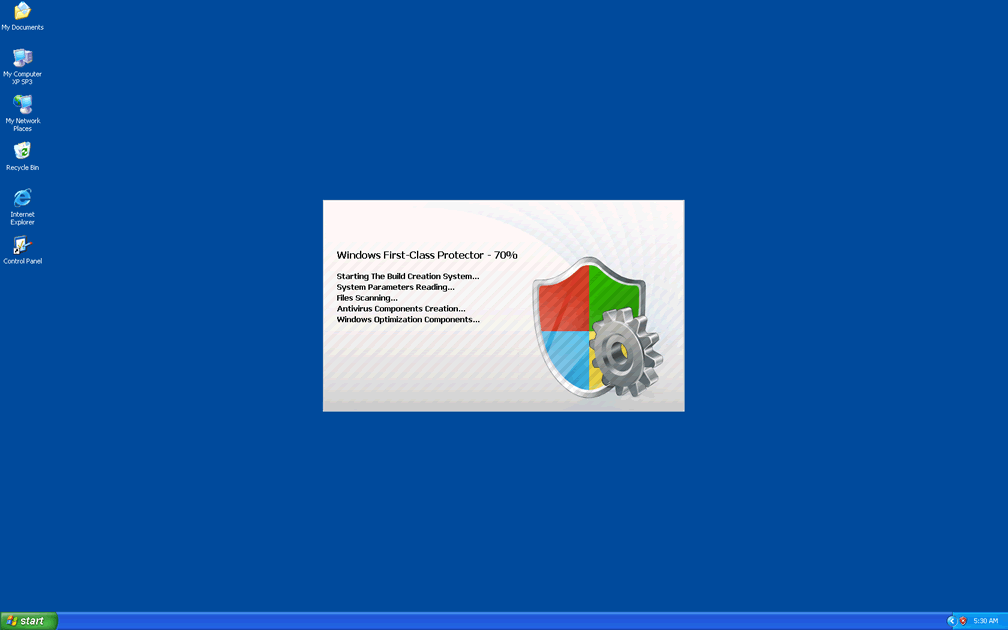
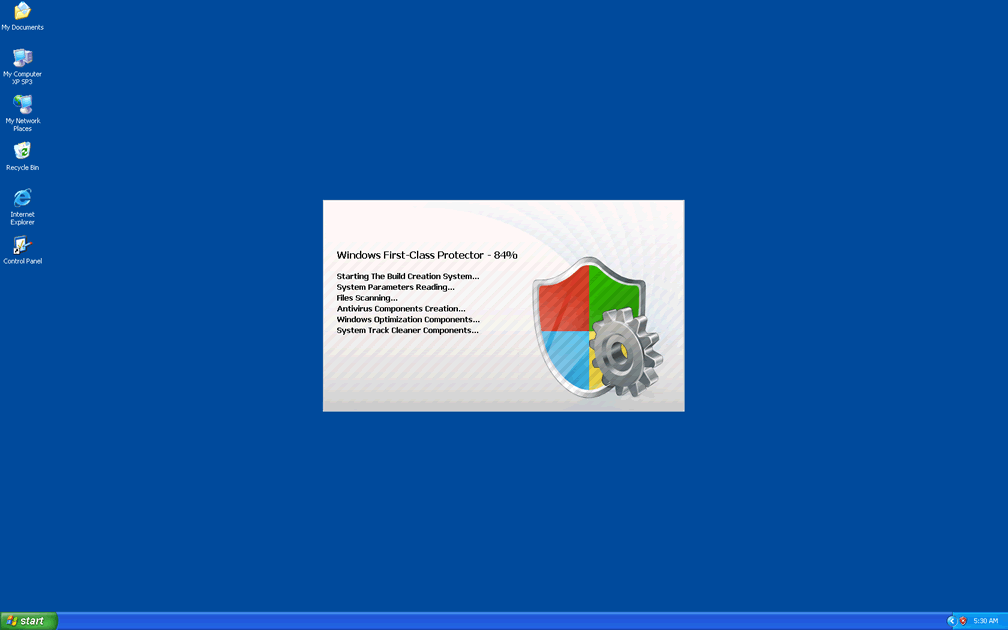
Windows First-class Protector is marketed in the form of a multi-purpose security tool that protects your PC with more features than any reputable anti-virus program could ever offer, but these features are easy for Windows First-class Protector to display purely because they're fake. Once Windows First-class Protector changes your Windows Registry to allow for its own automatic start up, Windows First-class Protector will fill your world with fake system scan results and other types of fraudulent system information that you should do your best to discard as meaningless.
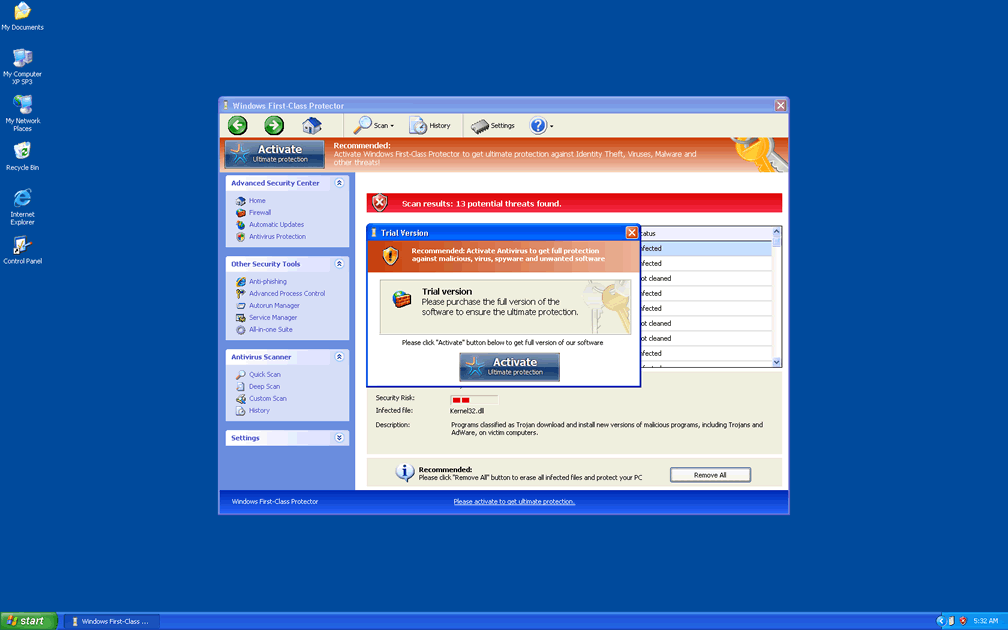
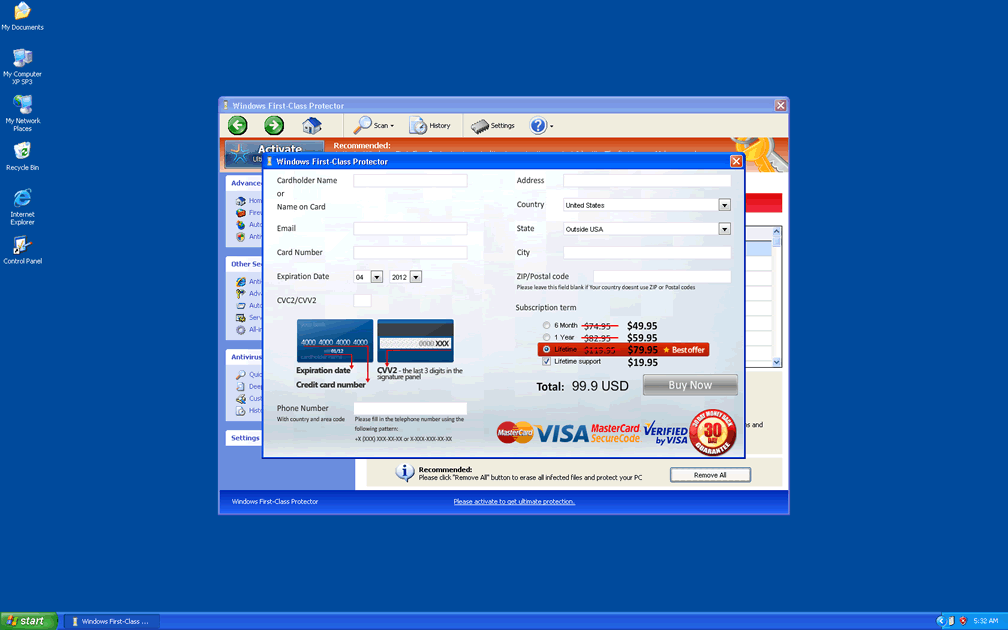
While the above attacks are some of Windows First-class Protector most visible efforts to sabotage your PC, Windows First-class Protector may also target and control your ability to access various security programs and even hijack your web browser. Browser hijacks can be identified by arbitrary redirects to unusual websites, as well as by error messages that block safe sites that are associated with PC security brands. Even though Windows First-class Protector will ask you to buy a registration key to solve these issues, SpywareRemove.com malware experts hasten to emphasize that deleting Windows First-class Protector with appropriate software will put an end to all of these attacks.
Sorting Through the Branches of Windows First-class Protector's Family Tree
Windows First-class Protector may act like a completely reputable and independent security product, but a single glance at its interface reveals its lineage as a copy of other FakesVimes-based rogue anti-virus scanners. Some other members of FakeVimes that present the same dangers to your PC as Windows First-class Protector include Privacy Guard Pro, Extra Antivirus, Fast Antivirus 2009, Presto TuneUp, Windows Security Suite, Smart Virus Eliminator, Packed.Generic.245, Volcano Security Suite, Windows Enterprise Suite, Enterprise Suite, Additional Guard, Live PC Care, PC Live Guard, Live Enterprise Suite, Security Antivirus, My Security Wall, CleanUp Antivirus, Smart Security and PrivacyGuard Pro 2.0. SpywareRemove.com malware researchers have perceived that the code '0W000-000B0-00T00-E0020' is often functional for faking registration of FakeVimes-based PC threats, and can be considered an optional step along the way to deleting Windows First-class Protector.
Less optional steps than registration include stopping Windows First-class Protector from launching itself by making use of Safe Mode or booting Windows from a removable device, as well as removing Windows First-class Protector with suitable anti-malware software (as opposed to attempting manual removal). Since Windows First-class Protector will change your Hosts file and other Windows components during its stay on your computer, manual deletion is discouraged as something that will tend to miss many of Windows First-class Protector's well-concealed components and settings changes.
Technical Details
File System Modifications
Tutorials: If you wish to learn how to remove malware components manually, you can read the tutorials on how to find malware, kill unwanted processes, remove malicious DLLs and delete other harmful files. Always be sure to back up your PC before making any changes.
The following files were created in the system:%APPDATA%\Protector-yblo.exe
File name: Protector-yblo.exeSize: 2.16 MB (2160629 bytes)
MD5: 3b5d18ed6417b4d7b729dee0a7944449
Detection count: 77
File type: Executable File
Mime Type: unknown/exe
Path: %APPDATA%
Group: Malware file
Last Updated: April 2, 2012
%AppData%\NPSWF32.dll
File name: %AppData%\NPSWF32.dllFile type: Dynamic link library
Mime Type: unknown/dll
Group: Malware file
%AppData%\result.db
File name: %AppData%\result.dbMime Type: unknown/db
Group: Malware file
%AppData%\Protector-[RANDOM 3 CHARACTERS].exe
File name: %AppData%\Protector-[RANDOM 3 CHARACTERS].exeFile type: Executable File
Mime Type: unknown/exe
Group: Malware file
%Desktop%\Windows First-Class Protector.lnk
File name: %Desktop%\Windows First-Class Protector.lnkFile type: Shortcut
Mime Type: unknown/lnk
Group: Malware file
%StartMenu%\Programs\Windows First-Class Protector.lnk
File name: %StartMenu%\Programs\Windows First-Class Protector.lnkFile type: Shortcut
Mime Type: unknown/lnk
Group: Malware file
Registry Modifications
HKEY..\..\{Value}HKEY_CURRENT_USER\Software\Microsoft\Windows\CurrentVersion\Policies\System "DisableRegedit" = 0HKEY_CURRENT_USER\Software\Microsoft\Windows\CurrentVersion\Policies\System "DisableTaskMgr" = 0HKEY_CURRENT_USER\Software\Microsoft\Windows\CurrentVersion\Policies\System "DisableRegistryTools" = 0HKEY_CURRENT_USER\Software\Microsoft\Windows\CurrentVersion\Internet Settings "WarnOnHTTPSToHTTPRedirect" = 0HKEY..\..\..\..{Subkeys}HKEY_CURRENT_USER\Software\Microsoft\Windows\CurrentVersion\Settings "ID" = 4HKEY_CURRENT_USER\Software\Microsoft\Windows\CurrentVersion\Settings "net" = 2012-2-20_1HKEY_LOCAL_MACHINE\SOFTWARE\Microsoft\Windows NT\CurrentVersion\Image File Execution Options\[RANDOM].exeHKEY_LOCAL_MACHINE\SOFTWARE\Microsoft\..{RunKeys}HKEY_CURRENT_USER\Software\Microsoft\Windows\CurrentVersion\Run "Inspector"
Leave a Reply
Please note that we are not able to assist with billing and support issues regarding SpyHunter or other products. If you're having issues with SpyHunter, please get in touch with SpyHunter customer support through your SpyHunter . If you have SpyHunter billing questions, we recommend you check the Billing FAQ. For general suggestions or feedback, contact us.