Windows Privacy Counsel
Posted: June 11, 2012
Threat Metric
The following fields listed on the Threat Meter containing a specific value, are explained in detail below:
Threat Level: The threat level scale goes from 1 to 10 where 10 is the highest level of severity and 1 is the lowest level of severity. Each specific level is relative to the threat's consistent assessed behaviors collected from SpyHunter's risk assessment model.
Detection Count: The collective number of confirmed and suspected cases of a particular malware threat. The detection count is calculated from infected PCs retrieved from diagnostic and scan log reports generated by SpyHunter.
Volume Count: Similar to the detection count, the Volume Count is specifically based on the number of confirmed and suspected threats infecting systems on a daily basis. High volume counts usually represent a popular threat but may or may not have infected a large number of systems. High detection count threats could lay dormant and have a low volume count. Criteria for Volume Count is relative to a daily detection count.
Trend Path: The Trend Path, utilizing an up arrow, down arrow or equal symbol, represents the level of recent movement of a particular threat. Up arrows represent an increase, down arrows represent a decline and the equal symbol represent no change to a threat's recent movement.
% Impact (Last 7 Days): This demonstrates a 7-day period change in the frequency of a malware threat infecting PCs. The percentage impact correlates directly to the current Trend Path to determine a rise or decline in the percentage.
| Threat Level: | 10/10 |
|---|---|
| Infected PCs: | 35 |
| First Seen: | June 11, 2012 |
|---|---|
| Last Seen: | January 8, 2020 |
| OS(es) Affected: | Windows |
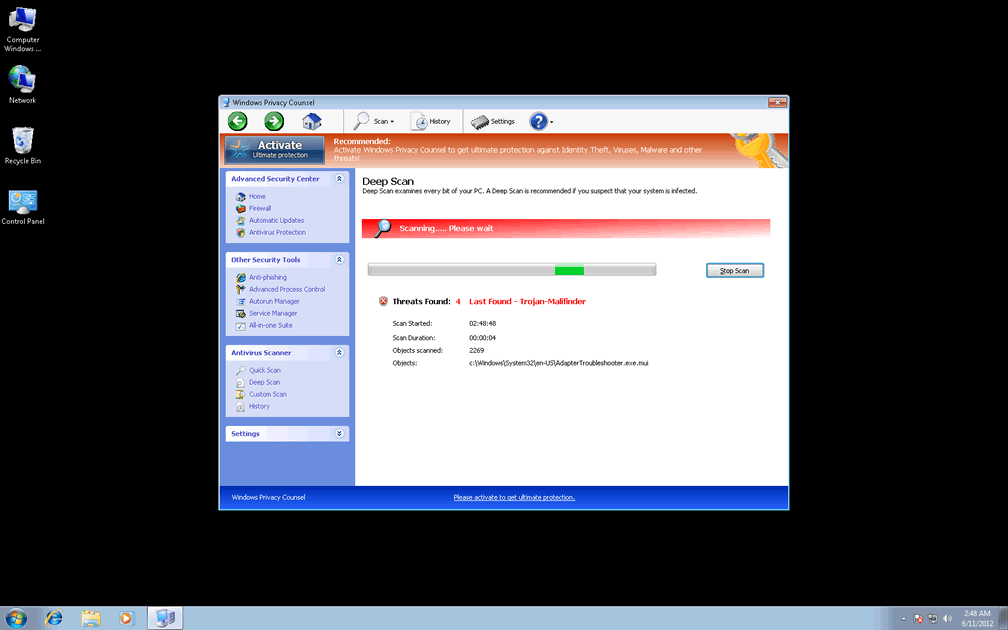
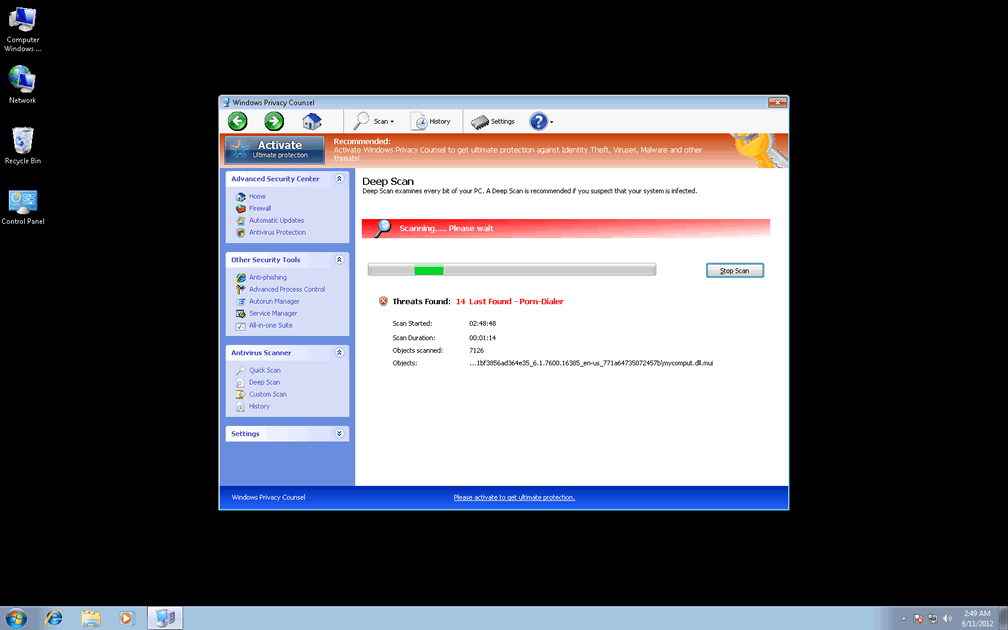
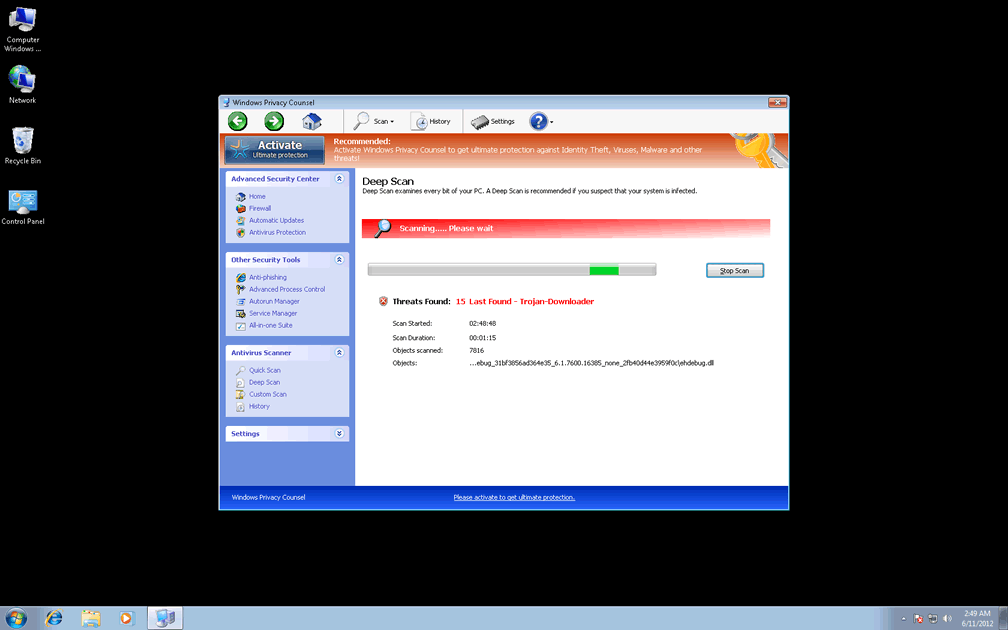
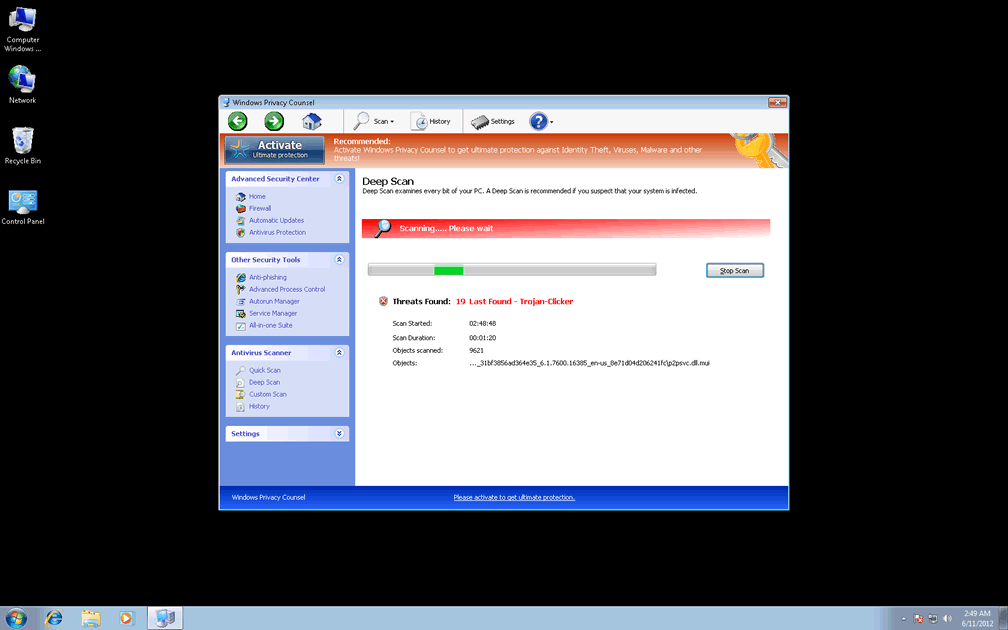
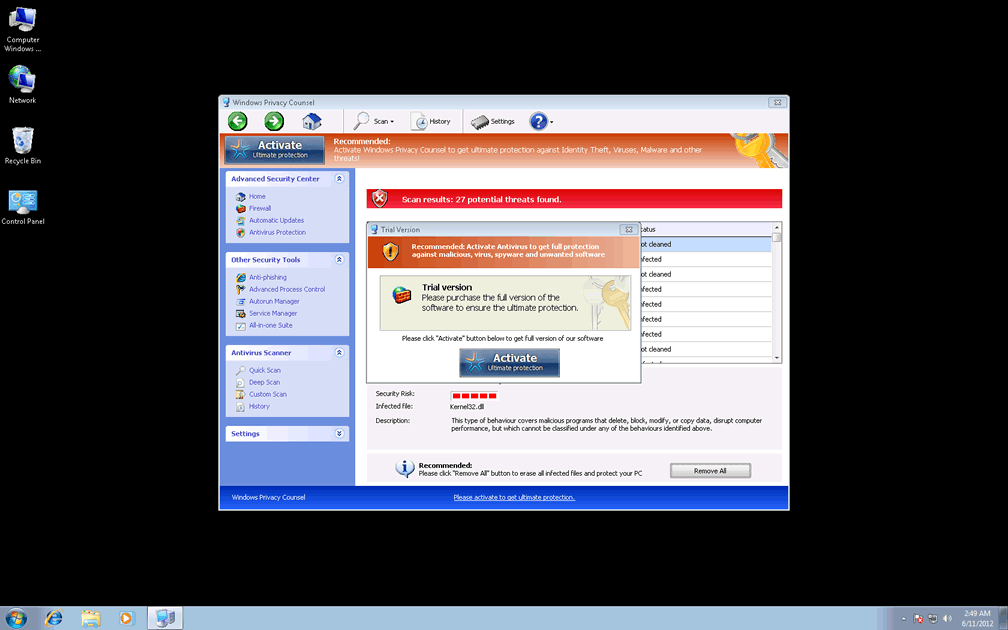
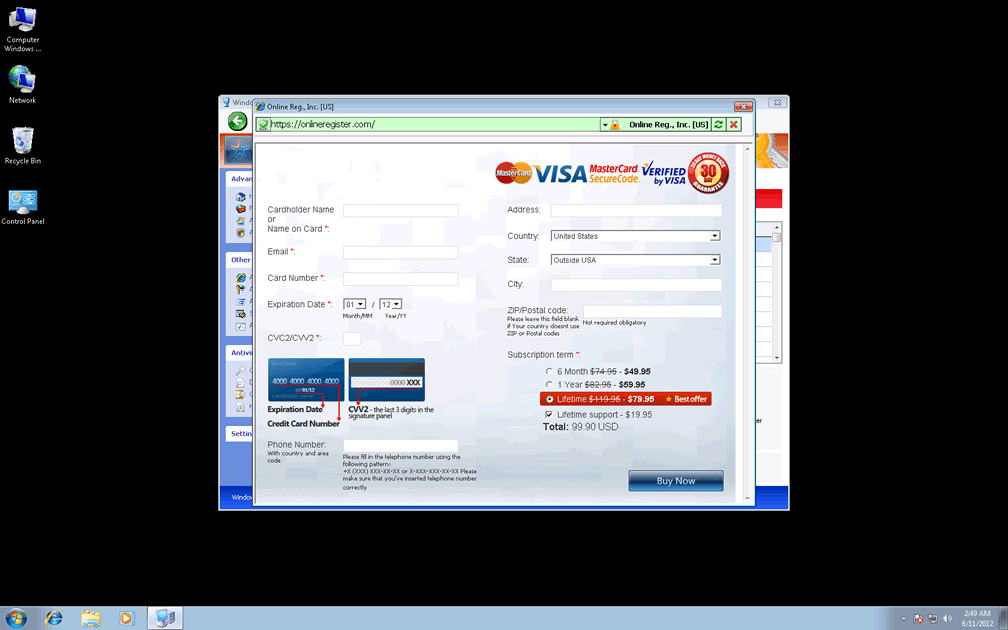
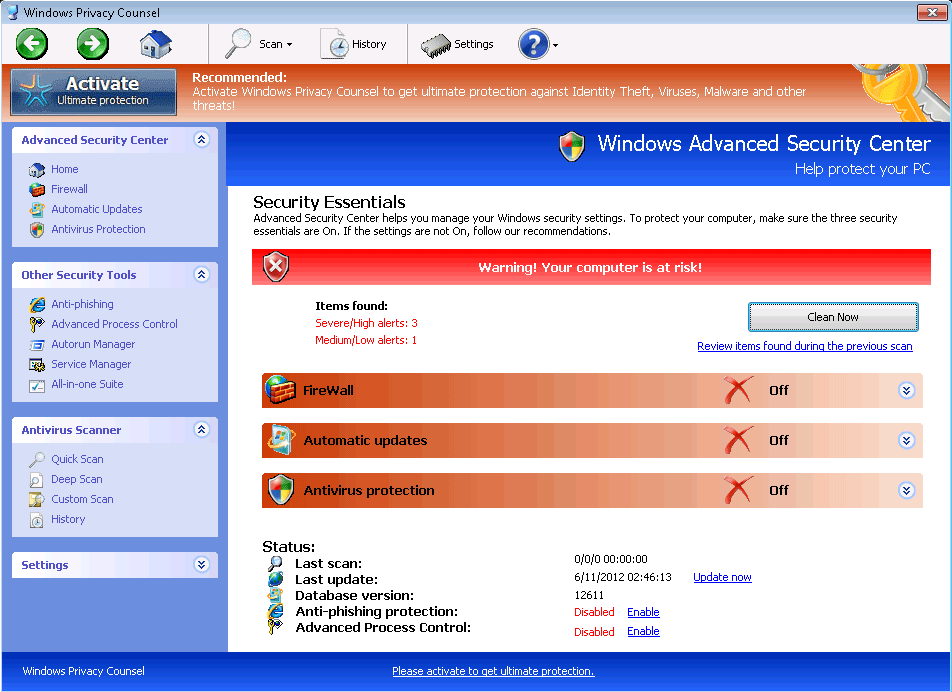 Windows Privacy Counsel is a member of a family of fake anti-malware programs that imitate Windows security software in the process of conning you out of your money. While Windows Privacy Counsel and its identical cousins don't have any ability to detect or remove malware, Windows Privacy Counsel will launch continual pop-ups that warn against identity theft, unwanted Registry changes, spyware infections and other PC threats. Since Windows Privacy Counsel is incapable of providing the very same security and anti-malware services that Windows Privacy Counsel wants you to purchase, SpywareRemove.com malware researchers advise you to delete Windows Privacy Counsel, like the digital conman Windows Privacy Counsel is, with a legitimate anti-malware scanner.
Windows Privacy Counsel – the Counselor That Offers Neither Good Advice Nor Privacy for Your Computer
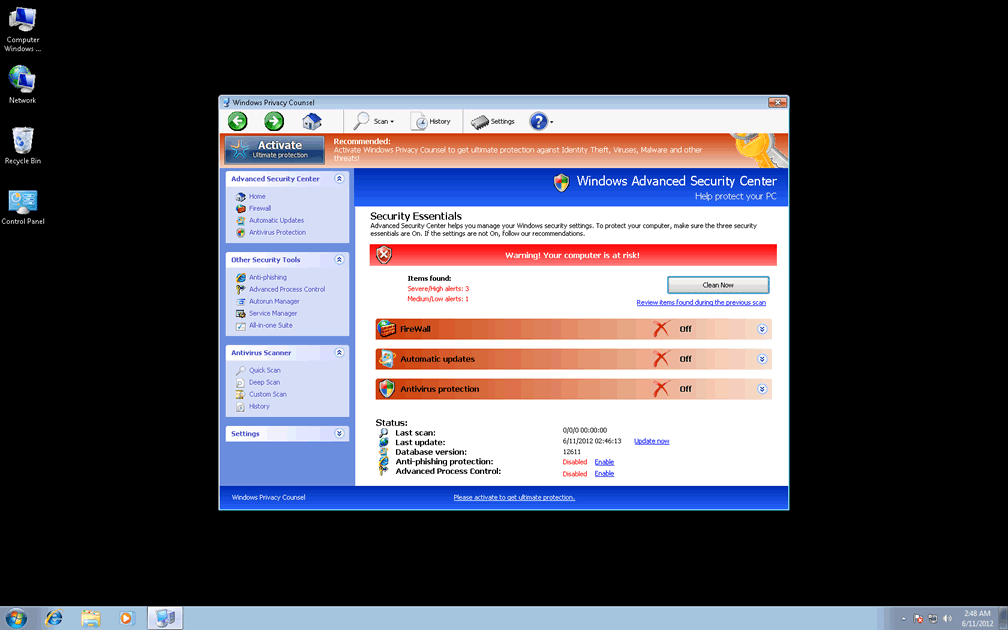
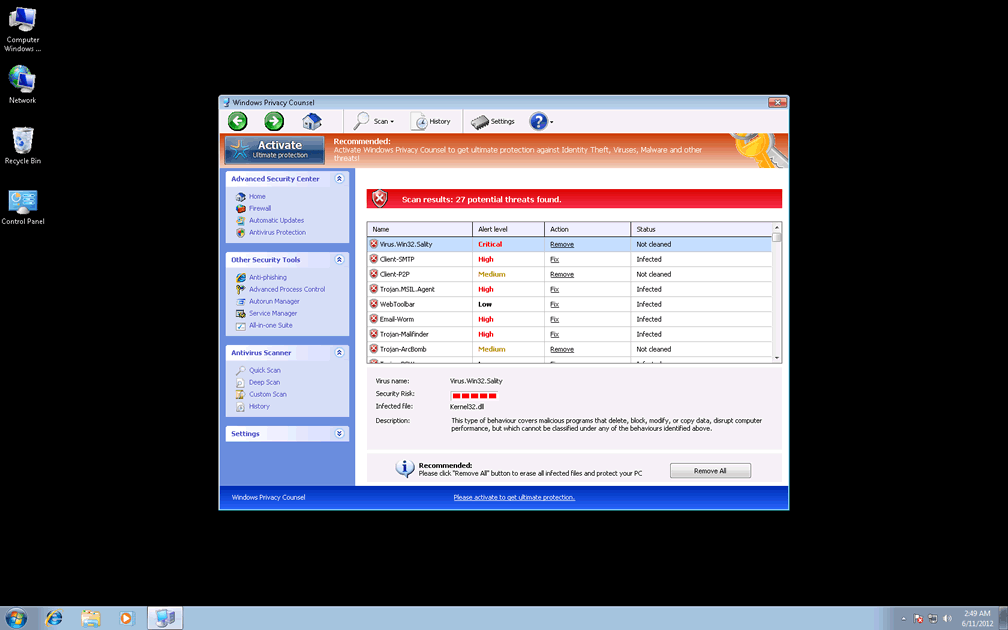
Windows Privacy Counsel uses a range of Windows Security Center-esque features to make it look like Windows Privacy Counsel can detect and delete Trojans or other forms of hostile software, although these features are just Windows Privacy Counsel's excuses for displaying inaccurate security warnings. Examples of its trademark features, which not one should be taken at its apparent significance, include:
- The 'Anti-phishing' tool
- The 'Advanced Process Control,' which replaces your Windows Task Manager without your consent.
- Clones of basic Security Center features (the firewall, various scanner settings and a service manager).
- A fake system scanner that always displays fraudulent infections – even if the only infection on your PC actually is Windows Privacy Counsel. Names for these PC threats will lean towards alarming and high-level threats such as banking Trojans and phishing tools.
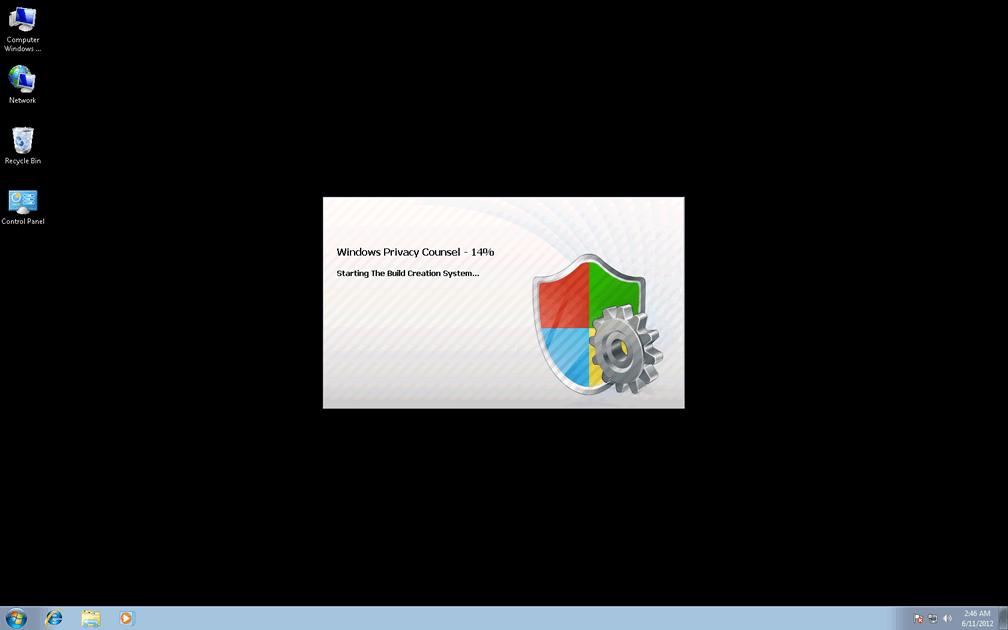
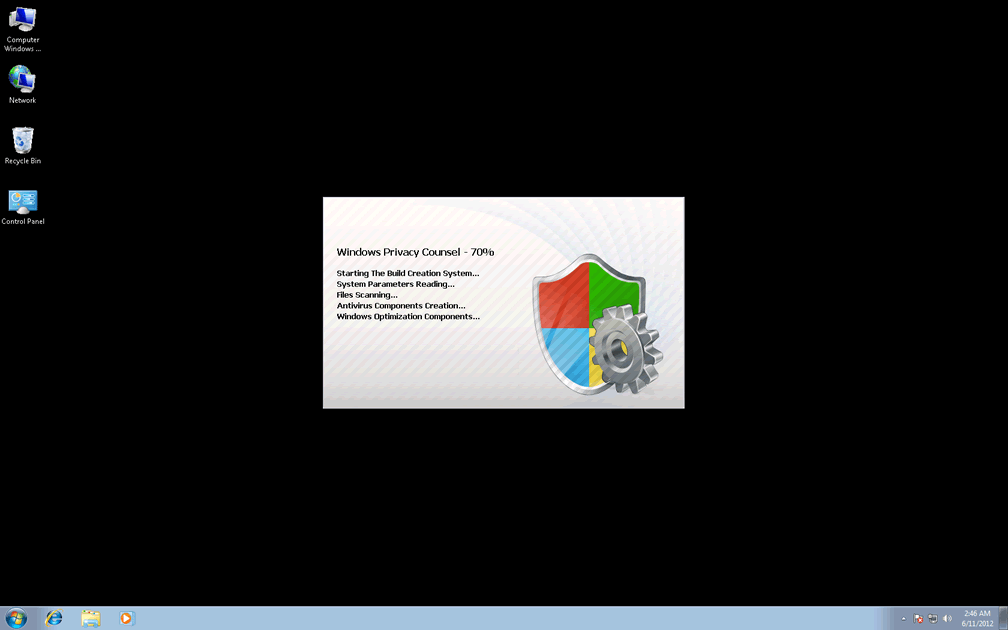
Since Windows Privacy Counsel launches itself and displays a range of different pop-up warnings automatically, SpywareRemove.com malware researchers have found that disabling Windows Privacy Counsel should be considered before any effort at removing Windows Privacy Counsel with anti-malware software. Booting your PC with either Safe Mode or a USB flash device should be sufficient for preventing Windows Privacy Counsel from starting.
Wrenching Control of Your PC Out of Windows Privacy Counsel's Grasp
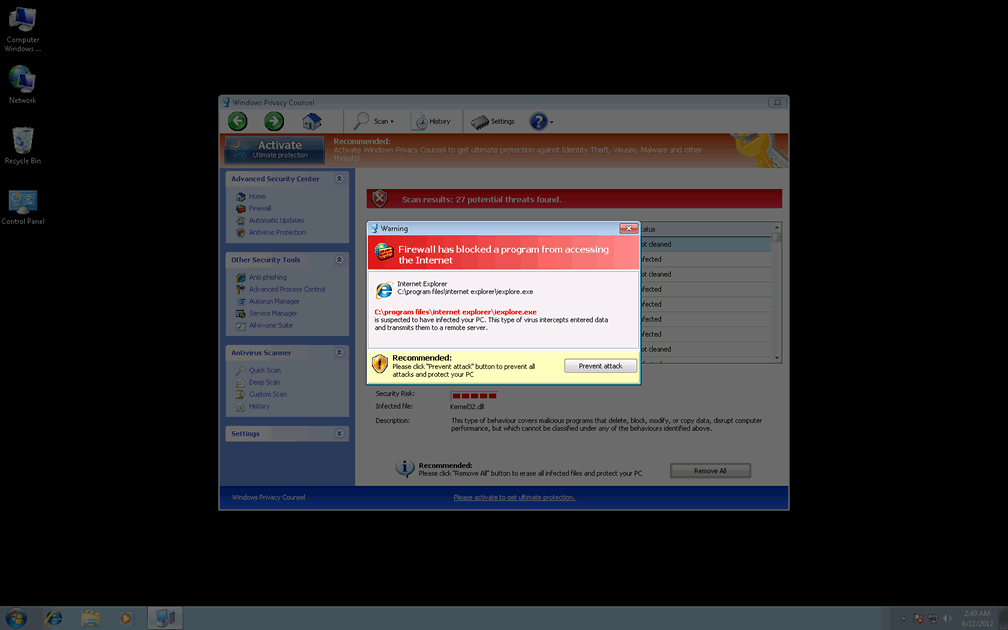
Besides alerting you to fake PC threats, Windows Privacy Counsel may also block programs by pretending that they're infected or damaged. Anti-virus scanners, firewalls, Registry editors and memory process managers are all confirmed targets for Windows Privacy Counsel's software-blocking attacks. Because Windows Privacy Counsel may modify the Registry in the course of blocking these programs, you may need to repair your Registry or reinstall these programs before they can function as usual.
Similar attacks can be expected from all members of Windows Privacy Counsel's scamware family, which is currently-identified as a branch of FakeVimes. Similar types of rogue anti-malware programs that SpywareRemove.com malware research team has analyzed include Privacy Guard Pro, Extra Antivirus, Fast Antivirus 2009, Presto TuneUp, Windows Security Suite, Smart Virus Eliminator, Packed.Generic.245, Volcano Security Suite, Windows Enterprise Suite, Enterprise Suite, Additional Guard, Live PC Care, PC Live Guard, Live Enterprise Suite, Security Antivirus, My Security Wall, CleanUp Antivirus, Smart Security and PrivacyGuard Pro 2.0.
Technical Details
File System Modifications
Tutorials: If you wish to learn how to remove malware components manually, you can read the tutorials on how to find malware, kill unwanted processes, remove malicious DLLs and delete other harmful files. Always be sure to back up your PC before making any changes.
The following files were created in the system:%APPDATA%\Protector-ujiq.exe
File name: Protector-ujiq.exeSize: 2.19 MB (2192896 bytes)
MD5: 9248aefd0886cda740764d5b808e3b87
Detection count: 51
File type: Executable File
Mime Type: unknown/exe
Path: %APPDATA%
Group: Malware file
Last Updated: January 8, 2020
%AppData%\Protector-[RANDOM CHARACTERS].exe
File name: %AppData%\Protector-[RANDOM CHARACTERS].exeFile type: Executable File
Mime Type: unknown/exe
Group: Malware file
Registry Modifications
HKEY..\..\{Value}HKEY_CURRENT_USER\Software\Microsoft\Windows\CurrentVersion\Run\Inspector = %AppData%\Protector-[RANDOM CHARACTERS].exeHKEY_LOCAL_MACHINE\Software\Microsoft\Windows NT\CurrentVersion\Image File Execution Options\AAWTray.exe\"Debugger" = "svchost.exe"HKEY_LOCAL_MACHINE\Software\Microsoft\Windows NT\CurrentVersion\Image File Execution Options\About.exe\"Debugger" = "svchost.exe"HKEY_LOCAL_MACHINE\Software\Microsoft\Windows NT\CurrentVersion\Image File Execution Options\a.exe\"Debugger" = "svchost.exe"HKEY_LOCAL_MACHINE\Software\Microsoft\Windows NT\CurrentVersion\Image File Execution Options\aAvgApi.exe\"Debugger" = "svchost.exe"HKEY_LOCAL_MACHINE\Software\Microsoft\Windows NT\CurrentVersion\Image File Execution Options\ackwin32.exe\"Debugger" = "svchost.exe"HKEY_LOCAL_MACHINE\Software\Microsoft\Windows NT\CurrentVersion\Image File Execution Options\Ad-Aware.exe\"Debugger" = "svchost.exe"HKEY_LOCAL_MACHINE\Software\Microsoft\Windows NT\CurrentVersion\Image File Execution Options\AdwarePrj.exe\"Debugger" = "svchost.exe"HKEY_LOCAL_MACHINE\Software\Microsoft\Windows NT\CurrentVersion\Image File Execution Options\agent.exe\"Debugger" = "svchost.exe"HKEY_LOCAL_MACHINE\Software\Microsoft\Windows NT\CurrentVersion\Image File Execution Options\agentsvr.exe\"Debugger" = "svchost.exe"HKEY_LOCAL_MACHINE\Software\Microsoft\Windows NT\CurrentVersion\Image File Execution Options\adaware.exe\"Debugger" = "svchost.exe"HKEY_LOCAL_MACHINE\Software\Microsoft\Windows NT\CurrentVersion\Image File Execution Options\advxdwin.exe\"Debugger" = "svchost.exe"HKEY_LOCAL_MACHINE\Software\Microsoft\Windows NT\CurrentVersion\Image File Execution Options\AlphaAV\"Debugger" = "svchost.exe"HKEY_LOCAL_MACHINE\Software\Microsoft\Windows NT\CurrentVersion\Image File Execution Options\AlphaAV.exe\Debugger = svchost.exeHKEY_LOCAL_MACHINE\Software\Microsoft\Windows NT\CurrentVersion\Image File Execution Options\alevir.exe\"Debugger" = "svchost.exe"HKEY_LOCAL_MACHINE\Software\Microsoft\Windows NT\CurrentVersion\Image File Execution Options\alogserv.exe\"Debugger" = "svchost.exe"HKEY_LOCAL_MACHINE\Software\Microsoft\Windows NT\CurrentVersion\Image File Execution Options\agentw.exe\"Debugger" = "svchost.exe"HKEY_LOCAL_MACHINE\Software\Microsoft\Windows NT\CurrentVersion\Image File Execution Options\alertsvc.exe\"Debugger" = "svchost.exe"
Leave a Reply
Please note that we are not able to assist with billing and support issues regarding SpyHunter or other products. If you're having issues with SpyHunter, please get in touch with SpyHunter customer support through your SpyHunter . If you have SpyHunter billing questions, we recommend you check the Billing FAQ. For general suggestions or feedback, contact us.