Windows Ultimate Safeguard
Posted: August 4, 2012
Threat Metric
The following fields listed on the Threat Meter containing a specific value, are explained in detail below:
Threat Level: The threat level scale goes from 1 to 10 where 10 is the highest level of severity and 1 is the lowest level of severity. Each specific level is relative to the threat's consistent assessed behaviors collected from SpyHunter's risk assessment model.
Detection Count: The collective number of confirmed and suspected cases of a particular malware threat. The detection count is calculated from infected PCs retrieved from diagnostic and scan log reports generated by SpyHunter.
Volume Count: Similar to the detection count, the Volume Count is specifically based on the number of confirmed and suspected threats infecting systems on a daily basis. High volume counts usually represent a popular threat but may or may not have infected a large number of systems. High detection count threats could lay dormant and have a low volume count. Criteria for Volume Count is relative to a daily detection count.
Trend Path: The Trend Path, utilizing an up arrow, down arrow or equal symbol, represents the level of recent movement of a particular threat. Up arrows represent an increase, down arrows represent a decline and the equal symbol represent no change to a threat's recent movement.
% Impact (Last 7 Days): This demonstrates a 7-day period change in the frequency of a malware threat infecting PCs. The percentage impact correlates directly to the current Trend Path to determine a rise or decline in the percentage.
| Threat Level: | 10/10 |
|---|---|
| Infected PCs: | 12 |
| First Seen: | August 4, 2012 |
|---|---|
| Last Seen: | January 8, 2020 |
| OS(es) Affected: | Windows |
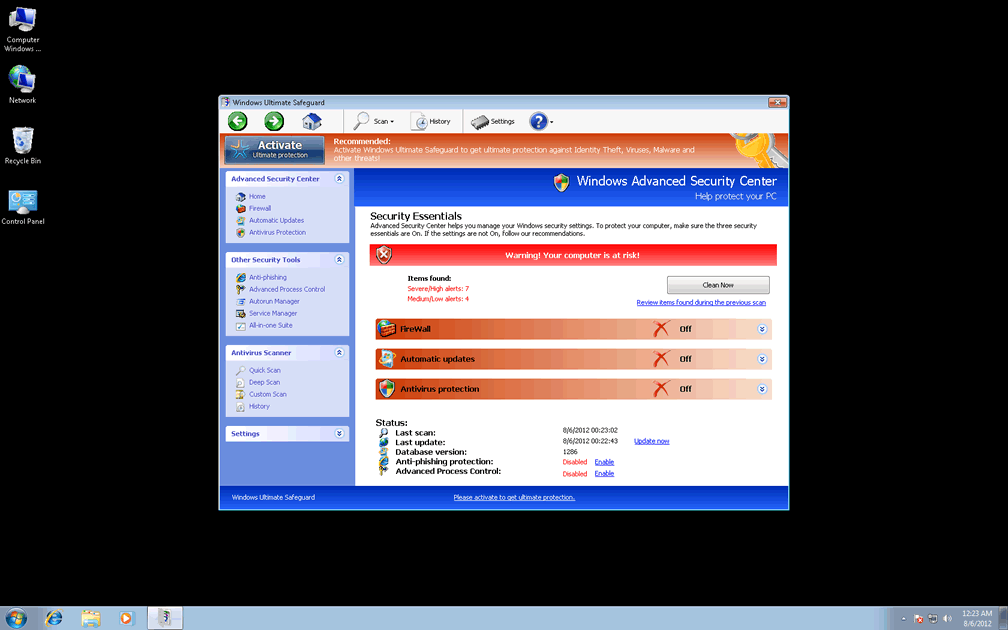
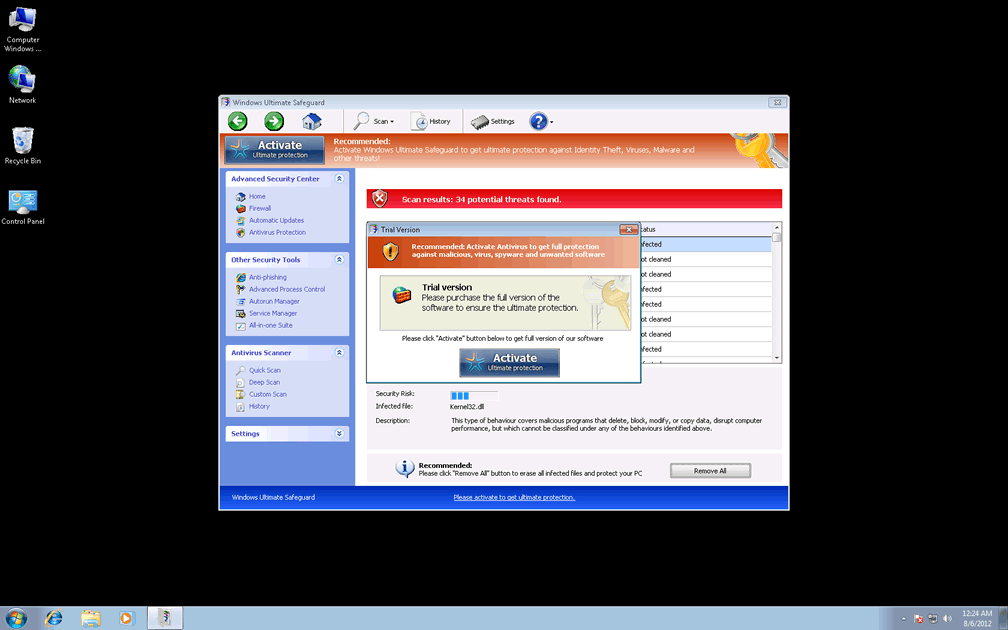
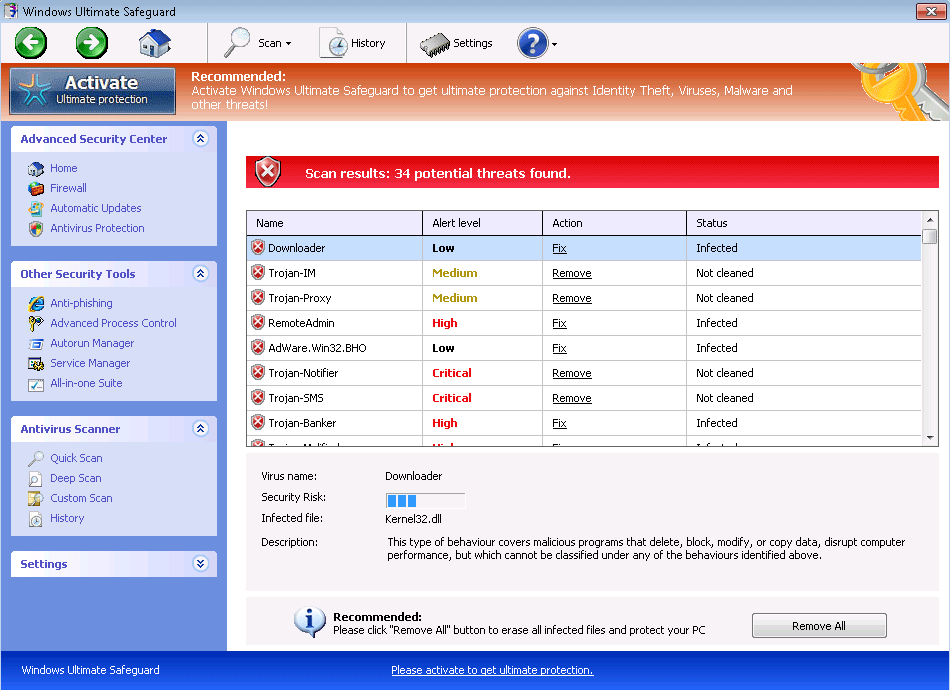 Windows Ultimate Safeguard is marketed as an anti-malware program that clears out viruses, spyware and all other sorts of high-level PC threats, but SpywareRemove.com malware analysts have been unable to find any such functions in Windows Ultimate Safeguard's code. In fact, all of Windows Ultimate Safeguard's traits are indicative of Windows Ultimate Safeguard being the next in a very long series of fake anti-malware scanners that are identified by the label FakeVimes. Although these PC threats have gone by many names, recent members of FakeVimes (such as Windows Ultimate Safeguard) are identifiable by their shares Windows Security Center-cloned interfaces and their standard naming pattern of 'Windows [Adjective] [Noun].'. Besides its traditional fake alerts and fraudulent system scans, Windows Ultimate Safeguard may also change your browser's settings or block other programs, which should be plain evidence of the need to delete Windows Ultimate Safeguard with a real anti-malware product ASAP.
Why the Only Thing Ultimate About Windows Ultimate Safeguard is Its Scam
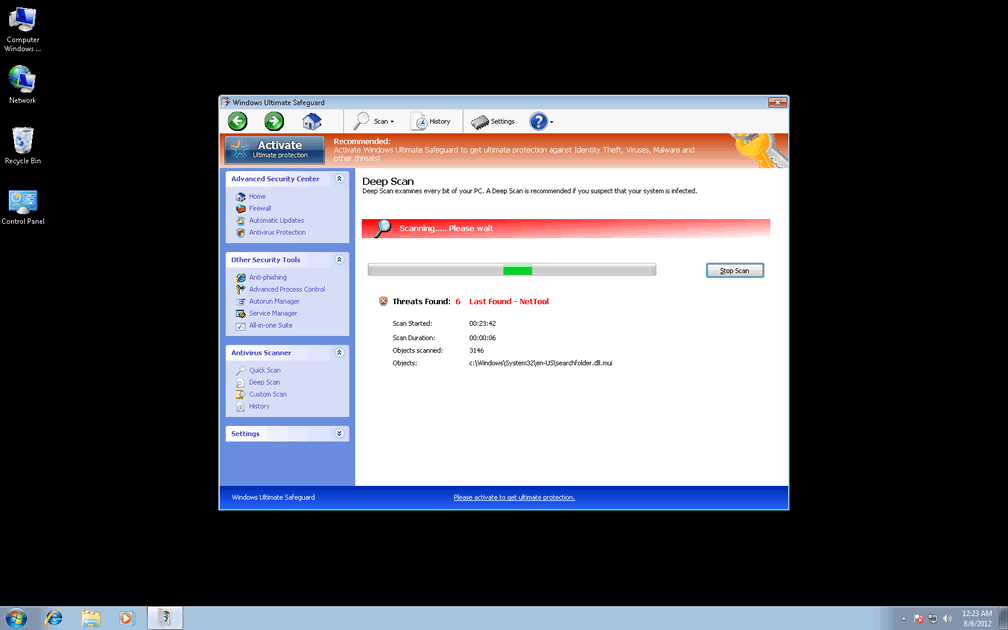
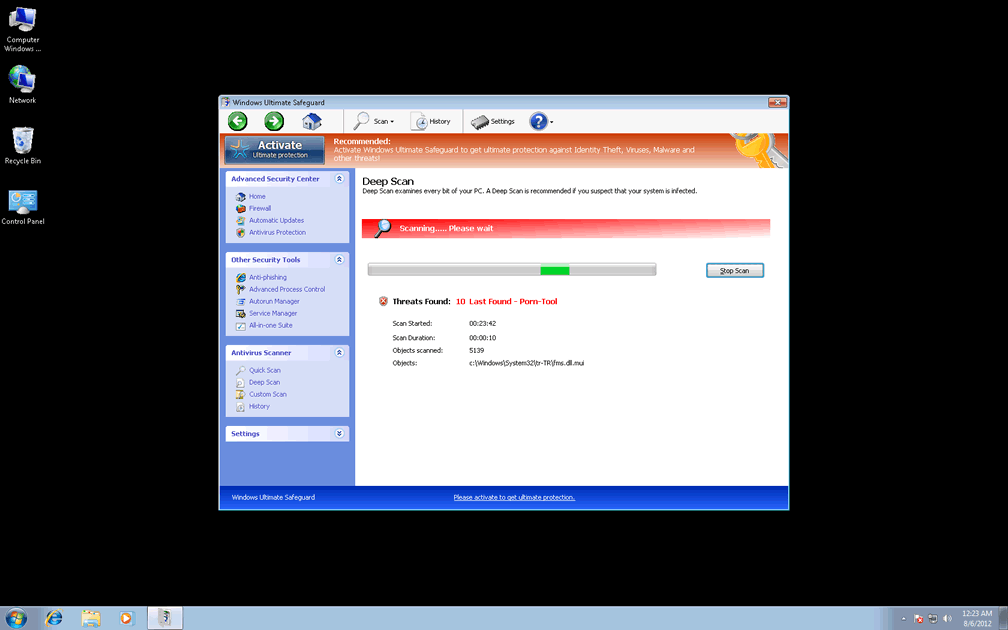
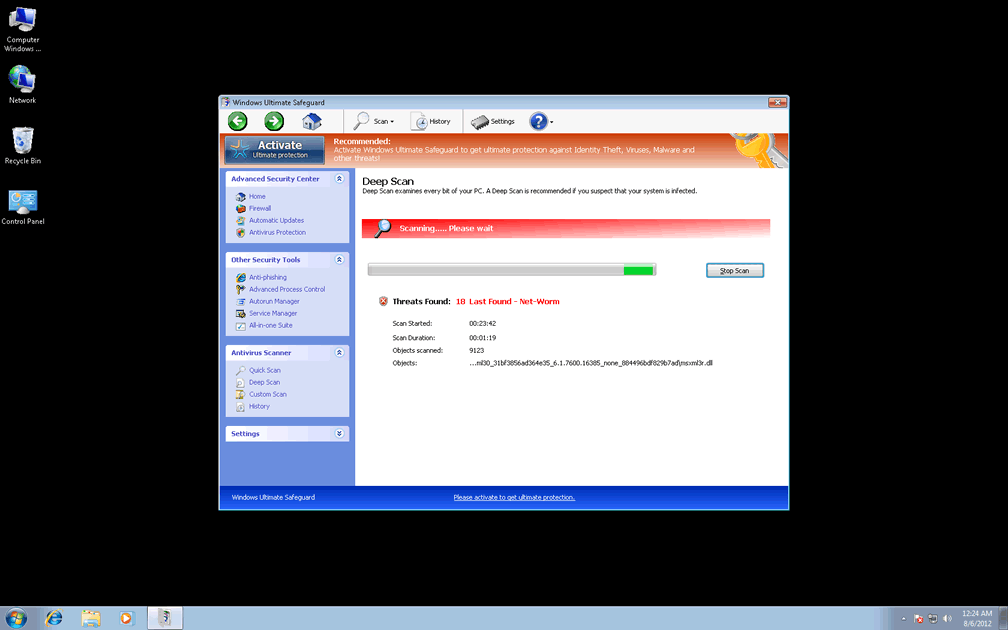
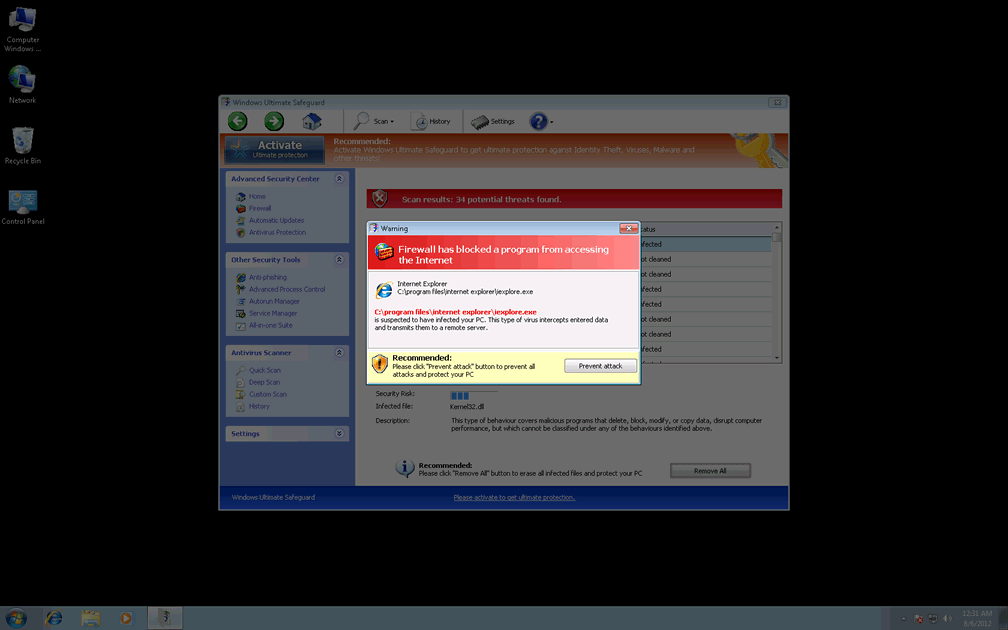
Windows Ultimate Safeguard may be unable to detect or remove malicious software as Windows Ultimate Safeguard claims, but, in spite of this, Windows Ultimate Safeguard always will display a wide range of fake warnings regarding PC threats. Alerts from Windows Ultimate Safeguard can take the form of taskbar balloons, browser error pages, Windows system errors, scans that display nonexistent infections or even fake pop-ups that claim that an attacker is trying to steal your identity. All of these alerts should, naturally, be ignored, since attempting to delete the fake PC threats that Windows Ultimate Safeguard detects can harm your PC or the files therein.
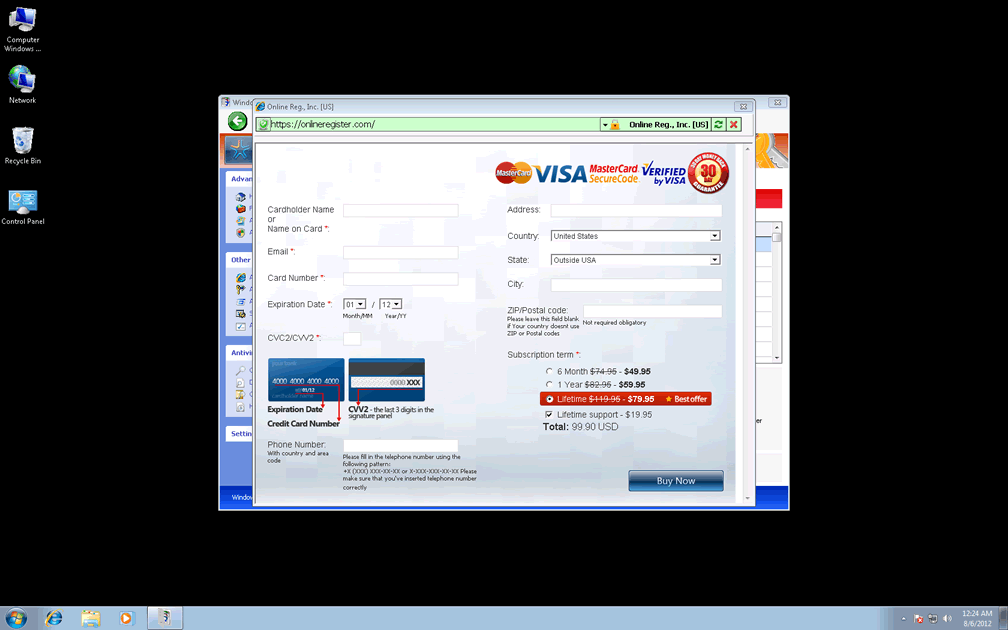
Besides its fake security messages, Windows Ultimate Safeguard will also prompt you to acquire a full version of itself to remove said PC threats. Since this act accomplishes nothing besides spending your money on a fraudulent anti-malware program that doesn't work, SpywareRemove.com malware experts advise against it, and recommend that you communicate with your bank or credit card provider if you've already given financial information to Windows Ultimate Safeguard's criminal company.
However, using freely-distributes registration codes to fake registration for Windows Ultimate Safeguard is safe, although it should be considered a preliminary step in (rather than an alternative to) removing Windows Ultimate Safeguard from your computer.
Making Sure You Never Have to Worry About a Windows Ultimate Safeguard Infection
Windows Ultimate Safeguard and related PC threats from the FakeVimes family (such as Privacy Guard Pro, Extra Antivirus, Fast Antivirus 2009, Presto TuneUp, Windows Security Suite, Smart Virus Eliminator, Packed.Generic.245, Volcano Security Suite, Windows Enterprise Suite, Enterprise Suite, Additional Guard, Live PC Care, PC Live Guard, Live Enterprise Suite, Security Antivirus, My Security Wall, CleanUp Antivirus, Smart Security and PrivacyGuard Pro 2.0.) are often distributed by Trojan downloaders – including variants of Zlob. Trojans that install Windows Ultimate Safeguard are particularly likely to be distributed in fraudulent media updates for movie players, codec packages and related products, and such updates should be downloaded from reputable sources as insurance your PC's safety against Windows Ultimate Safeguard.
Because Windows Ultimate Safeguard may also block other programs (by monitoring memory processes or deleting Registry entries), hijack your browser's settings to expose you to hostile sites or change your system's default security settings, Windows Ultimate Safeguard is rated as a genuine danger to your computer's security. SpywareRemove.com malware researchers recommend that you use appropriate anti-malware programs to remove Windows Ultimate Safeguard and related PC threats with a minimum of trouble.
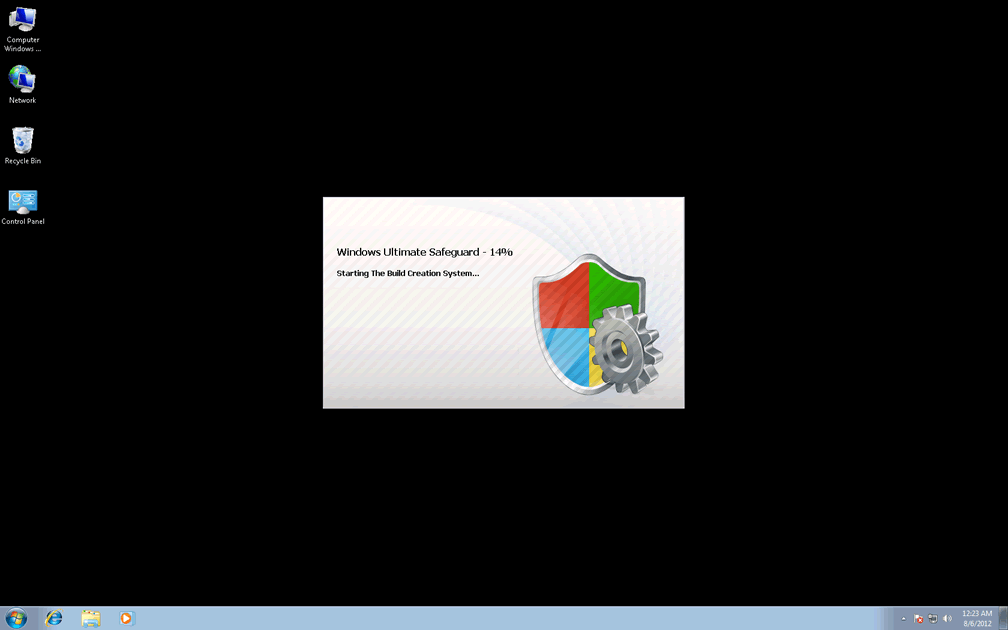
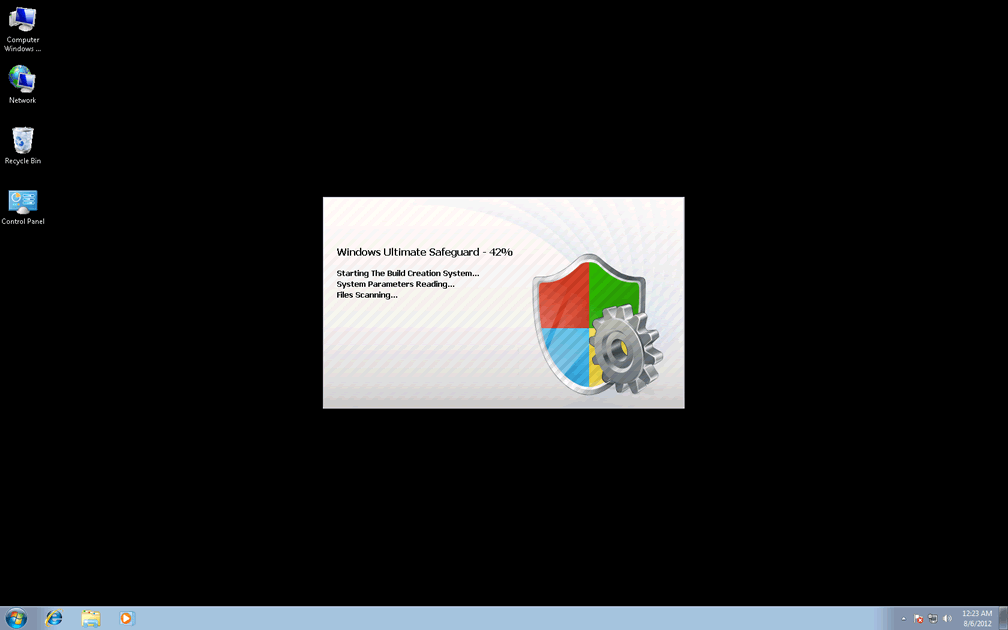
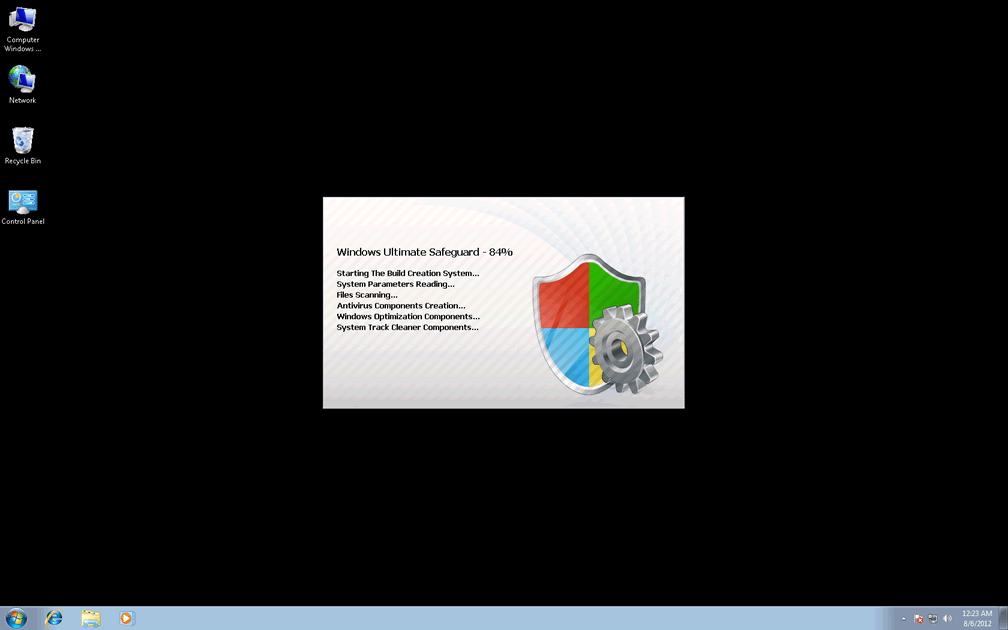

Technical Details
File System Modifications
Tutorials: If you wish to learn how to remove malware components manually, you can read the tutorials on how to find malware, kill unwanted processes, remove malicious DLLs and delete other harmful files. Always be sure to back up your PC before making any changes.
The following files were created in the system:C:\rogueware samples\WintionalityChecker samples\dbae19be89b393dead5ce7f0ff911ade85b6ed3c8f72a3be482cee9e8ebbd133.exe
File name: dbae19be89b393dead5ce7f0ff911ade85b6ed3c8f72a3be482cee9e8ebbd133.exeSize: 2.95 MB (2955264 bytes)
MD5: f684d4f64ce72902123e55374bff1667
Detection count: 9
File type: Executable File
Mime Type: unknown/exe
Path: C:\rogueware samples\WintionalityChecker samples\dbae19be89b393dead5ce7f0ff911ade85b6ed3c8f72a3be482cee9e8ebbd133.exe
Group: Malware file
Last Updated: May 6, 2024
%AppData%\Protector-[RANDOM].exe
File name: %AppData%\Protector-[RANDOM].exeFile type: Executable File
Mime Type: unknown/exe
Group: Malware file
Registry Modifications
HKEY..\..\{Value}HKEY_CURRENT_USER\Software\Microsoft\Windows\CurrentVersion\Internet Settings "WarnOnHTTPSToHTTPRedirect" = 0HKEY_CURRENT_USER\Software\Microsoft\Windows\CurrentVersion\Settings "UID" = "[RANDOM]"HKEY_CURRENT_USER\Software\Microsoft\Windows\CurrentVersion\Settings "ID" = "4"HKEY_LOCAL_MACHINE\SOFTWARE\Microsoft\Windows\CurrentVersion\policies\system "ConsentPromptBehaviorAdmin" = 0HKEY_LOCAL_MACHINE\SOFTWARE\Microsoft\Windows\CurrentVersion\policies\system "ConsentPromptBehaviorUser" = 0HKEY_LOCAL_MACHINE\SOFTWARE\Microsoft\Windows\CurrentVersion\policies\system "EnableLUA" = 0HKEY_LOCAL_MACHINE\Software\Microsoft\Windows NT\CurrentVersion\Image File Execution Options\AVCare.exe\"Debugger" = "svchost.exe"HKEY_LOCAL_MACHINE\Software\Microsoft\Windows NT\CurrentVersion\Image File Execution Options\AAWTray.exe\"Debugger" = "svchost.exe"HKEY_LOCAL_MACHINE\Software\Microsoft\Windows NT\CurrentVersion\Image File Execution Options\AVENGINE.EXE\"Debugger" = "svchost.exe"HKEY..\..\..\..{Subkeys}HKEY_LOCAL_MACHINE\SOFTWARE\Microsoft\Windows NT\CurrentVersion\Image File Execution Options\AVCare.exeHKEY_LOCAL_MACHINE\SOFTWARE\Microsoft\Windows NT\CurrentVersion\Image File Execution Options\AAWTray.exeHKEY_LOCAL_MACHINE\SOFTWARE\Microsoft\Windows NT\CurrentVersion\Image File Execution Options\AVENGINE.EXEHKEY_CURRENT_USER\Software\Microsoft\Windows\CurrentVersion\Settings "net" = "[DATE OF INSTALLATION]"HKEY_LOCAL_MACHINE\SOFTWARE\Microsoft\..{RunKeys}HKEY_CURRENT_USER\Software\Microsoft\Windows\CurrentVersion\Run "%AppData%\Protector-[RANDOM].exe"
Leave a Reply
Please note that we are not able to assist with billing and support issues regarding SpyHunter or other products. If you're having issues with SpyHunter, please get in touch with SpyHunter customer support through your SpyHunter . If you have SpyHunter billing questions, we recommend you check the Billing FAQ. For general suggestions or feedback, contact us.