Windows Virtual Angel
Posted: July 11, 2012
Threat Metric
The following fields listed on the Threat Meter containing a specific value, are explained in detail below:
Threat Level: The threat level scale goes from 1 to 10 where 10 is the highest level of severity and 1 is the lowest level of severity. Each specific level is relative to the threat's consistent assessed behaviors collected from SpyHunter's risk assessment model.
Detection Count: The collective number of confirmed and suspected cases of a particular malware threat. The detection count is calculated from infected PCs retrieved from diagnostic and scan log reports generated by SpyHunter.
Volume Count: Similar to the detection count, the Volume Count is specifically based on the number of confirmed and suspected threats infecting systems on a daily basis. High volume counts usually represent a popular threat but may or may not have infected a large number of systems. High detection count threats could lay dormant and have a low volume count. Criteria for Volume Count is relative to a daily detection count.
Trend Path: The Trend Path, utilizing an up arrow, down arrow or equal symbol, represents the level of recent movement of a particular threat. Up arrows represent an increase, down arrows represent a decline and the equal symbol represent no change to a threat's recent movement.
% Impact (Last 7 Days): This demonstrates a 7-day period change in the frequency of a malware threat infecting PCs. The percentage impact correlates directly to the current Trend Path to determine a rise or decline in the percentage.
| Ranking: | 13,236 |
|---|---|
| Threat Level: | 2/10 |
| Infected PCs: | 55,545 |
| First Seen: | July 11, 2012 |
|---|---|
| Last Seen: | February 28, 2025 |
| OS(es) Affected: | Windows |
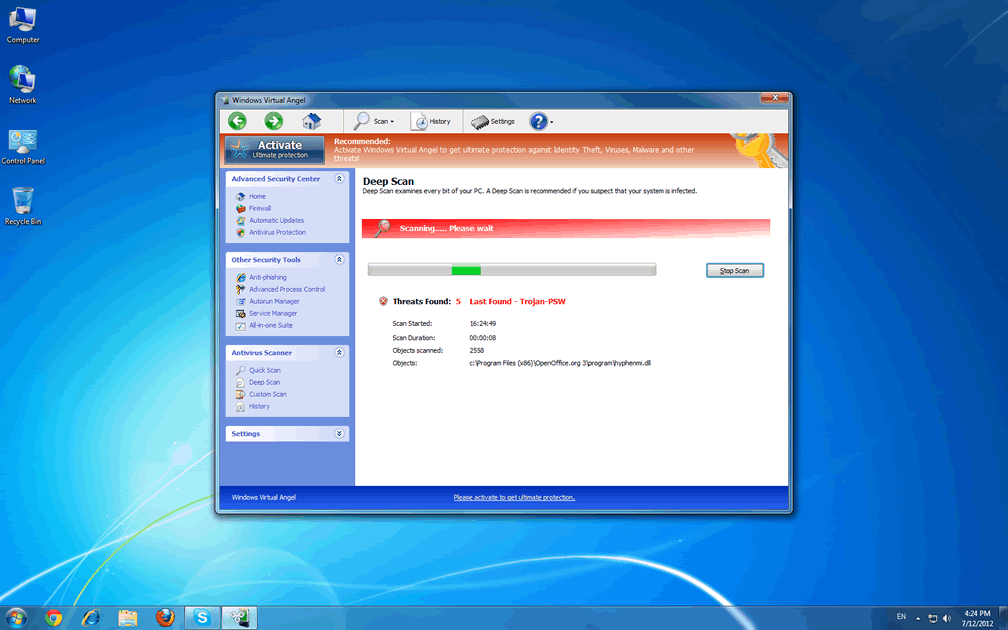
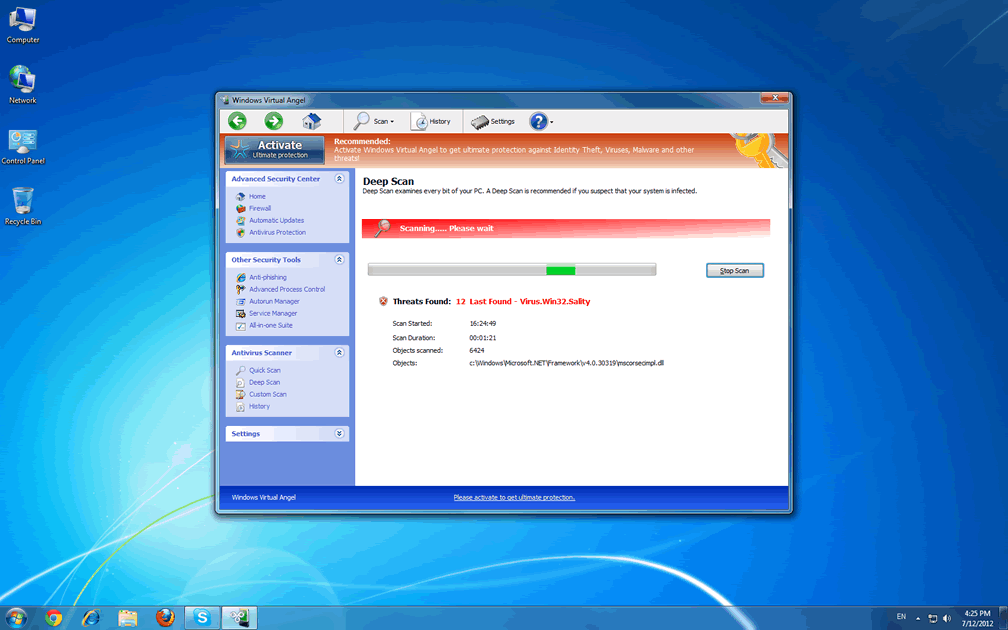
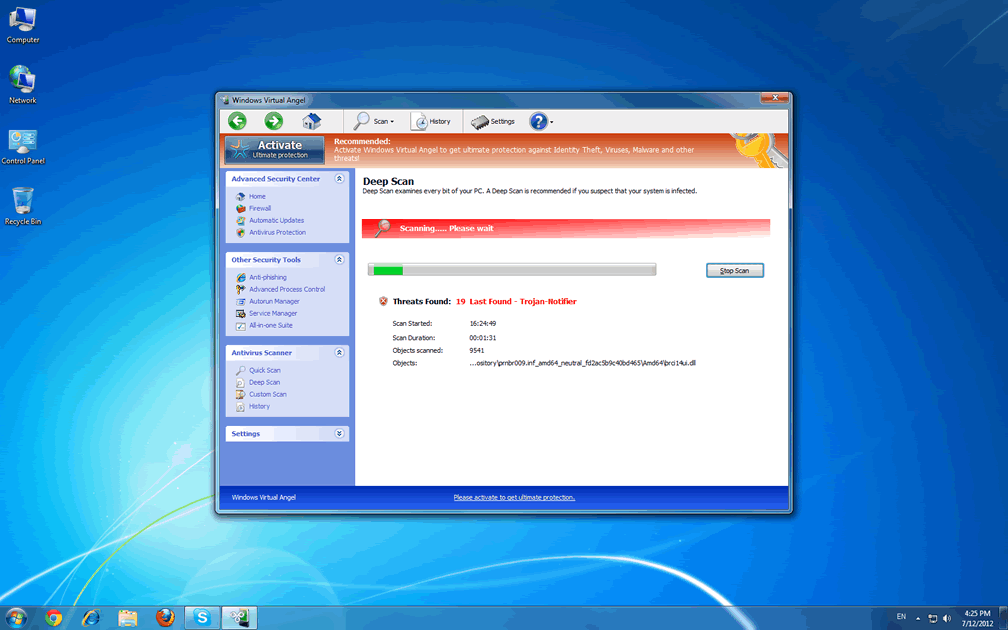
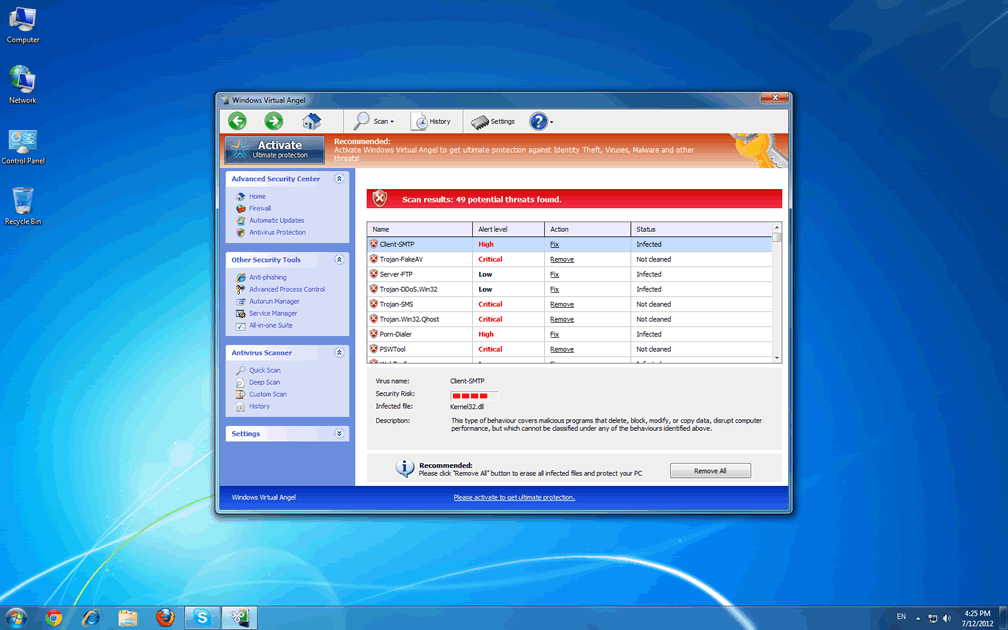
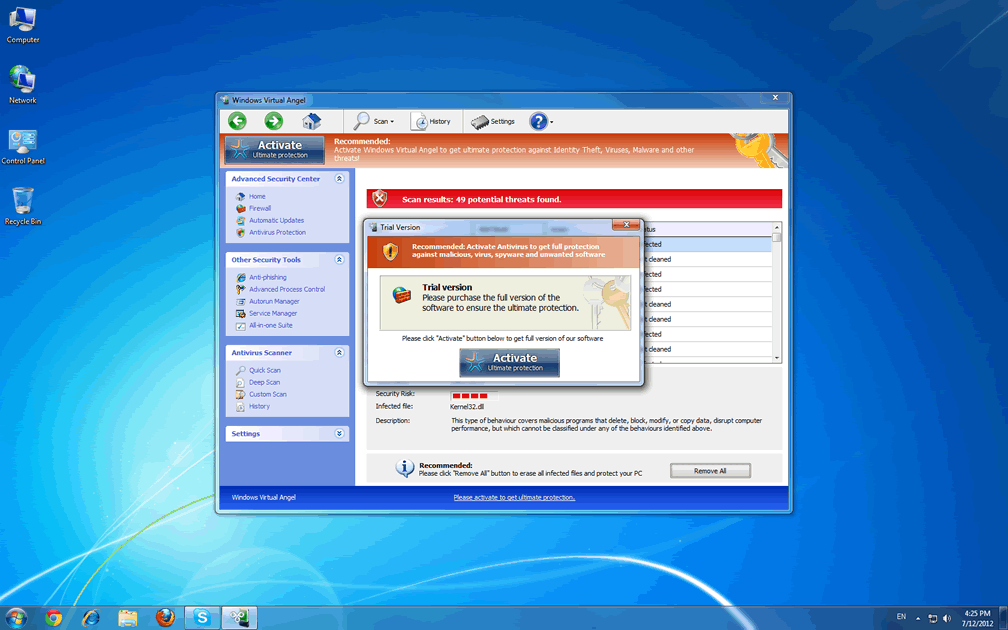
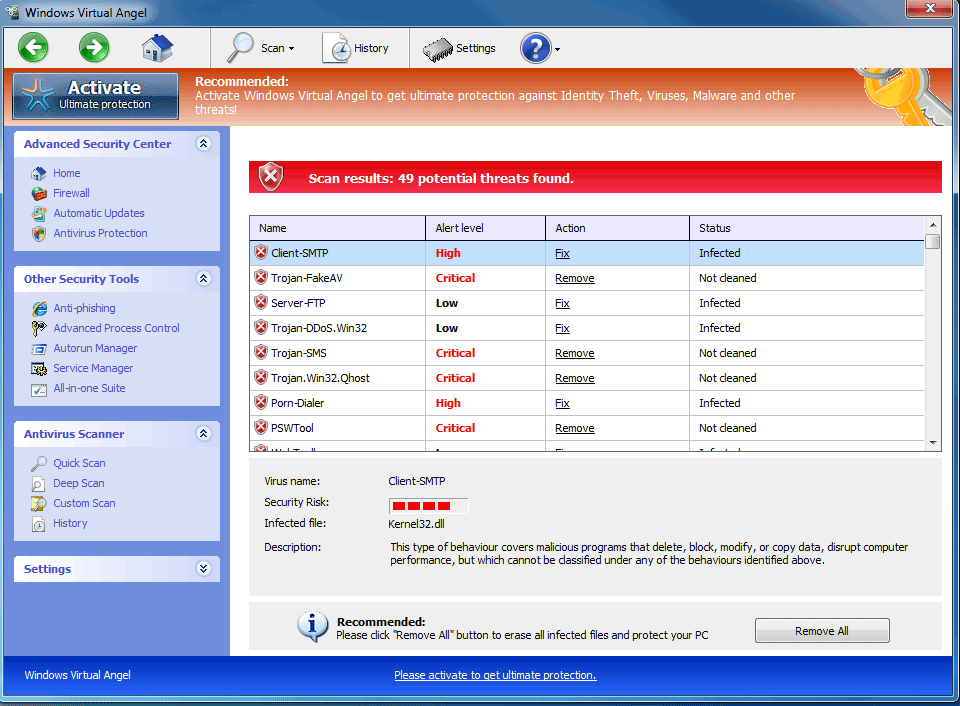 More of a barely-disguised devil than a divine messenger, Windows Virtual Angel is another example of fake anti-malware software from Win32/FakeVimes, and like its relatives, Windows Virtual Angel does its best to portray itself as having security and anti-malware features that aren't truly in evidence. Even though Windows Virtual Angel may warn you about attacks against Windows components, attempts to steal personal information and a virtual rogues' gallery of high-level PC threats, SpywareRemove.com malware researchers note that Windows Virtual Angel doesn't have any ability to detect or remove real infections of any type. Since Windows Virtual Angel's seemingly angelic qualities also include the potential for browser redirect attacks and blocking your legitimate security applications, SpywareRemove.com malware researchers recommend that you disinfect Windows Virtual Angel as quickly as is reasonable.
Windows Virtual Angel – Swinging a Halo That's on Loan from Fellow Succubi
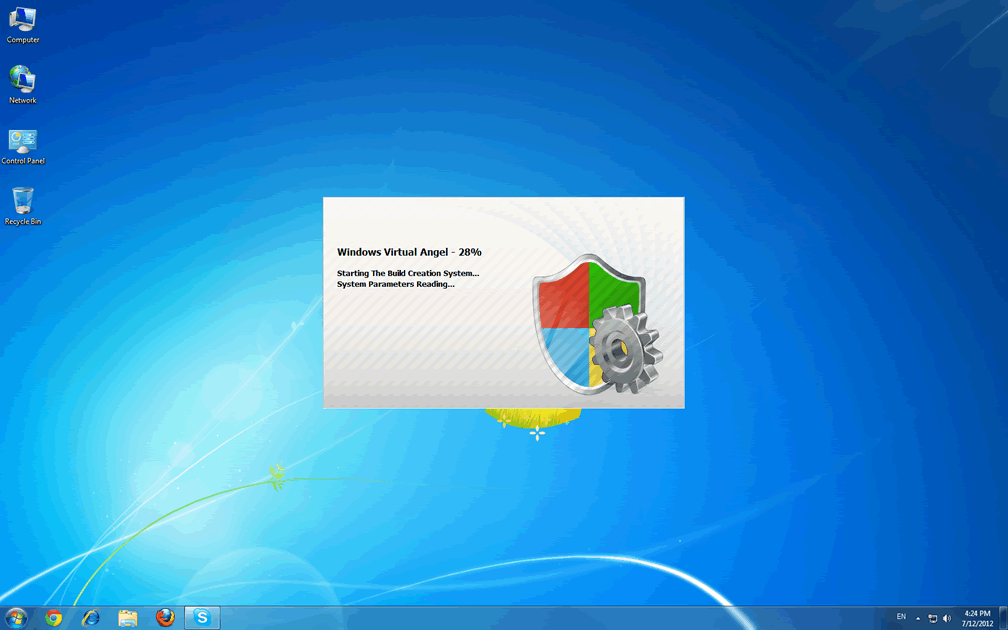
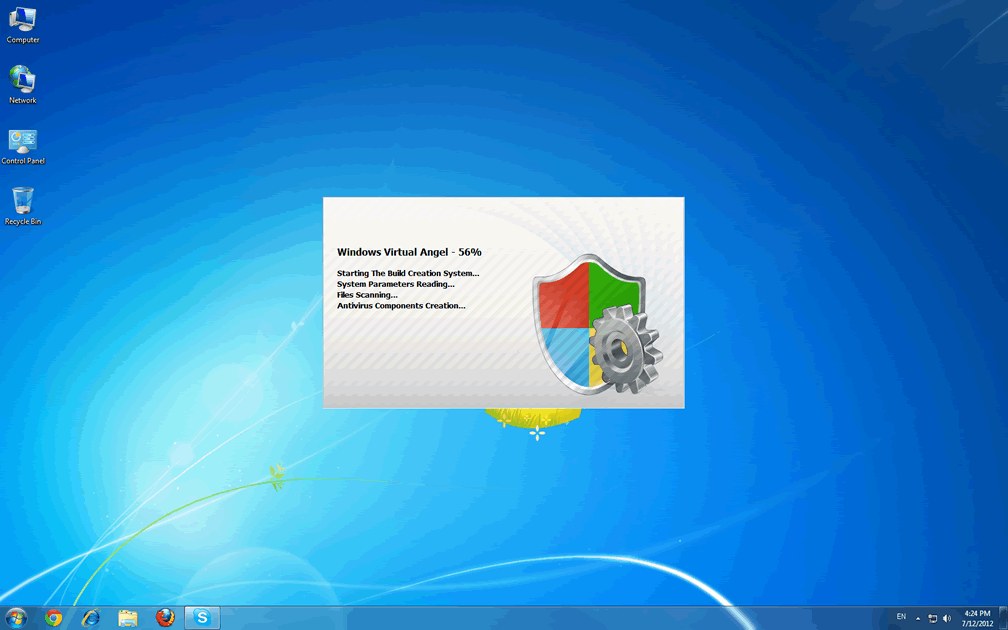
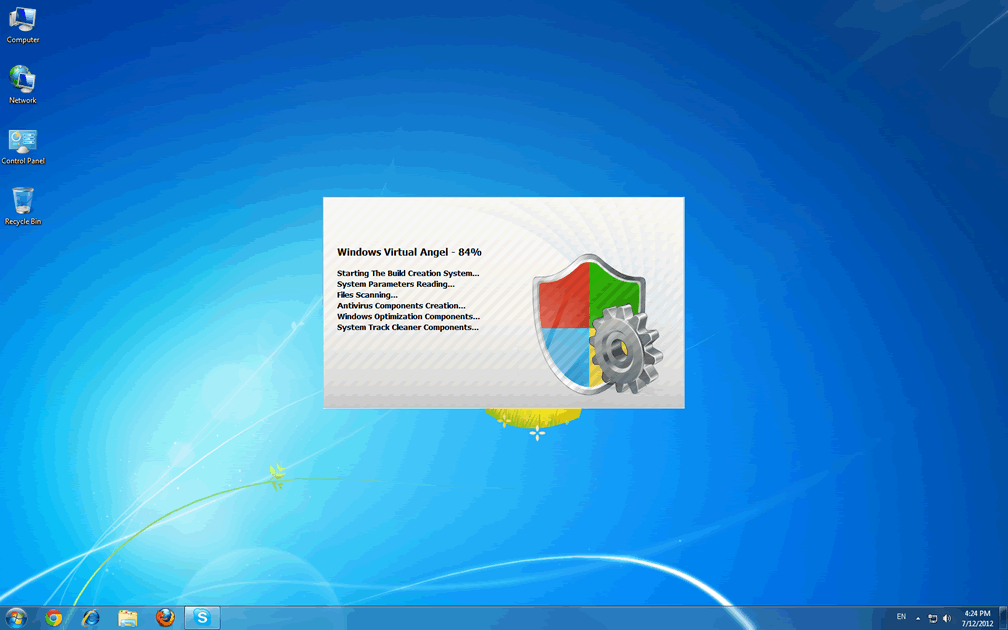
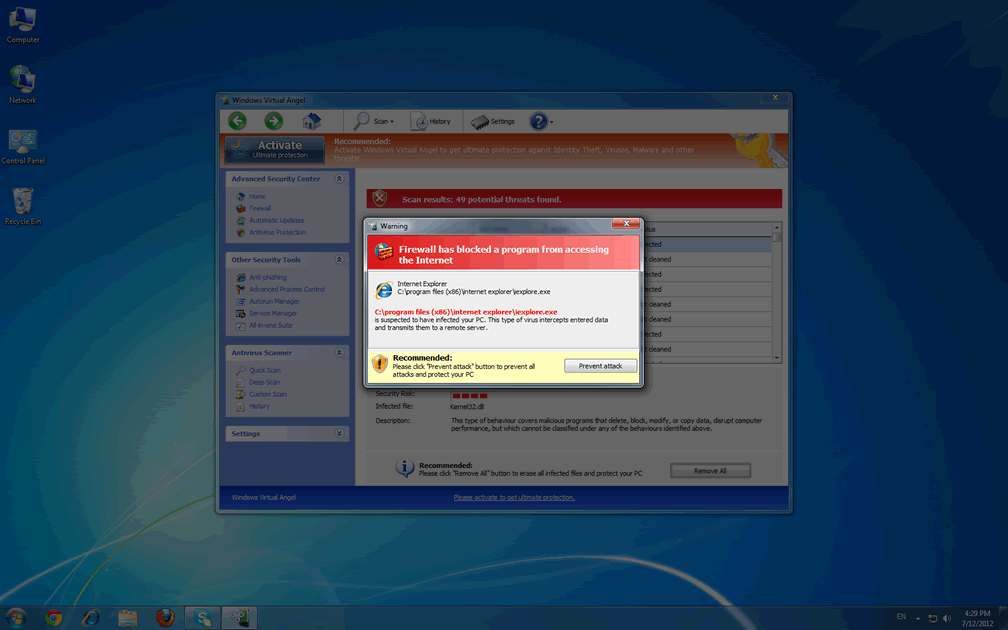
As a recently-emerged member of FakeVimes scamware, Windows Virtual Angel is visually cloned from other well-known types of fake anti-malware programs, such as Privacy Guard Pro, Extra Antivirus, Fast Antivirus 2009, Presto TuneUp, Windows Security Suite, Smart Virus Eliminator, Packed.Generic.245, Volcano Security Suite, Windows Enterprise Suite, Enterprise Suite, Additional Guard, Live PC Care, PC Live Guard, Live Enterprise Suite, Security Antivirus, My Security Wall, CleanUp Antivirus, Smart Security and PrivacyGuard Pro 2.0. Besides an appearance that's reminiscent of (the now outdated) Windows Security Center, Windows Virtual Angel and its relatives are easily identifiable by the inclusion of fake features like anti-phishing protection and a faux memory monitor that's labeled the Advanced Process Control. Prominent visual symptoms of Windows Virtual Angel being active include fraudulent pop-up warnings and system scans that display nonexistent infections for high-level PC threats (such as technically-identified rootkits and banking Trojans).
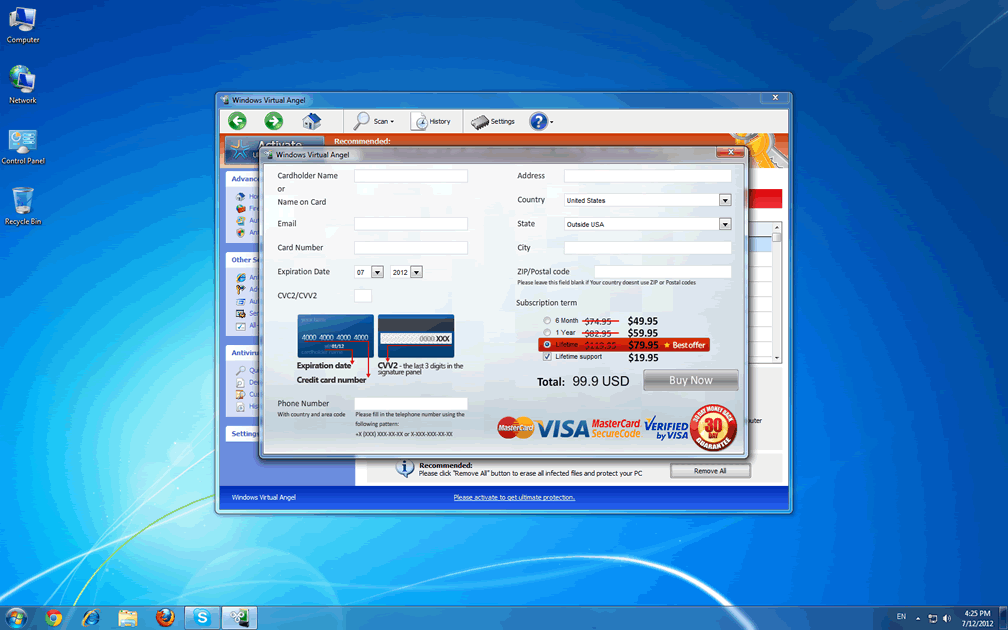
To the end of stealing your money with your own permission for the deed, Windows Virtual Angel will launch with Windows and create a constant appearance of your PC being under assault from numerous PC threats. Even though Windows Virtual Angel will indicate that the easiest solution to your troubles would be to buy its full version for a complete disinfection, SpywareRemove.com malware researchers recommend against this as a pointless expenditure of money for nonfunctional security software. Despite this, if you have any hint that it could help with deleting Windows Virtual Angel, you may wish to register Windows Virtual Angel for free with the code '0W000-000B0-00T00-E0020.'
Counting the Tally of This Fake Angel's Sins
Windows Virtual Angel can also be involved in other PC issues besides its attempt at playing itself off as a security program. Standard attacks from FakeVimes-related PC threats like Windows Virtual Angel that SpywareRemove.com malware researchers have confirmed include:
- Programs being blocked from memory. This forces them to terminate and prevents you from accessing them while Windows Virtual Angel is active, although no permanent damage to the related software is incurred.
- Deleted Registry entries for various programs, especially security-related ones (such as memory monitors or anti-virus scanners). This will require you to restore your Registry, repair it or reinstall the affected program before Windows Virtual Angel can launch again.
- Online search redirects to potentially harmful websites. This can include changes to your search results.
- Registry-based setting changes that make your PC vulnerable to other attacks. One such attack by Windows Virtual Angel that's easily-observed is its capability for disabling the Windows UAC.
In light of all this, SpywareRemove.com malware researchers strongly suggest sending Windows Virtual Angel to the PC equivalent of the underworld (AKA the Recycle Bin) with a suitable anti-malware product as soon as you can access such software.
Aliases
More aliases (136)
Technical Details
File System Modifications
Tutorials: If you wish to learn how to remove malware components manually, you can read the tutorials on how to find malware, kill unwanted processes, remove malicious DLLs and delete other harmful files. Always be sure to back up your PC before making any changes.
The following files were created in the system:%WINDIR%\system32\svdir\nsb.exe
File name: nsb.exeSize: 5.29 MB (5296128 bytes)
MD5: 3bfa6d51cad9d20f3b6652267049ae34
Detection count: 293
File type: Executable File
Mime Type: unknown/exe
Path: %WINDIR%\system32\svdir
Group: Malware file
Last Updated: March 18, 2015
%WINDIR%\S-1-5-21-0075150617-0772129065-402540000-4697\king.exe
File name: king.exeSize: 124.92 KB (124928 bytes)
MD5: 854eb5d1ae012c8d321283e534434e54
Detection count: 80
File type: Executable File
Mime Type: unknown/exe
Path: %WINDIR%\S-1-5-21-0075150617-0772129065-402540000-4697
Group: Malware file
Last Updated: March 31, 2014
%PROGRAMFILES%\WBX\wbx.exe
File name: wbx.exeSize: 15.05 MB (15056896 bytes)
MD5: 40bae78163393df1b5e2e4f15d02bff7
Detection count: 75
File type: Executable File
Mime Type: unknown/exe
Path: %PROGRAMFILES%\WBX
Group: Malware file
Last Updated: August 15, 2014
%WINDIR%\svcnet2\svcnet2.exe
File name: svcnet2.exeSize: 438.78 KB (438784 bytes)
MD5: 0daf54185b5e34b05114a14736d60958
Detection count: 49
File type: Executable File
Mime Type: unknown/exe
Path: %WINDIR%\svcnet2
Group: Malware file
Last Updated: March 21, 2016
%WINDIR%\system32\f078b911.dll
File name: f078b911.dllSize: 1.68 MB (1682944 bytes)
MD5: ff69cebb0bc9f4470a4521848a2b0054
Detection count: 30
File type: Dynamic link library
Mime Type: unknown/dll
Path: %WINDIR%\system32
Group: Malware file
Last Updated: August 6, 2012
C:\Windows\system32\8f6d65c8.dll
File name: 8f6d65c8.dllSize: 3.24 MB (3240448 bytes)
MD5: a7bba136915c6d3b453a8a8a6902de86
Detection count: 19
File type: Dynamic link library
Mime Type: unknown/dll
Path: C:\Windows\system32\8f6d65c8.dll
Group: Malware file
Last Updated: July 24, 2021
C:\rogueware samples\WintionalityChecker samples\0623d69f6be79d3b0233d623466cdb69.exe
File name: 0623d69f6be79d3b0233d623466cdb69.exeSize: 1.84 MB (1845760 bytes)
MD5: 0623d69f6be79d3b0233d623466cdb69
Detection count: 7
File type: Executable File
Mime Type: unknown/exe
Path: C:\rogueware samples\WintionalityChecker samples\0623d69f6be79d3b0233d623466cdb69.exe
Group: Malware file
Last Updated: May 6, 2024
%APPDATA%\Alps\Alps.exe
File name: Alps.exeSize: 73.21 KB (73216 bytes)
MD5: e76b6d1d349876630d9afec425c8fbe4
Detection count: 5
File type: Executable File
Mime Type: unknown/exe
Path: %APPDATA%\Alps
Group: Malware file
Last Updated: August 6, 2012
%ALLUSERSPROFILE%\Local Settings\Temp\msajhywpc.exe
File name: msajhywpc.exeSize: 29.18 KB (29184 bytes)
MD5: 7baeb6702fc9660dce84de246551cc02
Detection count: 5
File type: Executable File
Mime Type: unknown/exe
Path: %ALLUSERSPROFILE%\Local Settings\Temp
Group: Malware file
Last Updated: August 6, 2012
%AppData%\Protector-[RANDOM CHARACTERS].exe
File name: %AppData%\Protector-[RANDOM CHARACTERS].exeFile type: Executable File
Mime Type: unknown/exe
Group: Malware file
Registry Modifications
HKEY..\..\{Value}HKEY_CURRENT_USER\Software\Microsoft\Windows\CurrentVersion\Policies\System "DisableRegistryTools" = 0HKEY_CURRENT_USER\Software\Microsoft\Windows\CurrentVersion\Policies\System "DisableTaskMgr" = 0HKEY_CURRENT_USER\Software\Microsoft\Windows\CurrentVersion\Internet Settings "WarnOnHTTPSToHTTPRedirect" = 0HKEY_CURRENT_USER\Software\Microsoft\Windows\CurrentVersion\Policies\System "DisableRegedit" = 0HKEY_CURRENT_USER\Software\Microsoft\Windows\CurrentVersion\Settings "net" = "2012-2-17_2"HKEY_CURRENT_USER\Software\Microsoft\Windows\CurrentVersion\Settings "UID" = "rudbxijemb"HKEY_CURRENT_USER\Software\Microsoft\Windows\CurrentVersion\Settings "ID" = 0HKEY..\..\..\..{Subkeys}HKEY_CURRENT_USER\Software\Microsoft\Windows\CurrentVersion\Run "Inspector"HKEY_LOCAL_MACHINE\Software\Microsoft\Internet Explorer\Main\FeatureControl\FEATURE_ERROR_PAGE_BYPASS_ZONE_CHECK_FOR_HTTPS_KB954312HKEY_LOCAL_MACHINE\Software\Microsoft\Windows NT\CurrentVersion\Image File Execution Options\_avp32.exeHKEY_LOCAL_MACHINE\Software\Microsoft\Windows NT\CurrentVersion\Image File Execution Options\divx.exeHKEY_LOCAL_MACHINE\Software\Microsoft\Windows NT\CurrentVersion\Image File Execution Options\mostat.exeHKEY_LOCAL_MACHINE\Software\Microsoft\Windows NT\CurrentVersion\Image File Execution Options\platin.exeHKEY_LOCAL_MACHINE\Software\Microsoft\Windows NT\CurrentVersion\Image File Execution Options\tapinstall.exeHKEY_LOCAL_MACHINE\Software\Microsoft\Windows NT\CurrentVersion\Image File Execution Options\_avpcc.exeHKEY_LOCAL_MACHINE\Software\Microsoft\Windows NT\CurrentVersion\Image File Execution Options\ashDisp.exeHKEY_LOCAL_MACHINE\Software\Microsoft\Windows NT\CurrentVersion\Image File Execution Options\zapsetup3001.exe
Additional Information
| # | Message |
|---|---|
| 1 | Error Attempt to modify registry key entries detected. Registry entry analysis is recommended. |
| 2 | Error Potential malware detected It is recommended to activate the protection and perform a thorough system scan to remove the malware. |
| 3 | Warning Firewall has blocked a program from accessing the Internet Windows XP USER API Clien: DLL User32.dll User32.dll is suspended to have infected your PC. This type of virus intercepts entered data and transmits them to a remote server. Recommended: Please click “Prevent attack” button to prevent all attacks and protect your PC. |
Leave a Reply
Please note that we are not able to assist with billing and support issues regarding SpyHunter or other products. If you're having issues with SpyHunter, please get in touch with SpyHunter customer support through your SpyHunter . If you have SpyHunter billing questions, we recommend you check the Billing FAQ. For general suggestions or feedback, contact us.