Windows Crashes Deliverer
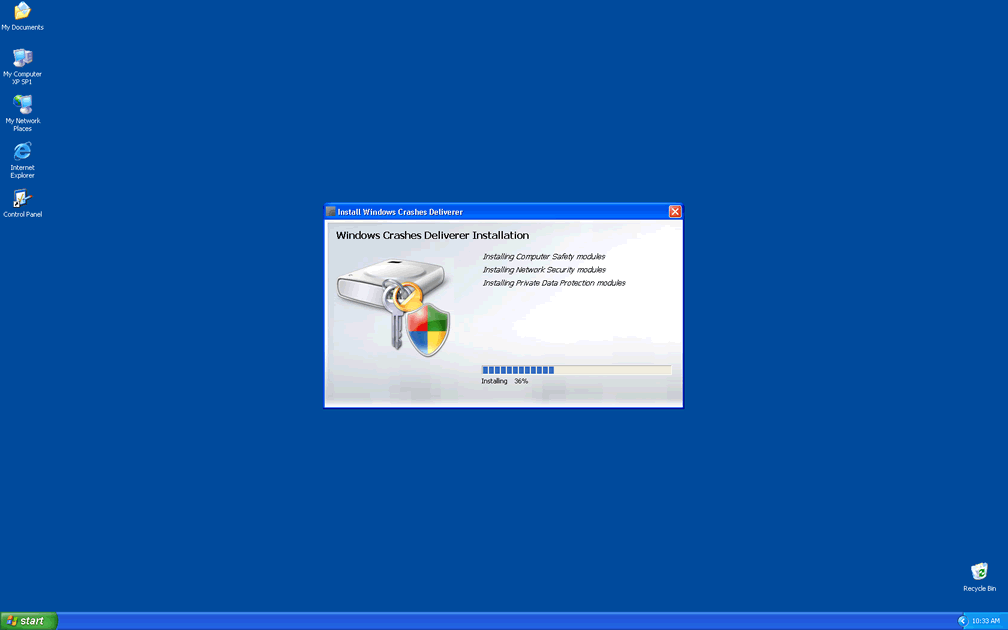
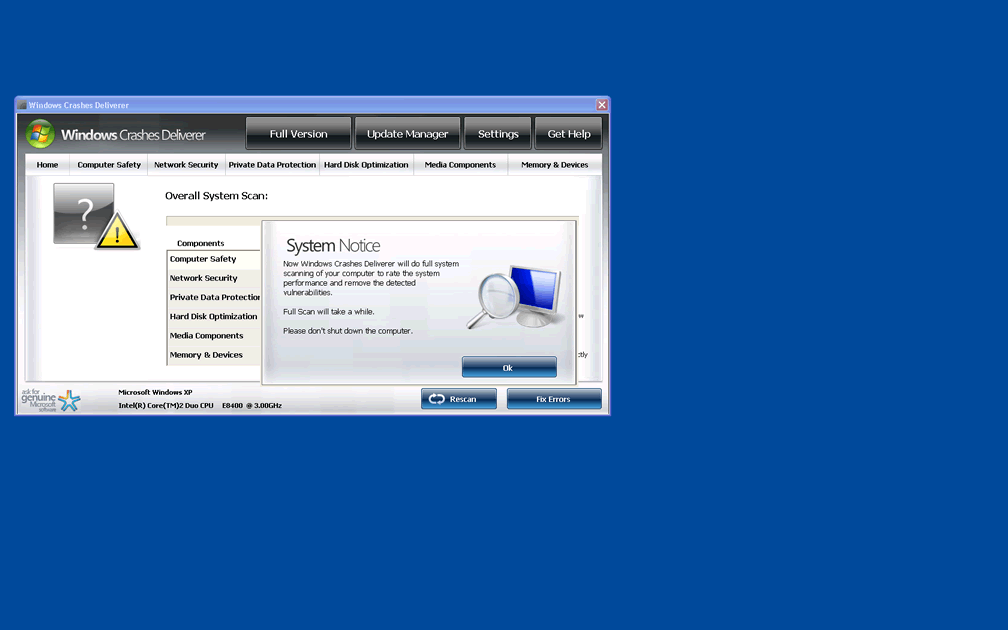
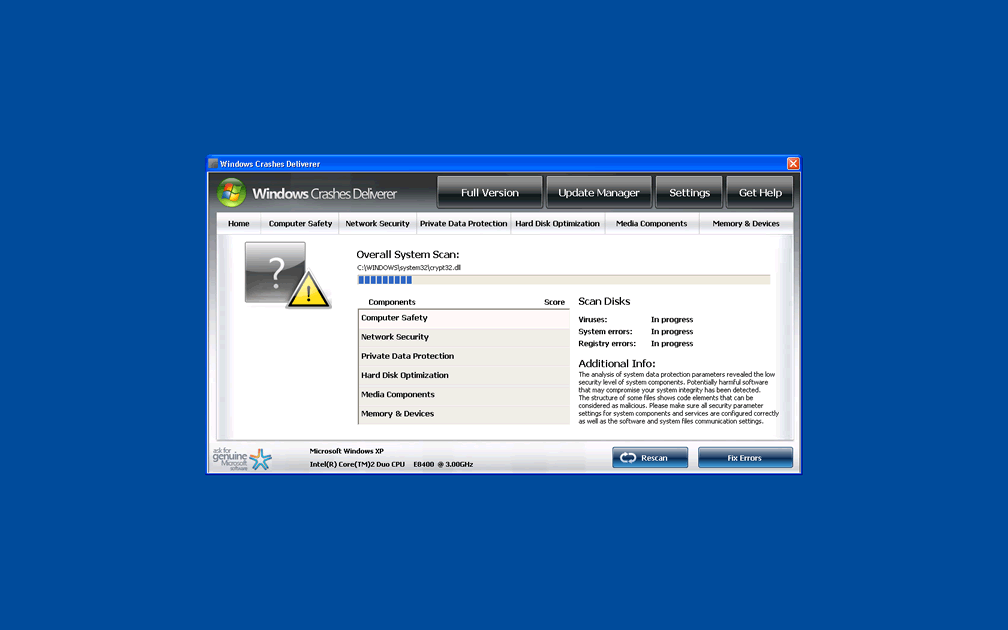
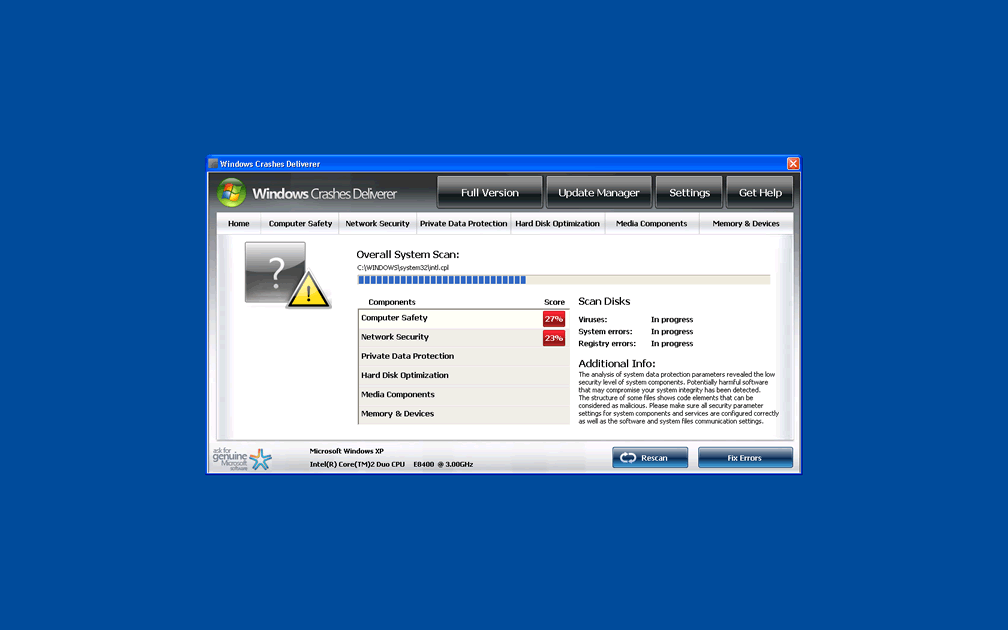
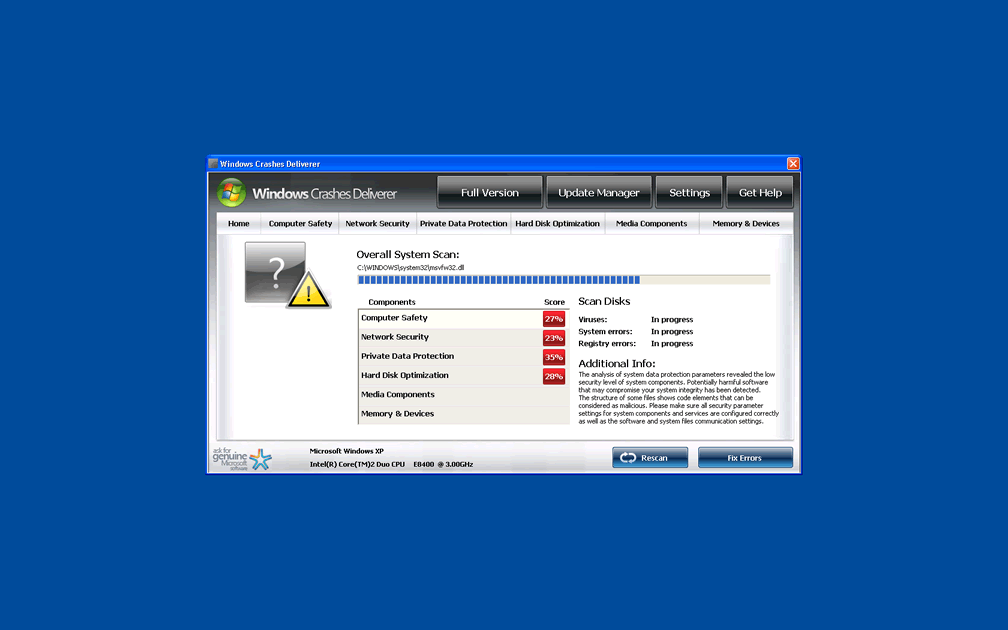
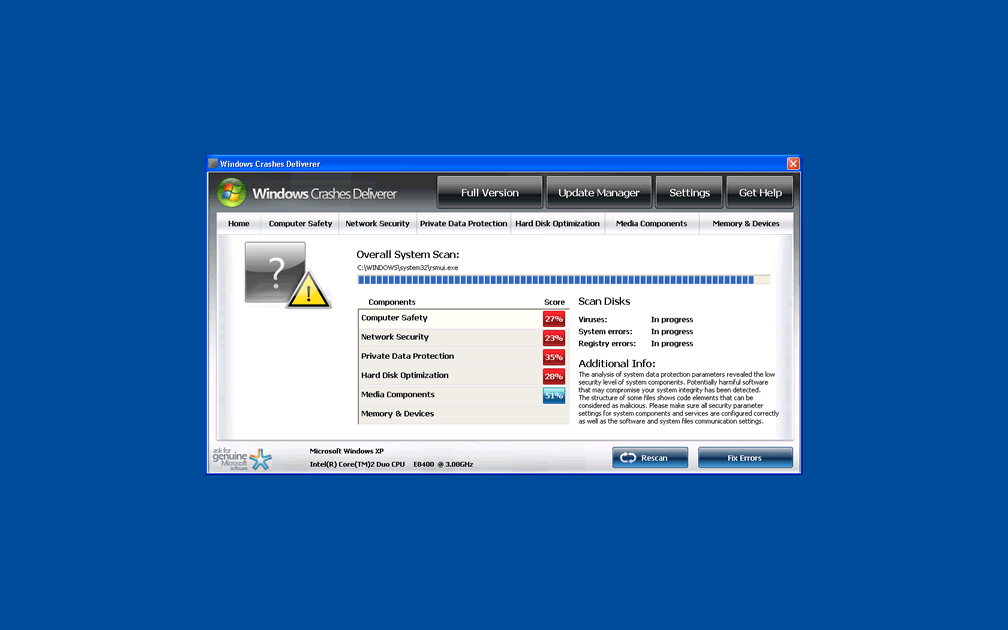
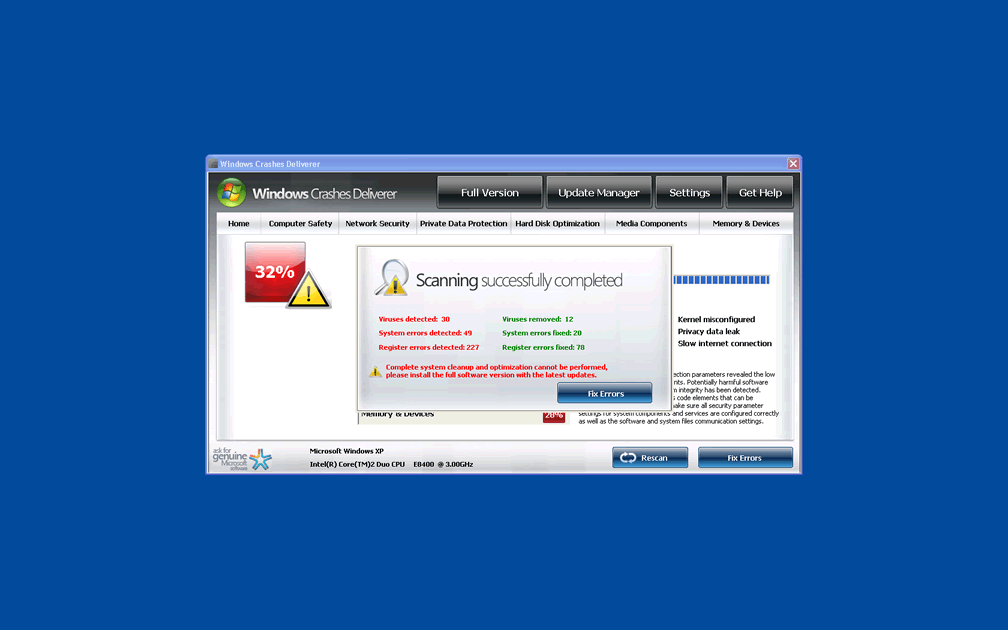
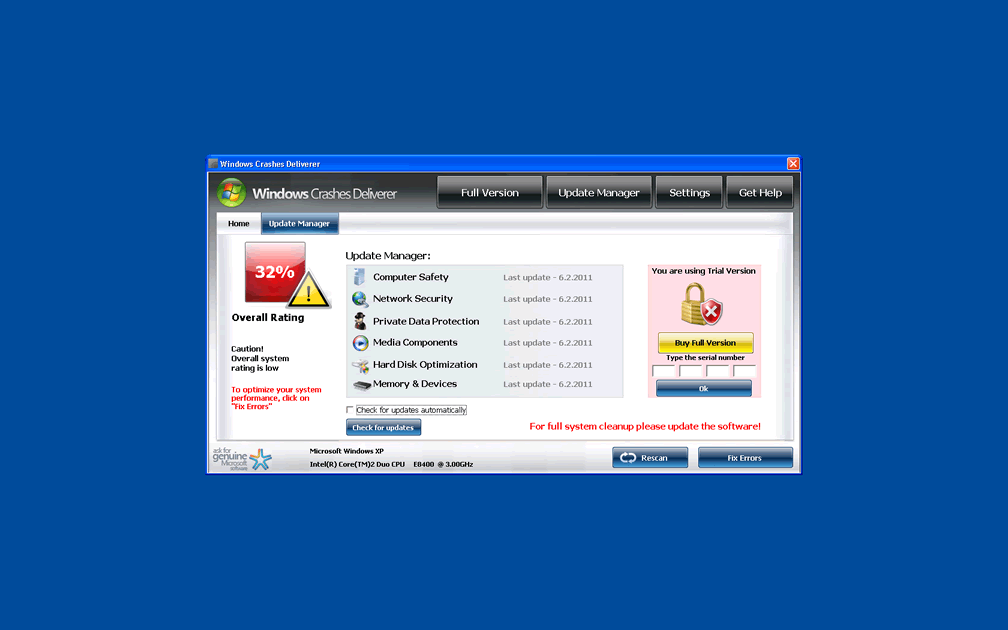
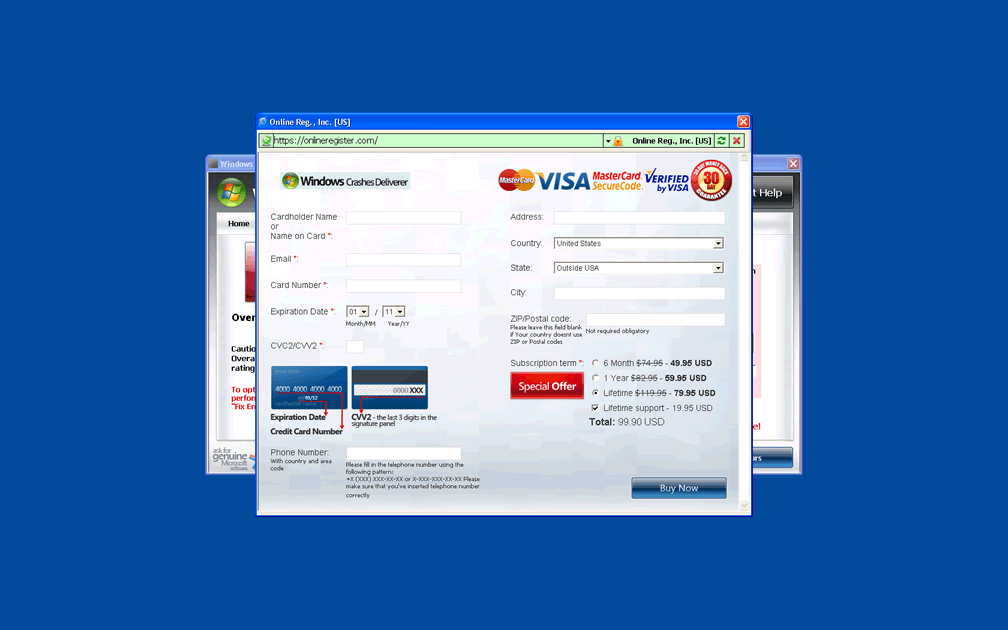
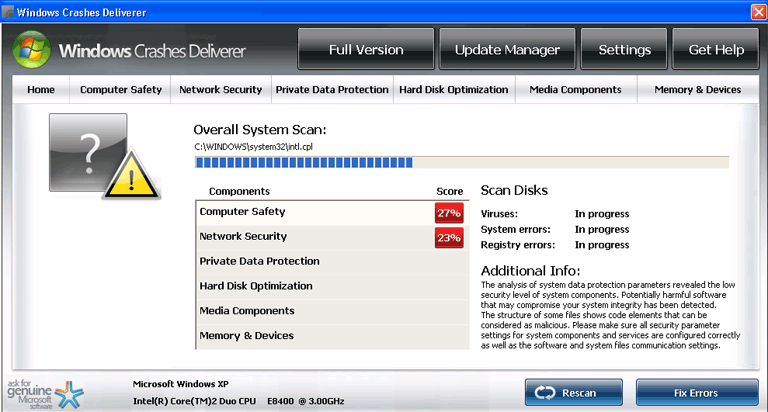 Windows Crashes Deliverer is rogue security software that uses fake system grading displays and faulty infection alerts, to make you believe that your PC is being threatened by a small army of infections. Windows Crashes Deliverer does this to convince you that purchasing an activation key for itself is necessary to remove these problems, but Windows Crashes Deliverer can neither detect nor delete real computer threats. Since Windows Crashes Deliverer can also threaten your security by attacking your web browser and other applications, you should make it a priority to delete Windows Crashes Deliverer by using high-quality anti-malware software.
Windows Crashes Deliverer Resembles Its Name – But Not in the Way You'd Hope
Although Windows Crashes Deliverer pretends to be a security and anti-virus software, Windows Crashes Deliverer's actual purpose is to steal your credit card number, by convincing you that your computer will break down without Windows Crashes Deliverer's assistance. Accordingly, Windows Crashes Deliverer accomplishes this by using the same attack methods that are popular with related threats like Windows Necessary Firewall, Windows Troubles Solver, Windows Accidents Prevention and Windows Anticrashes Utility.
- Windows Crashes Deliverer does not deliver you from crashes – instead, Windows Crashes Deliverer delivers you to them by crashing unrelated applications. The most common programs that are crashed by Windows Crashes Deliverer are Windows maintenance programs (Task Manager, MSConfig, the Registry Editor) and well-known anti-virus programs. Windows Crashes Deliverer may also try to convince you that these programs are infected, but as noted earlier, Windows Crashes Deliverer can't detect real infections like Trojans or worms.
- Windows Crashes Deliverer will also attack your web browser through a proxy server abuse or by corrupting the Registry. Either method lets Windows Crashes Deliverer control which websites are displayed, alter online content, and even change settings like your homepage.
- The Registry will also be attacked to let Windows Crashes Deliverer activate whenever Windows starts normally. This allows Windows Crashes Deliverer to cause the above attacks even if you try to close or shut down Windows Crashes Deliverer. Booting from a CD or using Safe Mode are the recommended choices for temporarily turning off Windows Crashes Deliverer.
The many Fake Errors Windows Crashes Deliverer may Shove in Your Face
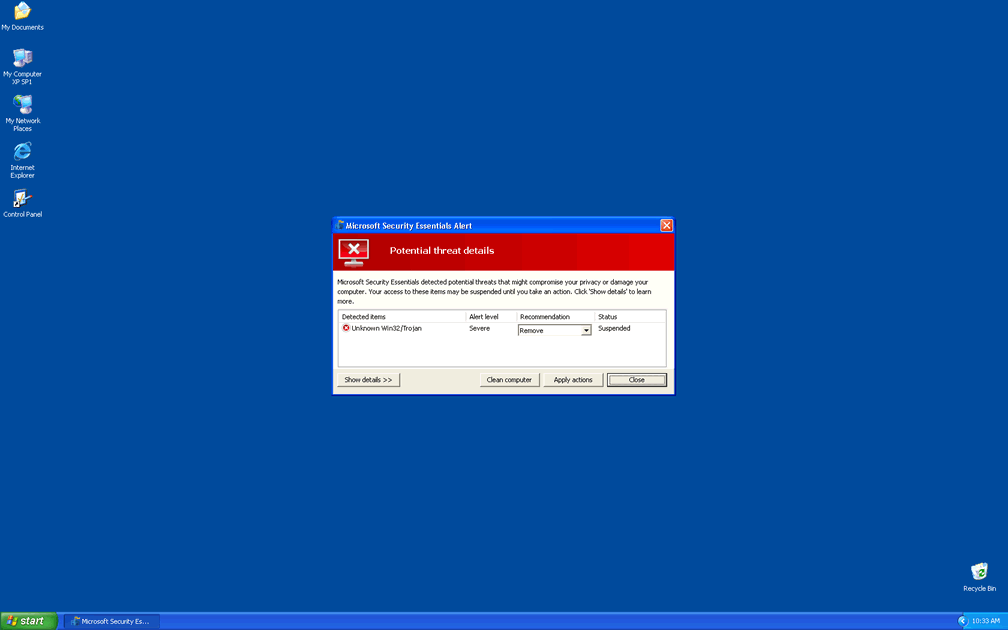
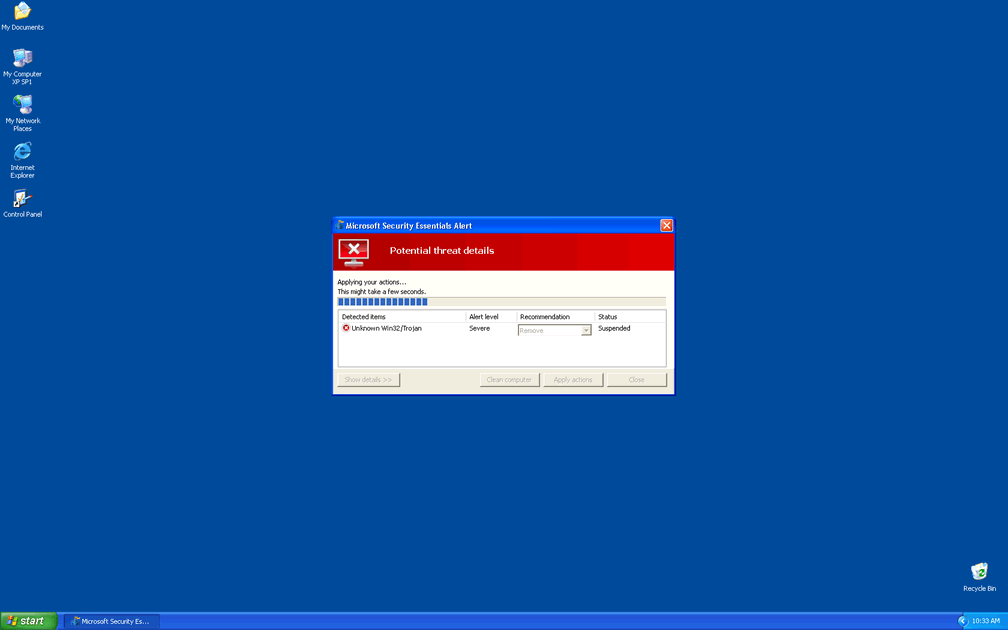
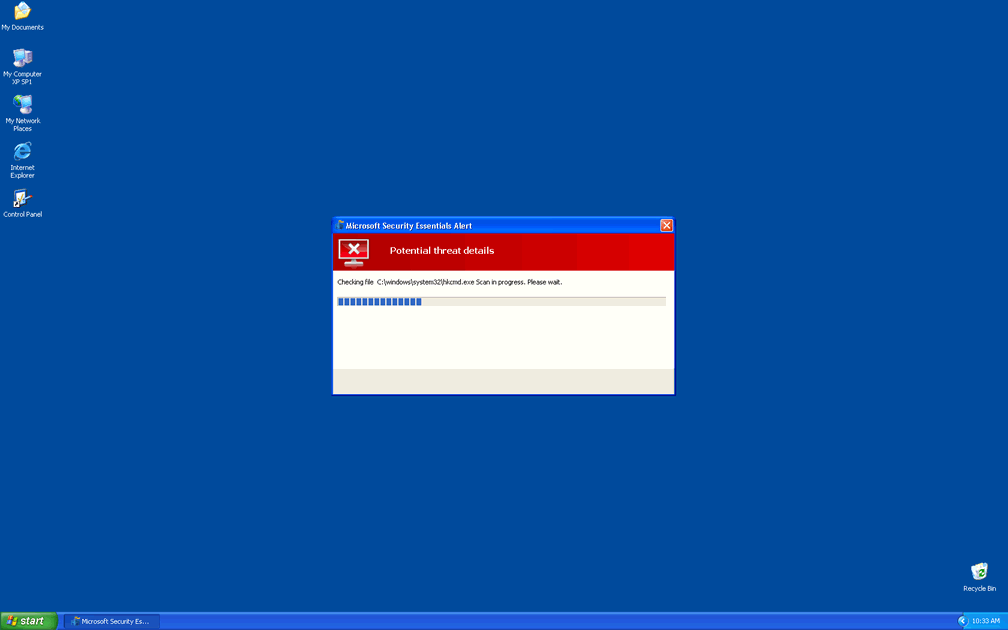
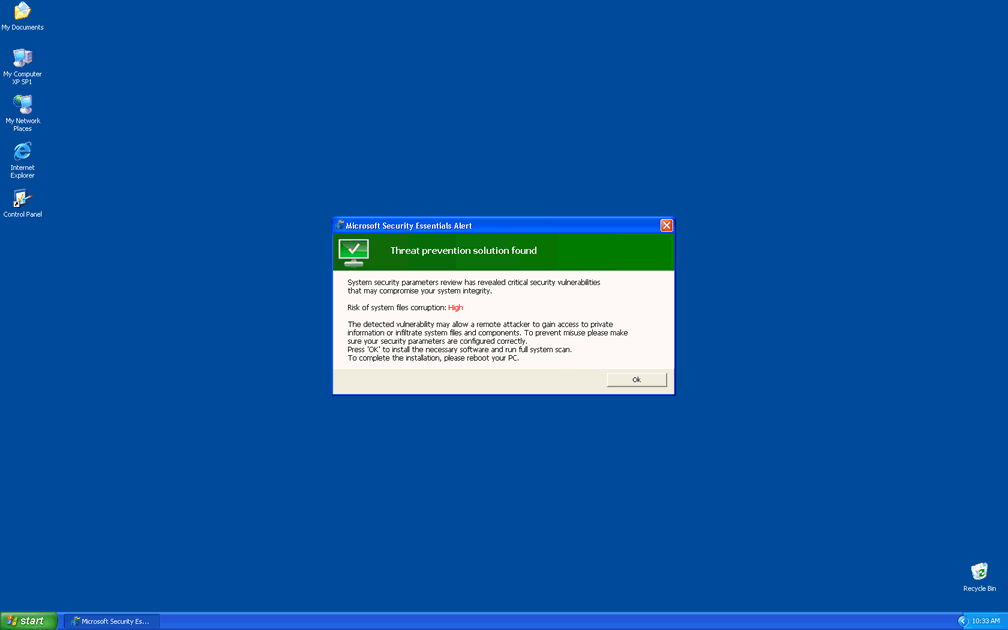
Both Windows Crashes Deliverer and the Fake Microsoft Security Essentials Alert Trojan that is known to distribute Windows Crashes Deliverer, will make use of fake infection warnings and pop-ups, to confuse your perception of your computer's health. Some common errors include:
Microsoft Security Essentials Alert
Potential Threat Details
Microsoft Security Essentials detected potential threats that might compromise your private or damage your computer. Your access to these items may be suspended until you take an action. Click 'show details' to learn more.
Threat prevention solution found
Security system analysis has revealed critical file system vulnerability caused by severe malware attacks.
Risk of system files infection:
The detected vulnerability may result in unauthorized access to private information and hard drive data with a seriuos [sic] possibility of irreversible data loss and unstable PC performance. To remove the malware please run a full system scan. Press 'OK' to install the software necessary to initiate system files check. To complete the installation process please reboot your computer.
System Security Warning
Attempt to modify register key entries is detected. Register entries analysis is recommended.
Warning!
Location: [application file path]
Viruses: Backdoor.Win32.Rbot
Warning!
Name: [application file name]
Name: [application file path]
Application that seems to be a key-logger is detected. System information security is at risk. It is recommended to enable the security mode and run total System scanning.
Warning! Database update failed!
Database update failed!
Outdated viruses databases are not effective and can't [sic] guarantee adequate protection and security for your PC!
Click here to get the full version of the product and update the database!
System component corrupted!
System reboot error has occurred due to lsass.exe system process failure.
This may be caused by severe malware infections.
Automatic restore of lsass.exe backup copy completed.
The correct system performance can not be resumed without eliminating the cause of lsass.exe corruption.
Warning! Running trial version!
The security of your computer has been compromised!
Now running trial version of the software!
Click here to purchase the full version of the software and get full protection for your PC!
Attempting to remove the files or programs that these warnings tell you are infected, will only cause you to delete harmless and uninfected files. Rather than paying heed to these 'cry wolf' pop-ups, you should scan your PC using a reliable anti-virus application, and remove Windows Crashes Deliverer and the Fake Microsoft Security Essentials Alert.
File System Modifications
- The following files were created in the system:
# File Name 1 %AppData%\Microsoft\[RANDOM CHARACTERS].exe
Registry Modifications
- The following newly produced Registry Values are:
HKEY..\..\..\..{Subkeys}HKCU\Software\Microsoft\Windows NT\CurrentVersion\Winlogon\Shell "%AppData%\Microsoft\[RANDOM CHARACTERS].exe"
I can't start windows in safe mode b/c of this thing when i select safe mode I get the blue screen of death. I don't have the windows disk either. I tried to run an online virus scan but this is not detected. The only way i'm able to get on the internet is through an auslogics link b/c the demo is expired. other than that my desktop doeesn't load untill i click on the scan button of the malware. What should I do? I have a dell and don't want to run the system restore and lose all my files
Your "C" codes are broken<br />How to fix? Reinstall xp