Windows Background Protector
Posted: March 23, 2011
Threat Metric
The following fields listed on the Threat Meter containing a specific value, are explained in detail below:
Threat Level: The threat level scale goes from 1 to 10 where 10 is the highest level of severity and 1 is the lowest level of severity. Each specific level is relative to the threat's consistent assessed behaviors collected from SpyHunter's risk assessment model.
Detection Count: The collective number of confirmed and suspected cases of a particular malware threat. The detection count is calculated from infected PCs retrieved from diagnostic and scan log reports generated by SpyHunter.
Volume Count: Similar to the detection count, the Volume Count is specifically based on the number of confirmed and suspected threats infecting systems on a daily basis. High volume counts usually represent a popular threat but may or may not have infected a large number of systems. High detection count threats could lay dormant and have a low volume count. Criteria for Volume Count is relative to a daily detection count.
Trend Path: The Trend Path, utilizing an up arrow, down arrow or equal symbol, represents the level of recent movement of a particular threat. Up arrows represent an increase, down arrows represent a decline and the equal symbol represent no change to a threat's recent movement.
% Impact (Last 7 Days): This demonstrates a 7-day period change in the frequency of a malware threat infecting PCs. The percentage impact correlates directly to the current Trend Path to determine a rise or decline in the percentage.
| Threat Level: | 10/10 |
|---|---|
| Infected PCs: | 42 |
| First Seen: | March 23, 2011 |
|---|---|
| Last Seen: | May 6, 2024 |
| OS(es) Affected: | Windows |
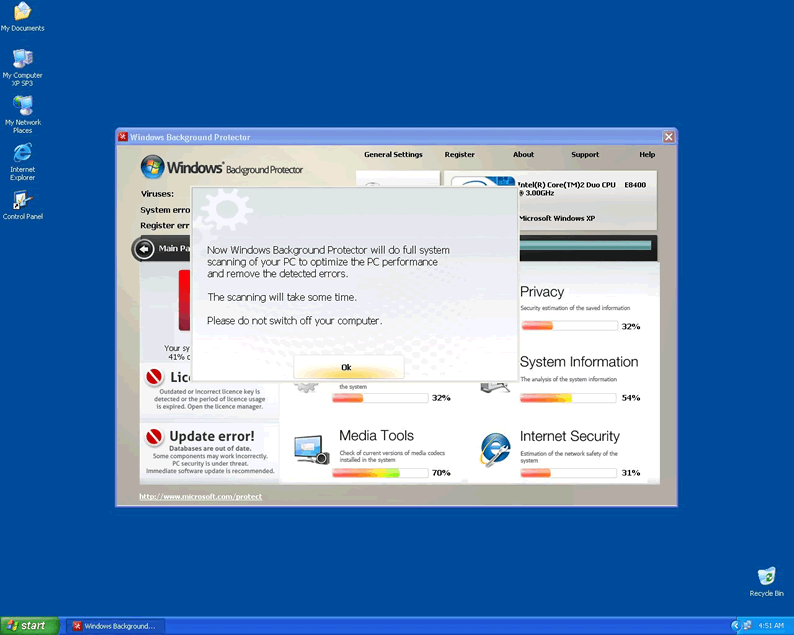
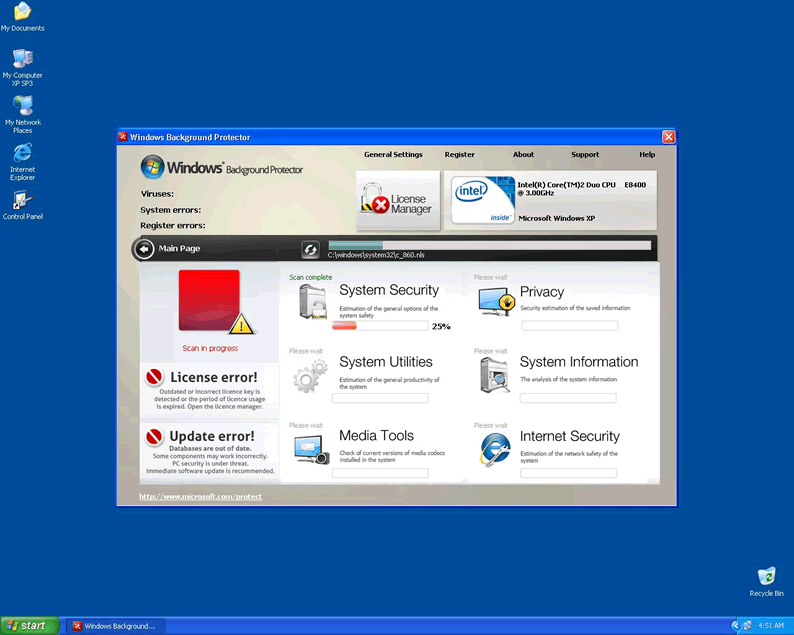
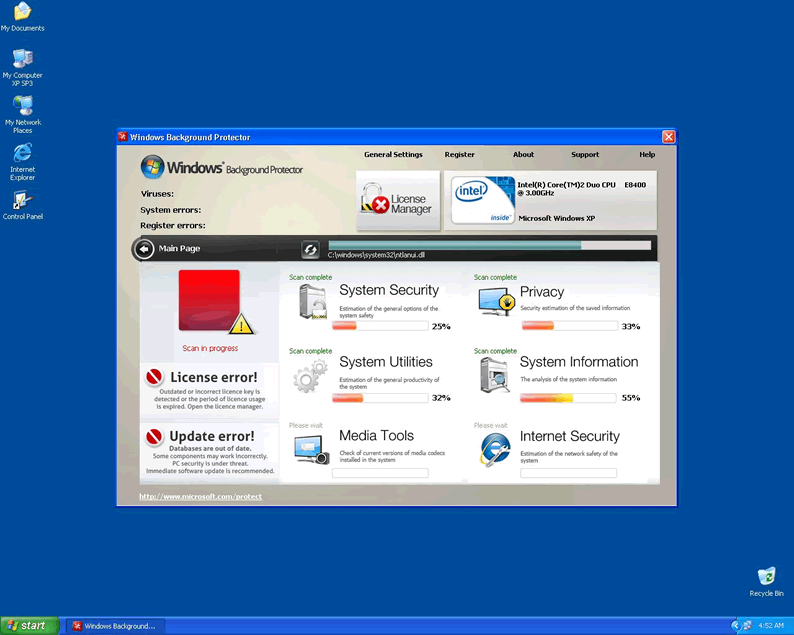
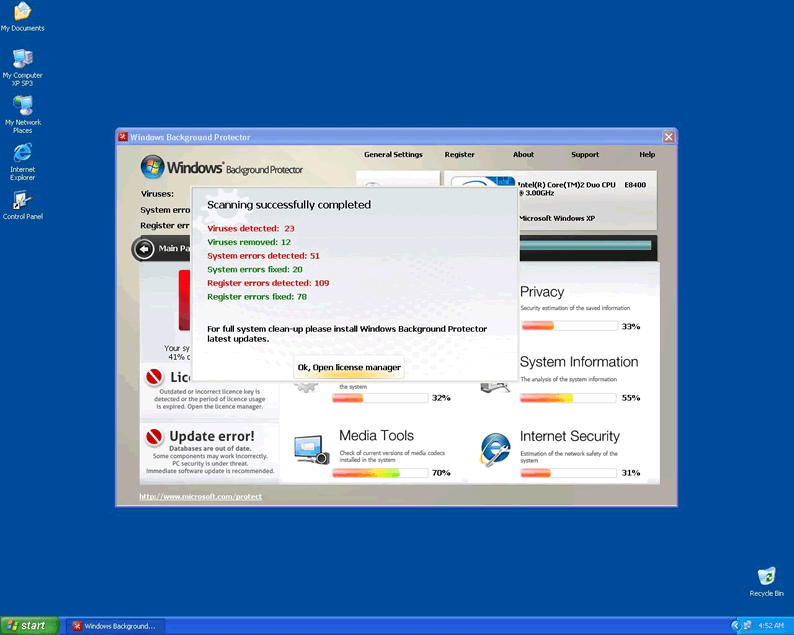
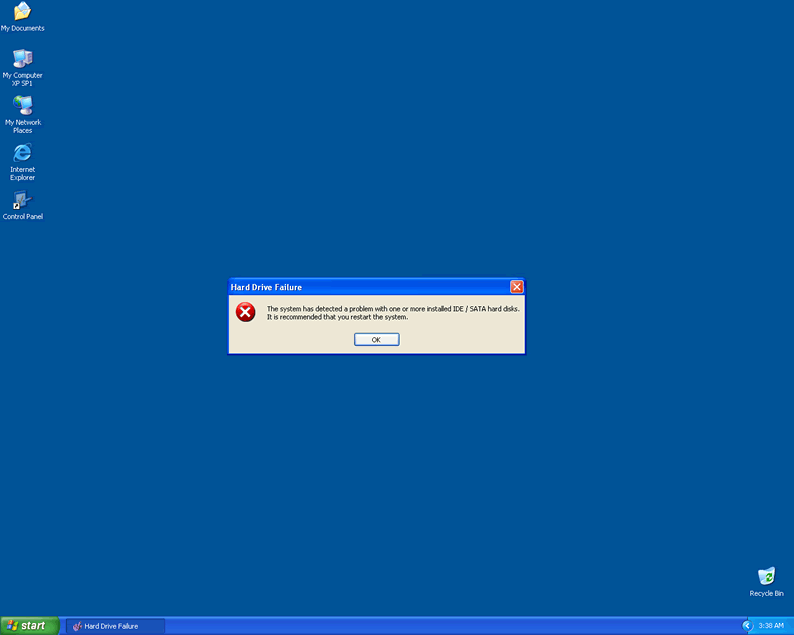
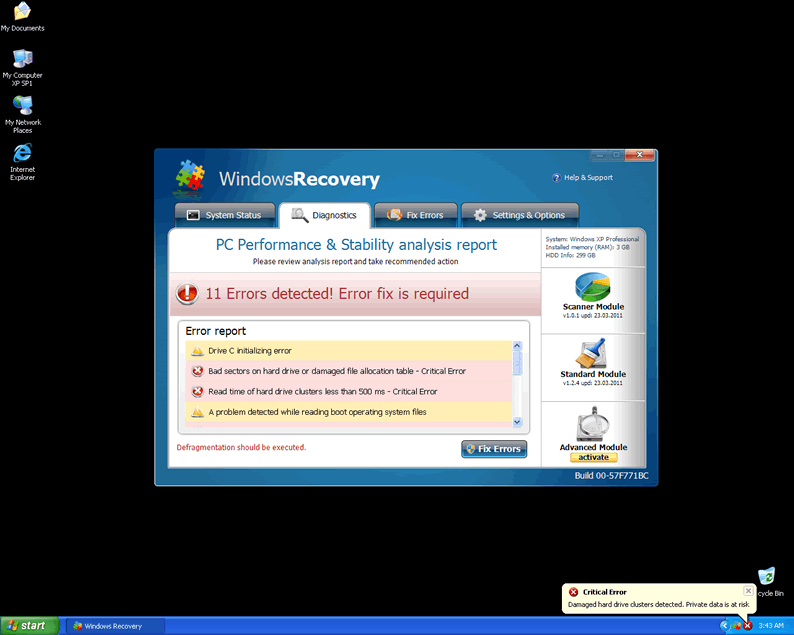
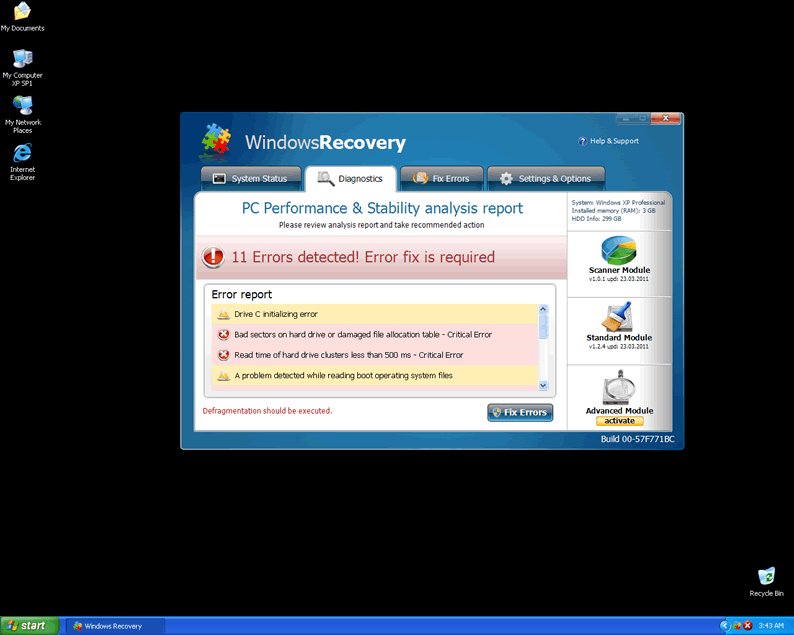
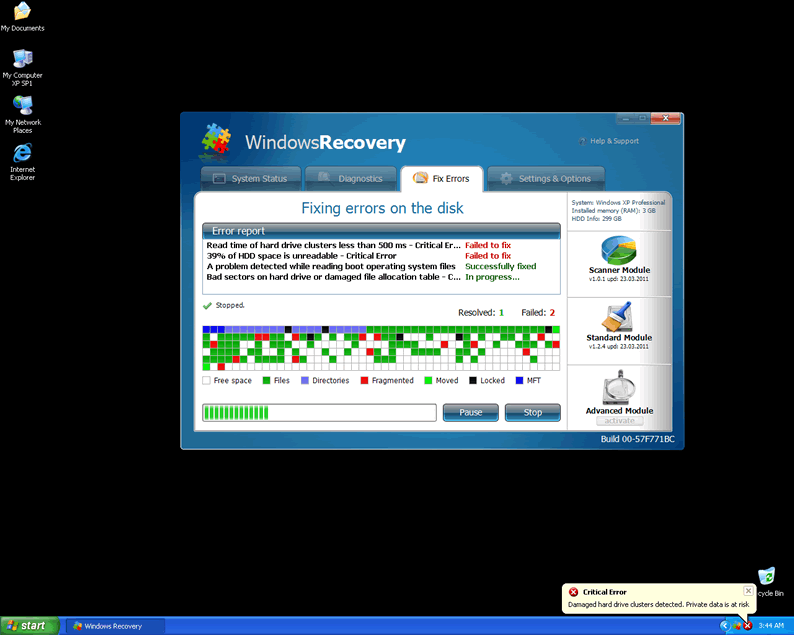
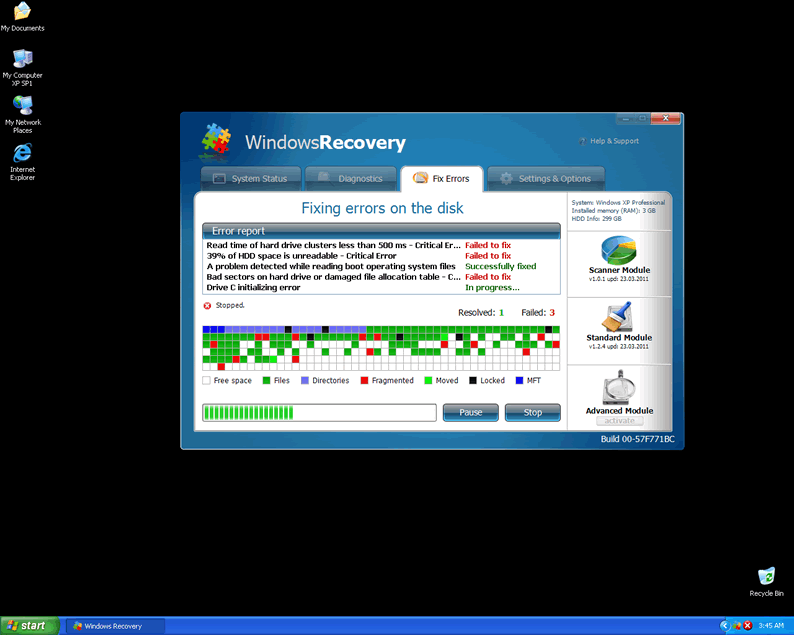
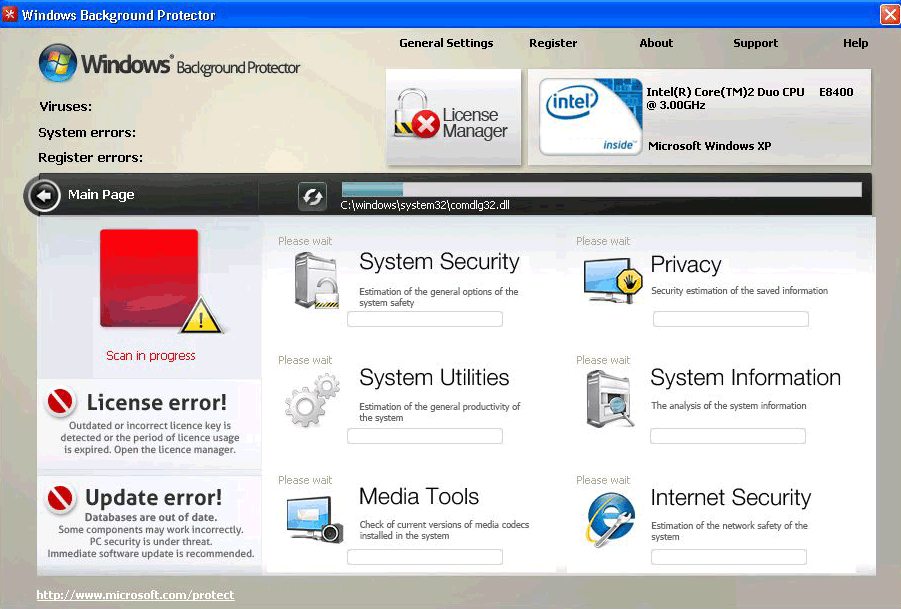 Windows Background Protector clones the code and appearance from many other threats, along with their functions. As a rogue security application, Windows Background Protector will present fake errors and statistics that make your PC look like a train wreck of malware infestation. Just disregarding Windows Background Protector, however, can damage your computer, because this threat can block applications related to security and system maintenance, as well as alter your web browser destinations and content. Removing Windows Background Protector should be a process that also spots any other possible malware threats, since this rogue security program is often distributed by Trojans that mimic alerts from Microsoft.
Protect Yourself from Windows Background Protector
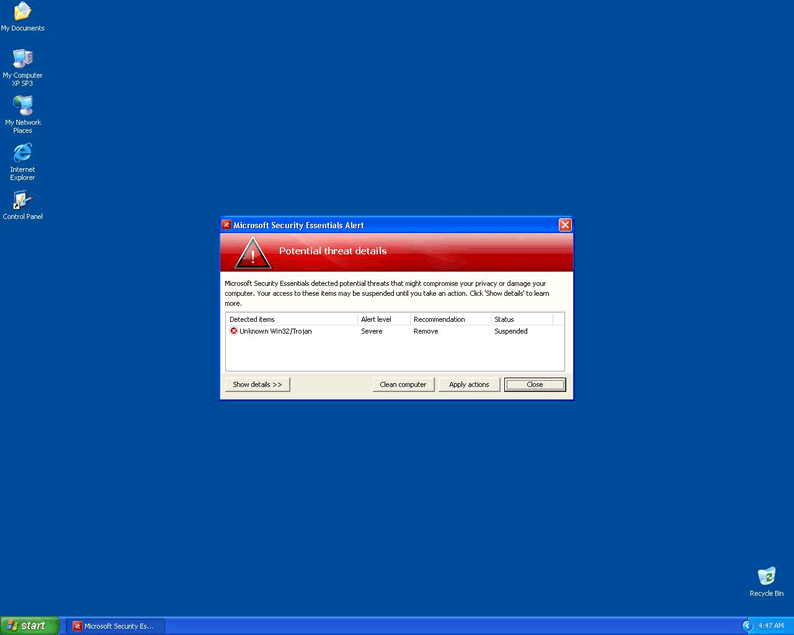
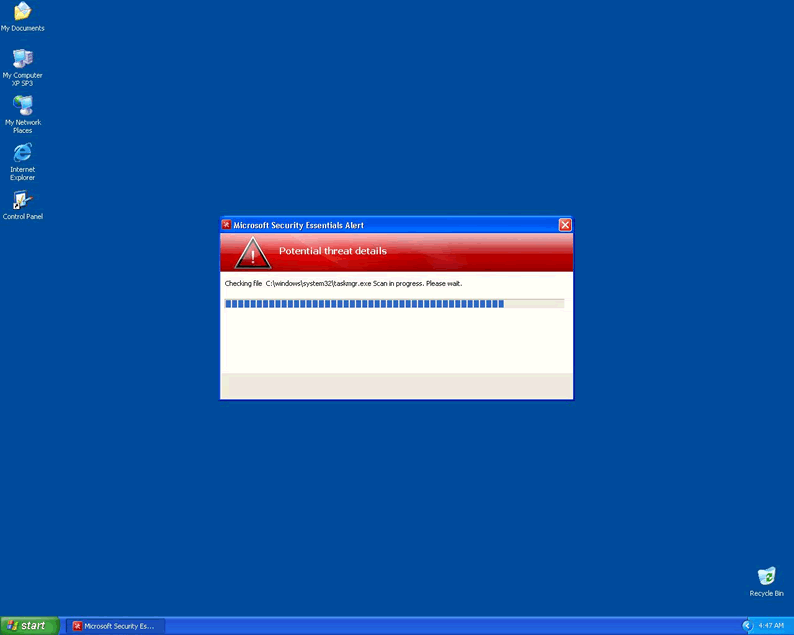
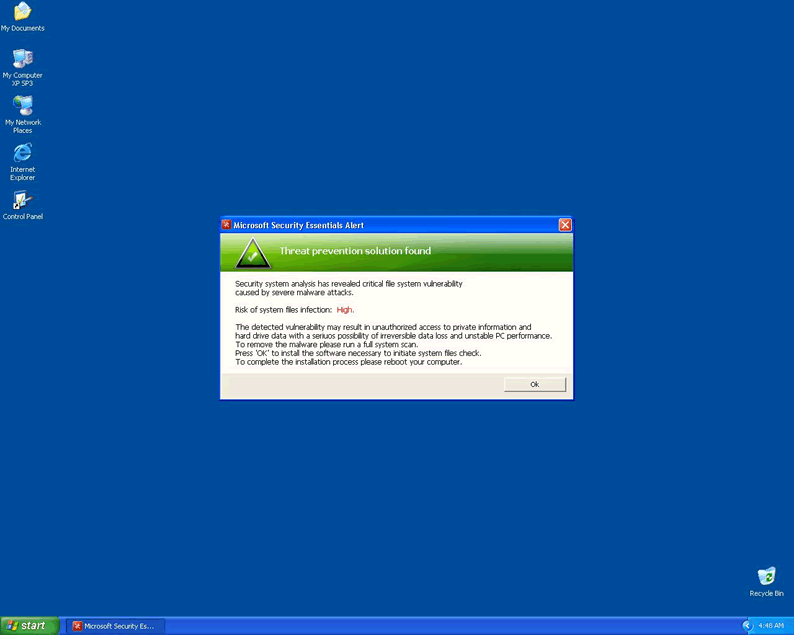
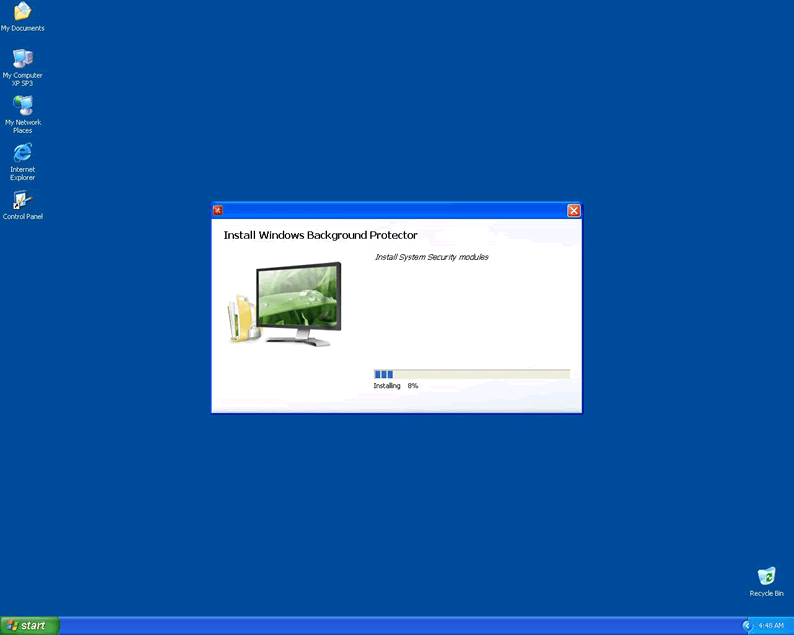
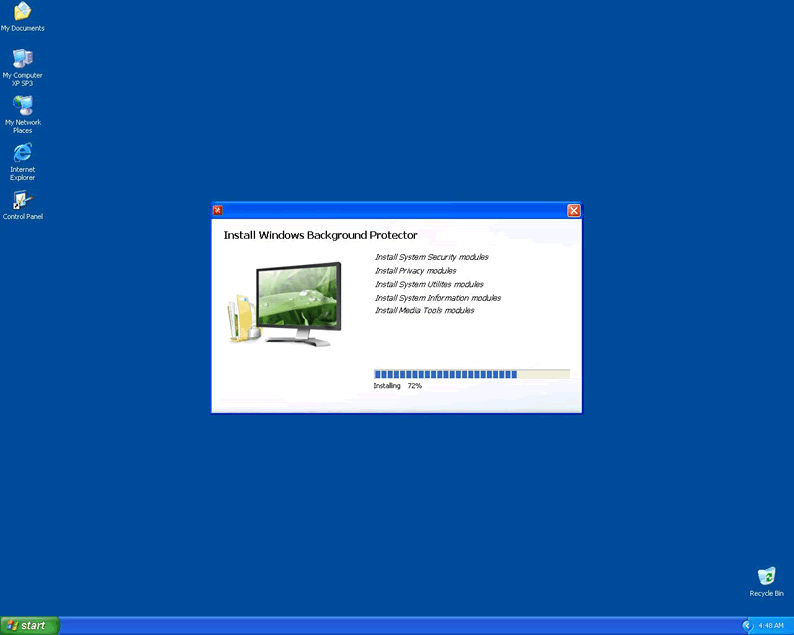
Windows Background Protector is strikingly similar to other rogue security programs like Windows Lowlevel Solution and Windows System Optimizator. Even Windows Background Protector's delivery mechanism is the same – by way of the unhelpful Fake Microsoft Security Essentials Alert Malware. This Trojan infects your computer through a variety of surreptitious ways, and then bamboozles the user into installing Windows Background Protector's rogue security software payload.
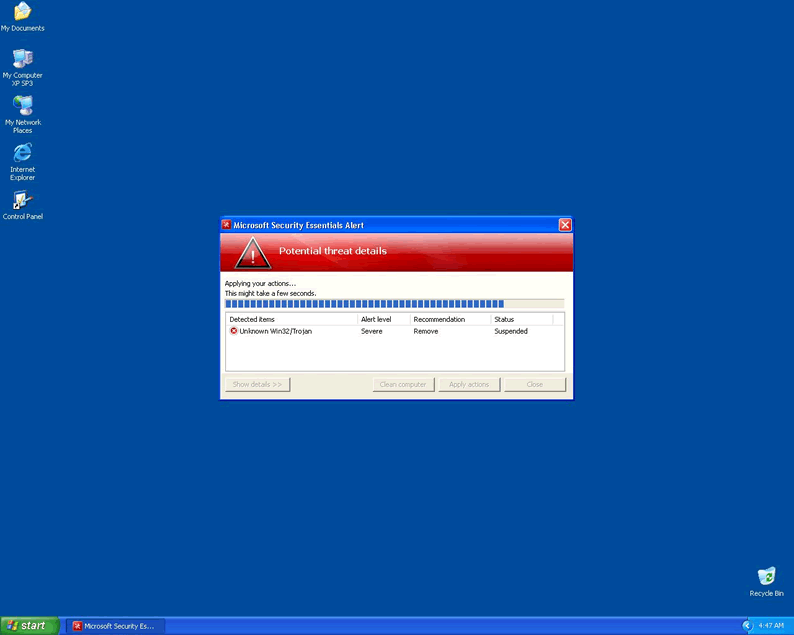
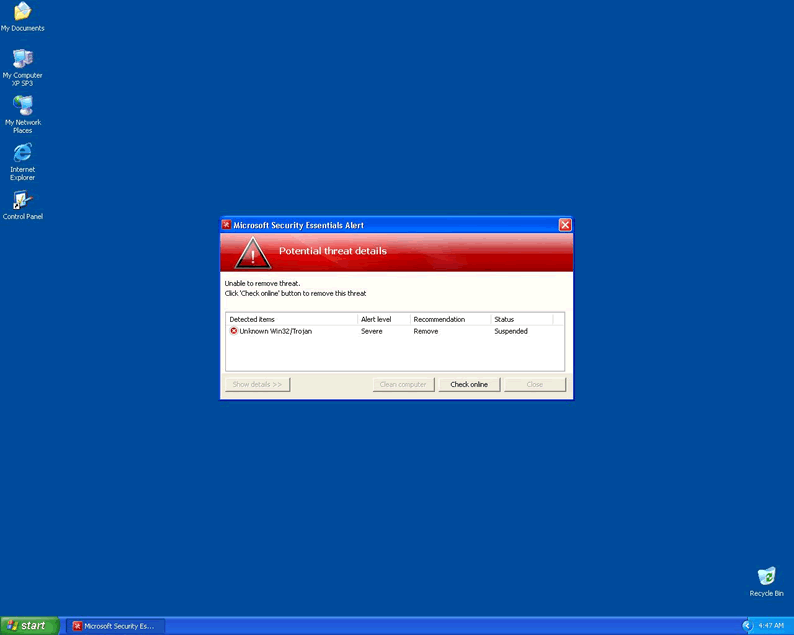
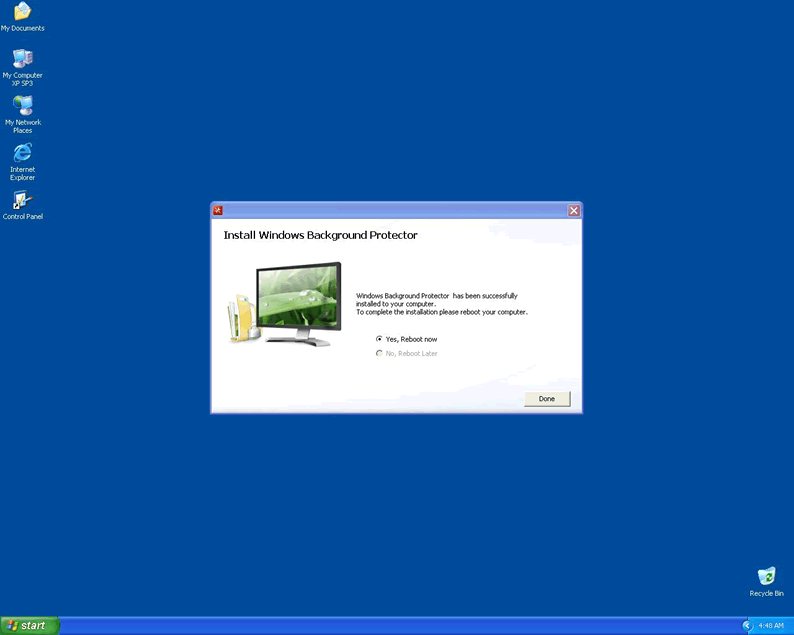
This Trojan can be recognized by its distinctive errors messages that display in a red and gray pop-up window and warn you about an Unknown Win32/Trojan threat. After getting you to install Windows Background Protector or another rogue security program, the Trojan will force your computer into a reboot.
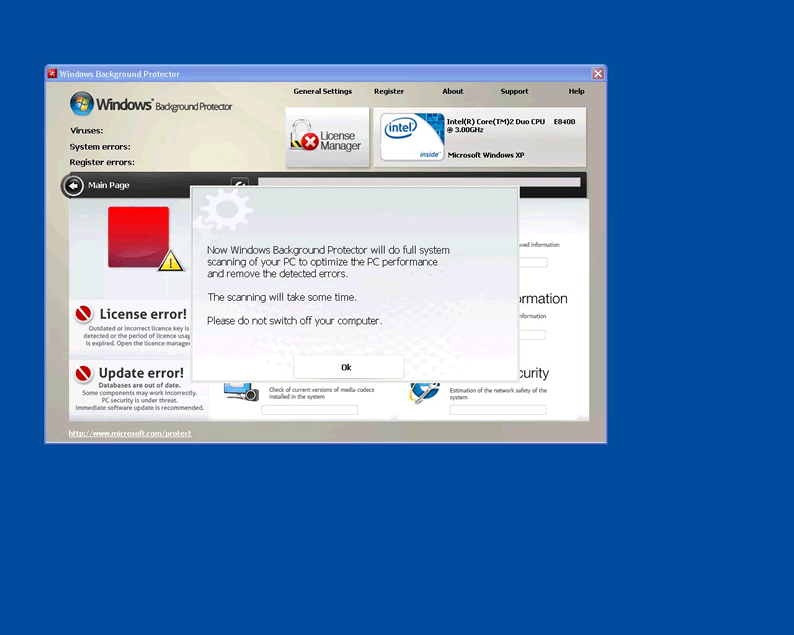
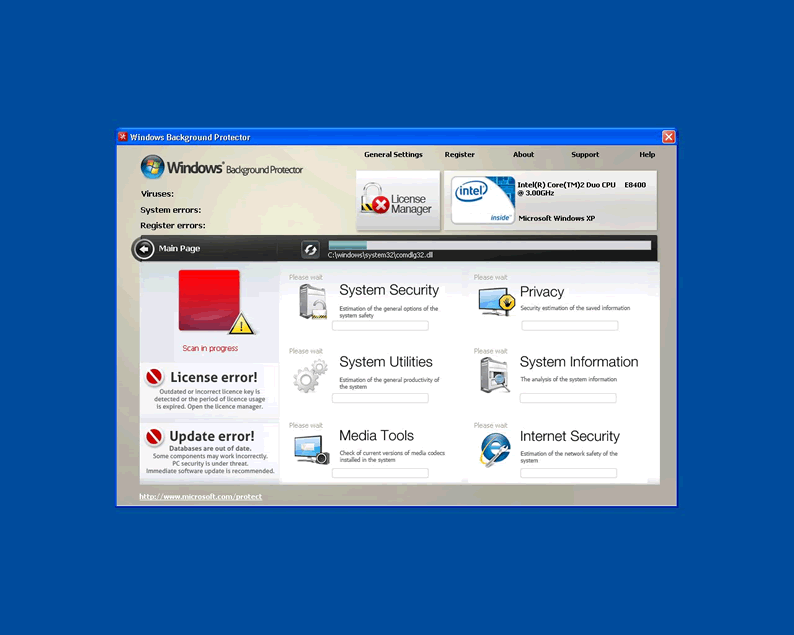
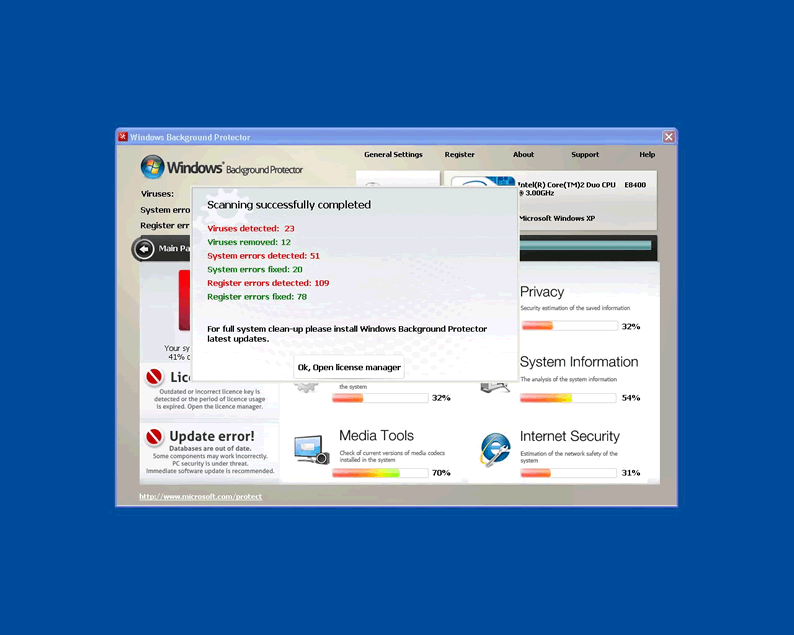
Then, you'll be treated to Windows Background Protector displaying itself enthusiastically along with the basic Windows startup routine every time you start your computer. Windows Background Protector will voluntarily categorize and rate aspects of your system and provide scanning services as well as general alerts.
Unfortunately, all information provided by Windows Background Protector is fake! The lot of Windows Background Protector's false features exist solely to connive you into giving up personal information and cash in the program's fraudulent registration process.
Don't Subject Yourself to Windows Background Protector's Pricks and Pins
There are more serious dangers involved with having Windows Background Protector on your PC, as well:
- Windows Background Protector can block security applications from running, and may try to fool you by sticking in an error message about the programs being corrupted or infected. This can include basic Windows programs like Task Manager and the Registry Editor as well as well-known anti-virus products.
- Your browser application may be hijacked while Windows Background Protector is active. Hijacking efforts can block out useful websites with advertisements, fake errors and other malicious content, force you to go to a malicious domain or change your search results in Google and other popular search engines.
- Windows Background Protector may continue to run as a background memory process even when seemingly shut down. As long as Windows Background Protector is active, Windows Background Protector will interfere with your ability to access other programs and web-based resources.
If you let this state of affairs continue for too long, your PC could be seriously damaged by other malware attacks due to lack of anti-malware tools and exposure to malware-oriented websites. Remove Windows Background Protector and your PC will consequentially be much better protected from real malware threats!

Technical Details
File System Modifications
Tutorials: If you wish to learn how to remove malware components manually, you can read the tutorials on how to find malware, kill unwanted processes, remove malicious DLLs and delete other harmful files. Always be sure to back up your PC before making any changes.
The following files were created in the system:C:\rogueware samples\fake movies 2\d02c4a5f5c3ee7e409c1d50265867409674a61f8ef2b3a50db250e72e69d0d3b.exe
File name: d02c4a5f5c3ee7e409c1d50265867409674a61f8ef2b3a50db250e72e69d0d3b.exeSize: 2.29 MB (2295296 bytes)
MD5: 33635a9e678e4f70a733fb60e63e7938
Detection count: 9
File type: Executable File
Mime Type: unknown/exe
Path: C:\rogueware samples\fake movies 2\d02c4a5f5c3ee7e409c1d50265867409674a61f8ef2b3a50db250e72e69d0d3b.exe
Group: Malware file
Last Updated: May 6, 2024
Leave a Reply
Please note that we are not able to assist with billing and support issues regarding SpyHunter or other products. If you're having issues with SpyHunter, please get in touch with SpyHunter customer support through your SpyHunter . If you have SpyHunter billing questions, we recommend you check the Billing FAQ. For general suggestions or feedback, contact us.