Windows Care Tool
Posted: February 9, 2011
Threat Metric
The following fields listed on the Threat Meter containing a specific value, are explained in detail below:
Threat Level: The threat level scale goes from 1 to 10 where 10 is the highest level of severity and 1 is the lowest level of severity. Each specific level is relative to the threat's consistent assessed behaviors collected from SpyHunter's risk assessment model.
Detection Count: The collective number of confirmed and suspected cases of a particular malware threat. The detection count is calculated from infected PCs retrieved from diagnostic and scan log reports generated by SpyHunter.
Volume Count: Similar to the detection count, the Volume Count is specifically based on the number of confirmed and suspected threats infecting systems on a daily basis. High volume counts usually represent a popular threat but may or may not have infected a large number of systems. High detection count threats could lay dormant and have a low volume count. Criteria for Volume Count is relative to a daily detection count.
Trend Path: The Trend Path, utilizing an up arrow, down arrow or equal symbol, represents the level of recent movement of a particular threat. Up arrows represent an increase, down arrows represent a decline and the equal symbol represent no change to a threat's recent movement.
% Impact (Last 7 Days): This demonstrates a 7-day period change in the frequency of a malware threat infecting PCs. The percentage impact correlates directly to the current Trend Path to determine a rise or decline in the percentage.
| Threat Level: | 10/10 |
|---|---|
| Infected PCs: | 16 |
| First Seen: | February 10, 2011 |
|---|---|
| Last Seen: | January 8, 2020 |
| OS(es) Affected: | Windows |
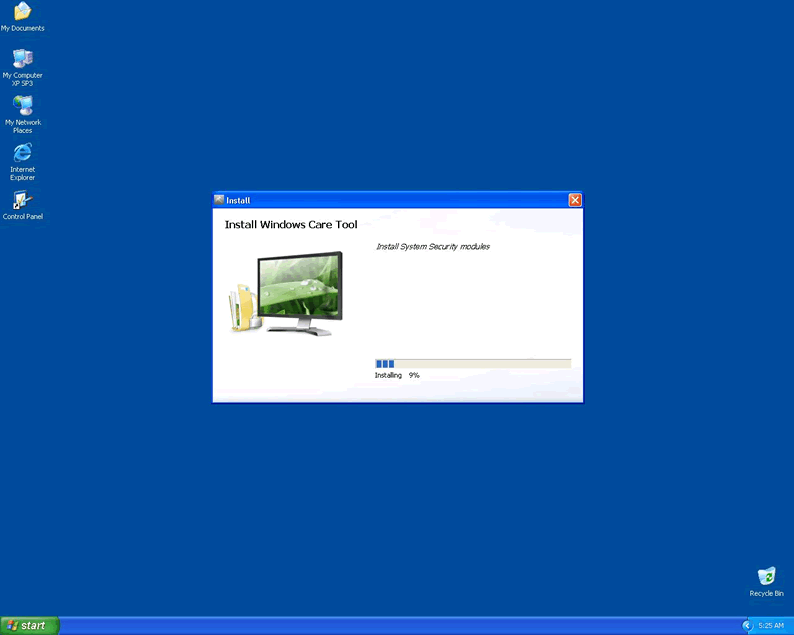
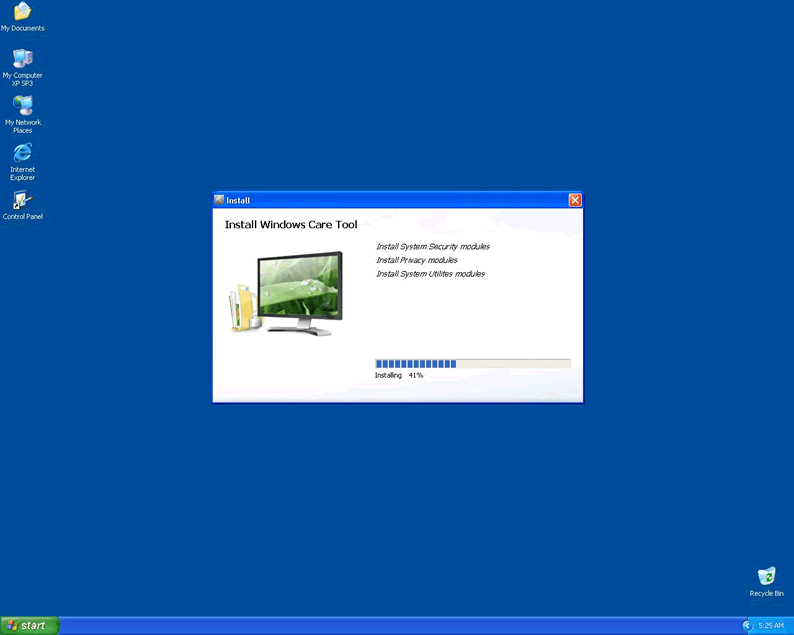
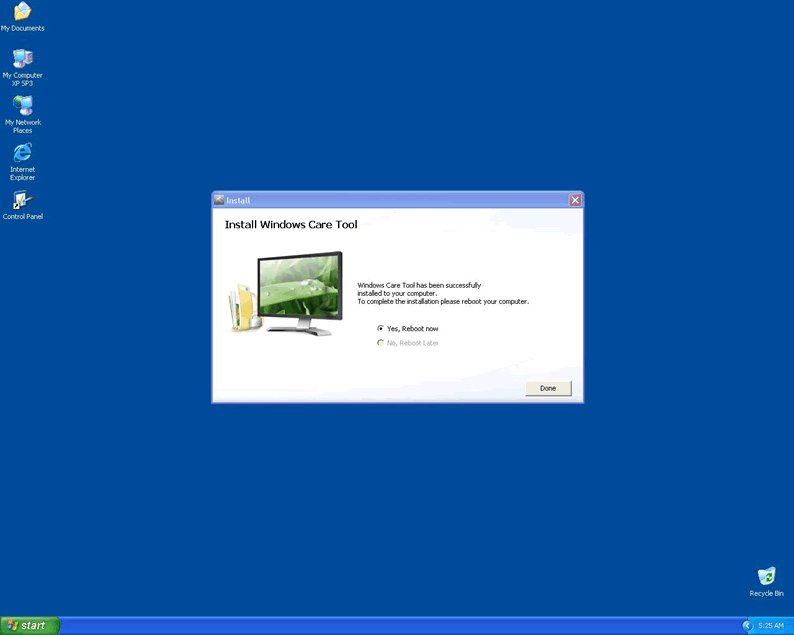
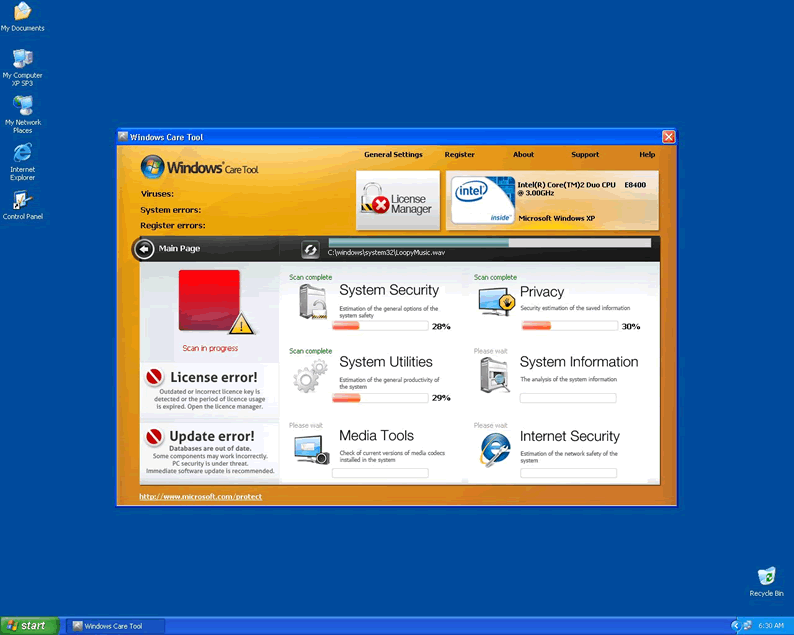
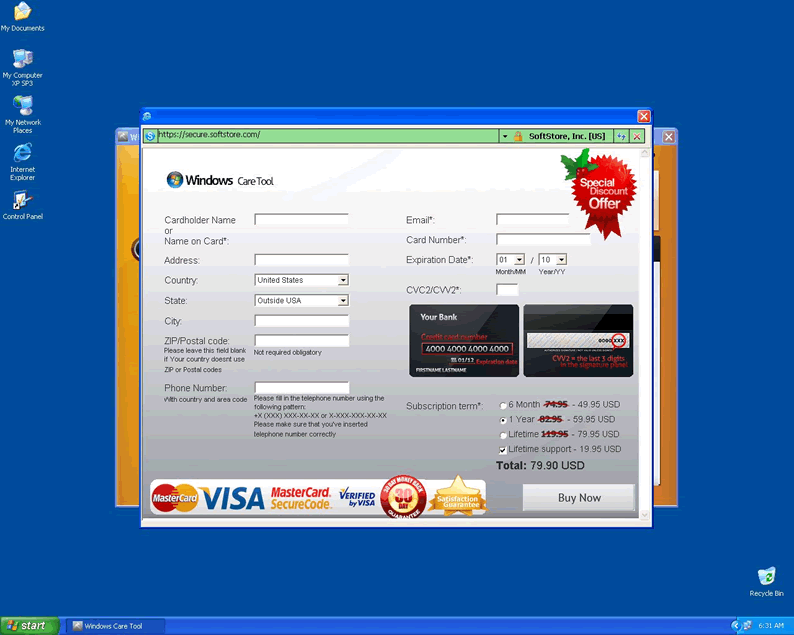
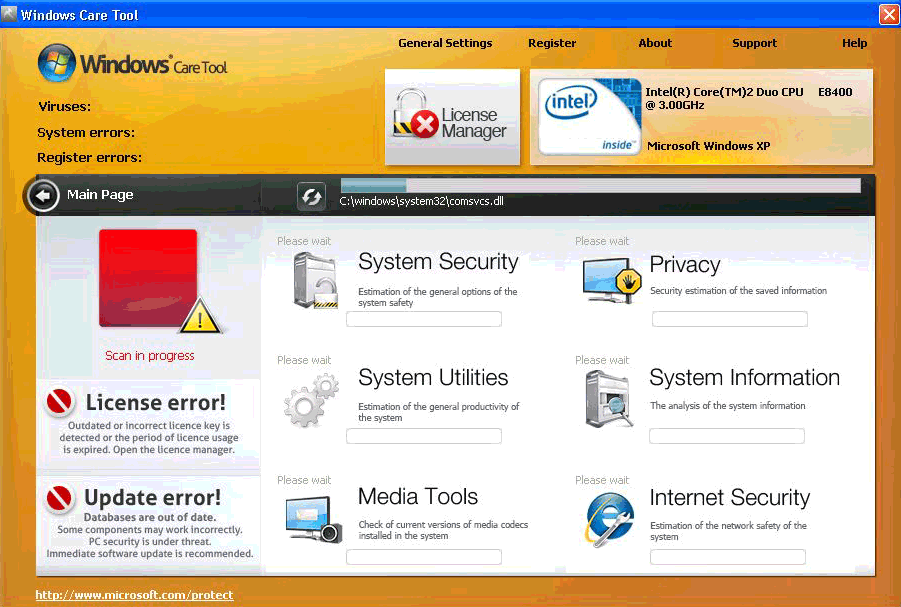 Windows Care Tool is fraudulent rogue anti-malware program using its harmless name and appearance to snatch money from less paranoid computer users. It's a very recent addition to the fake Microsoft Security Essentials Trojan infection, which sneaks onto your system undetected and then persuades you to install an accompanying rogue. If you're experiencing symptoms of this rogue or the Trojan that causes it, deleting Windows Care Tool and any other infections should be highly prioritized. As long as they remain on your system, your computer is greatly at risk.
The Unseen Attacker
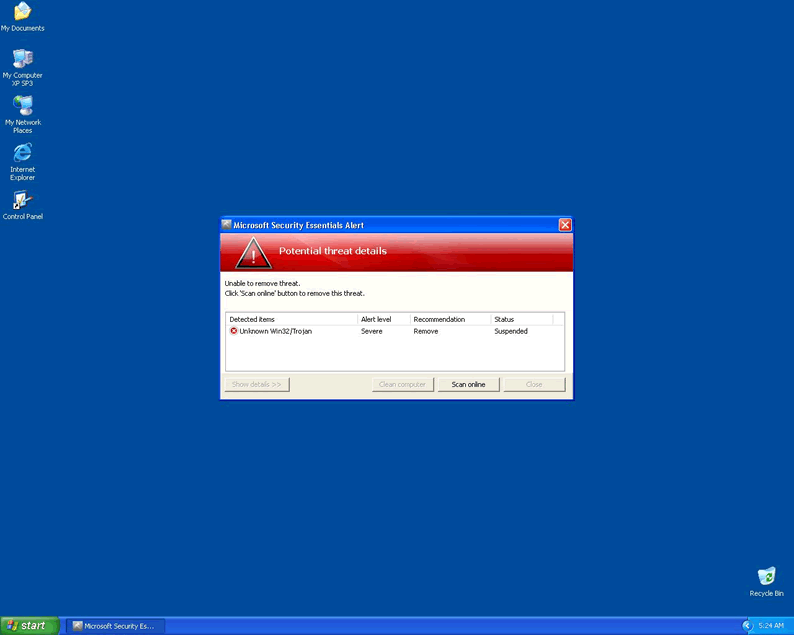
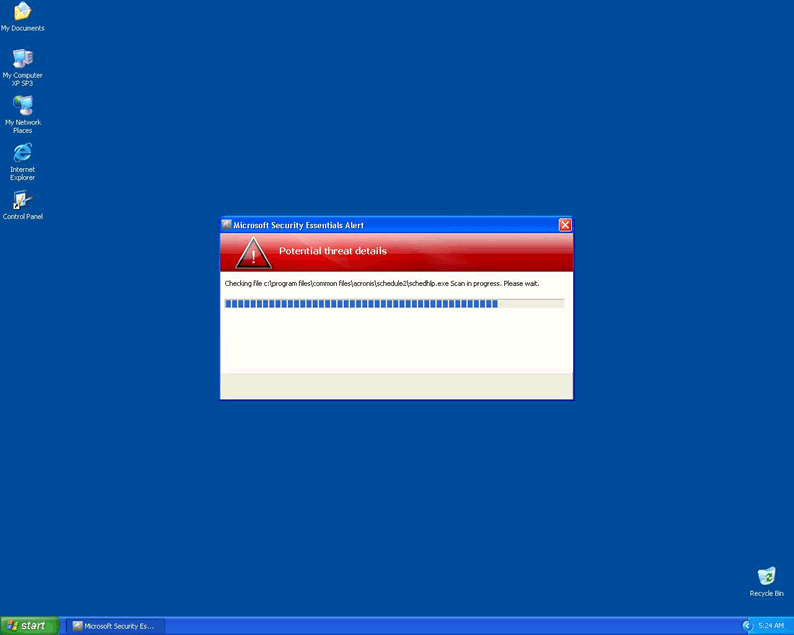
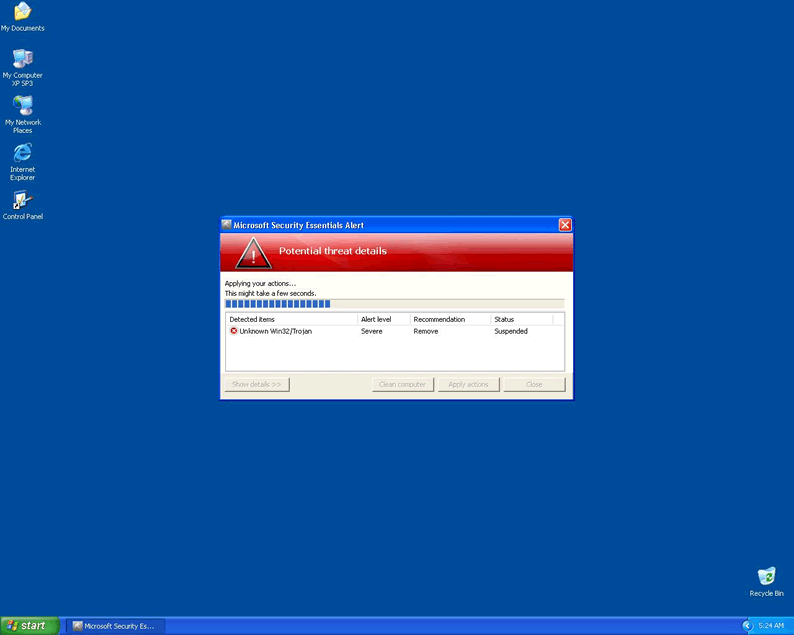
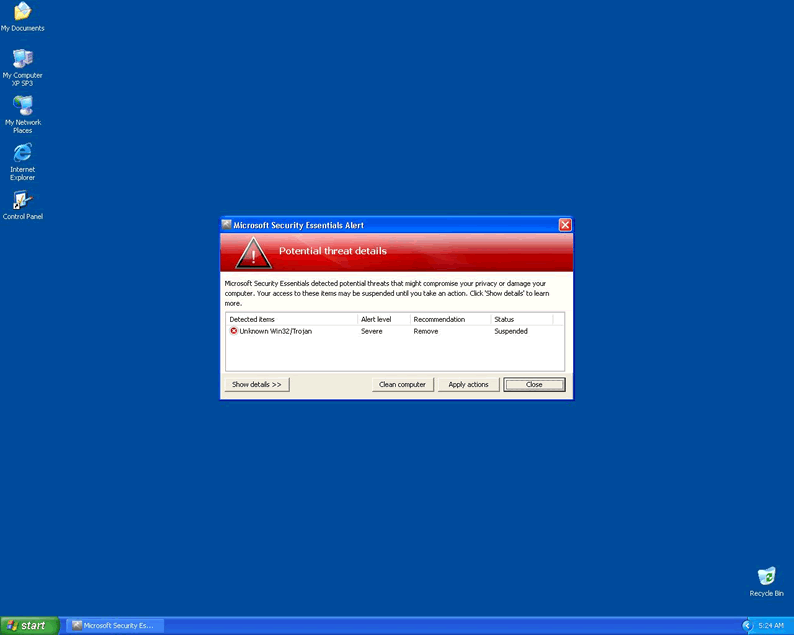
The fake Microsoft Security Essentials Trojan may spread itself through malicious websites or infected .exe files. Initially you will not even know it's there. The first sign of this rogue-delivering Trojan on your system will be a warning, imitating Windows operating system messages in format, of an Unknown Win32/Trojan infection. This infection itself is faked, although the Trojan reporting it is ironically a true infection!
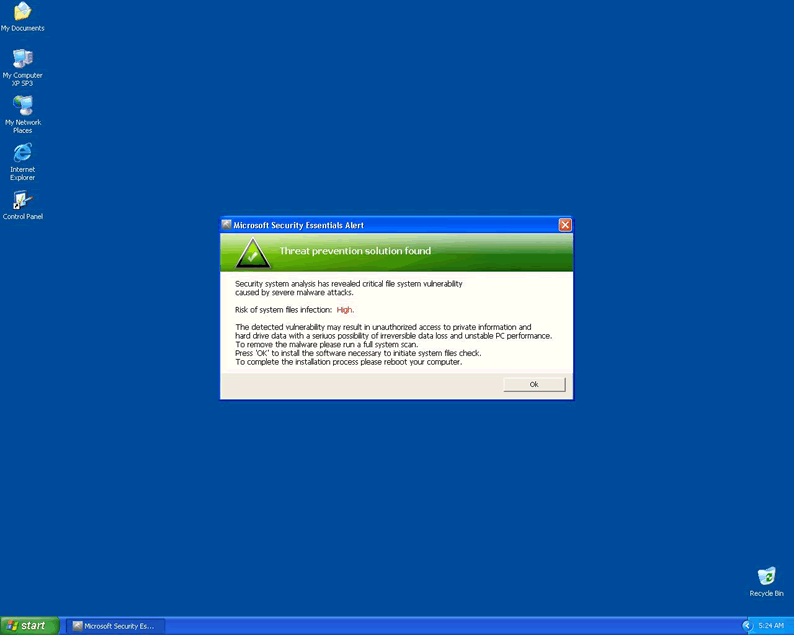
After this, the Trojan will use a follow-up message to try to get users to willingly install its rogue payload. If you avoid doing this and immediately remove the Trojan from your system, your computer will likely be in pristine shape. Only by being fooled into installing the rogue, presented as a trial version of computer security or maintenance software, will serious damage be done.
The Trojan may carry many different kinds of rogues. The kinds of rogues it's capable of delivering grows almost daily, with many only being new graphical shells on recycled code. Windows Care Tool is now joining their ranks as one of the many potential invaders you might have to ward off.
The Behavior of Windows Care Tool
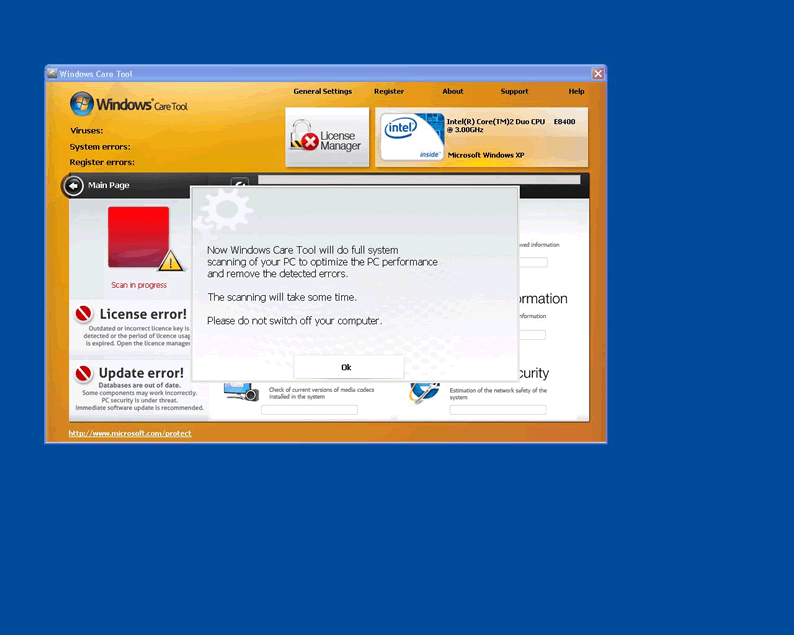
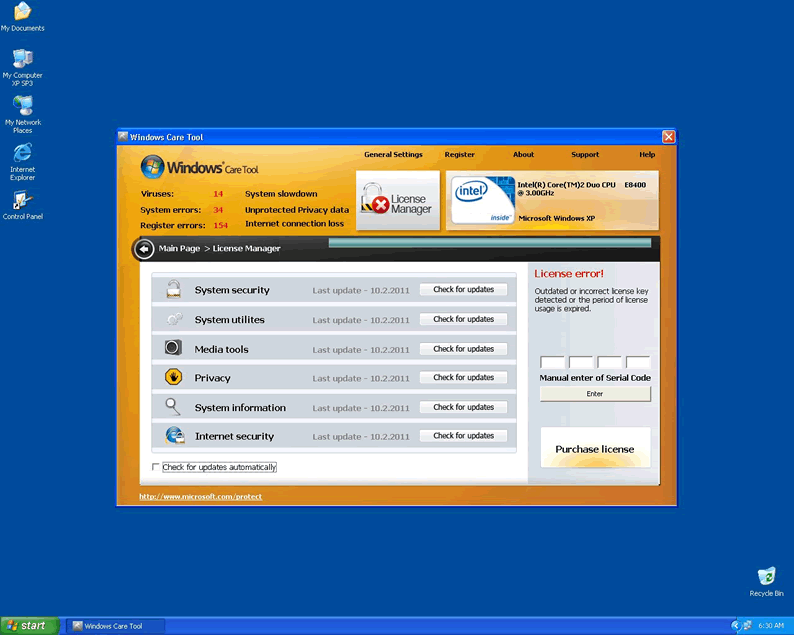
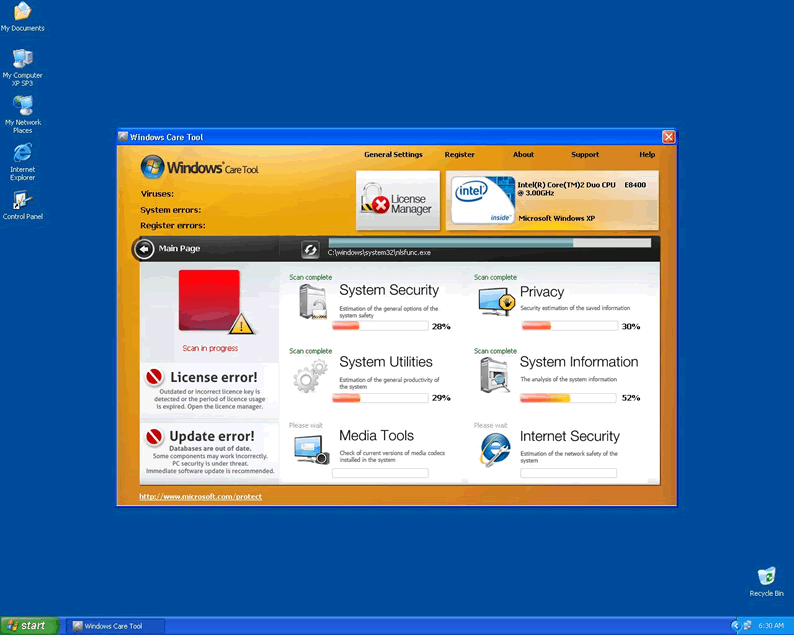
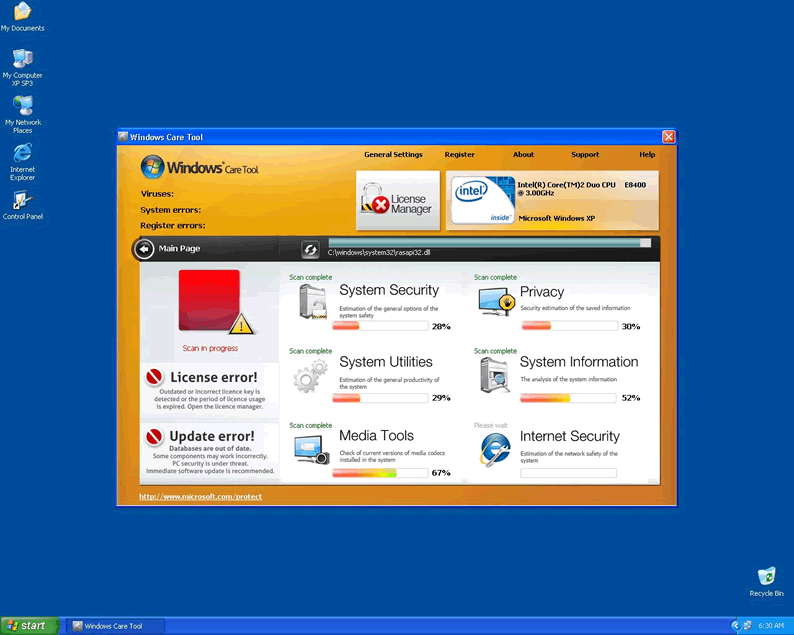
Windows Care Tool can easily fool those not familiar with it or its Trojan delivery mechanism, since its outward appearance is very user-friendly and benign. All the seemingly helpful information you see is fake, though! It exhibits a number of behaviors that indicate rogue status besides just the initial dishonest infection, making it a threat to your computer.
- Windows Care Tool will alter your registry to cause it to startup every time you start your computer outside of Safe Mode. This makes Safe Mode a critical tool for uninstalling it.
- When starting up, Windows Care Tool will take priority over your desktop and must be closed before you can access your usual interface, regardless of the state of your system.
- Even when outwardly closed, Windows Care Tool will continue to run in the background as a stealth process. This process must be closed manually to keep Windows Care Tool from being active, and Windows Care Tool may take steps to avoid this.
- Windows Care Tool will be difficult or impossible to uninstall using industry standard methods, no matter how easy it appears to be to remove.
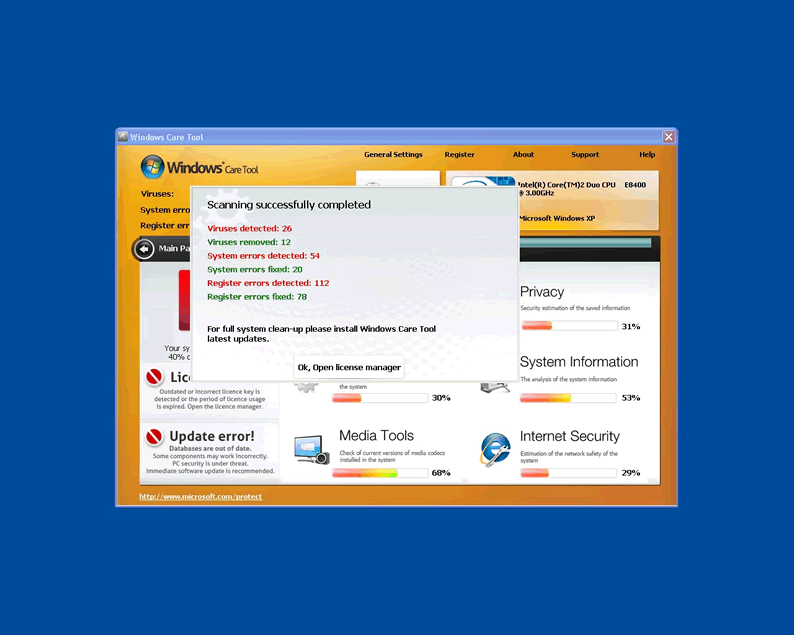
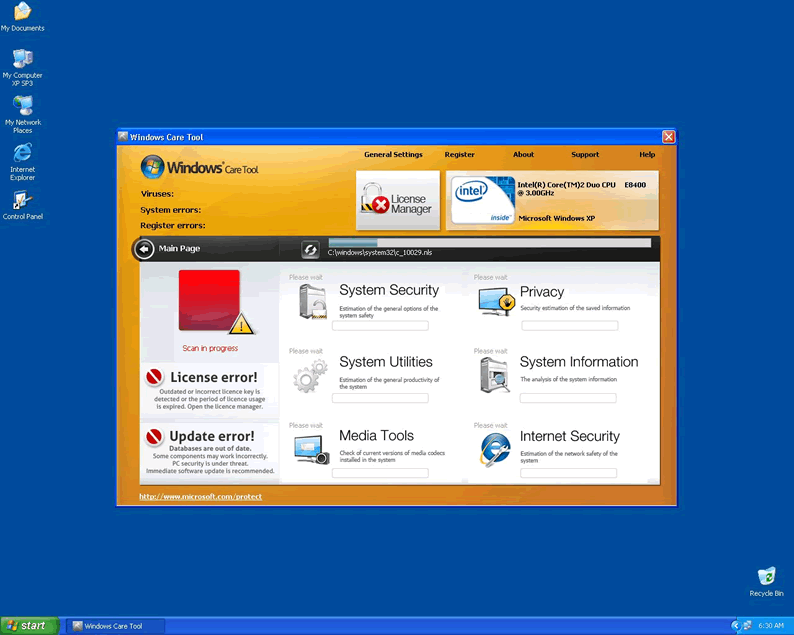
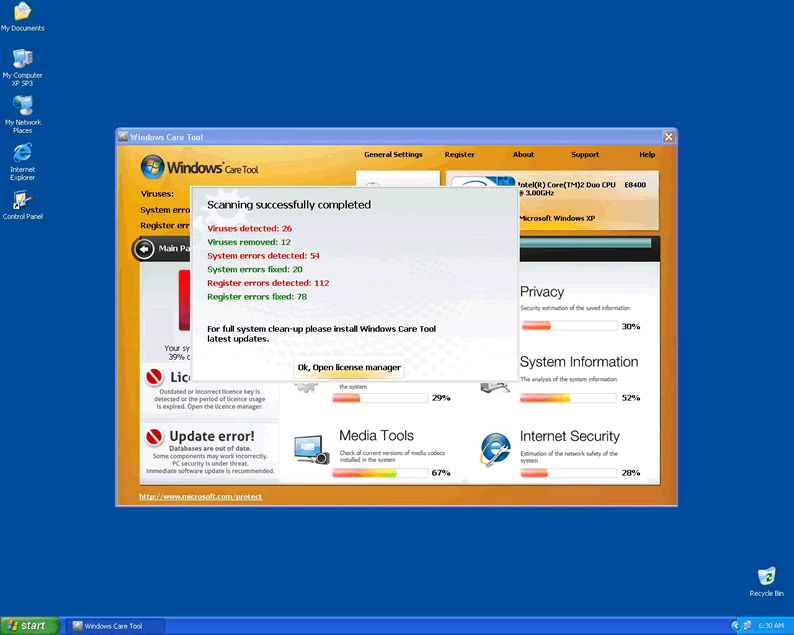
- Windows Care Tool will create fake scans and fake error messages about the state of your computer. These are intended to use fear to manipulate the system's user into buying the full version of Windows Care Tool, thus giving criminals access to your money, credit card, and possibly your identity. Many common messages used by other rogues are also reused by Windows Care Tool. These include indications of infection of firefox.exe, lsass.exe, and the registry. Taking these error messages at their word is like taking legal advice from the mob!
What You Need to Do to Get Rid of Windows Care Tool
The problematic symptoms of Windows Care Tool and its delivering Trojan leave you with little choice but to remove it. This will usually require more than just uninstalling the program in the usual fashion, since the rogue will try to prevent this, and the Trojan that delivered it may also interfere with your system.
Deleting Windows Care Tool should begin by rebooting into Safe Mode to prevent malware from running. If you need to download up to date security software, go ahead and use the Networking variant of Safe Mode to enable safe Internet access. In this mode, you can use the Search tool to track down and delete Windows Care Tool one file at a time. The quickest and usually most effective option is to avoid the manual option and instead use real security software. These products will automatically detect and remove Windows Care Tool and all related infections with a simple scan. If you're not seeing any infections, be sure that the software you're using has updated malware definitions and that the malware isn't still running in the background. Keeping a level head and ignoring Windows Care Tool's lies to uproot it from your hard drive will give your system back into your control.
Technical Details
File System Modifications
Tutorials: If you wish to learn how to remove malware components manually, you can read the tutorials on how to find malware, kill unwanted processes, remove malicious DLLs and delete other harmful files. Always be sure to back up your PC before making any changes.
The following files were created in the system:C:\rogueware samples\movie.avi.exe
File name: movie.avi.exeSize: 2.55 MB (2555392 bytes)
MD5: ad77e097cb0047c5ed1346b88299874b
Detection count: 9
File type: Executable File
Mime Type: unknown/exe
Path: C:\rogueware samples\movie.avi.exe
Group: Malware file
Last Updated: May 6, 2024
Leave a Reply
Please note that we are not able to assist with billing and support issues regarding SpyHunter or other products. If you're having issues with SpyHunter, please get in touch with SpyHunter customer support through your SpyHunter . If you have SpyHunter billing questions, we recommend you check the Billing FAQ. For general suggestions or feedback, contact us.