Antivirus System 2011
Posted: January 6, 2011
Threat Metric
The following fields listed on the Threat Meter containing a specific value, are explained in detail below:
Threat Level: The threat level scale goes from 1 to 10 where 10 is the highest level of severity and 1 is the lowest level of severity. Each specific level is relative to the threat's consistent assessed behaviors collected from SpyHunter's risk assessment model.
Detection Count: The collective number of confirmed and suspected cases of a particular malware threat. The detection count is calculated from infected PCs retrieved from diagnostic and scan log reports generated by SpyHunter.
Volume Count: Similar to the detection count, the Volume Count is specifically based on the number of confirmed and suspected threats infecting systems on a daily basis. High volume counts usually represent a popular threat but may or may not have infected a large number of systems. High detection count threats could lay dormant and have a low volume count. Criteria for Volume Count is relative to a daily detection count.
Trend Path: The Trend Path, utilizing an up arrow, down arrow or equal symbol, represents the level of recent movement of a particular threat. Up arrows represent an increase, down arrows represent a decline and the equal symbol represent no change to a threat's recent movement.
% Impact (Last 7 Days): This demonstrates a 7-day period change in the frequency of a malware threat infecting PCs. The percentage impact correlates directly to the current Trend Path to determine a rise or decline in the percentage.
| Threat Level: | 10/10 |
|---|---|
| Infected PCs: | 885 |
| First Seen: | January 5, 2011 |
|---|---|
| Last Seen: | November 20, 2023 |
| OS(es) Affected: | Windows |
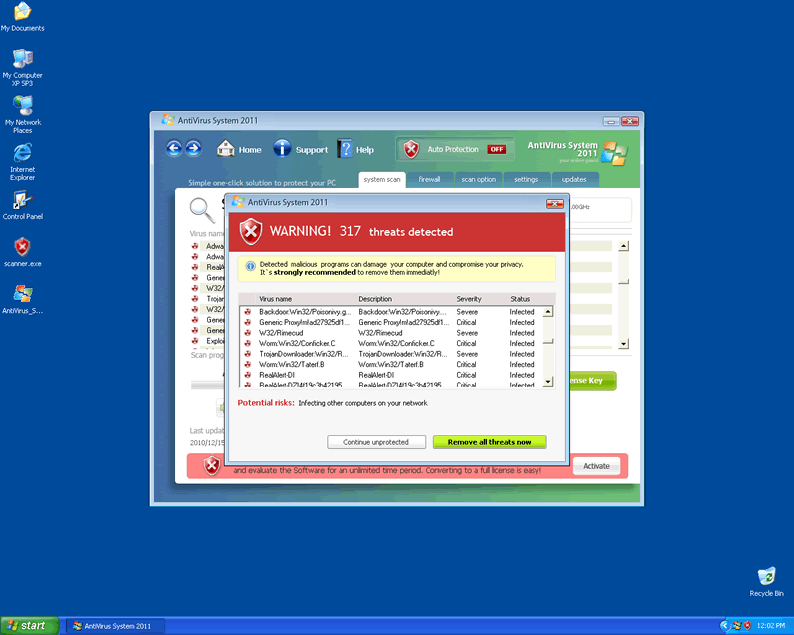
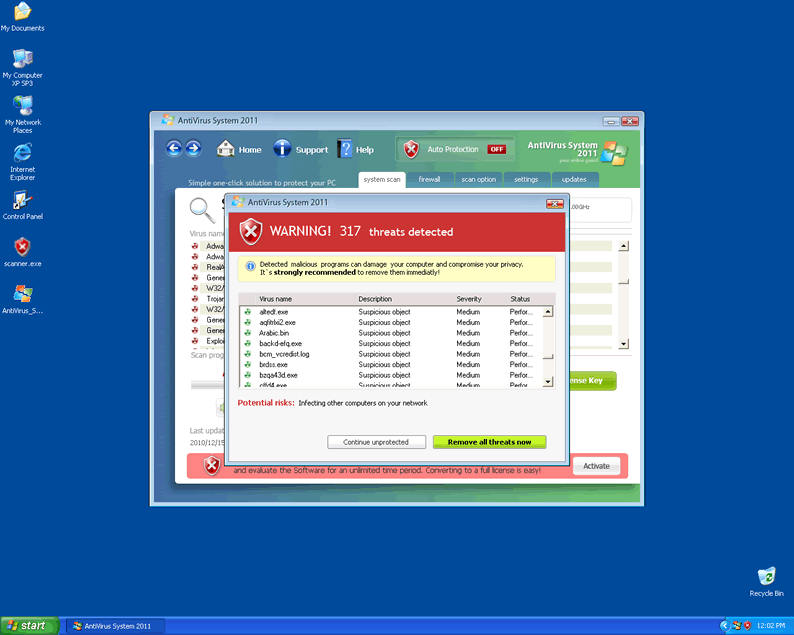
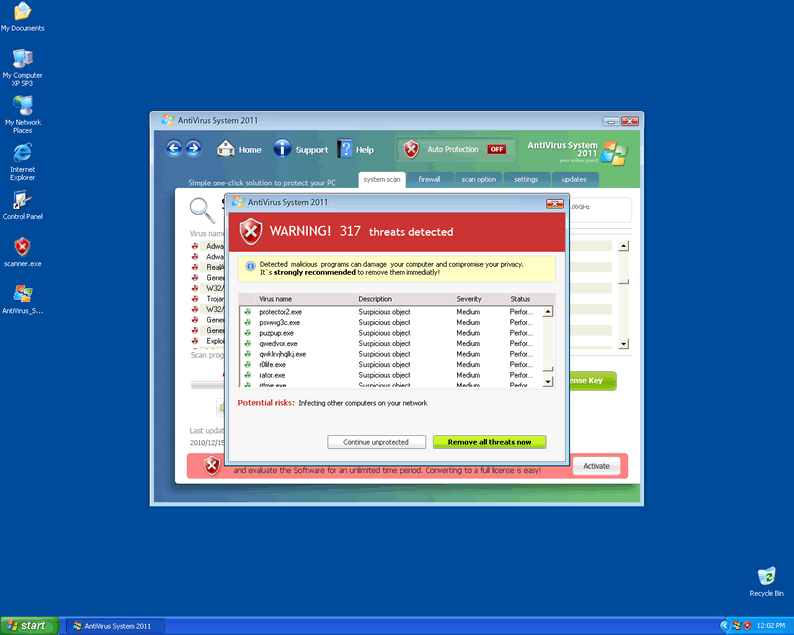
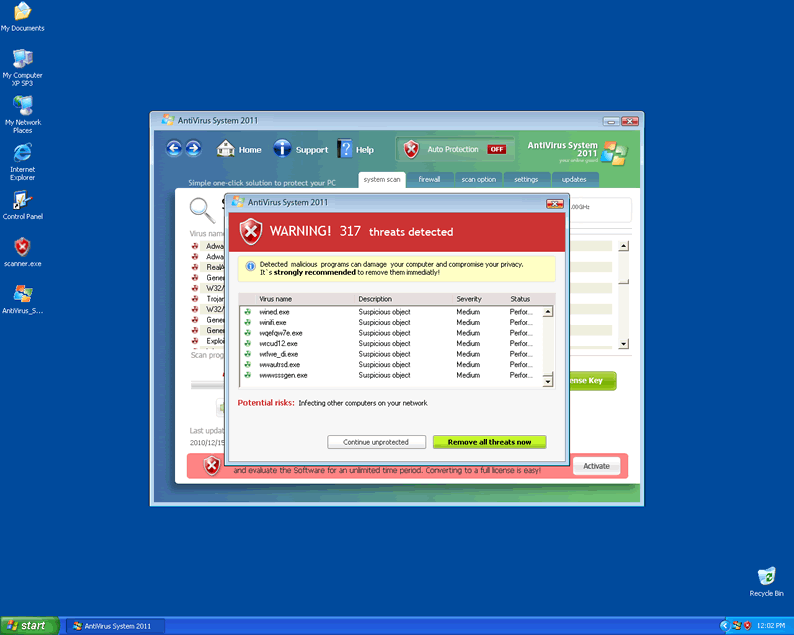
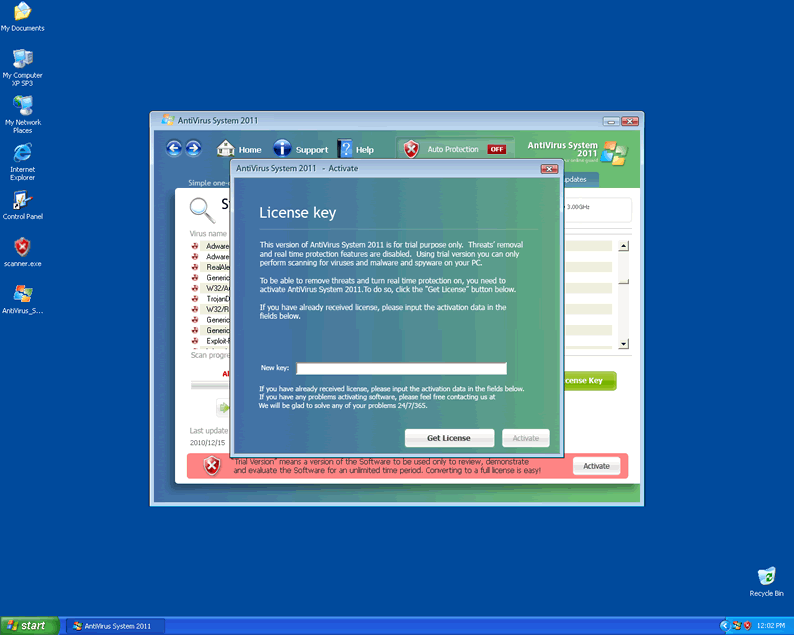
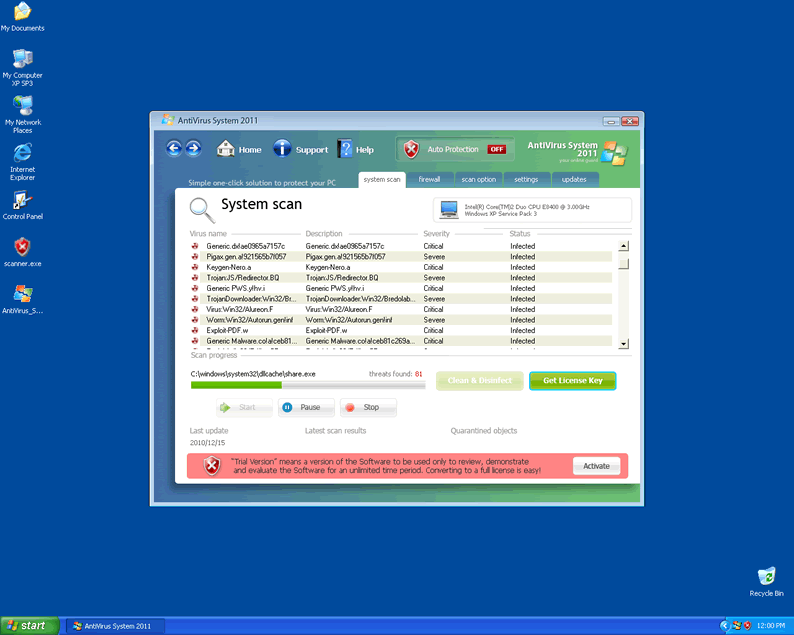
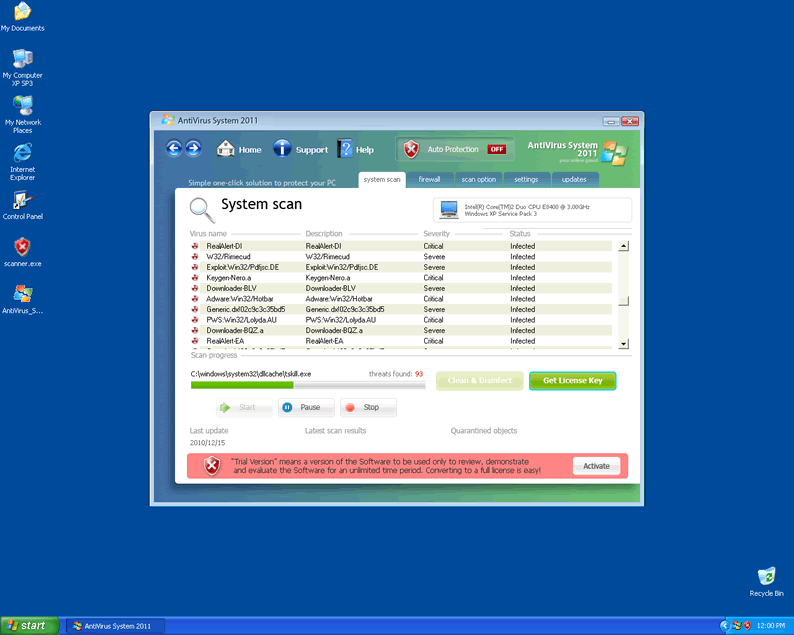
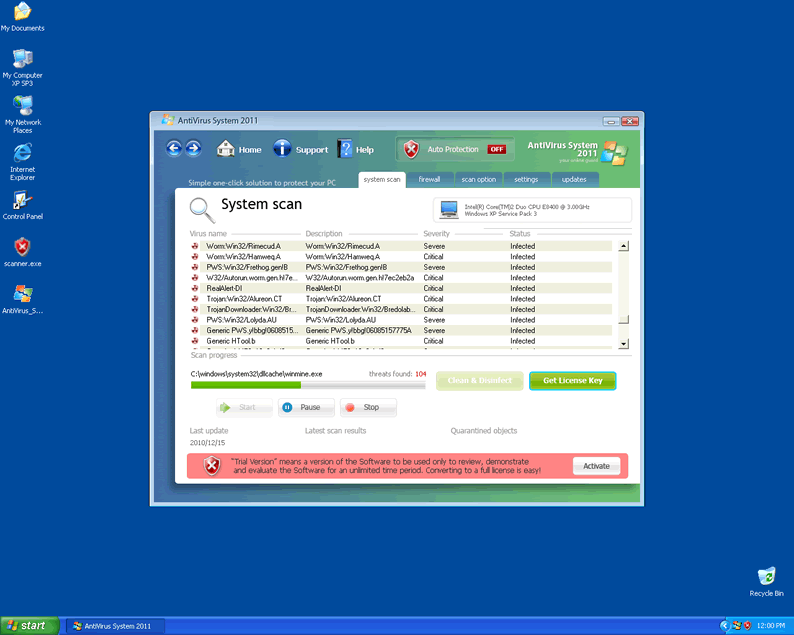
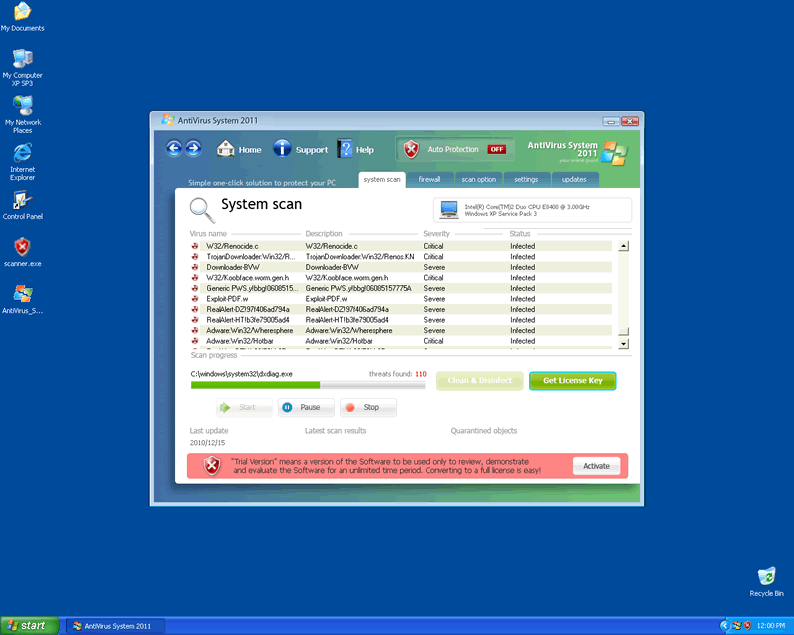
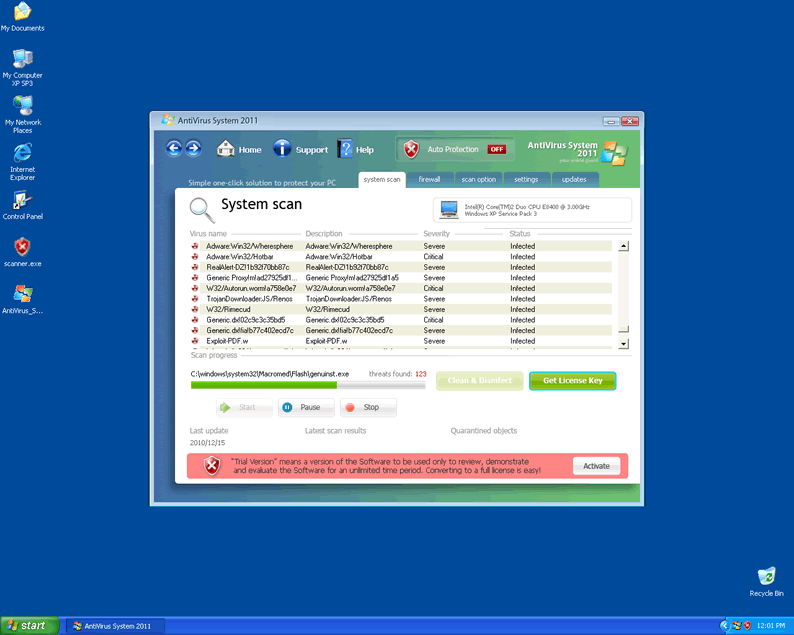
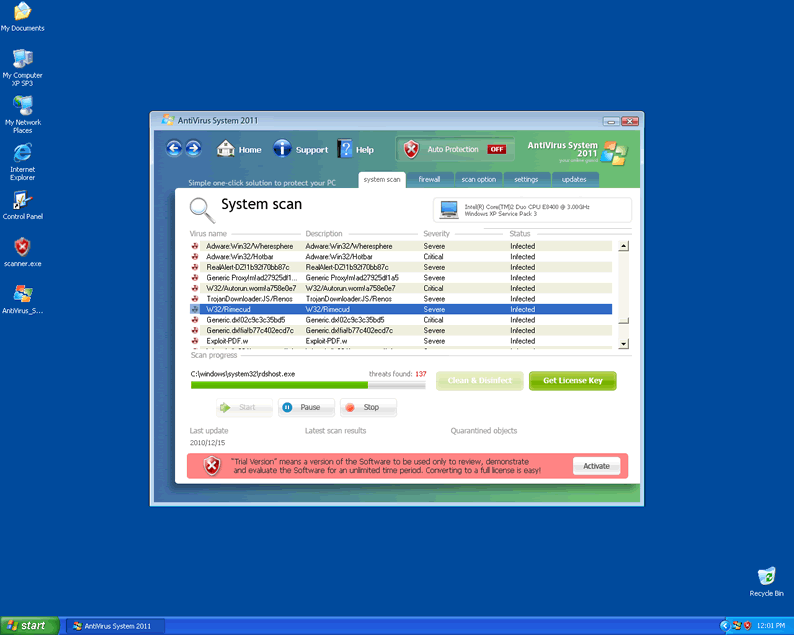
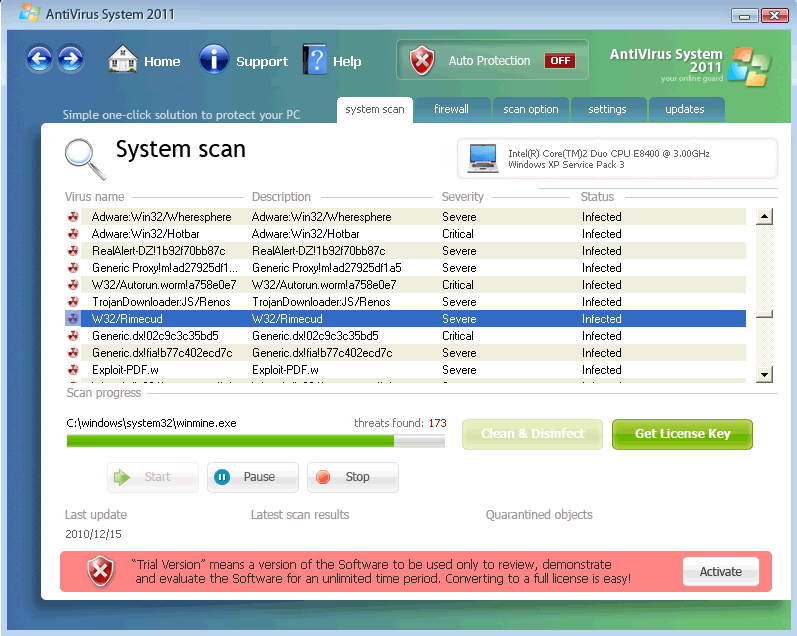 Antivirus System 2011 is a rogue scanning program that usually infects computers with the assistance of more subtle Trojans. Computers that host Antivirus System 2011 will display a number of grossly inaccurate error messages. The presence of Antivirus System 2011 on your machine should be treated as a high-priority security risk, since the rogue product may use rootkit-based methods to prevent useful programs from running. The potential inclusion of root-level access infection and alteration of the registry means that deleting Antivirus System 2011 is best performed through automated tools rather than by simply deleting files manually. In the worst cases, a complete reinstallation of your operating system may be the only way to get Antivirus System 2011 out of your machine.
The Only Thing Antivirus System 2011 Fights is Your Computer
Antivirus System 2011 has so far been identified to infect Windows 9x, Windows 2K, Windows XP, Windows Vista and Windows 7 systems. Antivirus System 2011 will use traditional malware tricks to invade your system, and the Trojan that enables Antivirus System 2011 may cause other problems even after Antivirus System 2011 itself is removed.
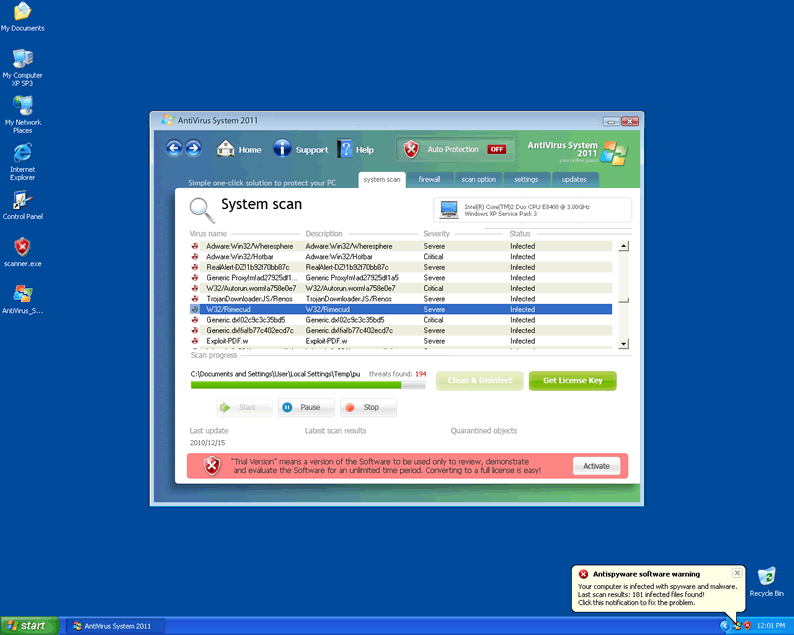
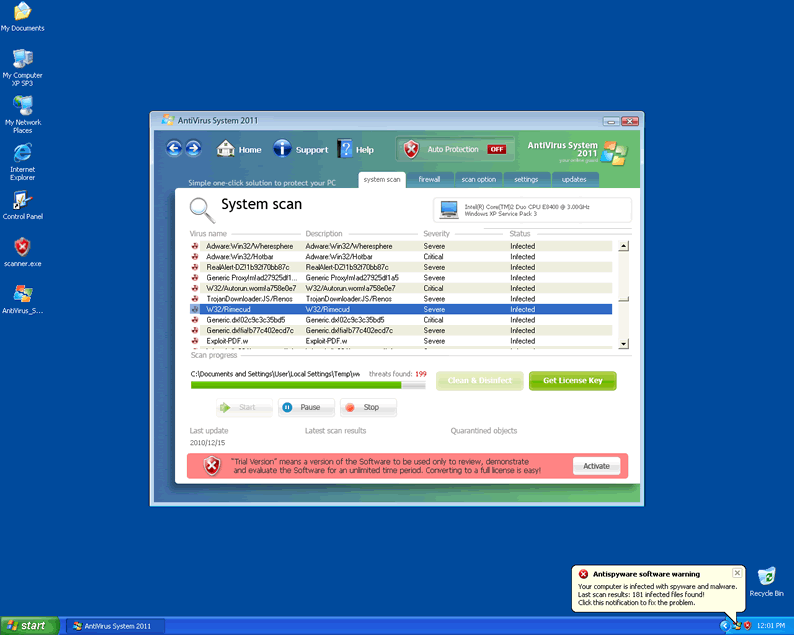
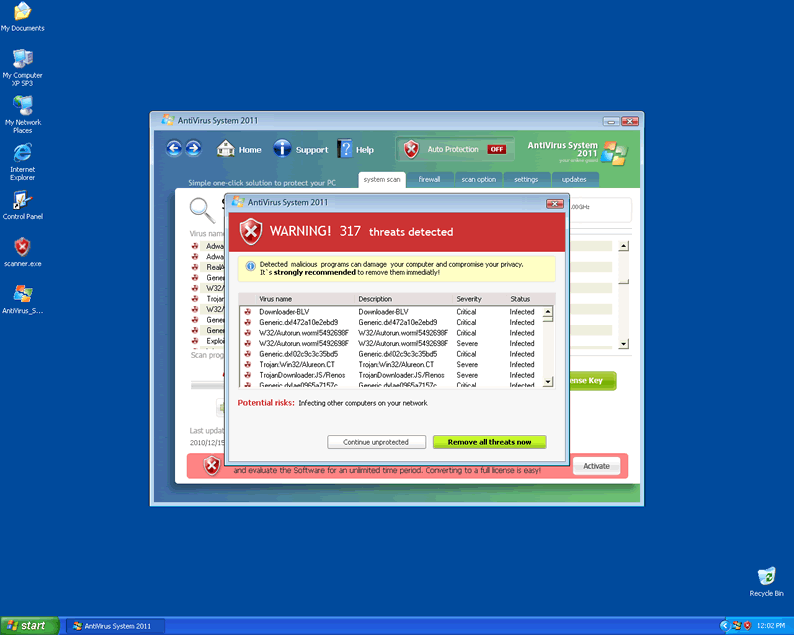
The errors caused by Antivirus System 2011 are universally deceptive, with all content programmed to appear without any true effort expended on identifying actual threats. Antivirus System 2011 has a long list of potential errors, but here are some of the most common ones reported:
System critical warning!
You have been infected by a proxy-relay Trojan server
Security Center Alert
To help protect your computer, Security Center has blocked some features of this program.
Name: Screen.Grab.J.exe
Risk: High
Reported Insecure Browsing: Navigation Blocked
Insecure Internet Activity. Threat of virus attack
Due to insecure Internet browsing your PC can easily get infected with viruses, worms, and Trojans without your knowledge, and that can lead to system slowdown, freezes and crashes. Also insecure Internet activity can result in revealing your personal information.
Security Center
Unauthorized remote connection!
Your system is making an unauthorized personal data transfer to a remote computer!
Warning! Unauthorized personal data transfer is detected! It may be your personal credit card details, logins and passwords, browsing habits or information about files you have downloaded.
To protect your private data, please click "Prevent Connection" button below.
Your computer might be at risk
Antivirus detects viruses, worms, and Trojan horses. They can (and do) destroy data, format your hard disk or can destroy the BIOS. By destroying the BIOS many times you end up buying a new motherboard or if the bios chip is removable then that chip would need replacing
In each case, the only true threats you have to worry about are Antivirus System 2011 and any infections that might have come with Antivirus System 2011.
After the Error Message Masquerade
The error messages Antivirus System 2011 causes aren't very harmful although they can be alarming, but unfortunately, this rogue product has more up its sleeve for you. Although Antivirus System 2011 isn't able to delete files like other malware, Antivirus System 2011 may perform other malicious actions.
- Antivirus System 2011 will change your registry to enable Antivirus System 2011 to start up with Windows. This causes Antivirus System 2011 to take up needless resources and may make it difficult for you to access the rest of your computer.
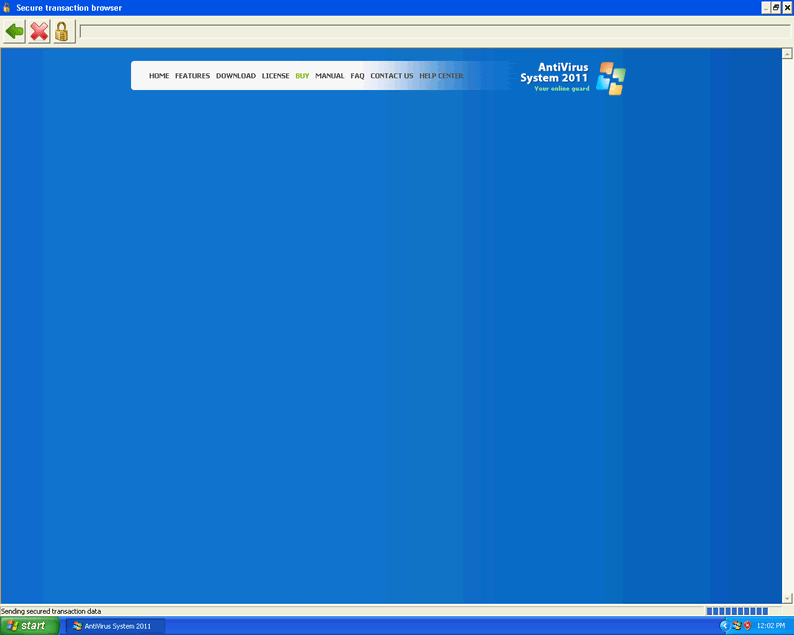
- Your web browser will be redirected towards the Antivirus System 2011 homepage - antivirussystem2011tech.com. This website should never be intentionally visited, since antivirussystem2011tech.com is as malicious as Antivirus System 2011 itself, and may attempt to infect your system with even more malware.
- Antivirus System 2011 may also use resources grossly in excess of what Antivirus System 2011 requires, and will resist any attempts to shut Antivirus System 2011 down or remove it through ordinary means.
- Being the victim of Antivirus System 2011 means being open for attacks from further malware due to generally lowered system security, especially with regards to your browser settings.
.
Technical Details
File System Modifications
Tutorials: If you wish to learn how to remove malware components manually, you can read the tutorials on how to find malware, kill unwanted processes, remove malicious DLLs and delete other harmful files. Always be sure to back up your PC before making any changes.
The following files were created in the system:%APPDATA%\AntiVirus System 2011\securitymanager.exe
File name: securitymanager.exeSize: 72.7 KB (72704 bytes)
MD5: a5d6966406f592bd9afe1d9275d93414
Detection count: 35
File type: Executable File
Mime Type: unknown/exe
Path: %APPDATA%\AntiVirus System 2011
Group: Malware file
Last Updated: January 5, 2011
%APPDATA%\AntiVirus System 2011\AntiVirus_System_2011.exe
File name: AntiVirus_System_2011.exeSize: 2.41 MB (2414592 bytes)
MD5: d9cadf984b294324a8a34abda84bf34a
Detection count: 33
File type: Executable File
Mime Type: unknown/exe
Path: %APPDATA%\AntiVirus System 2011
Group: Malware file
Last Updated: January 5, 2011
More files
Additional Information
| # | Message |
|---|---|
| 1 | Security Center
Unauthorized remote connection! Your system is making an unauthorized personal data transfer to a remote computer! Warning! Unauthorized personal data transfer is detected! It may be your personal credit card details, logins and passwords, browsing habits or information about files you have downloaded. To protect your private data, please click "Prevent Connection" button below. |
| 2 | Security Center Alert
To help protect your computer, Security Center has blocked some features of this program. Name: Screen.Grab.J.exe Risk: High |
MY COMPUTER HAVE A PROBLEM OF ANTIVIRUS,,PLS HELP
I can not find this register key HKEY_LOCAL_MACHINE\Software\Antivirus System 2011." any suggestions
Heya i am for the first time here. I come accross this infection. i try remove but its comes backing each time. What to do for remove all the way? I download run your malware scan spyhunter soon. sorry, english is not good so much. thanks for helps.
@seidi619 Try more in the vid i say if you have Windows 7 or Vista try in D:/Program Files(x86) or if you have XP then try in D:/Program Files it must be somewhere check if you itllansed a ubisoft game like assassins creed or something like that if you still can't find it pm me and ill try to help you more