Windows Antivirus Machine
Posted: August 1, 2012
Threat Metric
The following fields listed on the Threat Meter containing a specific value, are explained in detail below:
Threat Level: The threat level scale goes from 1 to 10 where 10 is the highest level of severity and 1 is the lowest level of severity. Each specific level is relative to the threat's consistent assessed behaviors collected from SpyHunter's risk assessment model.
Detection Count: The collective number of confirmed and suspected cases of a particular malware threat. The detection count is calculated from infected PCs retrieved from diagnostic and scan log reports generated by SpyHunter.
Volume Count: Similar to the detection count, the Volume Count is specifically based on the number of confirmed and suspected threats infecting systems on a daily basis. High volume counts usually represent a popular threat but may or may not have infected a large number of systems. High detection count threats could lay dormant and have a low volume count. Criteria for Volume Count is relative to a daily detection count.
Trend Path: The Trend Path, utilizing an up arrow, down arrow or equal symbol, represents the level of recent movement of a particular threat. Up arrows represent an increase, down arrows represent a decline and the equal symbol represent no change to a threat's recent movement.
% Impact (Last 7 Days): This demonstrates a 7-day period change in the frequency of a malware threat infecting PCs. The percentage impact correlates directly to the current Trend Path to determine a rise or decline in the percentage.
| Threat Level: | 10/10 |
|---|---|
| Infected PCs: | 16 |
| First Seen: | August 1, 2012 |
|---|---|
| Last Seen: | January 8, 2020 |
| OS(es) Affected: | Windows |
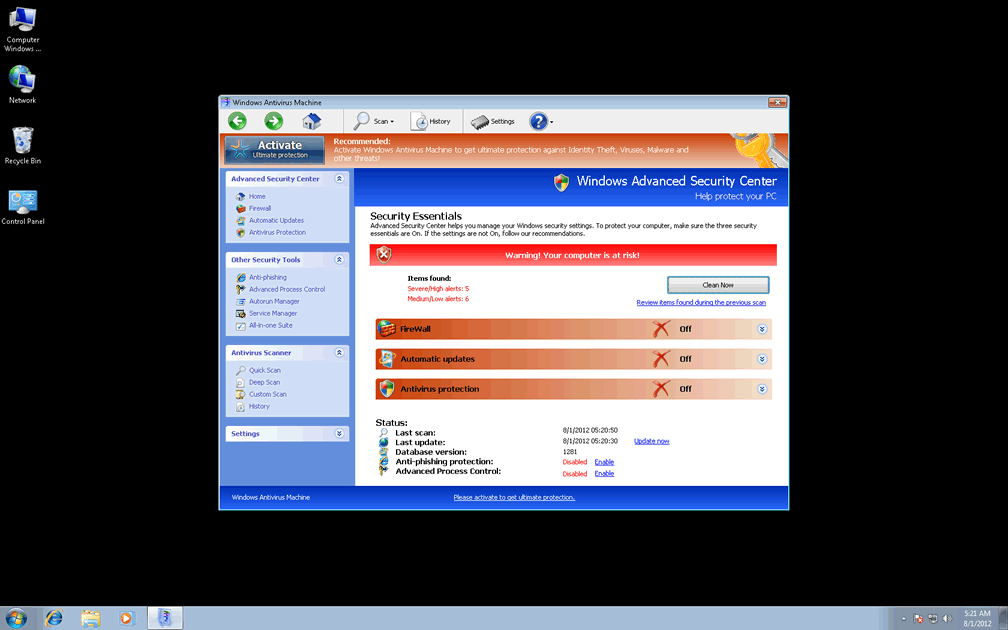
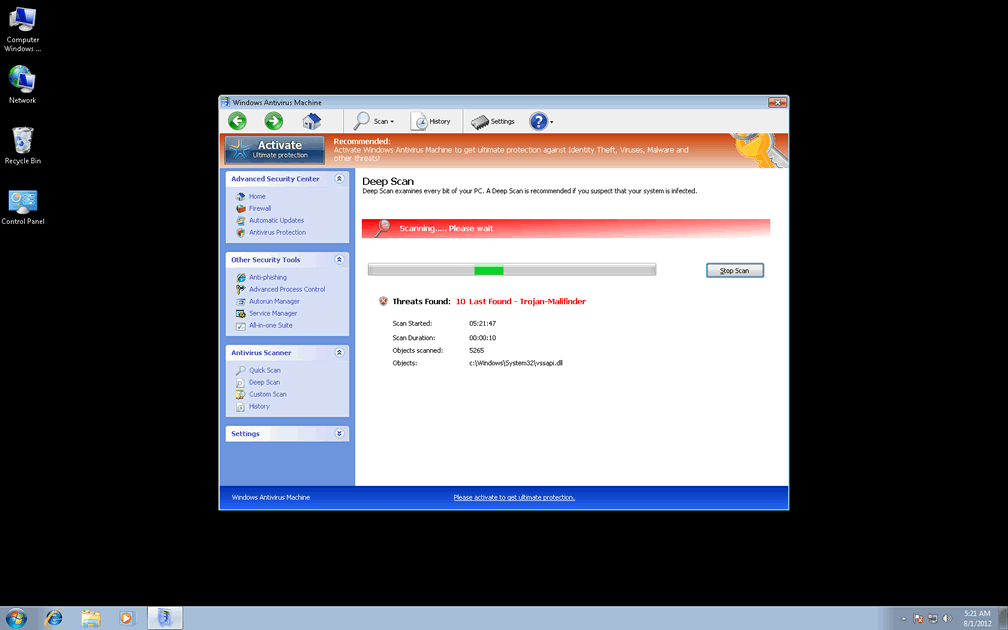
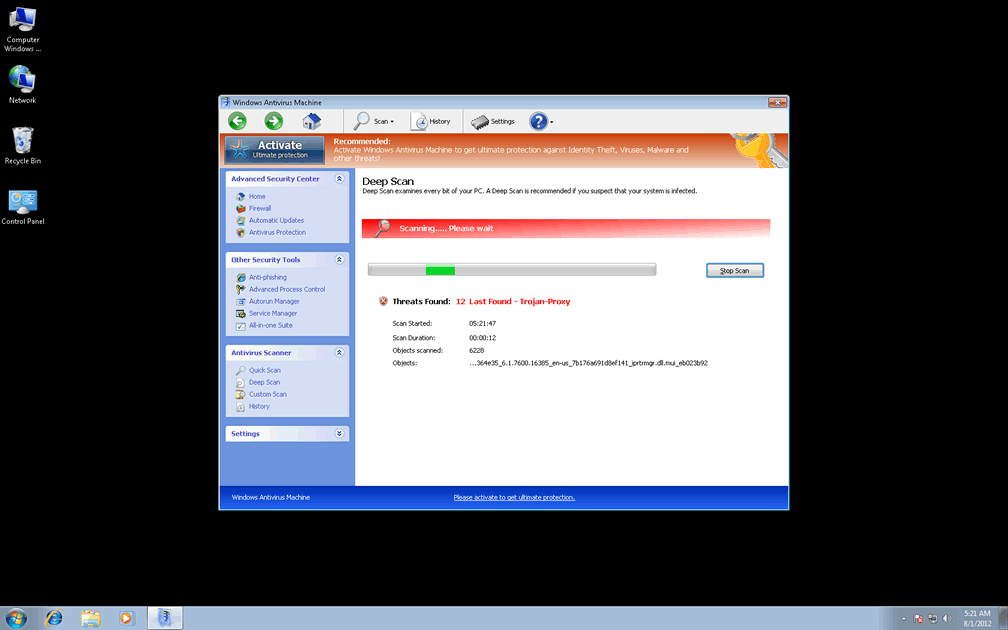
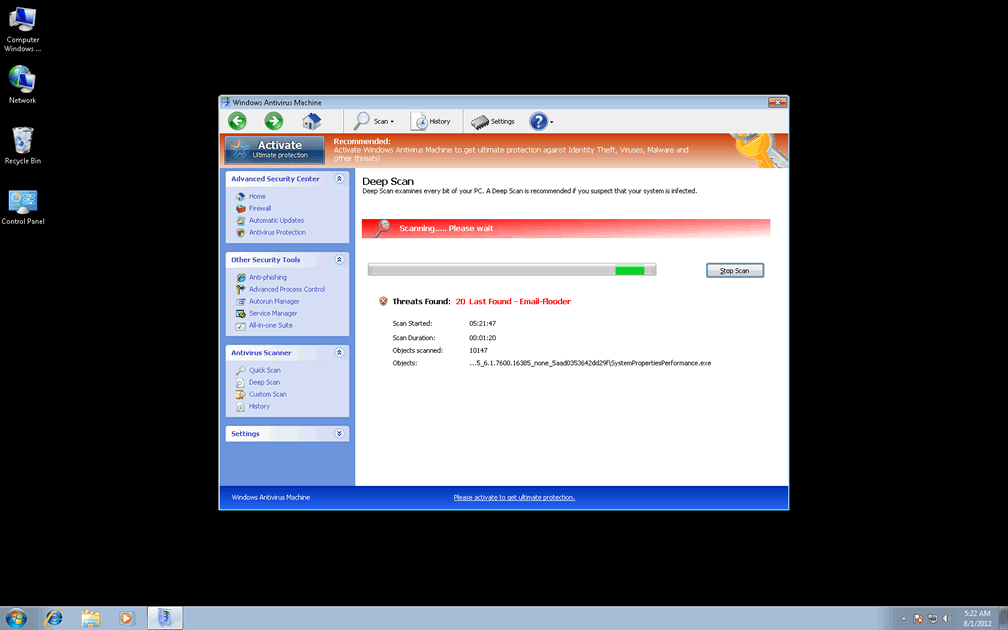
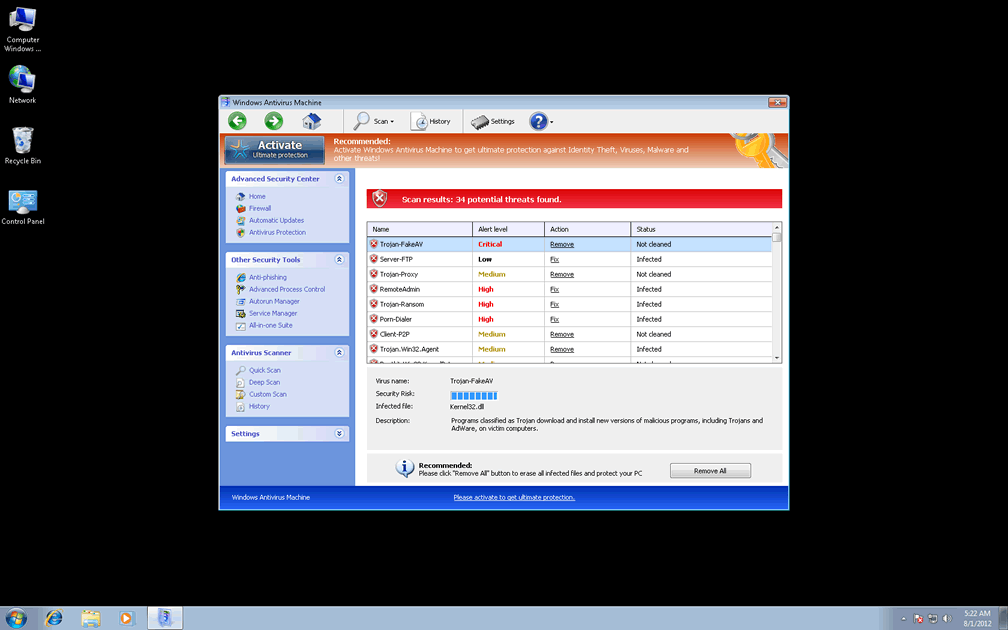
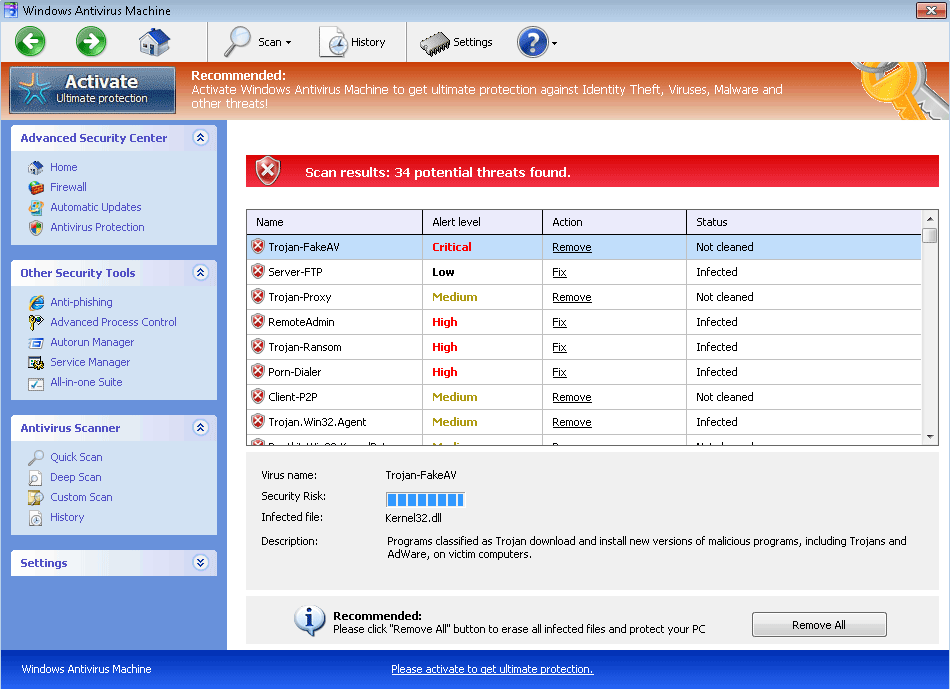 Windows Antivirus Machine markets itself as a program that detects and removes viruses and other PC threats from your computer, but SpywareRemove.com malware researchers have verified that Windows Antivirus Machine is just the next in line from the family of rogue anti-malware scanners called FakeVimes. Although Windows Antivirus Machine doesn't have any true threat detection capabilities, primary symptoms of a Windows Antivirus Machine infection include fake system scans and pop-up alerts that display inaccurate information about PC threats on your computer. Like all types of scamware from the FakeVimes family, it's recommended that you disable Windows Antivirus Machine and then use a legitimate anti-malware product to remove Windows Antivirus Machine and related PC threats without further incidents.
Windows Antivirus Machine: Minus the 'Anti' for More Accuracy
Windows Antivirus Machine is often distributed by Trojans with downloading capabilities (such as Zlob) that are themselves downloaded by way of fraudulent media player-related updates. A secondary means of infection for Windows Antivirus Machine is through fake online scanners that prompt you to install their choice of scamware while implying that your PC is infected. In all cases, avoiding suspicious websites and download sources should be a primary means of keeping Windows Antivirus Machine at a safe distance from your PC.
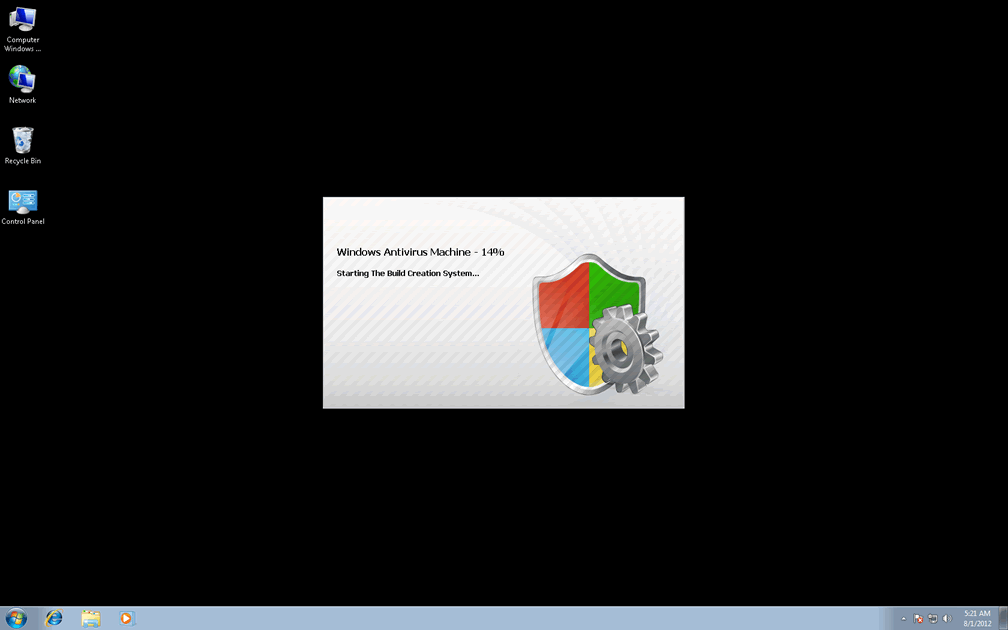
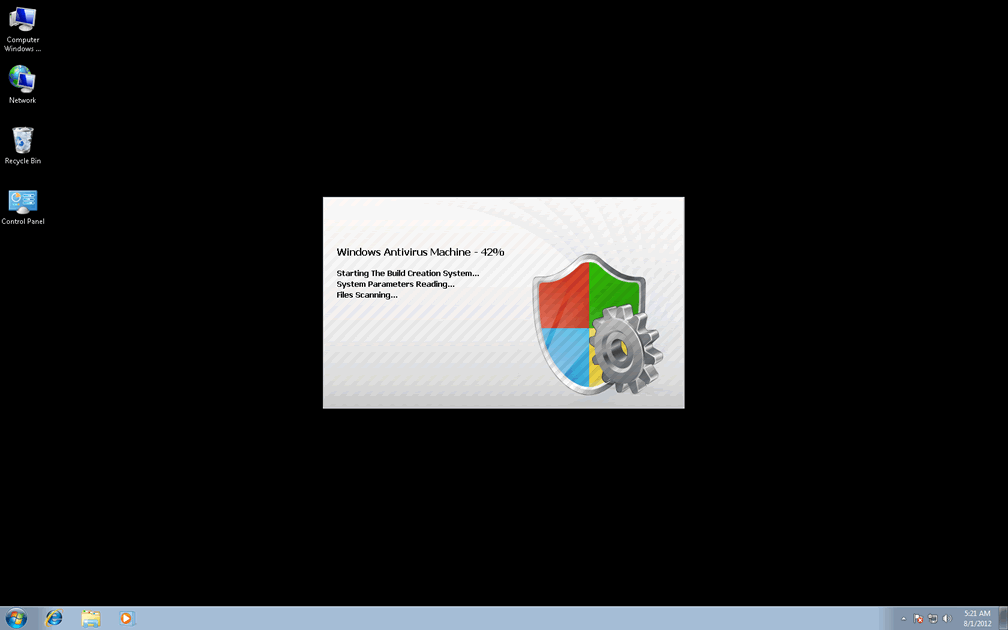
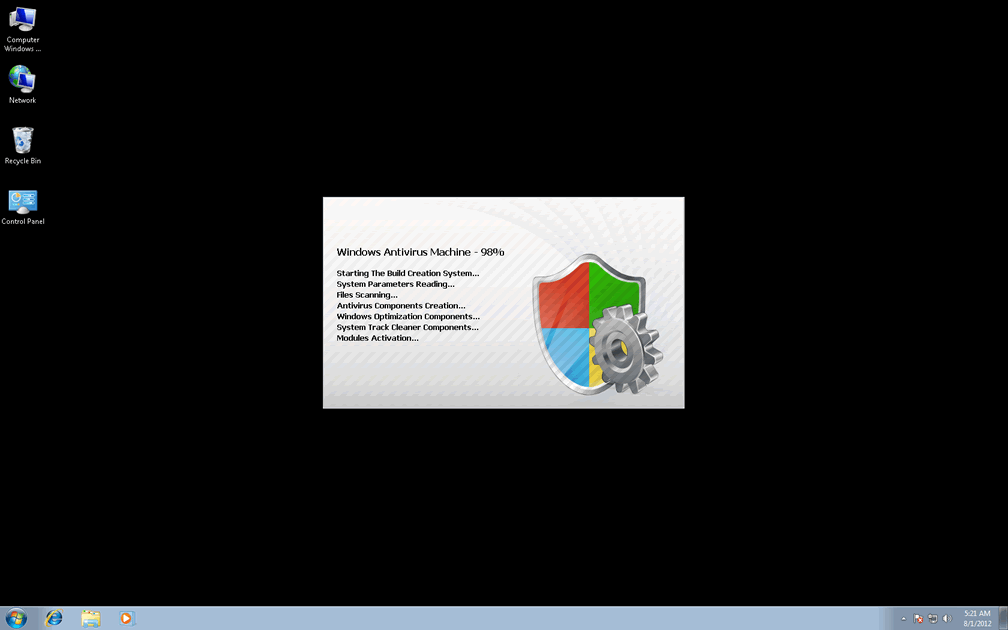
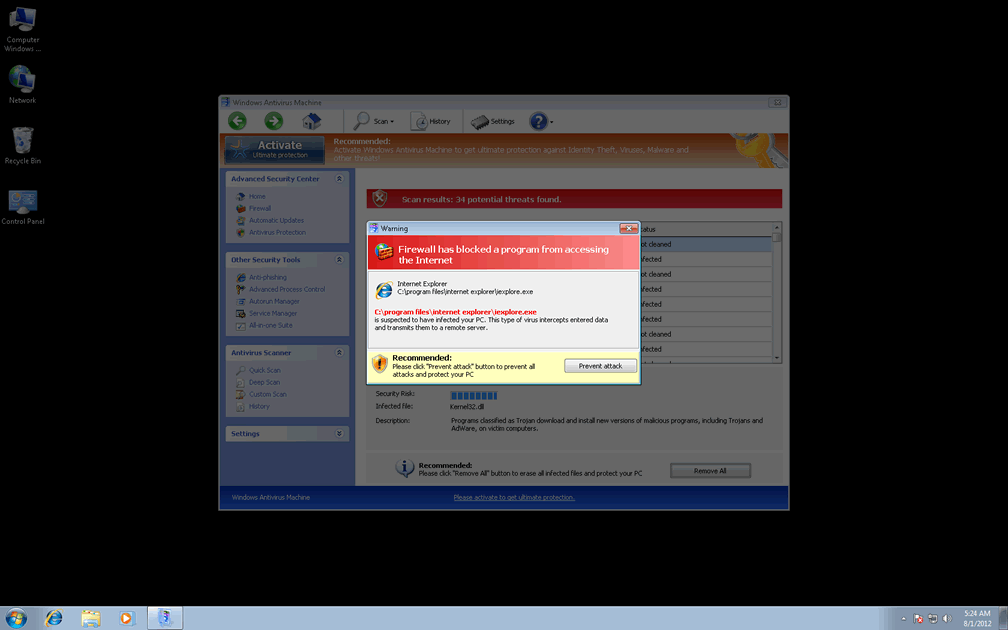
Windows Antivirus Machine may not be able to detect any type of PC threat accurately, but this doesn't mitigate Windows Antivirus Machine's ability to display erroneous warning messages and system scans, the former of which may take various forms, including fake firewall warnings and Windows taskbar balloons. Security information from Windows Antivirus Machine or other members of FakeVimes should always be regarded as fake, and SpywareRemove.com malware experts warn that attempts to delete or disinfect the files that Windows Antivirus Machine points its fingers at may harm your PC.
Wherein Lies the Profit for Windows Antivirus Machine's Fake Security
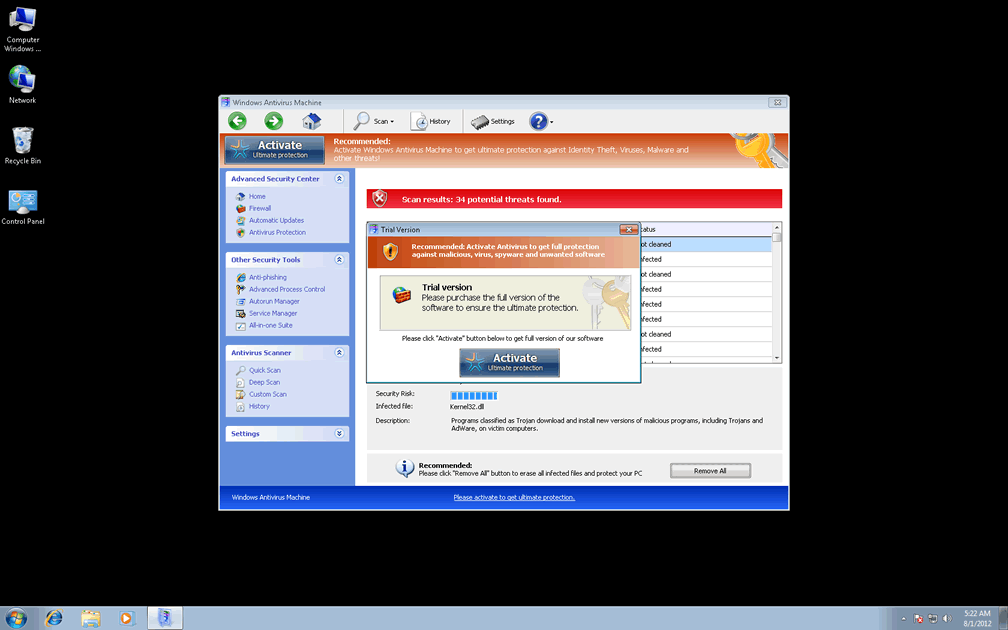
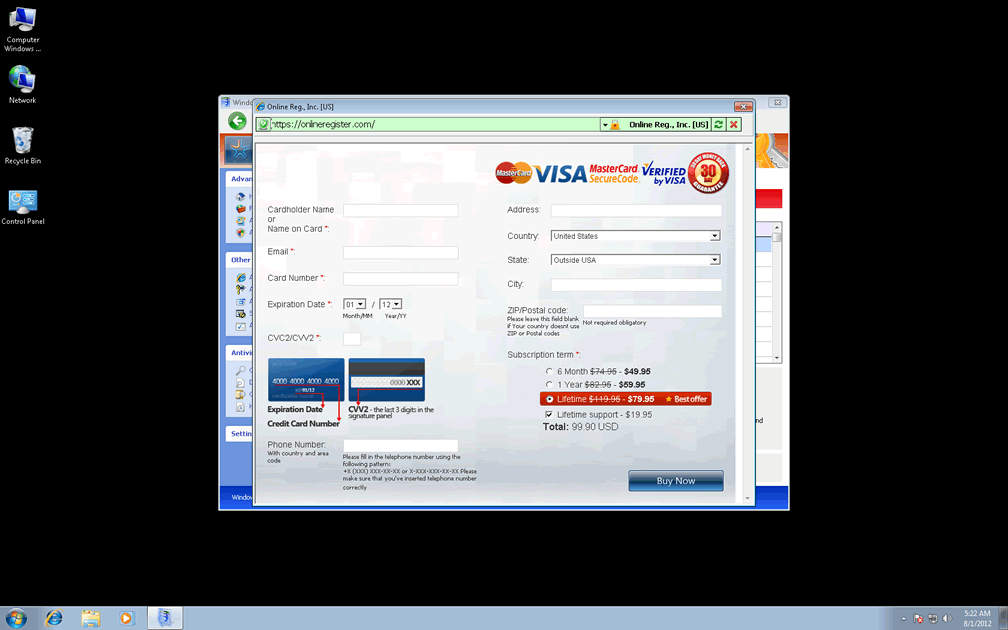
Like other types of rogue anti-malware products, Windows Antivirus Machine earns its profit potential by recommending that victims purchase the full version of its software to remove all the PC threats that Windows Antivirus Machine detects but can't delete. Since these detections are, themselves, inaccurate, there's no need to spend money on Windows Antivirus Machine, and SpywareRemove.com malware researchers recommend that you take appropriate security precautions if you've given your personal information (suchlike your credit card number) to the criminals that handle Windows Antivirus Machine's distribution.
Even if you're determined to keep a tight grip on your wallet, Windows Antivirus Machine has several additional traits that make Windows Antivirus Machine a security hazard that should be removed in good order. These extra features include browser hijacks to block websites or redirect you to harmful sites, changes to reduce security features in Internet Explorer, and Registry-based attacks against many types of Windows security programs. The latter can be re-enabled by restoring or repairing your Registry after Windows Antivirus Machine is removed. Some programs may also be disabled in memory, which only requires that you disable Windows Antivirus Machine (via Safe Mode or a removable media drive-based boot).
Such attacks are common to other members of Windows Antivirus Machine's family, such as Privacy Guard Pro, Extra Antivirus, Fast Antivirus 2009, Presto TuneUp, Windows Security Suite, Smart Virus Eliminator, Packed.Generic.245, Volcano Security Suite, Windows Enterprise Suite, Enterprise Suite, Additional Guard, Live PC Care, PC Live Guard, Live Enterprise Suite, Security Antivirus, My Security Wall, CleanUp Antivirus, Smart Security and PrivacyGuard Pro 2.0.
Technical Details
File System Modifications
Tutorials: If you wish to learn how to remove malware components manually, you can read the tutorials on how to find malware, kill unwanted processes, remove malicious DLLs and delete other harmful files. Always be sure to back up your PC before making any changes.
The following files were created in the system:C:\rogueware samples\WintionalityChecker samples\dfc6b2b8196860f1fdc11722a782b3156ea10f36eb06c54a55e01b6deb00dafd.exe
File name: dfc6b2b8196860f1fdc11722a782b3156ea10f36eb06c54a55e01b6deb00dafd.exeSize: 2.22 MB (2220544 bytes)
MD5: 82ac6547282df38f53a578ca43a95b5b
Detection count: 9
File type: Executable File
Mime Type: unknown/exe
Path: C:\rogueware samples\WintionalityChecker samples\dfc6b2b8196860f1fdc11722a782b3156ea10f36eb06c54a55e01b6deb00dafd.exe
Group: Malware file
Last Updated: May 6, 2024
%AppData%\Protector-[rnd].exe
File name: %AppData%\Protector-[rnd].exeFile type: Executable File
Mime Type: unknown/exe
Group: Malware file
Registry Modifications
HKEY..\..\{Value}HKEY_CURRENT_USER\Software\Microsoft\Windows\CurrentVersion\Policies\System "DisableRegedit" = 0HKEY_CURRENT_USER\Software\Microsoft\Windows\CurrentVersion\Internet Settings "WarnOnHTTPSToHTTPRedirect" = 0HKEY_CURRENT_USER\Software\Microsoft\Windows\CurrentVersion\Policies\System "DisableRegistryTools" = 0HKEY_CURRENT_USER\Software\Microsoft\Windows\CurrentVersion\Policies\System "DisableTaskMgr" = 0HKEY_CURRENT_USER\Software\Microsoft\Windows\CurrentVersion\Settings "ID" = 0HKEY_CURRENT_USER\Software\Microsoft\Windows\CurrentVersion\Settings "net" = "2012-2-17_2"HKEY_CURRENT_USER\Software\Microsoft\Windows\CurrentVersion\Settings "UID" = "rudbxijemb"HKEY..\..\..\..{Subkeys}HKEY_LOCAL_MACHINE\SOFTWARE\Microsoft\Internet Explorer\Main\FeatureControl\FEATURE_ERROR_PAGE_BYPASS_ZONE_CHECK_FOR_HTTPS_KB954312HKEY_CURRENT_USER\Software\Microsoft\Windows\CurrentVersion\Run "Inspector"HKEY_LOCAL_MACHINE\SOFTWARE\Microsoft\Windows NT\CurrentVersion\Image File Execution Options\_avp32.exeHKEY_LOCAL_MACHINE\SOFTWARE\Microsoft\Windows NT\CurrentVersion\Image File Execution Options\_avpcc.exeHKEY_LOCAL_MACHINE\SOFTWARE\Microsoft\Windows NT\CurrentVersion\Image File Execution Options\ashDisp.exeHKEY_LOCAL_MACHINE\SOFTWARE\Microsoft\Windows NT\CurrentVersion\Image File Execution Options\divx.exeHKEY_LOCAL_MACHINE\SOFTWARE\Microsoft\Windows NT\CurrentVersion\Image File Execution Options\mostat.exeHKEY_LOCAL_MACHINE\SOFTWARE\Microsoft\Windows NT\CurrentVersion\Image File Execution Options\platin.exeHKEY_LOCAL_MACHINE\SOFTWARE\Microsoft\Windows NT\CurrentVersion\Image File Execution Options\tapinstall.exeHKEY_LOCAL_MACHINE\SOFTWARE\Microsoft\Windows NT\CurrentVersion\Image File Execution Options\zapsetup3001.exe
call me asap. need someone to help michal ferguson to remove something from her computer
HOW I CAN REMOVE THE "LIVE SECURITY PLATINIUM" TO INSTALL MY "AVG" SOFTWARE. THE PROGRAM DOES NOT DELETE FROM THE CONTROL MENY. IT BECAUSE MORE ACTIVE.