Windows Antivirus Rampart
Posted: May 29, 2012
Threat Metric
The following fields listed on the Threat Meter containing a specific value, are explained in detail below:
Threat Level: The threat level scale goes from 1 to 10 where 10 is the highest level of severity and 1 is the lowest level of severity. Each specific level is relative to the threat's consistent assessed behaviors collected from SpyHunter's risk assessment model.
Detection Count: The collective number of confirmed and suspected cases of a particular malware threat. The detection count is calculated from infected PCs retrieved from diagnostic and scan log reports generated by SpyHunter.
Volume Count: Similar to the detection count, the Volume Count is specifically based on the number of confirmed and suspected threats infecting systems on a daily basis. High volume counts usually represent a popular threat but may or may not have infected a large number of systems. High detection count threats could lay dormant and have a low volume count. Criteria for Volume Count is relative to a daily detection count.
Trend Path: The Trend Path, utilizing an up arrow, down arrow or equal symbol, represents the level of recent movement of a particular threat. Up arrows represent an increase, down arrows represent a decline and the equal symbol represent no change to a threat's recent movement.
% Impact (Last 7 Days): This demonstrates a 7-day period change in the frequency of a malware threat infecting PCs. The percentage impact correlates directly to the current Trend Path to determine a rise or decline in the percentage.
| Threat Level: | 2/10 |
|---|---|
| Infected PCs: | 84 |
| First Seen: | May 29, 2012 |
|---|---|
| OS(es) Affected: | Windows |
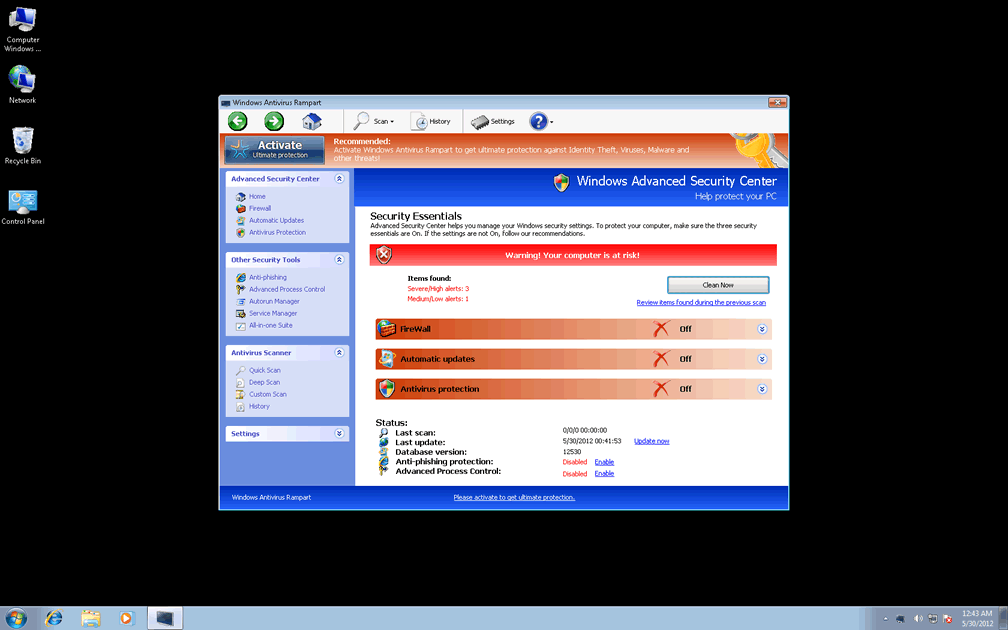
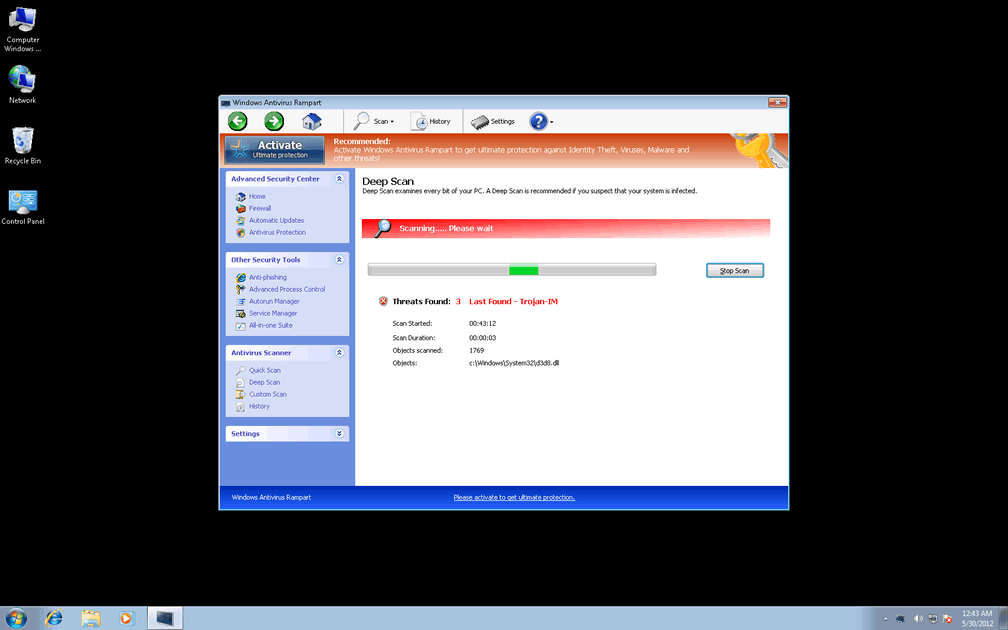
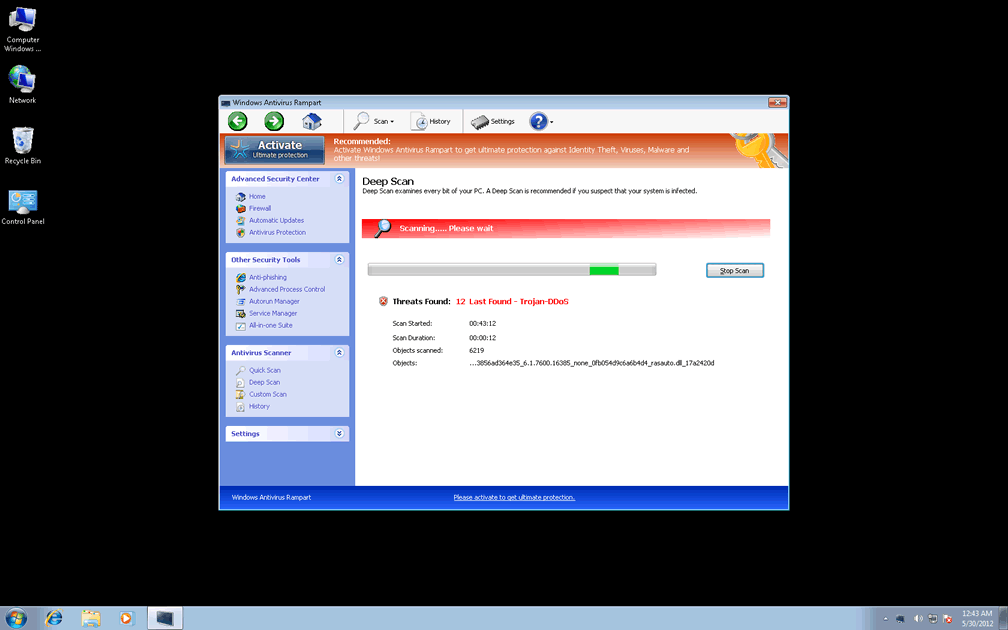
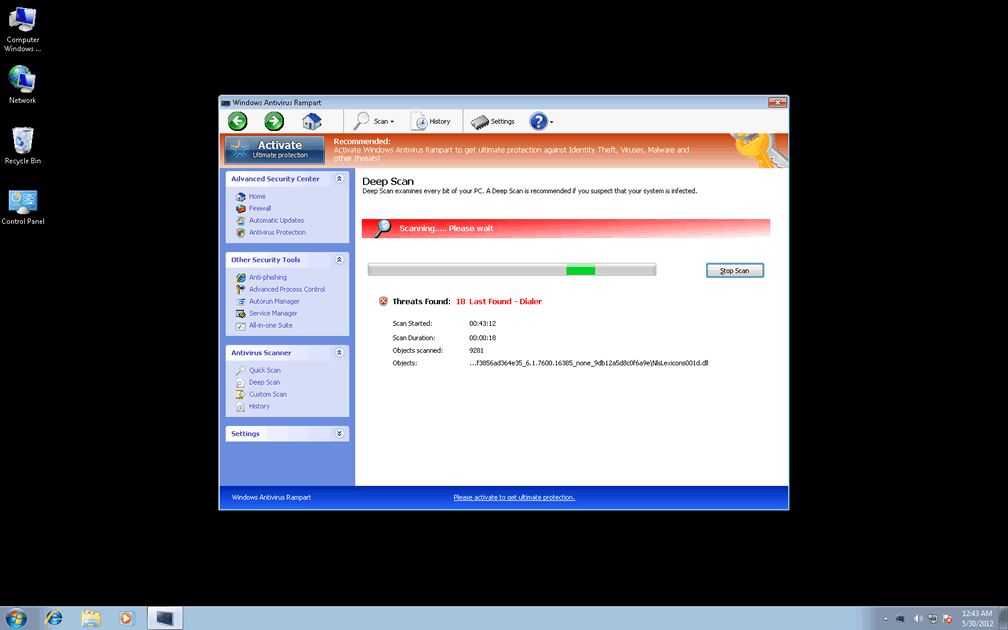
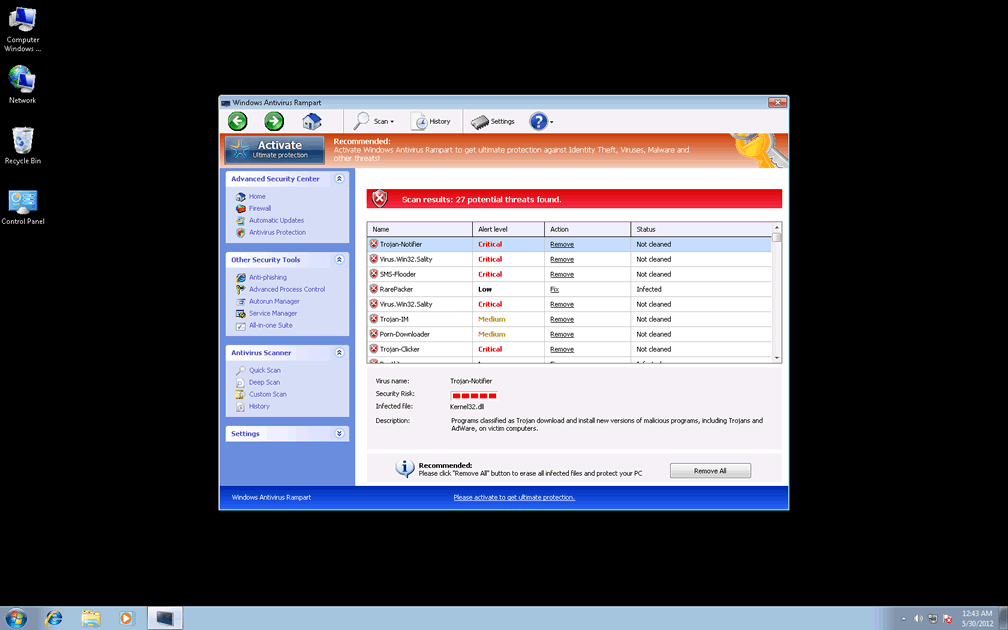
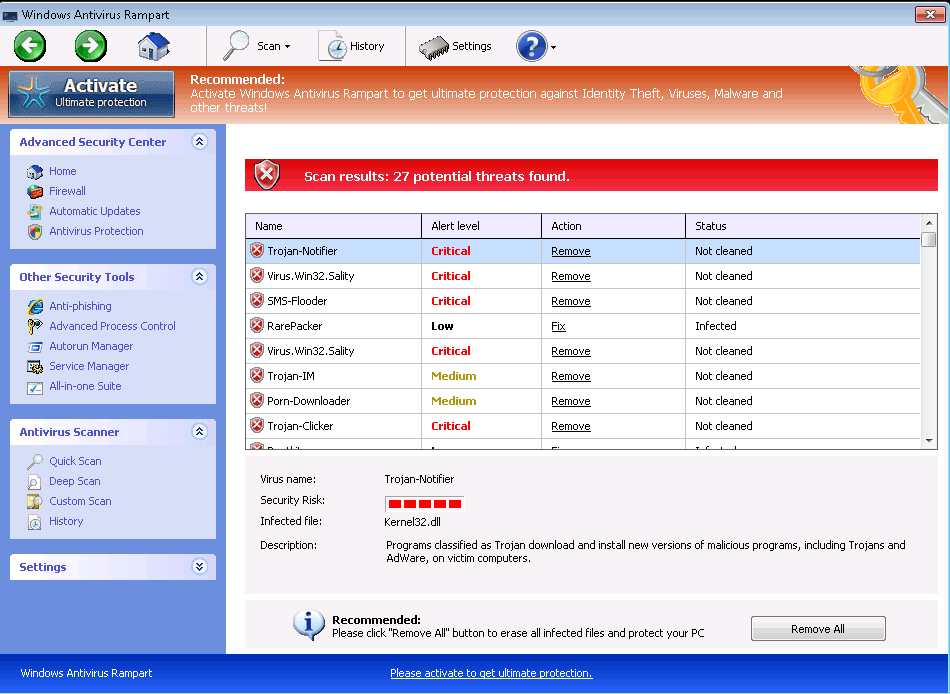 Windows Antivirus Rampart claims to be able to protect your PC from an amazing plethora of attacks and harmful software as soon as you pay up a little money for its registration fee, but SpywareRemove.com malware researchers have determined all of Windows Antivirus Rampart's security features to be erroneous at best and detrimental to your PC in worst cases. Windows Antivirus Rampart displays behavior that's standard for FakeVimes-based scamware, including hostility towards normal security programs and frequent pop-up alerts that proudly whip out completely inaccurate system analyses about your computer's health and safety. Since Windows Antivirus Rampart is both unable to provide any of its supposed features and is a very real danger to your computer's security, disabling and then deleting Windows Antivirus Rampart with a high-quality anti-malware program should be done with as little delay as possible.
How Windows Antivirus Rampart Scales Real PC Defenses to Offers Mockups of Its Own
Windows Antivirus Rampart, like all members of Win32/FakeVimes, may market itself as security and anti-malware software, but there isn't even one of Windows Antivirus Rampart's apparent security features that work to the benefit of your computer. Common distribution methods for Windows Antivirus Rampart and its relatives include fake online scanners and fraudulent media software updates. Some of Windows Antivirus Rampart clones are Privacy Guard Pro, Extra Antivirus, Fast Antivirus 2009, Presto TuneUp, Windows Security Suite, Smart Virus Eliminator, Packed.Generic.245, Volcano Security Suite, Windows Enterprise Suite, Enterprise Suite, Additional Guard, Live PC Care, PC Live Guard, Live Enterprise Suite, Security Antivirus, My Security Wall, CleanUp Antivirus, Smart Security and PrivacyGuard Pro 2.0. Avoiding downloads from disreputable sources is, therefore, the easiest way to avoid a possible Windows Antivirus Rampart infection, although SpywareRemove.com malware researchers also recommend that you scan your PC regularly to thwart PC threats that may install Windows Antivirus Rampart automatically without requiring manual downloads themselves.
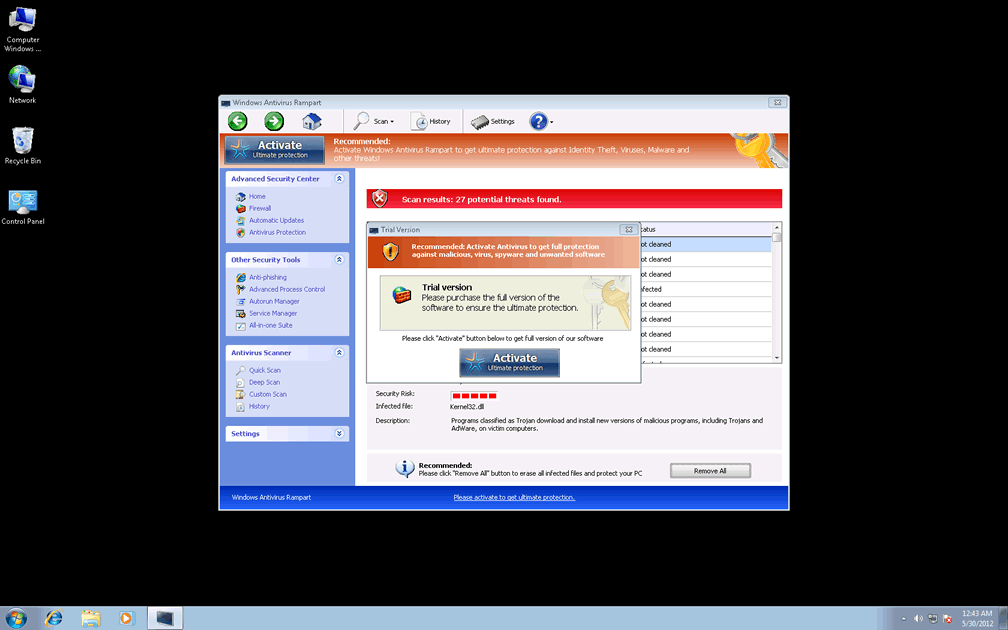
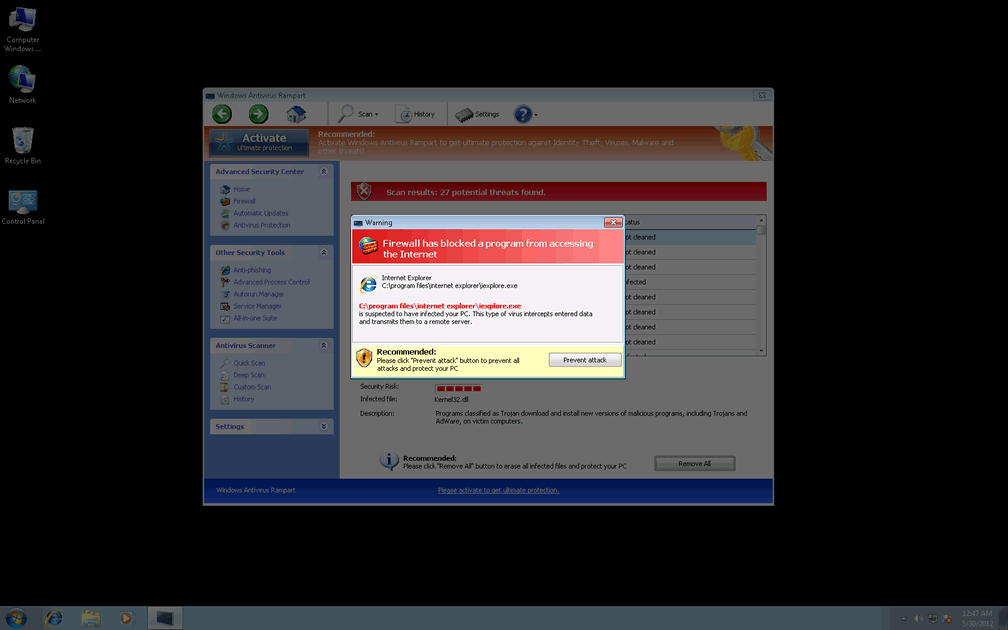
Windows Antivirus Rampart uses common Windows Registry exploits to launch itself automatically, and afterward, will begin displaying various forms of fraudulent security messages. SpywareRemove.com malware experts note that these pop-ups can even resemble legitimate warnings from your operating system, firewall or other applications, and will always contain inaccurate information about PC threats or attacks against your computer.
This cheap sham of security is just a facade to tug you into a purchase form for Windows Antivirus Rampart's registered version, which should always be avoided. However, registering Windows Antivirus Rampart with the free key 0W000-000B0-00T00-E0020 is an optional step as part of Windows Antivirus Rampart's removal process, for those who have need of it.
Demolishing Windows Antivirus Rampart's PC Play Castle
True to all Win32/FakeVimes-based PC threats of late, SpywareRemove.com malware research team has also found that Windows Antivirus Rampart will attempt to block anti-malware and security programs, up to and including doing so during their installation. Software that's afflicted by Windows Antivirus Rampart's blockade includes various popular brands of anti-virus scanners, as well as the Task Manager, Registry Editor, the UAC and similar Windows utilities. In some cases, this may also extend to your web browser.
In spite of Windows Antivirus Rampart's attempts to block you from saving your computer without paying its fee, SpywareRemove.com malware researchers have found Safe Mode to be effective at deactivating Windows Antivirus Rampart's startup routine. This will allow you to reinstall any required anti-malware products and scan your PC for Windows Antivirus Rampart's complete removal – hopefully along with any other PC threats that were installed with Windows Antivirus Rampart. Like every other piece of FakeVimes-based scamware, Windows Antivirus Rampart is also built to infect Windows-based PCs, and other operating systems can be considered safe from Windows Antivirus Rampart attacks.
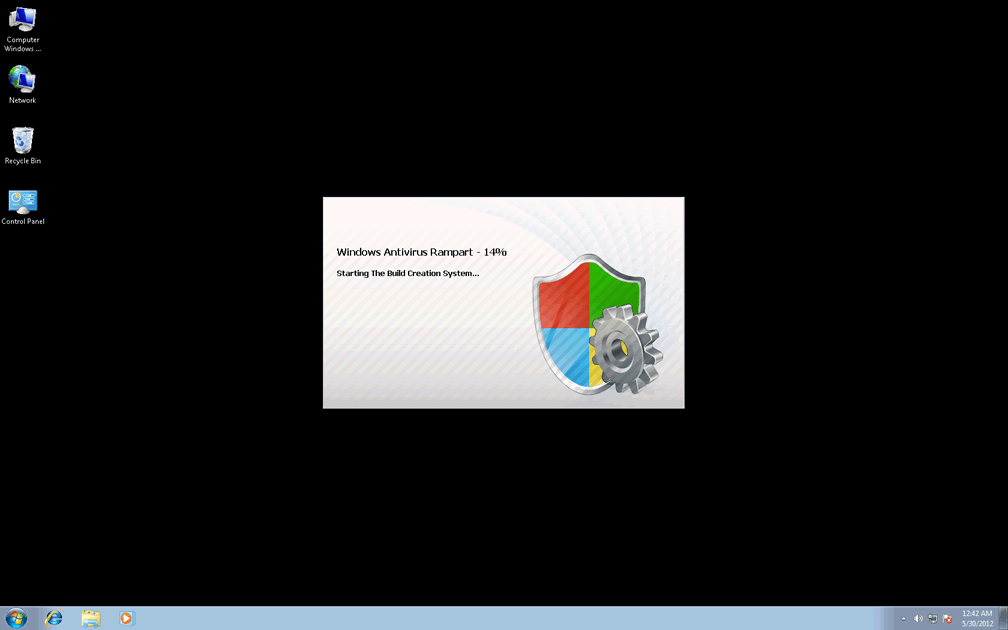
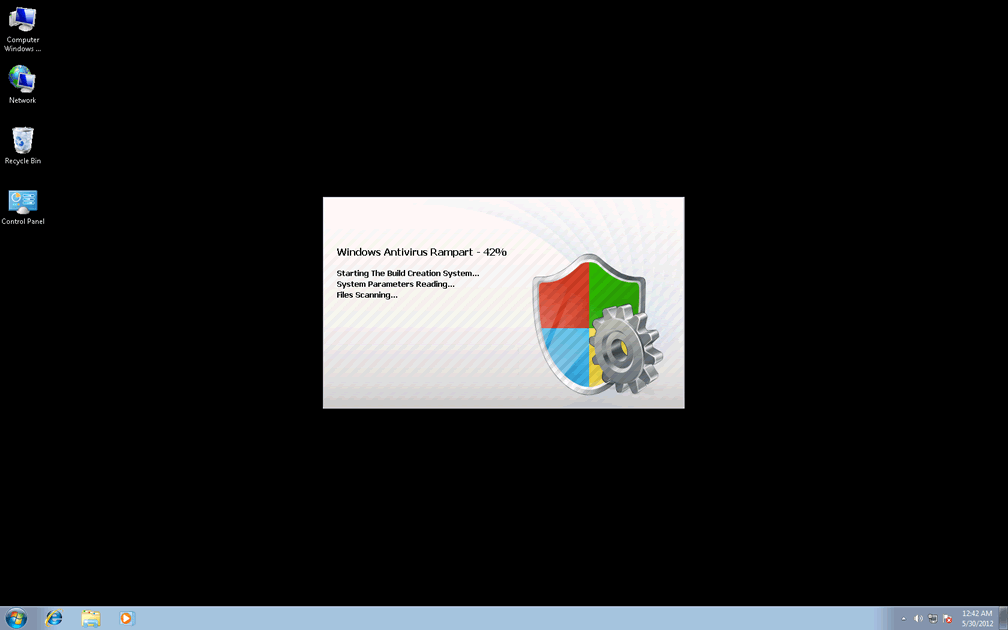
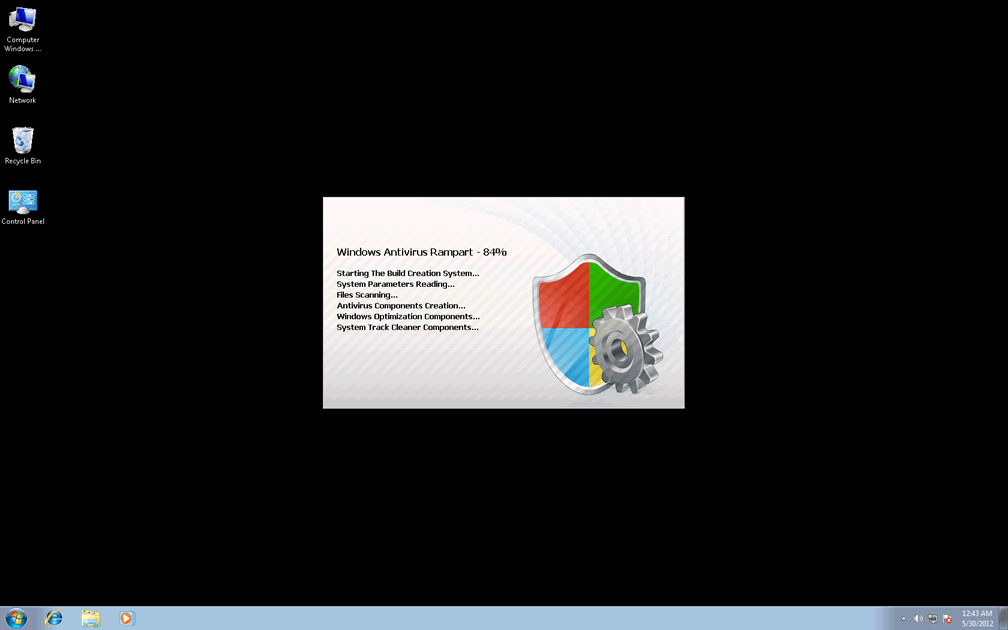
Technical Details
File System Modifications
Tutorials: If you wish to learn how to remove malware components manually, you can read the tutorials on how to find malware, kill unwanted processes, remove malicious DLLs and delete other harmful files. Always be sure to back up your PC before making any changes.
The following files were created in the system:%AppData%\NPSWF32.dll
File name: %AppData%\NPSWF32.dllFile type: Dynamic link library
Mime Type: unknown/dll
Group: Malware file
%AppData%\Protector-[RANDOM 3 CHARACTERS].exe
File name: %AppData%\Protector-[RANDOM 3 CHARACTERS].exeFile type: Executable File
Mime Type: unknown/exe
Group: Malware file
%AppData%\Protector-[RANDOM 4 CHARACTERS].exe
File name: %AppData%\Protector-[RANDOM 4 CHARACTERS].exeFile type: Executable File
Mime Type: unknown/exe
Group: Malware file
%AppData%\1st$0l3th1s.cnf
File name: %AppData%\1st$0l3th1s.cnfMime Type: unknown/cnf
Group: Malware file
%CommonStartMenu%\Programs\Windows Antivirus Rampart.lnk
File name: %CommonStartMenu%\Programs\Windows Antivirus Rampart.lnkFile type: Shortcut
Mime Type: unknown/lnk
Group: Malware file
%Desktop%\Windows Antivirus Rampart.lnk
File name: %Desktop%\Windows Antivirus Rampart.lnkFile type: Shortcut
Mime Type: unknown/lnk
Group: Malware file
%AppData%\result.db
File name: %AppData%\result.dbMime Type: unknown/db
Group: Malware file
Registry Modifications
HKEY..\..\{Value}HKEY_CURRENT_USER\Software\Microsoft\Windows\CurrentVersion\Internet Settings "WarnOnHTTPSToHTTPRedirect" = 0HKEY_CURRENT_USER\Software\Microsoft\Windows\CurrentVersion\Policies\System "DisableRegedit" = 0HKEY_CURRENT_USER\Software\Microsoft\Windows\CurrentVersion\Policies\System "DisableRegistryTools" = 0HKEY_CURRENT_USER\Software\Microsoft\Windows\CurrentVersion\Policies\System "DisableTaskMgr" = 0HKEY_CURRENT_USER\Software\Microsoft\Windows\CurrentVersion\Settings "net" = "2012-5-29_7"HKEY_CURRENT_USER\Software\Microsoft\Windows\CurrentVersion\Settings "UID" = "yurrockari"HKEY_LOCAL_MACHINE\SOFTWARE\Microsoft\Windows\CurrentVersion\policies\system "ConsentPromptBehaviorAdmin" = 0HKEY_LOCAL_MACHINE\SOFTWARE\Microsoft\Windows\CurrentVersion\policies\system "ConsentPromptBehaviorUser" = 0HKEY_LOCAL_MACHINE\SOFTWARE\Microsoft\Windows\CurrentVersion\policies\system "EnableLUA" = 0HKEY..\..\..\..{Subkeys}HKEY_CURRENT_USER\Software\ASProtectHKEY_LOCAL_MACHINE\SOFTWARE\Microsoft\Windows NT\CurrentVersion\Image File Execution Options\svc.exeHKEY_LOCAL_MACHINE\SOFTWARE\Microsoft\Windows NT\CurrentVersion\Image File Execution Options\hbinst.exeHKEY_LOCAL_MACHINE\SOFTWARE\Microsoft\Windows NT\CurrentVersion\Image File Execution Options\mu0311ad.exeHKEY_LOCAL_MACHINE\SOFTWARE\Microsoft\Windows NT\CurrentVersion\Image File Execution Options\brasil.exeHKEY_LOCAL_MACHINE\SOFTWARE\Microsoft\Windows NT\CurrentVersion\Image File Execution Options\purge.exeHKEY_LOCAL_MACHINE\SOFTWARE\Microsoft\Windows NT\CurrentVersion\Image File Execution Options\AntiVirus_Pro.exeHKEY_LOCAL_MACHINE\SOFTWARE\Microsoft\..{RunKeys}HKEY_CURRENT_USER\Software\Microsoft\Windows\CurrentVersion\Run "Inspector"
Additional Information
| # | Message |
|---|---|
| 1 | Warning
Firewall has blocked a program from accessing the Internet C:\program files\internet explorer\iexplore.exe is suspected to have infected your PC. This type of virus intercepts entered data and transmits them to a remote server. |
Please take you pop up add to put this Windows Antivirus Rampart off my computer I don't want it and I can not get it to leave and leave me alone I already have a antivirus program on here.
it made it so i cant even open google what do i do Please help