Windows Premium Console
Posted: June 25, 2012
Threat Metric
The following fields listed on the Threat Meter containing a specific value, are explained in detail below:
Threat Level: The threat level scale goes from 1 to 10 where 10 is the highest level of severity and 1 is the lowest level of severity. Each specific level is relative to the threat's consistent assessed behaviors collected from SpyHunter's risk assessment model.
Detection Count: The collective number of confirmed and suspected cases of a particular malware threat. The detection count is calculated from infected PCs retrieved from diagnostic and scan log reports generated by SpyHunter.
Volume Count: Similar to the detection count, the Volume Count is specifically based on the number of confirmed and suspected threats infecting systems on a daily basis. High volume counts usually represent a popular threat but may or may not have infected a large number of systems. High detection count threats could lay dormant and have a low volume count. Criteria for Volume Count is relative to a daily detection count.
Trend Path: The Trend Path, utilizing an up arrow, down arrow or equal symbol, represents the level of recent movement of a particular threat. Up arrows represent an increase, down arrows represent a decline and the equal symbol represent no change to a threat's recent movement.
% Impact (Last 7 Days): This demonstrates a 7-day period change in the frequency of a malware threat infecting PCs. The percentage impact correlates directly to the current Trend Path to determine a rise or decline in the percentage.
| Threat Level: | 2/10 |
|---|---|
| Infected PCs: | 88 |
| First Seen: | June 25, 2012 |
|---|---|
| OS(es) Affected: | Windows |
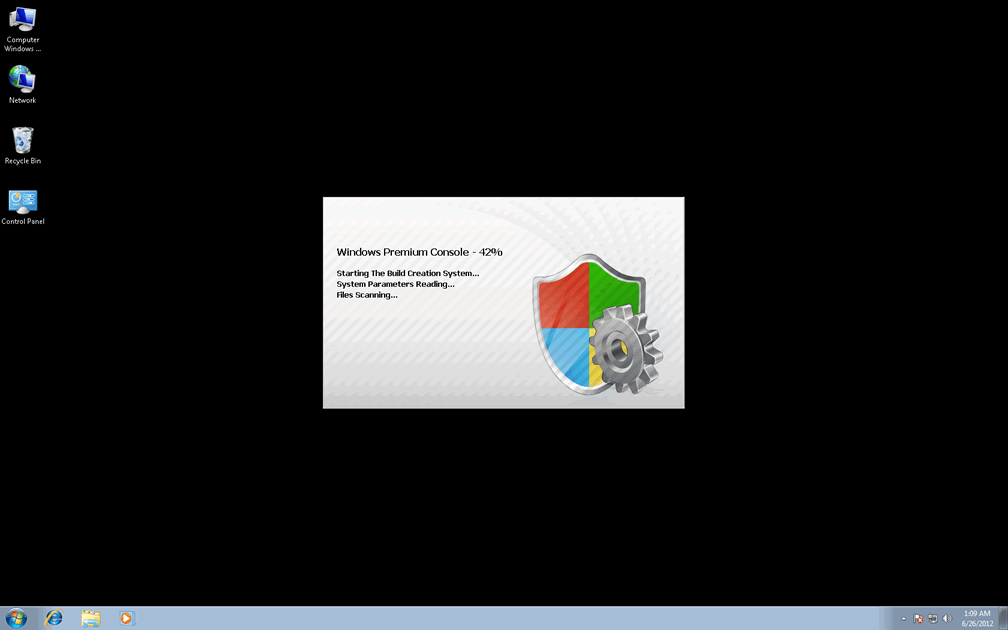
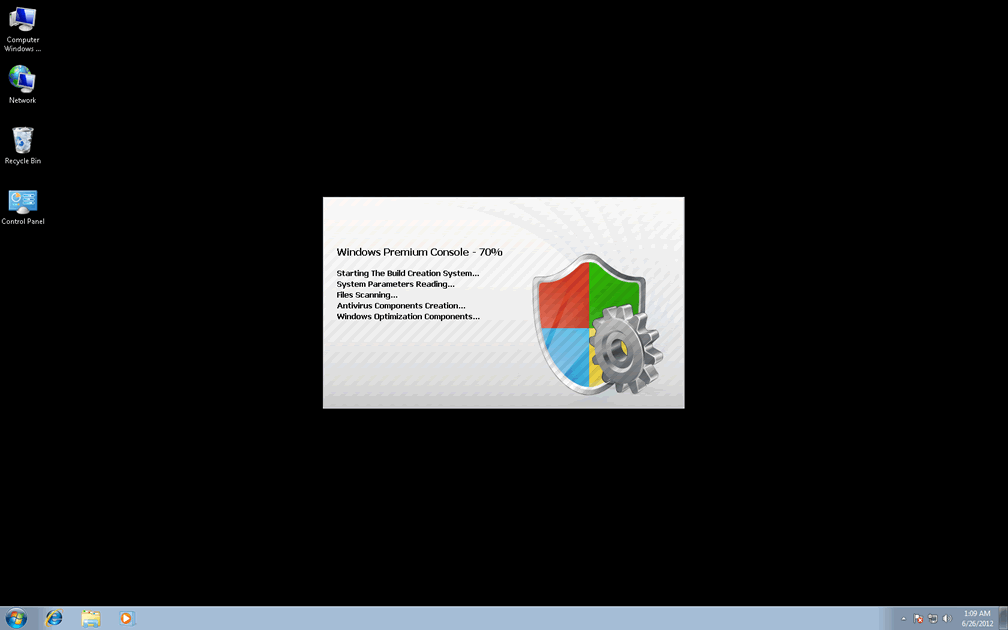
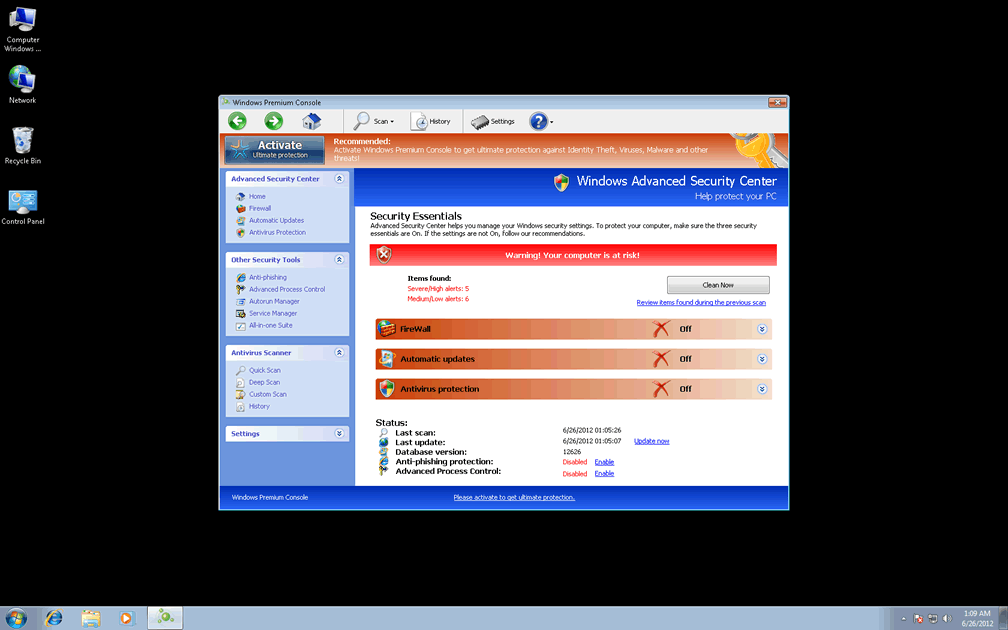
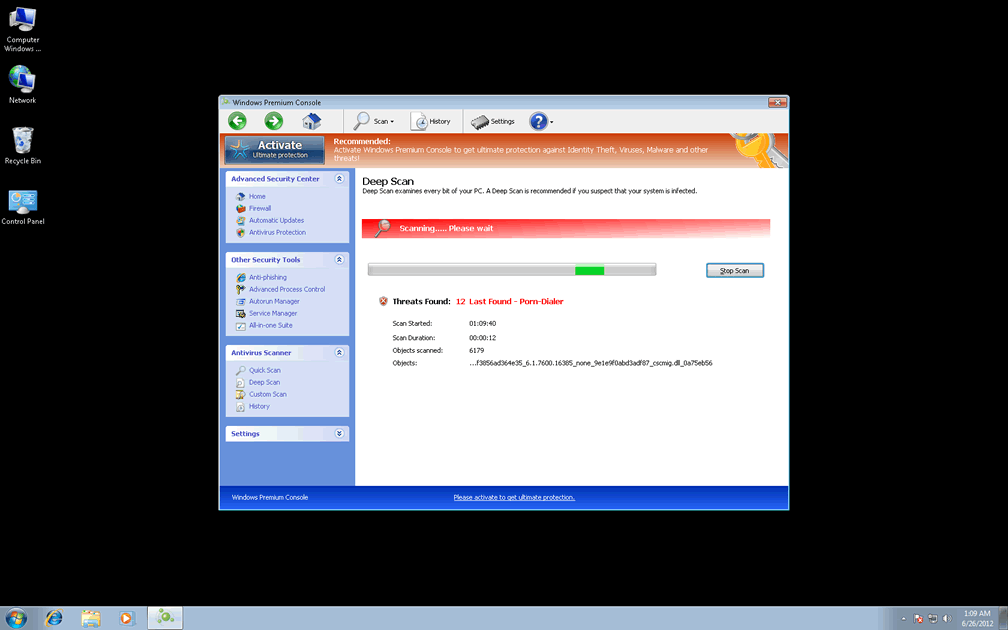
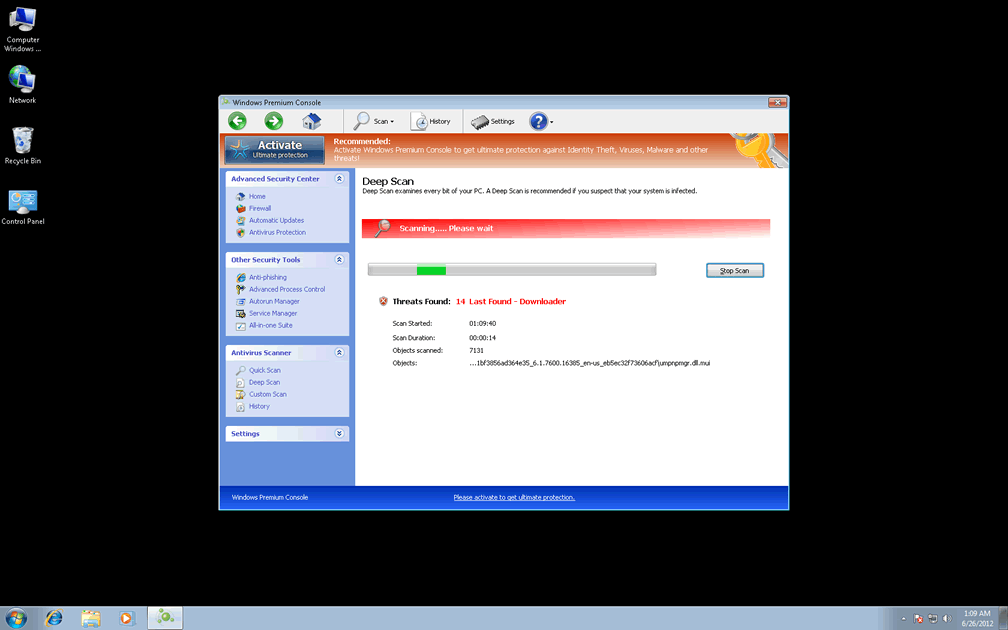
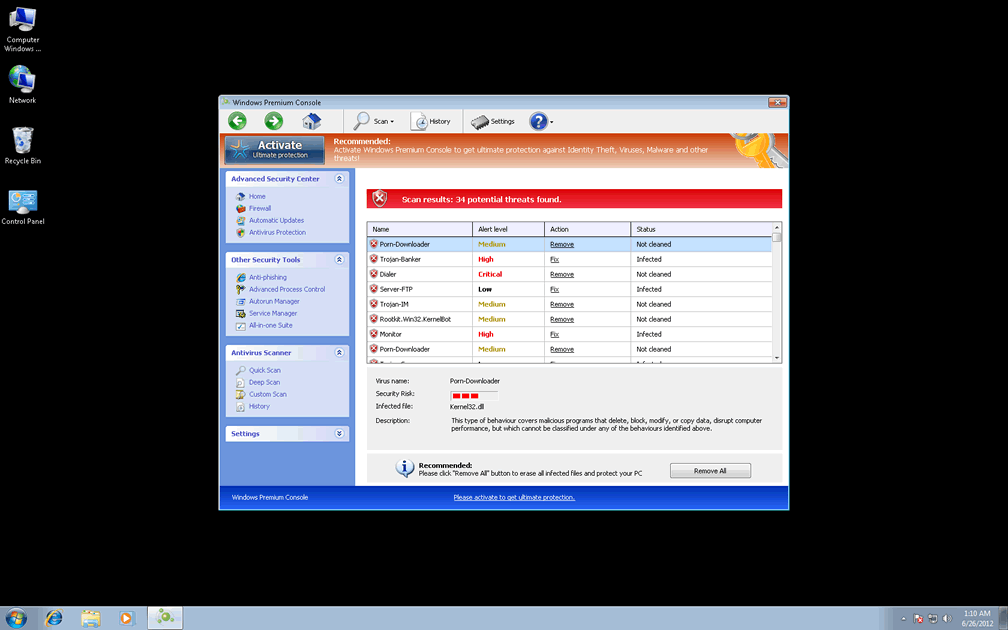
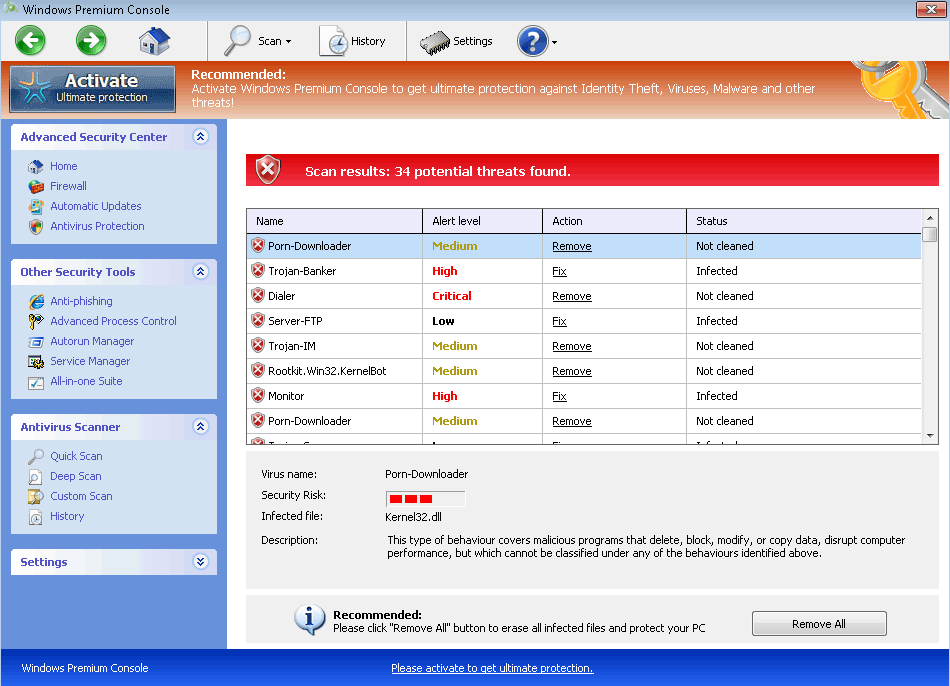 Windows Premium Console is one of the recent outcroppings of a family of rogue anti-malware scanners that are identified by the name FakeVimes. As a newly-identified variant of common scamware, Windows Premium Console may be able to avoid being detected by outdated security programs, but SpywareRemove.com malware researchers always recommend treating Windows Premium Console as malicious. Top symptoms of a Windows Premium Console infection include misleading threat alerts, system scans by Windows Premium Console that include nonexistent PC threats, browser redirects and problems with accessing unrelated programs (including both standard anti-malware products and popular Windows utilities). Because Windows Premium Console is a danger to your computer rather than the security-oriented application that Windows Premium Console pretends to be, you should always try to remove Windows Premium Console immediately after you can access appropriate anti-malware products.
What Placing Trust in Windows Premium Console's Centralized Security Can Cause
Rather than having a unique identity of its own, Windows Premium Console can be considered no better than a copy-pasted clone of similar PC threats that are based on modern branches of FakeVimes. Some (but far from all) of Windows Premium Console's relatives include Privacy Guard Pro, Extra Antivirus, Fast Antivirus 2009, Presto TuneUp, Windows Security Suite, Smart Virus Eliminator, Packed.Generic.245, Volcano Security Suite, Windows Enterprise Suite, Enterprise Suite, Additional Guard, Live PC Care, PC Live Guard, Live Enterprise Suite, Security Antivirus, My Security Wall, CleanUp Antivirus, Smart Security and PrivacyGuard Pro 2.0. Windows Premium Console and closely-associated PC threats, while they market themselves as security software, have been confirmed as being unable to find, block or remove any form of harmful software, including the many Trojans, worms and spyware-based threats that they inevitably claim are on your hard drive.
As a form of scamware that focuses on deluding victims with fake security alerts, Windows Premium Console will always pretend to detect a veritable army of Trojans, rootkits and other forms of malicious software, in conjunction with miscellaneous attacks like attempts to alter your Windows Registry (which, ironically, is something that Windows Premium Console actually does without requesting your permission). However, SpywareRemove.com malware analysts especially warn against the following attacks that Windows Premium Console may use to convince you further that other PC threats are at work:
- Blocked security-related applications, such as popular brands of anti-malware scanners and Windows-based tools like Task Manager. While Windows Premium Console blocks these programs, Windows Premium Console may also display inaccurate warnings about their being compromised.
- Windows settings that are changed to reduce your computer's protection against online attacks, such as malicious file downloads and websites. The UAC, which protects against unauthorized system changes, may also be disabled.
- Browser hijacks that redirect your online searches or block PC security sites.
Ousting Windows Premium Console without Paying a Premium for the Privilege
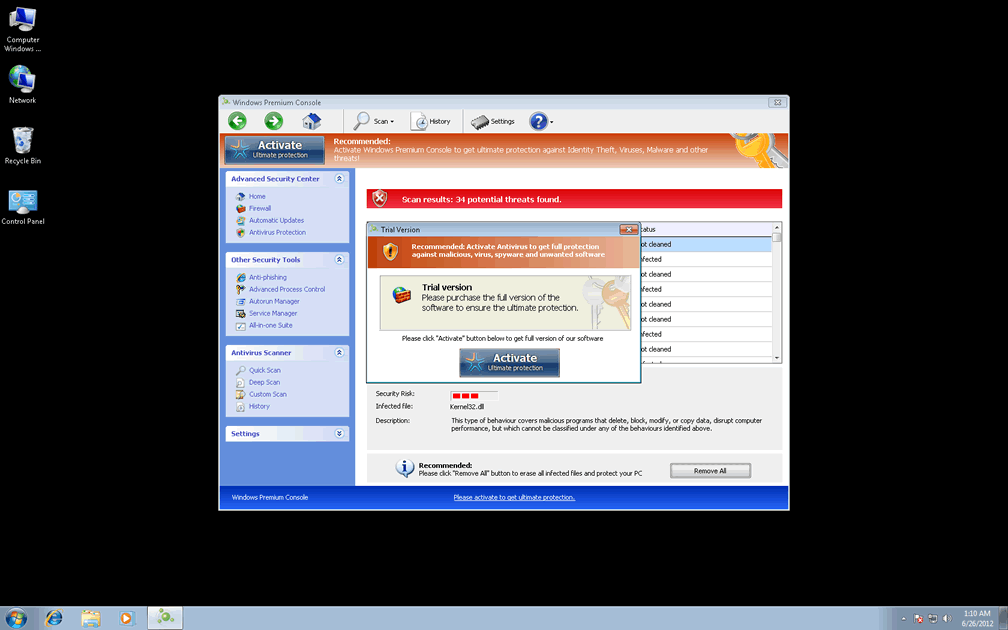
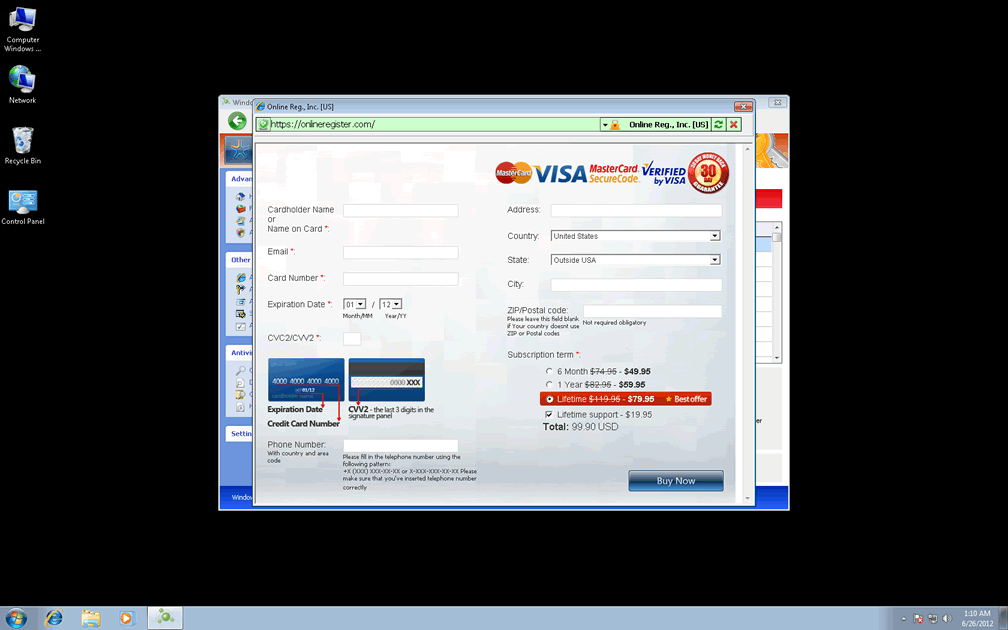
Although Windows Premium Console would like you to believe that your best course of action is to spend money on Windows Premium Console, SpywareRemove.com malware researchers discourage this as both unnecessary and dangerous for your associated financial information. Nonetheless, using the code '0W000-000B0-00T00-E0020' to register Windows Premium Console is one viable method of reducing its attacks prior to complete removal of Windows Premium Console by way of legitimate anti-malware software. You may also need to shut Windows Premium Console down by booting your operating system via methods that avoid its startup routine (such as a removable media-based boot).
Windows Premium Console and similar types of rogue anti-malware programs are propagated by malicious sites and third-party advertisements in system scanner simulations, as well as fraudulent media downloads like codec updates. SpywareRemove.com malware experts stress that keeping anti-malware software that can guard against these common means of attack should make it unnecessary for you ever to know how to delete Windows Premium Console in the first place.
Technical Details
File System Modifications
Tutorials: If you wish to learn how to remove malware components manually, you can read the tutorials on how to find malware, kill unwanted processes, remove malicious DLLs and delete other harmful files. Always be sure to back up your PC before making any changes.
The following files were created in the system:%AppData%\Protector-[RANDOM CHARACTERS].exe
File name: %AppData%\Protector-[RANDOM CHARACTERS].exeFile type: Executable File
Mime Type: unknown/exe
Group: Malware file
Registry Modifications
HKEY..\..\{Value}HKEY_CURRENT_USER\Software\Microsoft\Windows\CurrentVersion\Policies\System "DisableRegistryTools" = 0HKEY_CURRENT_USER\Software\Microsoft\Windows\CurrentVersion\Policies\System "DisableTaskMgr" = 0HKEY_CURRENT_USER\Software\Microsoft\Windows\CurrentVersion\Internet Settings "WarnOnHTTPSToHTTPRedirect" = 0HKEY_CURRENT_USER\Software\Microsoft\Windows\CurrentVersion\Policies\System "DisableRegedit" = 0HKEY_CURRENT_USER\Software\Microsoft\Windows\CurrentVersion\Settings "net" = "2012-2-17_2"HKEY_CURRENT_USER\Software\Microsoft\Windows\CurrentVersion\Settings "UID" = "rudbxijemb"HKEY_CURRENT_USER\Software\Microsoft\Windows\CurrentVersion\Settings "ID" = 0HKEY..\..\..\..{Subkeys}HKEY_CURRENT_USER\Software\Microsoft\Windows\CurrentVersion\Run "Inspector"HKEY_LOCAL_MACHINE\Software\Microsoft\Internet Explorer\Main\FeatureControl\FEATURE_ERROR_PAGE_BYPASS_ZONE_CHECK_FOR_HTTPS_KB954312HKEY_LOCAL_MACHINE\Software\Microsoft\Windows NT\CurrentVersion\Image File Execution Options\_avp32.exeHKEY_LOCAL_MACHINE\Software\Microsoft\Windows NT\CurrentVersion\Image File Execution Options\divx.exeHKEY_LOCAL_MACHINE\Software\Microsoft\Windows NT\CurrentVersion\Image File Execution Options\mostat.exeHKEY_LOCAL_MACHINE\Software\Microsoft\Windows NT\CurrentVersion\Image File Execution Options\platin.exeHKEY_LOCAL_MACHINE\Software\Microsoft\Windows NT\CurrentVersion\Image File Execution Options\tapinstall.exeHKEY_LOCAL_MACHINE\Software\Microsoft\Windows NT\CurrentVersion\Image File Execution Options\_avpcc.exeHKEY_LOCAL_MACHINE\Software\Microsoft\Windows NT\CurrentVersion\Image File Execution Options\ashDisp.exeHKEY_LOCAL_MACHINE\Software\Microsoft\Windows NT\CurrentVersion\Image File Execution Options\zapsetup3001.exe
Additional Information
| # | Message |
|---|---|
| 1 | Error Keylogger activity detected. System information security is at risk. It is recommended to activate protection and run a full system scan. |
| 2 | Error Software without a digital signature detected. Your system files are at risk. We strongly advise you to activate your protection. |
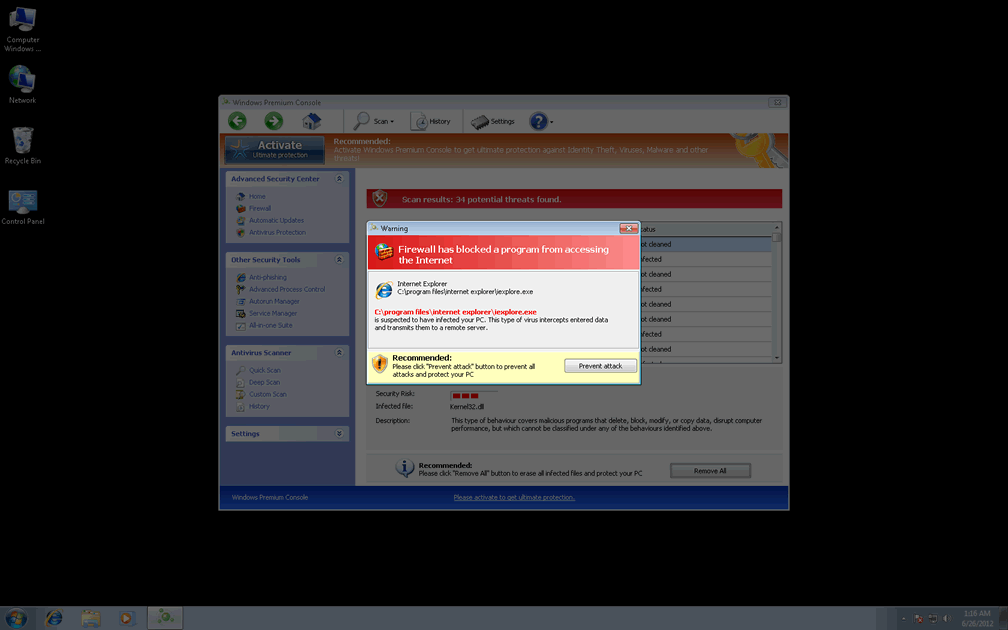
| 3 | Warning Firewall has blocked a program from accessing the Internet. Windows Media Player Resources C:\Windows\system32\dllcache\wmploc.dll C:\Windows\system32\dllcache\wmploc.dll is suspected to have infected your PC. This type of virus intercepts entered data and transmits them to a remote server. |
will u send me a solution?