Windows Profound Security
Posted: July 9, 2012
Threat Metric
The following fields listed on the Threat Meter containing a specific value, are explained in detail below:
Threat Level: The threat level scale goes from 1 to 10 where 10 is the highest level of severity and 1 is the lowest level of severity. Each specific level is relative to the threat's consistent assessed behaviors collected from SpyHunter's risk assessment model.
Detection Count: The collective number of confirmed and suspected cases of a particular malware threat. The detection count is calculated from infected PCs retrieved from diagnostic and scan log reports generated by SpyHunter.
Volume Count: Similar to the detection count, the Volume Count is specifically based on the number of confirmed and suspected threats infecting systems on a daily basis. High volume counts usually represent a popular threat but may or may not have infected a large number of systems. High detection count threats could lay dormant and have a low volume count. Criteria for Volume Count is relative to a daily detection count.
Trend Path: The Trend Path, utilizing an up arrow, down arrow or equal symbol, represents the level of recent movement of a particular threat. Up arrows represent an increase, down arrows represent a decline and the equal symbol represent no change to a threat's recent movement.
% Impact (Last 7 Days): This demonstrates a 7-day period change in the frequency of a malware threat infecting PCs. The percentage impact correlates directly to the current Trend Path to determine a rise or decline in the percentage.
| Threat Level: | 2/10 |
|---|---|
| Infected PCs: | 27 |
| First Seen: | July 9, 2012 |
|---|---|
| OS(es) Affected: | Windows |
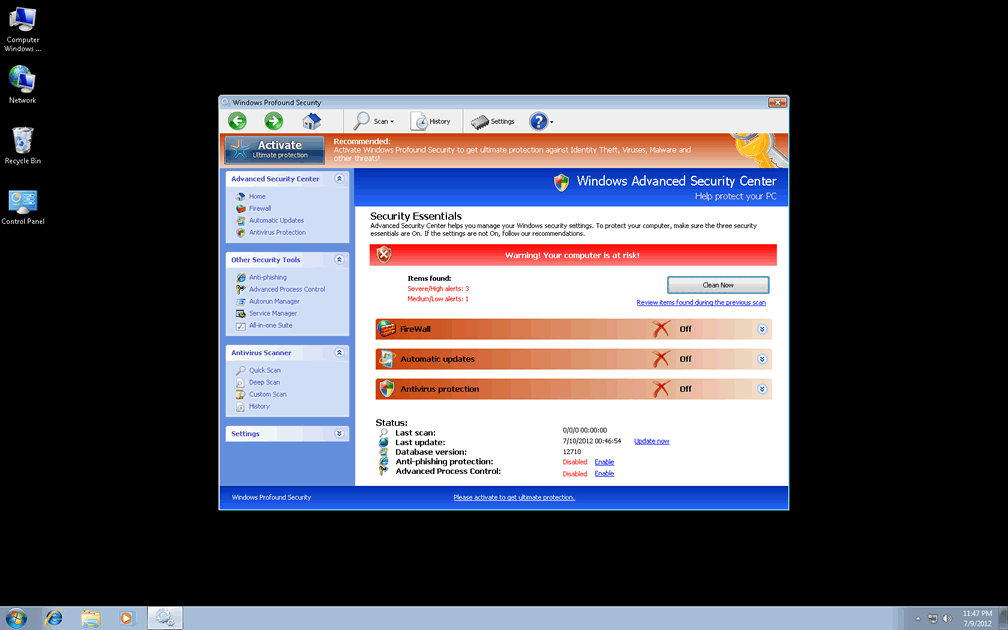
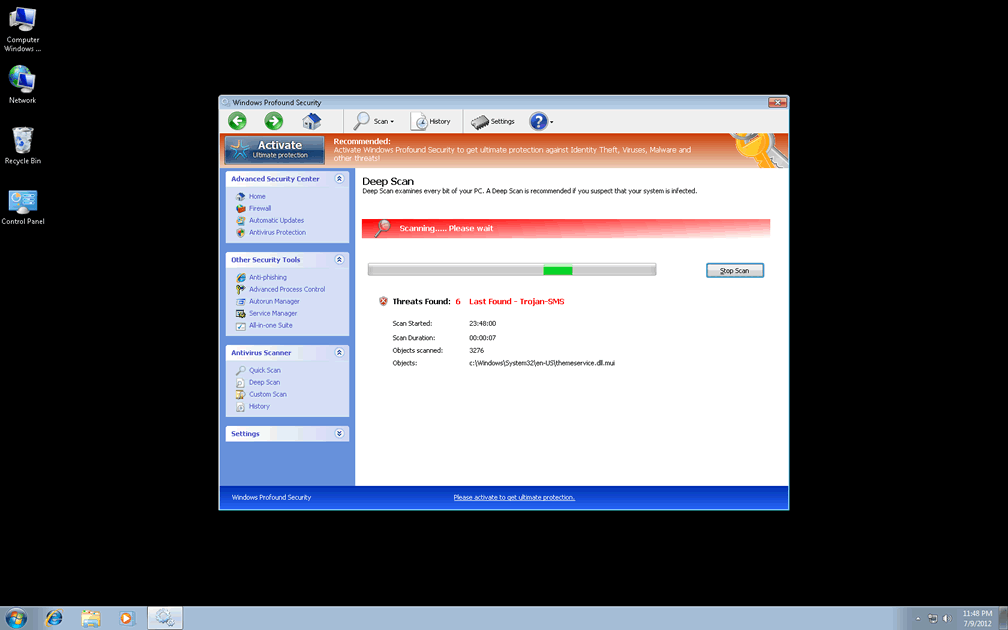
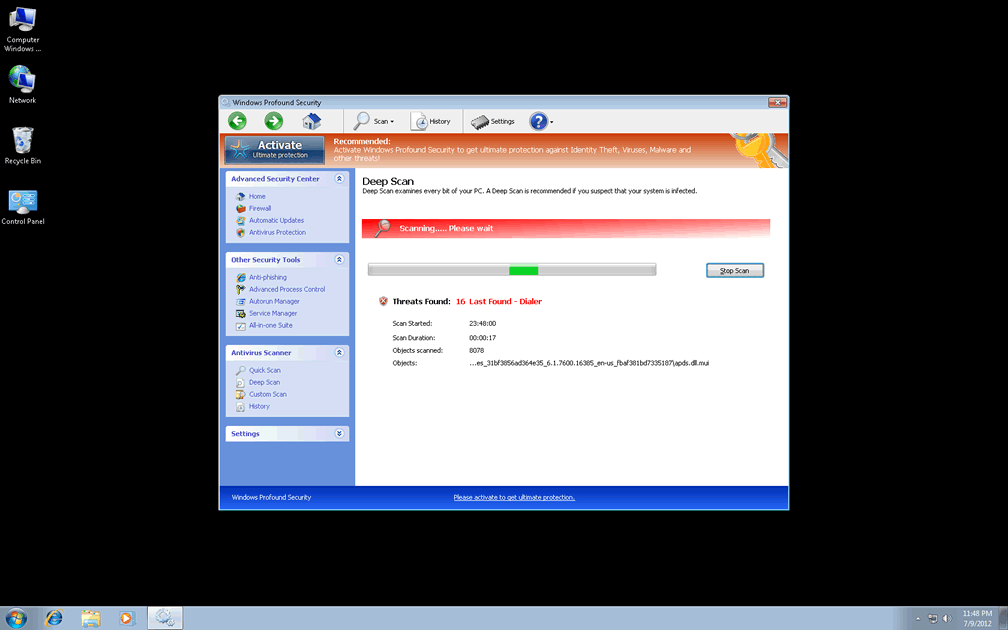
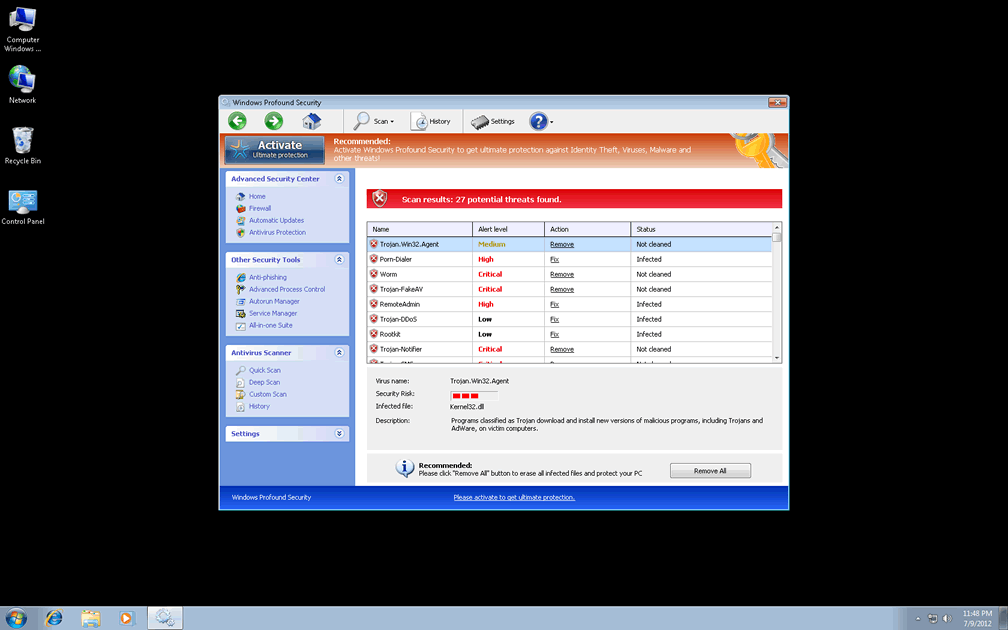
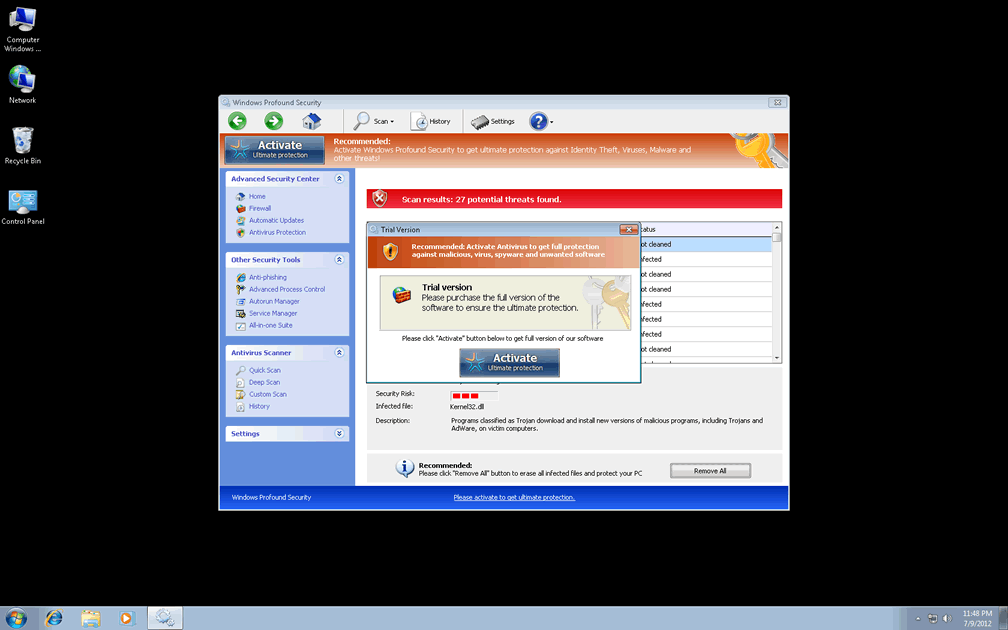
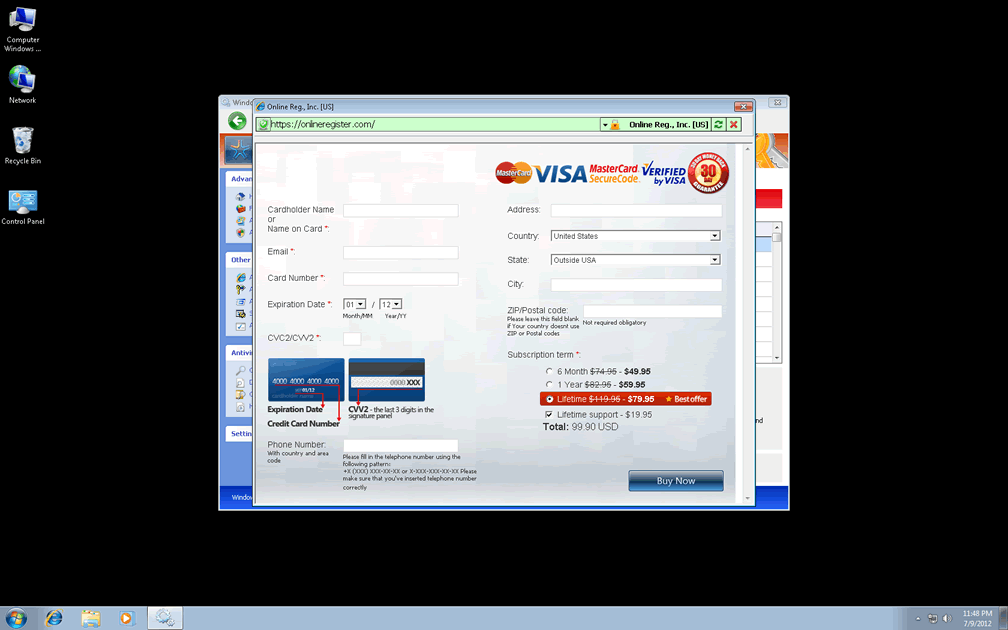
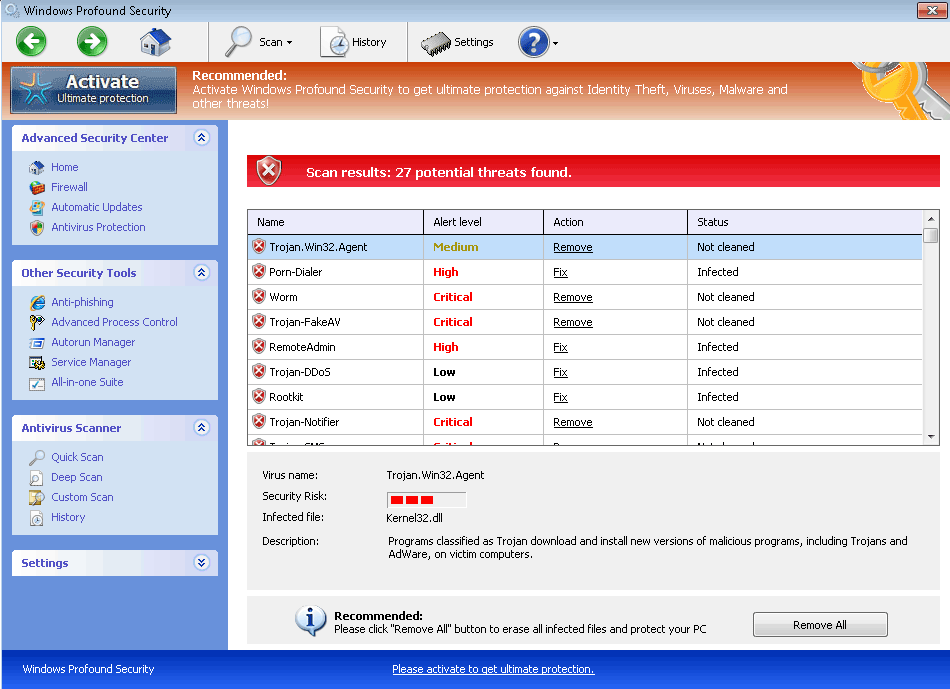 With no signs of stopping or even slowing down in SpywareRemove.com malware research team's sight, Windows Profound Security is the latest attempt to trick innocent Internet surfers into believing that a FakeVimes-based piece of scamware is a genuine anti-malware scanner. Windows Profound Security launches with Windows as an excuse to display a varied series of fake warning messages and scanner results, all of which include bad intel on the PC threats that are seemingly attacking your computer with intentions ranging from altering the Windows Registry to stealing confidential information. Not only is there zero need to spend money on Windows Profound Security's faux security services, but until Windows Profound Security is safely removed by a good anti-malware program, Windows Profound Security is even likely to harm your computer by blocking unrelated programs, changing your browser's settings or disabling important Windows safety features.
The Twisted Profundity of Windows Profound Security's Security Sham
Windows Profound Security may offer a glimpse into the worst of PC infections, but this isn't because Windows Profound Security has any kind of PC threat-detection features; rather, it's due to Windows Profound Security making up countless false positives as a way of promoting itself. Fake alerts from Windows Profound Security can imitate both general anti-malware alerts and warnings that appear to be sent by Windows itself, but other anti-malware programs, if even functional, will never corroborate Windows Profound Security's findings. While Windows Profound Security's foremost aim is to make you spend money on Windows Profound Security as an anti-malware solution, SpywareRemove.com malware research team stresses Windows Profound Security's true nature as a rogue anti-malware product that doesn't have any genuine solutions to offer your computer.
When Windows Profound Security is not trying to make you spend money on it, Windows Profound Security may also attack your browser settings, Registry settings and other aspects of your PC's security, as noted in the following list:
- Windows Profound Security may disable the Windows UAC, including its prompts regarding whether or not you wish to allow an action to change your PC.
- Windows Profound Security may promote fake search engines by redirecting your browser to them. Exposure to Windows Profound Security-promoted sites may also harm your PC by forcing it to load malicious content (drive-by-download scripts and similar exploits).
- Along similar lines, you may also be unable to access PC security sites due to Windows Profound Security blocking them; you may also see a fake error page in this event.
- A large range of other programs that are completely safe and unrelated to Windows Profound Security may also be blocked arbitrarily, especially including anti-malware, security, firewall and Windows diagnostics/maintenance applications. If you're unable to remove Windows Profound Security because of this attack, SpywareRemove.com malware researchers recommend that you use a removable hard drive-based system boot or Safe Mode to disable Windows Profound Security and any other PC threats.
Safety Away from Windows Profound Security's Aggressive Marketing
FakeVimes-based PC threats like Windows Profound Security can be distributed by spam e-mail campaigns, browser exploits on harmful websites or other methods, although past reports indicate that Windows Profound Security's top infection vector is that of fake software download links (fraudulent codec and other media updates, for example). This also applies to recent and close relatives of Windows Profound Security such as Privacy Guard Pro, Extra Antivirus, Fast Antivirus 2009, Presto TuneUp, Windows Security Suite, Smart Virus Eliminator, Packed.Generic.245, Volcano Security Suite, Windows Enterprise Suite, Enterprise Suite, Additional Guard, Live PC Care, PC Live Guard, Live Enterprise Suite, Security Antivirus, My Security Wall, CleanUp Antivirus, Smart Security and PrivacyGuard Pro 2.0.
Since attacks by Windows Profound Security can often include alterations to important Windows components, SpywareRemove.com malware experts recommend using dedicated anti-malware products for Windows Profound Security's removal.
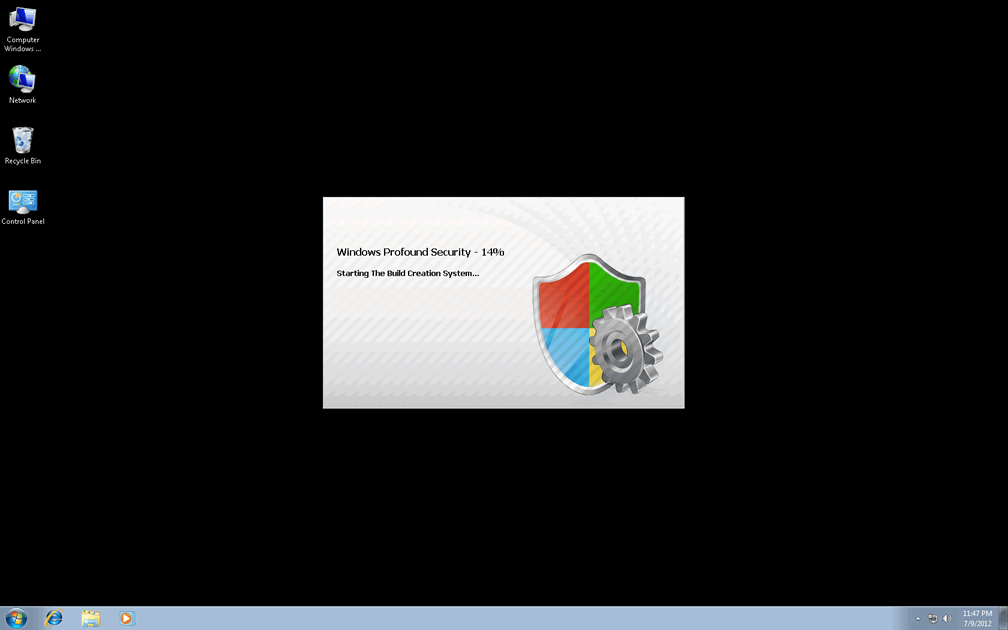
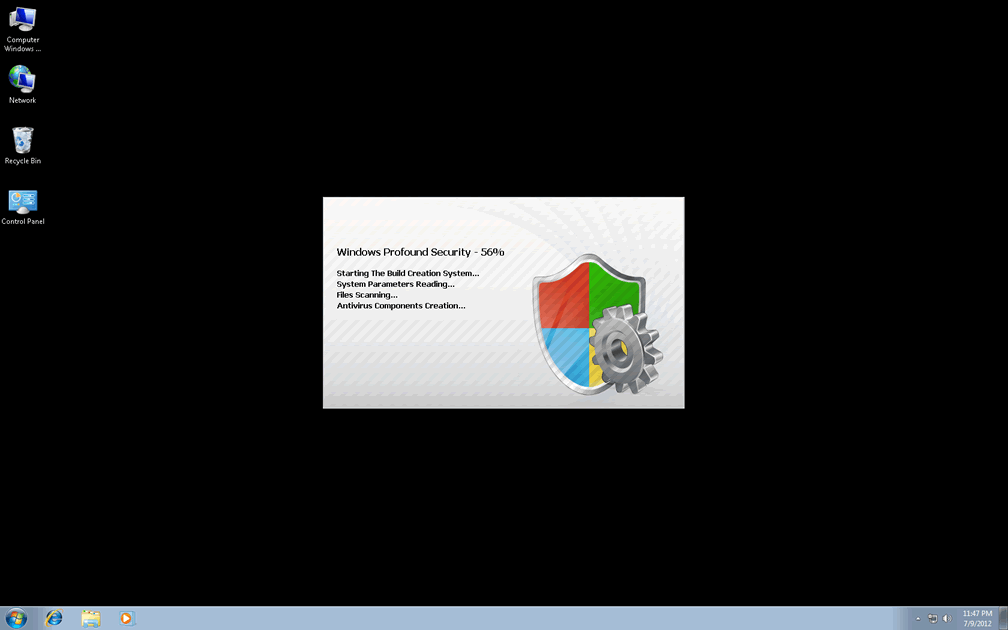
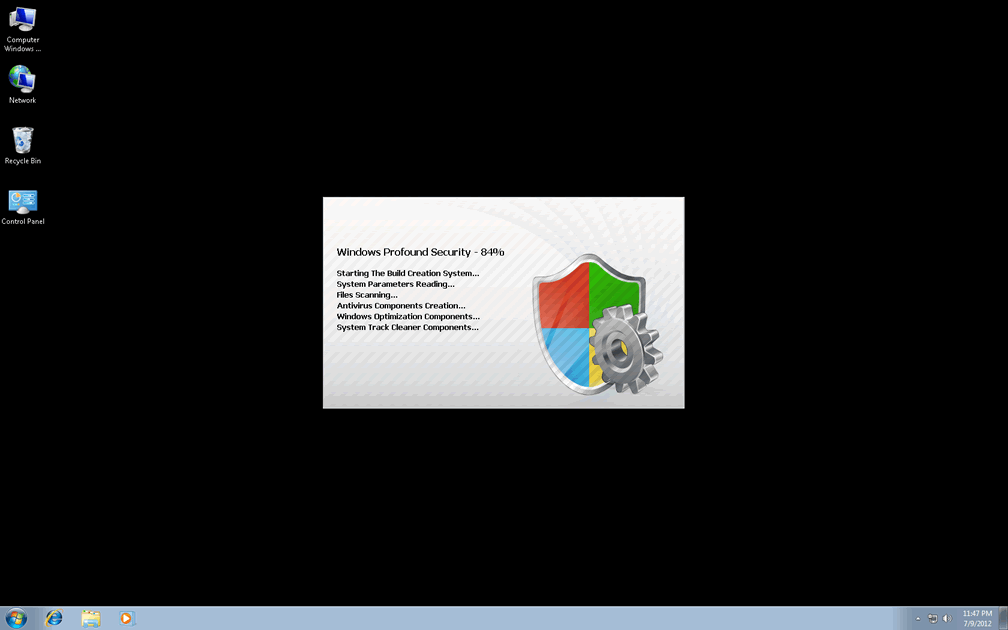
Technical Details
File System Modifications
Tutorials: If you wish to learn how to remove malware components manually, you can read the tutorials on how to find malware, kill unwanted processes, remove malicious DLLs and delete other harmful files. Always be sure to back up your PC before making any changes.
The following files were created in the system:%AppData%\NPSWF32.dll
File name: %AppData%\NPSWF32.dllFile type: Dynamic link library
Mime Type: unknown/dll
Group: Malware file
%AppData%\result.db
File name: %AppData%\result.dbMime Type: unknown/db
Group: Malware file
%AppData%\1st$0l3th1s.cnf
File name: %AppData%\1st$0l3th1s.cnfMime Type: unknown/cnf
Group: Malware file
Protector-[RANDOM 3 CHARACTERS].exe
File name: Protector-[RANDOM 3 CHARACTERS].exeFile type: Executable File
Mime Type: unknown/exe
Group: Malware file
Protector-[RANDOM 4 CHARACTERS].exe
File name: Protector-[RANDOM 4 CHARACTERS].exeFile type: Executable File
Mime Type: unknown/exe
Group: Malware file
Registry Modifications
HKEY..\..\{Value}HKEY_CURRENT_USER\Software\Microsoft\Windows\CurrentVersion\Internet Settings "WarnOnHTTPSToHTTPRedirect" = 0HKEY_CURRENT_USER\Software\Microsoft\Windows\CurrentVersion\Policies\System "DisableRegedit" = 0HKEY_CURRENT_USER\Software\Microsoft\Windows\CurrentVersion\Policies\System "DisableRegistryTools" = 0HKEY_CURRENT_USER\Software\Microsoft\Windows\CurrentVersion\Policies\System "DisableTaskMgr" = 0HKEY_CURRENT_USER\Software\Microsoft\Windows\CurrentVersion\Settings "net" = "2012-7-9_7"HKEY_CURRENT_USER\Software\Microsoft\Windows\CurrentVersion\Settings "UID" = "qvnpoksgjc"HKEY_LOCAL_MACHINE\SOFTWARE\Microsoft\Windows\CurrentVersion\policies\system "ConsentPromptBehaviorAdmin" = 0HKEY_LOCAL_MACHINE\SOFTWARE\Microsoft\Windows\CurrentVersion\policies\system "ConsentPromptBehaviorUser" = 0HKEY_LOCAL_MACHINE\SOFTWARE\Microsoft\Windows\CurrentVersion\policies\system "EnableLUA" = 0HKEY..\..\..\..{Subkeys}HKEY_CURRENT_USER\Software\ASProtectHKEY_LOCAL_MACHINE\SOFTWARE\Microsoft\Windows NT\CurrentVersion\Image File Execution Options\zonealarm.exeHKEY_LOCAL_MACHINE\SOFTWARE\Microsoft\Windows NT\CurrentVersion\Image File Execution Options\pctsSvc.exeHKEY_LOCAL_MACHINE\SOFTWARE\Microsoft\Windows NT\CurrentVersion\Image File Execution Options\fameh32.exeHKEY_LOCAL_MACHINE\SOFTWARE\Microsoft\Windows NT\CurrentVersion\Image File Execution Options\mcupdate.exeHKEY_LOCAL_MACHINE\SOFTWARE\Microsoft\Windows NT\CurrentVersion\Image File Execution Options\vbcons.exeHKEY_LOCAL_MACHINE\SOFTWARE\Microsoft\Windows NT\CurrentVersion\Image File Execution Options\Security Center.exeHKEY_LOCAL_MACHINE\SOFTWARE\Microsoft\Windows NT\CurrentVersion\Image File Execution Options\AVWEBGRD.EXEHKEY_LOCAL_MACHINE\SOFTWARE\Microsoft\Windows NT\CurrentVersion\Image File Execution Options\ants.exeHKEY_LOCAL_MACHINE\SOFTWARE\Microsoft\..{RunKeys}HKEY_CURRENT_USER\Software\Microsoft\Windows\CurrentVersion\Run "Inspector"
Additional Information
| # | Message |
|---|---|
| 1 | Error
Attempt to modify registry key entries detected. Registry entry analysis is recommended. |
| 2 | Error
Trojan activity detected. System data security is at risk. It is recommended to activate protection and run a full system scan. |
| 3 | Error Attempt to modify registry key entries detected. Registry entry analysis is recommended. |
| 4 | Error Trojan activity detected. System data security is at risk. It is recommended to activate protection and run a full system scan. |
| 5 | Warning
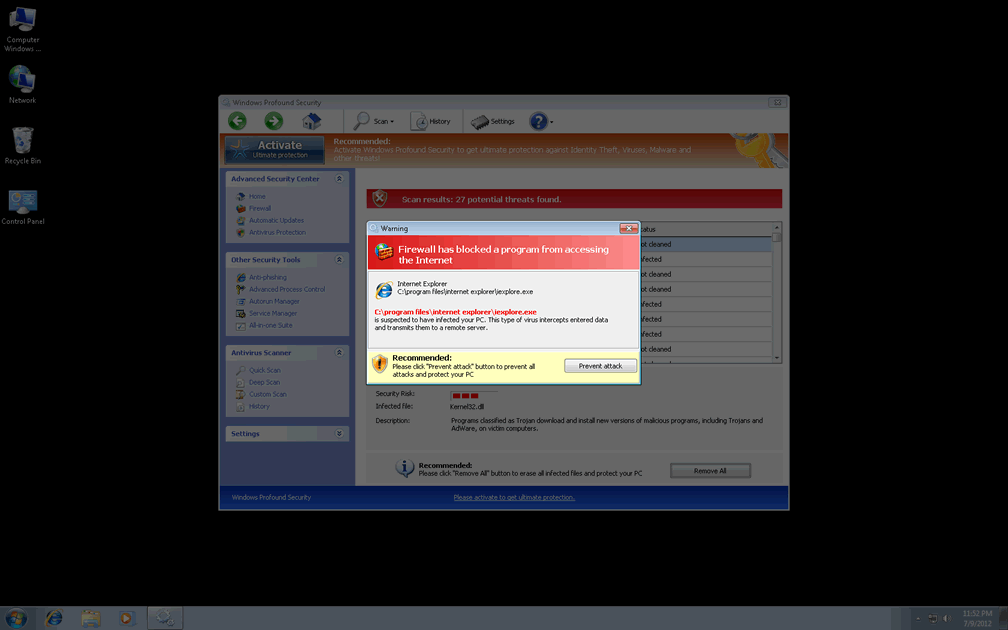
Firewall has blocked a program from accessing the Internet C:\program files\internet explorer\iexplore.exe is suspected to have infected your PC. This type of virus intercepts entered data and transmits them to a remote server. |
| 6 | Warning Firewall has blocked a program from accessing the Internet C:program filesinternet exploreriexplore.exe is suspected to have infected your PC. This type of virus intercepts entered data and transmits them to a remote server. |
Is profound security free???
I paid to have life time profound security installed on my computer and some how it disappeared what happened and how do i get it back