Windows Pro Safety Release
Posted: May 18, 2012
Threat Metric
The following fields listed on the Threat Meter containing a specific value, are explained in detail below:
Threat Level: The threat level scale goes from 1 to 10 where 10 is the highest level of severity and 1 is the lowest level of severity. Each specific level is relative to the threat's consistent assessed behaviors collected from SpyHunter's risk assessment model.
Detection Count: The collective number of confirmed and suspected cases of a particular malware threat. The detection count is calculated from infected PCs retrieved from diagnostic and scan log reports generated by SpyHunter.
Volume Count: Similar to the detection count, the Volume Count is specifically based on the number of confirmed and suspected threats infecting systems on a daily basis. High volume counts usually represent a popular threat but may or may not have infected a large number of systems. High detection count threats could lay dormant and have a low volume count. Criteria for Volume Count is relative to a daily detection count.
Trend Path: The Trend Path, utilizing an up arrow, down arrow or equal symbol, represents the level of recent movement of a particular threat. Up arrows represent an increase, down arrows represent a decline and the equal symbol represent no change to a threat's recent movement.
% Impact (Last 7 Days): This demonstrates a 7-day period change in the frequency of a malware threat infecting PCs. The percentage impact correlates directly to the current Trend Path to determine a rise or decline in the percentage.
| Threat Level: | 10/10 |
|---|---|
| Infected PCs: | 28 |
| First Seen: | May 18, 2012 |
|---|---|
| OS(es) Affected: | Windows |
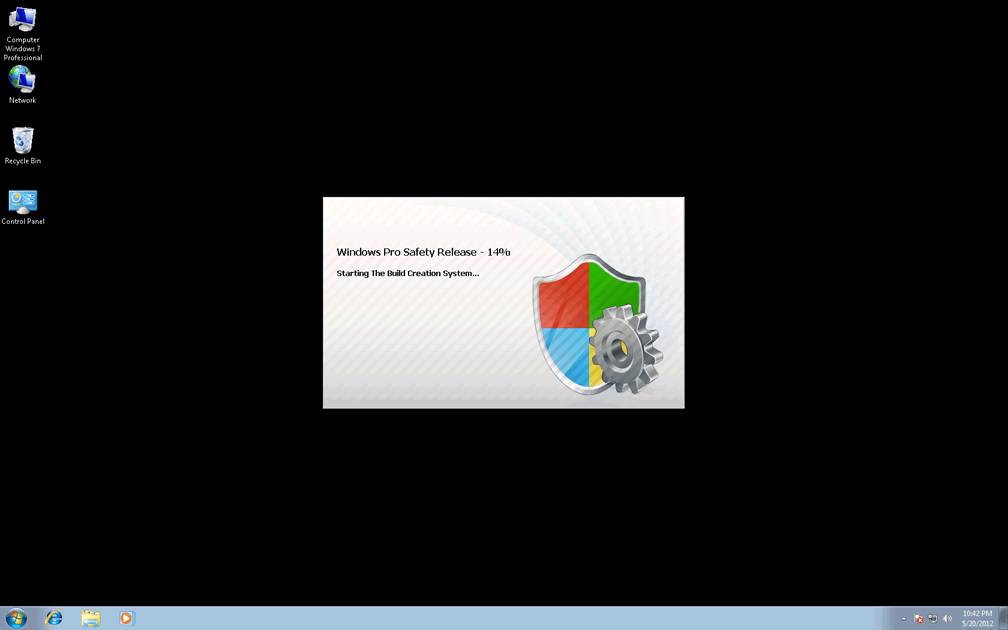
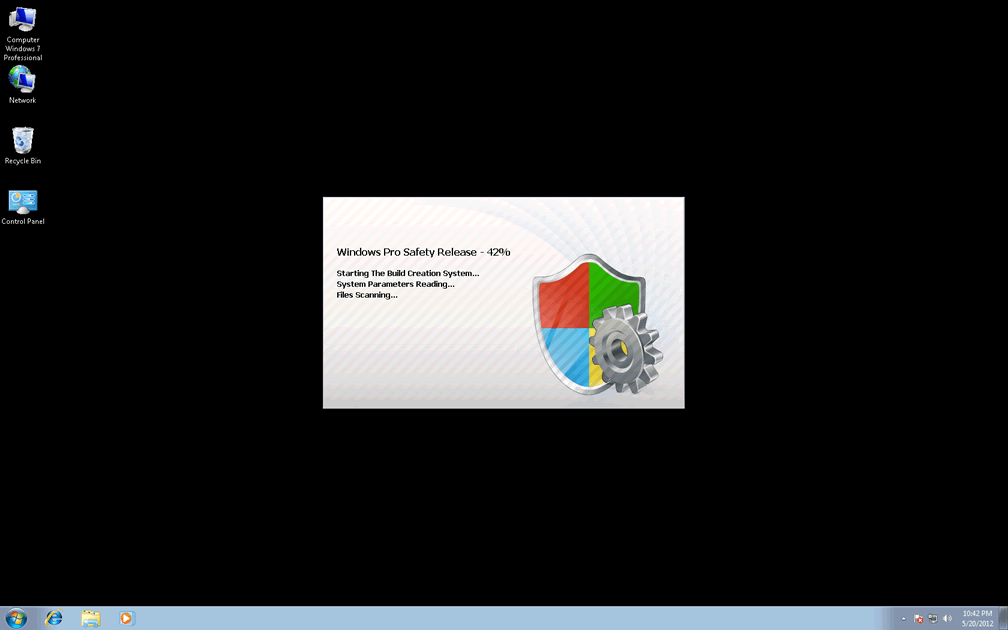
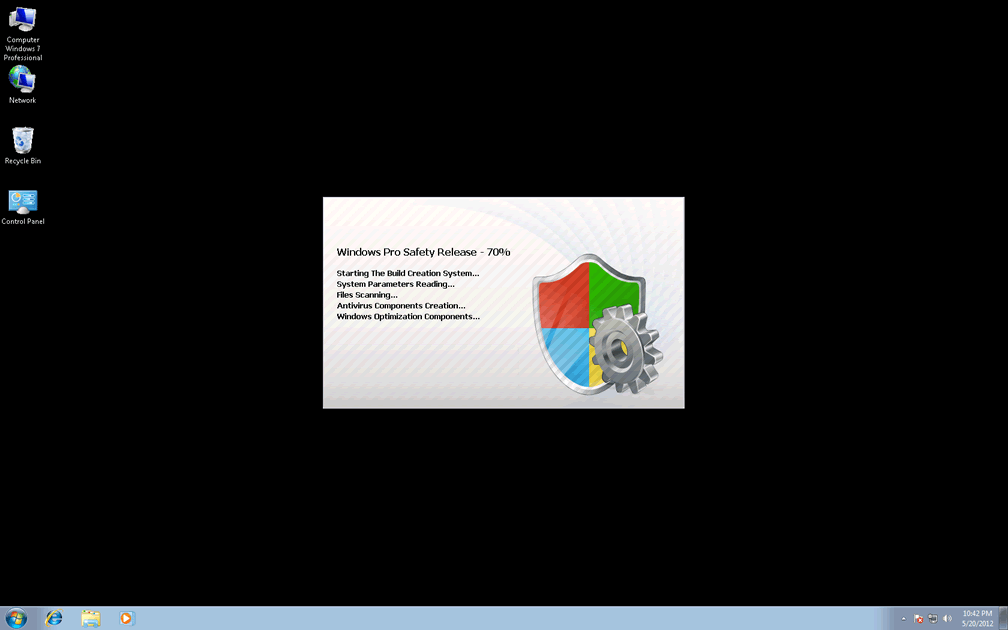
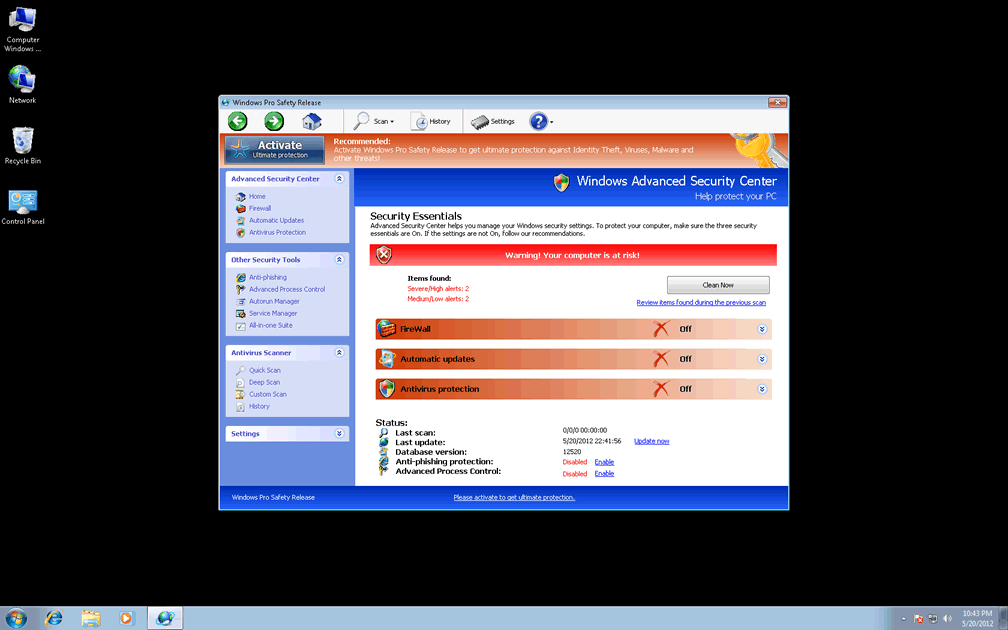
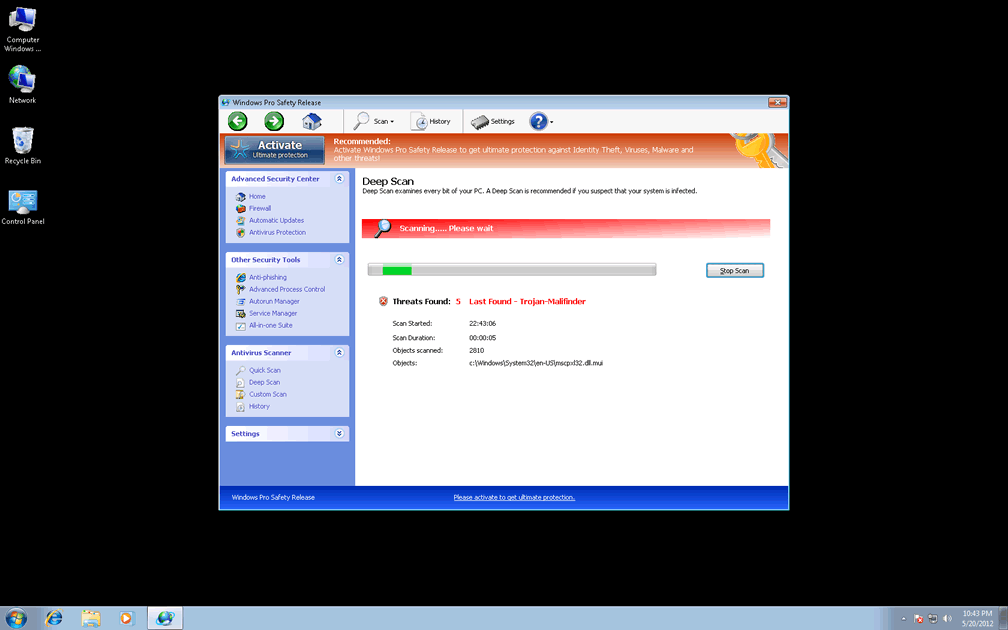
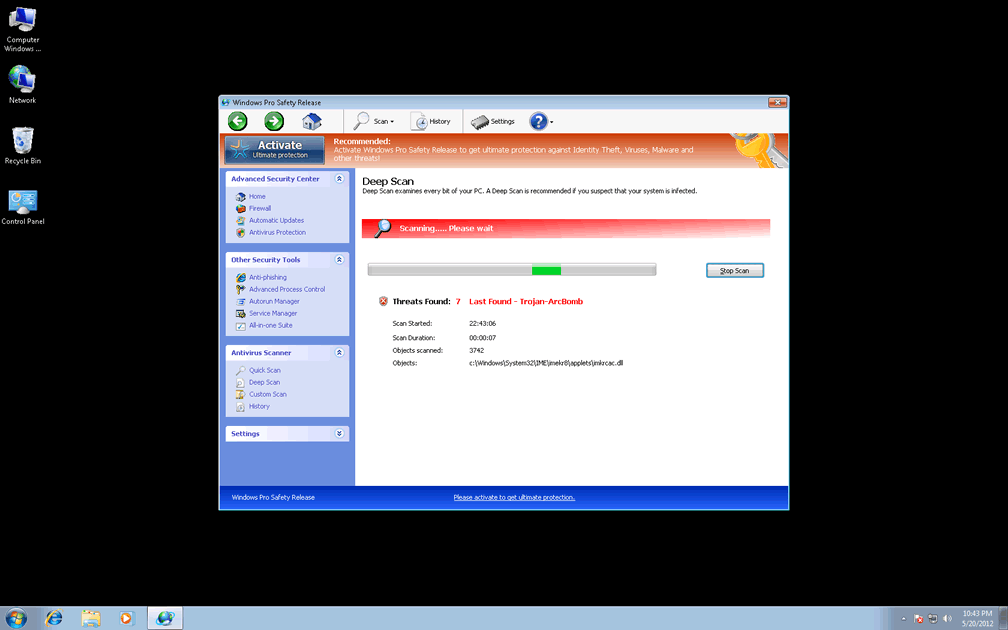
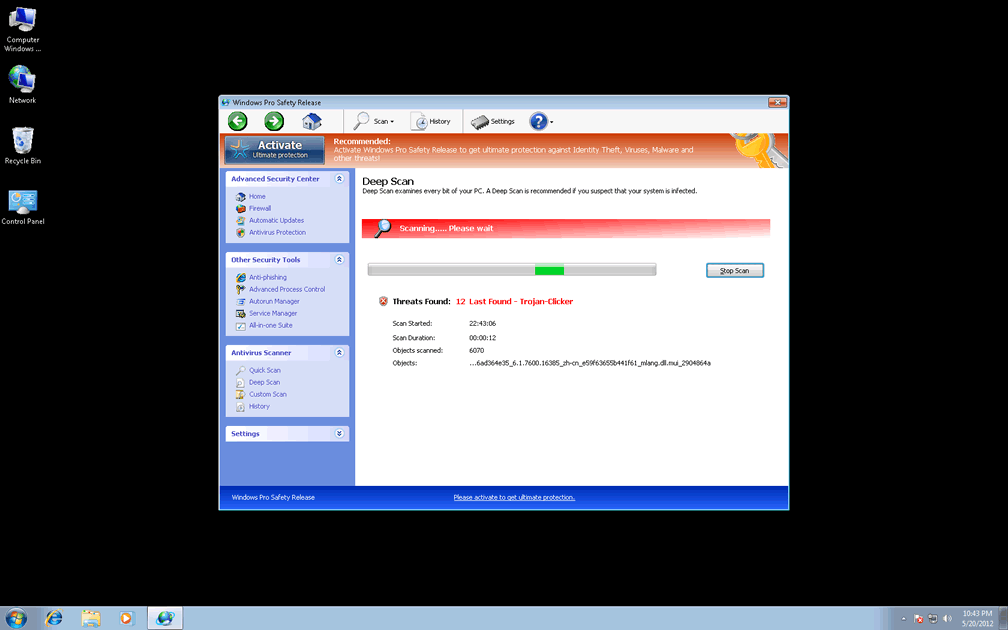
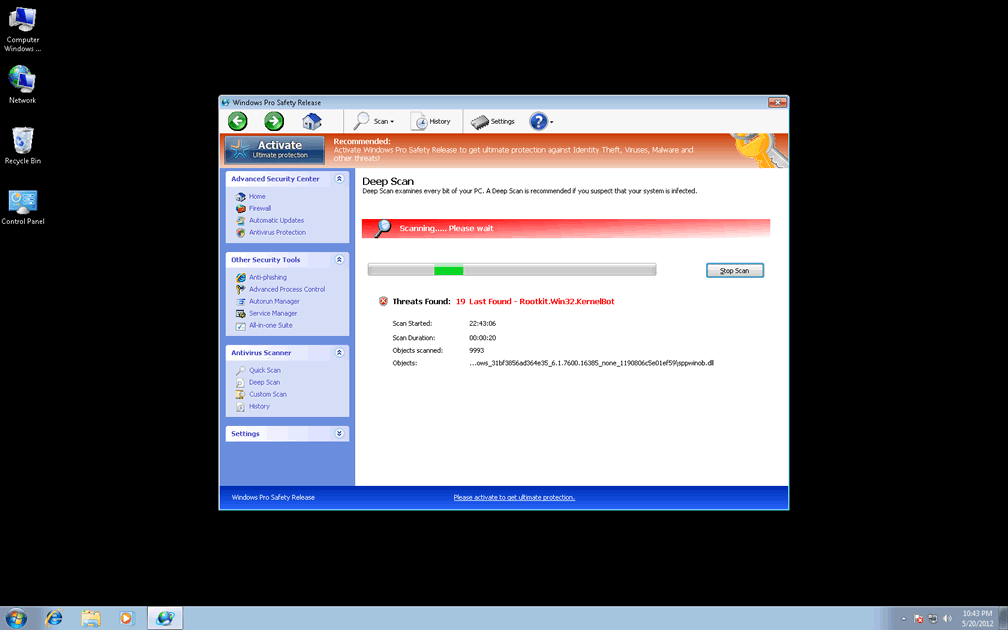
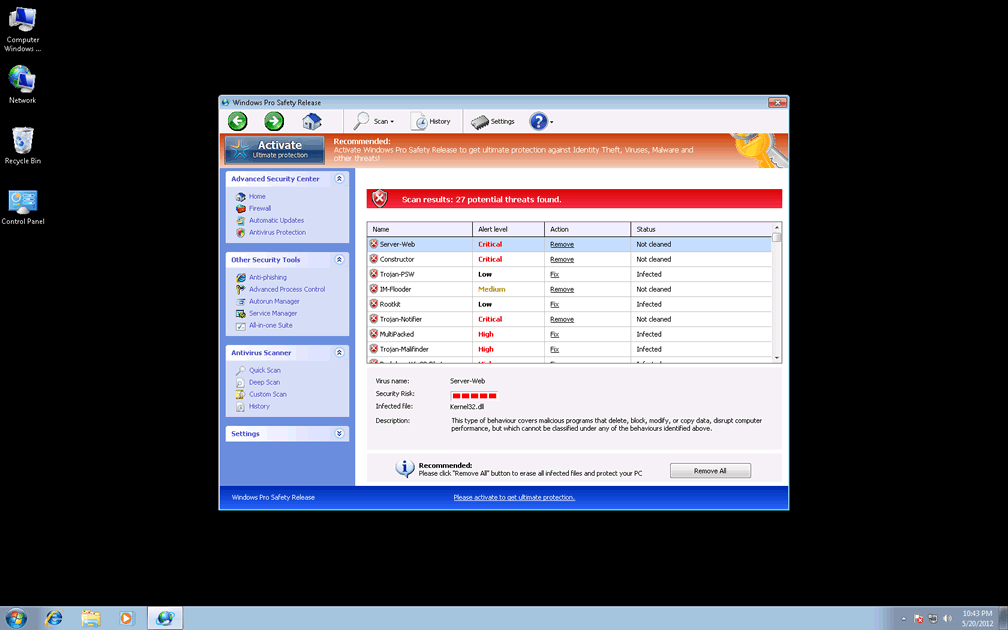
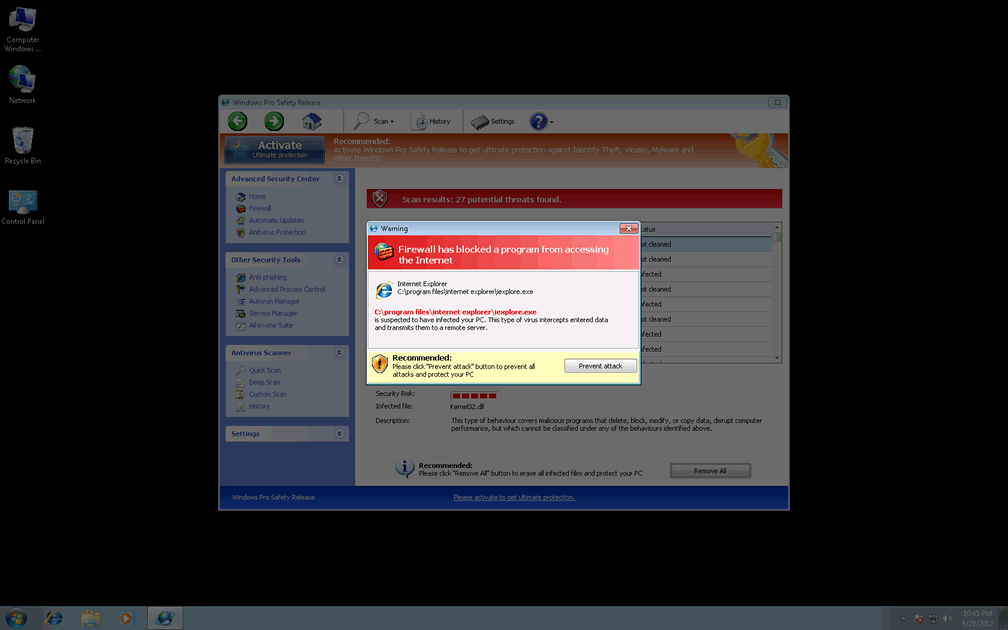
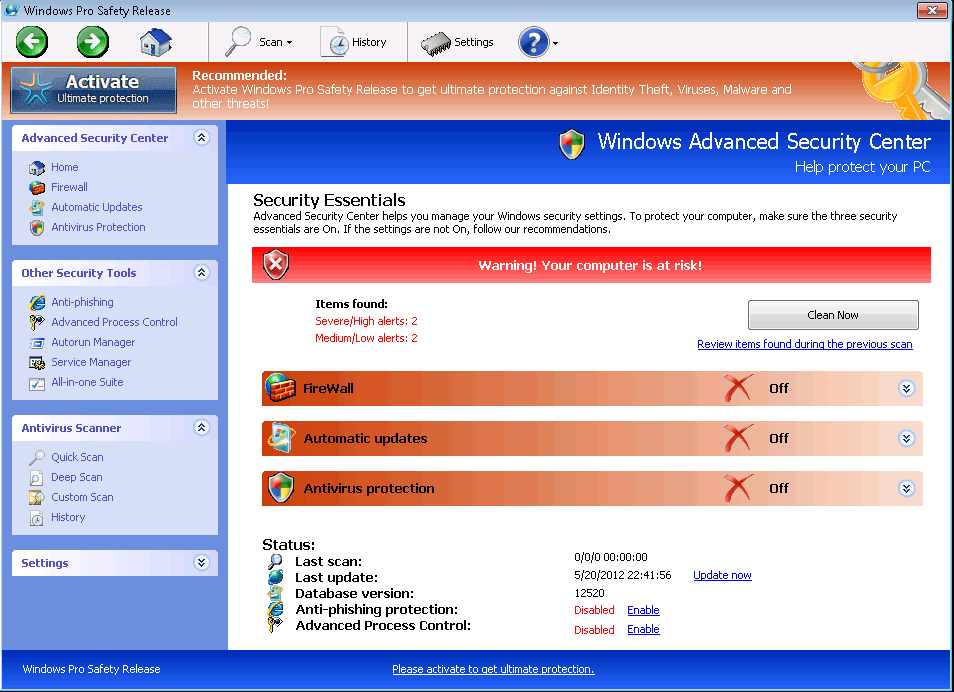 Windows Pro Safety Release, while acting like an independent and supposedly reputable anti-virus scanner, actually is the umpteenth rubber stamped entry into Win32/FakeVimes, a prolific group of rogue AV products. Like all of its many relatives, Windows Pro Safety Release doesn't have actual anti-virus features, but covers up this deficiency by creating fake alerts about scripted attacks, identity theft and the presence of PC threats that actually aren't on your hard drive at all. SpywareRemove.com malware researchers encourage Windows Pro Safety Release's hasty removal with any genuine anti-malware program, particularly since FakeVimes-based scamware like Windows Pro Safety Release have also been known to resort to browser redirect attacks and attempts to block Windows security applications.
How Windows Pro Safety Release Shuts Off Your PC's Safeguards One by One
As a clone of other recent members of FakeVimes, Windows Pro Safety Release imitates their superficial appearance of possessing anti-virus and security functions. From system scans to anti-phishing defenses, Windows Pro Safety Release appears to have it all, but SpywareRemove.com malware experts have confirmed every one of these features to be fraudulent. One such 'feature,' a memory-monitoring utility, even replaces the Windows Task Manager, depriving you of a basic Windows tool.
If anything, Windows Pro Safety Release can be considered scamware that actually forces you to release your computer's grip on its safety, since Windows Pro Safety Release and other PC threats from its family have been found to attack a range of other security-related programs, particularly anti-malware products and other types of applications that are included with the Windows OS. If necessary, you may want to disable Windows Pro Safety Release by booting Windows with Safe Mode or similar alternatives, which should allow you to regain access to anti-malware applications that can delete Windows Pro Safety Release safely. Since Windows Pro Safety Release modifies the Windows Registry and resists normal removal methods, attempting to remove Windows Pro Safety Release personally is, if not necessarily impossible, potentially hazardous for your operating system.
Putting a Stop to Windows Pro Safety Release's Scam as Soon as It Starts
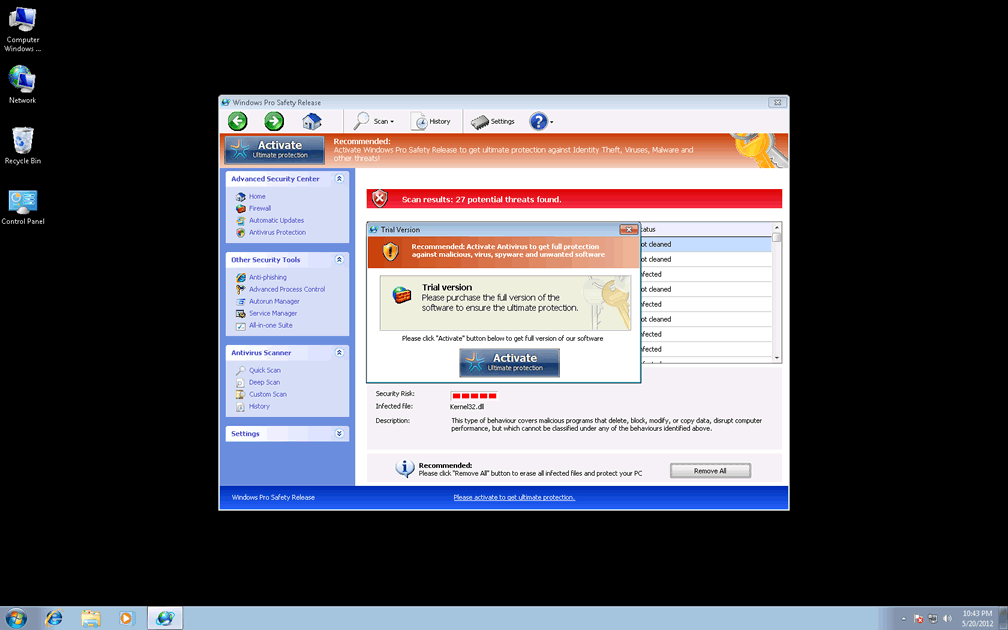
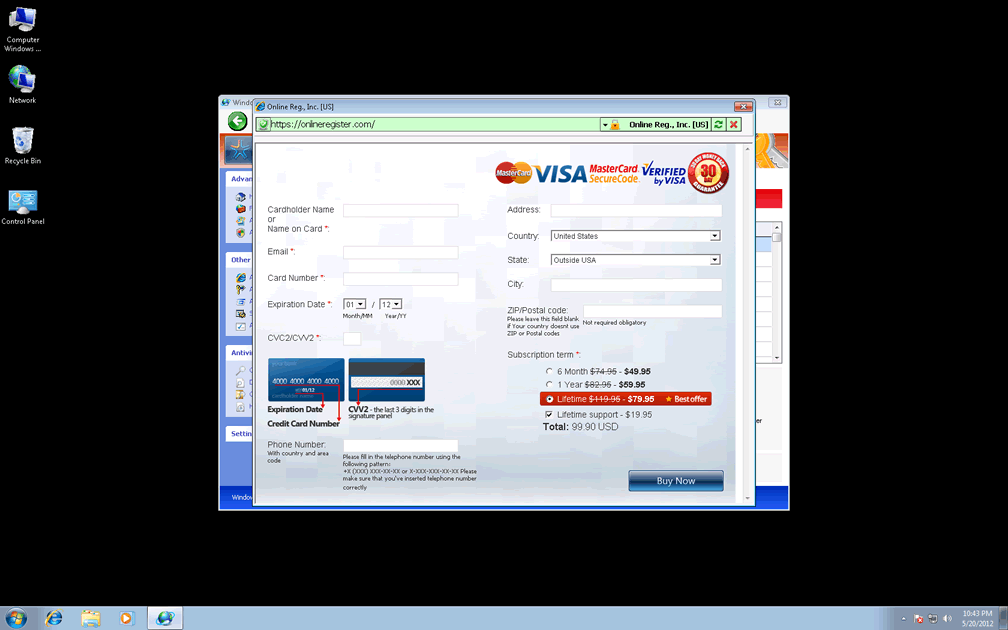
Windows Pro Safety Release, like all Win32/FakeVimes-based PC threats, may not have any real security features, but its desire for your money is certainly real enough. While Windows Pro Safety Release will ask you to register Windows Pro Safety Release so that Windows Pro Safety Release can remove the nigh-infinite army of Trojans, keyloggers and other PC threats that Windows Pro Safety Release claims are assaulting your computer, SpywareRemove.com malware researchers discourage this course of action, since even Windows Pro Safety Release's registered version doesn't have any positive attributes. Among the many clones of Windows Pro Safety Release are Privacy Guard Pro, Extra Antivirus, Fast Antivirus 2009, Presto TuneUp, Windows Security Suite, Smart Virus Eliminator, Packed.Generic.245, Volcano Security Suite, Windows Enterprise Suite, Enterprise Suite, Additional Guard, Live PC Care, PC Live Guard, Live Enterprise Suite, Security Antivirus, My Security Wall, CleanUp Antivirus, Smart Security and PrivacyGuard Pro 2.0.
Nonetheless, some victims of Windows Pro Safety Release attacks have found it useful to fake Windows Pro Safety Release's registration by using the code '0W000-000B0-00T00-E0020,' which is universally-accepted amongst recent members of Win32/FakeVimes. Registering Windows Pro Safety Release in this fashion can simplify removing Windows Pro Safety Release later, although it shouldn't be considered a substitute for it (since Windows Pro Safety Release may still continue to block security software, hijack your web browser or indulge in equivalently malicious behavior).
Technical Details
File System Modifications
Tutorials: If you wish to learn how to remove malware components manually, you can read the tutorials on how to find malware, kill unwanted processes, remove malicious DLLs and delete other harmful files. Always be sure to back up your PC before making any changes.
The following files were created in the system:%APPDATA%\Protector-qvao.exe
File name: Protector-qvao.exeSize: 2.04 MB (2045952 bytes)
MD5: 9733310065e7db429d4194822c86df50
Detection count: 94
File type: Executable File
Mime Type: unknown/exe
Path: %APPDATA%
Group: Malware file
Last Updated: May 18, 2012
%APPDATA%\Protector-snih.exe
File name: Protector-snih.exeSize: 2.32 MB (2327552 bytes)
MD5: 960e0e794b5a651cf77cd86a47b2900e
Detection count: 26
File type: Executable File
Mime Type: unknown/exe
Path: %APPDATA%
Group: Malware file
Last Updated: May 18, 2012
%AppData%\NPSWF32.dll
File name: %AppData%\NPSWF32.dllFile type: Dynamic link library
Mime Type: unknown/dll
Group: Malware file
%AppData%\Protector-[RANDOM 3 CHARACTERS].exe
File name: %AppData%\Protector-[RANDOM 3 CHARACTERS].exeFile type: Executable File
Mime Type: unknown/exe
Group: Malware file
%AppData%\Protector-[RANDOM 4 CHARACTERS].exe
File name: %AppData%\Protector-[RANDOM 4 CHARACTERS].exeFile type: Executable File
Mime Type: unknown/exe
Group: Malware file
%AppData%\result.db
File name: %AppData%\result.dbMime Type: unknown/db
Group: Malware file
%CommonStartMenu%\Programs\Windows Pro Safety Release.lnk
File name: %CommonStartMenu%\Programs\Windows Pro Safety Release.lnkFile type: Shortcut
Mime Type: unknown/lnk
Group: Malware file
%Desktop%\Windows Pro Safety Release.lnk
File name: %Desktop%\Windows Pro Safety Release.lnkFile type: Shortcut
Mime Type: unknown/lnk
Group: Malware file
Registry Modifications
HKEY..\..\{Value}HKEY_CURRENT_USER\Software\Microsoft\Windows\CurrentVersion\Internet Settings "WarnOnHTTPSToHTTPRedirect" = 0HKEY_CURRENT_USER\Software\Microsoft\Windows\CurrentVersion\Policies\System "DisableRegedit" = 0HKEY_CURRENT_USER\Software\Microsoft\Windows\CurrentVersion\Policies\System "DisableRegistryTools" = 0HKEY_CURRENT_USER\Software\Microsoft\Windows\CurrentVersion\Policies\System "DisableTaskMgr" = 0HKEY_CURRENT_USER\Software\Microsoft\Windows\CurrentVersion\Settings "net" = "2012-2-17_2"HKEY_CURRENT_USER\Software\Microsoft\Windows\CurrentVersion\Settings "UID" = "rudbxijemb"HKEY_LOCAL_MACHINE\SOFTWARE\Microsoft\Windows\CurrentVersion\policies\system "ConsentPromptBehaviorAdmin" = 0HKEY_LOCAL_MACHINE\SOFTWARE\Microsoft\Windows\CurrentVersion\policies\system "ConsentPromptBehaviorUser" = 0HKEY_LOCAL_MACHINE\SOFTWARE\Microsoft\Windows\CurrentVersion\policies\system "EnableLUA" = 0HKEY..\..\..\..{Subkeys}HKEY_LOCAL_MACHINE\SOFTWARE\Microsoft\Internet Explorer\Main\FeatureControl\FEATURE_ERROR_PAGE_BYPASS_ZONE_CHECK_FOR_HTTPS_KB954312HKEY_LOCAL_MACHINE\SOFTWARE\Microsoft\Windows NT\CurrentVersion\Image File Execution Options\ashDisp.exeHKEY_LOCAL_MACHINE\SOFTWARE\Microsoft\Windows NT\CurrentVersion\Image File Execution Options\_avp32.exeHKEY_LOCAL_MACHINE\SOFTWARE\Microsoft\Windows NT\CurrentVersion\Image File Execution Options\_avpcc.exeHKEY_LOCAL_MACHINE\SOFTWARE\Microsoft\Windows NT\CurrentVersion\Image File Execution Options\divx.exeHKEY_LOCAL_MACHINE\SOFTWARE\Microsoft\Windows NT\CurrentVersion\Image File Execution Options\tapinstall.exeHKEY_LOCAL_MACHINE\SOFTWARE\Microsoft\Windows NT\CurrentVersion\Image File Execution Options\zapsetup3001.exeHKEY_LOCAL_MACHINE\SOFTWARE\Microsoft\Windows NT\CurrentVersion\Image File Execution Options\mostat.exeHKEY_LOCAL_MACHINE\SOFTWARE\Microsoft\Windows NT\CurrentVersion\Image File Execution Options\platin.exeHKEY_LOCAL_MACHINE\SOFTWARE\Microsoft\..{RunKeys}HKEY_CURRENT_USER\Software\Microsoft\Windows\CurrentVersion\Run "Inspector"
OMG, after 4 hours i finally got rid of windows pro safety release. took me two other programs. malwarebytes detected it but it still kept loading on restart for some reason. finally broke down and paid for this spyhunter and it did the job well. will be using that from now on for my malware protection.