Windows Ultimate Security Patch
Posted: May 28, 2012
Threat Metric
The following fields listed on the Threat Meter containing a specific value, are explained in detail below:
Threat Level: The threat level scale goes from 1 to 10 where 10 is the highest level of severity and 1 is the lowest level of severity. Each specific level is relative to the threat's consistent assessed behaviors collected from SpyHunter's risk assessment model.
Detection Count: The collective number of confirmed and suspected cases of a particular malware threat. The detection count is calculated from infected PCs retrieved from diagnostic and scan log reports generated by SpyHunter.
Volume Count: Similar to the detection count, the Volume Count is specifically based on the number of confirmed and suspected threats infecting systems on a daily basis. High volume counts usually represent a popular threat but may or may not have infected a large number of systems. High detection count threats could lay dormant and have a low volume count. Criteria for Volume Count is relative to a daily detection count.
Trend Path: The Trend Path, utilizing an up arrow, down arrow or equal symbol, represents the level of recent movement of a particular threat. Up arrows represent an increase, down arrows represent a decline and the equal symbol represent no change to a threat's recent movement.
% Impact (Last 7 Days): This demonstrates a 7-day period change in the frequency of a malware threat infecting PCs. The percentage impact correlates directly to the current Trend Path to determine a rise or decline in the percentage.
| Threat Level: | 2/10 |
|---|---|
| Infected PCs: | 70 |
| First Seen: | May 28, 2012 |
|---|---|
| OS(es) Affected: | Windows |
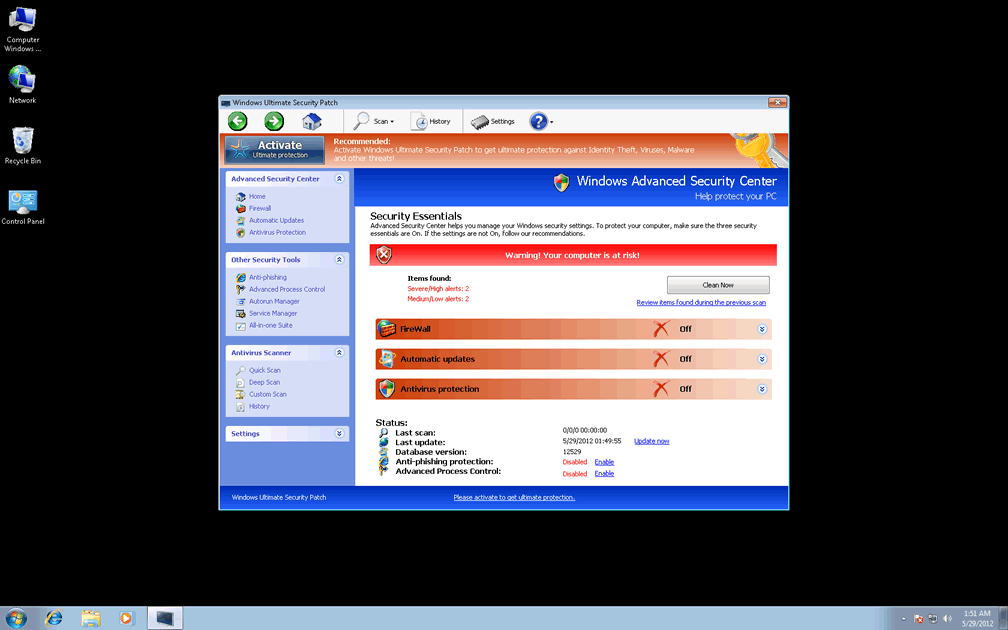
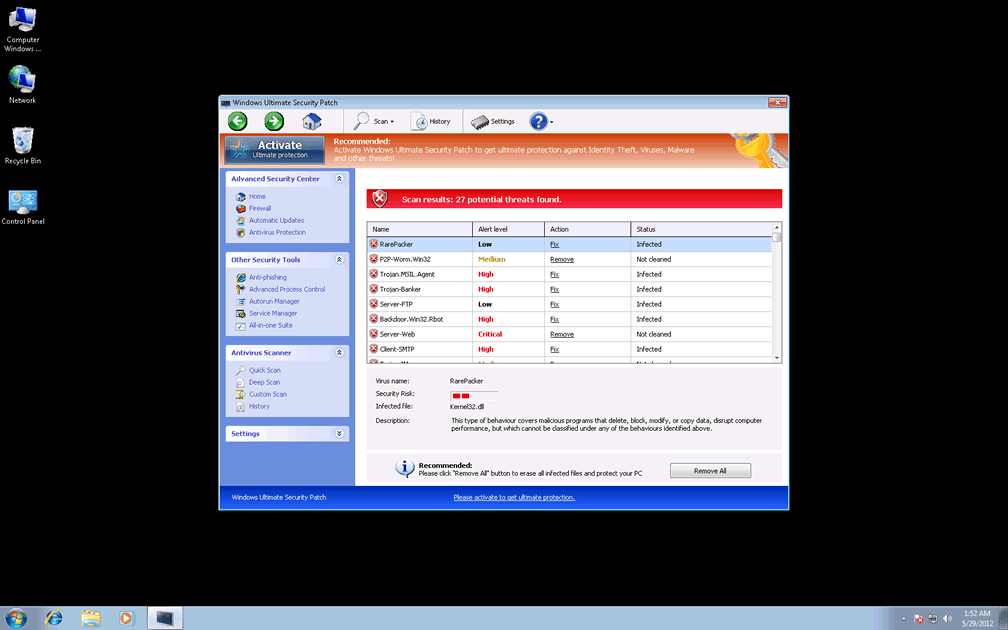
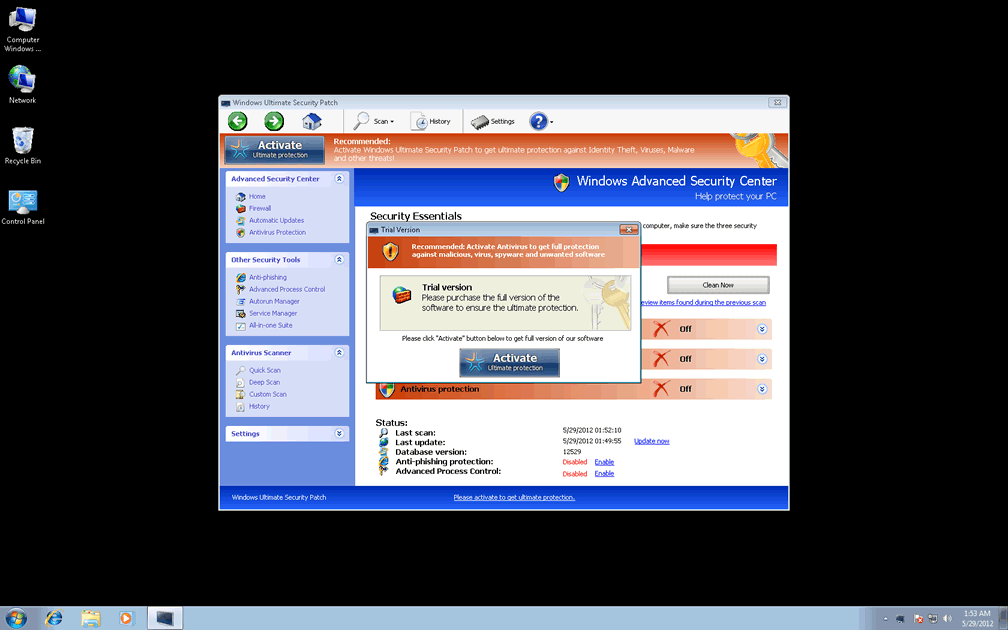
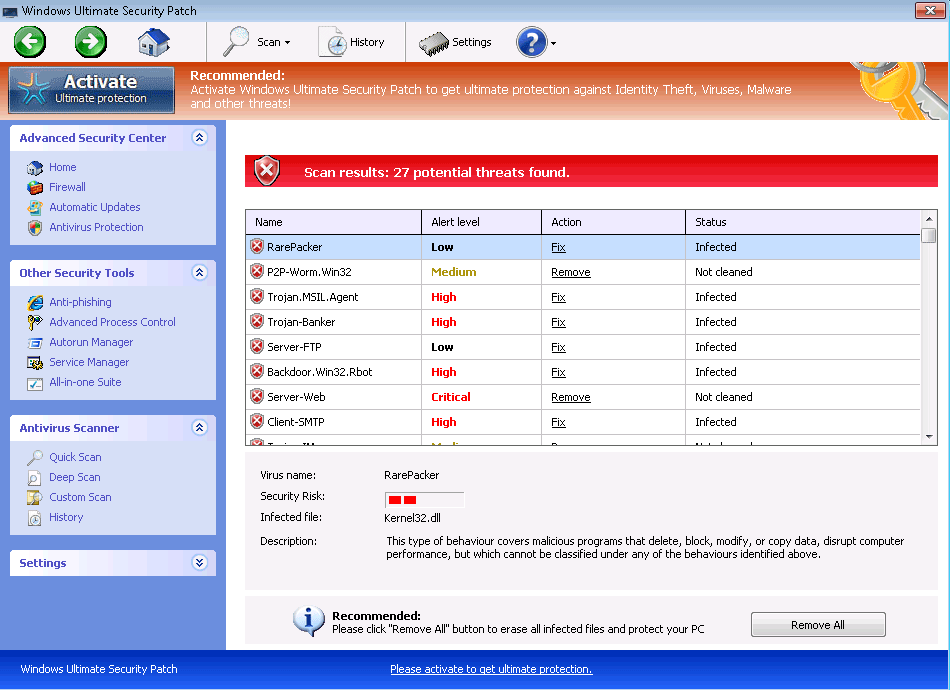 Windows Ultimate Security Patch pretends to be a comprehensive, all-in-one anti-malware and security program for your PC, but as a clone of other members of Win32/FakeVimes, Windows Ultimate Security Patch doesn't have any ability to protect your PC from any type of threat. SpywareRemove.com malware researchers have divined that typical Windows Ultimate Security Patch infections risk your exposure to browser redirects and fraudulent system alerts, as well as other types of faux security information that's used to beguile you into spending money on Windows Ultimate Security Patch. Since rogue anti-malware products like Windows Ultimate Security Patch don't have any actual PC-protecting features even in their purchasable forms, it's suggested for you to remove Windows Ultimate Security Patch with an anti-malware application instead of paying for Windows Ultimate Security Patch – particularly since Windows Ultimate Security Patch may also try to interfere with genuine security-related products and Windows utilities.
Why You Should Refuse Windows Ultimate Security Patch's Downgrade to Your PC's Safety
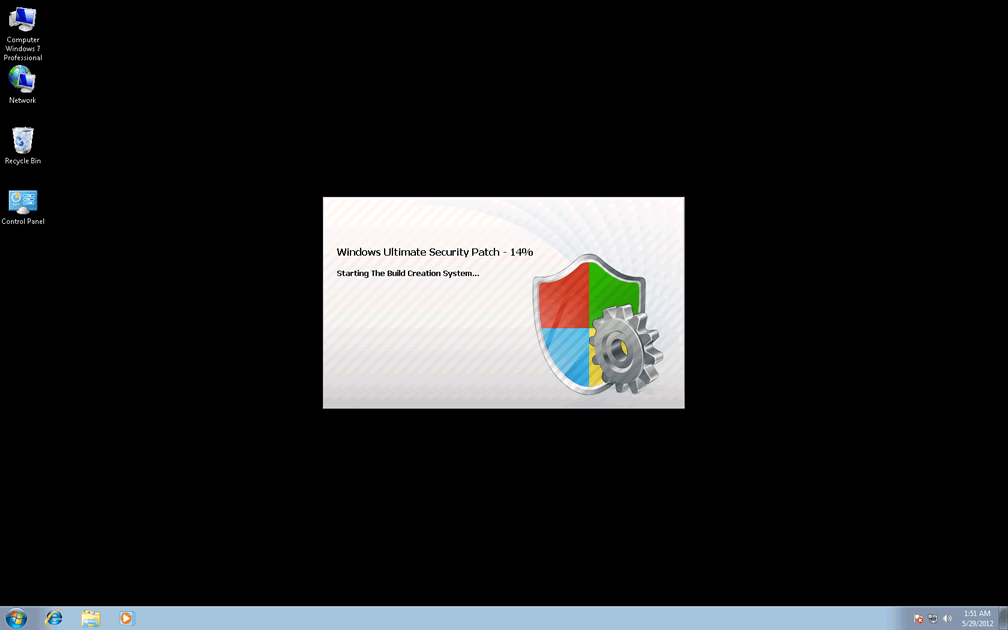
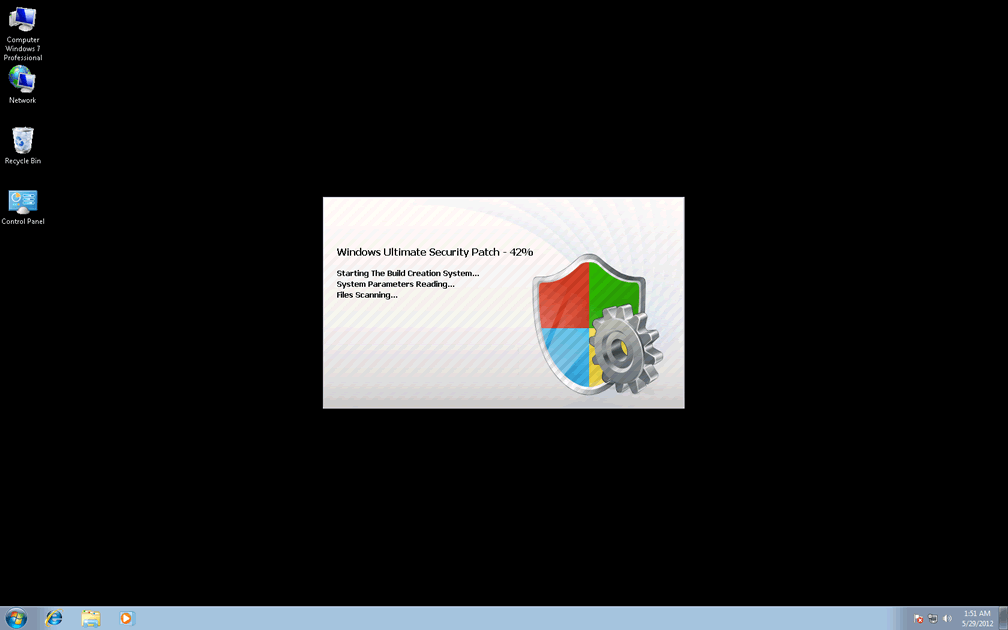
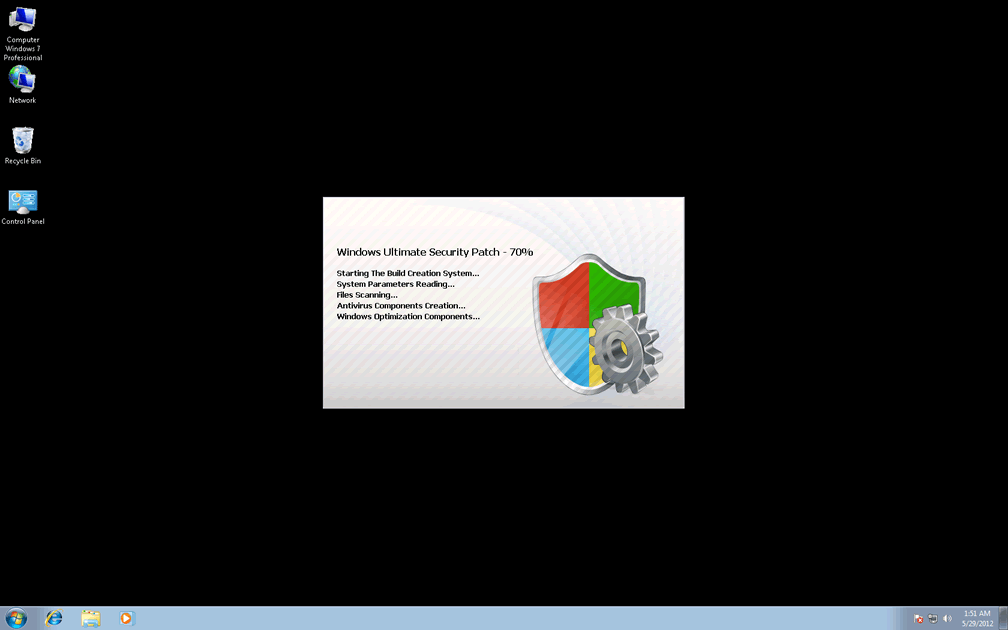
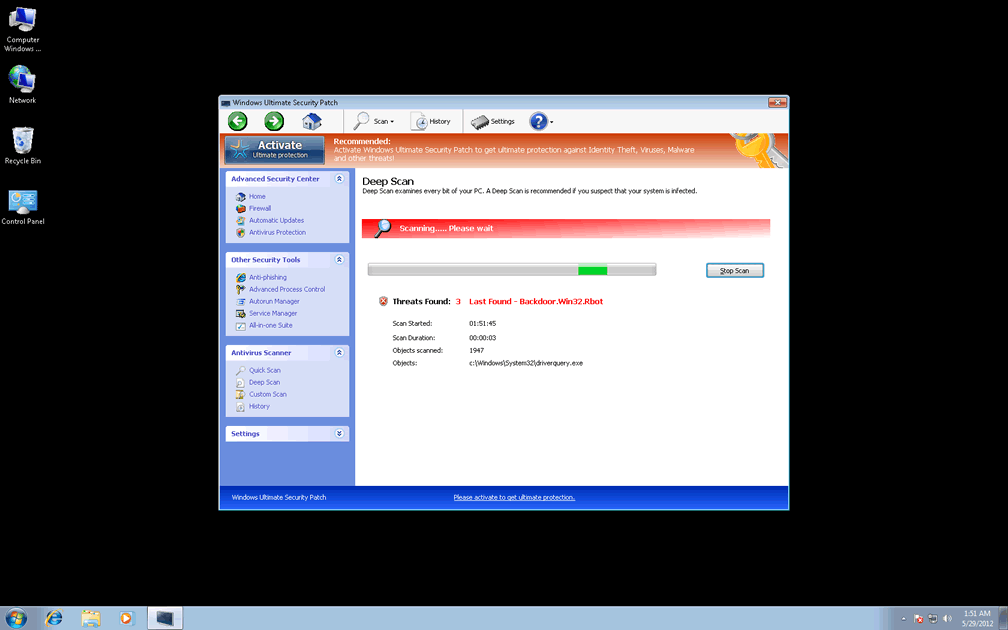
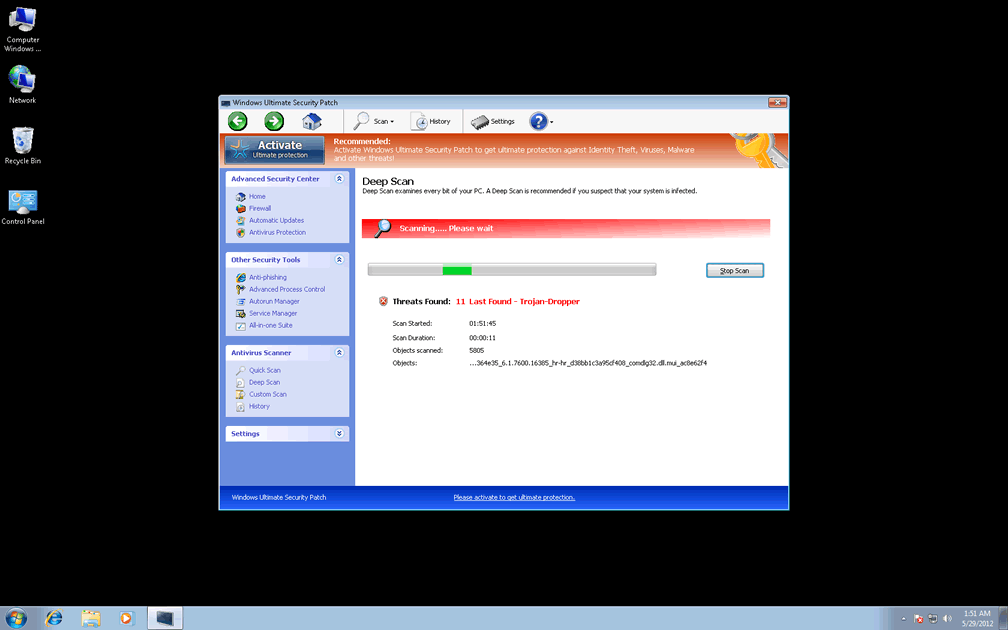
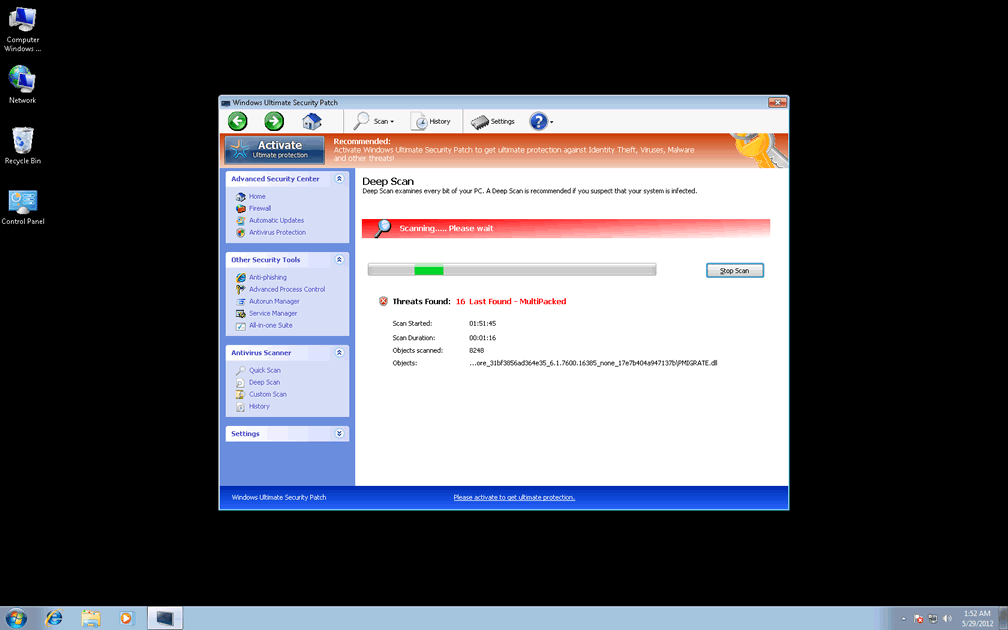
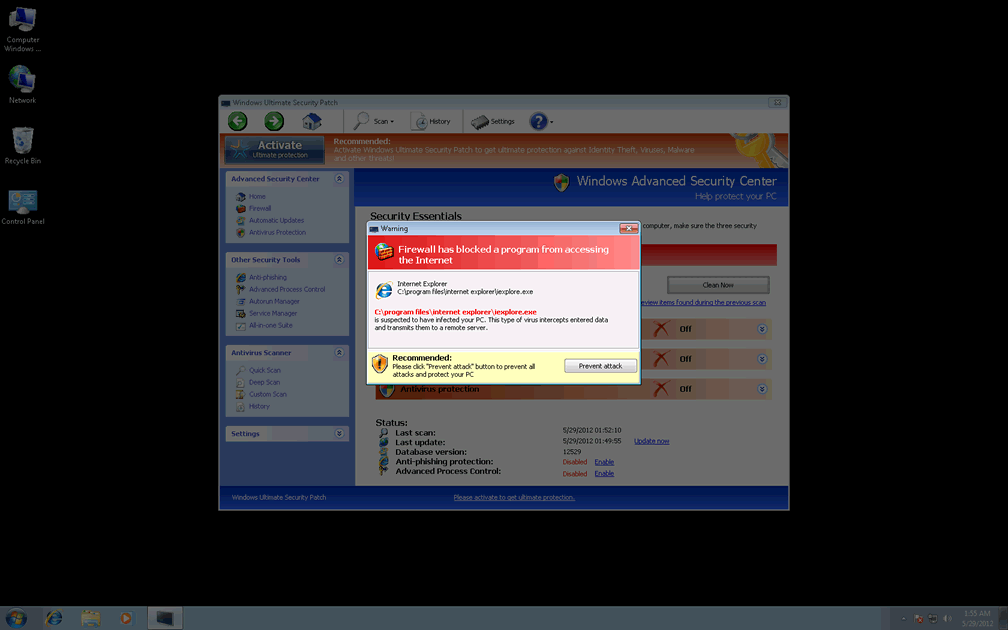
Windows Ultimate Security Patch claims to have everything from malicious software defenses to protection against live phishing attempts, but all of Windows Ultimate Security Patch's security-related information is fraudulent, delivered with the intention of making it look as though your PC is been attacked from several sources. Typical behavior for Windows Ultimate Security Patch and other FakeVimes-related scamware programs includes launching with Windows, displaying system scans with perpetually-endless lists of Trojans and creating various types of misleading pop-up warnings.
This deluge of bad security information is Windows Ultimate Security Patch's lure to get you to spend money on its registration key, which is completely unnecessary for Windows Ultimate Security Patch's removal. Nonetheless, SpywareRemove.com malware analysts have found some useful application in registering Windows Ultimate Security Patch and its clones for free by using the code ' 0W000-000B0-00T00-E0020,' which can reduce the pop-ups and other issues that Windows Security Patch causes.
Standard distribution and installation tactics for Windows Ultimate Security Patch and other members of Win32/FakeVimes include:
- Malicious websites that install Windows Ultimate Security Patch automatically via script exploits and simulated system scanners.
- Trojans such as Zlob that install Windows Ultimate Security Patch and other PC threats after their own installation, which SpywareRemove.com malware experts have commonly found to be a result of the Trojan disguising itself as a fake Adobe or movie player update.
How Windows Ultimate Security Patch Turns a Supposed Computer Improvement into Outright Degradation
Browser hijacks are also common for FakeVimes-related PC threats like Privacy Guard Pro, Extra Antivirus, Fast Antivirus 2009, Presto TuneUp, Windows Security Suite, Smart Virus Eliminator, Packed.Generic.245, Volcano Security Suite, Windows Enterprise Suite, Enterprise Suite, Additional Guard, Live PC Care, PC Live Guard, Live Enterprise Suite, Security Antivirus, My Security Wall, CleanUp Antivirus, Smart Security and PrivacyGuard Pro 2.0. These hijacks can redirect you to malicious sites or control your search engine usage, and are typically achieved by altering the Windows Hosts file. Removing Windows Ultimate Security Patch should utilize anti-malware products that can also remove Windows Ultimate Security Patch's Hosts file changes to insure a cessation of browser redirect attacks.
Windows Ultimate Security Patch may also delete Registry entries that are related to anti-malware products or block your ability to use Windows programs, including Task Manager and Registry Editor. This blockade is usually enacted along with fake warning messages about the above programs being infected, but you can be certain that your problems with these programs are all derived from Windows Ultimate Security Patch or related PC threats. Since your PC's security is correspondingly reduced by Windows Ultimate Security Patch's presence, SpywareRemove.com malware researchers suggest removing Windows Ultimate Security Patch with anti-malware products as a high-priority task to preserve your OS and information that's on it.
Technical Details
File System Modifications
Tutorials: If you wish to learn how to remove malware components manually, you can read the tutorials on how to find malware, kill unwanted processes, remove malicious DLLs and delete other harmful files. Always be sure to back up your PC before making any changes.
The following files were created in the system:Protector-[RANDOM CHARACTERS].exe
File name: Protector-[RANDOM CHARACTERS].exeFile type: Executable File
Mime Type: unknown/exe
Group: Malware file
Registry Modifications
HKEY..\..\{Value}HKEY_LOCAL_MACHINE\SOFTWARE\Microsoft\Windows NT\CurrentVersion\SystemRestore "DisableSR " = '1'HKEY_CURRENT_USER\Software\Microsoft\Windows\CurrentVersion\Run "Inspector" = '%AppData%\Protector-[RANDOM CHARACTERS].exe'HKEY_LOCAL_MACHINE\Software\Microsoft\Windows NT\CurrentVersion\Image File Execution Options\AAWTray.exe "Debugger" = 'svchost.exe'HKEY_LOCAL_MACHINE\Software\Microsoft\Windows NT\CurrentVersion\Image File Execution Options\About.exe "Debugger" = 'svchost.exe'HKEY_LOCAL_MACHINE\Software\Microsoft\Windows NT\CurrentVersion\Image File Execution Options\a.exe "Debugger" = 'svchost.exe'HKEY_LOCAL_MACHINE\Software\Microsoft\Windows NT\CurrentVersion\Image File Execution Options\aAvgApi.exe "Debugger" = 'svchost.exe'HKEY_LOCAL_MACHINE\Software\Microsoft\Windows NT\CurrentVersion\Image File Execution Options\agentw.exe "Debugger" = 'svchost.exe'HKEY_LOCAL_MACHINE\Software\Microsoft\Windows NT\CurrentVersion\Image File Execution Options\alogserv.exe "Debugger" = 'svchost.exe'HKEY_LOCAL_MACHINE\Software\Microsoft\Windows NT\CurrentVersion\Image File Execution Options\alevir.exe "Debugger" = 'svchost.exe'HKEY_LOCAL_MACHINE\Software\Microsoft\Windows NT\CurrentVersion\Image File Execution Options\Ad-Aware.exe "Debugger" = 'svchost.exe'HKEY_LOCAL_MACHINE\Software\Microsoft\Windows NT\CurrentVersion\Image File Execution Options\AdwarePrj.exe "Debugger" = 'svchost.exe'HKEY_LOCAL_MACHINE\Software\Microsoft\Windows NT\CurrentVersion\Image File Execution Options\agent.exe "Debugger" = 'svchost.exe'HKEY_LOCAL_MACHINE\Software\Microsoft\Windows NT\CurrentVersion\Image File Execution Options\advxdwin.exe "Debugger" = 'svchost.exe'HKEY_LOCAL_MACHINE\Software\Microsoft\Windows NT\CurrentVersion\Image File Execution Options\ackwin32.exe "Debugger" = 'svchost.exe'HKEY_LOCAL_MACHINE\Software\Microsoft\Windows NT\CurrentVersion\Image File Execution Options\adaware.exe "Debugger" = 'svchost.exe'HKEY_LOCAL_MACHINE\Software\Microsoft\Windows NT\CurrentVersion\Image File Execution Options\AlphaAV.exe "Debugger" = 'svchost.exe'HKEY_LOCAL_MACHINE\Software\Microsoft\Windows NT\CurrentVersion\Image File Execution Options\alertsvc.exe "Debugger" = 'svchost.exe'HKEY_LOCAL_MACHINE\Software\Microsoft\Windows NT\CurrentVersion\Image File Execution Options\agentsvr.exe "Debugger" = 'svchost.exe'
Additional Information
| # | Message |
|---|---|
| 1 | Error
Keylogger activity detected. System information security is at risk. It is recommended to activate protection and run a full system scan. |
| 2 | Error
Software without a digital signature detected. Your system files are at risk. We strongly advise you to activate your protection. |
i want this off my pc
You can definitely see your expertise in the work you write. The world hopes for even more passionate writers such as you who aren't afraid to mention how they believe. Always follow your heart.