Antivirus 360
Posted: December 11, 2008
Threat Metric
The following fields listed on the Threat Meter containing a specific value, are explained in detail below:
Threat Level: The threat level scale goes from 1 to 10 where 10 is the highest level of severity and 1 is the lowest level of severity. Each specific level is relative to the threat's consistent assessed behaviors collected from SpyHunter's risk assessment model.
Detection Count: The collective number of confirmed and suspected cases of a particular malware threat. The detection count is calculated from infected PCs retrieved from diagnostic and scan log reports generated by SpyHunter.
Volume Count: Similar to the detection count, the Volume Count is specifically based on the number of confirmed and suspected threats infecting systems on a daily basis. High volume counts usually represent a popular threat but may or may not have infected a large number of systems. High detection count threats could lay dormant and have a low volume count. Criteria for Volume Count is relative to a daily detection count.
Trend Path: The Trend Path, utilizing an up arrow, down arrow or equal symbol, represents the level of recent movement of a particular threat. Up arrows represent an increase, down arrows represent a decline and the equal symbol represent no change to a threat's recent movement.
% Impact (Last 7 Days): This demonstrates a 7-day period change in the frequency of a malware threat infecting PCs. The percentage impact correlates directly to the current Trend Path to determine a rise or decline in the percentage.
| Threat Level: | 10/10 |
|---|---|
| Infected PCs: | 344 |
| First Seen: | July 24, 2009 |
|---|---|
| Last Seen: | May 21, 2024 |
| OS(es) Affected: | Windows |
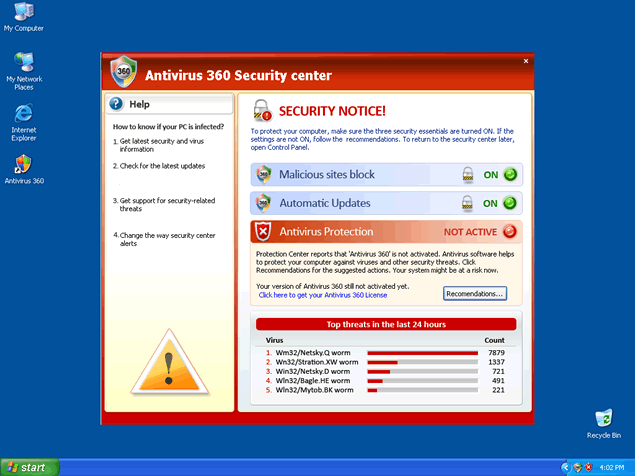
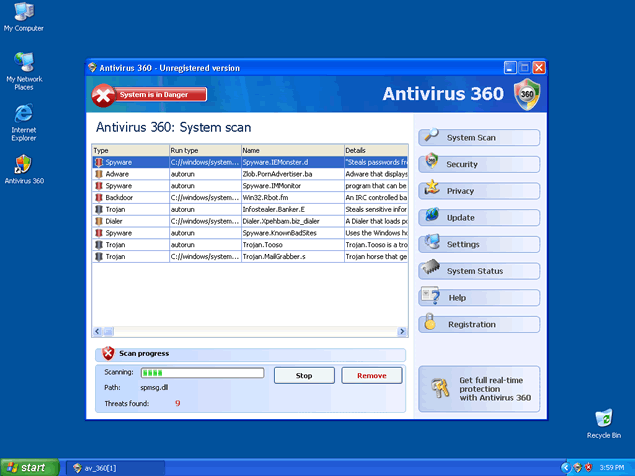
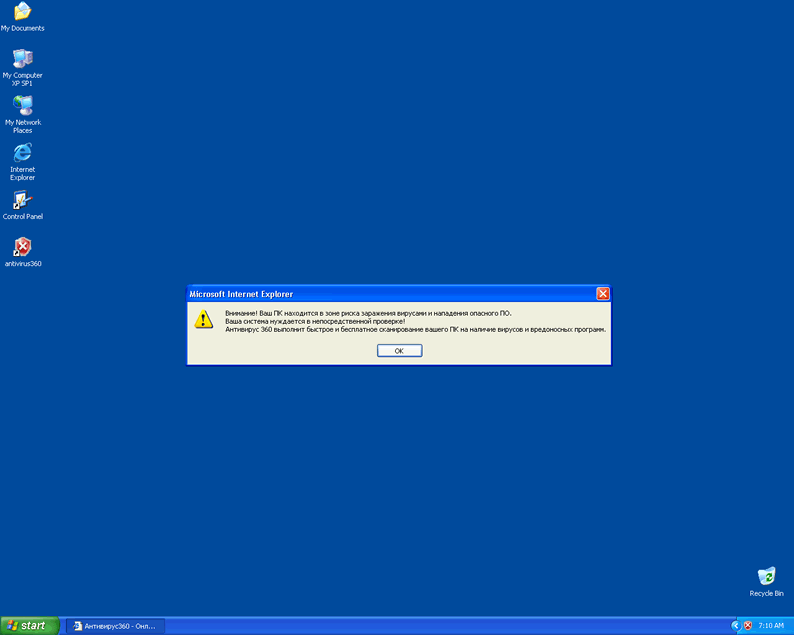
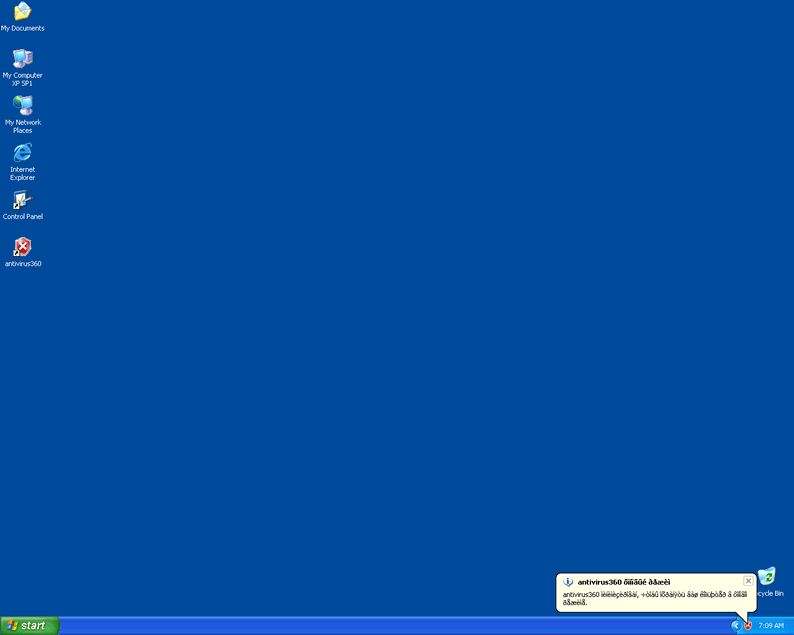
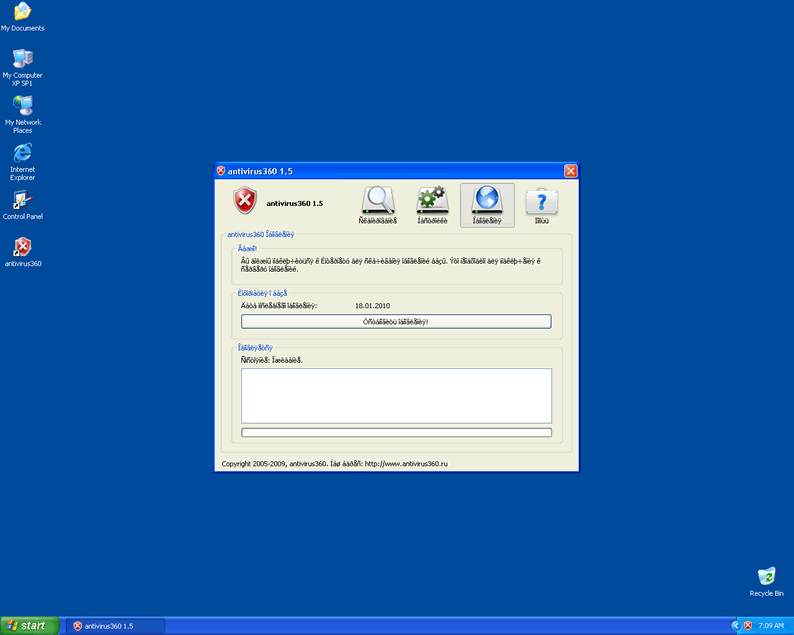
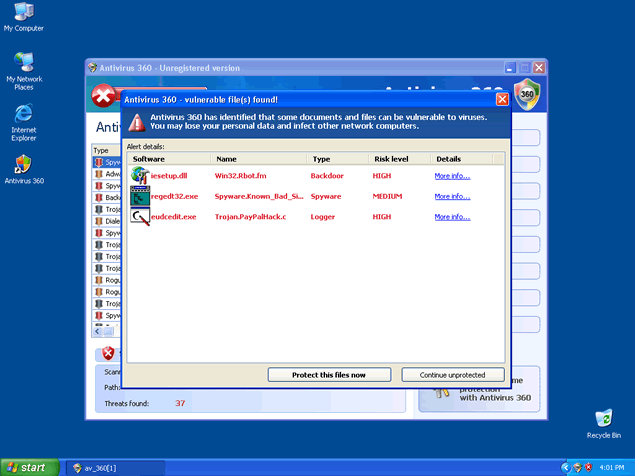 Antivirus 360, also known as Antivirus360 or antivirus360, is a rogue anti-spyware program that uses false spyware results to lure you to purchase its full version. Antivirus360 is an updated version of Antivirus 2008. Other Antivirus 360 aliases that have recently appeared on the Web are: XP Antivirus 2008, Vista Antivirus 2008, Ultimate Antivirus 2008 and System Antivirus 2008.
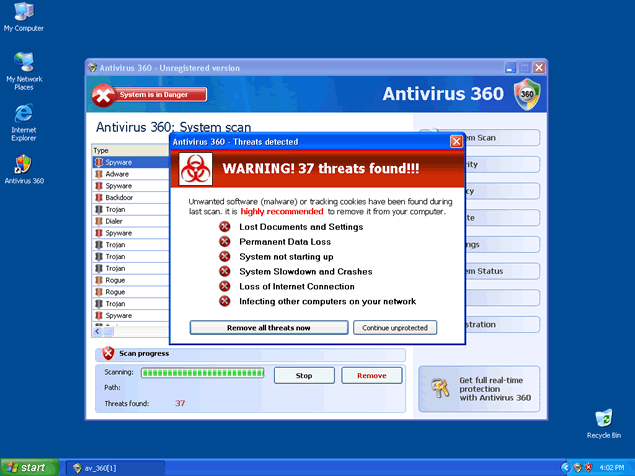
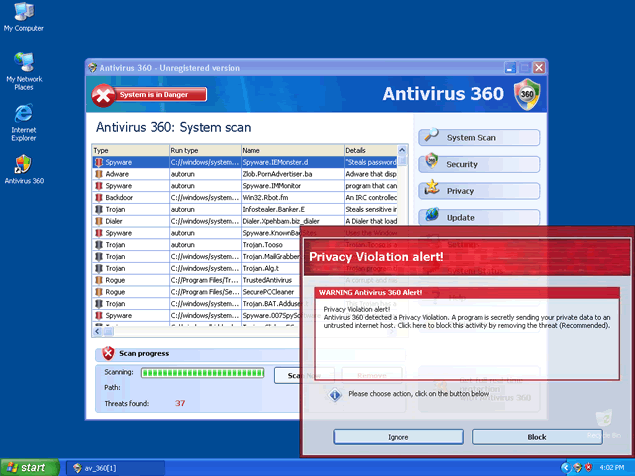
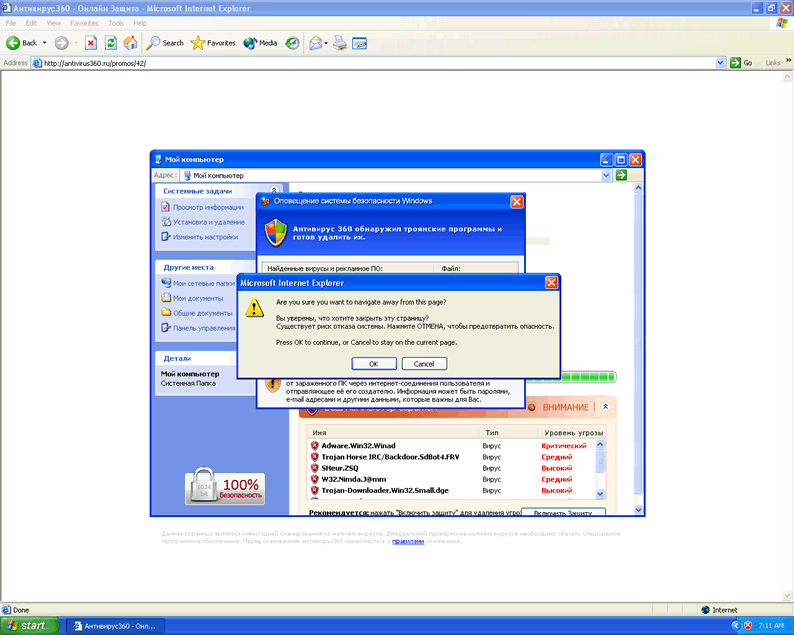
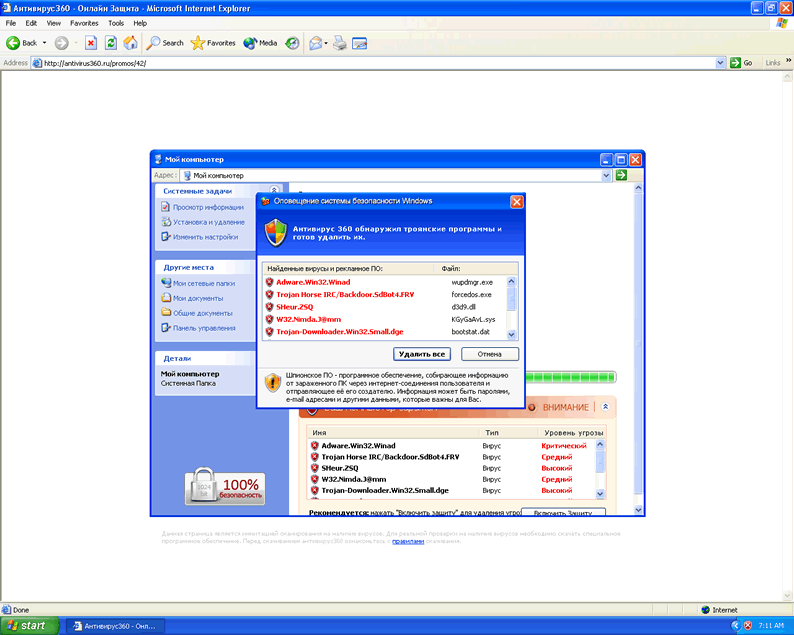
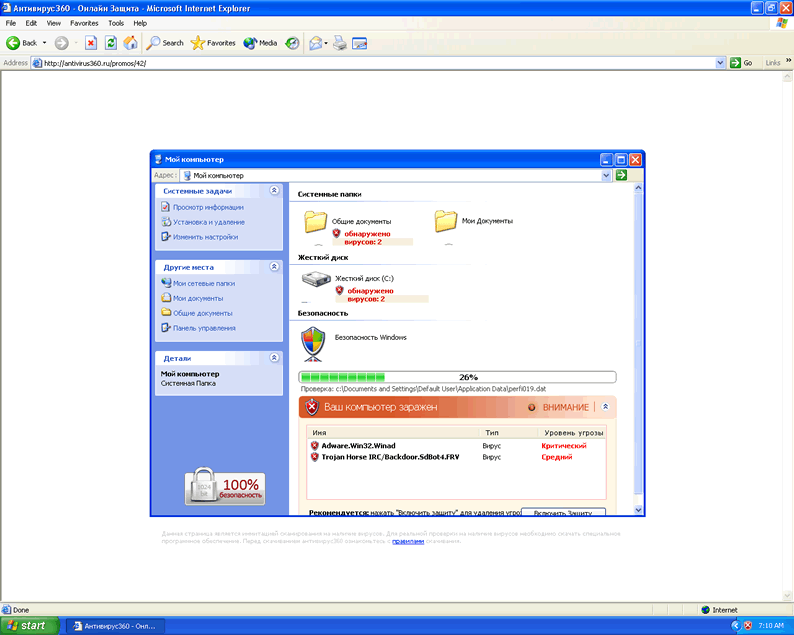
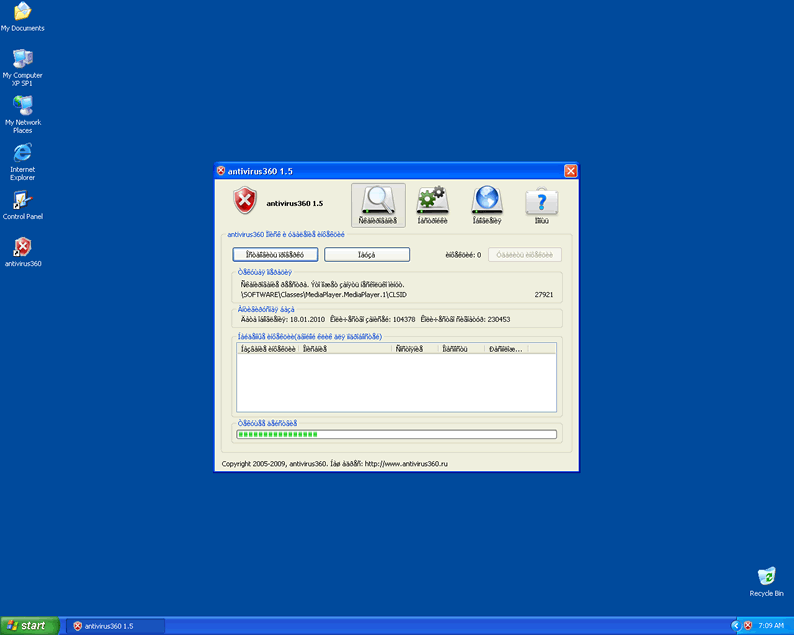
Antivirus 360 is usually promoted via a ZLOB/MediaAccess Codec installer found on adult websites. Zlob has been the trojan of choice to infect users with pop ups disguised as system notifications that lead to websites with rogue anti-spyware programs. You can also install Antivirus 360 manually on the rogue website antivirus-scanner.com. Antivirus 360 may use its system scanner to display false positives which work as an incentive to make unsuspecting users purchase Antivirus 360's commercial version.
Do not click on any link provided by Antivirus 360. Once you click on the link provided, you'll be redirected to Antivirus 360's website (Antivirus360.com) to download and purchase Antivirus 360's rogue anti-spyware program. Antivirus 360 has the ability to recreate itself after reboot and its "System scan" messages may continue to pop up on your task manager.
The latest version of Antivirus360 will also download Adware.RekloPay onto the system. It is advised to run a scan with a reliable anti-spyware program to check for the presence of Antivirus 360 on your computer.
Aliases
More aliases (72)
Technical Details
File System Modifications
Tutorials: If you wish to learn how to remove malware components manually, you can read the tutorials on how to find malware, kill unwanted processes, remove malicious DLLs and delete other harmful files. Always be sure to back up your PC before making any changes.
The following files were created in the system:InstallAVg_770522150044[1].exe
File name: InstallAVg_770522150044[1].exeSize: 139.26 KB (139264 bytes)
MD5: f737c1b319230dd90b06c054bb3aa8d0
Detection count: 95
File type: Executable File
Mime Type: unknown/exe
Group: Malware file
Last Updated: December 11, 2009
av360.exe
File name: av360.exeSize: 2.02 MB (2027520 bytes)
MD5: 2e2e92ade0ef9102774e0371d72caea8
Detection count: 84
File type: Executable File
Mime Type: unknown/exe
Group: Malware file
Last Updated: January 21, 2010
av_360[1].exe
File name: av_360[1].exeSize: 2.03 MB (2039808 bytes)
MD5: ee675a523aec926d35fe75c4af46fd91
Detection count: 46
File type: Executable File
Mime Type: unknown/exe
Group: Malware file
Last Updated: December 11, 2009
av_360.exe
File name: av_360.exeSize: 2.03 MB (2039808 bytes)
MD5: f145a53073bd3c82be7bc4cb5f2efacd
Detection count: 41
File type: Executable File
Mime Type: unknown/exe
Group: Malware file
Last Updated: December 11, 2009
InstallAVv_770522150044[1].exe
File name: InstallAVv_770522150044[1].exeSize: 100.35 KB (100352 bytes)
MD5: 1592ad16bf47ba0680931356542fa3b3
Detection count: 22
File type: Executable File
Mime Type: unknown/exe
Group: Malware file
Last Updated: December 11, 2009
antivirus.exe
File name: antivirus.exeSize: 2.69 MB (2691072 bytes)
MD5: 00e688aacbe4fbc6cd9b4bcbd2431937
Detection count: 16
File type: Executable File
Mime Type: unknown/exe
Group: Malware file
Last Updated: December 11, 2009
C:\rogueware samples\folder\infested 11 11 2022\antivirus360.exe
File name: antivirus360.exeSize: 1.12 MB (1123328 bytes)
MD5: 653f1eda836963e3fcaff45ab4a1b18e
Detection count: 7
File type: Executable File
Mime Type: unknown/exe
Path: C:\rogueware samples\folder\infested 11 11 2022\antivirus360.exe
Group: Malware file
Last Updated: May 6, 2024
More files
Registry Modifications
File name without pathAntivirus 360.lnkantivirus360.lnkUninstall A360.lnk
Additional Information
Related Posts
- 'Microsoft 360 Security Warning' Pop-Ups
- Hotweb360.com
- PCBackup360
- ’647-360-4454′ Pop-Ups
- ’647-360-4456′ Pop-Up
removed antivirus 360
WHAT A BLESSED RELIEF TO BE ABLE TO GET RID OF 360
I felt so stupid that I didn't look up Antivirus 360 before downloading it. I can't believe I even fell for such a trick and paid $50 for it. I mean I have Norton 360 so I should have known it was lying to me but I'm very precautious and now I'm just extremely mad at myself for believing such a phony anti-spyware system.
I NEET THAT
HI THERE I DONT KNOW HOW ANTIVIRUS 360 GOT ON MY PC BUT I WOULD LIKE TO HAVE IT REMOVE I TRY AND IT WILL NOT LET ME PLEASE LET ME KNOW HOW TO REMOVE IT RIGHT AWAY PLEASE THANK YOU VERY MUCH.
Apparently one of our children has infected my wife's computer with this 360 garbage, I have run several scans and each one find a new Trojan and eliminates it, how ever 10 times I have tried to install a spyware removal tool, only to get kicked out before I can install it, I can not even pull up the recommended Malware tool you suggest I use, what do you recommend. I am willing to go to the store and purchase a spyware or malware removal tool, but I live in the country, not sure where my best choice is to find one.
exellent ,fabulus
and last thing what your not subscribe is importand
delete c:\windows\system32\winconfig.dll in your savemode cmd.exe and your hook
disapears in your webbrowser it works on my computer
I am seeking help for solve this problems regarding my pC without cost option malicious intrusions from the Internet\"
IT STOPPED AGAIN FOR ANOTHER PHYSICAL MEMORY DUMP. IT STOPPED AGAIN AND SAID I HAD 41 THREATS FOUND.
Take Antivirus 360 off my computer
WOW GREAT INFORMATION.... thanks yaa for posting such a great and useful information....
I totally agree with Michael above. I was previously having the same trouble with not even being able to open task manager, but by following his method (which not only got rid of the virus, but did so far quicker than the method this website is suggesting would have) my laptop is running just as it was before. Thank you Michael for this information which proved hugely helpful to me! I would advise anyone to follow his lead and try this method first due to its speed and simplicity.