Windows Antivirus Release
Posted: August 8, 2012
Threat Metric
The following fields listed on the Threat Meter containing a specific value, are explained in detail below:
Threat Level: The threat level scale goes from 1 to 10 where 10 is the highest level of severity and 1 is the lowest level of severity. Each specific level is relative to the threat's consistent assessed behaviors collected from SpyHunter's risk assessment model.
Detection Count: The collective number of confirmed and suspected cases of a particular malware threat. The detection count is calculated from infected PCs retrieved from diagnostic and scan log reports generated by SpyHunter.
Volume Count: Similar to the detection count, the Volume Count is specifically based on the number of confirmed and suspected threats infecting systems on a daily basis. High volume counts usually represent a popular threat but may or may not have infected a large number of systems. High detection count threats could lay dormant and have a low volume count. Criteria for Volume Count is relative to a daily detection count.
Trend Path: The Trend Path, utilizing an up arrow, down arrow or equal symbol, represents the level of recent movement of a particular threat. Up arrows represent an increase, down arrows represent a decline and the equal symbol represent no change to a threat's recent movement.
% Impact (Last 7 Days): This demonstrates a 7-day period change in the frequency of a malware threat infecting PCs. The percentage impact correlates directly to the current Trend Path to determine a rise or decline in the percentage.
| Threat Level: | 10/10 |
|---|---|
| Infected PCs: | 49 |
| First Seen: | August 8, 2012 |
|---|---|
| Last Seen: | May 6, 2024 |
| OS(es) Affected: | Windows |
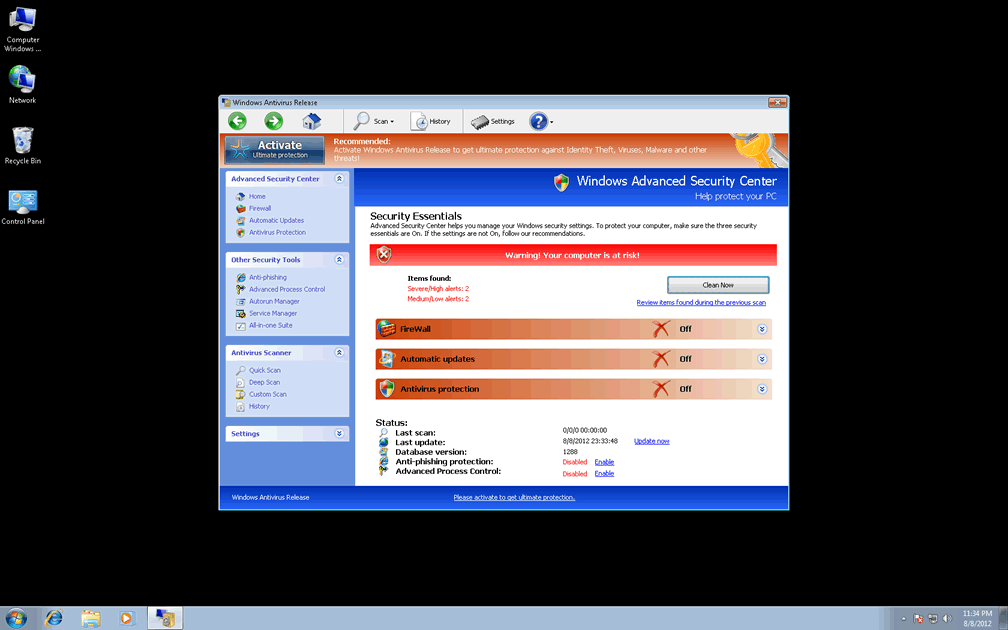
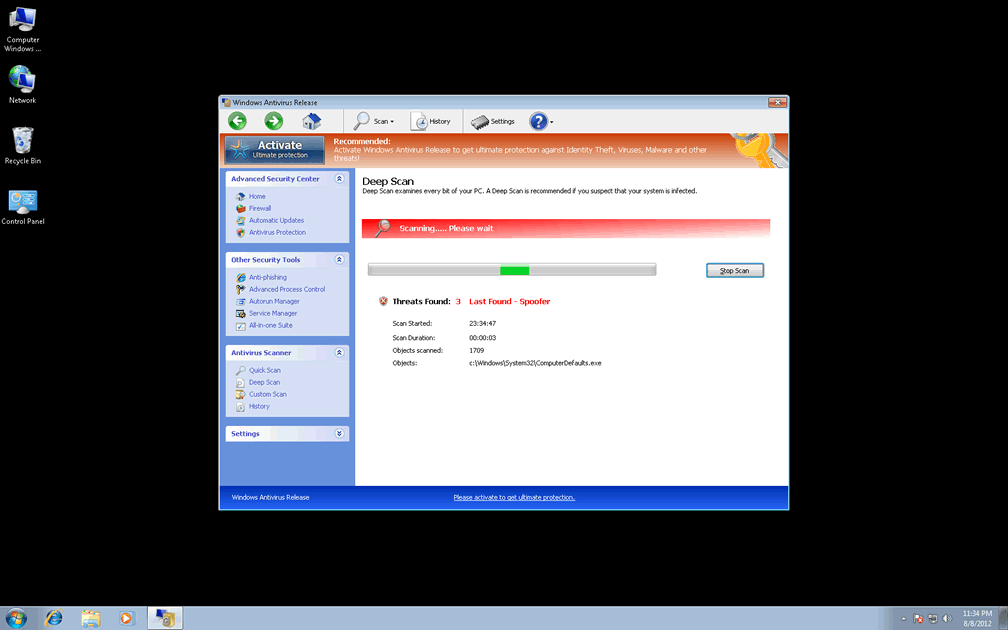
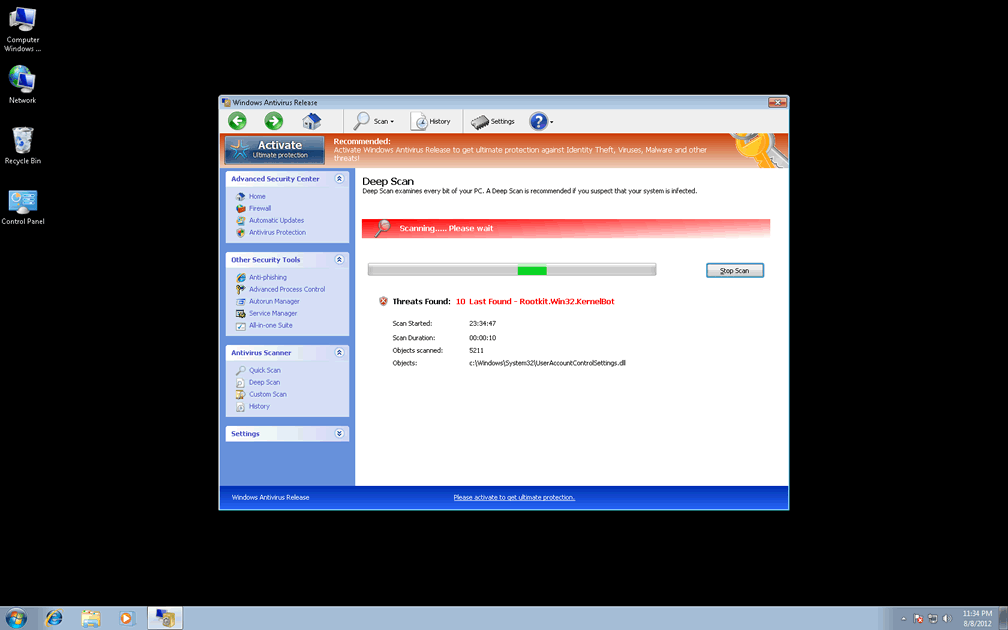
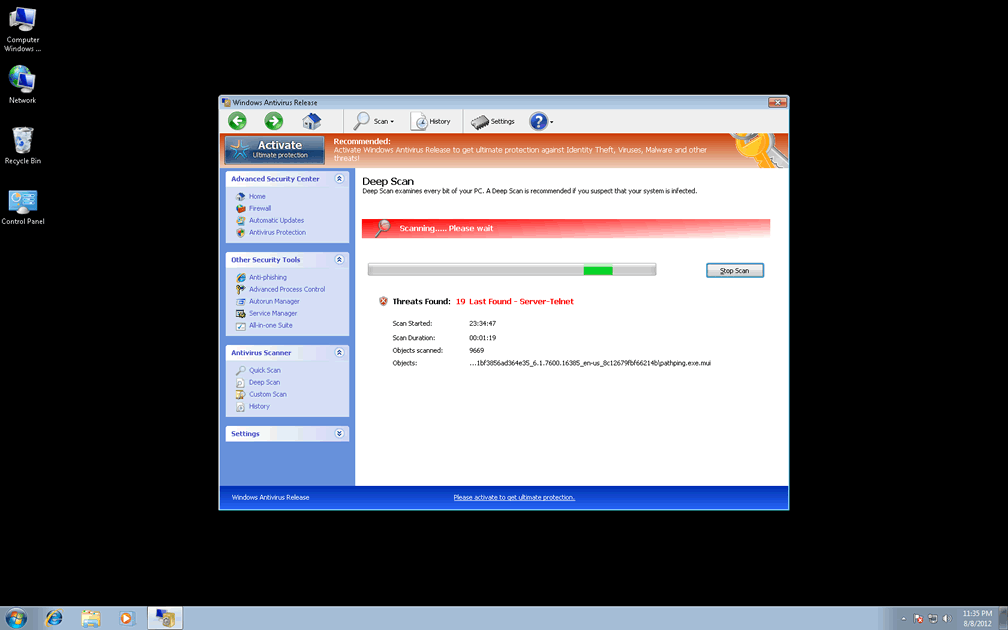
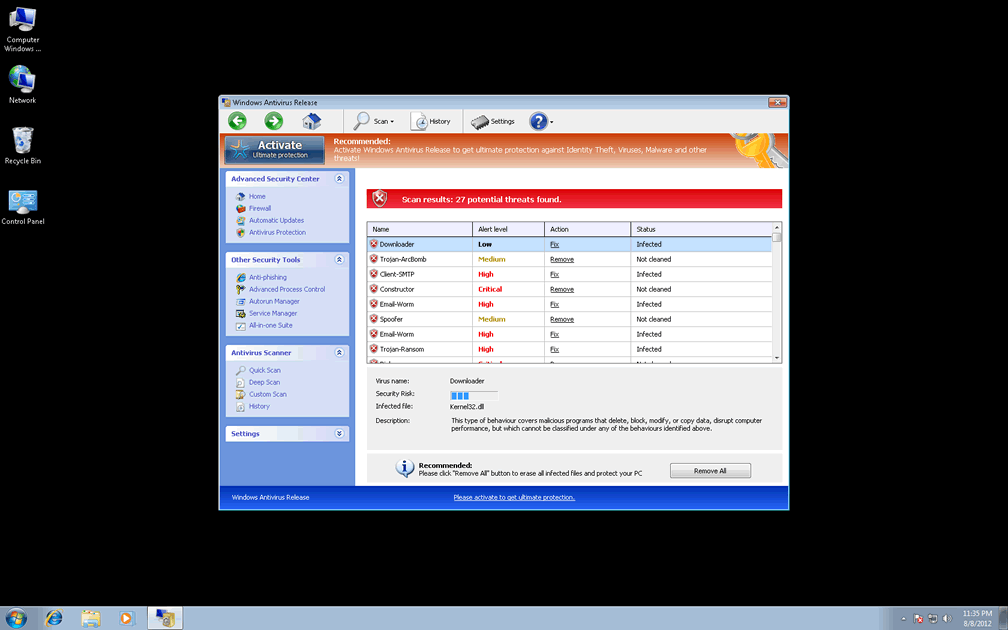
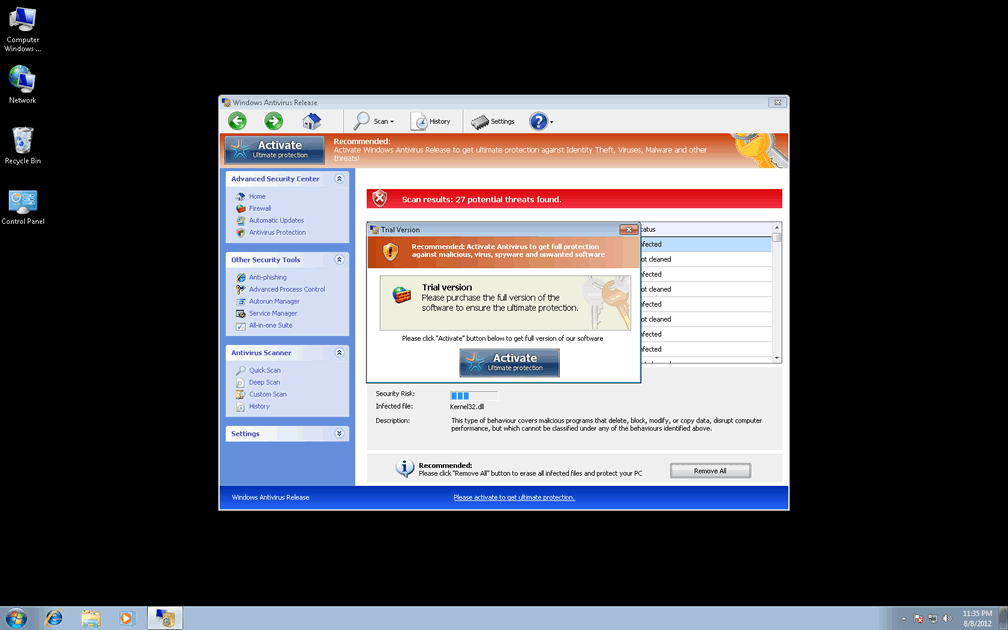
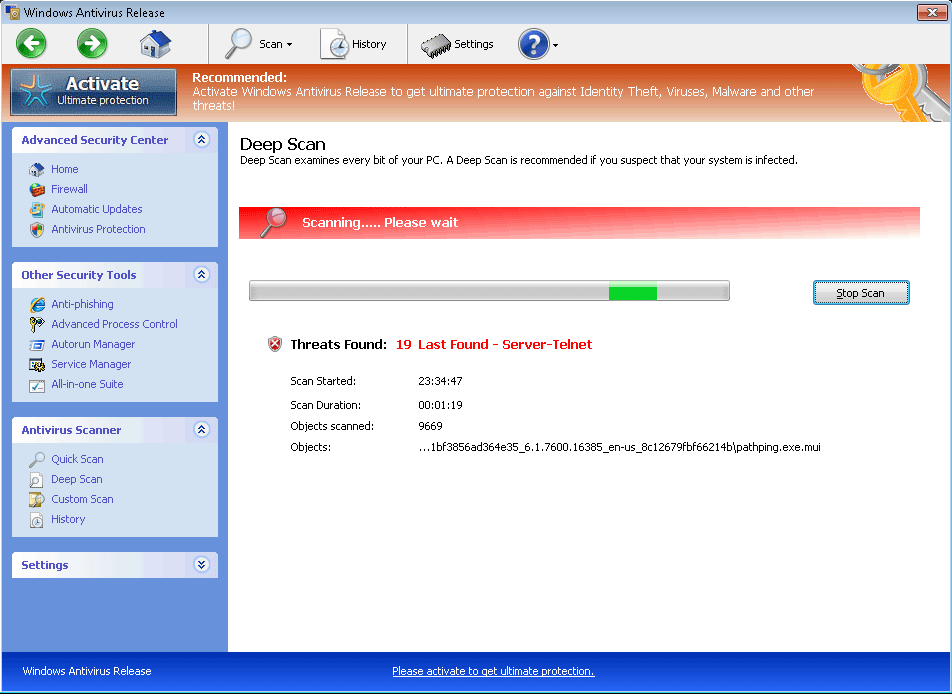 With pop-up alerts that display fraudulent warnings and system scans that are brimming over with inaccurate threat detections, Windows Antivirus Release's features and interface give Windows Antivirus Release every indicative trait of being a rogue anti-malware scanner that's cloned from other FakeVimes-based forms of scamware. Although Windows Antivirus Release may make a pretense of finding and trying to protect your machine from a variety of Trojans and other PC threats, SpywareRemove.com malware analysts are unable to verify any of Windows Antivirus Release's security features, and, in addition to this, note that Windows Antivirus Release may also block legitimate security programs or redirect your web browser. Rogue anti-malware products like Windows Antivirus Release should never be purchased, even to effect their removal, which can be expedited by using a secure means of booting Windows along with anti-malware scans from real anti-malware programs.
Windows Antivirus Release – a Bad Choice for Your AV Protection
Windows Antivirus Release is a member of the FakeVimes family of scamware such as Privacy Guard Pro, Extra Antivirus, Fast Antivirus 2009, Presto TuneUp, Windows Security Suite, Smart Virus Eliminator, Packed.Generic.245, Volcano Security Suite, Windows Enterprise Suite, Enterprise Suite, Additional Guard, Live PC Care, PC Live Guard, Live Enterprise Suite, Security Antivirus, My Security Wall, CleanUp Antivirus, Smart Security and PrivacyGuard Pro 2.0. Distribution vectors for these PC threats often utilize fake media updates for codecs and streaming movie players, usually along with Trojan downloaders or Trojan droppers that install Windows Antivirus Release and its relatives without your permission. Having caution around sites that offer unusual software update links can, as SpywareRemove.com malware researchers note, be a good way to avoid probable Windows Antivirus Release infections.
After using another brand of software as Windows Antivirus Release's vehicle to get into your computer, Windows Antivirus Release will continue its farce by pretending to detect a colorful range of PC threats. These alerts will continue even if the only thing that's wrong with your PC is Windows Antivirus Release, and include such detections as:
- Trojan-Mailfinder
- Trojan-Downloader.Win32.Agent
- IM-Flooder
- Trojan-Banker
- Virus.Win32.Sality
Alerts from Windows Antivirus Release should always be ignored. While, in some cases, there may appear to be unusual files on your computer with randomly-generated names, Windows Antivirus Release's family of scamware has been known to generate these 'trash' files intentionally to encourage false positives.
Getting a Release from Windows Antivirus Release's False Security
Even if you're aware that Windows Antivirus Release is a rogue anti-malware product that doesn't need to be purchased for your PC's safety, Windows Antivirus Release is still capable of being a significant impediment to your virtual security. Symptoms of Windows Antivirus Release attacks often include Registry changes to disable baseline security features, attempts to redirect web browsers to unusual websites and attempts to block anti-virus and security programs either at the memory-level or the Registry-level. In cases of the latter, SpywareRemove.com malware analysts note that you may need to repair or restore your Registry before programs with deleted Registry entries will function again. Reinstalling these programs should also reintroduce the necessary entries to your Registry.
To stop Windows Antivirus Release from blocking the very programs that could delete Windows Antivirus Release, SpywareRemove.com malware analysts suggest booting into Safe Mode or booting from a USB flash drive. These system boot methods will disable Windows Antivirus Release and allow you to scan your computer at your leisure.
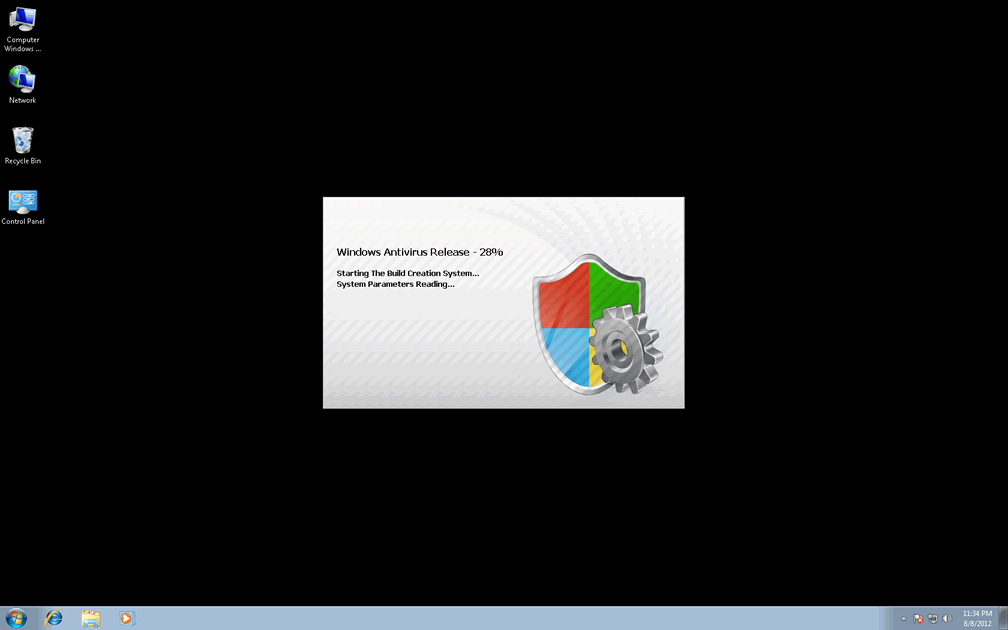
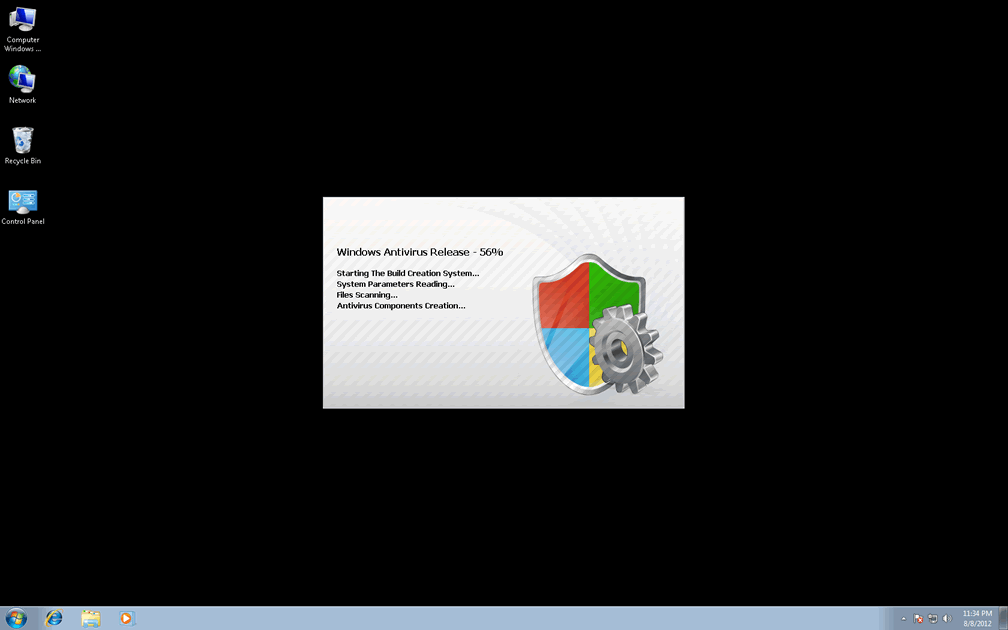
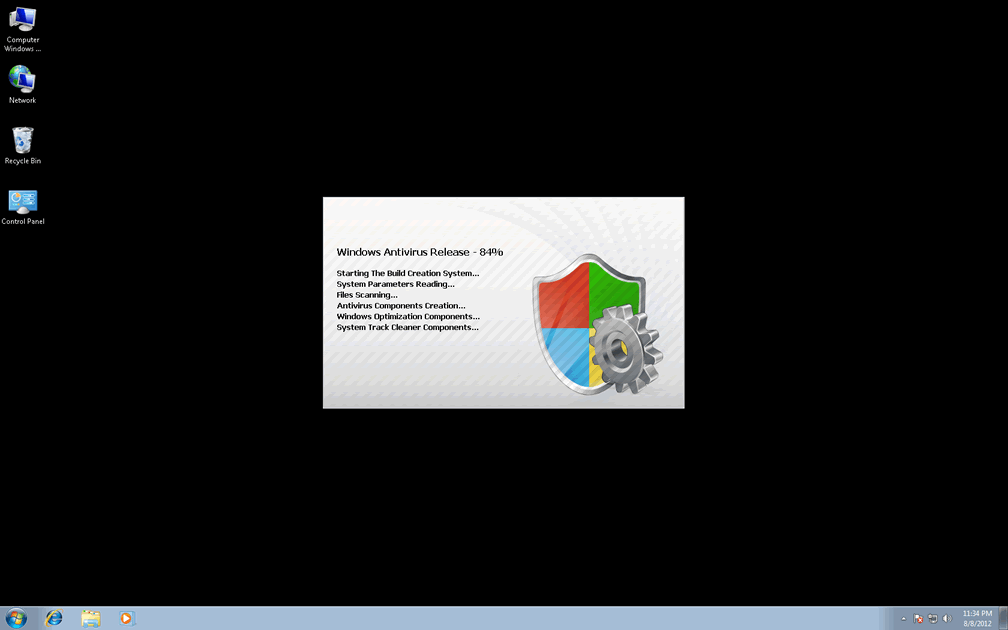
Technical Details
File System Modifications
Tutorials: If you wish to learn how to remove malware components manually, you can read the tutorials on how to find malware, kill unwanted processes, remove malicious DLLs and delete other harmful files. Always be sure to back up your PC before making any changes.
The following files were created in the system:C:\rogueware samples\WintionalityChecker samples\50e28112d4c2c7842aec84669f9b2b24edfc05f1c99e7dc4ca41a1e1a93cf944.exe
File name: 50e28112d4c2c7842aec84669f9b2b24edfc05f1c99e7dc4ca41a1e1a93cf944.exeSize: 2.4 MB (2405888 bytes)
MD5: 960f698531cd8d92298e4e61f1bd0e1b
Detection count: 9
File type: Executable File
Mime Type: unknown/exe
Path: C:\rogueware samples\WintionalityChecker samples\50e28112d4c2c7842aec84669f9b2b24edfc05f1c99e7dc4ca41a1e1a93cf944.exe
Group: Malware file
Last Updated: May 6, 2024
%AppData%\Protector-[rnd].exe
File name: %AppData%\Protector-[rnd].exeFile type: Executable File
Mime Type: unknown/exe
Group: Malware file
Registry Modifications
HKEY..\..\{Value}HKEY_CURRENT_USER\Software\Microsoft\Windows\CurrentVersion\Internet Settings "WarnOnHTTPSToHTTPRedirect" = 0HKEY_CURRENT_USER\Software\Microsoft\Windows\CurrentVersion\Policies\System "DisableRegedit" = 0HKEY_CURRENT_USER\Software\Microsoft\Windows\CurrentVersion\Policies\System "DisableRegistryTools" = 0HKEY_CURRENT_USER\Software\Microsoft\Windows\CurrentVersion\Policies\System "DisableTaskMgr" = 0HKEY_CURRENT_USER\Software\Microsoft\Windows\CurrentVersion\Settings "ID" = 0HKEY_CURRENT_USER\Software\Microsoft\Windows\CurrentVersion\Settings "net" = "2012-2-17_2"HKEY_CURRENT_USER\Software\Microsoft\Windows\CurrentVersion\Settings "UID" = "rudbxijemb"HKEY..\..\..\..{Subkeys}HKEY_LOCAL_MACHINE\SOFTWARE\Microsoft\Internet Explorer\Main\FeatureControl\FEATURE_ERROR_PAGE_BYPASS_ZONE_CHECK_FOR_HTTPS_KB954312HKEY_CURRENT_USER\Software\Microsoft\Windows\CurrentVersion\Run "Inspector"HKEY_LOCAL_MACHINE\SOFTWARE\Microsoft\Windows NT\CurrentVersion\Image File Execution Options\_avp32.exeHKEY_LOCAL_MACHINE\SOFTWARE\Microsoft\Windows NT\CurrentVersion\Image File Execution Options\_avpcc.exeHKEY_LOCAL_MACHINE\SOFTWARE\Microsoft\Windows NT\CurrentVersion\Image File Execution Options\ashDisp.exeHKEY_LOCAL_MACHINE\SOFTWARE\Microsoft\Windows NT\CurrentVersion\Image File Execution Options\divx.exeHKEY_LOCAL_MACHINE\SOFTWARE\Microsoft\Windows NT\CurrentVersion\Image File Execution Options\mostat.exeHKEY_LOCAL_MACHINE\SOFTWARE\Microsoft\Windows NT\CurrentVersion\Image File Execution Options\platin.exeHKEY_LOCAL_MACHINE\SOFTWARE\Microsoft\Windows NT\CurrentVersion\Image File Execution Options\tapinstall.exeHKEY_LOCAL_MACHINE\SOFTWARE\Microsoft\Windows NT\CurrentVersion\Image File Execution Options\zapsetup3001.exe
Additional Information
| # | Message |
|---|---|
| 1 | Error Attempt to run a potentially dangerous script detected. Full system scan is highly recommended. |
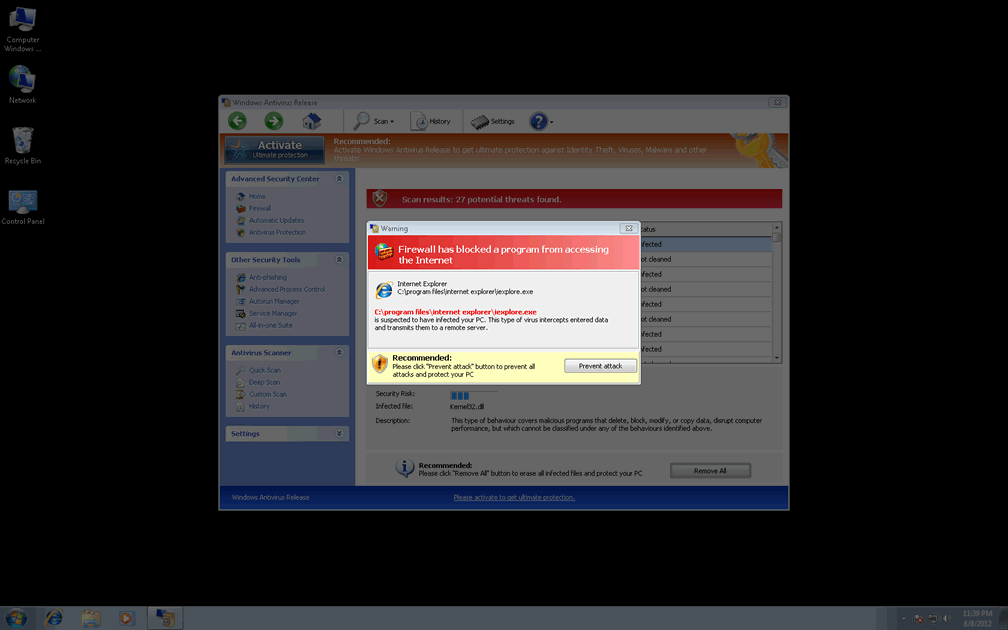
| 2 | Firewall has blocked a program from accessing the Internet Internet Explorer C:program filesinternet exploreriexpolre.exe C:program filesinternet exploreriexpolre.exe is suspected to have infected your PC. This type of virus intercepts entered data and transmits them to a remote server. Recommended: Please click "Prevent attack" button to prevent all attacks and protect your PC |
| 3 | Torrent Alert Recommended: Please use secure encrypted protocol for torrent links. Torrent link detected! Receiving this notifications means that you have violated the copyright laws. Using Torrent for downloading movies and licensed software shall be prosecuted and you may be sued for cybercrime and breach of law under the SOPA legislation. |
| 4 | Warning! Virus Detected Threat Detected: Trojan-Downloader.Win32.Agent Security Risk: Infected File: regedit.exe Description: Programs classified as Trojan download and install new versions of malicious programs, including Trojans and AdWare, on victim computers. Recommended: Please click "remove All" button to erase all infected files and protect your PC |
| 5 | Warning Firewall has blocked a program from accessing the Internet C:\program files\internet explorer\iexplore.exe is suspected to have infected your PC. This type of virus intercepts entered data and transmits them to a remote server. |
informitive