Windows Premium Defender
Posted: July 13, 2012
Threat Metric
The following fields listed on the Threat Meter containing a specific value, are explained in detail below:
Threat Level: The threat level scale goes from 1 to 10 where 10 is the highest level of severity and 1 is the lowest level of severity. Each specific level is relative to the threat's consistent assessed behaviors collected from SpyHunter's risk assessment model.
Detection Count: The collective number of confirmed and suspected cases of a particular malware threat. The detection count is calculated from infected PCs retrieved from diagnostic and scan log reports generated by SpyHunter.
Volume Count: Similar to the detection count, the Volume Count is specifically based on the number of confirmed and suspected threats infecting systems on a daily basis. High volume counts usually represent a popular threat but may or may not have infected a large number of systems. High detection count threats could lay dormant and have a low volume count. Criteria for Volume Count is relative to a daily detection count.
Trend Path: The Trend Path, utilizing an up arrow, down arrow or equal symbol, represents the level of recent movement of a particular threat. Up arrows represent an increase, down arrows represent a decline and the equal symbol represent no change to a threat's recent movement.
% Impact (Last 7 Days): This demonstrates a 7-day period change in the frequency of a malware threat infecting PCs. The percentage impact correlates directly to the current Trend Path to determine a rise or decline in the percentage.
| Threat Level: | 2/10 |
|---|---|
| Infected PCs: | 14 |
| First Seen: | July 13, 2012 |
|---|---|
| Last Seen: | May 6, 2024 |
| OS(es) Affected: | Windows |
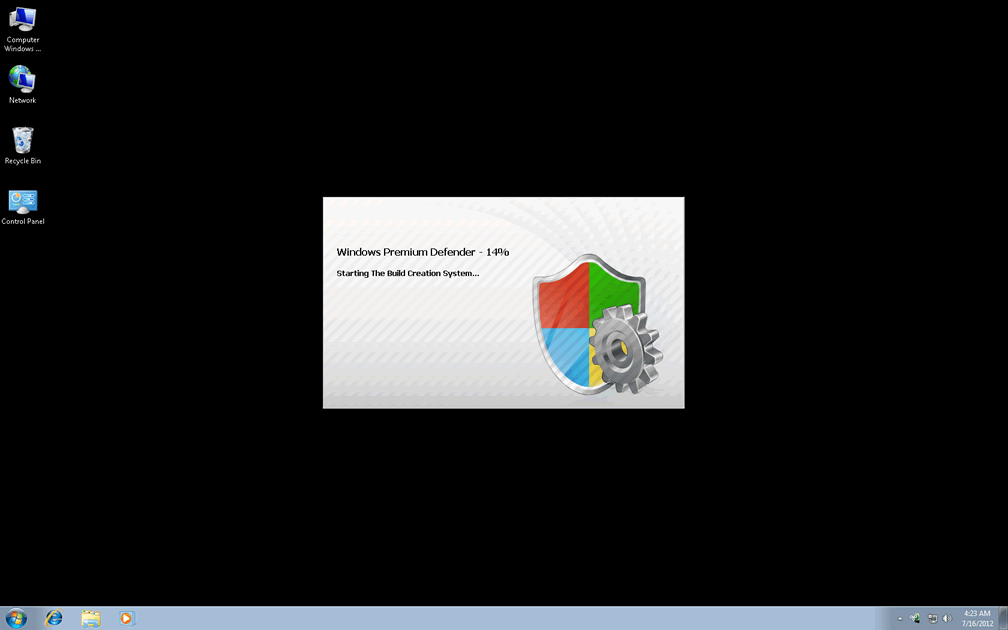
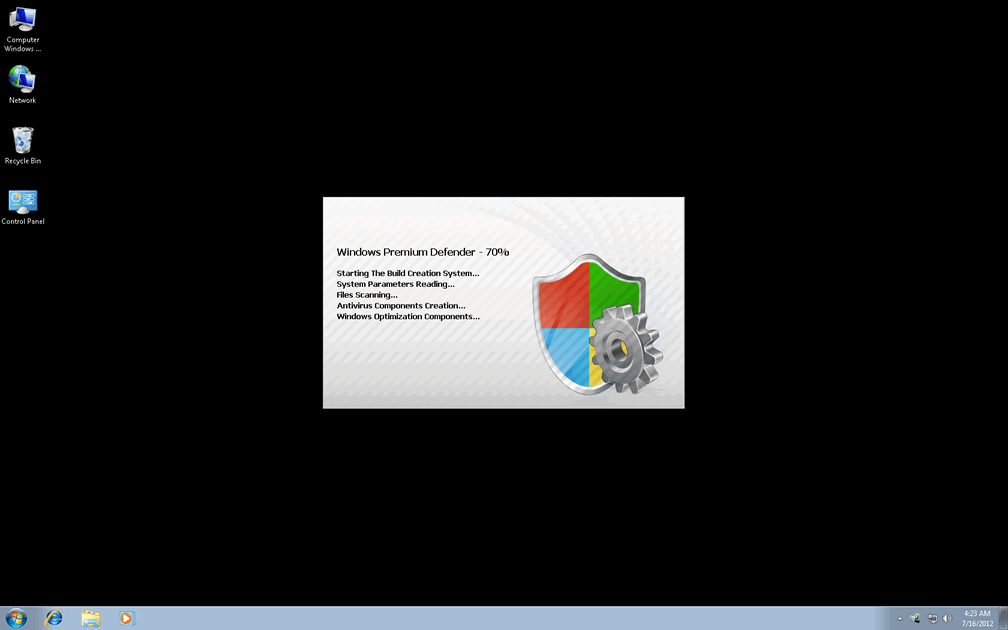
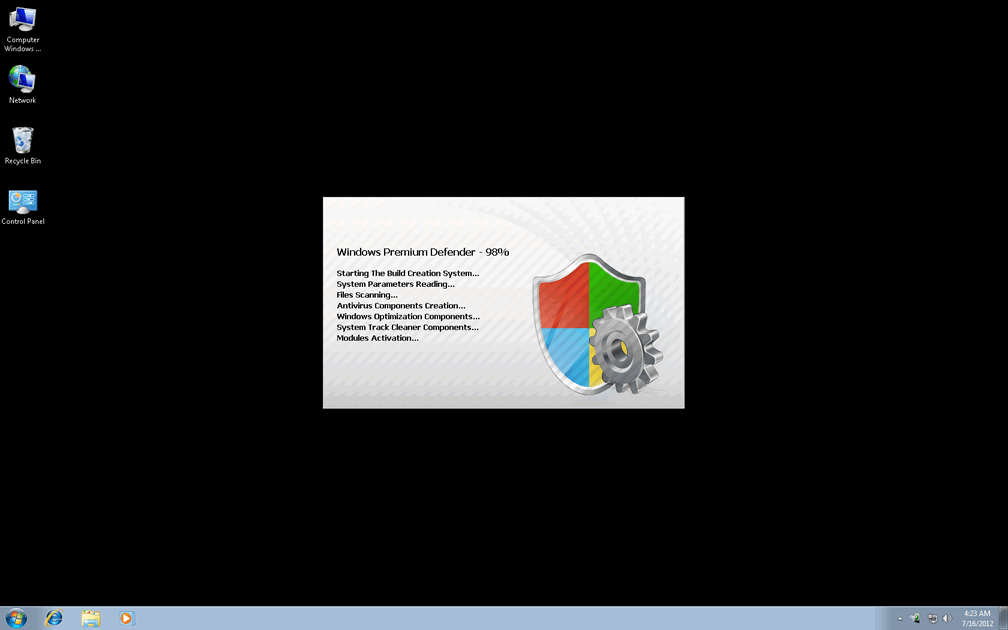
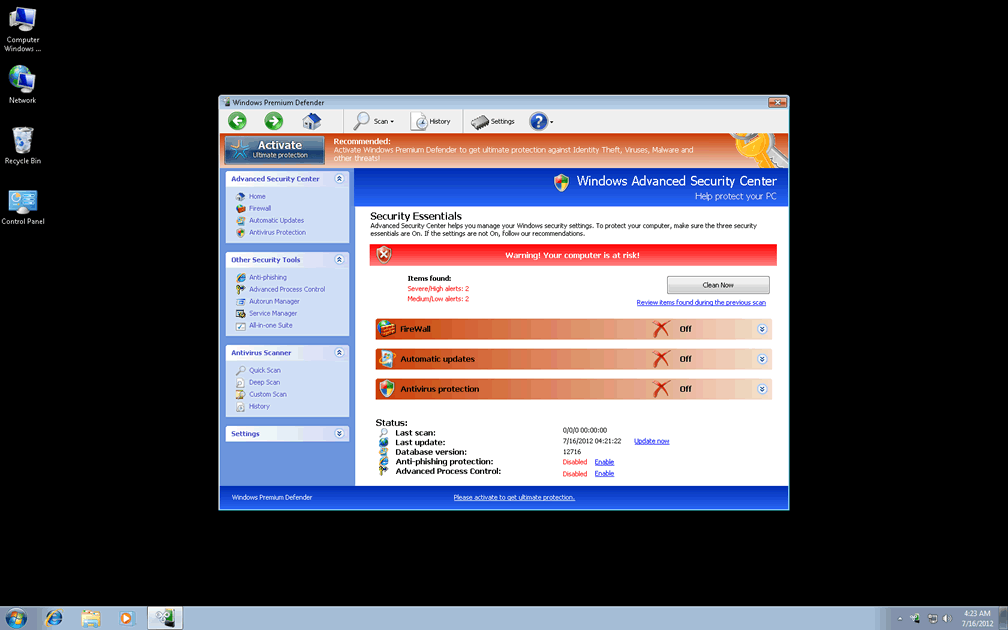
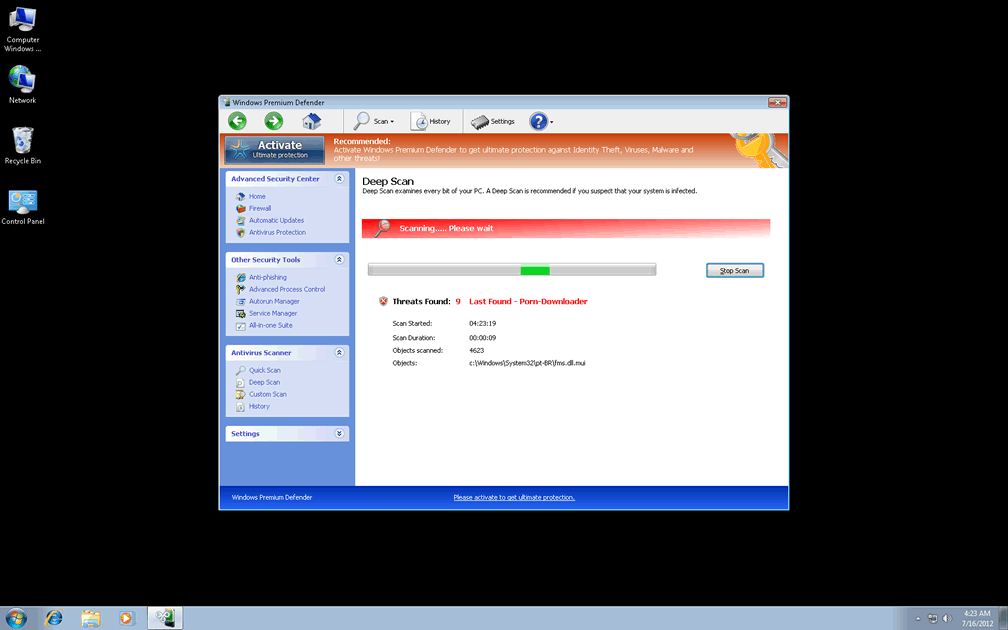
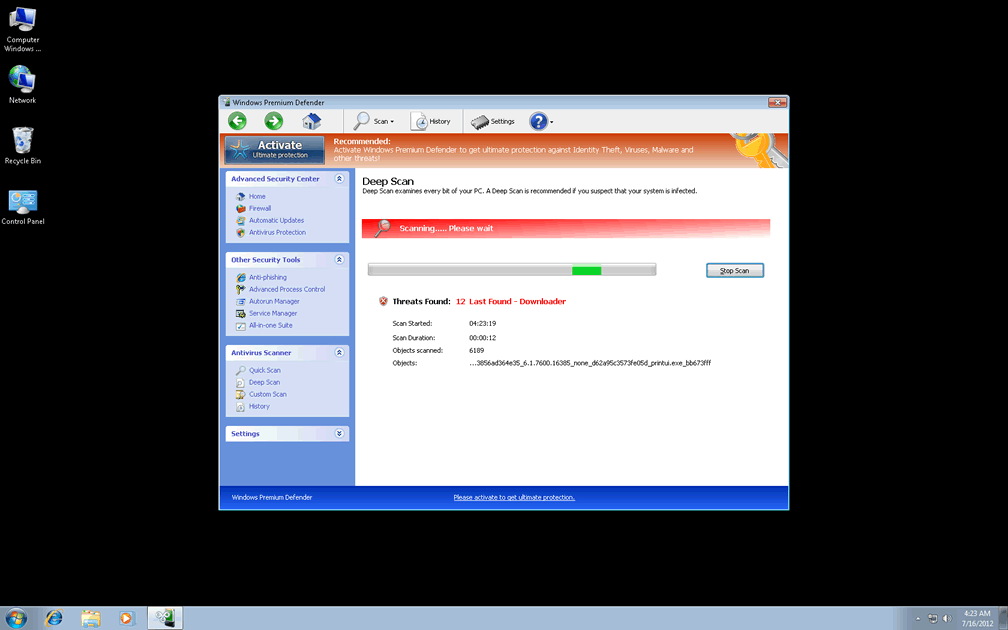
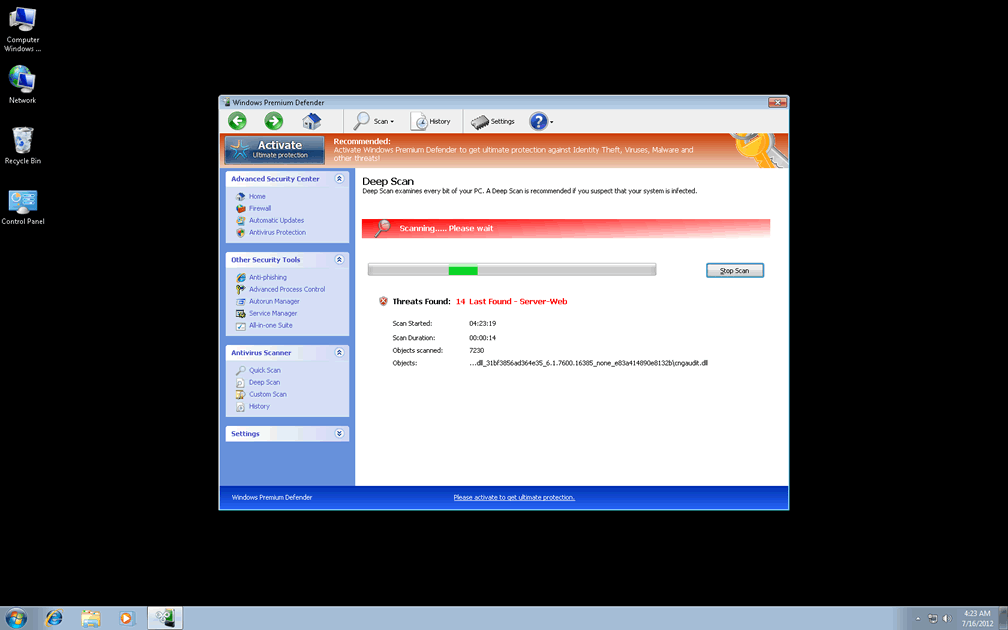
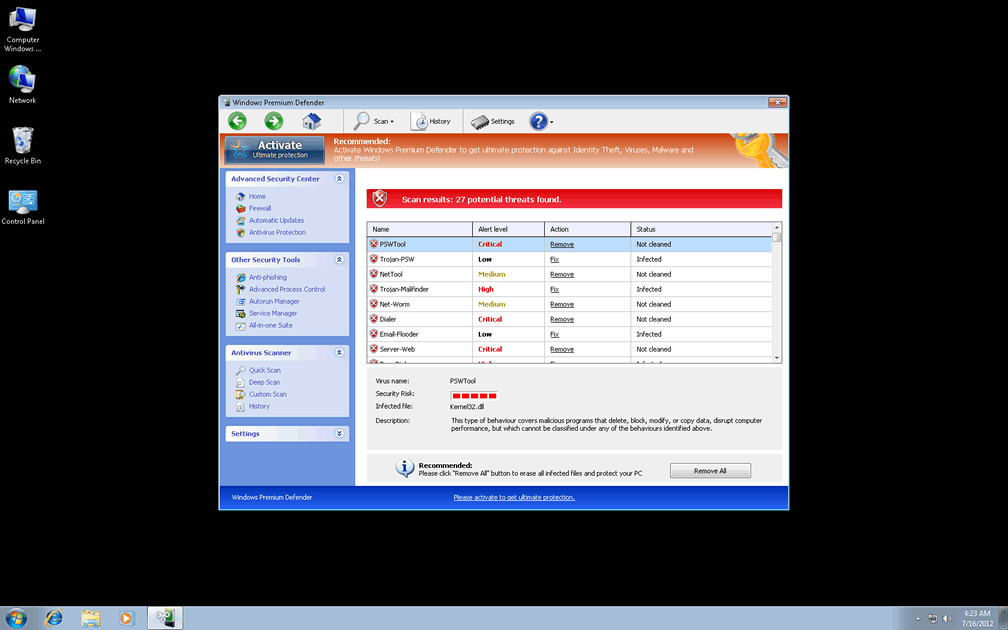
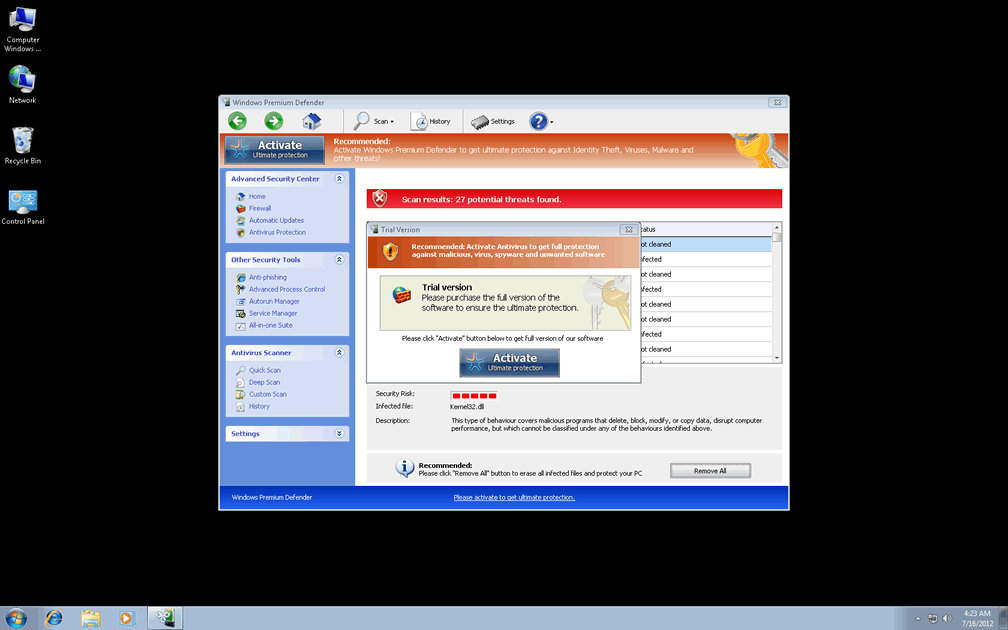
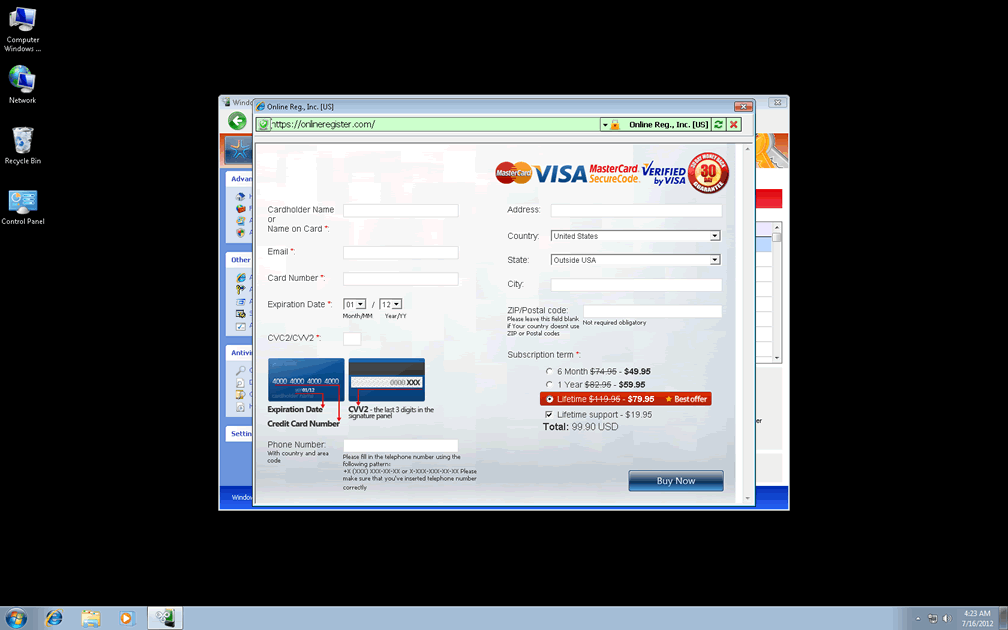
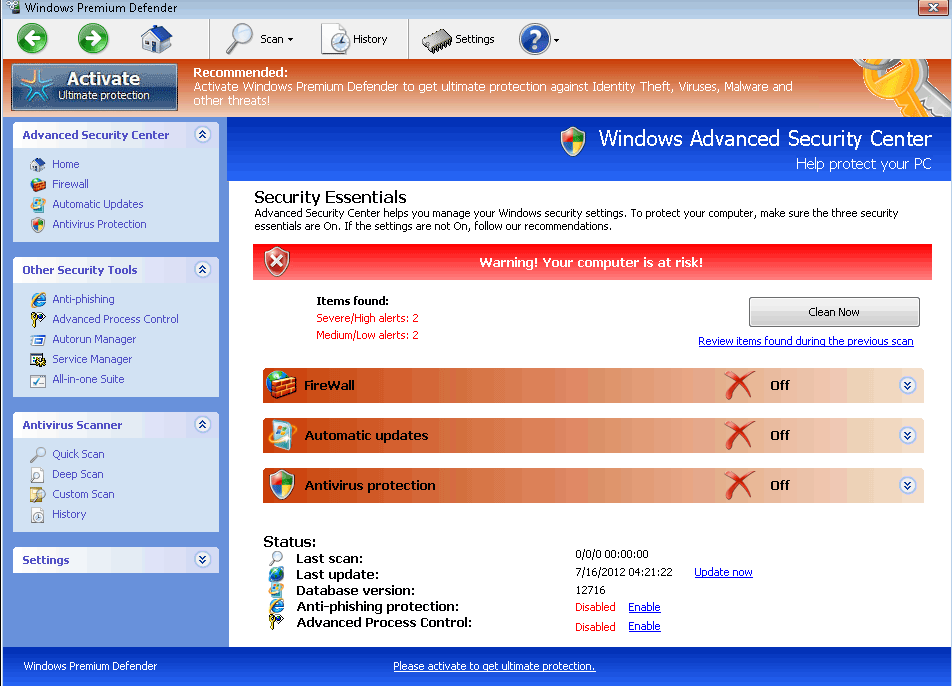 Windows Premium Defender seemingly includes features that would make it a broader and more in-depth security program than even popular brands of PC security and anti-malware software, but SpywareRemove.com malware researchers resoundingly verify that these features are fraudulent and, at best, nonfunctional. As one of a multitude of possible variants for WinPC Defender scamware, Windows Premium Defender should be considered a danger to your PC's security rather than its guardian, particularly given that PC threats that are closely linked to Windows Premium Defender have been known to disable security applications and cause browser redirects. As an incentive to remove Windows Premium Defender with appropriate anti-malware software, fake warning messages and faux anti-malware scans are always likely to accompany Windows Premium Defender, as its way of making its fake security services seem needed.
Observing the Counterproductive Nature of Windows Premium Defender's Guardianship
Examples of close relatives of Windows Premium Defender abound, and include those with similar brand names (such as Windows Premium Console and Windows Premium Guard) as well as those with more disparate naming schemes: Ultimate Defender, SystemDefender, IE Defender, XP Defender, Advanced XP Defender, WinDefender2008, PCTotalDefender, PC Defender 2008, Personal Defender 2009, WinDefender 2009, Perfect Defender 2009, Total Defender, Malware Defender 2009, WinPC Defender, PC Privacy Defender, Smart Defender Pro, Rogue.UltimateDefender, FraudTool.LastDefender.b and Security Defender Pro 2015. As is also the case with Windows Premium Defender, all of these rogue anti-malware scanners are simply minor spinoffs of the same basic scam by the FakeVimes family. Common means of infection for Windows Premium Defender and similar PC threats include fake online scanners that request for you to download fake security software and Trojan downloaders that disguise themselves as media updates.
Although Windows Premium Defender, like all members of FakeVimes, will try to act like an anti-malware product that's worth your money, SpywareRemove.com malware experts emphasize that all of Windows Premium Defender's scans and pop-up alerts include fake security information. Windows Premium Defender is likely to notify you about the presence of high-level PC threats, including keyloggers, banking trojans and rootkits, but these results won't be confirmed by other types of security software – because Windows Premium Defender is fabricating them out of thin air. SpywareRemove.com malware researchers especially warn you to avoid spending money on Windows Premium Defender, which, despite its proclamations, is unable to detect or remove any of the infections that it claims are infesting your hard drive.
The Rest of Windows Premium Defender's Questionable Defenses
Even though security alerts and similar types of fake security features remain Windows Premium Defender's dominant features, Windows Premium Defender may also endanger your PC with other issues that can be considered more significant compromises of your security than mere pop-ups. SpywareRemove.com malware researchers have defined some particularly relevant attacks that Windows Premium Defender and its relatives have been guilty of utilizing, such as:
- Search engine hijacks that alter your search results or redirect you to fake search sites. These sites may promote rogue anti-malware scanners like Windows Premium Defender or expose you to browser-based attacks that could install other PC threats.
- Deleted Registry entries for a wide range of applications, particularly security-related ones (such as anti-malware scanners and firewall programs). This causes these programs to become inaccessible and may require that you restore or repair your Registry even after Windows Premium Defender is removed by appropriate software.
- Registry settings that are changed to disable different security features. Windows Premium Defender also displays a marked emphasis for attacking baseline security features for Windows like the User Account Control (a feature that prompts the user when unusual or unauthorized system changes are about to be made).
Aliases
More aliases (37)
Technical Details
File System Modifications
Tutorials: If you wish to learn how to remove malware components manually, you can read the tutorials on how to find malware, kill unwanted processes, remove malicious DLLs and delete other harmful files. Always be sure to back up your PC before making any changes.
The following files were created in the system:C:\rogueware samples\Windows Premium Defender.exe
File name: Windows Premium Defender.exeSize: 2.49 MB (2498560 bytes)
MD5: 5599b8b756f8ec3a6cc0f6d94bd3be44
Detection count: 7
File type: Executable File
Mime Type: unknown/exe
Path: C:\rogueware samples\Windows Premium Defender.exe
Group: Malware file
Last Updated: May 6, 2024
%AppData%\NPSWF32.dll
File name: %AppData%\NPSWF32.dllFile type: Dynamic link library
Mime Type: unknown/dll
Group: Malware file
%AppData%\result.db
File name: %AppData%\result.dbMime Type: unknown/db
Group: Malware file
%AppData%\1st$0l3th1s.cnf
File name: %AppData%\1st$0l3th1s.cnfMime Type: unknown/cnf
Group: Malware file
Protector-[RANDOM 3 CHARACTERS].exe
File name: Protector-[RANDOM 3 CHARACTERS].exeFile type: Executable File
Mime Type: unknown/exe
Group: Malware file
Protector-[RANDOM 4 CHARACTERS].exe
File name: Protector-[RANDOM 4 CHARACTERS].exeFile type: Executable File
Mime Type: unknown/exe
Group: Malware file
Registry Modifications
HKEY..\..\{Value}HKEY_CURRENT_USER\Software\Microsoft\Windows\CurrentVersion\Internet Settings "WarnOnHTTPSToHTTPRedirect" = 0HKEY_CURRENT_USER\Software\Microsoft\Windows\CurrentVersion\Policies\System "DisableRegedit" = 0HKEY_CURRENT_USER\Software\Microsoft\Windows\CurrentVersion\Policies\System "DisableRegistryTools" = 0HKEY_CURRENT_USER\Software\Microsoft\Windows\CurrentVersion\Policies\System "DisableTaskMgr" = 0HKEY_CURRENT_USER\Software\Microsoft\Windows\CurrentVersion\Settings "net" = "2012-7-13_7"HKEY_CURRENT_USER\Software\Microsoft\Windows\CurrentVersion\Settings "UID" = "cwhstknlsh"HKEY_LOCAL_MACHINE\SOFTWARE\Microsoft\Windows\CurrentVersion\policies\system "ConsentPromptBehaviorAdmin" = 0HKEY_LOCAL_MACHINE\SOFTWARE\Microsoft\Windows\CurrentVersion\policies\system "ConsentPromptBehaviorUser" = 0HKEY_LOCAL_MACHINE\SOFTWARE\Microsoft\Windows\CurrentVersion\policies\system "EnableLUA" = 0HKEY..\..\..\..{Subkeys}HKEY_CURRENT_USER\Software\ASProtectHKEY_LOCAL_MACHINE\SOFTWARE\Microsoft\Windows NT\CurrentVersion\Image File Execution Options\homeav2010.exeHKEY_LOCAL_MACHINE\SOFTWARE\Microsoft\Windows NT\CurrentVersion\Image File Execution Options\mcvsrte.exeHKEY_LOCAL_MACHINE\SOFTWARE\Microsoft\Windows NT\CurrentVersion\Image File Execution Options\nvarch16.exeHKEY_LOCAL_MACHINE\SOFTWARE\Microsoft\Windows NT\CurrentVersion\Image File Execution Options\sweep95.exeHKEY_LOCAL_MACHINE\SOFTWARE\Microsoft\Windows NT\CurrentVersion\Image File Execution Options\Quick Heal.exeHKEY_LOCAL_MACHINE\SOFTWARE\Microsoft\Windows NT\CurrentVersion\Image File Execution Options\win-bugsfix.exeHKEY_LOCAL_MACHINE\SOFTWARE\Microsoft\Windows NT\CurrentVersion\Image File Execution Options\wyvernworksfirewall.exeHKEY_LOCAL_MACHINE\SOFTWARE\Microsoft\Windows NT\CurrentVersion\Image File Execution Options\AntivirusPlus.exeHKEY_LOCAL_MACHINE\SOFTWARE\Microsoft\Windows NT\CurrentVersion\Image File Execution Options\avpupd.exeHKEY_LOCAL_MACHINE\SOFTWARE\Microsoft\Windows NT\CurrentVersion\Image File Execution Options\cssurf.exeHKEY_LOCAL_MACHINE\SOFTWARE\Microsoft\..{RunKeys}HKEY_CURRENT_USER\Software\Microsoft\Windows\CurrentVersion\Run "Inspector"
Additional Information
| # | Message |
|---|---|
| 1 | Error
Keylogger activity detected. System information security is at risk. It is recommended to activate protection and run a full system scan. |
| 2 | Torrent Alert
Recommended: Please use secure encrypted protocol for torrent links. Torrent link detected! Receiving this notifications means that you have violated the copyright laws. Using Torrent for downloading movies and licensed software shall be prosecuted and you may be sued for cybercrime and breach of law under the SOPA legislation. |
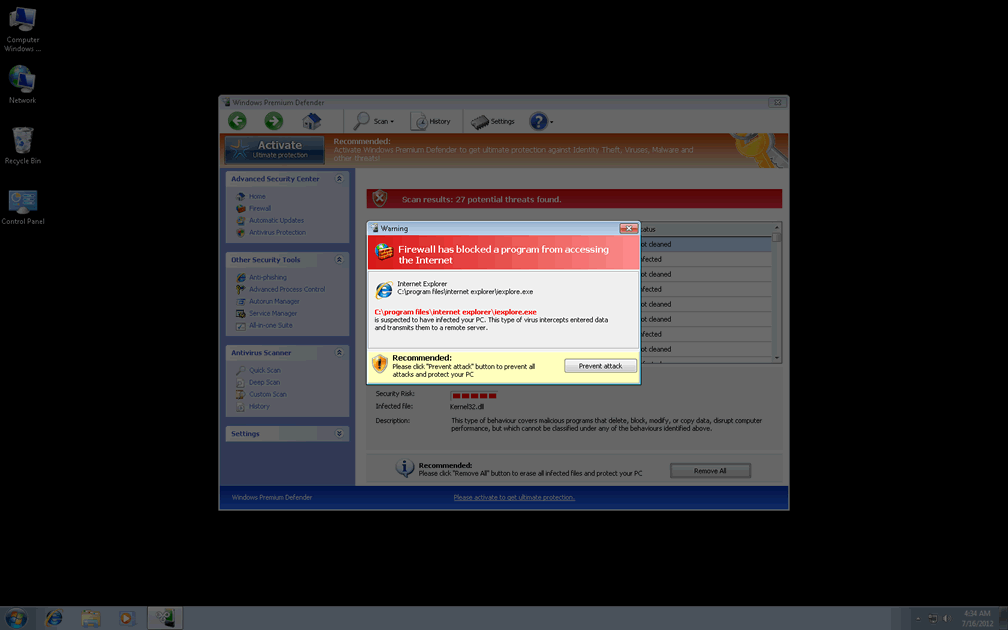
| 3 | Warning
Firewall has blocked a program from accessing the Internet C:\program files\internet explorer\iexplore.exe is suspected to have infected your PC. This type of virus intercepts entered data and transmits them to a remote server. |
Leave a Reply
Please note that we are not able to assist with billing and support issues regarding SpyHunter or other products. If you're having issues with SpyHunter, please get in touch with SpyHunter customer support through your SpyHunter . If you have SpyHunter billing questions, we recommend you check the Billing FAQ. For general suggestions or feedback, contact us.